Share It On:
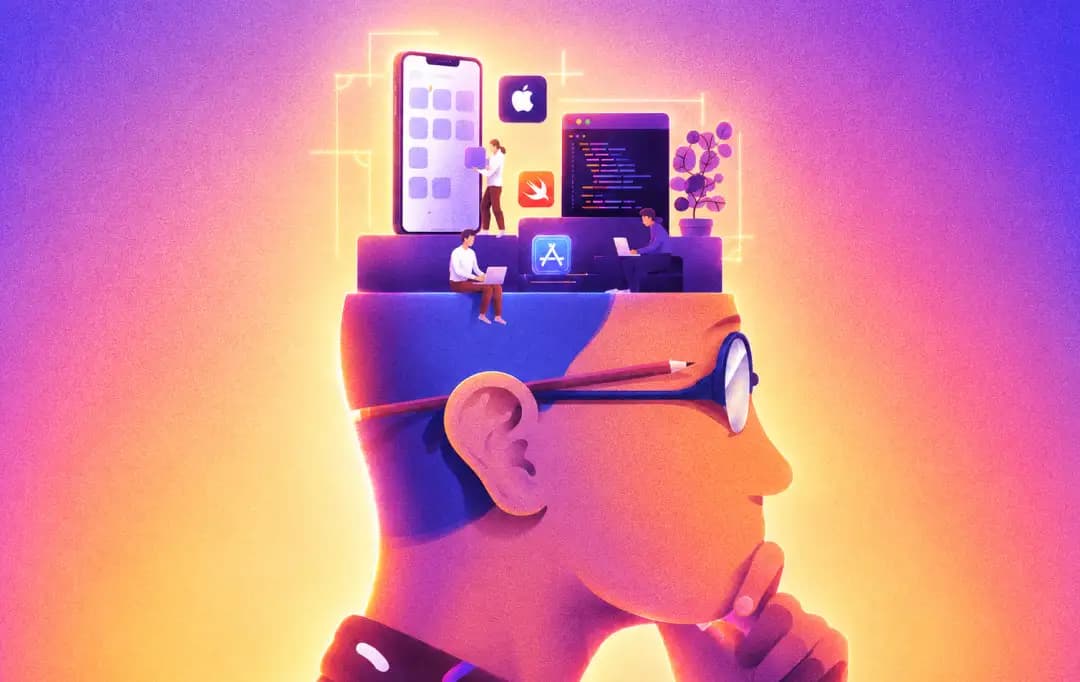 Master iOS app development with our practical breakdown of platform costs, hiring strategies, and common pitfalls for non-technical founders.
Most founders approaching their first iOS app project walk in with the same set of assumptions: that building for iPhone is the same as building for Android, that Apple's App Store review is a minor administrative hurdle, and that any mobile development team with Swift on their resume can handle the work. All three assumptions are wrong, and each one tends to become expensive in its own way.
Navigating ios app development for non-technical founder mindsets requires a reality check. At MobileAppDaily, our research into the mobile ecosystem consistently highlights these exact blind spots.
Hence, we’re here with a practical breakdown of the decisions that matter most in an iOS project, written for the founders and product leaders who are responsible for the outcome but don't necessarily live in Xcode every day.
Getting these decisions right early doesn't require a computer science degree. It requires knowing which questions to ask before you're too far into a project to change course affordably.
Additional Mistakes Founders Make in App Development
We've seen plenty of projects go completely off the rails because founders fall into the same predictable traps. When looking at the broader picture of mistakes founders make in app development, a few glaring errors stand out beyond just platform strategy.
1. Treating Launch Day Like the Finish Line
This is easily one of the most fatal non technical founders ios app mistakes. Launching is literally just the beginning of the product lifecycle. If you don't have a solid roadmap for subsequent updates, user feedback loops, and feature rollouts, your app will be a ghost town within weeks.
How to fix it:
Allocate at least 30% of your initial development budget specifically for post-launch maintenance, iterative bug fixes, and marketing. Treat your launch build as a foundation to build upon, not a finished, untouchable masterpiece.
2. Skipping QA on Physical Devices
Simulators are great for basic checks, but they lie. They don't replicate real-world memory constraints, battery drain, or spotty cellular connections. Skipping rigorous testing on actual iPhones is cutting a corner that will tank your App Store rating on day one.
How to fix it:
Ask your team or top iPhone app development companies partner to run QA on actual, varied iPhone models over real cellular networks before every major milestone. Don't ever sign off on a release candidate until you've stress-tested it on your own physical device.
3. Over-stuffing the MVP
Trying to cram every possible feature into version 1.0 is a recipe for a bloated, delayed, and buggy release. Figure out the one core thing your app does better than anyone else, ship it, and let actual user behavior tell you what to build next.
How to fix it:
Ruthlessly cut features during the planning phase until you are left with just the absolute core value proposition. Put the "nice-to-have" features on a phased roadmap and only build them when live user data proves they are necessary.
4. Ignoring User Onboarding Friction
A massive blunder is assuming users will instantly know how to navigate your interface. If you force users to create an account, verify an email, and click through a heavy seven-screen tutorial before they see any value, they’ll simply delete the app.
How to fix it:
Design an onboarding flow that gets the user to their first "aha" moment in three taps or less. Delay asking for permissions, sign-ups, and notifications until absolutely necessary to keep early drop-off rates as low as possible.
5. Underestimating the Backend Architecture
Many founders obsess over the UI but completely ignore the server infrastructure powering it. When your database isn't optimized to handle concurrent requests, your beautiful iOS app will freeze, crash, and ultimately ruin the user experience during peak traffic.
How to fix it:
Pair your iOS developers with a seasoned backend engineer early in the mobile app development process to map out scalable APIs and databases. Ensure they conduct proper stress tests on the servers before you push any heavy marketing campaigns to the public.
What Founders Should Know Before Developing an App
Before you even think about writing a line of code or signing a contract with an agency, you need to get a grip on the big picture.
The Platform Decision Is More Specific Than Most Founders Treat It
The first place non-technical founders lose ground is treating "build a mobile app" and "build an iOS app" as interchangeable descriptions of the same project. They're not. iOS development isn't just Android development with a different language. It's a separate engineering discipline with its own performance model, UI paradigm, frameworks, and approval process.
That specificity is actually an advantage, not a burden, if you enter the project understanding it. iOS users in the US, UK, and Australia skew toward higher income, higher app spend, and higher brand affinity than the general Android user base.
B2B tools, premium consumer apps, healthcare products, and fintech applications consistently see stronger monetization on iOS than on Android in these markets. The implication for the development process is that iOS needs to be designed and built as iOS from the first day, not as a generic mobile app that gets pushed to the App Store as a final step.
Apple's App Store Review Process Is a Design Input, Not a Checkbox
The single most common project delay in iOS development isn't a technical failure. It's an App Store rejection. And the most common reason App Store rejections happen is that decisions made earlier in the project run into Apple's review guidelines that nobody checked until submission time.
Apple's review guidelines are a design input that should shape decisions starting in the planning phase. The guidelines govern everything from how push notification permission is requested to how in-app purchase flows are presented, to what kinds of data collection require explicit user consent and how that consent must be obtained.
An app that handles HealthKit data, for instance, carries disclosure requirements that are meaningfully different from a general-purpose productivity tool. Those requirements affect the data architecture, the UI flow, and the privacy policy language, all of which need to be considered before a single screen is designed.
The practical fix is straightforward but frequently skipped. It is simply to audit the relevant App Store guidelines for your app category before development begins, not after. Any qualified iOS app development company in the USA or other platform-specialized team will do this automatically and flag the specific sections that apply to your use case.
SwiftUI vs UIKit: Why This Decision Matters to Non-Technical Founders
It's a technical decision, but it has ramifications that will become evident in the project budget, schedule, and maintenance cost over the long-term, and it should be part of any serious discussion with a founder or product lead.
UIKit is the older and already established UI framework of Apple. It is well established, well documented, and has vast cross-platform support for iOS versions. SwiftUI is Apple's new and more modern framework. It's supposed to be faster to write, easier to maintain, and more conducive to Apple's app-building style today.
For most new iOS projects in 2026, SwiftUI is the right starting point. If your app requires support for older versions of iOS, or if it has more complex UI needs that don't yet seem to be fully captured in SwiftUI, UIKit or a mix of both might be better suited.
When evaluating development teams, ask directly which framework they default to for new projects and why. A confident, specific answer reveals whether they're current with Apple's tooling.
Building for Apple Intelligence Changes What "iOS Development" Means in 2026
Apple Intelligence, Apple's on-device AI framework, is a platform-level capability that's already shaping user expectations around how apps should behave.
On a practical level, Apple Intelligence enables on-device processing of natural language, image understanding, and contextual suggestions without any data leaving the device. For regulated industries, this is a compliance advantage. For consumer apps in competitive categories, it's a retention tool.
But integrating Apple Intelligence correctly requires more than calling an API. It requires understanding which capabilities are appropriate for the specific use case or how to design graceful fallbacks for users on devices that don't support the full feature set.
These are platform-specific design decisions that a generalist mobile development team may not surface unprompted.
Also Read: iOS App Development Cost in 2026
How to Find the Right iOS Development Partner
Given everything above, the key question for a founder approaching an iOS project is how to evaluate whether a development team is actually qualified for platform-specific iOS work versus simply capable of writing Swift code.
The distinction matters more than it used to. As cross-platform frameworks have matured and more generalist teams have added iOS to their listed capabilities, it's increasingly common to see proposals from teams that can build something that runs on an iPhone but have limited experience with the deeper iOS ecosystem.
The factors listed above are all areas where platform-specific experience shows up quickly in both the process and the output.
To hire an ideal partner, asking these questions can help a lot:
- How do they approach App Store guideline review before development begins?
- What's their framework preference for new projects?
- Can they articulate the trade-offs?
- Have they built anything using Apple Intelligence or Core ML?
- How do they handle review rejections when they happen?
For founders in the US, working with a specialized iOS development team or another major US tech hub also has the practical advantage of timezone alignment, direct communication, and a shared understanding of the US market context that many offshore development teams operate without. That alignment matters most during the planning and review phases, where quick iteration on feedback is more valuable than the cost savings from a distant team.
The Underlying Pattern
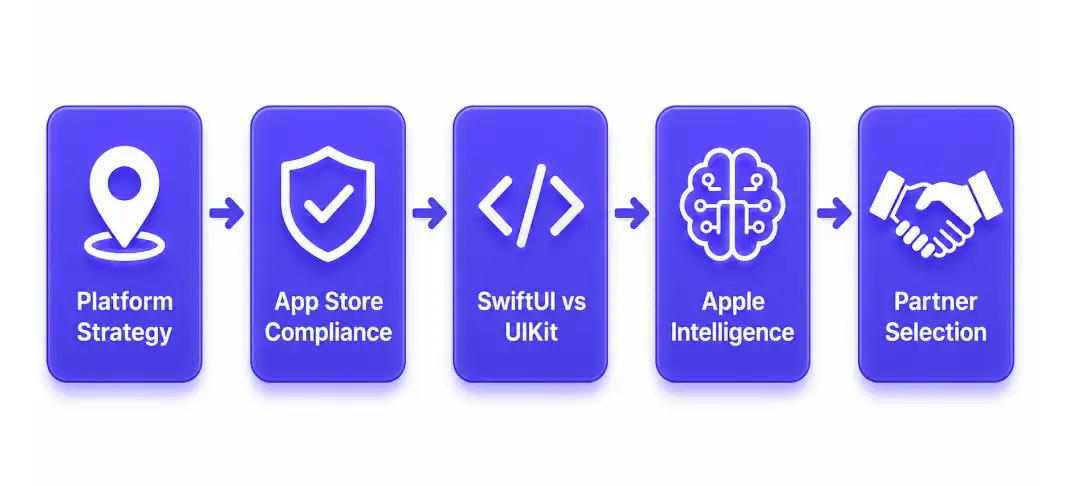
Every decision outlined here, from platform strategy to App Store compliance to framework selection to AI integration, revolve around the same concept: iOS is a specialized platform and a platform that is treated as such will be rewarded.
People who build an iOS app like they would build any software app tend to find out when the iOS app gets rejected from the App Store, when it doesn't perform as expected, or when it becomes too expensive to maintain.
iOS-specific skills are a fact, not just a marketing cliché, and founders who are aware of this early on in the development process will be more likely to make better partner selections and create apps that stand the test of time.
Frequently Asked Questions
How much does it cost to build an iPhone app?
The average cost of iOS app development varies based on the complexity of the app, ranging from $30,000 for a simple application with minimal features to more than $150,000 for a complex enterprise solution.
How to hire an iOS app development company?
In the process of hiring ios app developers, focus on more than just coding abilities. Inquire about their preferred framework, the methods they use to review the Apps on the App Store, and their previous experience implementing Apple Intelligence. Partnering with someone who has experience with the platform is key, and not simply a mobile dev shop.
What are the most common iOS app development mistakes?
The most common iOS app development mistakes for iOS are:
- The developers make the mistake of looking at iOS as Android
- Not paying attention to Apple's strict review criteria until the day of the submission
- Making premature decisions about an outdated UI framework.
Why is SwiftUI recommended for new projects?
SwiftyUI is Apple's newest UI framework designed to be quicker to write and much more maintainable. If you don't have any specific legacy requirements, it's best to begin with SwiftUI since you'll have the ideal product aligned with Apple's current ecosystem and future updates.
Does Apple Intelligence change the development process?
Absolutely. Integrating Apple Intelligence requires deep, platform-specific design decisions. It is not just a simple API call; developers must fully understand on-device processing and build graceful fallbacks for older iPhones to ensure seamless experiences without compromising user privacy.

Uncover executable insights, extensive research, and expert opinions in one place.
Related Content