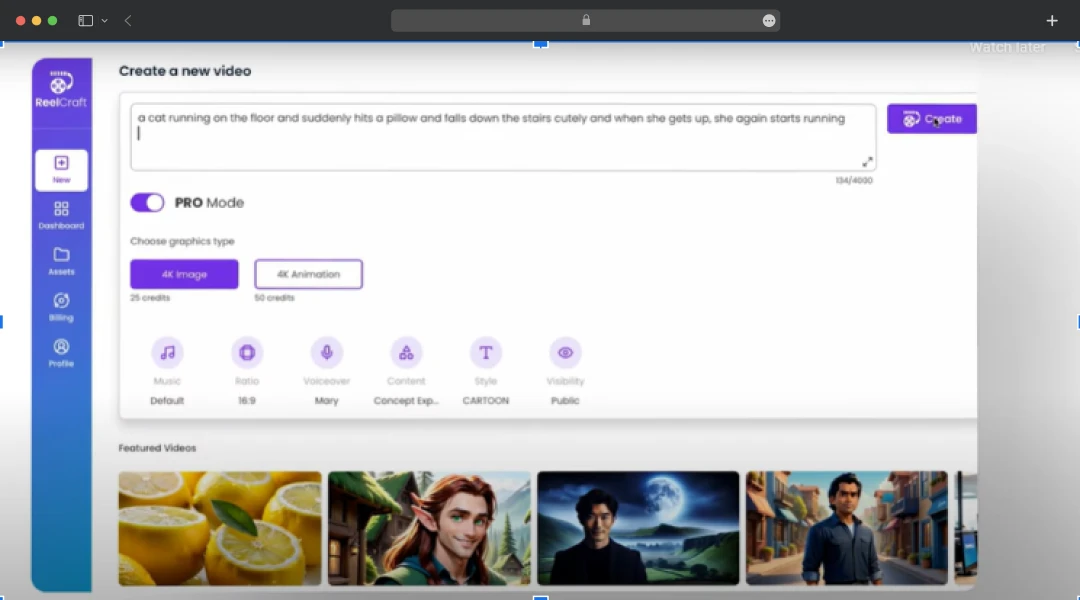

ReelCraft Review: What Makes This AI Video Platform Stand Out?
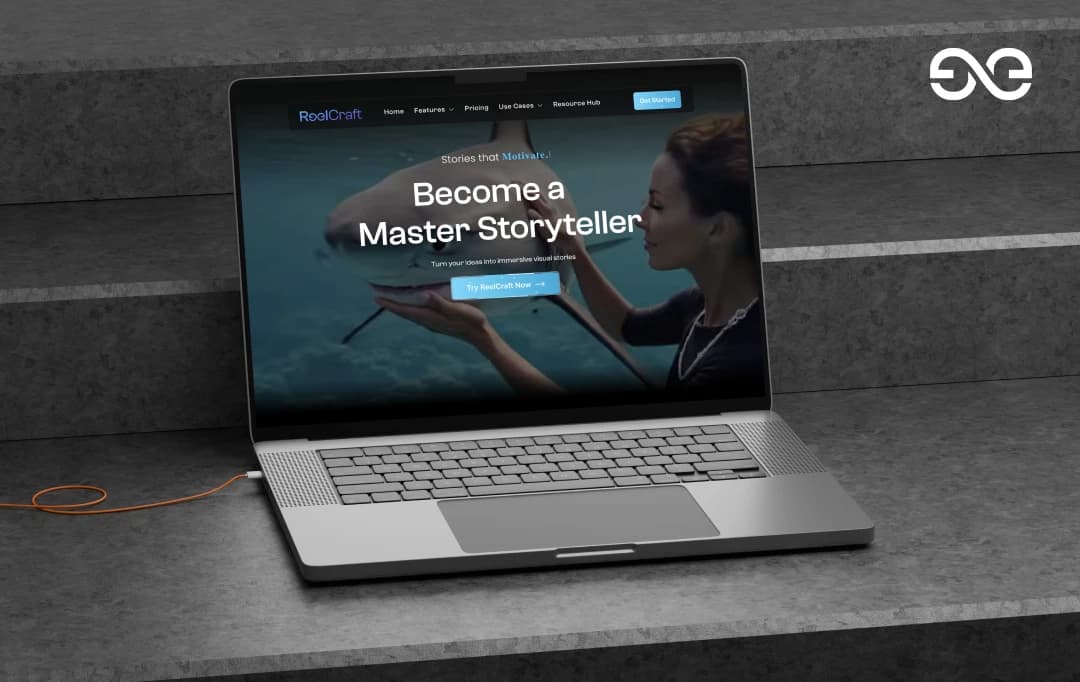
Creating videos can be frustrating when the tools you try don't quite deliver what you're looking for. You might find animation software that's too complex, voiceover tools that sound robotic, or video editors that lack the creative features you need. Many creators end up feeling stuck between tools that promise everything but fall short of expectations when it comes to actual results.
ReelCraft claims to solve these quality and usability issues by handling the entire video creation process on a single platform. It automatically converts scripts into complete videos with animations, voiceovers, and transitions. The promise is compelling for anyone who has tried multiple tools without finding that perfect solution. I've extensively reviewed ReelCraft's features to determine whether it actually delivers the comprehensive results that other platforms have failed to provide, and whether it can finally bridge the gap between what creators need and what's currently available.
Let's begin!
Pros and Cons of Reelcraft
Pros
- Supports high-quality 3D animations
- Provides different types of animation styles such as watercolor, cinematic, comic, and hand-drawn
- Offers voiceovers in 30+ languages and accents
- It comes with an AI engine that analyzes the script and generates a compelling video, complete with matching animations, backgrounds, voiceovers, and more
- Supports scene-by-scene storyboarding
Cons
- It does not offer a native mobile application
- Animations might take time to generate
- It sometimes produces inconsistent character designs between scenes
Key Features of ReelCraft
ReelCraft provides an extensive collection of intelligent features that handle every step of video production. From script-to-video generation and voice cloning to character animation and face fusion, these capabilities transform your creative ideas into professional content effortlessly.
1. Text to Image Generation
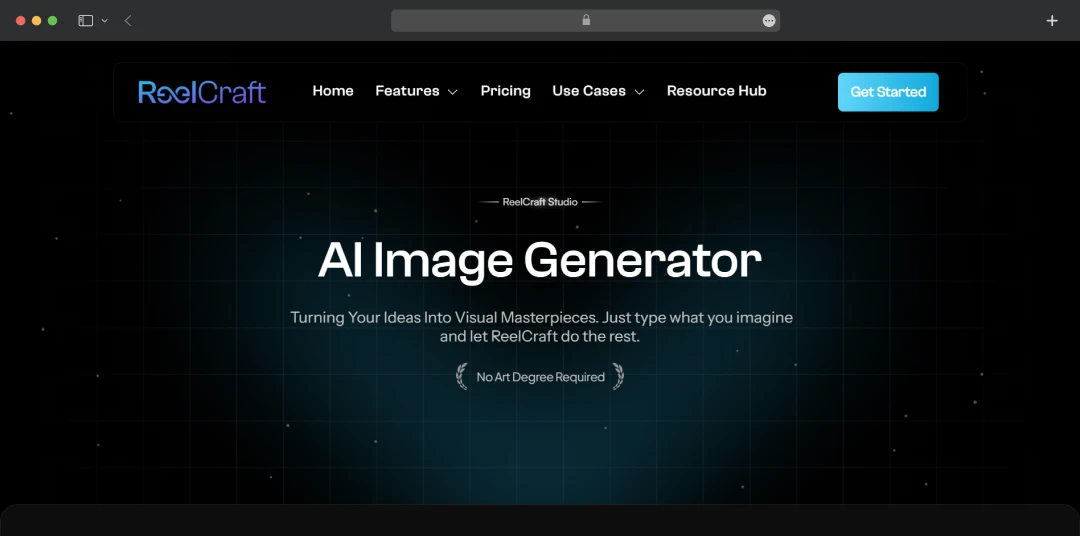
Its AI image generator makes it easy to turn your ideas into beautiful images just by describing what you want. You can choose from tons of different art styles and sizes, whether you need realistic photos or creative artwork. It's a simple tool that lets anyone create professional-looking visuals without needing design skills.
2. Image-to-Video
The AI image-to-video feature is a versatile tool that quickly turns static photos into polished videos using cinematic motion, music, and voiceovers, eliminating the need for complex software. Its applications are broad, proving effective for creating everything from dynamic YouTube intros and product highlights to animated gaming character reveals.
The feature is equally adept at producing immersive architectural showcases with elegant pans and zooms, or crafting heartfelt tribute videos with gentle motion, showcasing its utility for both commercial and personal projects. The tool offers 20+ distinct animation styles to match your creative vision, from explainer videos and social media content to marketing campaigns and full-length animated stories.
3. Character Dialogue
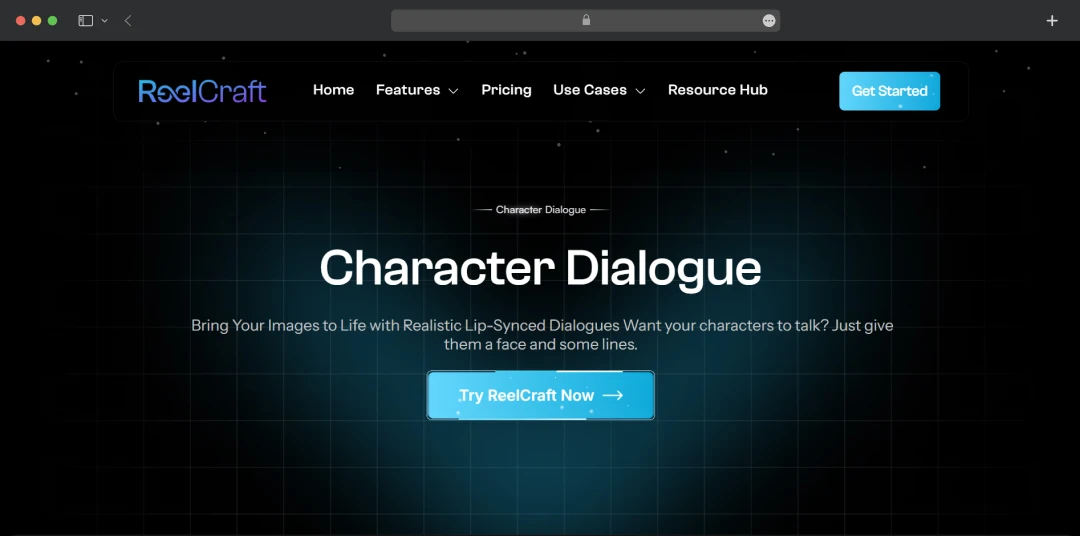
Its character dialogue feature excels at turning any static image into a talking character, providing impressively natural and accurate AI-powered lip-sync. Its versatility allows for a wide range of applications, from animating historical figures for educational content and brand mascots for marketing campaigns, to creating virtual assistants for user onboarding. The feature is equally effective for developing interactive learning tutors or viral social media content using talking animals. Ultimately, it provides access to professional-quality, dialogue-driven animation without the need for complex software.
4. Face Fusion
With ReelCraft, you can turn any static image into a talking avatar through a remarkably efficient workflow. You start by creating a character with the face fusion tool, then use your script to generate impressively accurate lip-sync with the character dialogue feature. From there, you can add lifelike motions like blinks and nods to enhance realism. For a truly personal touch, the voice cloning feature lets you apply your own voice to your avatar, seamlessly guiding you from a simple image to a finished, customized character.
5. Script to Video
What stands out most about ReelCraft's script-to-video feature is how it can generate scenes for your videos in a single click. Further, it can generate visuals that actually match your script's context while producing natural-sounding voiceovers. This comprehensive approach means going from raw text to polished video takes just minutes, eliminating the need for recording equipment, design software, or technical expertise entirely.
Moreover, ReelCraft's storyboard feature accurately interprets scripts and creates compelling visual sequences with just one click. The intelligent mapping saves hours of manual work while producing scenes that align perfectly with your story's key moments.
6. Text-To-Speech Engine
The voice quality from ReelCraft's Text-to-Speech engine will genuinely impress you - these aren't the robotic voices you'd expect from AI. You can convert scripts lightning-fast, producing crystal-clear audio similar to professional studio recordings. With realistic voices spanning 30+ languages, this tool removes the cost and complexity barriers of traditional voiceover work, making global content creation achievable regardless of your experience level.
7. Effortless Exporting & Sharing
What will impress you most is how ReelCraft handles the final publishing step - no complicated export menus or format guessing required. Direct integration with YouTube, Instagram, and TikTok means your content goes live instantly without the usual technical hurdles.
8. Avatar Creation
Its avatar creation tool can help you transform static images into lifelike characters through its two-step workflow. You add natural expressions like blinks and nods with the animate image tool, then create full dialogue and gestures in the Avatar studio. This systematic approach delivers professional-quality animated characters that feel genuinely alive rather than mechanical.
9. Natural Sounding Voiceovers
ReelCraft's AI voiceovers deliver impressive human-like clarity that enhances storytelling rather than distracting from it. The quality significantly boosts audience engagement while creating deeper emotional connections with your content. This tool consistently produces voiceovers that complement and elevate visuals, recognizing that audio quality is crucial to the viewing experience.
10. AI Storyboard Generator
ReelCraft's AI storyboard generator automatically converts scripts into detailed visual storyboards with scene breakdowns and prompts in 30+ languages. You can customize frames, edit visuals, and manage projects from one workspace, while the Voice Cloning feature lets you train AI on your voice for personalized narrations without recording. You can also generate scene-by-scene storyboarding with this tool.
11. Upscaler
ReelCraft's upscaler delivers surprisingly clean results when enhancing low-quality footage, avoiding the artifacts that plague most enhancement tools. The processing speed exceeds expectations - both local and cloud upscaling happen quickly, letting you focus on creative work rather than waiting. With scaling options from 2× to 8× plus custom resolutions, your content achieves professional polish across all platforms and screen sizes.
ReelCraft Pricing Plans
ReelCraft offers four pricing tiers designed to accommodate different user needs, from individual creators to large enterprises. Each plan provides monthly credits for video generation along with varying storage limits and feature access levels. Here is the detailed overview of the pricing:
| Plans | Starter | Basic | Pro (Most Popular) | Enterprise |
|---|---|---|---|---|
| Price | $15/month or $150/year billed yearly | $29/month or $299/year billed yearly | $59/month or $599/year billed yearly | $99/month or $999/year billed yearly |
| Credits | 250 credits (monthly) | 750 credits (monthly) | 1500 credits (monthly) | 3000 credits (monthly) |
| User Storage | 5 GB | 10 GB | 20 GB | 50 GB |
| Included Features | Animation Models 1 Voice Clone Captions On User Asset Upload No Watermark Access to all current and future AI models |
Including everything in the Starter plan plus Auto-Subtitle Generator Full Access to All Video Models Text-to-Speech |
Including everything in the Basic plan plus 3 Voice Clones Pro Mode - Fully Customizable Storytelling |
Including everything in Pro plan plus 5 Voice Clones White Label |
Note: The pricing is updated as of 4th Sept’25 with reference to the product’s official website.
Customer Reviews
How was your experience with the product?
Also Reviewed By Us