
Remaker AI Review: Easiest Way to Recreate Any Image
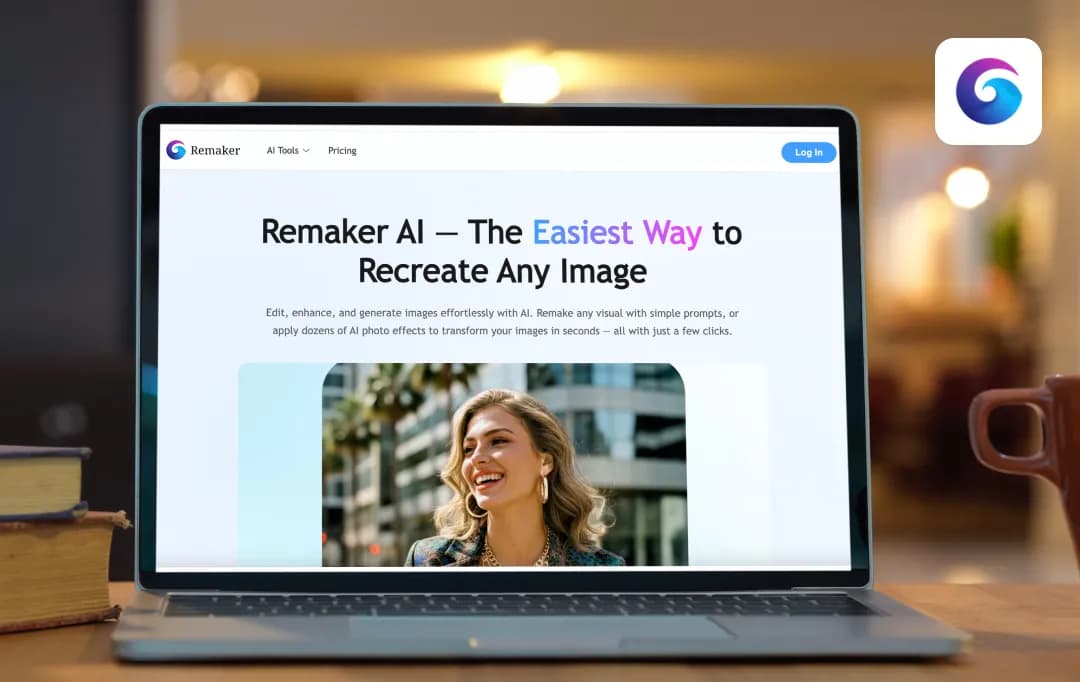
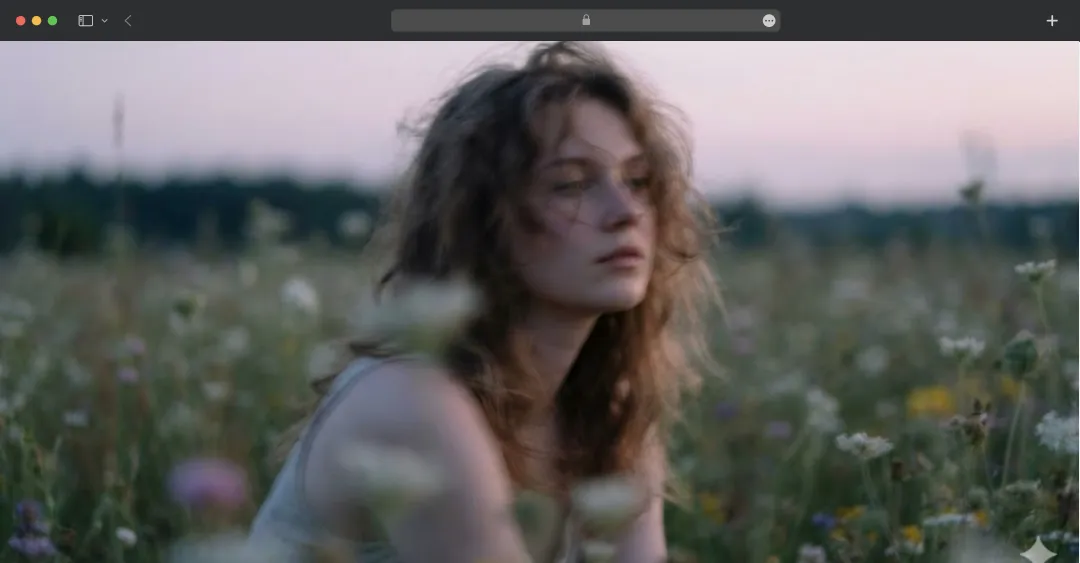
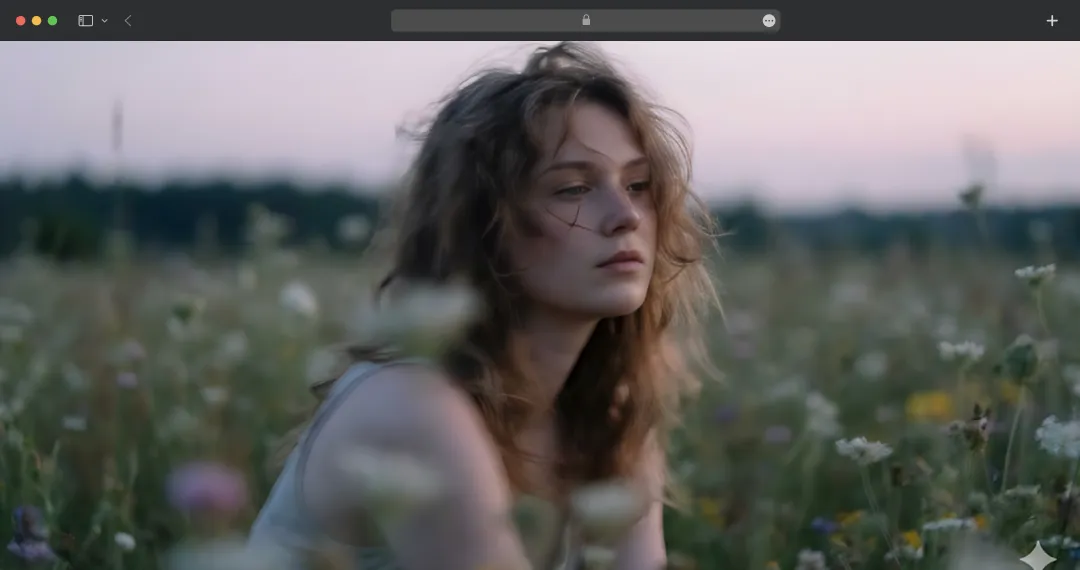
I was one minute away from deleting yet another terrible photo when Remaker AI did something amazing; it turned it into the kind of image I would’ve happily posted, printed, and even framed. And it took less than five seconds.
This wasn’t just another ‘AI editor with filters’, it was a genuinely impressive leap in what editing tools can do. Sudden sharpness, clean backgrounds, noise gone, and more. Details I didn’t even know existed.
So I stress-tested it with blurry shots, old vacation pics, and random selfies. Even images I’d already given up on. And the results? Honestly… surprising.
Here’s the real breakdown, an honest Remaker AI review. We’ll explore where this tool stumbles, and whether it is worth sticking with.
Pros and Cons of Remaker AI
Pros
- Very versatile — face-swap, background removal, upscaling, video enhancer & more
- Browser-based, no installation needed
- Offers 30 free trial credits
- High-quality AI models for realistic results
- Excellent data privacy protocols mentioned on site
Cons
- Credit-based system — cost can add up for heavy use
- No batch video processing support
A Closer Look at the Key Features of Remaker AI
This is one of the best AI image editors that provides a powerful yet accessible platform for digital content creation. Here are the standout features of Remaker AI that can empower you to produce professional-quality visual assets effortlessly and efficiently-
1. Advanced AI Models
Remaker AI runs on generative algorithms that deeply analyze visual data to understand context, lighting, and texture. This ensures that every output, whether a face swap or an image enhancement, looks hyper-realistic rather than artificial.
2. Strict Data Privacy & Security
The platform is built with enterprise-grade security protocols to strictly safeguard user uploads and personal information. It operates on a confidential processing system where images are used solely for the requested task and are not exposed to public databases or third parties.
3. Reliable Platform Stability
Remaker AI utilizes a robust cloud infrastructure that undergoes rigorous quality control and stress testing to prevent crashes or downtime. This ensures that the tool functions smoothly even during high-traffic periods or when processing large 4K video files.
4. High-Speed Cloud Processing
All complex computing tasks are handled on Remaker’s powerful remote servers rather than your local device. This means the platform works fast and efficiently without draining your computer’s battery or requiring a high-end graphics card.
5. Intuitive User Interface
The platform is designed with a ‘zero-learning-curve’ philosophy, featuring simple drag-and-drop functionality and clear navigation. The interface guides you step-by-step through complex processes like video editing or AI generation.
6. Flexible Pay-As-You-Go System
Unlike many platforms that force monthly subscriptions, Remaker offers a credit-based model with permanent validity. You purchase credits once, and they remain in the account indefinitely until they are used.
Also Read: Best Apps to Edit Your Instagram Photos
What are the AI-Powered Tools Offered by Remaker AI
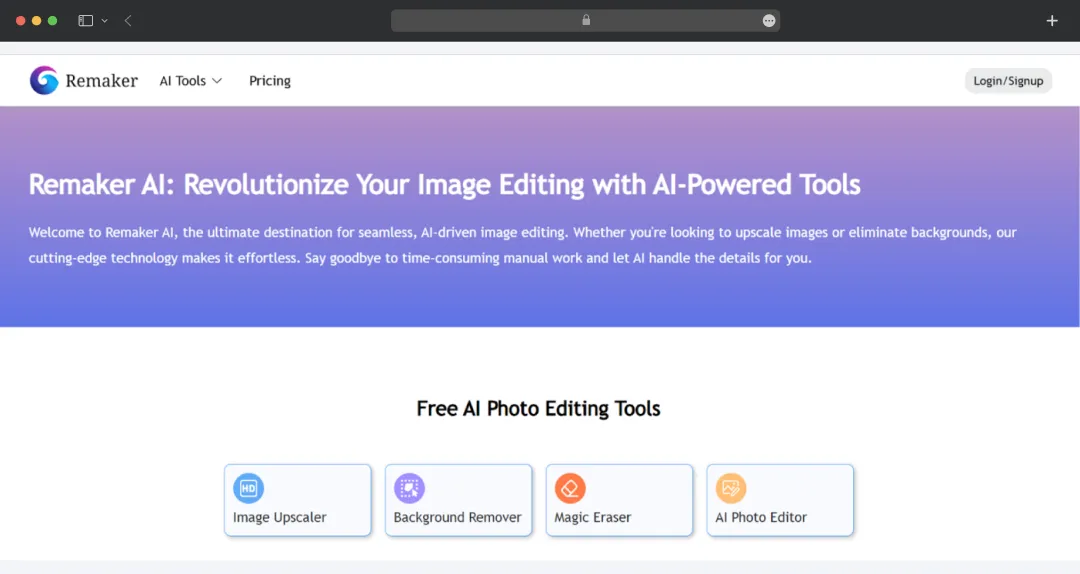
Remaker AI offers a comprehensive suite of AI-powered tools. From background removal to generating AI talking photos, these tools are suited for a wide range of tasks.
1. For Photos
| Tool Name | Description |
|---|---|
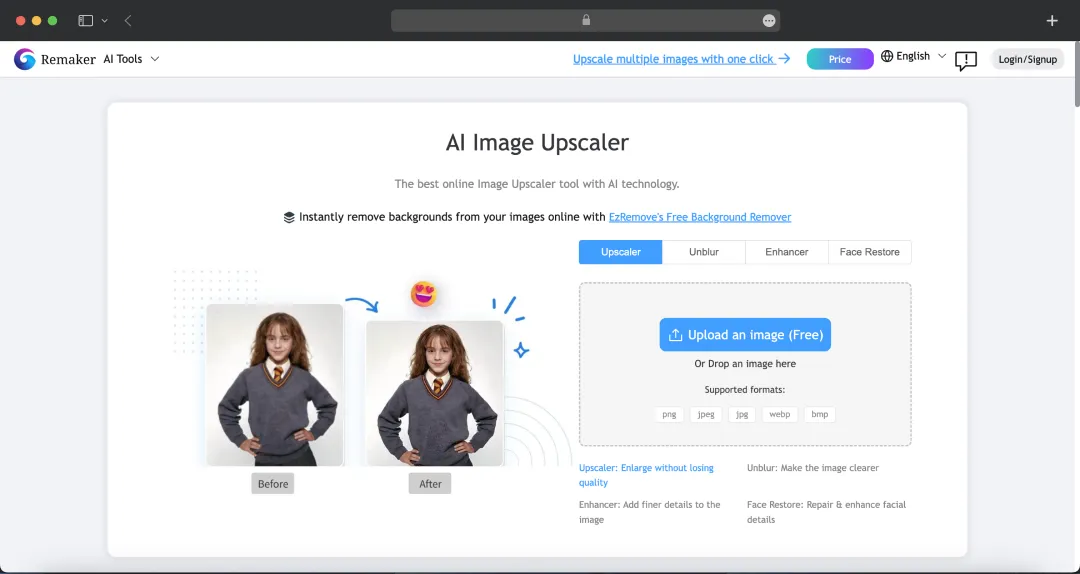
| AI Image Upscaler | Enhances image resolution and quality, turning low-res photos into high-definition ones |
| AI Headshot Generator | Creates professional headshots from user photos using AI |
| Background Remover | Automatically removes the background from any image with a single click |
| AI Portrait Generator | Generates diverse portrait styles from input images |
| Photo to Anime | Transforms regular photos into anime-style artwork |
| AI Passport Maker | Helps create passport-compliant photos |
| AI Baby Generator | Generates images of what a baby might look like based on input photos |
| AI Sticker Generator | Creates custom stickers from images or text prompts |
| AI Tattoo Generator | Designs virtual tattoos on images |
| Meme Maker | Tool for creating custom memes |
| Image Uncrop | Expands the canvas of an image beyond its original borders, intelligently filling in new areas |
| AI Object Remover | Removes unwanted objects or elements from photos |
| AI Meme Generator | Generates memes using AI, potentially from text or images |
| AI Logo Generator | Creates unique logos with the help of AI |
| AI Photo Editor | An AI-powered editor for general photo enhancements and manipulations |
| Magic Eraser | Intelligently removes unwanted elements from photos, similar to an object remover |
2. For Videos
| Tool Name | Description |
|---|---|
| AI Video Enhancer | Upscales and improves the quality of videos, turning low-res footage into higher definition. |
| AI Video Generator | Generates videos from text prompts or images using AI. |
| Online Video Editor | A web-based tool for general video editing tasks. |
| Image to Video | Converts static images into dynamic video clips. |
| AI Lip Sync Generator | Generates lip-synced video from audio and an image/video, making a subject appear to speak the audio. |
| AI Talking Photo | Creates animated talking photos from static images. |
| AI Voice Clone | Clones voices from audio samples to generate new speech in the cloned voice. |
| Video Background Remover | Automatically removes or changes the background of video footage. |
Remaker AI Pricing and Subscription Plans
Remaker AI works on a one-time payment model. The tool offers credits for different AI tools; there is no monthly subscription included. Here is an overview of the pricing-
| No. of Credits | Price for the Credits |
|---|---|
| 200 credits | $5.99 |
| 530 credits | $9.99 |
| 1100 credits | $19.99 |
| 3000 credits | $49.99 |
| 20000 credits | $299 |
- If you buy any of the above credits, you will be a VIP member.
- You can get access to over 20 different AI tools, all for different credits. Most tools are available for free to try.
Explore 20+ Premium AI Tools (Credits-Based Access)
| Tool | Credits | Access |
|---|---|---|
| AI Headshot Generator | 8 credits (2 images) | Free Trial |
| AI Avatar Generator | 8 credits (2 images) | Free Trial |
| AI Meme Generator | 1 credit (4 images) | Free Trial |
| AI Sticker Generator | 8 credits (2 images) | Free Trial |
| AI Tattoo Generator | 4 credits (2 images) | Free Trial |
| Photo to Anime | 2 credits (1 image) | Free Trial |
| Image Outpainting | 5 credits (4 images) | Free Trial |
| AI Image Upscaler | 1 credit (1 image) | Free Trial |
| Background Remover | 1 credit (1 image) | Free Trial |
| Background Changer | 1 credit (1 image) | Free Trial |
| AI Watermark Remover | 1 credit (1 image) | Free Trial |
| AI Object Remover | 1 credit (1 image) | Free Trial |
| Batch Watermark Remover | 1 credit (1 image) | VIP Only |
| Batch Image Upscaler | 1 credit (1 image) | VIP Only |
| AI Image Inpaint | 1 credit (1 image) | Free Trial |
| Image to Video | 15 credits (per generation) | Free Trial |
| AI Talking Photo | 4 credits (per sec audio) | Free Trial |
| AI Live Portrait | 2 credits (per sec video) | Free Trial |
| AI Video Enhancer | 3 credits (per sec video) | Free Trial |
| Video Background Remover | 1 credit (per sec video) | Free Trial |
| AI Voice Clone | 1 credit (100 chars) / 1 credit (1 min audio) | Free Trial |
*Please note that the Batch Watermark Remover and the Batch Image Upscaler are only available if you are a VIP member.
Bonus Read: Best Photo Editors
Customer Reviews
How was your experience with the product?
Also Reviewed By Us