

Slack
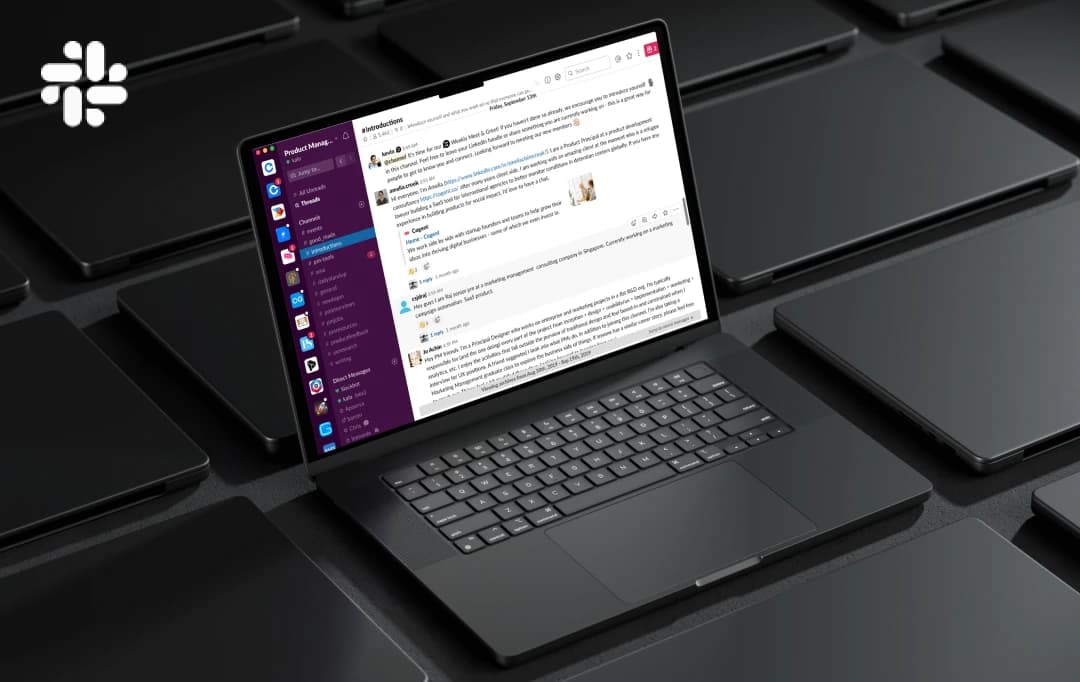
We all use messaging apps as they are quick, easy and helps in communicating instantly. Whether we need to ask friends for hangout or want to ping someone about the change in the plan just type and send. But, in the workplace, things are bit professional and complicated as well.
Still, we wish to have the same mode of communication that connects us to the whole team at once. Slack is the app that came up with that idea and providing an efficient mode of communications to millions. Slack is basically a messaging app but contains additional features that make it suitable for business and office purpose. Slack allows its users to create a customized team and have a group chat or one on one chat with any of the team member. With the help of the app, the work efficiency and productivity can be a speed up.
Slack creates a virtual place for the teams working on a project to communicate quickly. Users are allowed to create a to-do list, add projects with its details and also share the important documents or files instantly.
Slack offers number of tools and option that can be used to create a virtual working place where you can access details anytime and anywhere. No need to get off your desk and chase the teammates, get the task status and progress details on your device screen with the help of Slack.
The Slack app is ideal for the office teams working on a project altogether and needs a dependent communication channel. The app has number of inbuilt features that help the users in establishing a better communication channel. The users can have one on one chat as well as can talk to all the members of the team using Slack.
Key Features of Slack
- Get everything including messages and docs at one place
- Access images and docs instantly anywhere
- You can search anything on the chat
- Get notified of every update for the team
- Integrate the other tools that you have already using
The messaging app also offers the options for creating a project group connect the right people. The chat can be done on a topic, task or particular project within the app. Any user can search the earlier chat in case he or she looking for any specific information that has been shared in the conversation. Slack also offers external sharing in case the users want to send something to someone.
The app is available for all the devices and has a very simple user interface to get used to of it in no time. You can also manage your conversation according to the work priority on a daily basis. In addition to this, Slack also supports the voice calling and let you call anyone in the team.
Share and edit any document with the help of Slack without any trouble. The unique feature of Slack is that it allows integration of tools and services like Google Drive, Salesforce, Dropbox, Asana, Twitter, Zendesk, and more.
We always recommend our readers to go through the detailed app reviews of the top-notch mobile app before downloading it.
Customer Reviews
How was your experience with the product?