
Poe AI Review 2026: I Tried It and Here is What I Found
For any writer who relies on AI today, the daily routine is probably similar. My own process involved leaning on a few specialized chatbots, each good at a specific thing. I'd turn to Claude 3 for its knack with creative prose, then copy that text over to GPT-4o to help organize the structure and arguments. While the results were good, the process itself—the constant tab-hopping and re-pasting of context—was a persistent bottleneck in my workflow.
I first tried Poe AI, looking for a simple fix to that very problem. The promise was straightforward: a single application that houses all the major AI models, letting me switch between them within the same conversation window. It did exactly that, immediately consolidating my scattered process into one manageable space.
But the platform's true potential really clicked for me during a recent research project. I needed to pull key insights from a series of hour-long webinar videos and was about to start the tedious process of manual transcription. On a whim, I checked Poe AI to see if it could help, and discovered it had a video analysis bot that could do the job in minutes.
That was the moment Poe AI went from a convenient utility to an essential part of my toolkit. By solving both my primary writing and research challenges simultaneously, I was prompted to question whether this all-in-one approach has any hidden trade-offs or if it’s genuinely the future for creative professionals. This Poe AI review is my attempt to answer that question.
Let's start!
Pros and Cons of Poe AI
Pros
- Access many top AI models in one place
- Monetize custom bots to earn revenue
- Build custom bots with or without code
- Train bots with your own knowledge base for better answers
Cons
- Some bots might not deliver accurate results
- Offers a great variety of models, but with delayed access to their latest updates, as it's an aggregator platform
Key Features of Poe AI
Poe AI is an aggregator platform equipped with a suite of advanced features designed to enhance user workflow, foster creativity, and provide centralized access to the industry's leading AI models.
1. Unified Access to Top-Tier AI Models
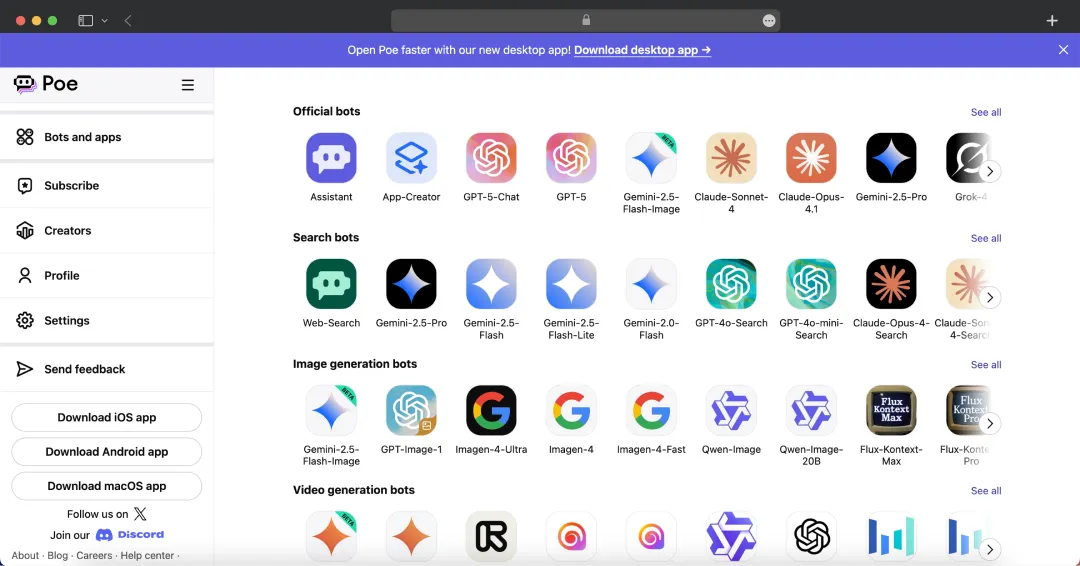
Poe AI brings together a curated list of premier AI models from across the industry into a single, unified interface. This eliminates the need to switch between different services, providing immediate access to a wide array of models from leading developers like OpenAI, Anthropic, Google, Meta, Mistral AI, etc.
2. Side-by-Side Multi-Bot Conversations
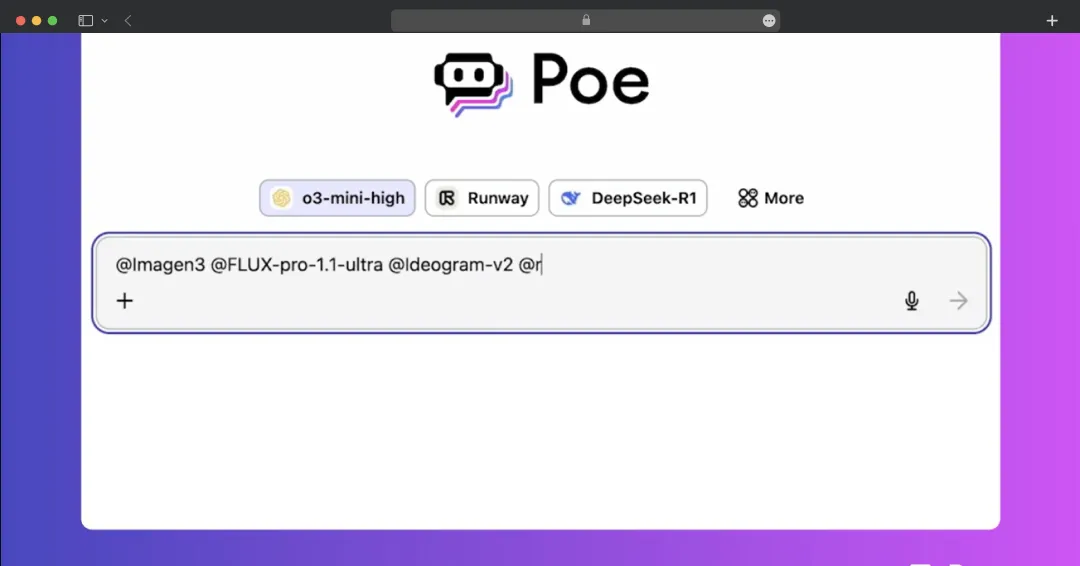
Instead of querying models one by one, Poe AI allows you to invite multiple bots into the same chat thread using @-mentions. This lets you send a single prompt and see responses from different models in parallel, making it easy to compare their tone, accuracy, and creativity.
3. Custom Knowledge Base Integration
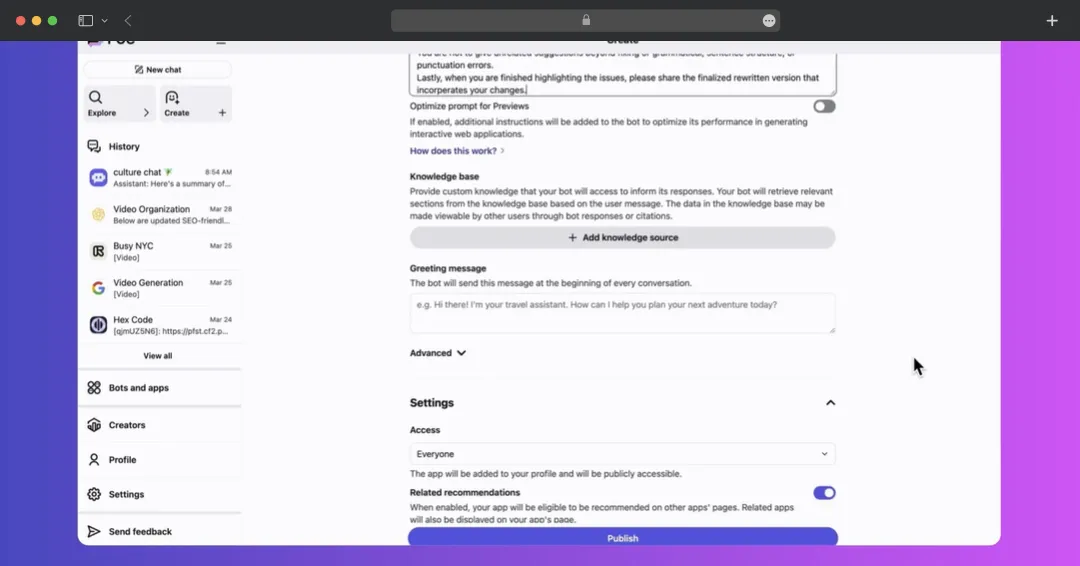
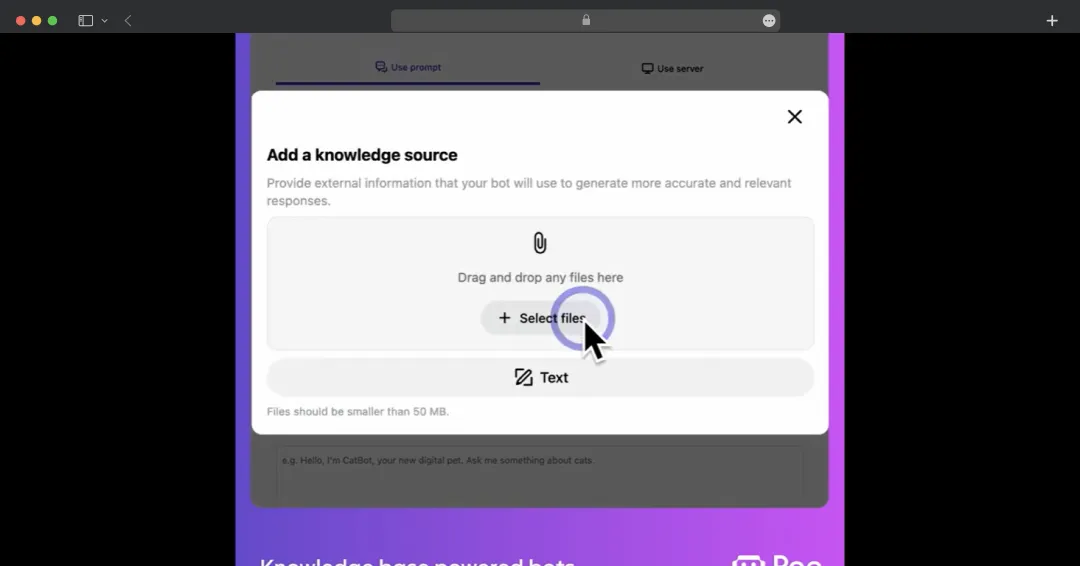
Create more sophisticated bots by connecting a custom knowledge base. You can upload files (PDF, DOCX, TXT, HTML) or paste text, and your bot will automatically retrieve and use this information to provide informed responses. With support for up to 5GB of material and a "Cite sources" feature, it's perfect for building specialized assistants or company knowledge bots.
4. Custom Bot Building
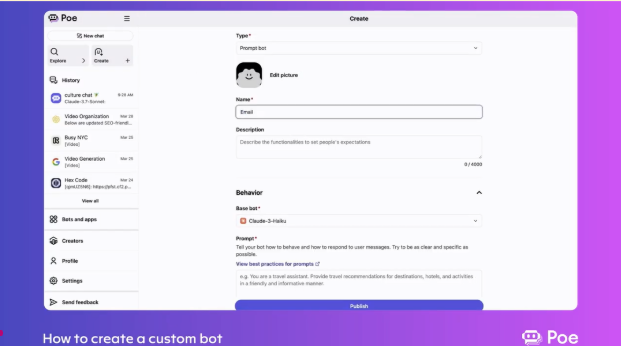
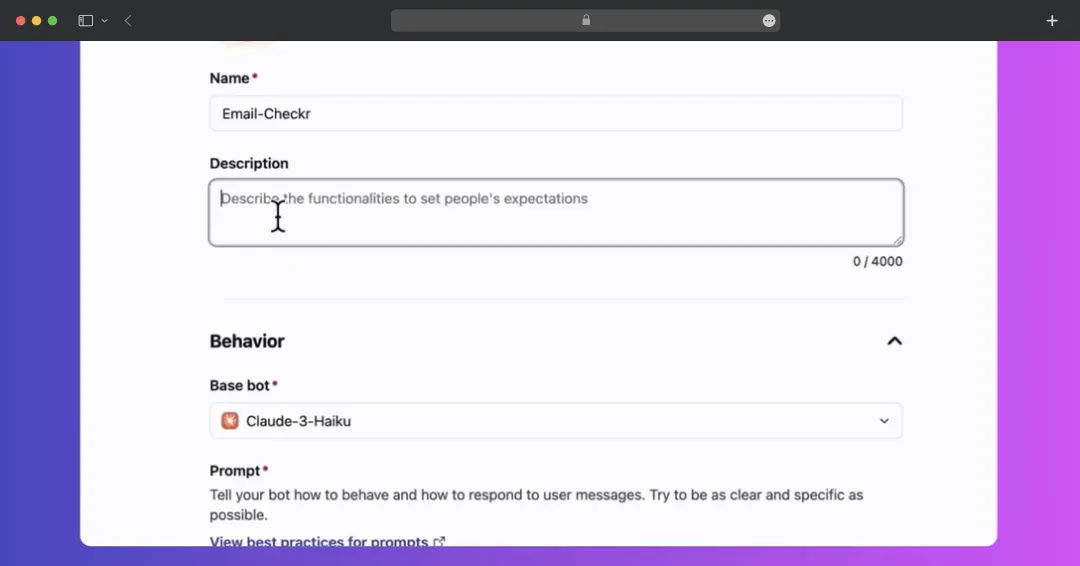
Poe AI supports both no-code and developer-level customization. Prompt Bots are created by supplying plain-language instructions that Poe AI prepends to every user message, requiring zero programming. Server bots enable technical users to configure webhook endpoints and deploy custom backend logic, allowing for dynamic data fetches or bespoke workflows. Both bot types are hosted on Poe AI and accessible via unique URLs.
5. Integrated Image Generation and Remixing
Bring your ideas to life with visual AI models like DALL-E 3 and Stable Diffusion XL directly within Poe AI. You can generate images from text prompts and then iteratively refine them by adjusting your instructions, supporting rapid prototyping for creative and design work.
Also Read: Best Image to Text AI Tools
6. Enhanced Web Search for Up-to-Date Answers
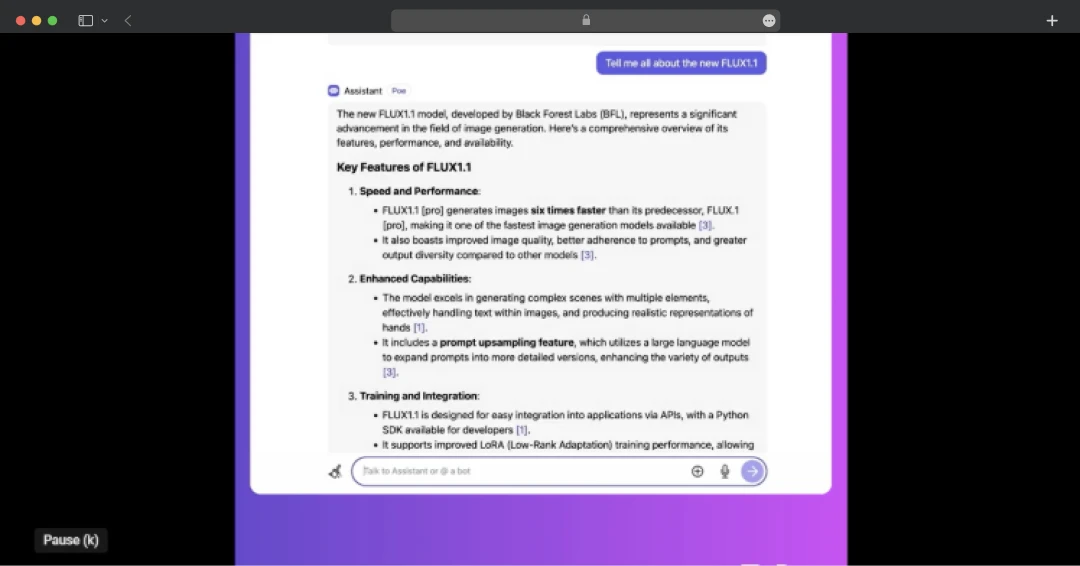
The Assistant bot comes with real-time web search capabilities. This ensures you receive accurate and current information on topics such as breaking news and recent developments, grounding the AI's responses in data that extends beyond its static training.
7. Generate Multiple Responses with a Single Command
Get different outputs from any bot with a single prompt. Simply type “/repeat” followed by a number and your prompt to streamline your workflow by eliminating the need for manual resubmissions. The command is particularly powerful when generating images, videos, or audio content, as it lets you explore multiple creative variations simultaneously to find the perfect match for your vision.
8. Send Multiple Messages to Different Bots Simultaneously
Instantly eliminate downtime in your workflow by sending new messages before a bot has finished its current response. This allows you to maintain a continuous and productive conversation, which is especially valuable when interacting with computationally intensive models that take longer to respond.
9. Integrated Text and Image Generation
With models like Gemini, you can generate both text and images together in a single request. This unique multimodal capability allows you to, for example, create a short story while simultaneously generating illustrations for each scene based on your direction.
10. Creator Monetization Program
Generate revenue directly from your AI bots by setting a custom price-per-message. After joining the creator program, you can set a specific rate for any bot you build. You earn money each time a user sends a message to your bot and can track earnings and adjust pricing through the Creator dashboard. Payments are made monthly via Stripe once your earnings exceed a $10 threshold.
11. Interactive Video Chat and Analysis
Engage directly with video content by uploading files up to 350MB to bots like Assistant, as well as Gemini Pro and Flash. This feature allows you to interact with your videos by asking specific questions about the content, generating concise summaries of lengthy footage, or instantly locating particular moments without manual scanning.
13. Conversational Image Analysis
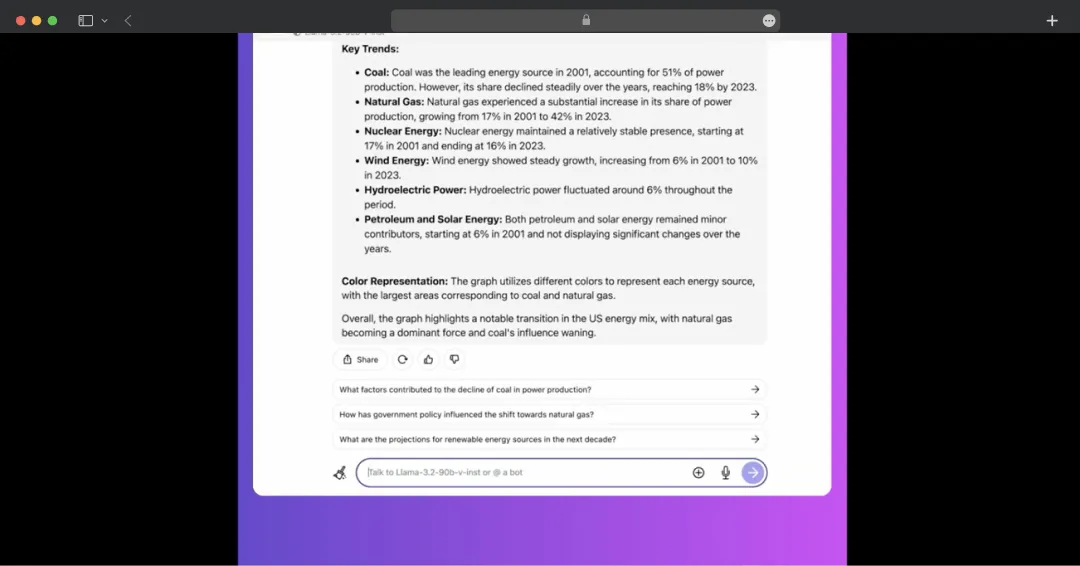
Engage in detailed conversations about visual content. Many of Poe AI's multimodal models can analyze images, including charts, graphs, and photographs. Simply upload an image and ask specific questions to receive clear, AI-driven explanations about what the image contains. This feature allows you to easily interpret and extract valuable information from visual data without needing specialized tools.
Poe AI Pricing Structure
Let's take a look at the pricing of Poe AI in detail below:\
| Plan Type | Pricing | Features |
|---|---|---|
| Plan 1 | Free |
|
| Plan 2 (10k points/day) | $49.99/year or $4.17/month when billed yearly |
|
| Plan 3 (1M points/month) | $199.99/year or $16.67/month when billed annually |
|
| Plan 4 (2.5M points/month) | $499.99/year or $41.69/month when billed annually |
|
| Plan 5 (5M points/month) | $999.99/year or $83.33/month when billed annually |
|
| Plan 6 (12.5M points/month) | $2499.99/year or $208.33/month when billed annually |
|
Note: The pricing is updated as of 4th Sept’25 as per the official website
Customer Reviews
How was your experience with the product?
Also Reviewed By Us