 Learn how trade contractors rely on mobile invoicing software to handle vendors, automate daily billing, and protect their cash flow.
If you spend any time looking into how top-tier field service companies actually operate today, you'll notice a massive shift. The real money isn't just made on the tools anymore—it's managed right there from the driver's seat.
After diving deep into how modern fleets handle their back-office chaos, the writing is on the wall: the days of hoarding crumpled receipts in the sun visor are completely dead. Today’s contractors are running complex logistics, handling vendor payouts, and dynamically adjusting rates before they even put the truck in drive.
The secret sauce holding this whole road-warrior operation together? A ruthless commitment to digitizing the workflow, specifically leaning heavily on mobile invoicing software to keep the cash flowing without the admin hangover.
The Daily Routine Of The Contractor On The Road
And the fact is that, generally, in fieldwork, data loses precision with each passing hour. Because if an HVAC technician does not record the three additional copper connections used in an installation before heading to the next customer, there is a high risk that those materials will be left forgotten and unbilled.
Considering this reality, many professionals have adopted a work model where mobile devices structure their day, making it possible to combine daily work on the street with brief administrative management pauses. Thus, they can smoothly comply with such important activities as:
- Inspection and start of the assignment: before touching a single tool, the technician takes photographs of the initial state of the installation and reviews the agreed rate with the customer on their device screen.
- Material cost control: after visiting the local supplier, taking a photograph of the purchase receipt links the cost of materials directly to the active work order.
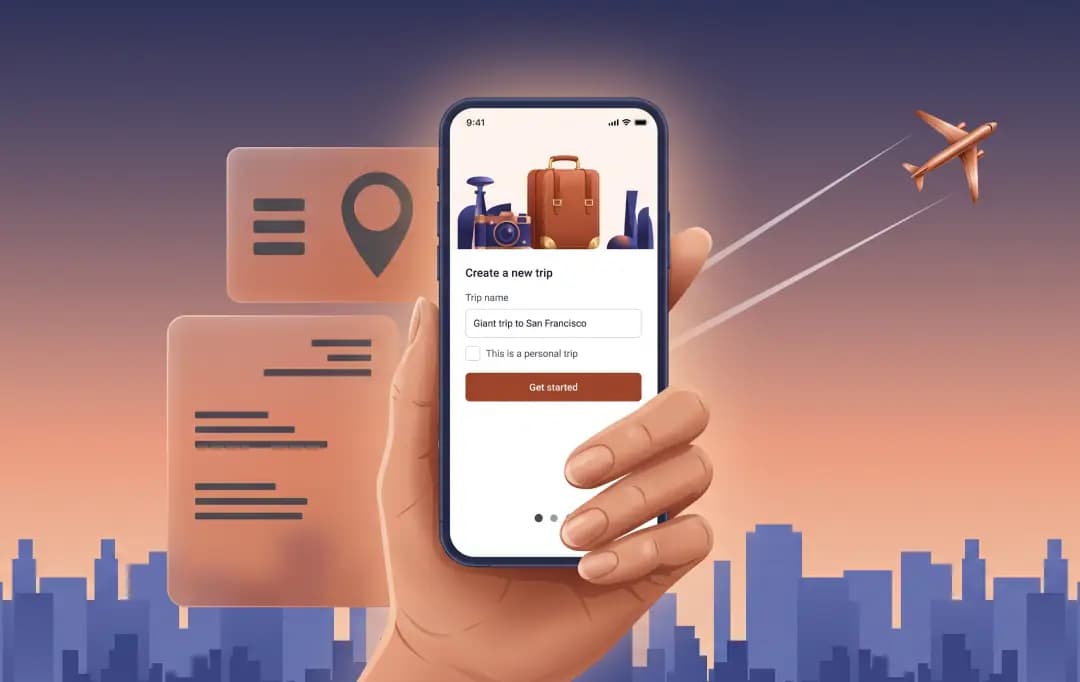
- Closing and invoicing on the spot: upon finishing the repair, the customer reviews the breakdown of labor and materials on the phone, approves the work, and receives the invoice via email before the van leaves the home's driveway.
Also Read: Best Bill Splitting Apps
The minimum mobile administration kit for fieldwork
Now, the good news is that turning your van into a mobile office does not mean having to fill the cabin with computers or portable printers that consume battery and occupy useful space for tool loading. The only thing you really need is to use a well-articulated mobile ecosystem.
And if you are asking yourself: what does a basic mobile administrative tool kit look like for a contractor working in the field? Know that it should possess, at least, these five elements:
- A good smartphone:
With enough battery for the entire day and a casing designed to withstand drops on construction sites or demanding workspaces.
- Secure cloud storage:
A system that guarantees customer data, work photographs, and backups are not lost if the device is damaged.
- An agile mobile invoicing software:
An application specifically designed to create estimates, adjust rates in real-time, and issue invoices without the need for complex processes.
- Photographic capture system for receipts and evidence:
Best Invoice Automation tools that convert supplier invoices and receipts into digital files organized by project or client.
- A standardized workflow for labor and materials:
The operational discipline of recording each element right after finishing the intervention, taking advantage of the fact that technical details remain fresh in your memory.
The objective is not to recreate a complete office inside your van, but to record essential details while they are still fresh. This will help you avoid having to reconstruct invoices later relying only on memory or scattered notes.
Obstacles that complicate this task
But despite all the evident advantages of this work model, it is impossible to ignore that the transition toward 100% mobile administration presents real operational challenges that must be managed with practicality, such as:
- Areas with limited coverage: usually, technicians work in basements, rural areas, or inside metal structures where cellular signal disappears. Therefore, mobile tools must allow working offline and synchronize information automatically upon recovering the signal.
- Device usage fatigue: after eight hours of intense physical work, handling complex interfaces or typing extensive notes on small touch keyboards can generate rejection, which is why it should be ensured that the system requires as few taps as possible.
- Data security and customer trust: storing customer financial and contact data on a mobile device requires the use of secure passwords, biometric authentication, and compliance with data protection regulations.
- Resistance to change: abandoning billing habits consolidated over years requires an initial learning curve. The key to overcoming this barrier is adopting solutions with clear interfaces that provide immediate value from day one.
Final Thoughts
Forcing your admin work to happen in the front seat isn't just about looking tech-savvy to your clients. It's about aggressively protecting your off-hours and keeping your cash flow strictly locked in.
When a contractor can close out a complex job, square up with a vendor, and shoot off an accurate final bill before the engine even warms up, they aren't just doing paperwork—they're out-maneuvering the competition.
The tools are already sitting right there in our pockets. The crews who actually leverage them are the ones who get to clock out when the sun goes down, rather than starting a second shift at a desk.
Frequently Asked Questions
Why shouldn't I just stick to paper invoices on the road?
Paper trails are a massive headache that drag out your payment cycles and practically invite disputes. Upgrading to online invoicing software means you generate accurate bills before the truck even moves. This eliminates lost receipts and lets you lock down your cash flow while the job is fresh.
What's the main advantage of digitizing my mobile fleet's billing?
The biggest flex is speed. Instead of manual math, automated invoicing software pulls hours directly from time trackers and syncs your material markups on the spot. This means your crew spends less time punching a calculator in a hot van and more time knocking out actual billable work.
How do I know which tech stack is right for my crew?
Finding the best invoicing software for small business operations comes down to field usability. You need something that handles flat-rate pricing, syncs cleanly with vendor runs, and works offline. The goal is to eliminate admin bottlenecks, so choose an interface your techs won't hate using at a busy site.
What if I run a solo operation and have zero budget?
You don’t need deep pockets to ditch the carbon-copy pads. Many solid platforms offer an invoicing software free tier that covers the basics for solo contractors. It’s a perfect way to test the waters, send professional digital bills, and stop wasting your Friday nights doing tedious paperwork.
Does this actually speed up when clients pay me?
Absolutely. A dialed-in billing and invoicing software setup lets you send the bill immediately and securely process digital payments on the spot. When you hand the client an accurate, easy-to-read digital invoice right after the job wraps, they usually settle up right then and there.

Uncover executable insights, extensive research, and expert opinions in one place.
Related Content