
Maybe you’ve found yourself stuck in endless configurations, dealing with a UI that feels more complicated than it should be, or staring at pricing that makes you question every IT decision you’ve made so far. Sound familiar? You’re not alone.
Today’s IT landscape is packed with smarter, faster, and often more affordable tools that don’t require a full-blown learning curve just to get started. Whether you’re a growing startup that needs flexibility or an enterprise team tired of rigid workflows, there are alternatives out there that actually work the way you want them to.
In this guide, we’re going to cut through the noise and explore the best ServiceNow alternatives that are genuinely worth your time. No fluff, no jargon, just real options that can simplify your IT operations, save you money, and maybe even make your workday a little less frustrating.
Let’s find something that fits you, not the other way around.
Comparing the Best ServiceNow Alternatives
Before diving into the list, we’ve broken down exactly how the 10 tools stack up. Here’s a quick side-by-side look at their core focuses, ideal audiences, and pricing models to help you narrow down the perfect fit for your team-
| ServiceNow Alternatives | Target Audience | Primary Focus | ITIL Alignment | Deployment Options | Pricing Model |
|---|---|---|---|---|---|
| Zendesk | All sizes | Omnichannel Customer Support & Help Desk | Partial | Cloud | Per agent/month (Tiered) |
| Salesforce Service Cloud | Mid-market & Enterprise | Customer Service & Deep CRM Integration | Partial | Cloud | Per user/month (Tiered) |
| ManageEngine ServiceDesk Plus | Mid-market & Enterprise | Comprehensive ITSM & IT Asset Management | Full | Cloud, On-Premise | Tiered (Free basic version available) |
| Ivanti | Enterprise | Advanced ITSM, Unified Endpoint Mgmt & Security | Full | Cloud, On-Premise | Quote-based / Custom |
| SolarWinds Service Desk | Mid-market | IT Service Management & Asset Management | Full | Cloud | Per agent/month (Tiered) |
| TOPdesk | Mid-market & Enterprise | Enterprise Service Management (HR, IT, Facilities) | Full | Cloud, On-Premise | Modular / Quote-based |
| Spiceworks | Small & Medium Businesses (SMBs) | Basic IT Help Desk & Network Monitoring | No | Cloud, On-Premise | Free (Ad-supported) |
| Freshservice | SMBs & Mid-market | Modern, intuitive ITSM & Automation | Full | Cloud | Per agent/month (Tiered) |
| Jira Service Management | All sizes (esp. Dev/Ops teams) | ITSM integrated with Agile & DevOps | Full | Cloud, Data Center | Per agent/month (Free tier available) |
| Hesk | Micro & Small Businesses | Lightweight, basic ticketing system | No | On-Premise (PHP), Cloud | Free (Self-hosted); Paid for Cloud |
Read Less
List of the Best ServiceNow Alternatives
Table of Content
- 1. Zendesk
- 2. Salesforce Service Cloud
- 3. ManageEngine ServiceDesk Plus
- 4. Ivanti
- 5. SolarWinds Service Desk
- 6. TOPdesk
- 7. Spiceworks
- 8. Freshservice
- 9. Jira Service Management
- 10. Hesk
- Categorizing ServiceNow Alternatives by Use Cases
- How MobileAppDaily Selected the Best Alternatives for ServiceNow
- Wrapping Up!
- FAQ
Recent Topics
Related Topics


Zendesk
Pros & Cons
Pros
- Handles email, chat, social, and messaging apps in one unified ticket view
- Extremely large integration ecosystem (1,000+ apps)
- Advanced automation with triggers, macros, and AI routing
- Highly customizable dashboards and workflows
- Strong knowledge base with multilingual support
Cons
- Pricing escalates quickly with add-ons like AI bots
- Admin setup and workflows take time to fully optimize
- Can feel bloated for internal IT teams with simple needs
Why You'll Love It
Zendesk started as a customer support tool, but don't let that fool you, its IT service management capabilities are solid. If your team lives and breathes customer-facing operations alongside internal IT, Zendesk pulls both into one place without making things complicated.More about product
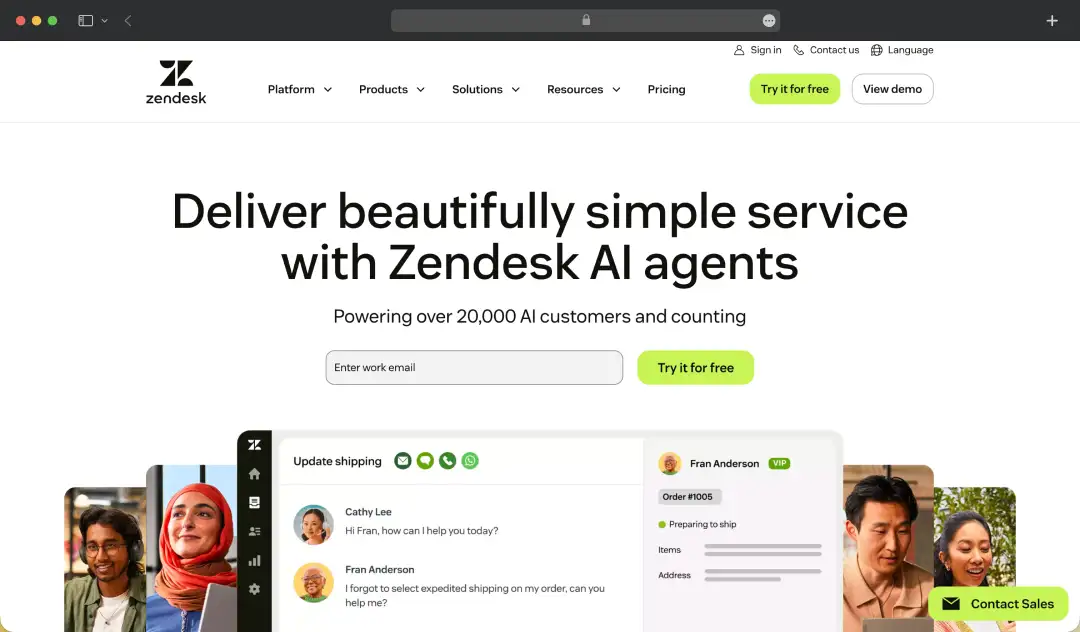
Zendesk's ticketing system is where it genuinely shines. It's clean, intuitive, and your team will actually figure it out without a three-day onboarding session. Tickets get routed smartly, conversations stay organized, and nothing falls through the cracks, which, if you've dealt with email-based support chaos, is a bigger deal than it sounds.On the ITSM side, this ServiceNow alternatives holds its own with a solid knowledge base builder, customizable workflows, and automation that cuts down the repetitive grunt work.
It won't give you the deep ITIL (InformationTechnology Infrastructure Library) framework that ServiceNow obsesses over, but for teams that don't need that level of rigidity, that's actually a relief.
Where it pulls ahead is the omnichannel support, email, chat, phone, social, all feeding into one dashboard. If your IT team also handles external customer queries, this is the kind of feature that makes Zendesk genuinely hard to replace.

Salesforce Service Cloud
Pros & Cons
Pros
- Deep integration with Salesforce CRM ecosystem for unified customer data
- Powerful case management with AI-driven insights (Einstein AI)
- Highly customizable workflows and automation rules
- Omnichannel routing (chat, email, phone, social) with priority handling
- Strong analytics and reporting tied to customer lifecycle
Cons
- Heavily dependent on Salesforce ecosystem, less useful standalone
- Implementation often requires consultants or dedicated admins
- Licensing and add-ons can become expensive quickly
Why You'll Love It
If your organization is already running on Salesforce, Service Cloud is the obvious next conversation. It plugs directly into your existing CRM software, meaning your service teams and sales teams are finally working from the same page!More about product
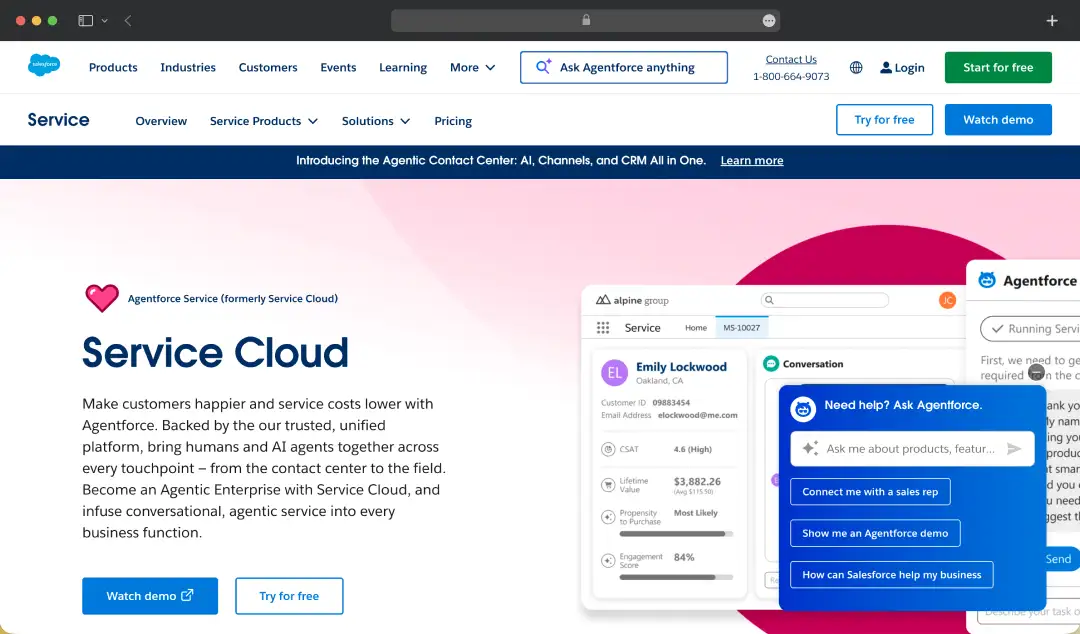
Service Cloud is built for scale. Large enterprises with complex service operations will find a lot to work with here, case management, SLA tracking, AI-powered recommendations, and automation that can handle some seriously intricate workflows without breaking a sweat.
The Einstein AI layer is worth calling out. It surfaces relevant knowledge base articles, predicts case fields, and helps agents close tickets faster. It's not gimmicky, it actually reduces handle time in a meaningful way when set up properly.
That said, unlike most ServiceNow platform alternatives, Service Cloud is not a lightweight tool. The configuration demands are real, and without a dedicated admin or Salesforce partner, you'll likely only scratch the surface of what it can do. But if you are an enterprise that needs a service platform that talks seamlessly to sales, marketing, and operations, this is the one built for exactly that.

ManageEngine ServiceDesk Plus
Pros & Cons
Pros
- Strong ITIL-aligned modules (incident, problem, change management)
- Built-in asset management with detailed hardware/software tracking
- On-premise + cloud deployment flexibility
- Cost-effective compared to enterprise ITSM tools
- Good integration with other ManageEngine tools
Cons
- UI feels dated compared to modern SaaS tools
- Performance can slow down with large datasets
- Reporting is less intuitive out of the box
Why You'll Love It
ManageEngine ServiceDesk Plus is what you get when someone builds an ITSM tool specifically for IT teams, not sales teams, not customer support teams, IT teams. It's packed with ITIL-ready features at a price point that doesn't require board-level approval.More about product
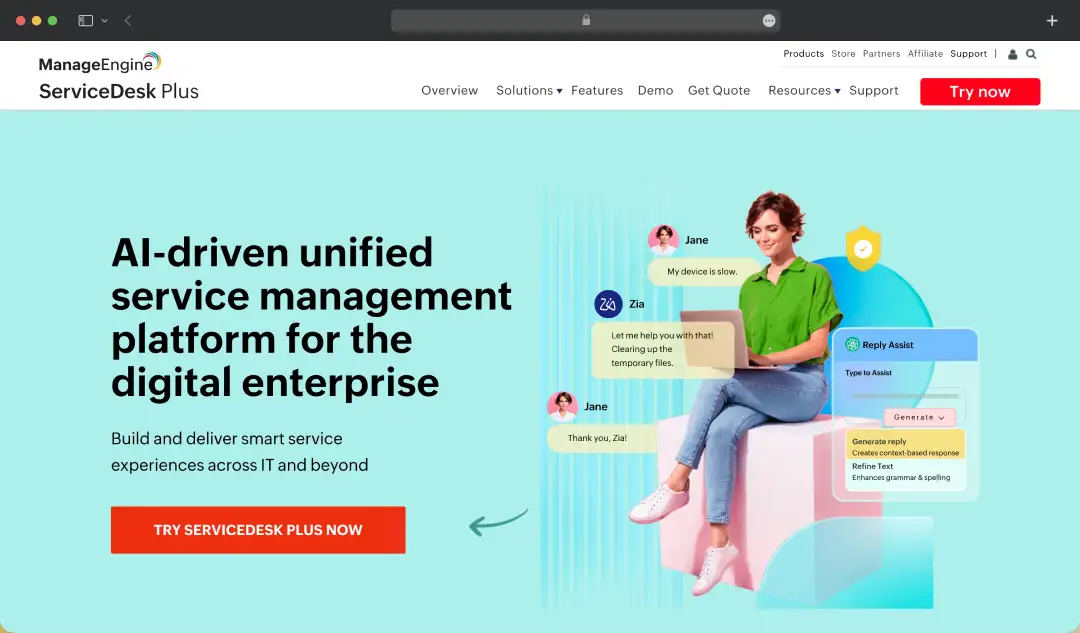
Right out of the box, ServiceDesk Plus gives you incident management, problem management, change management, and asset management, all the pillars that IT operations actually run on. Unlike some tools that bolt these on as afterthoughts, ManageEngine builds them in as core, fully functional modules.
The asset management piece deserves a special mention. You get auto-discovery of IT assets, software license tracking, and a configuration management database, features that most competitors either charge extra for or don't offer at anywhere near this depth.
For teams operating in regulated industries, the audit trails, approval workflows, and compliance reporting make life significantly easier during those dreaded audit seasons. It's not the flashiest tool on this list, but it's one of the most complete, and for IT teams that need depth over aesthetics, that matters a lot.

Ivanti
Pros & Cons
Pros
- Strong endpoint and asset management tightly integrated with ITSM
- Advanced automation for patching and security workflows
- Good for enterprises needing unified IT + security workflows
- Supports hybrid environments (cloud + on-prem)
- Strong compliance and risk management features
Cons
- Complex setup and steep learning curve
- Requires significant configuration to unlock full value
- Higher cost compared to mid-market tools
- Overkill for small or mid-sized IT teams
Why You'll Love It
Ivanti is for organizations where IT service management and IT security need to exist in the same conversation. If endpoint management, patch deployment, and vulnerability tracking are just as important to you as ticket resolution, Ivanti was built with exactly that in mind.More about product
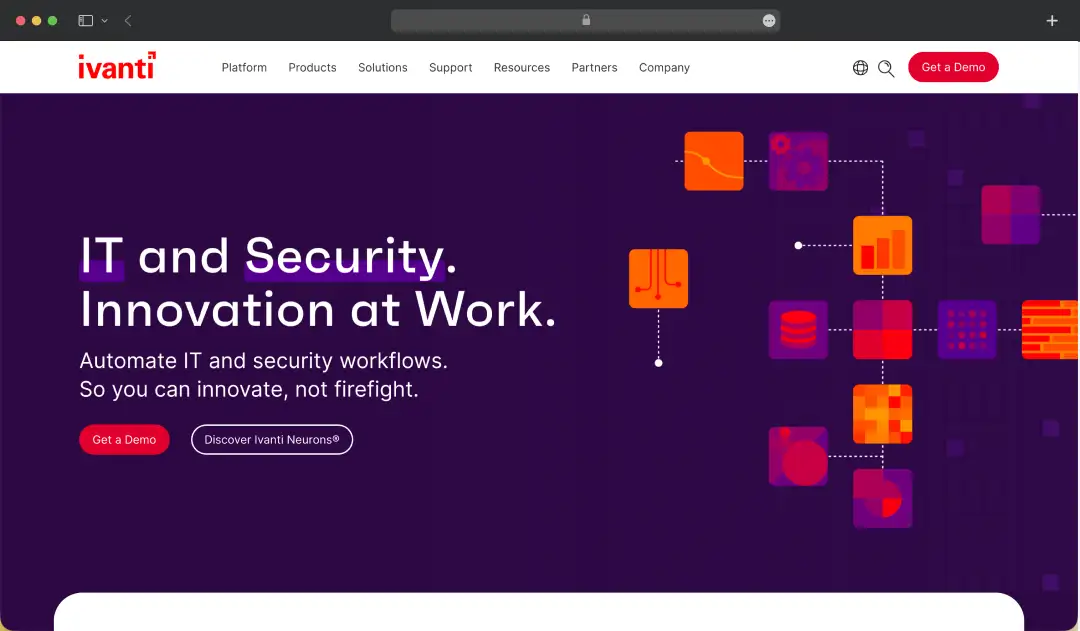
Most ServiceNow alternatives for startups and enterprises treat security as a separate problem; Ivanti doesn't. It brings service management and endpoint security under one roof, which means your IT team isn't constantly switching between platforms to understand what's happening across the environment.
The unified endpoint management capabilities are genuinely impressive. You can manage, secure, and remediate devices across Windows, Mac, iOS, and Android from a single console. For teams managing distributed workforces or hybrid environments, this kind of visibility is hard to put a price on.
On the service desk side, Ivanti covers the ITIL fundamentals well, incident, change, problem, and release management are all accounted for. Add in automation workflows that can trigger security responses based on service desk events, and you've got a platform that does something most competitors simply can't: treat IT operations and IT security as one unified function.

SolarWinds Service Desk
Pros & Cons
Pros
- Strong ITIL alignment with built-in incident, change, and asset management
- Easy-to-use interface compared to legacy ITSM tools
- Good asset discovery and dependency mapping
- Quick implementation with minimal setup time
- Transparent pricing tiers
Cons
- Reporting customization can feel restrictive
- The integration ecosystem is smaller than that of its competitors
- Advanced automation features are somewhat limited
- Less suited for complex enterprise workflows
Why You'll Love It
SolarWinds Service Desk is the tool for teams who are done with overcomplicated setups and just want something that works from day one. It's clean, modern, and hits all the ITSM fundamentals without burying your team in configuration work before they can do anything useful.More about product
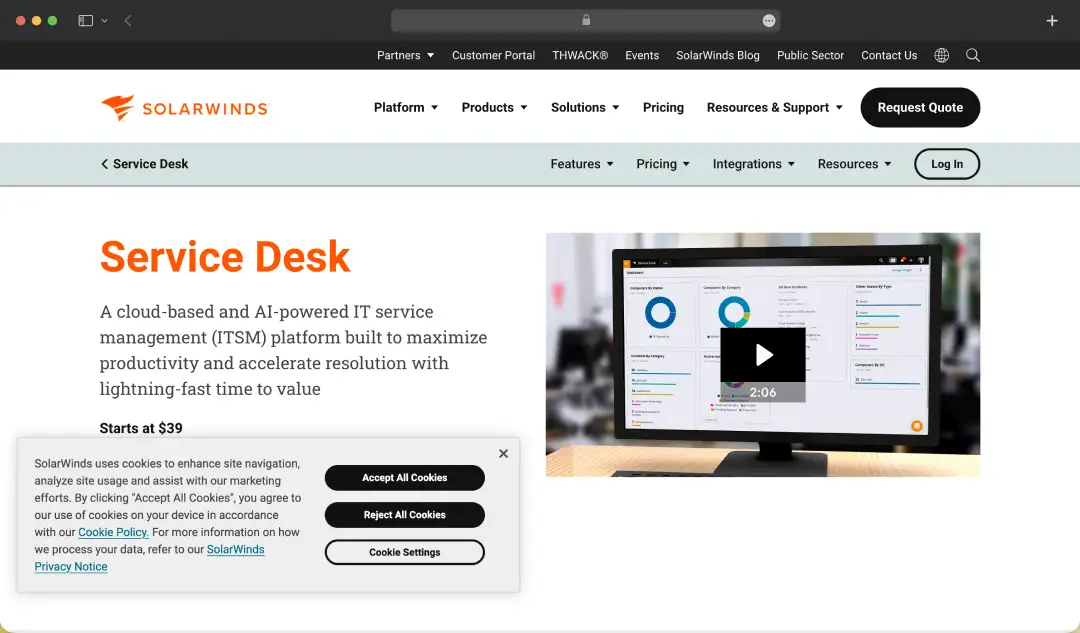
The onboarding experience alone separates SolarWinds from the pack. Where most enterprise ITSM tools require weeks of setup before you see any real value, SolarWinds gets you operational fast, and the interface doesn't punish users for not being power users.
Incident management, change management, and a service catalog are all handled well. But where SolarWinds quietly impresses is in its IT asset management; hardware and software assets are tracked automatically, giving your team a real-time picture of what's in the environment without manual data entry headaches.
The AI-powered service catalog and smart ticket suggestions reduce the volume of repetitive tickets hitting your team, which adds up quickly over time. It's not trying to be everything to everyone; it's focused, well-executed, and a genuinely strong option for mid-sized IT teams that want enterprise-grade features without the enterprise-grade complexity.

TOPdesk
Pros & Cons
Pros
- Strong incident and service request management with clear workflows
- Good for shared service environments (IT, HR, facilities)
- Built-in knowledge base and self-service portal
- Easy onboarding for non-technical teams
- Reliable SLA and ticket tracking features
Cons
- Fewer third-party integrations
- Reporting lacks advanced analytics depth
- Not ideal for highly complex enterprise setups
Why You'll Love It
TOPdesk has been around long enough to know what actually matters to service teams, and it shows. It's one of the few ServiceNow software asset management alternatives that works just as well for facilities management and HR service delivery as it does for IT. It is a rare choice for organizations that want one service platform across multiple departments.More about product
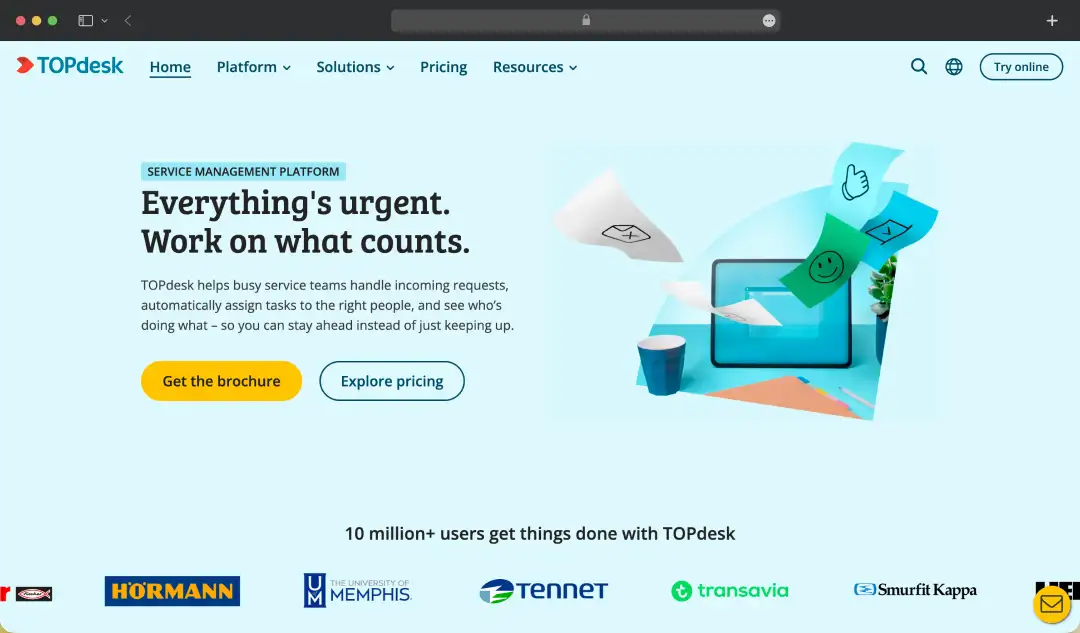
The shared service management approach is what makes TOPdesk genuinely different. Instead of running separate helpdesk tools for IT, HR, and facilities, TOPdesk lets all three operate from the same platform, with their own workflows, forms, and queues, without stepping on each other.
On the IT side, the feature coverage is thorough. Incident management, change management, asset management, and a self-service portal are all well-built. The change management module in particular is one of the more thoughtfully designed ones on this list, with clear workflow visualization that makes complex change processes far less painful to manage.
TOPdesk also puts real effort into the end-user experience. The self-service portal is genuinely easy to use, which means fewer tickets land on your team's desk for things users could resolve themselves. If you are juggling multiple service departments and tired of managing multiple tools, TOPdesk makes a very compelling case.
Bonus Read: Best Helpdesk Software for Faster Customer Services

Spiceworks
Pros & Cons
Pros
- Completely free helpdesk with no licensing cost
- Simple ticketing system with minimal setup required
- Built-in community support and troubleshooting resources
- Network monitoring tools included
- Good for small IT teams or startups
Cons
- Lacks advanced ITSM features like change management
- Limited scalability for growing teams
Why You'll Love It
Spiceworks is free. Completely, genuinely, no-hidden-tiers free. For small IT teams working with tight budgets, that alone makes it worth a serious look, but it's not just a budget play. It's a capable help desk tool backed by one of the most active IT communities on the internet.More about product
The core help desk functionality covers what most small to mid-sized teams actually need, ticket management, email integration, a user portal, and basic reporting. It's not going to match the depth of paid enterprise tools, but it handles the day-to-day IT support workload without any friction.
What Spiceworks gets right that no other tool on this list can claim is the community. Millions of IT professionals actively using the platform means answers to obscure problems, real-world advice, and plugin recommendations are never more than a forum post away. For lean IT teams without big vendor support contracts, that community acts as a genuine safety net.
The network monitoring and inventory features add extra value without extra cost, giving you visibility into your environment alongside your help desk operations. If your team is small, your budget is tighter than you'd like, and you need something that just works, this ServiceNow alternative is hard to argue with.

Freshservice
Pros & Cons
Pros
- Built specifically for ITSM with ITIL-ready modules
- Clean, modern UI that reduces onboarding time
- Built-in asset management and CMDB
- Strong automation for approvals and workflows
- Fast deployment compared to enterprise tools
Cons
- Limited deep customization compared to competitors
- Can get expensive as you scale users/features
- Not ideal for external/customer-facing support
Why You'll Love It
Freshservice manages to do something most ITSM tools struggle with: it's genuinely easy to use without being shallow. The interface feels modern, the setup is fast, and the feature depth is there when you need it. It's a great alternative to ServiceNow that will make you wonder why you ever dealt with clunky tools.More about product
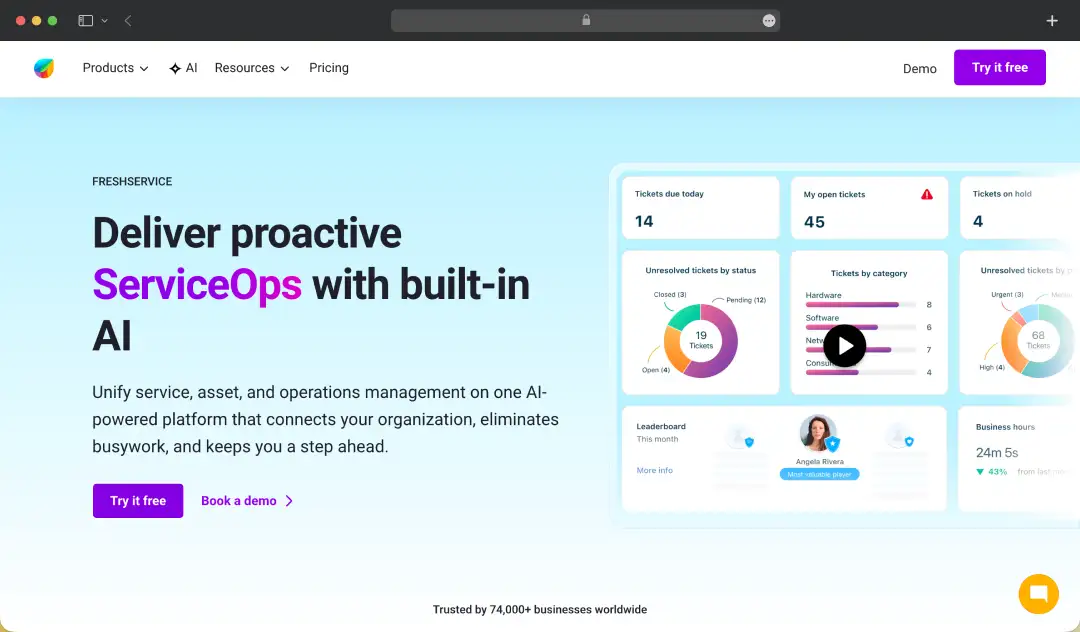
The incident management workflow in Freshservice is one of the cleanest on the market. Tickets are easy to create, route, prioritize, and close, and the automation engine behind it can handle complex routing rules without needing a developer to configure them.
Change management, problem management, and release management are all ITIL-aligned and built into the platform properly, not tacked on as an afterthought. The service catalog is particularly well done, letting you build out a polished, structured menu of IT services that employees can actually navigate without calling the help desk to figure out how to use the help desk.
The Freddy AI layer adds intelligent ticket suggestions, auto-categorization, and a virtual agent that handles common requests without human intervention. Combined with a genuinely strong mobile experience and deep integration options, Freshservice is the alternative that gives ServiceNow the most direct competition on usability, at a fraction of the cost.

Jira Service Management
Pros & Cons
Pros
- Deep integration with Jira ecosystem for dev + IT alignment
- Strong for DevOps and agile-based IT teams
- Flexible workflows and automation rules
- Good incident and change management capabilities
- Strong API and customization capabilities
Cons
- Requires setup effort to avoid workflow complexity
- Can feel technical for non-IT users
- Heavy reliance on plugins for extended features
- Costs increase with add-ons and scaling
Why You'll Love It
If your organization runs on Jira for development, Jira Service Management is the missing link between your engineering teams and IT operations. It's built for speed, collaboration, and breaking down the wall between dev and ops, something most traditional ITSM tools were never designed to do.More about product
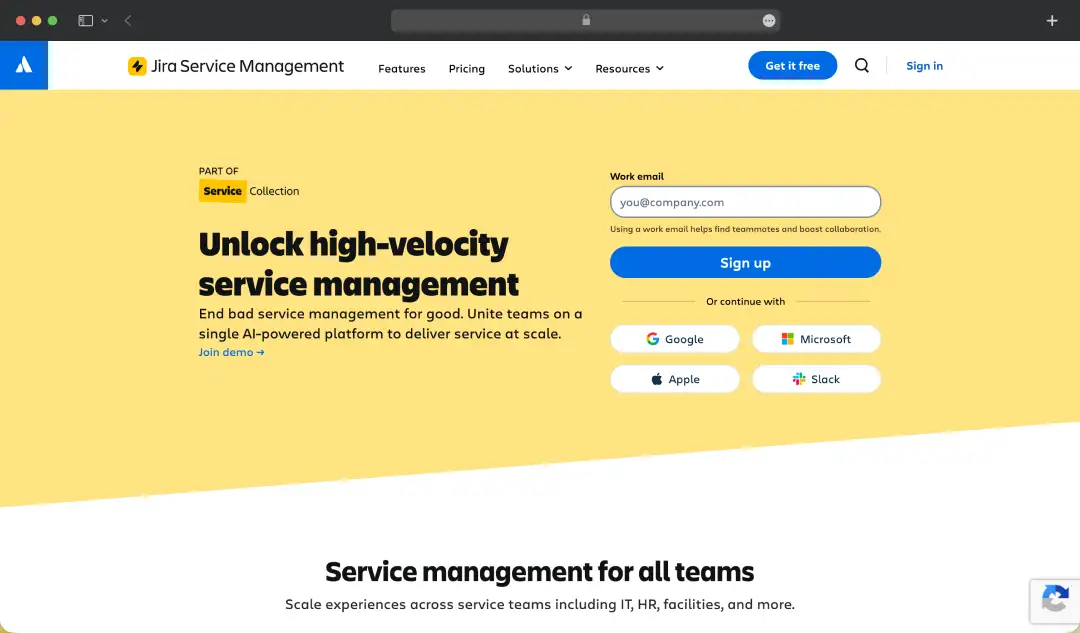
The native integration with Jira Software is where this tool earns its place on the list. When a service desk ticket needs to become a bug report or a development task, that handoff happens in seconds, with full context, no copy-pasting, no back-and-forth emails. For teams practicing DevOps or working in agile environments, this is genuinely transformative.
Incident management in Jira Service Management is built for high-velocity teams. On-call scheduling, alert management, and incident timelines are all built in. The post-incident review process is structured in a way that actually helps teams learn and improve rather than just tick a compliance box.
The asset and configuration management module, powered by the Atlassian asset graph, gives you deep visibility into your infrastructure and how everything connects. It's not the best ServiceNow alternative for organizations that need a traditional, process-heavy ITSM approach, but for tech-forward teams that move fast and want their service desk to keep up, nothing on this list comes close.
Hesk
Pros & Cons
Pros
- Lightweight and fast ticketing system with minimal setup
- One-time license option (cost-effective long term)
- Easy to deploy on your own server
- Simple knowledge base integration
- Ideal for small teams with basic needs
Cons
- Very limited compared to full ITSM platforms
- No built-in asset or change management
- Basic UI with limited modern features
- Lacks advanced automation capabilities
- Not scalable for complex workflows
Why You'll Love It
Hesk does one thing and does it well: it gives you a clean, no-nonsense help desk without charging you for features you'll never use. For small teams and businesses that just need tickets managed properly, Hesk cuts straight to the point.More about product
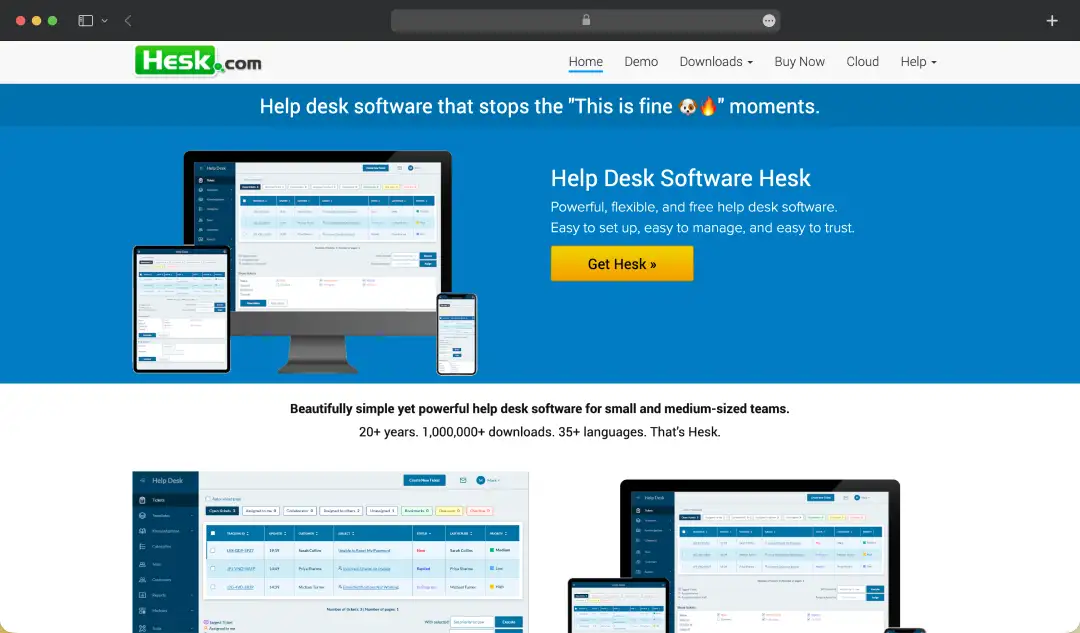
The setup is remarkably straightforward. You can have Hesk running in a matter of hours, no lengthy implementation, no consultant fees, no configuration marathons. For teams that have wasted weeks standing up more complex tools, that simplicity feels almost radical.
The ticketing system handles the essentials competently, ticket submission, staff assignment, priority levels, canned responses, and a knowledge base that actually reduces incoming ticket volume when populated properly.
It's not trying to be an enterprise platform, and that focus makes it significantly better at the basics than tools that spread themselves too thin. Hesk offers both a cloud version and a self-hosted option, which gives smaller organizations with specific data residency requirements a level of control that most free or low-cost tools don't bother offering.
It won't scale with you into enterprise territory, but if you're a small team that needs a reliable, lightweight help desk that stays out of your way, Hesk delivers exactly that.
Categorizing ServiceNow Alternatives by Use Cases
Choosing the right ServiceNow alternative depends heavily on your team's specific needs, whether that requires rigid ITIL compliance, external customer support, or a budget-friendly ticketing system. Here is a breakdown of the top platforms categorized by their primary use cases to help you find the perfect fit.
Primary Use Case Category Application Best Suited For / Core Focus Customer Service & External Support Zendesk Omnichannel customer support, customizable workflows, and unified external communication (email, chat, social) Salesforce Service Cloud Enterprise-grade customer service with deep CRM integration and 360° customer view Enterprise ITSM & Deep ITIL Focus ManageEngine ServiceDesk Plus Comprehensive ITSM and asset management with strong on-premise and cloud support Ivanti Advanced ITIL frameworks with endpoint management and security for complex enterprises SolarWinds Service Desk ITIL-ready service and asset management with strong infrastructure integrations Modern, Agile, & Enterprise Service Management (ESM) Jira Service Management Connects IT support with DevOps and engineering via Atlassian ecosystem Freshservice Modern, intuitive, fast-deploy ITSM with strong automation for mid-to-enterprise teams TOPdesk Bridges IT, HR, and Facilities into a unified service management portal Lightweight & Budget-Friendly Helpdesk Spiceworks Free, ad-supported helpdesk with built-in network monitoring for small IT teams Hesk Lightweight, simple ticketing system ideal for startups and very small teams How MobileAppDaily Selected the Best Alternatives for ServiceNow
MobileAppDaily uses a rigorous, in-house evaluation methodology driven by dedicated tech professionals, including UI/UX specialists and performance analysts. Instead of relying on vendor claims, their team dissects each platform layer by layer through hands-on testing.
Their evaluation focuses heavily on context and depth, specifically grading tools on:
- Enterprise Readiness: Assessing the capacity for high ticket volumes and complex ITIL frameworks.
- User Experience: Ensuring intuitive interfaces that reduce agent onboarding time.
- Feature Verification: Real-world testing of AI automation, integrations, and omnichannel routing.
By combining standardized testing with strict editorial independence, MobileAppDaily doesn't just rank the software; they contextualize each platform's strengths to determine exactly who it is best suited for.
Wrapping Up!
Switching from ServiceNow isn’t a small move, and it shouldn’t be. The tools you’ve seen here prove one thing: you don’t have to settle for complexity, slow workflows, or rising costs just because it’s the standard.
There are options that are faster, cleaner, and far more practical for how teams actually work today. Pick the one that makes your day-to-day easier. Everything else is noise.
We cut through the deafening digital noise to find what truly works. Every product on our list survives a relentless, hands-on analysis—no exceptions. We do the grunt work to deliver verified, trustworthy recommendations, so you can choose the right tools with absolute confidence.
- Products Reviewed - 4,000+
- No. Of Experts - 20+
- Categories - 65+
Frequently Asked Questions
What are ServiceNow platform alternatives?
ServiceNow alternatives are ITSM or helpdesk tools that offer similar capabilities like ticketing, workflow automation, and asset management—often with simpler setups, lower costs, or more flexible customization.
What are the top ServiceNow alternatives?
Some of the most reliable alternatives include Freshservice, Jira Service Management, Zendesk, ManageEngine ServiceDesk Plus, and SolarWinds Service Desk, depending on your team size and use case.
Why do companies switch from ServiceNow?
Most teams move away due to high licensing costs, complex configurations, and the need for dedicated admins to manage workflows effectively.
Are ServiceNow alternatives suitable for enterprise use?
Yes, several alternatives offer enterprise-grade features like automation, integrations, and ITIL processes without the same level of complexity or overhead.
Which ServiceNow alternative is best for small teams?
Tools like Freshservice, Spiceworks, and Hesk work well for small teams due to easier setup, lower costs, and less operational overhead.






We've got more answers waiting for you! If your question didn't make the list, don't hesitate to reach out.
More in Productivity
Explore More In Productivity10 Best SaaS Management Platforms Evaluated




The 10 Best RAG Software Tools for Production




The 10 Best MLM Software Options Tested & Rated











