
JPGtoPDF Review | One Domain, 35+ PDF Tools and Zero Subscription
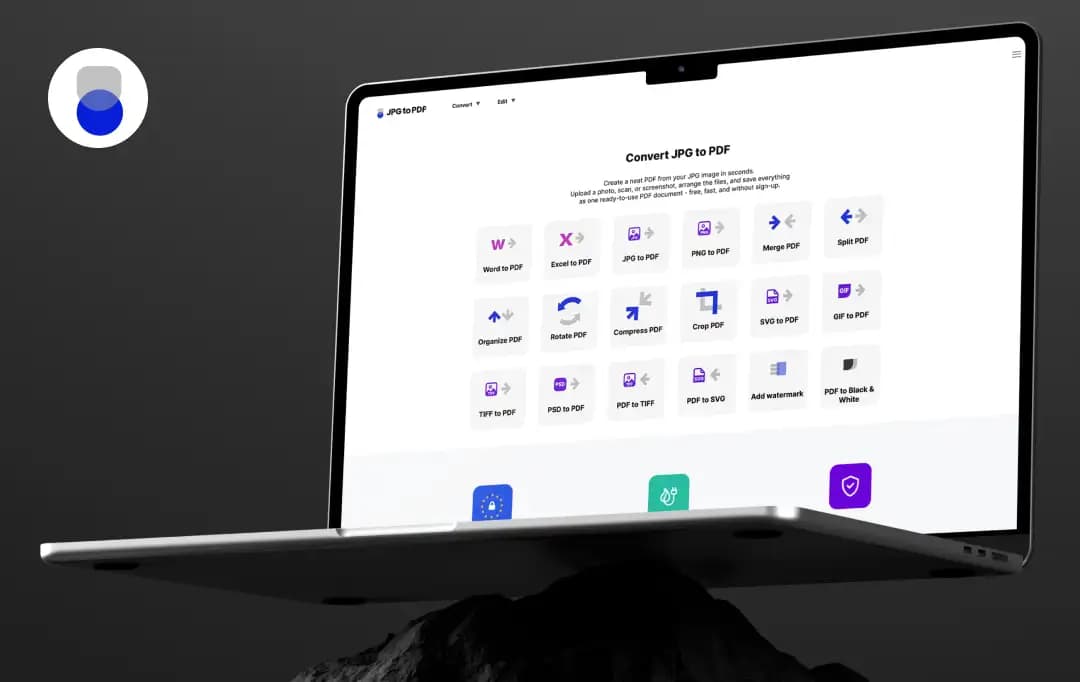
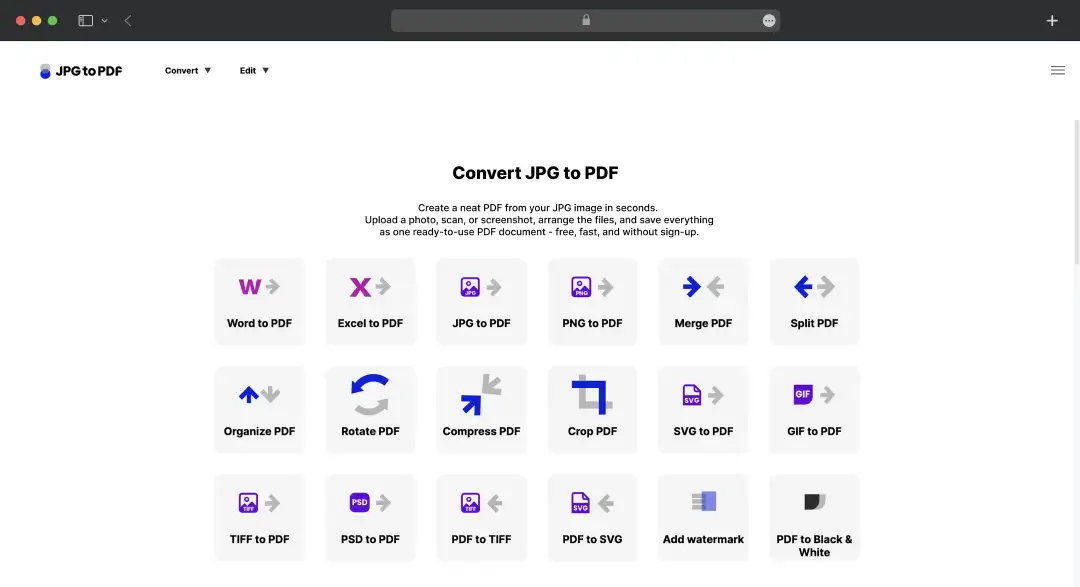
The most surprising thing about JPGtoPDF is its name. The platform does convert JPG to PDF, but that's one of 35-plus tools sitting under the same domain.
What sets JPGtoPDF apart isn't any individual conversion; every PDF tool can handle JPG to PDF. It's the breadth: a variety of tools, all free, all without registration, all running on the same upload-and-download workflow.
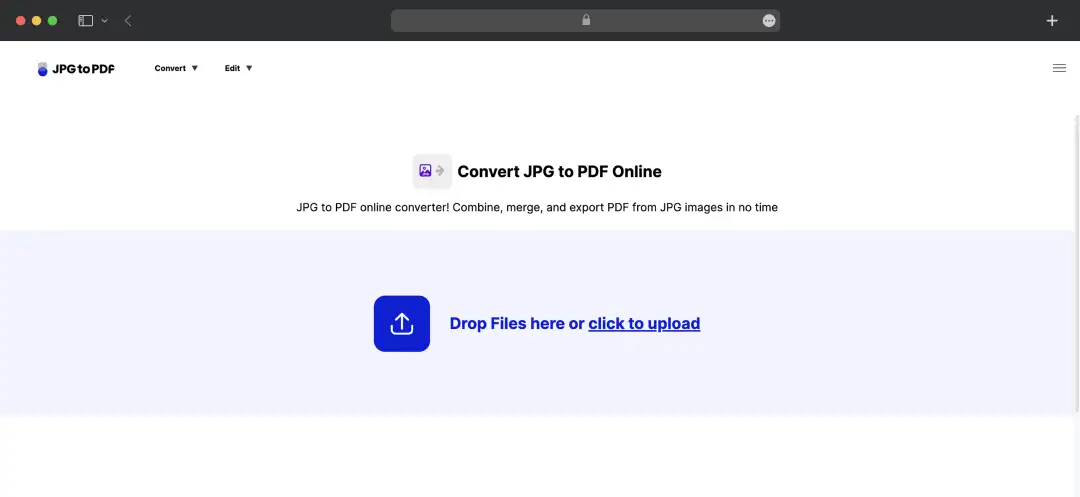
The platform deliberately doesn't try to be clever about it. No AI assistant, no dashboard, no account system, no upsells. This JPGtoPDF review walks through where that simplicity works, and where the absence of features starts to cost.
Pros and Cons of JPGtoPDF
Pros
- Wide format coverage, JPG, PNG, SVG, GIF, TIFF, PSD, BMP, and generic image inputs are all supported
- Reverse conversion is equally broad, including a working PDF to PSD converter that competitors often skip
- Files are automatically deleted within 60 minutes of upload, faster than most online PDF converter platforms
- GDPR-compliant and runs on renewable-energy servers, which matters for privacy- and sustainability-conscious users
- Genuinely free across every visible tool, with no upsell prompts or watermarked outputs
- Includes editing tools like Merge PDF, Split PDF, Compress PDF, and Add Watermark alongside conversion
- Works identically on desktop and mobile browsers, no app installation required
- Single unified workflow across 35+ tools means once you've used one, you've used all of them
Cons
- No published file size limit, leaving heavy users uncertain about whether their files will process
- No login or account system, so there's no way to save conversion history or queue large batch jobs
Key Features of JPGtoPDF
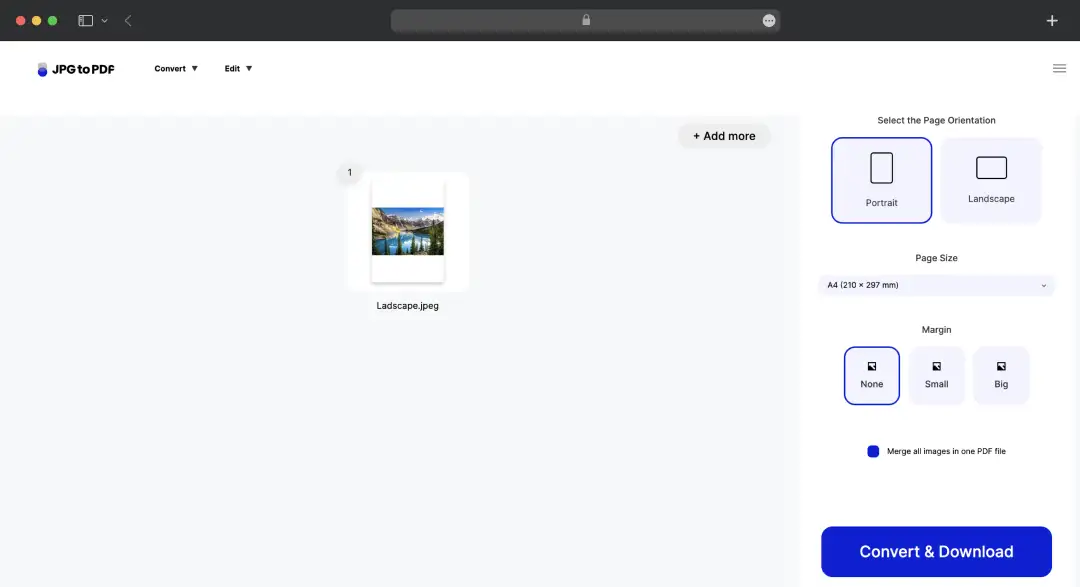
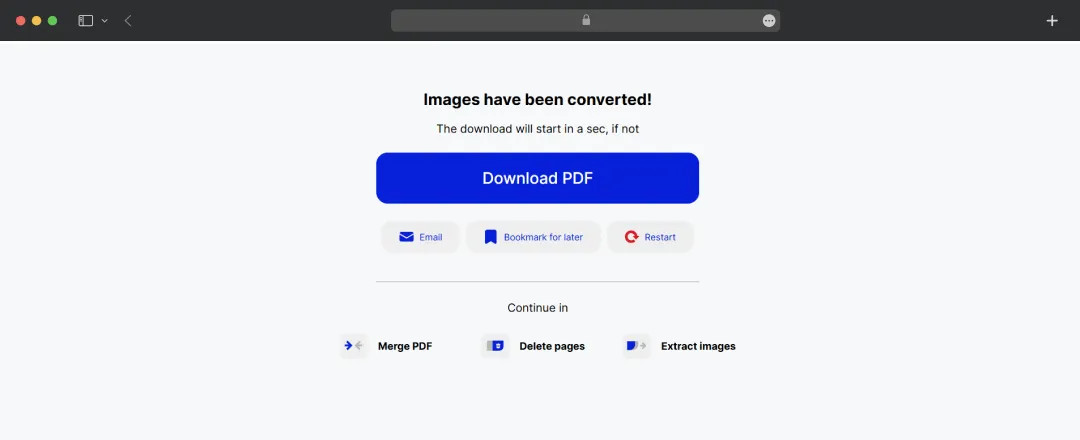
JPGtoPDF is built around the idea that PDF conversion should be one click, one upload, one download, with no friction in between. Here is a list of features that make this tool the ultimate ‘PDF Swissknife’-
1. Image to PDF Conversion Across 8 Formats
The image-to-PDF toolset handles JPG, PNG, SVG, GIF, TIFF, PSD, BMP, and generic image uploads, which covers virtually every consumer image format you'd realistically encounter. The JPG to PDF tool is the headline use case, but the SVG and PSD conversions are the quieter wins; most free PDF tools either skip these formats or charge for them.
2. PDF to Image Reverse Conversion
Every format that goes in also comes out. This includes all the converting tools, including PDF to JPG, PDF to PNG converter, PDF to SVG converter, PDF to GIF, PDF to TIFF converter, PDF to PSD, PDF to BMP, and generic image extraction. The PDF to PSD converter is genuinely useful for designers who need to extract document layouts into editable Photoshop files, and it's one of the few free tools in the category that supports it.
3. File-to-PDF Conversions for Office Formats
Along with letting you convert JPG to PDF online, the tool handles Word to PDF, Excel to PDF, HTML to PDF, EPUB to PDF, EML to PDF, ODT to PDF, and PDF to PDF/A. It also offers a PowerPoint to PDF converter.
The Office format conversions hold up well on standard documents and degrade somewhat on documents with complex formatting or embedded objects, which is consistent with how most browser-based converters perform.
4. PDF Editing Toolkit
Merge PDF, Split PDF, Delete Pages, Organize PDF, Add Page Numbers, Rotate PDF, Crop PDF, and Compress PDF cover the most common editing tasks. The Compress PDF tool reduces file size while keeping the document legible, and the Organize PDF tool lets you drag pages into any order before exporting, a feature that's surprisingly underbuilt on most free PDF platforms.
5. Add Watermark and Black & White Conversion
The watermark tool lets you add text or image watermarks to any PDF, which is genuinely useful for client deliverables and document branding. The Black & White conversion handles PDFs that need to be printed in monochrome or formatted for documents where colour isn't needed, reducing file size in the process.
6. PDF Image Extractor
The Extract Images tool pulls all embedded images out of a PDF and returns them as a downloadable archive. This is the feature that gets overlooked the most but earns its keep for anyone repurposing visual content from existing documents.
The PDF image extractor is also useful for designers pulling assets from a PDF brief, marketers extracting charts from a report, and students grabbing diagrams from a textbook.
7. 60-Minute File Deletion Policy
Every uploaded file is automatically deleted from JPGtoPDF's servers within 60 minutes, which the platform claims is the fastest deletion window in the category. For users handling anything more sensitive than casual personal documents, this matters; most online PDF editors and converters hold files for hours or days before purging them.
Understanding JPGtoPDF Pricing
JPGtoPDF's pricing is straightforward; the tool is free across every visible feature, with no published paid tier, no premium subscription, and no usage cap that triggers an upgrade prompt.
This image-to-PDF converter does not add a watermark to PDFs or any other output files, requires no email signup to download results, and doesn't gate any of its 35-plus tools behind a paywall.
For one-off conversions and routine personal use, the free model is genuinely compelling. For mission-critical or high-volume business workflows, the absence of a service-level commitment, an account system, or an API integration is the real cost.
Bonus Read: How to Combine PDF Files
Who JPGtoPDF Is For
JPGtoPDF works well across multiple use cases. It is a suitable JPG to PDF free tool for everyone, from students prepping assignments to business owners digitizing paperwork. Here's a quick breakdown of who uses it and why.
| Who It's For | Common Use Case |
|---|---|
| Students & Researchers | Converting scanned notes, textbook pages, or whiteboard photos into a single PDF for assignments or study guides |
| Freelancers & Small Business Owners | Turning phone photos of receipts, invoices, or signed contracts into shareable PDFs for clients or accounting |
| Job Seekers | Combining certificates, ID photos, or portfolio images into one polished PDF for applications |
| Real Estate Agents & Property Managers | Converting listing photos into PDF brochures or property condition reports |
| Anyone Digitizing Paperwork | Archiving old family photos, handwritten letters, medical records, or warranty cards as tidy, searchable PDFs |
| Teams & Remote Workers | Packaging screenshots or design mockups into a single file for quick review |
Customer Reviews
How was your experience with the product?