
PayPal Review: Great for Payments, But Is It Worth the Fees?
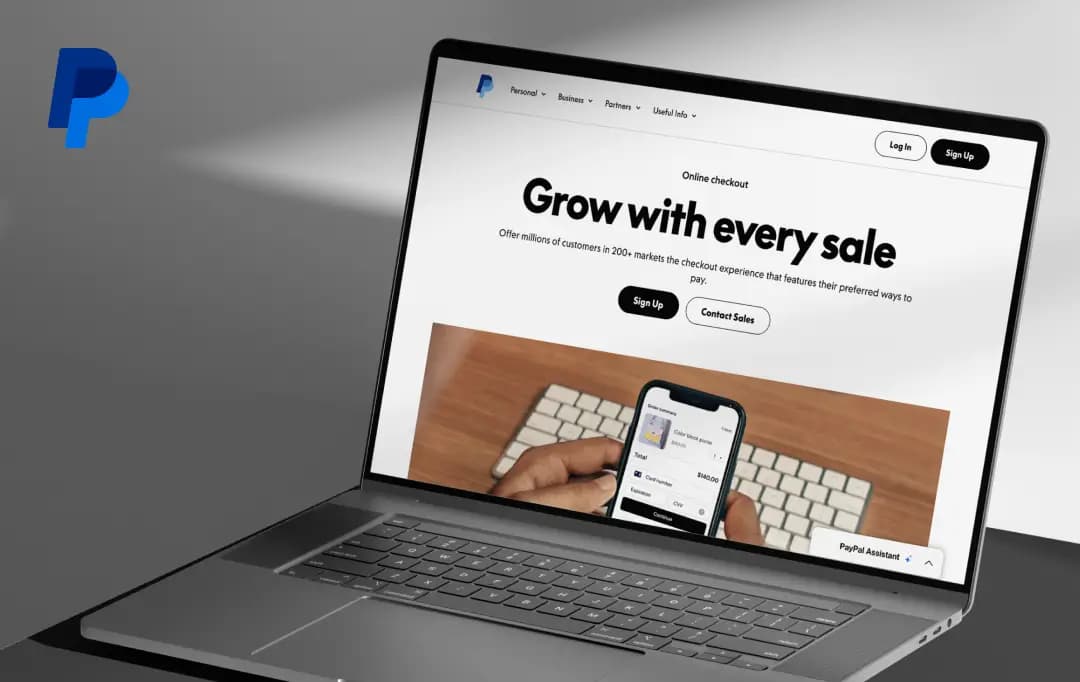
PayPal doesn't need an introduction; it's been the default way to move money online for over two decades, and roughly three in four Americans already have an account.
That's exactly what makes this review harder to write than most: the question was never "does PayPal work," it's "does PayPal still make sense" now that Apple Pay, Venmo, and a dozen buy-now-pay-later apps are fighting for the same checkout button.
Under CEO Enrique Lores, PayPal has spent the past year redesigning its app, pushing into AI-driven checkout through partnerships like Google's Universal Commerce Protocol, and trying to prove it's still the backbone of online payments rather than just one option among many.
This PayPal review tests that claim directly, walking through fees, security, business tools, and everyday usability to see whether PayPal has earned its place at the top, or is coasting on being first.
Pros and Cons of PayPal
Pros
- Instantly recognizable brand, which builds buyer trust at checkout
- Setting up a PayPal account and going live takes minutes, no developer needed
- Buyer and Seller Protection cushion most fraud-related disputes
- Built-in invoicing tools make it easy to bill clients directly from the platform
- Works in 200+ countries and supports 25+ currencies
- Venmo integration adds a strong peer-to-peer and younger-audience angle
- Wide acceptance across marketplaces, freelance platforms, and independent stores
Cons
- Fees run higher than several competitors, especially for cross-border transactions
- Account limitations and payment holds are a real and frequently reported issue
- Customer support can feel slow or automated for anything beyond the basics
- Refunded transactions still cost you part of the original fee
A Closer Look at Key Features of PayPal
Once you get past the login screen, PayPal's feature set is broader than most people give it credit for. It's not just a send money button anymore; it's grown into a fairly complete digital payment solution with tools for individuals, freelancers, and full-scale businesses. Below are the features that stood out the most while testing the platform for this review.
1. Fast, Familiar Checkout (4.2/5)
The classic "Pay with PayPal" button is still the platform's biggest strength. Buyers don't need to create an account or hand over card details to an unfamiliar site; they just log in to their existing PayPal account and confirm.
For sellers, this familiarity often translates into fewer abandoned carts, since customers trust the PayPal name even on smaller, lesser-known stores.
2. Online Invoicing (4.1/5)
Creating and sending a PayPal invoice is one of the more underrated parts of the platform. You can build a professional-looking invoice, add line items, set due dates, and send it directly to a client's email in a couple of minutes.
For freelancers and small businesses that don't want to invest in separate online invoicing software, this alone can justify keeping a PayPal account active.
3. Buyer and Seller Protection (4.0/5)
Security is where PayPal tries hardest to differentiate itself. Purchase Protection covers buyers if an item never arrives or isn't as described, while Seller Protection covers unauthorized transactions and non-delivery claims on the seller's side.
It's genuinely reassuring for secure online payments between two parties who've never dealt with each other before; just know going in that Seller Protection has specific eligibility rules and doesn't cover every dispute type.
4. Venmo and P2P Payments (4.3/5)
Because PayPal owns Venmo, there's a natural bridge between formal business payments and casual peer-to-peer transfers. This matters more than it sounds; it means PayPal isn't only positioned as an online payment platform for commerce, but also as the everyday app people already use to split a dinner bill or pay back a friend.
5. Pay in 4 and Business Financing (4.4/5)
PayPal's Buy Now, Pay Later option (Pay in 4) lets customers split purchases into installments without the seller taking on extra credit risk.
On the business side, PayPal Working Capital offers merchants access to funding based on their payment history, which can be a useful cushion for businesses that don't want to go through a traditional loan application.
6. International Payments (4.5/5)
For freelancers or businesses dealing with overseas clients, PayPal's global reach is hard to ignore; it works across 200+ countries and supports payments in more than 25 currencies.
It's convenient, but it's worth budgeting for the currency conversion markup, which is where a chunk of the hidden cost usually shows up.
7. Stablecoin and Agentic Payments (PYUSD) (4.3/5)
This is the newer, more experimental side of PayPal that's picked up momentum through 2026. PayPal's dollar-backed stablecoin, PYUSD, is now available across dozens of markets and is being positioned as the settlement layer for AI-driven “agentic commerce”, essentially, automated transactions handled by AI agents rather than a human clicking checkout.
It's not something most everyday users will interact with yet, but it signals where PayPal is placing its long-term bets.
PayPal Open: The Feature Nobody Talks About Enough
Most PayPal reviews conveniently skip over how using this app as a business feels like a cluttered store where every product was kept in a different room. PayPal Open is PayPal's answer to that mess.
Launched in 2025 and still rolling out into more markets through 2026, PayPal Open brings the platform’s full range of payment and growth capabilities together under a single platform built to support merchant ambitions.
So what does PayPal Open actually offer once you're inside it? Here's what stood out:
| Feature | Description |
|---|---|
| Unified Dashboard | Brings all PayPal products, payments, financing, risk tools, and growth features into one centralized dashboard instead of scattered menus. |
| Built-in Customer Network | Gives merchants access to PayPal's global network of hundreds of millions of active accounts, including Venmo users. |
| Global Currency Reach | Supports transactions in 140+ currencies across 200+ markets, making cross-border commerce much easier. |
| Flexible Checkout | Lets customers pay using their preferred payment method, helping reduce cart abandonment and improve conversion rates. |
| AI-Driven Insights | Provides sales and performance analytics that help merchants identify opportunities to optimize growth. |
| Developer-Friendly Platform | Integrates with existing third-party tools and developer workflows instead of locking businesses into a closed ecosystem. |
| Access to Capital | Offers business financing along with debit and credit options to help improve cash flow and fund growth. |
| Expanding Availability | Currently available in the U.S., UK, and Germany, with additional market rollouts planned through 2026. |
Who Is PayPal For?
PayPal’s flexes depend on who's using it; a student splitting rent looks for something completely different than a store owner shipping orders overseas. Here's a quick breakdown of who tends to get the most out of it, and who might want to look elsewhere.
| User Type | Why PayPal Fits |
|---|---|
| Freelancers | Send professional invoices, get paid by international clients, and track payments without extra software. |
| Small business owners | Quick setup, no monthly fee, and instant buyer trust at checkout without building payment infrastructure. |
| E-commerce sellers | Wide global reach, multiple currencies, and buyer/seller protection that reduces dispute-related losses. |
| Freelance marketplace users | Widely accepted on platforms like Upwork, Fiverr, and Etsy for smooth, familiar payouts. |
| Casual/personal users | Easy peer-to-peer transfers via PayPal and Venmo for splitting bills or paying friends. |
| Nonprofits | Discounted transaction rates for approved charities, plus simple donation collection tools. |
| Enterprise businesses | Access to PayPal Open's unified platform, custom integrations, and large-scale payment infrastructure. |
| High-volume international sellers | May find fees add up quickly, so it is worth comparing against Stripe, Wise, or Payoneer before committing fully. |
Understanding PayPal Pricing / Fee Structure
PayPal doesn't charge a monthly subscription fee for a standard account, which makes it feel free on the surface, but the real cost lives in the per-transaction fees, and those add up faster than people expect, especially on international or card-funded payments.
Here's how the pricing generally breaks down for a personal or business account in the US.
| Transaction Type | Typical Fee |
|---|---|
| Friends & Family (funded by balance/bank) | Free |
| Friends & Family (funded by card) | 2.9% |
| Standard domestic goods & services payment | 2.99% + $0.49 |
| PayPal Checkout / Invoice payment | 3.49% + $0.49 |
| Micropayments (best for sales under $10) | 4.99% + $0.09 |
| International payments | +1.5% cross-border fee |
| Currency conversion | 3–4% above market exchange rate |
| Instant transfer/withdrawal | 1.5% (min. $0.50) |
| Nonprofit rate (standard) | 2.89% + $0.49 |
| Nonprofit rate (approved charity) | 1.99% + $0.49 |
Note: PayPal periodically adjusts its fee structure, so it's worth double-checking the exact rate on PayPal's official pricing page before finalizing a decision based on this table.
Customer Reviews
How was your experience with the product?