
Animaker Review: Features, Pricing, and Alternatives
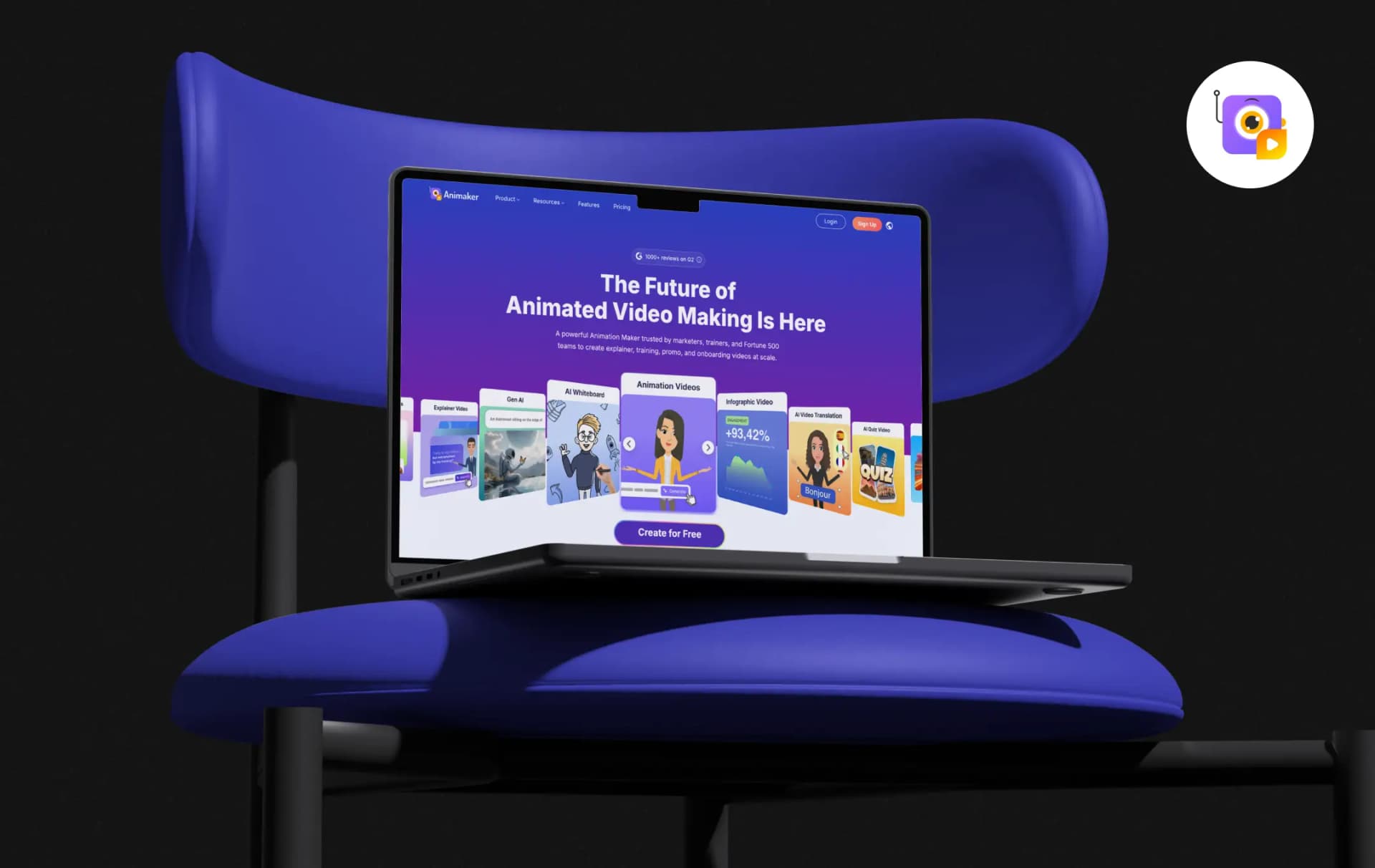
Most people who need a video don’t know how to animate one. Animaker is built for exactly that gap. It runs in the browser (with iOS and Android apps too) and turns a text prompt into a finished animated video, complete with characters, voiceover, lip sync, and transitions.
It’s also not a small player. Animaker says it has over 35 million users, and brands like Amazon, Visa, McDonald’s, and Unilever appear on its customer list.
So is it worth your time?
This Animaker review covers what the tool does, where the free plan stops and the paid plans begin, how the AI video generator works in practice, and how Animaker stacks up against alternatives like Renderforest. Marketer, trainer, HR lead, or someone putting together a birthday video, you should come away knowing whether it suits you.
Pros and Cons of Animaker
Pros
- Generates a full animated video (scenes, characters, voiceover, and lip sync) from a single text prompt
- Advanced Edit gives manual control over characters, text, music, and more after generation
- Four Gen AI styles: cinematic, 3D, 2D vector, and realistic
- Large library: 100M+ stock media, 70K+ icons, 30K+ music tracks, and stickers
- Custom character builder, AI subtitles (130+ languages), and 1,800+ AI voices (200+ languages)
- Web, iOS, and Android access
Cons
- Free plan exports carry the Animaker watermark
- Generative video is metered in seconds per month
- 4K exports, live collaboration, and the Brand Kit sit with the Enterprise plan
Key Features of Animaker
Animaker pitches itself as a full video-making suite, not a single-purpose generator. It covers animation, whiteboard and infographic videos, AI voices, subtitles, and translation in one workspace. These are the features that matter most.
1. AI video generator (text to video) (4.5/5.0)
You pick a category, type a prompt in plain language, or choose a sample prompt, and Animaker generates the whole video. It supports 30+ video categories, from explainers and product demos to invites and wishes.
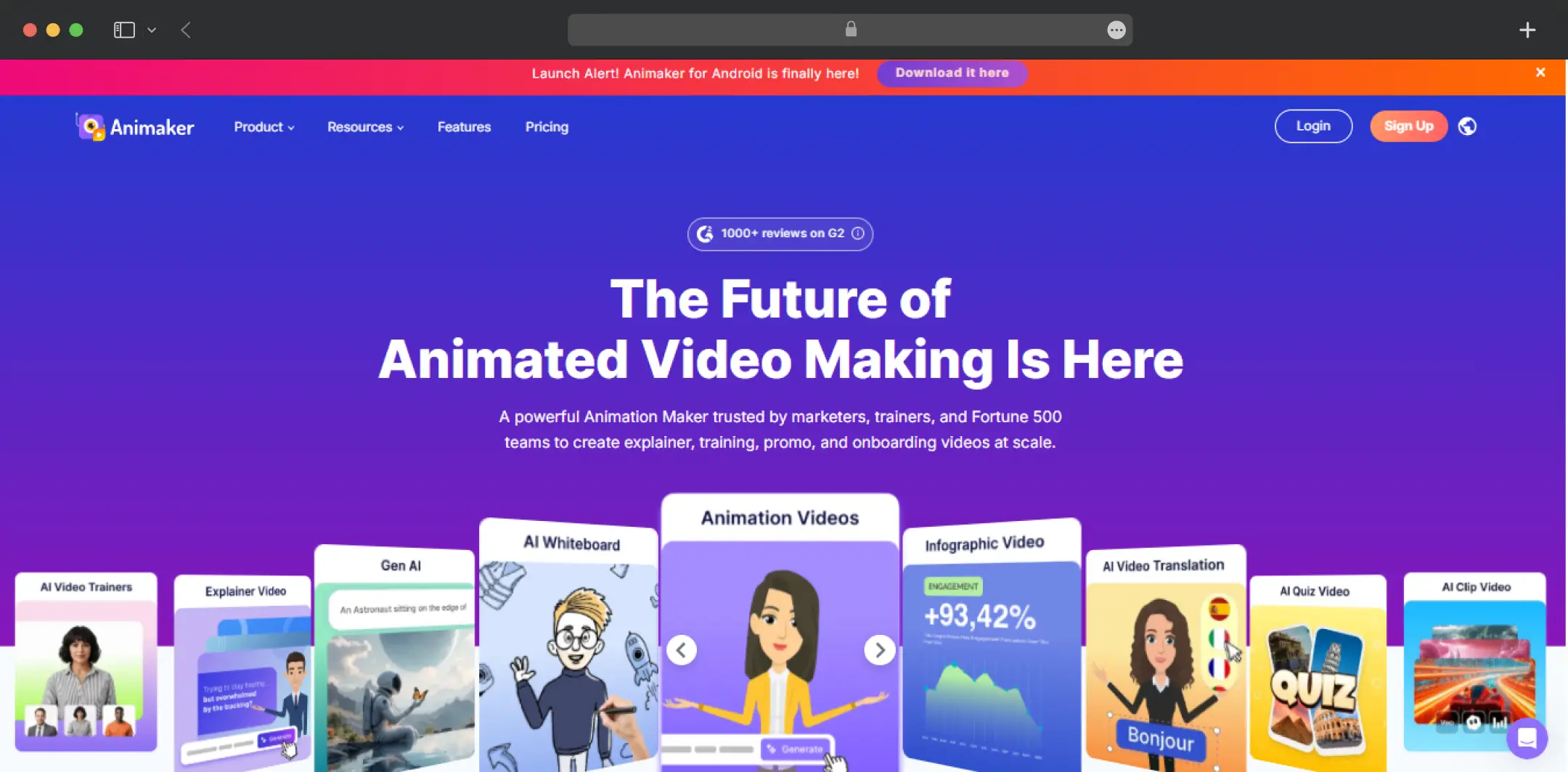
Under the Gen AI option, there are four visual styles: cinematic, 3D, 2D vector, and realistic. This is one of the best AI video generators that lets you switch the generative type to “Image” and generate images from prompts, which makes it useful as an AI animation generator beyond video.
2. Advanced Edit (4.5/5.0)
AI output is rarely final, so the editing layer matters. After generation, Advanced Edit lets you change characters, text, music, and other elements by hand.
There is also a type-your-instruction editing mode where AI handles anything from small tweaks to larger changes. This is where this AI animation video generator moves from a one-click generator to something a team can use for polished work.
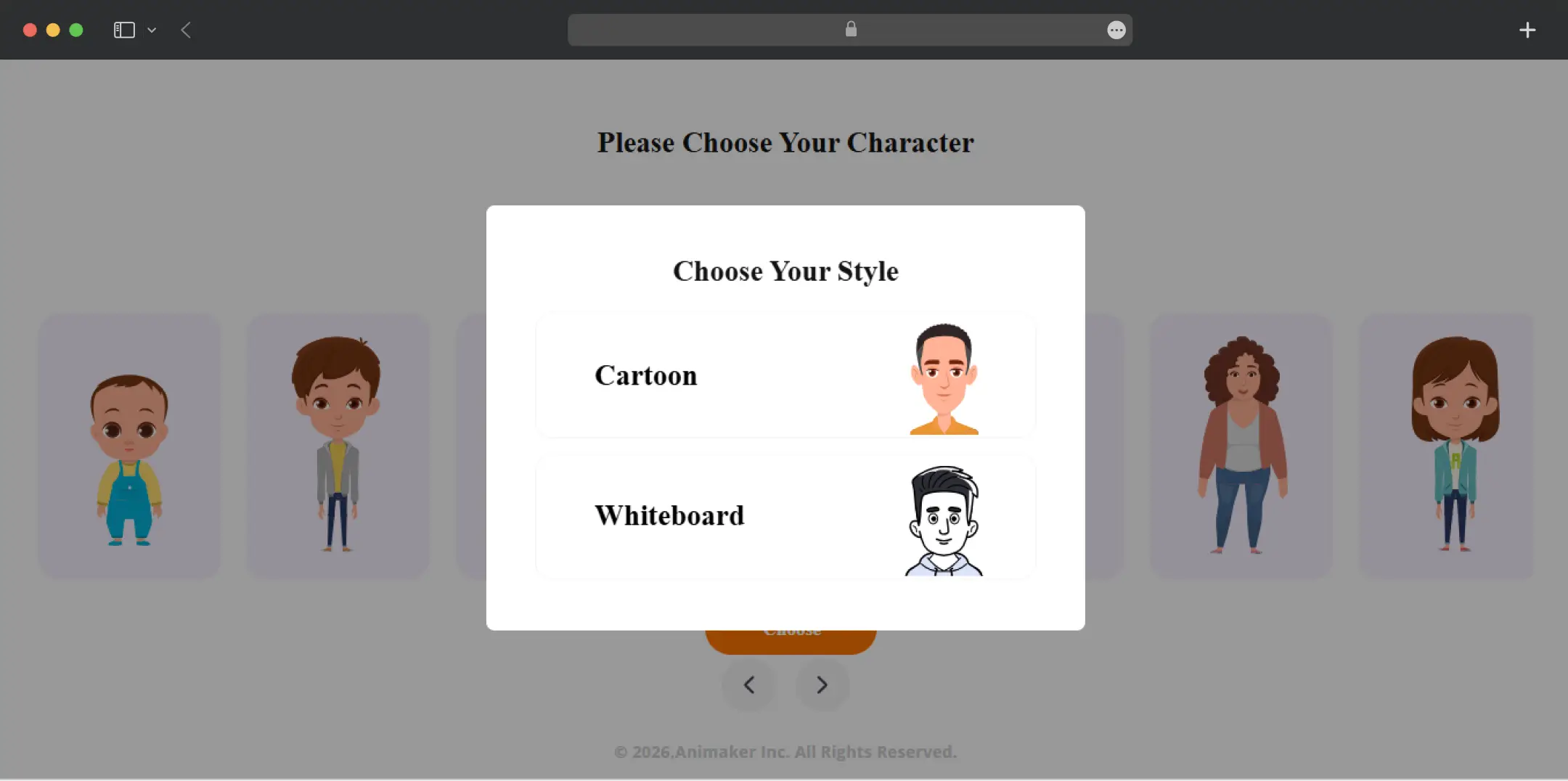
3. Custom character builder (4.4/5.0)
This AI animation generator lets you build characters from scratch, so a brand can have its own recurring mascot or a presenter that resembles a real person. The site claims this can produce billions of unique characters. The number of custom characters you can build depends on your plan.
4. AI voiceovers (4.1/5.0)
The built-in AI voice generator converts text to speech with 1,800+ voices across 200+ languages and accents. You can adjust tone and speed, and narration syncs automatically with your scenes. Voice downloads are also available as a standalone Voice product.
5. AI subtitles and AI translate (4.2/5.0)
Subtitles are generated automatically in 130+ languages, with 99% accuracy claimed by the company. A separate AI Translate feature converts Animaker-made videos into 100+ languages in one click. For training and marketing teams working across regions, this saves a lot of rework.
6. Templates, assets, and specialized video types (4.5/5.0)
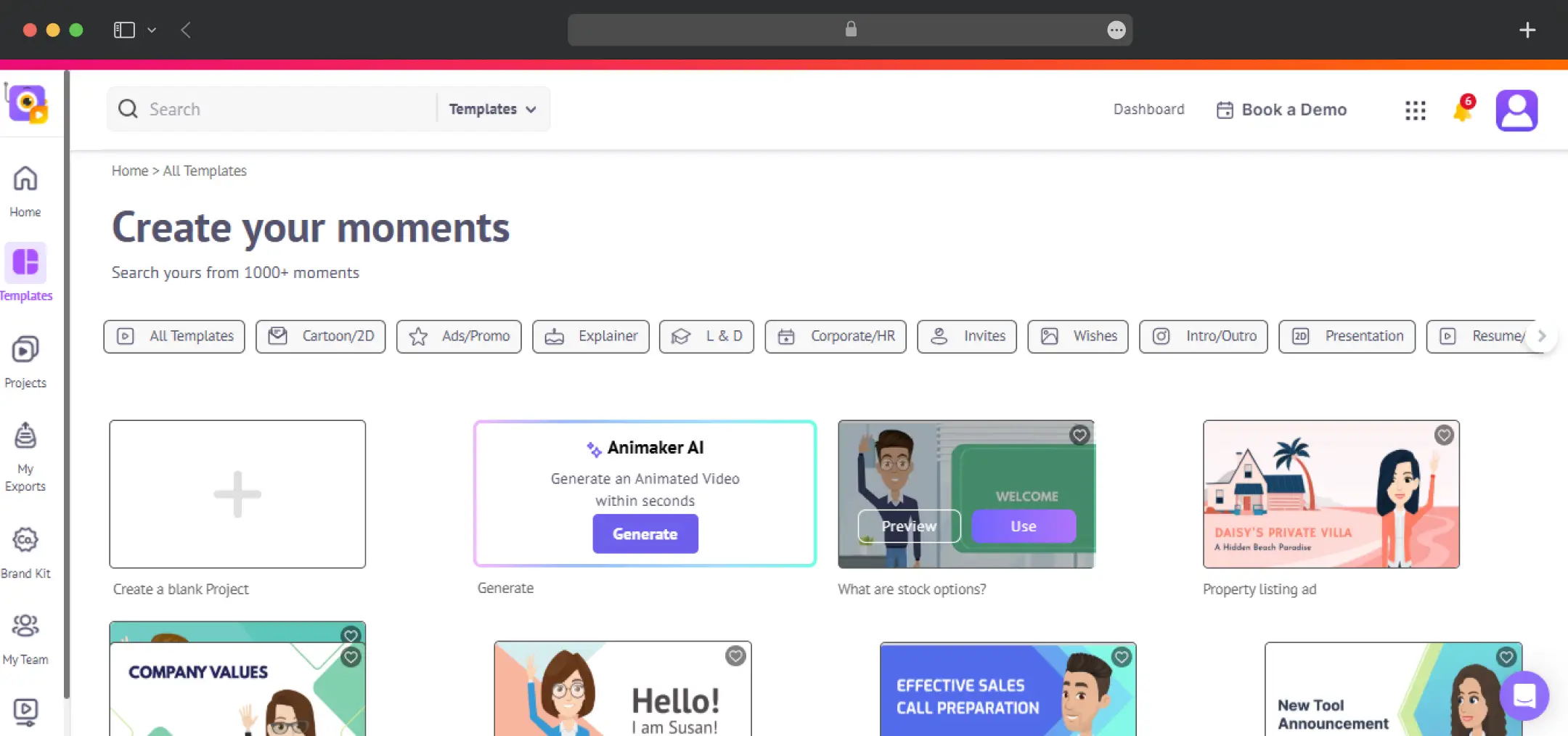
There are thousands of templates, plus whiteboard, infographic, 2D, cartoon, and text animation tools. The asset library includes 100M+ stock media items, 70K+ icons, and 30K+ music tracks and stickers. Other tools on the site include a PPT to Video converter, an AI Script Generator, an Avatar Maker, and an Image to Video generator.
Bonus Read: Best Photo Animation Apps
How Does Animaker Work?
Getting started takes a few minutes. After you sign up on Animaker’s official website or go through the Animaker login on the official website (or the iOS and Android apps), the process runs in four steps.
1. Enter your video idea or prompt
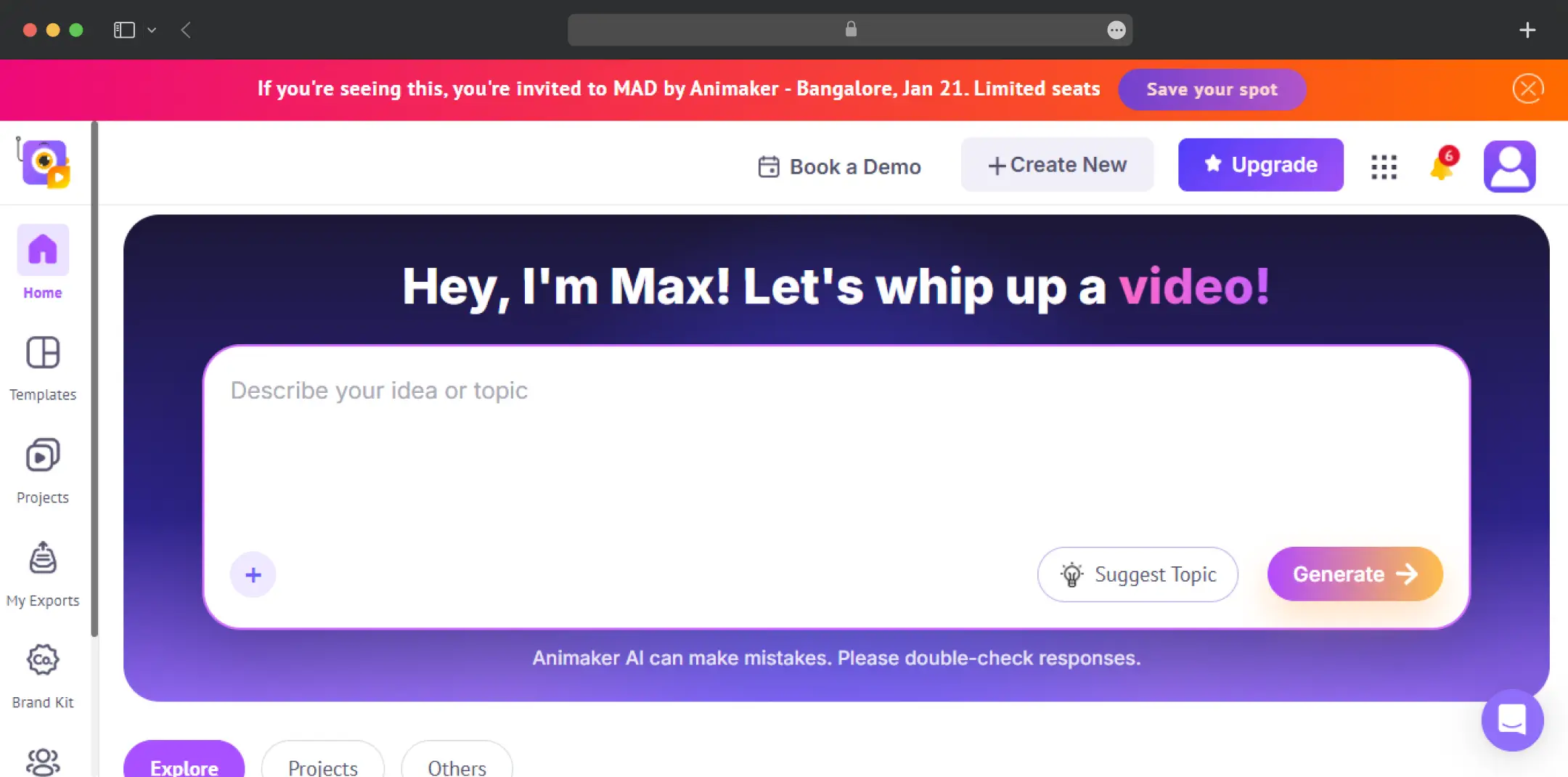
Choose a category such as explainer, educational, intro or product demo. Type your idea in plain language or pick a sample prompt. No scripting experience is needed.
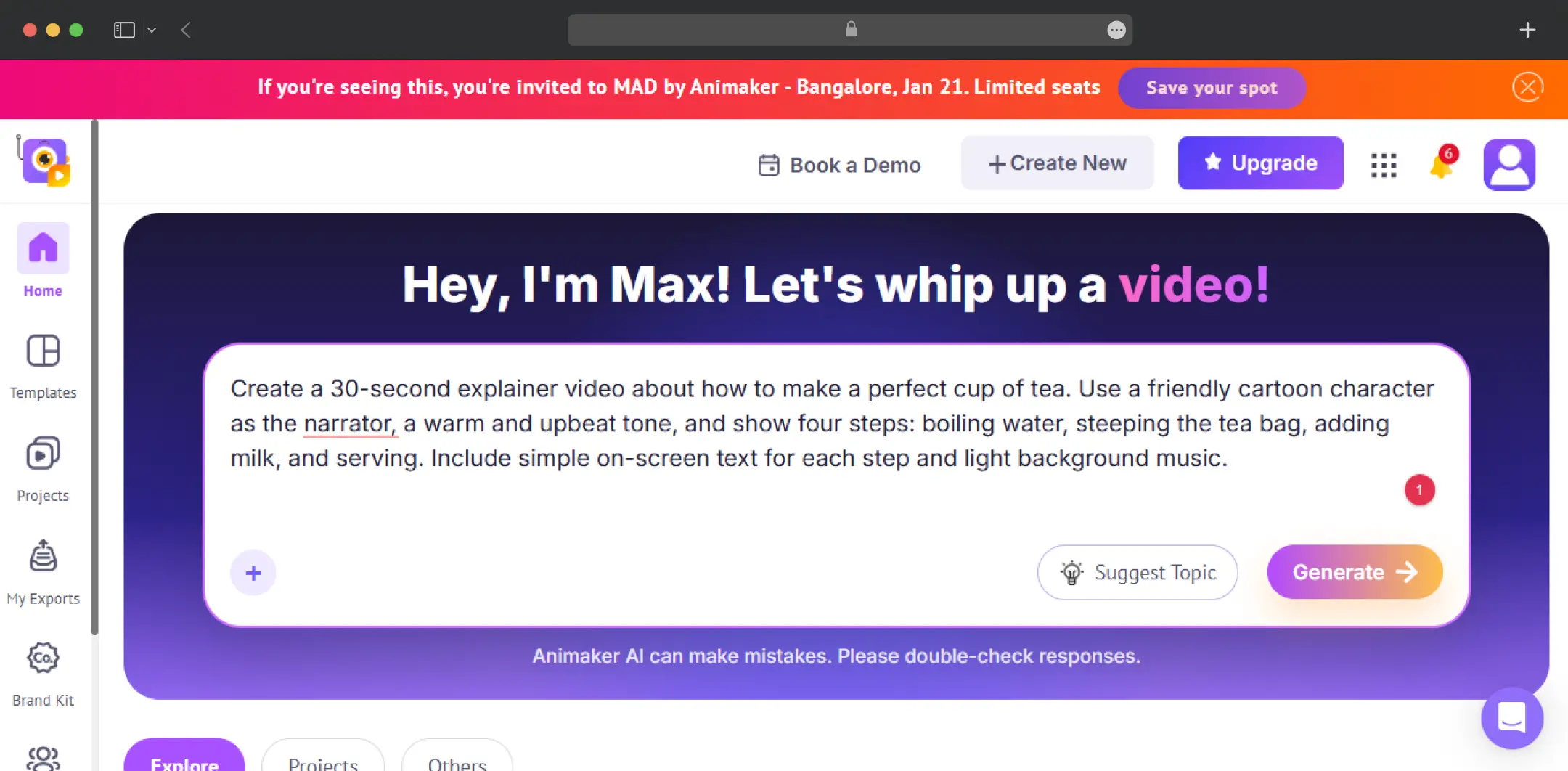
2. Build a conversation with the AI
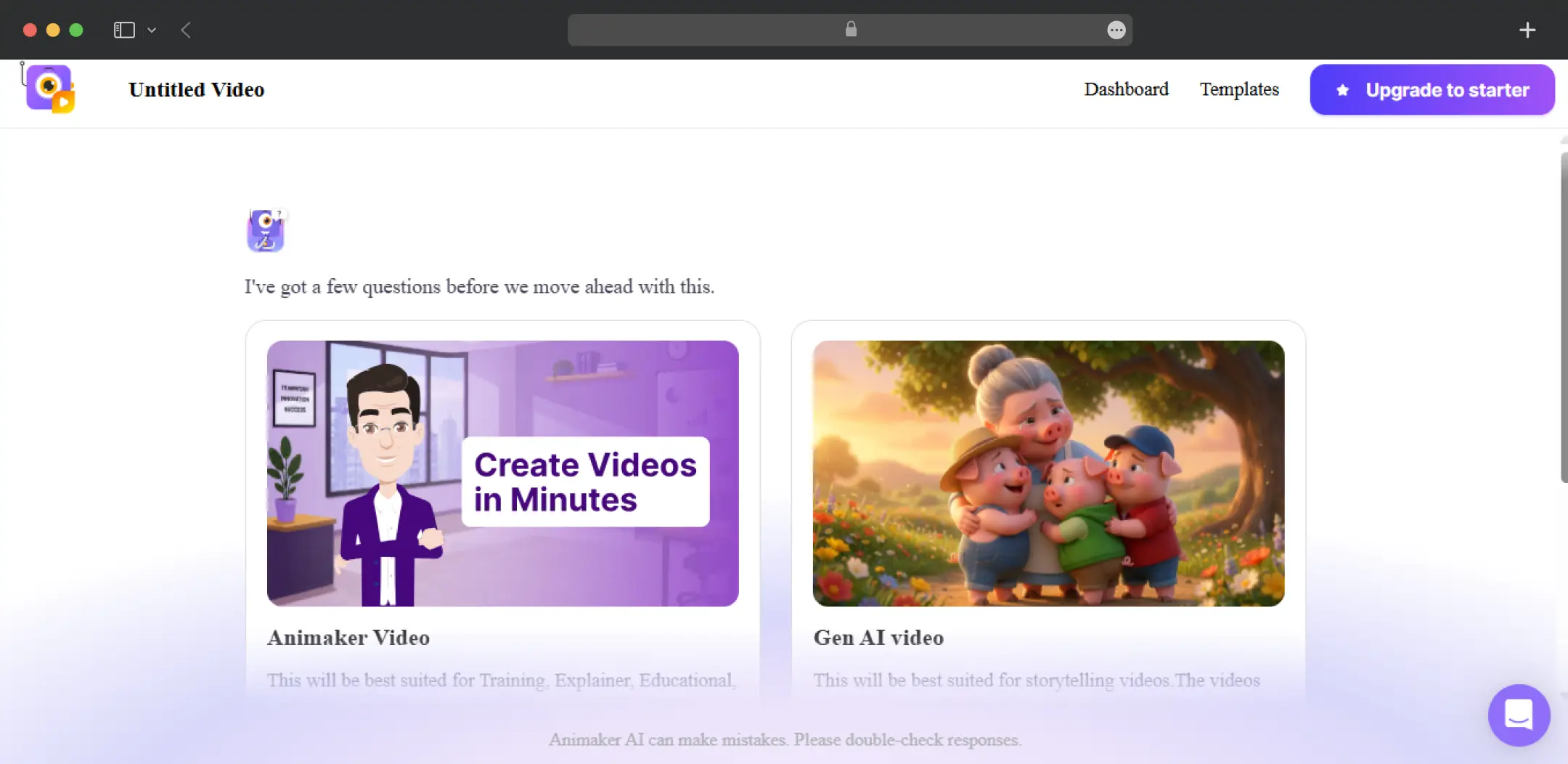
Animaker AI asks follow-up questions so it understands what you want before it generates anything.
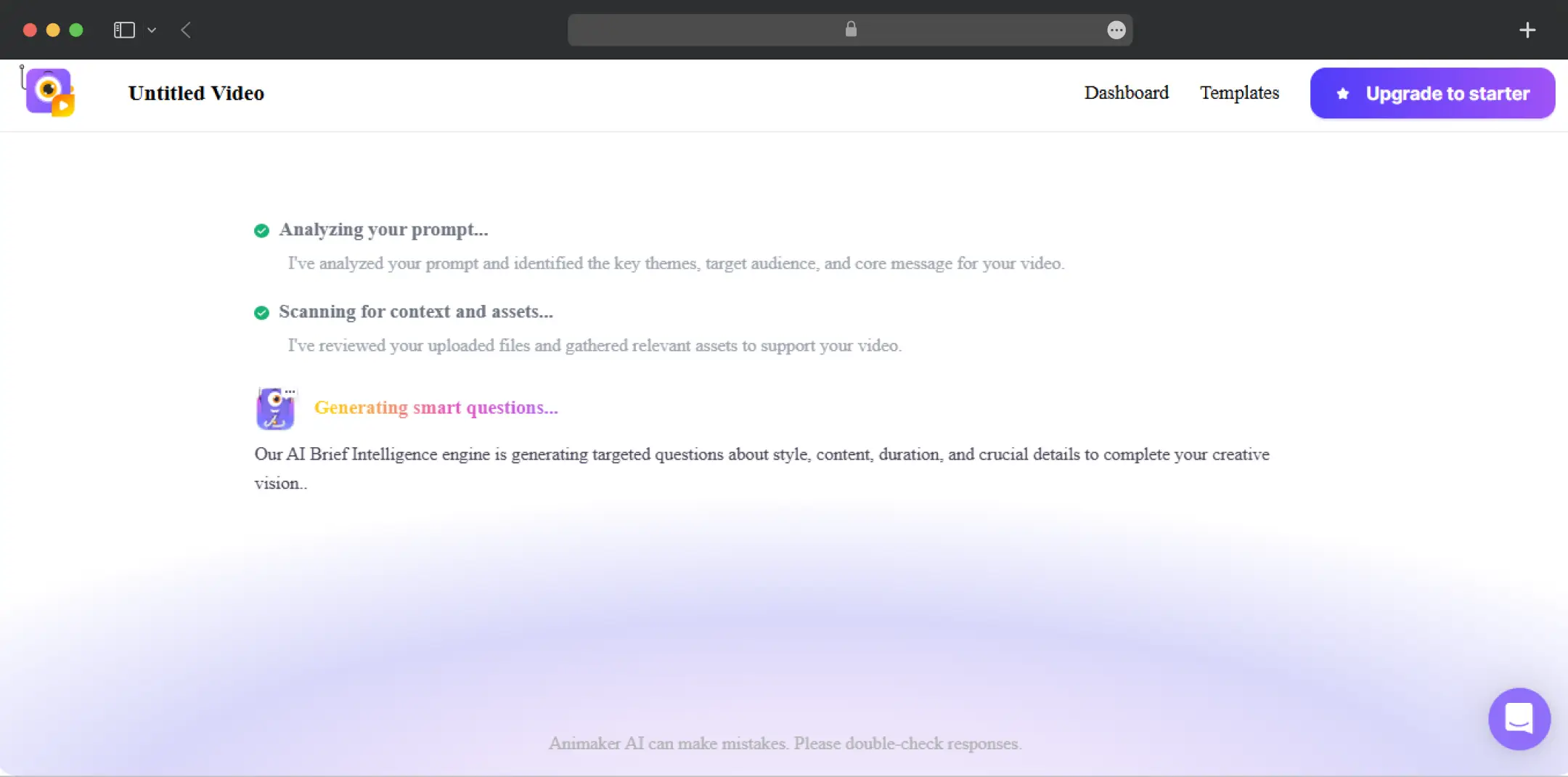
3. Refine the video
The AI produces the complete video with scenes, characters, voiceover, lip sync, and transitions. Open Advanced Edit to fine-tune any element.
Also Read: Free AI Avatar Generators
Animaker Pricing
Animaker’s free plan lets you create and download animated videos using the animation tools, a limited selection of premium assets, and watermarked exports. It is enough to learn the interface, but not enough for client or brand work, because the watermark stays on.
According to the Animaker pricing page, the paid plans work like this:
| Plan | Price (Billed Annually) | What It Includes |
|---|---|---|
| Free | $0 | Basic animation tools, limited premium assets, watermarked exports |
| Basic | $27/mo | Most affordable paid tier, with watermark-free exports |
| Starter | $45/mo | 3,000 AI video credits/mo, 10 premium downloads/mo, 90 seconds of generative video/mo, 200 Gen AI asset credits/mo, 15-minute video length, Full HD quality, whiteboard animations, premium music library, AI tools (background removal, resize, Stickerify), and AI subtitles |
| Pro | $79/mo | Everything in Starter, plus 5,000 AI video credits/mo, 30 premium downloads/mo, 180 seconds of generative video/mo, 300 Gen AI asset credits/mo, 30-minute video length, 2K quality, commercial rights, version history, multiple download formats, 2FA, and custom fonts |
| Enterprise | Custom pricing | Unlimited premium downloads and video length, 4K quality, commercial and reselling rights, live collaboration, Brand Kit, team licenses, AI Video Translate, 2FA and SSO, company-wide shared library, account manager, and onboarding program |
Annual billing saves up to 45% compared with monthly. Plans can be changed or cancelled from the My Plan section of your account, and a cancelled plan stays active until the end of the billing period. Every plan includes SSL encryption, ISO/IEC 27001, and GDPR compliance.
There is also a 7-day free trial that unlocks HD exports, 100M+ premium assets, 750 minutes of auto-subtitle generation per month, 30K+ premium music tracks, and 100 text-to-speech conversions per month.
*As of October 2026, Animaker is also running a discount on its paid plans, billed annually.
Customer Reviews
How was your experience with the product?
Also Reviewed By Us