
Meta AI Review: Features, Pricing, and How It Compares With ChatGPT
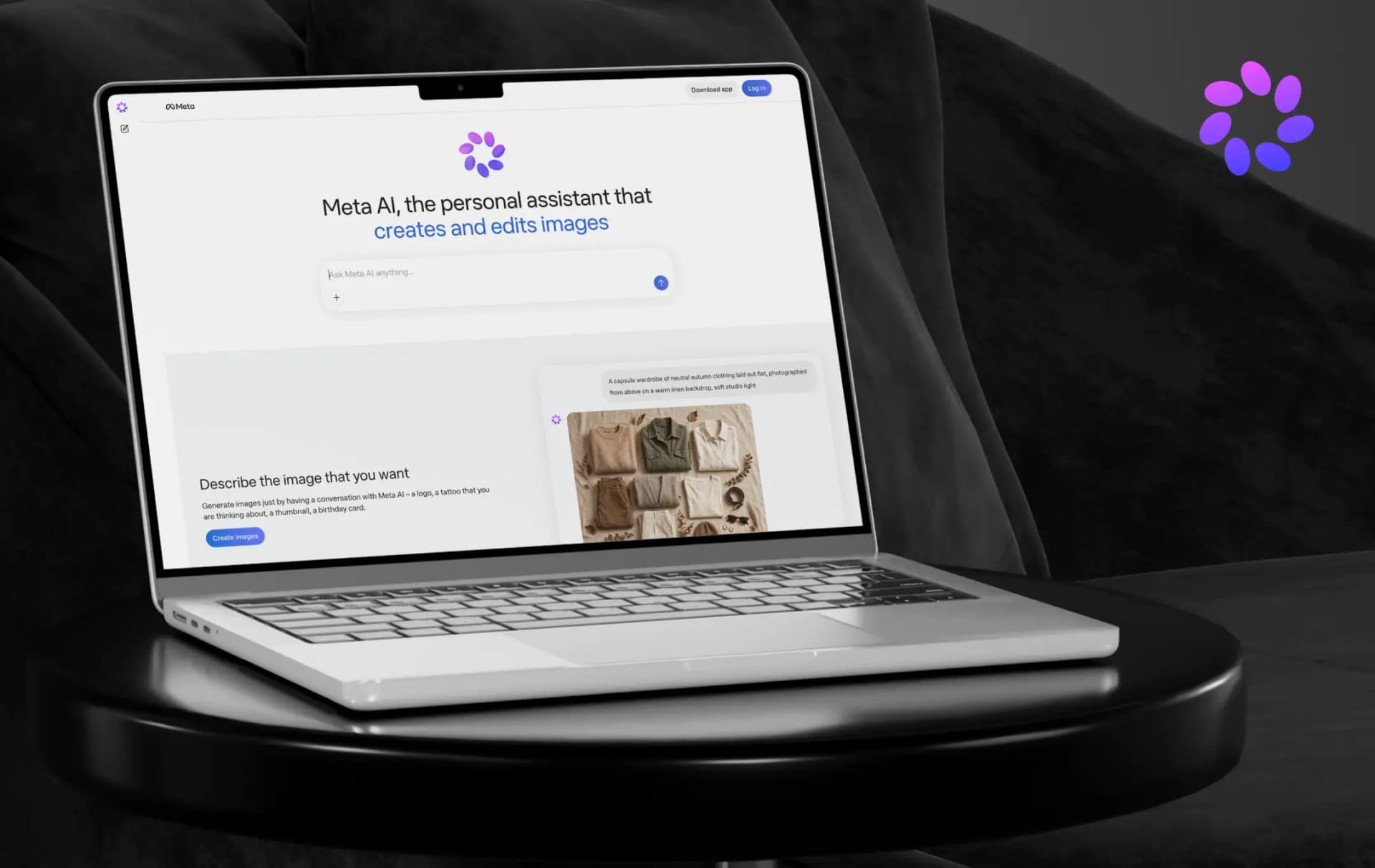
Meta AI wants to be the assistant you already have open, whether you’re in WhatsApp, Instagram or its own app. That’s an easy promise to make when you reach billions of people and a harder one to keep, so I went through Meta’s newsroom posts, its app listing, and its subscription announcement to see where it holds up.
What began as a chat box inside Meta’s apps is now a standalone Meta AI app and website, built on Muse Spark, the first model from Meta Superintelligence Labs.
The Meta AI chatbot now plans tasks, connects to email and calendars, generates images, and runs on Meta’s AI glasses. That reach is the appeal. It also raises the question every assistant bundled into a social platform faces: is it built to help you or to keep you inside Meta’s ecosystem?
Here’s my full Meta AI review, covering what it does, what’s free, what costs money, and how it compares with ChatGPT.
Pros and Cons of Meta AI
Pros
- Free for everyday use, and Meta says the core experience stays free
- One assistant across the app, web, WhatsApp, Messenger, Instagram, Facebook and AI glasses
- Takes action: daily briefings, reminders, research reports and slides
- Image creation with presets, sketch-to-edit and legible text in images
- Voice in 13 languages and Live AI that answers questions about what your camera sees
Cons
- Many features launch in select countries and languages first
- More image and video generation sits behind paid Meta One plans
- Newer task features arrived in select markets before wider rollout
Meta AI Assistant Features and Capabilities
The headline claim is that Meta AI doesn’t just answer questions. The Meta AI assistant features and capabilities below cover how it thinks, what it can do for you, and how you can create with it. Here’s a list of features that make Meta one of the most trusted AI chatbots in the market.
1. Instant and Thinking modes
Muse Spark gives the app two ways to work. Instant handles quick questions, while Thinking reasons step by step through harder ones. Meta says it can also launch multiple subagents in parallel to work on a single question.
2. Tasks it follows through on
Meta AI can give you a daily briefing from your calendar, send reminders and run scheduled tasks you set up once. You can connect your email and calendar, and ask for a research report in minutes. While it works on a report or plan, you can steer it in real time, and everything it creates is kept in one place to revisit or share.
3. Meta AI image generator
The Meta AI image generator runs on Muse Image, which launched in July 2026. You can start from presets, sketch or circle changes directly on a photo, and keep refining across turns. Meta says it renders legible text, and it adds an invisible Content Seal watermark so images can be verified as AI-made.
4. AI video generation tool
Meta previewed Muse Video alongside Muse Image, with native audio support. It listed video generation among the Meta AI capabilities that get more usage on its paid Meta One plans. Meta described Muse Video as “coming soon” at its July announcement, so confirm availability in your country.
5. Voice and Live AI
Voice conversations support 13 languages, and Meta says you can interrupt, switch topics or swap languages mid-chat. Live AI adds camera input, so you can point your phone at something and ask about it.
6. Shopping and local discovery
Shopping mode searches Facebook Marketplace listings near you alongside options from the wider web, with a map. You can also snap a photo of a room and ask for a redesign using real products, or ask for local restaurant ideas drawn from reviews and posts.
7. Files and business tools
You can upload documents, PDFs, and spreadsheets for summaries or comparisons, including several files at once. Business users can link an Instagram professional account, Meta Ads Manager, and Google Workspace so Meta AI can analyze content and ad performance.
How Does Meta AI Work
Getting started takes only a few minutes, and the same assistant follows you across Meta’s apps. Here’s the sequence.
1. Meta AI app download
Get it from the App Store (iOS 17.2 or later) or Google Play, or open meta.ai in a browser. It’s also built into WhatsApp, Messenger, Instagram and Facebook.
2. Pick your mode
Use Instant for quick answers, or switch on Thinking when the question needs step-by-step reasoning.
3. Ask in whatever format suits you
Type, talk, snap a photo or upload a file, and Meta AI works from there.
4. Create and refine
Start an image from a preset or your own prompt, then sketch or write changes right on top of it.
5. Set up tasks once
Connect your email and calendar, then ask for a daily briefing, a recurring plan or a research report.
6. Go private when you need to
Incognito Chat gives you a temporary conversation that only you can see.
Meta AI updates arrive fast. The App Store’s version history shows more than 20 releases since early June 2026, and the changes run from a redesign and Incognito Chat to image upgrades and scheduled tasks.
Bonus Read: Best Generative AI Tools
Meta AI Pricing
Those capabilities are why pricing matters. Meta says the core experience across its apps and Meta AI will stay free and treats the free virtual assistant side as its default. Paid plans exist for people who want more usage of the heaviest features, mainly image and video generation.
1. Personal Plan
| Plan | Price | What You Get |
|---|---|---|
| Meta AI App and meta.ai | Free | Everyday use of the assistant. The App Store lists it as free with in-app purchases. |
| Meta One Core | $7.99/month | More image and video generation with Meta AI, plus more use of Instagram creative tools. |
| Meta One Premium | $19.99/month | Everything in Core, with the most room to create with Meta AI. |
2. Creator Plan
| Plan | Price | What you get |
|---|---|---|
| Essential | $14.99/month per profile | Entry creator plan. Includes optimized search, custom chat themes, extended insights history, an enhanced profile, follow invites, Facebook Feed features and an enhanced linksheet. |
| Advanced | $49.99/month per profile | Everything in Essential, with links in posts and Reels added. Part of the creator and business tier with the professional toolkit (verified badge, scheduling, advanced analytics). |
| Expert | $149/month per profile | Higher-capacity professional plan with expanded access to Meta Business Agent for customer replies, plus the scheduling and analytics tools. |
| Max | $499/month per profile | Top tier, described by Meta as built to “scale your operations with full creative command.” Secondary reports add shared access for up to 30 people and the highest posting capacity. |
3. Business Plan
| Plan | Price | What you get |
|---|---|---|
| Essential | $14.99/month per profile | Entry business and creator plan. Includes a verified badge, impersonation protection, a verified WhatsApp Business app channel (all pending verification), an enhanced profile showing website, locations and reviews, and more access to Meta Business Agent for 24/7 customer replies. |
| Advanced | $49.99/month per profile | Everything in Essential, plus scheduling of Instagram Stories up to 30 days ahead, clickable links in organic posts and Reels, exportable analytics, deeper audience insights, and team member access without sharing passwords. Also adds more linked devices, more broadcast credits and more Business Agent responses. |
| Expert | $149/month per profile | Everything in Advanced, with expanded Meta Business Agent access and Meta’s highest levels of feature access, aimed at teams managing accounts at scale. |
| Max | $499/month per profile | Everything in Expert, with maximum Meta Business Agent access. Facebook and Instagram users on this tier can also request a callback from an agent. Reported to include shared access for larger teams. |
Customer Reviews
How was your experience with the product?