
FlowCV Review: Can a Free Resume Builder Really Do It All?
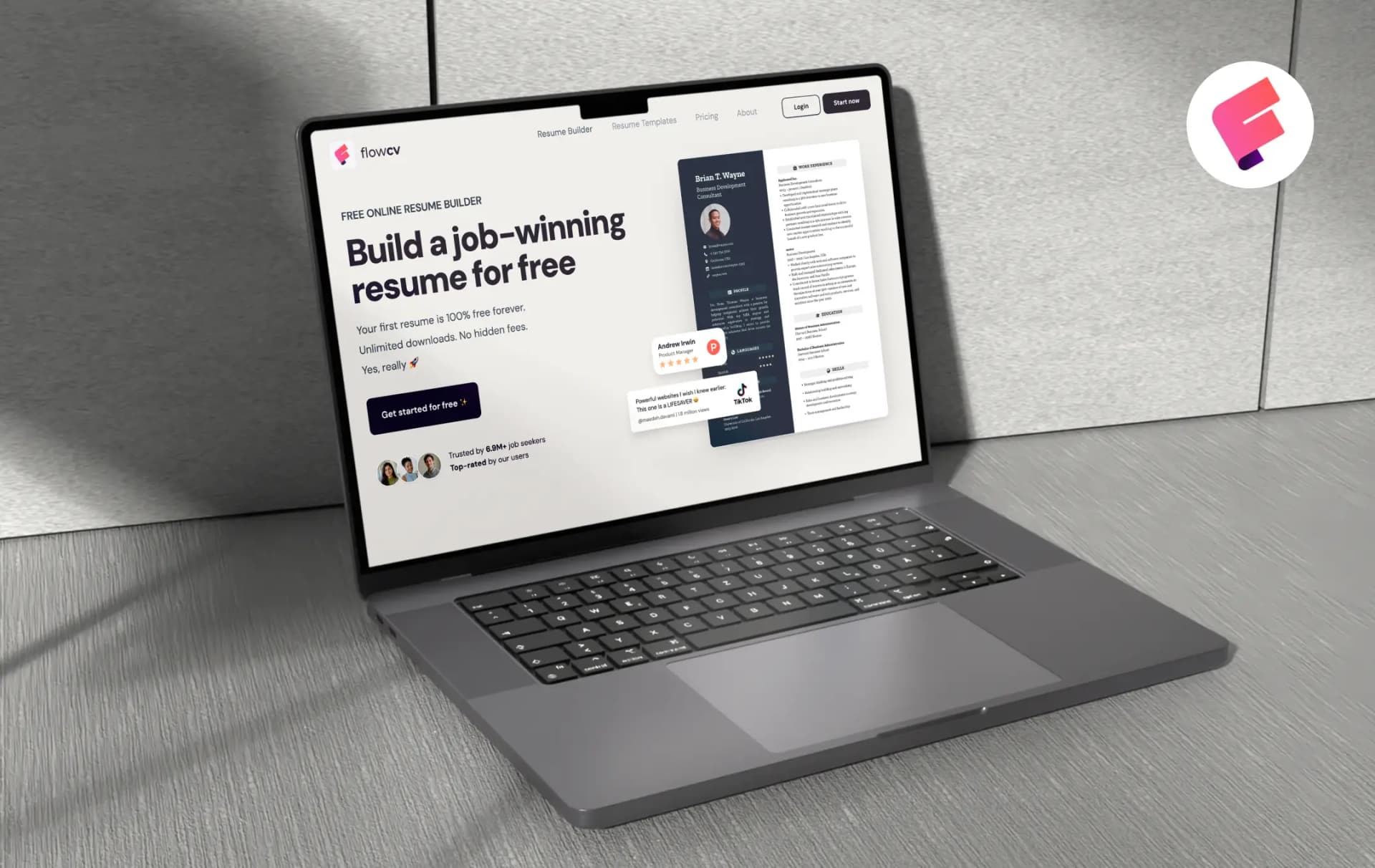
FlowCV's pitch fits in one line: your first resume is free forever, with no watermark and no download cap. In a category where most builders let you design for an hour and then charge you at the download button, that is a bold promise.
This is the main reason it keeps coming up whenever people talk about a free resume builder.
This FlowCV review looks at how the tool works in practice, what you get without paying, and where the paid plan comes in.
The platform says it is used by over 6.9 million job seekers, and your first resume stays free for life with unlimited PDF downloads. If you are after a resume builder online that is simple to use and doesn’t push you to upgrade, it is worth a close look.
Pros and Cons of FlowCV
Pros
- The free plan includes a fully working resume with no watermark
- Unlimited PDF downloads, even on the free plan
- Imports from PDF, DOCX, image files or pasted text, so you rarely start from a blank page
- Clean, ATS-friendly exports and a privacy-first approach
- GDPR-compliant, no third-party tracking cookies, and you can delete your data permanently
Cons
- AI writing tools are limited to the Pro plan
- Some templates use multiple columns, which older ATS software can struggle with
Standout Features of FlowCV
Similar to some of the best resume builders, FlowCV's core idea is a guided editor with a live preview, and most of what makes it useful comes from what it leaves unlocked. Here is what is worth your attention.
1. Templates and design control (4.5/5)
There are 100+ templates, and you can design your own and save it. Fonts, colors, spacing, section order, and page layout are all editable, and every change shows up instantly in a side-by-side preview. The best part? All the templates are available for free. So, you can choose any based on your job preferences.
2. Resume import (4.0/5)
You can upload a PDF, DOCX, or a photo of your old resume, or just paste in the text, and FlowCV sorts it into the right sections for you. It’s a quick way to get going if you already have a resume you want to fix up instead of rebuilding it.
The one catch is the limit. The free plan gives you 3 imports, while Pro has no cap. That’s plenty for one resume, but you may run out if you like to start over a lot.
3. ATS-ready PDF export (4.0/5)
FlowCV exports text-based PDFs with embedded fonts so applicant tracking systems can read them, although a clean one-column layout is still the safer pick for older systems.
4. Cover letter builder and Job Tracker (4.0/5)
The free plan includes one cover letter alongside the resume, and cover letters have their own template library. Pro lifts the limit to unlimited cover letters and adds the Job Tracker. Having the application documents and the tracking in one account is convenient, though the tracker is a Pro feature, so it should not be the deciding factor on its own.
5. Privacy and data control (4.3/5)
A resume carries your phone number, address, and full work history, so this matters more than it sounds. FlowCV says it is GDPR-compliant, does not sell personal data, uses no third-party tracking cookies, and lets you permanently delete your account and data at any time.
How Does FlowCV Work
FlowCV follows a short, linear flow, and the site is clear about where an account becomes necessary. Here is the sequence:
1. Start with or without an account
Head to the site and choose to create a resume. You can begin designing without signing up, but you will need a free account to save your work and download the PDF. When you come back later, use the FlowCV login page to pick up where you left off.
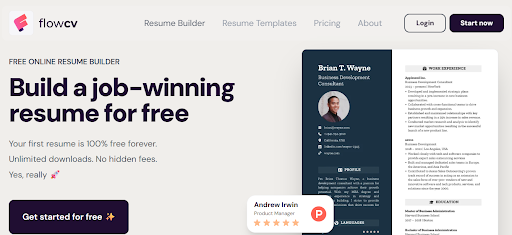
2. Pick a template, or build your own
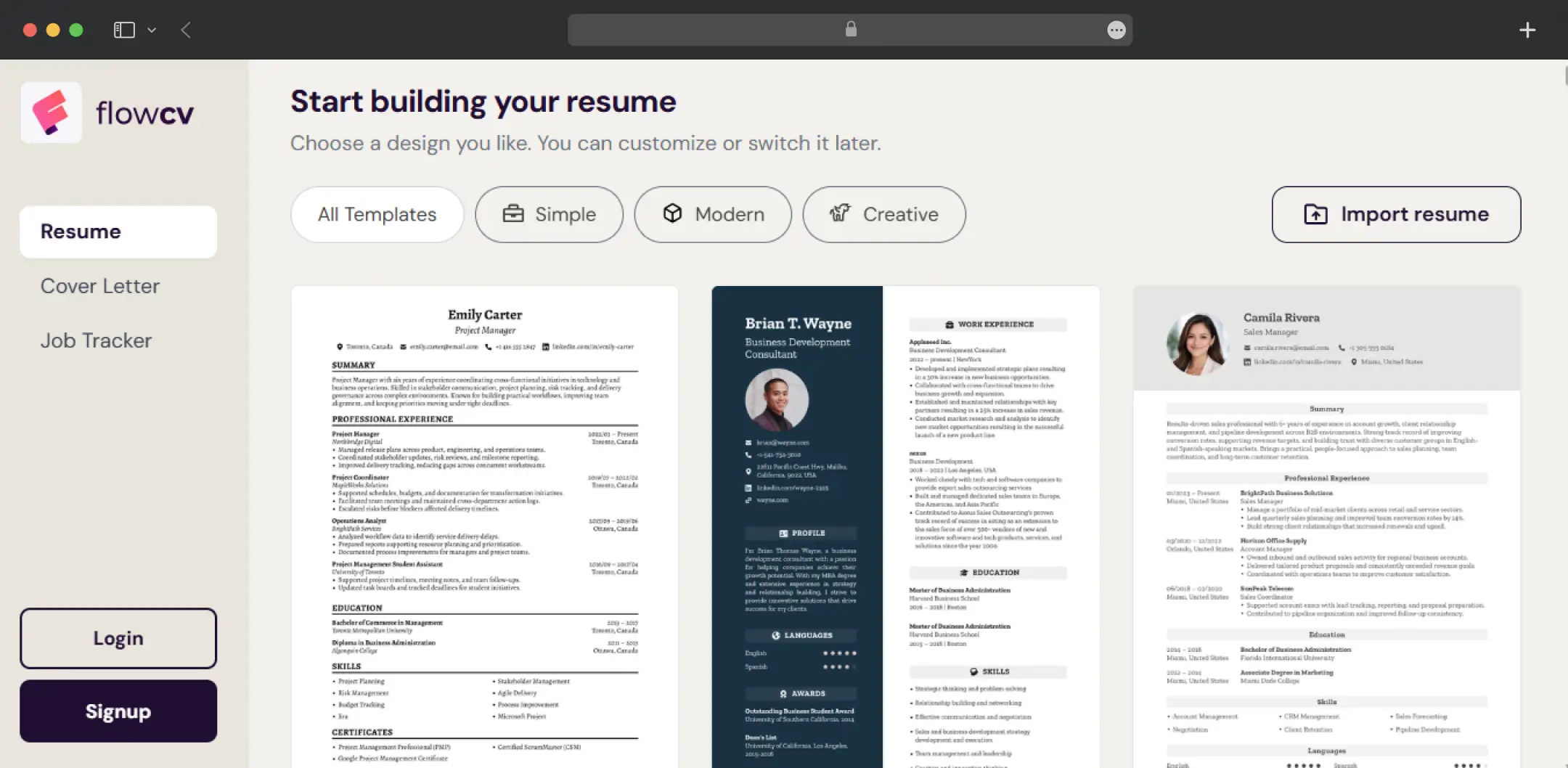
Choose from the 100+ options, or design a layout from scratch and save it as your own template. You can choose a suitable template as per the job category or requirements.
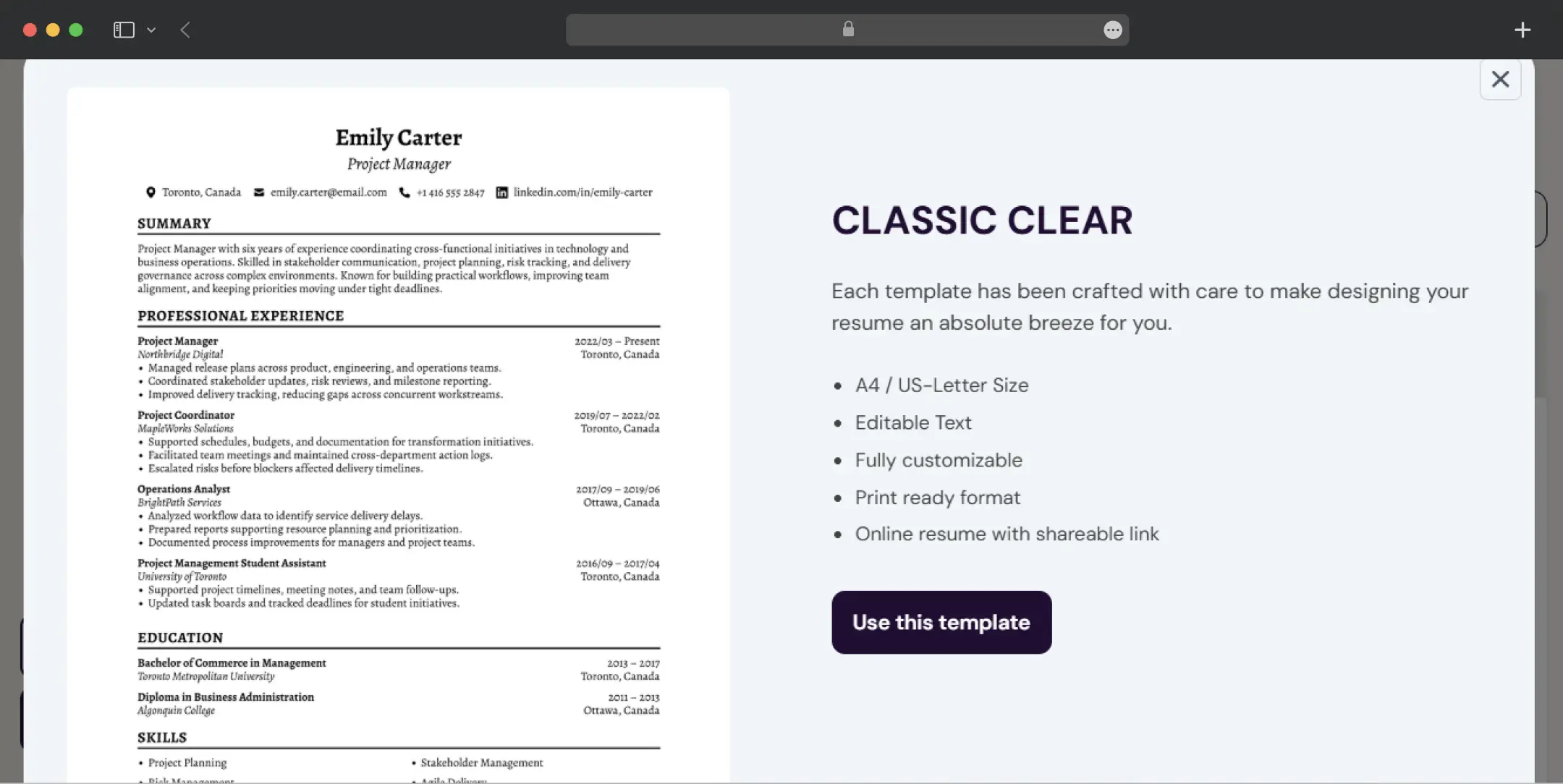
3. Add your experience or import it
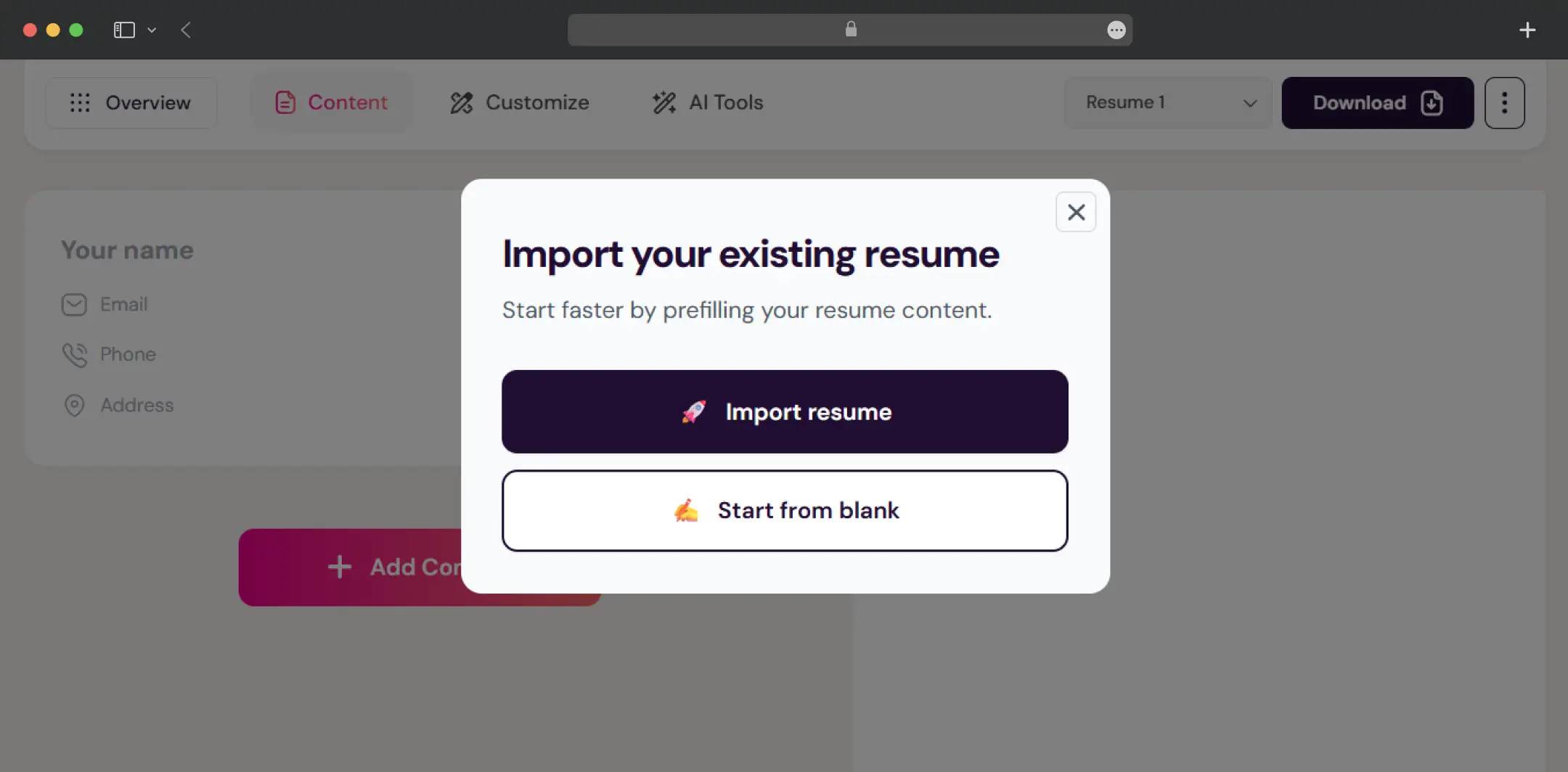
Fill in your experience, education, and skills section by section, or import an existing resume so the resume creator does the first pass for you.
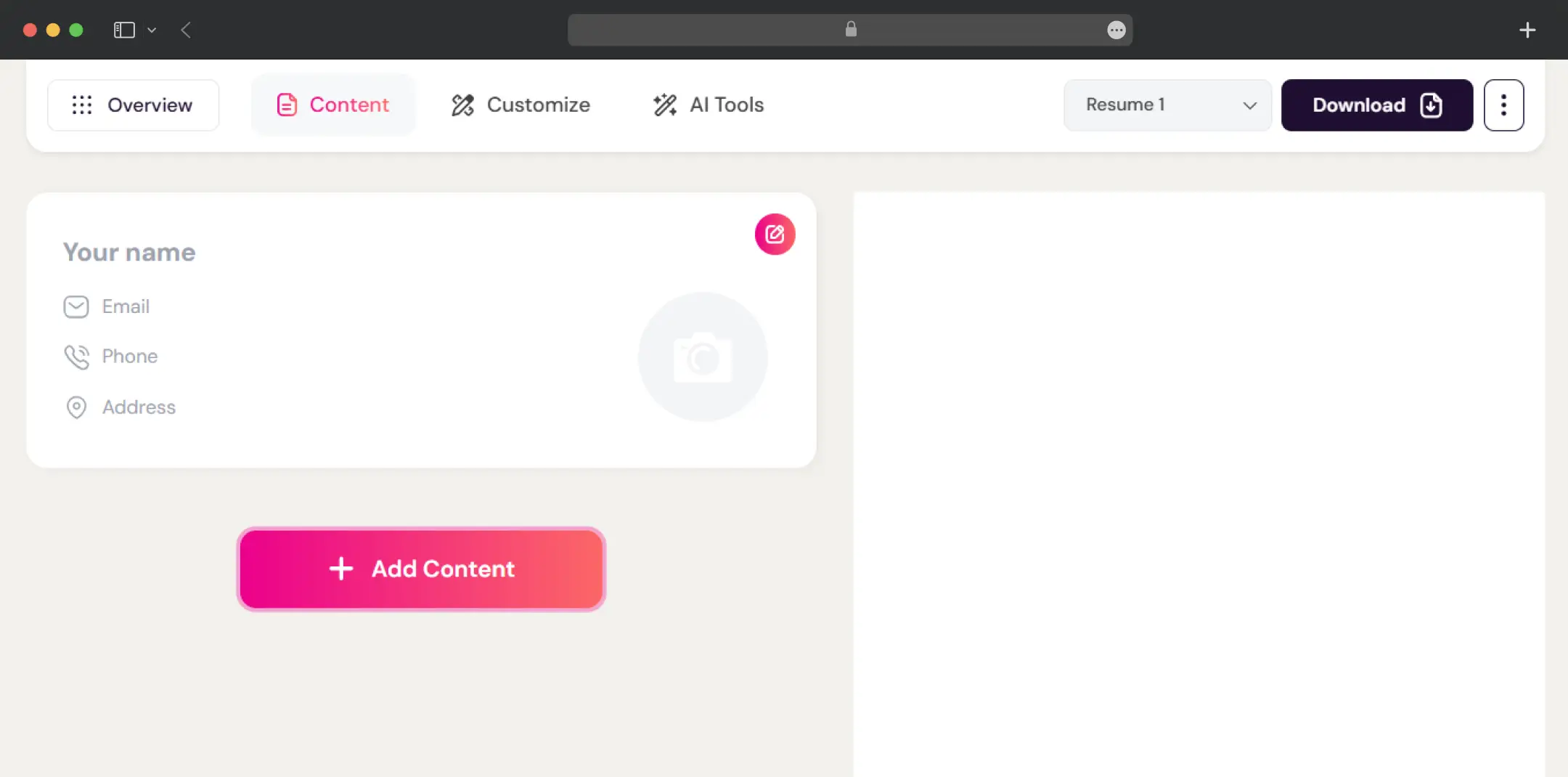
4. Customize layout and design
Adjust fonts, colors, spacing, section order, and page layout. The preview updates as you go, so there is no export-and-check loop.
5. Save and download
Your draft saves to your account automatically, and you can download as many PDFs as you like. You can come back, edit, and re-download whenever a role changes.
Who Is FlowCV For?
FlowCV is built around job seekers who want a clean PDF without paying for it, and it says so in how it draws its limits. That makes the fit clearer than with most builders. Here is who gets the most out of it, and who should look elsewhere.
| User Persona | What FlowCV Does For Them |
|---|---|
| Students and first-time applicants | Free plan covers a complete resume and cover letter, and the student discount applies if they upgrade later |
| Career changers | Import an old resume, restructure it with a different template and section order, and re-download as often as needed |
| Freelancers | Clean, watermark-free PDFs with full control over layout, without a monthly bill |
| Experienced professionals applying widely | Pro's unlimited resumes make role-specific versions practical |
| Non-native English speakers | Pro's translation tool and unlimited versions help keep one resume per language |
| Anyone who must submit a Word file | Better suited elsewhere, because FlowCV exports PDF only |
| People who want AI to do most of the writing | Limited on the free plan, since AI tools are Pro-only and aimed at assisting rather than replacing your wording |
Understanding FlowCV Pricing
The pricing is simple compared with most tools in this space. There is one free plan and one paid plan, and the paid one is aimed at people who need more than a single resume.
Anyone checking FlowCV pricing will find that the free tier covers the basics well, so you only pay if you want extra versions or the added tools.
| Plan | Monthly Price | Quarterly Price | Yearly Price |
|---|---|---|---|
| Free | $0 | $0 | $0 |
| Pro | $19/month | $12/month | $5/month ($60, billed yearly) |
What each plan includes
- Free: one resume, one cover letter, all templates, and unlimited watermark-free PDF downloads.
- Pro: unlimited resumes and cover letters plus AI writing assistance
1. What the free limit means
FlowCV deliberately gives you one fully working resume instead of several restricted ones. That works well if you apply to similar roles. If you tailor a resume per industry or language, you will either overwrite your one resume each time or need Pro for separate versions.
2. What happens if you cancel
You keep Pro access until the billing period ends. After that, your oldest resume and cover letter stay editable and downloadable, and any extra documents remain stored in your account until you upgrade again. Delete the drafts you do not want before downgrading so the right version stays active.
3. Additional Details
Pro has a 14-day money-back window, and verified university students get 25% off for up to three years. Since job searches are often short, compare the monthly and quarterly options against the $60 yearly charge before committing upfront.
Bonus Read: Best AI Resume Builders
Customer Reviews
How was your experience with the product?