

Kilo Code Review: One Open Agent, 500+ Models, Zero Markup
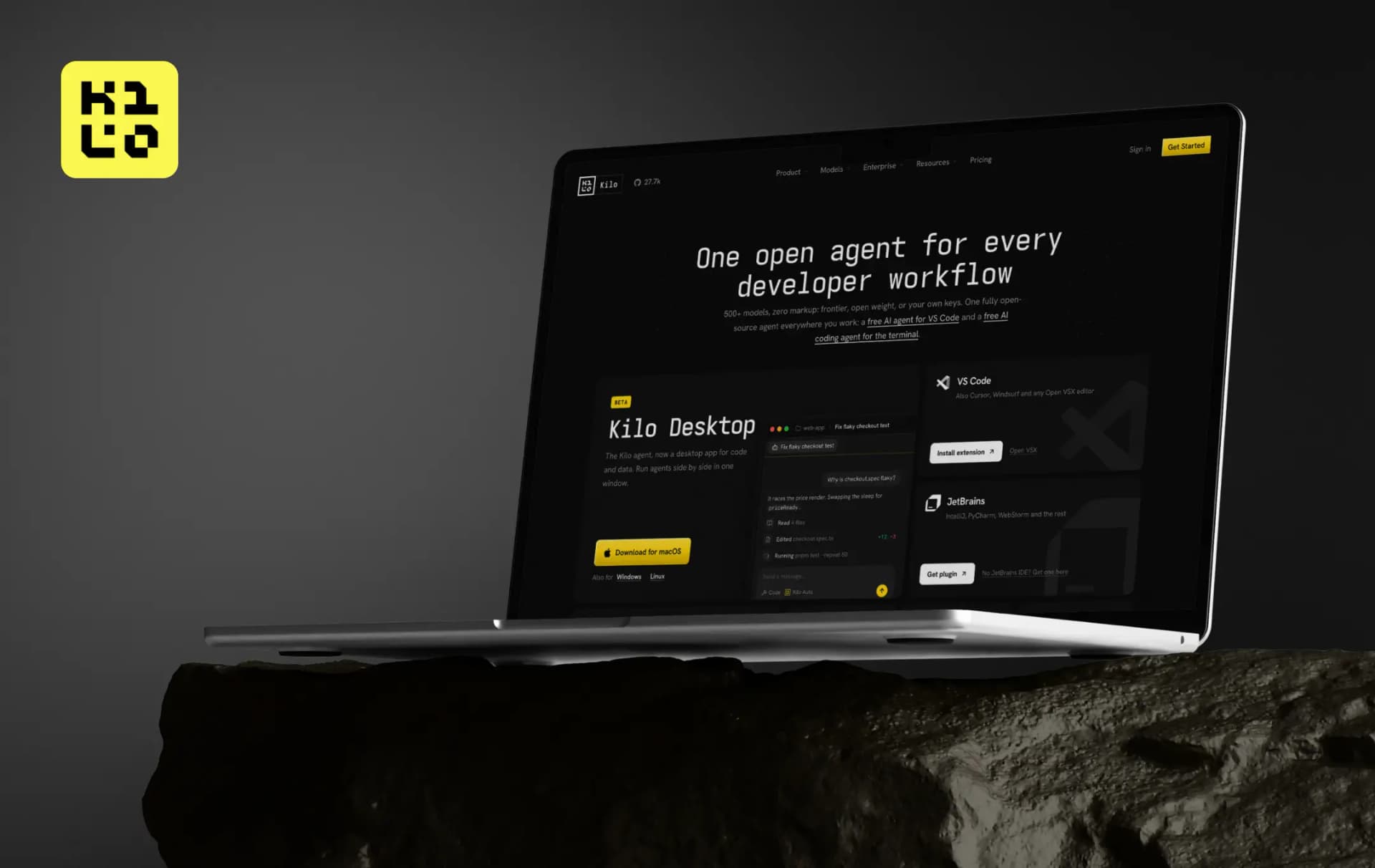
Kilo’s pitch is that your coding agent shouldn’t dictate your editor, your model, or your bill. That’s a big claim in a category where most tools do exactly that, so I went through Kilo’s docs, pricing pages, and its own comparison pages to see how much of it holds up.
The Kilo Code AI coding agent traces back to an idea in March 2025, and Kilo now lists 5M+ users. It’s MIT-licensed and runs in VS Code, JetBrains, the terminal, and the cloud, with 500+ models behind it at provider rates. That is a long way from a single extension. It also raises the question every fast-growing tool eventually faces: is this an open platform, or a long feature list with the costs tucked into the fine print?
The Kilo Code company, Kilo Code, Inc., is remote-first with offices in San Francisco and Amsterdam. So here’s my full Kilo Code review, covering what it does well, where the money actually goes, and who should pick it over Cursor or Claude Code.
Pros and Cons of Kilo Code
Pros
- MIT-licensed, so prompts, context handling and tools are readable on GitHub
- 500+ models at provider rates, plus your own keys and local models through Ollama or LM Studio
- Free to start through Auto Free, BYOK or local models, with no credit card
- The same agent in VS Code, JetBrains, CLI, cloud, Slack and mobile
- Inline autocomplete sits next to the agent instead of needing a second tool
Cons
- AI inference is billed separately from the platform plan, and long agent runs on frontier models add up
- Buying credits carries a 5% processing fee
- The free hosted model list is short (five at the time of writing) and can change when provider promotions end
- Kilo Desktop is still in beta
A Closer Look at the Key Features of Kilo
The headline numbers only matter if the product underneath earns them. The Kilo Code features that carry most of the weight cover how work gets split up, how models get picked, and where the agent is allowed to run.
Here’s what makes Kilo one of the best AI coding tools available
1. Agent modes built around how developers work (4.5/5)
Ask, Architect, Code, and Debug each handle a different stage of a task, and you can add custom modes that match your team’s process. That structure turns Kilo from a chat window into a working Kilo Code AI coding assistant. The agent manager takes it further by running parallel sessions across separate git worktrees, so two jobs never overwrite each other.
2. Auto Model routing (4.4/5)
Instead of picking from hundreds of models yourself, you choose a tier: Efficient, Frontier or Free. Efficient routes by session to control spend, Frontier sends harder work to the most capable paid models, and Free sticks to zero-cost options. You can still override it and pick a model by hand, which matters once you know which model suits which task.
3. Kilo Gateway and the Kilo Code API (4.4/5)
The routing layer behind all this is open to your own projects too. The Kilo Code API is a single endpoint that works with standard SDKs such as the Vercel AI SDK, so switching providers doesn’t mean rewriting code. You can pay with Kilo credits or bring provider keys, and the dashboard tracks usage, latency and spend in one place.
4. Autocomplete next to the agent (4.5/5)
Inline completion is Codestral-powered, with Mercury Edit 2 as an alternative. Kilo’s comparison page notes that Claude Code has no autocomplete at all, which makes this one of the clearer practical differences between the two. For day-to-day typing, it saves you from running a separate completion tool.
5. A CLI with a sandbox for auto mode (4.3/5)
Kilo CLI runs parallel agents from a single terminal, which suits longer tasks. The /sandbox command then keeps those agents contained: writes stay inside the workspace, .git stays read-only, and unapproved network hosts can be blocked. That’s what makes it reasonable to let an agent run unattended.
6. Cloud Agents and Code Reviewer (4.2/5)
Once a task outgrows your laptop, agents can run in the cloud, start from a browser or Slack, and be followed from the mobile app. A recent update added a diff viewer you can comment on. Code Reviewer then closes the loop, so the code an agent writes can be checked by another agent before it merges.
How Does Kilo Work
The setup is short enough that you can be inside a project within a few minutes. Here’s how it runs, step by step.
1. Pick your surface
Install the extension in VS Code (it also works in Cursor, Windsurf and other Open VSX editors) or the JetBrains plugin. If you prefer the terminal, run npm install -g @kilocode/cli and type kilo inside any project folder.
2. Sign in or bring your keys
A free Kilo account is enough to use the free models. Otherwise, add your own Anthropic, OpenAI, Google, Azure or AWS Bedrock keys or connect a local model.
3. Decide how models get picked
Choose Auto Free, Efficient or Frontier and let the router handle it, or select a specific model yourself.
4. Match the mode to the job
Use Architect to plan a feature, Code to build it and Debug when something breaks, with Ask for questions about the codebase.
5. Scale up when the task grows
Run parallel sessions in Agent Manager, hand a long job to a Cloud Agent, or send the pull request through Code Reviewer.
Kilo Code Pricing
All of that flexibility explains why Kilo Code pricing is split into three parts: the platform plan, AI inference, and cloud compute. Keeping them apart is what lets individuals use the tool without paying anything.
| Plan | Price | What it covers |
|---|---|---|
| Free & Open Source | $0 | VS Code, JetBrains and CLI extensions, agentic coding, completion, and any model. Usage billed separately |
| Teams | $15/user/month | Usage analytics, shared agent modes, centralized billing, shared BYOK, data privacy controls, and priority support. Includes a 14-day enterprise trial |
| Enterprise | Custom | Model and provider limits, audit logs, SSO/OIDC/SCIM, SLA commitments, dedicated support |
The plan only covers access, though. What you pay for the models themselves depends on which route you take.
| How you pay for inference | Cost | Notes |
|---|---|---|
| Auto Free, BYOK, or local | $0 | Free models through the Gateway, your own provider keys, or Ollama/LM Studio |
| Kilo Gateway | Pay as you go | Exact provider rates across 500+ models, no markup |
| Kilo Pass | $19, $49, or $199/month | Monthly credits with up to 50% bonus credits. The Starter tier shows up to $26.60 in credits |
The Kilo Code free models are the easiest way in. Auto Free needs only a free account, and Kilo’s catalog currently lists five zero-cost models, including Nemotron 3 Ultra with a 1M-token context window. Kilo itself warns that availability can change when a provider’s promotion ends, so treat the list as a starting point rather than a permanent fixture.
Cloud work is billed separately, per second with no minimum: Cloud Agent Small and Docker at $0.60/hour, Standard at $1.20/hour, and Code Review at $0.33/hour, with inference charged on top.
Add the 5% processing fee on credit purchases, and you can see where a heavy user’s bill actually builds. Prices were checked on kilo.ai/pricing on October 9, 2026.
Bonus Read: AI Agents for Coding
Customer Reviews
How was your experience with the product?
Also Reviewed By Us