

Microsoft Teams Review: How Well Does It Handle Modern Teamwork?
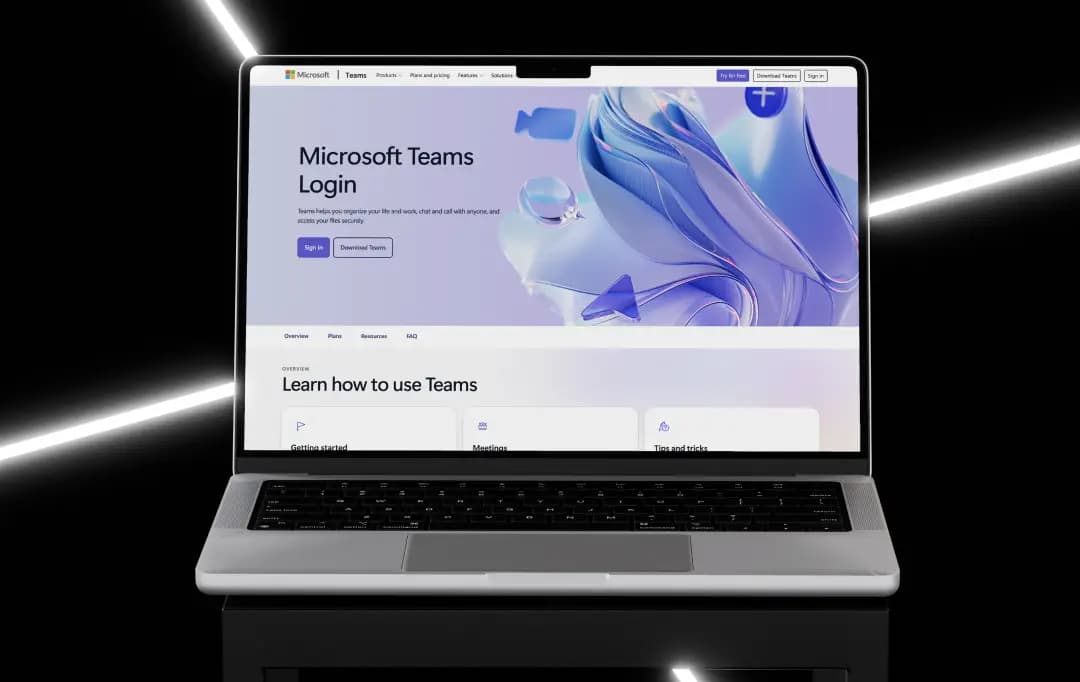
I've spent a lot of time inside Microsoft Teams over the past few years, running standups, chasing down files buried in some random channel, and occasionally muting myself a beat too late.
So this Microsoft Teams review isn't based on a demo account or a features page. It's based on actually living in the tool, the way most office workers now do, whether they chose to or not.
Teams started life as Microsoft's answer to Slack, bundled into Office 365 almost as an afterthought. It's since become the default communication layer for a huge share of corporate IT departments, mostly because it's already sitting inside the Microsoft 365 subscription most companies already pay for.
But it's not loved by many. Plenty of people who use it daily also complain about it daily. Both things are true, and this review tries to hold onto that tension instead of flattening it into a pitch.
Pros and Cons of Microsoft Teams
Pros
- Deep, native integration with Word, Excel, and SharePoint
- The free tier is genuinely usable for small groups
- Meeting tools (transcription, background blur, and together mode) are mature
- Works well across desktop, web, and mobile
- Copilot features add real value for meeting recaps
Cons
- The interface can feel cluttered once you have several teams and channels
- Notifications need aggressive tuning, or they become noise
- Can feel sluggish on older hardware or weak connections
Key Features of Microsoft Teams
Underneath the chat window and video tiles, there's a fairly wide product here: messaging, meetings, file storage, and light workflow automation all sitting under one roof.
A few Microsoft Teams features are worth calling out because they're the reason why most people (including me) stick with it rather than switch to other video conferencing apps.
1. Threaded Channels and Chat (4.3/5)
All your conversations live inside channels tied to a team, and you can reply in threads instead of burying everything in one long feed. It works reasonably well for project-based work. However, it can take new users a week or two to stop replying in the wrong place and get a hold of the feature.
2. Microsoft Teams Meeting Tools (4.4/5)
Every Microsoft Teams meeting comes with live captions, automatic transcription, and a recap that Copilot generates afterward with action items pulled out. I've relied on the recap more than once after missing the first ten minutes of a call, and it's accurate enough to trust without double-checking every line.
4. Integration with third-party apps (4.4/5)
Beyond the Microsoft stack, Teams supports a fairly deep bench of connected apps, Trello, Asana, Salesforce, and others, through its app store. There's also a documented Microsoft Teams API for anyone building custom bots or internal tools, which IT teams at larger companies tend to lean on heavily.
5. Copilot-assisted Features (4.3/5)
Meeting summaries, drafting help inside chat, and quick catch-ups on long threads are all handled by Copilot now. It's genuinely useful for skipping the “Can someone summarize what I missed?” message. This feature is gated behind an add-on license and is not included everywhere.
Bonus Read: Best Note-Taking Apps
How to Use Microsoft Teams
Getting started is straightforward, which is one area where Microsoft hasn't overcomplicated things.
1. You can go to the Microsoft Teams download directly from Microsoft's website for Windows, Mac, or Linux, or just use it in a browser without installing anything. As a mobile user, you get a full Microsoft Teams app on iOS and Android that mirrors most desktop functionality, including chat, calls, and file access.
2. Microsoft Teams sign-in works through your existing Microsoft or Microsoft 365 work account; there's no separate account system to manage, which is one less password to lose track of.
3. If your company already runs on Microsoft 365, Microsoft Teams login is usually already provisioned by IT before you even open the app for the first time.
4. Once inside, setting up a team and channels takes a few minutes. You can create a team, add channels for whatever makes sense (by project, by department, whatever fits how the group actually works), and invite people by email or from your organization's directory.
5. Scheduling a call is done from the calendar tab, and joining one is a single click from either a chat message or a calendar invite. It doesn't demand a manual, which is more than can be said for some enterprise software.
Understanding Microsoft Teams Pricing
Pricing is where things get a little layered, because the Microsoft Teams pricing is split into three separate tracks:
- Business
- Individuals
- Enterprise
Each of these plans has its own page and its own logic. Here's what each looks like, sourced directly from Microsoft's own comparison pages (all figures billed annually unless noted):
1. Business
| Plan | Price | What You Get |
|---|---|---|
| Microsoft Teams Essentials | $4.00/user/month | Chat, call, and video conferencing up to 30 hours, 300 participants, 10GB storage per user, English-only live captions |
| Microsoft 365 Business Basic | $7.00/user/month | Teams Plus, web/mobile Office apps, 1TB storage, custom business email |
| Microsoft 365 Business Standard with Copilot | $23.50/user/month | Full desktop Office apps, Teams, and Microsoft 365 Copilot bundled in |
2. Individuals
| Plan | Price | What You Get |
|---|---|---|
| Microsoft Teams | Free | 1 person, 5 GB storage, group calls up to 60 minutes, and 100 participants |
| Microsoft 365 Personal | $9.99/month (or $99.99/year) | 1 person, 1TB storage, desktop Office apps, all-day Teams calling with Copilot |
| Microsoft 365 Family | $12.99/month (or $129.99/year) | Up to 6 people, 6TB total storage (1TB each), everything in Personal |
| Microsoft 365 Premium | $19.99/month (or $199.99/year) | Everything in Family, plus advanced Copilot chat and agentic AI features |
3. Enterprise
| Plan | Price | What You Get |
|---|---|---|
| Microsoft Teams Enterprise (Standalone) | $8.55/user/month | Chat, calls, video conferencing, 30-hour meetings, up to 1,000 participants, 10GB storage, English-only captions |
| Microsoft 365 E3 | $39.00/user/month | Full Office apps, Teams, enhanced identity and security, Windows 11 Enterprise E3 |
| Microsoft 365 E5 | $60.00/user/month | Everything in E3 plus advanced security, compliance, analytics, and native Teams Phone |
Customer Reviews
How was your experience with the product?