
A Realistic VidsSave Review From Real-World Testing
Digital content is essentially written in disappearing ink. A crucial tutorial you bookmarked on Tuesday can easily vanish by Friday due to a suspended account, a platform glitch, or a randomly deleted post. We consume endless gigabytes of media daily, yet we actually control very little of it. That lack of ownership is exactly why offline media catchers have become a strict necessity for anyone wanting to keep a permanent archive of valuable web content.
Finding a dependable platform to do this, however, is an entirely different story. The space is heavily saturated with tools demanding email registrations, locking core features behind paywalls, or bombarding you with aggressive pop-up ads.
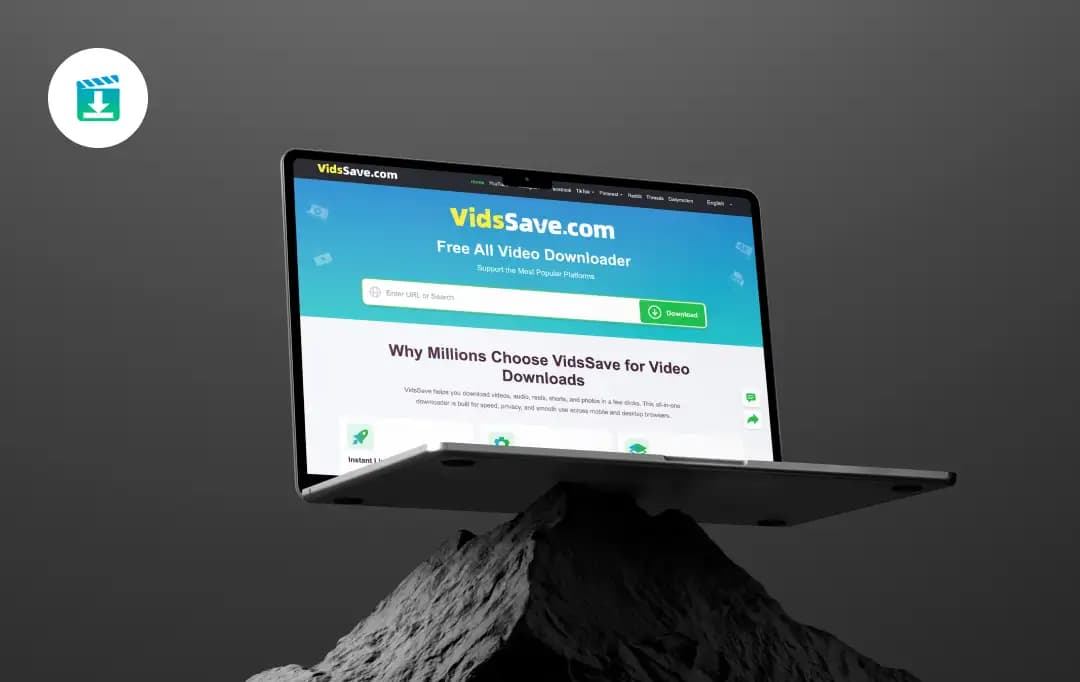
To clear the fog, I dug deep into the VidsSave video downloader to understand its actual utility. I put in the hours with my team to thoroughly research its backend features, analyze community feedback, and examine how it practically handles day-to-day media fetching across various platforms.
If you need a straightforward way to archive content without the usual roadblocks, this comprehensive review breaks down exactly what this tool gets right and where it falls short.
Pros and Cons of VidsSave
Pros
- No Account Barriers lets you start processing and saving media instantly.
- It easily outputs files ranging from 144p up to 4K, alongside direct MP3 audio extraction.
- It functions as a unified, reliable hub for dozens of major platforms like Instagram, Facebook, and Dailymotion.
- The core web tool operates entirely in your browser, meaning it doesn't eat up hard drive space.
- The backend processes URLs rapidly, eliminating long, annoying loading screens.
Cons
- Apple users are currently left out of the mobile app ecosystem and must strictly rely on the mobile browser version.
Deep Dive: Core Features and Offerings
Here is a breakdown of the standout features we found during our hands-on review.
1. Universal Multi-Platform Compatibility
One of the biggest headaches with media tools is that they usually only work for one or two specific sites. We threw almost everything at the VidsSave downloader (from random DailyMotion clips to daily TikToks) and it handled them all without a hitch.
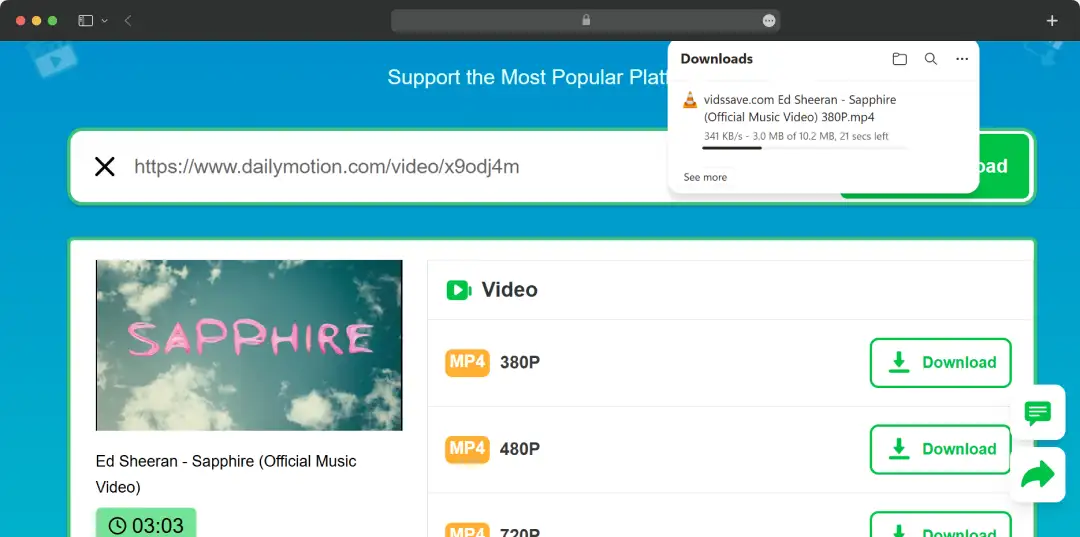
It genuinely lives up to its label as an all-media downloader. We also tested its capabilities on IG, and honestly, it comfortably ranks among the Best Instagram downloaders out there right now. It just works, plain and simple.
3. High-Resolution and Format Flexibility
Having choices is a big deal for me. During our research, we realized that users need wildly varying video qualities depending on their storage limits or internet speeds. When we used the tool, it let us pick resolutions anywhere from a data-saving 144p all the way up to crystal-clear 4K.
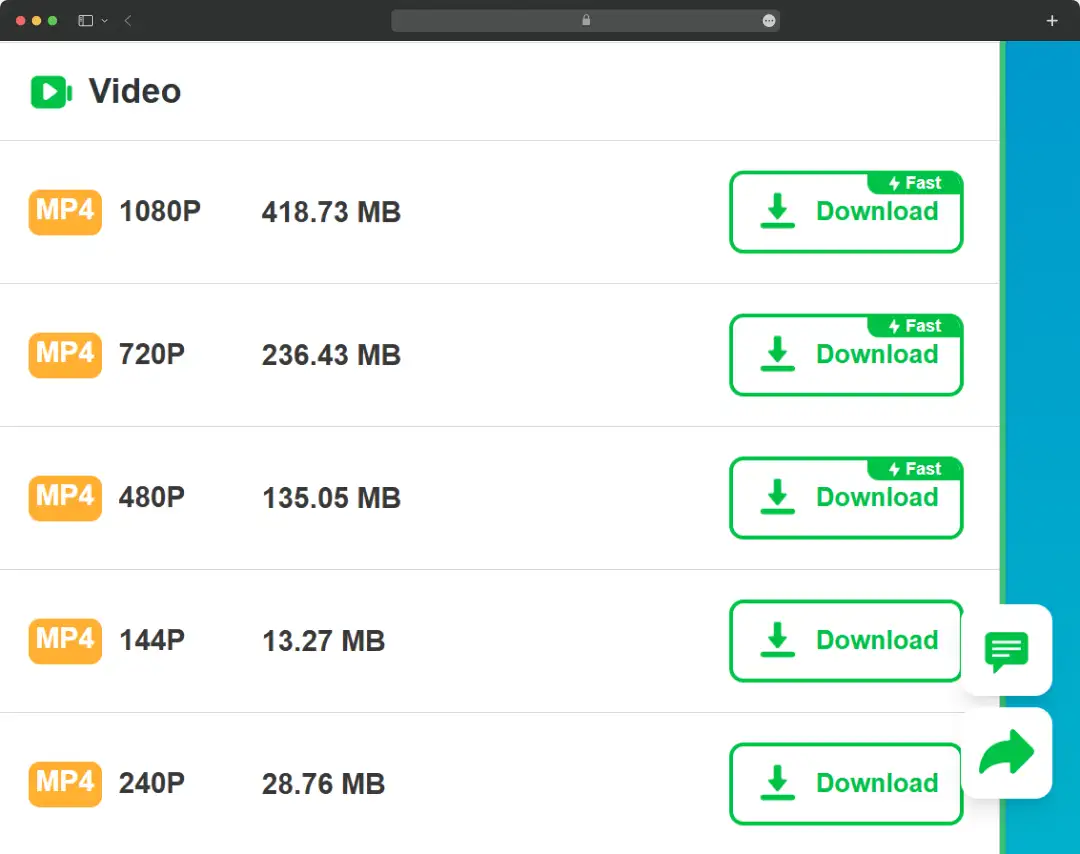
Plus, if you just need the audio from a podcast or a music track, it seamlessly extracts MP3 files. It's safe to say that as a free all video downloader online, having this much format flexibility is a massive win.
4. Lightning-Fast Link Processing
We’ve all used those sketchy sites that make you stare at a loading wheel for two minutes just to fetch a link. That wasn't the case here. The moment we pasted a URL into the VidsSave (the web version), it processed the file almost instantly.
The speed factor alone makes it a strong contender for the title of the best video downloader. It cuts out the annoying wait times, which is exactly what you want when you're just trying to grab a quick clip.
5. Mobile and Desktop Friendly
Whether you are at your desk or commuting, the experience stays pretty consistent. While the web interface is brilliant for PC and Mac users (and definitely holds its own against the other top YouTube Downloaders), they also offer the VidsSave app for Android folks who prefer a native mobile experience.
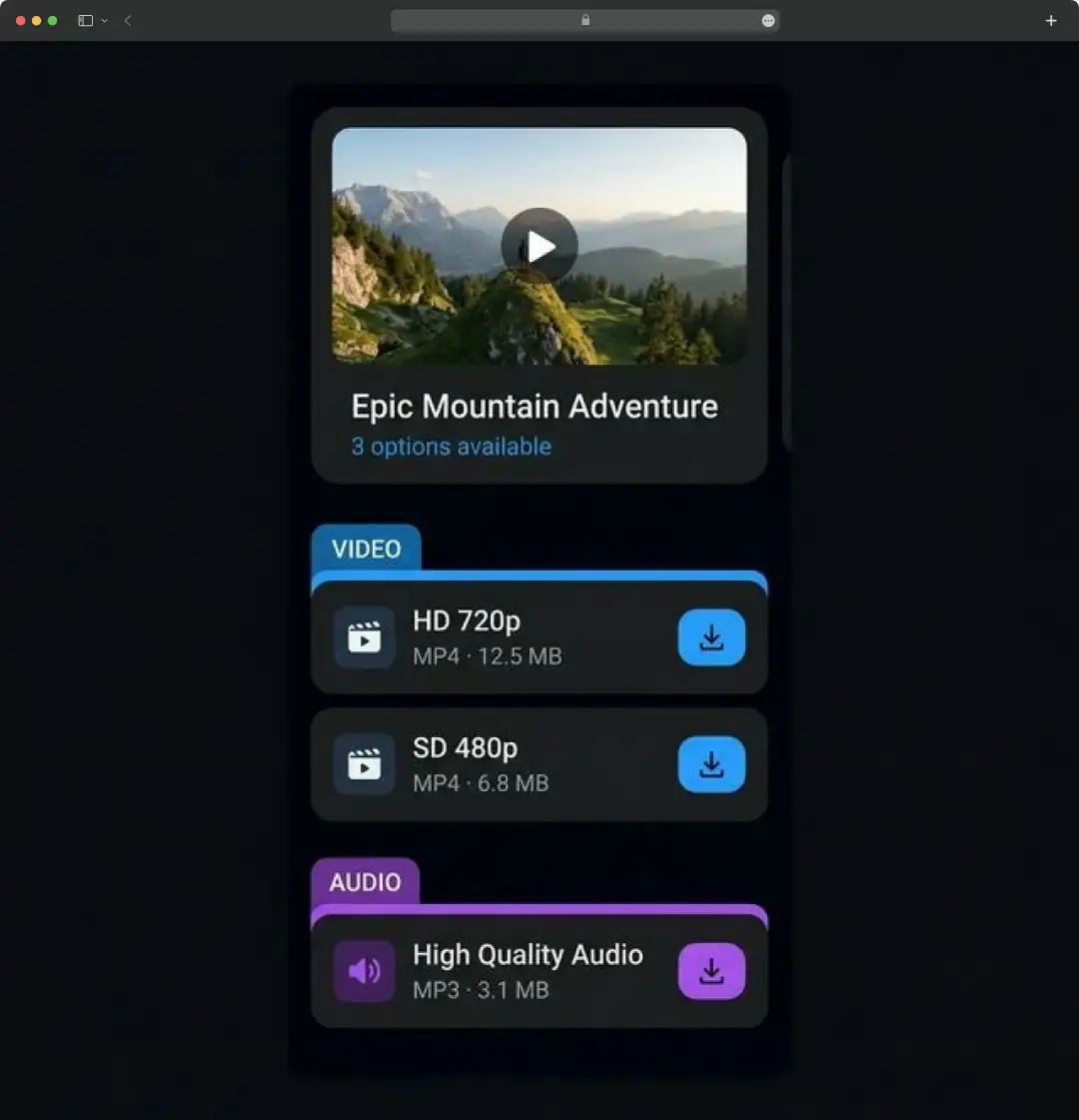
6. Secure and Private Local Processing
Security was a major thing we looked into during our deep dive. A lot of free YouTube video downloaders store your data or bombard you with sketchy pop-ups. We noticed that VidsSave keeps things clean.
The site processes everything locally, meaning they aren't hoarding your download history on some external server. It felt safe, minimal, and completely free of those aggressive, unclickable ads you usually see on similar websites.
How to Use VidsSave
If you are wondering how the actual process works on a daily basis, we have mapped out the exact workflow. It’s incredibly straightforward and doesn't require any tech-savvy skills to get the job done.
Here is how you can pull media using the web platform:
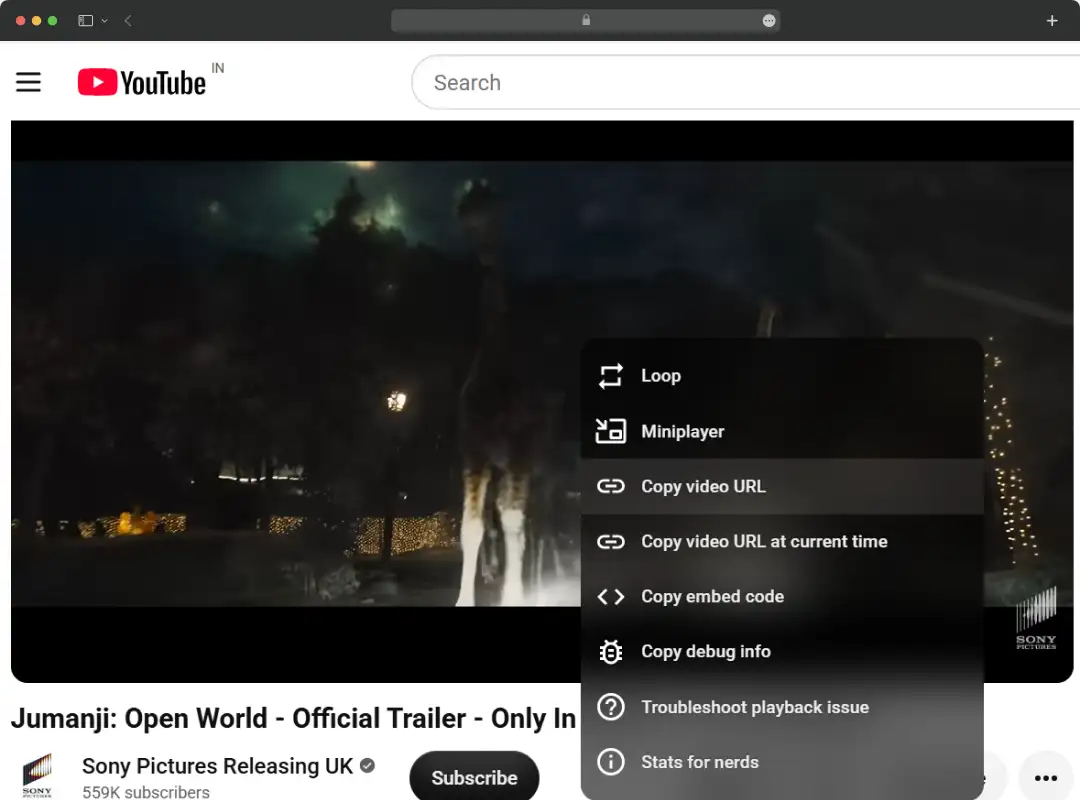
1. Grab the Source Link:
Head over to whatever platform you are browsing (Facebook, YouTube, Instagram, etc.) and copy the direct URL of the video or post you want to save.
2. Head to the VidsSave Website:
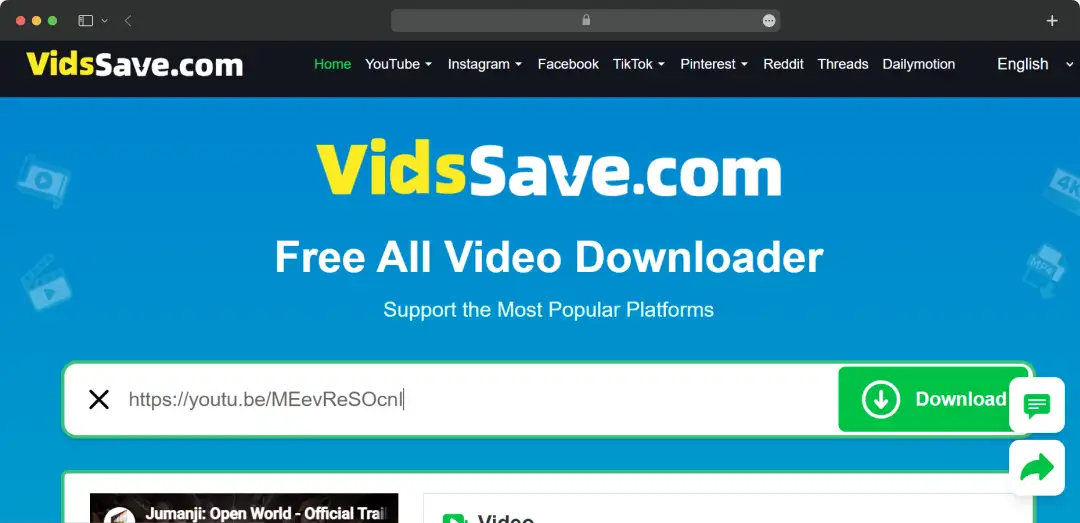
Open up your preferred browser and navigate to the official VidsSave homepage. You don't need to sign in or create an account to start.
3. Paste the URL:
Right in the middle of the homepage, you will see a prominent search bar. Just paste your copied link directly into that input field.
4. Process the Link:
Hit the download button next to the search bar. The tool takes a few seconds to fetch the media and pull up the available download options.
5. Select Your Resolution:
Choose the video quality you want—ranging from low-res data-savers up to 4K—or select the MP3 option if you just want to rip the audio.
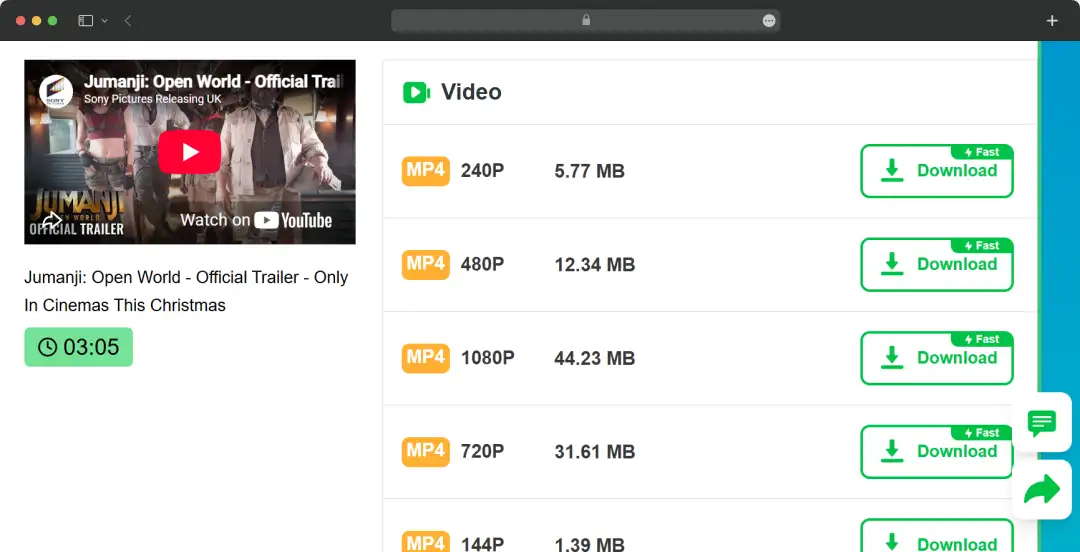
6. Save to Your Device:
Click your chosen format and the file will immediately start downloading to your local storage, ready for offline viewing.
Customer Reviews
How was your experience with the product?