


Turbo AI Review: The Only Study App You Actually Need
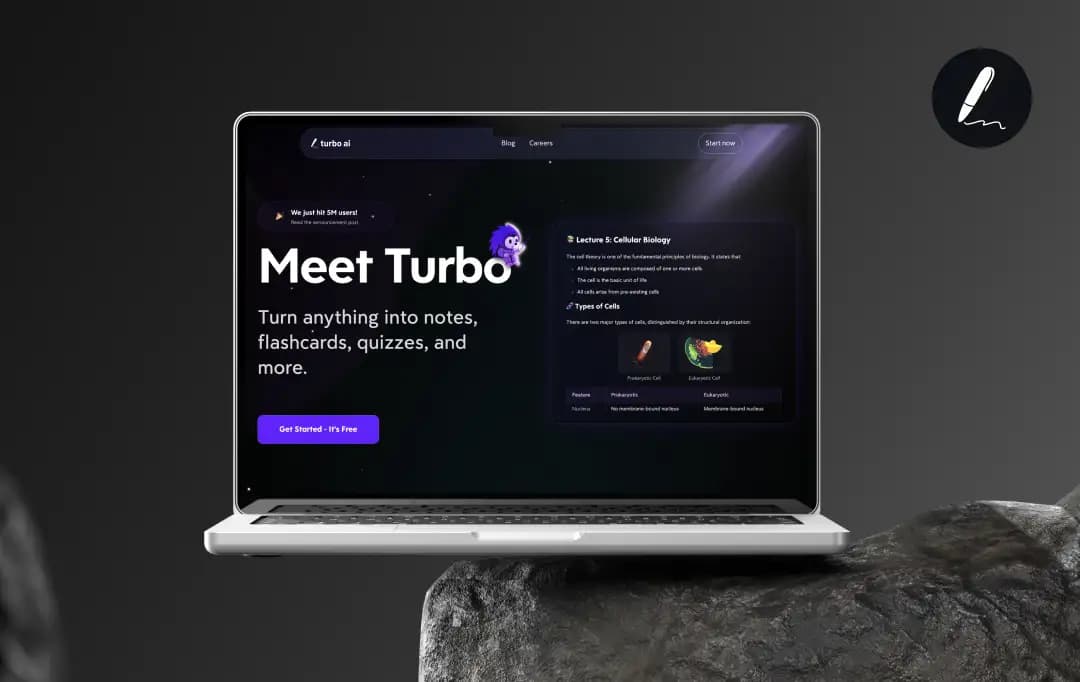
Picture this! You have got two exams next week, a 30-page PDF you haven't opened yet, three recorded lectures in your downloads folder, and a video of one of the important concepts. Sound familiar?
For most students, the actual problem isn't laziness. It is that in the AI-driven world, they are not finding the right tool to solve their problems. Many students are still writing notes by hand, making flashcards manually, re-reading entire chapters, and devotinghours in video lectures. That's not smart studying, that's wasting time. And it chews through hours that most people simply don't have.
That's where Turbo AI steps in. At its core, Turbo AI (formerly known as Turbolearn AI) is an AI-powered study platform that takes whatever you throw at it, such as PDFs, YouTube links, lecture recordings, audio files and converts it into structured notes, flashcards, quizzes, and even audio podcasts.
Our team spent time digging into everything this app does: the Turbo AI dashboard, its study products, the pricing, and the areas where it still has room to improve. Here's our honest take on this tool.
Pros and Cons of Turbo AI
Pros
- Turns any PDF, YouTube video, or recorded lecture into clean, editable notes in seconds
- Flashcards with smart spaced repetition so you actually retain what you study
- Built-in quiz generator — unlimited practice questions, adjustable difficulty
- Podcast generator turns your notes into audio lessons you can listen to anywhere
- Real-time AI collaboration — Turbo comments, edits, and highlights alongside you like a live assistant
- Works across web and mobile with seamless sync; 99% transcription accuracy
- Free tier is genuinely usable, not just a teaser
- Curated educational book library you can turn into study materials instantly
Cons
- You’ll hit the credit limit very quickly on the basic version
- Podcast generation and some advanced features are locked behind a premium
- Desktop app is still in development (coming soon, but not here yet)
A Closer Look at Turbo AI's Core Products
What we love about the Turbo AI platform is that it’s built for utility, not just to look fancy. Here are the core features that actually stood out during our team's testing phase:
1. AI Note Taker
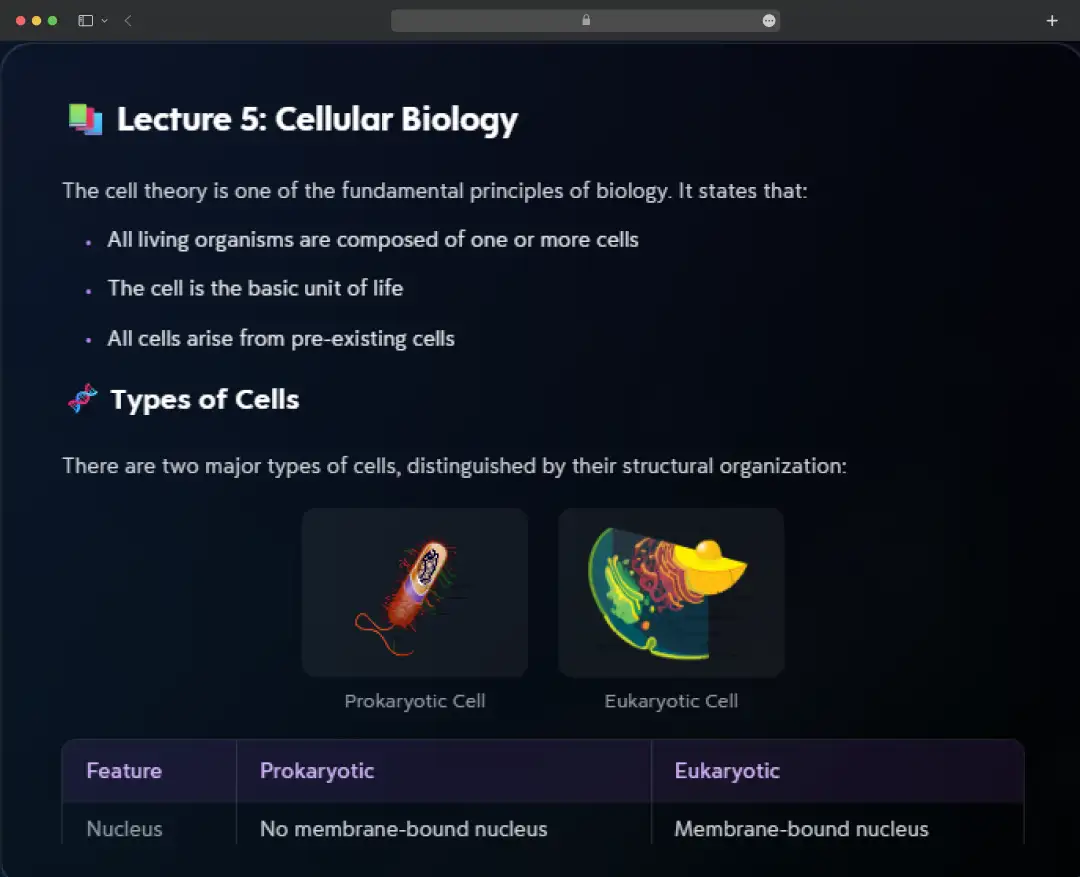
The Turbo AI note taker is where users spend the most time, and for good reason. Drop in a PDF, paste a YouTube URL, hit record during a live lecture, and the AI processes it and spits out structured, editable notes. Not a wall of transcription text, but properly formatted notes with headers, key concepts, and highlights.
2. Automated Flashcard Decking
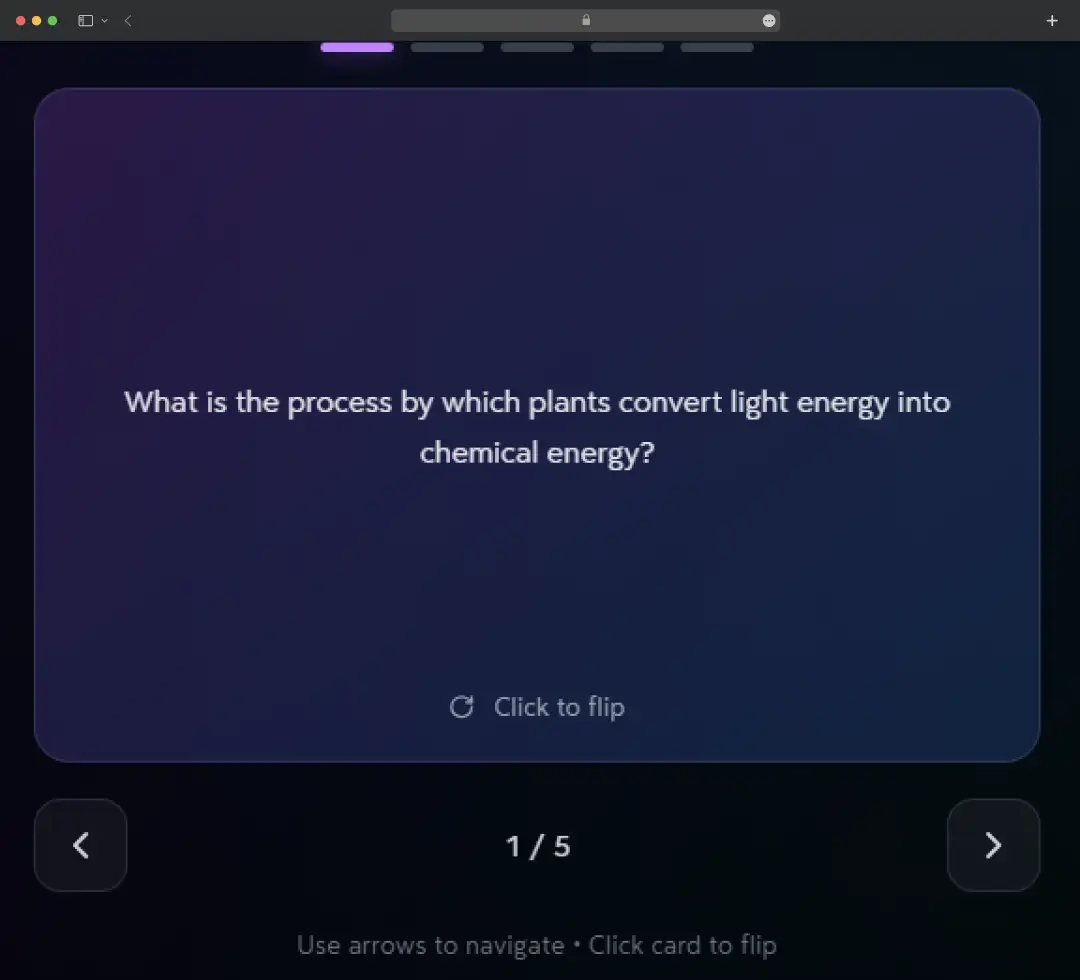
Once the notes are ready, Turbo AI automatically pulls out key concepts and builds flashcards. The spaced repetition system adapts to which cards you're getting wrong, prioritizing the weak spots so you stop wasting time on what you already know. You can review on the web, your phone, or a tablet. Everything syncs perfectly.
3. Quiz Builder
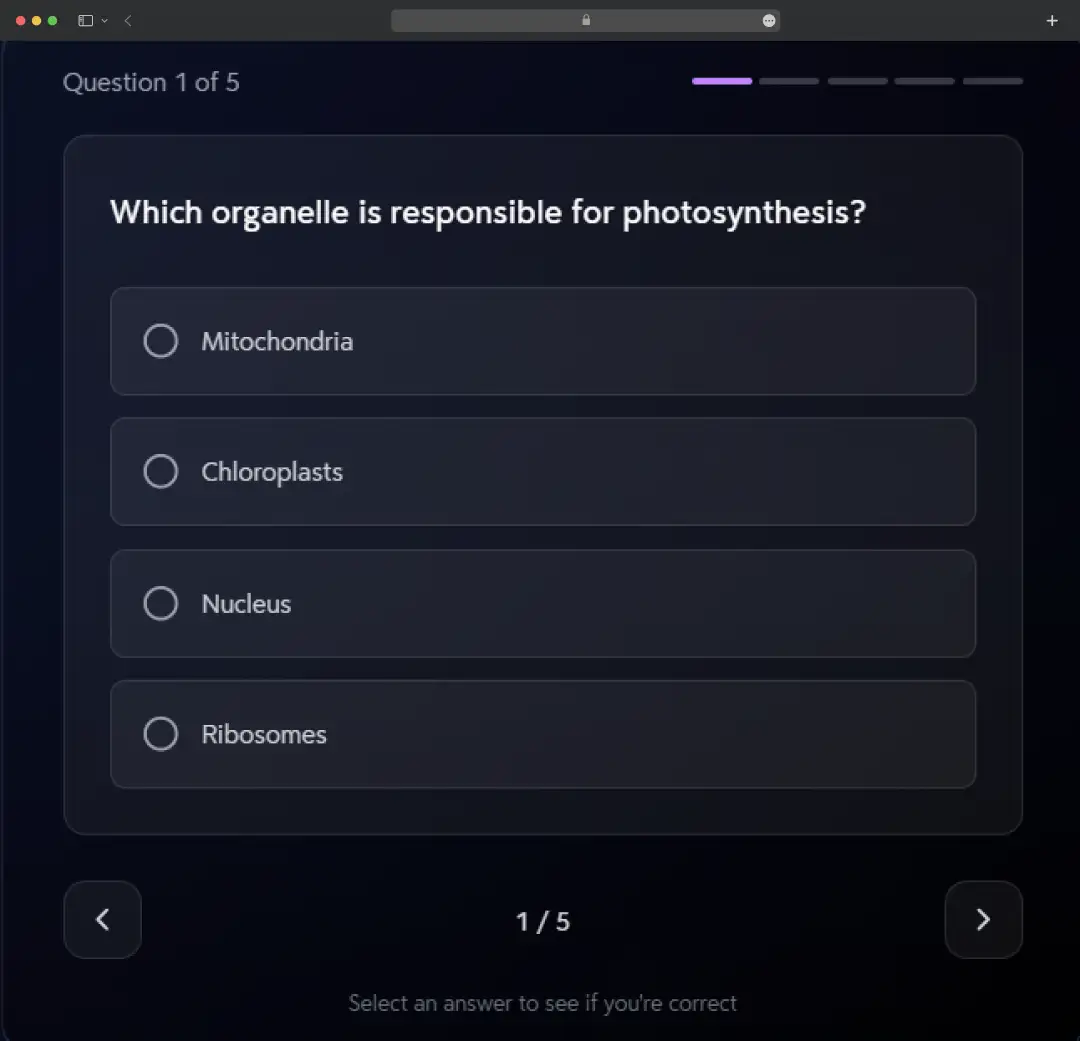
The quiz generator creates multiple-choice questions directly from your notes, and you can dial the difficulty from introductory to exam-level. Every wrong answer comes with a detailed explanation, not just a red X. It's the kind of targeted practice that actually helps retention.
4. Podcasts
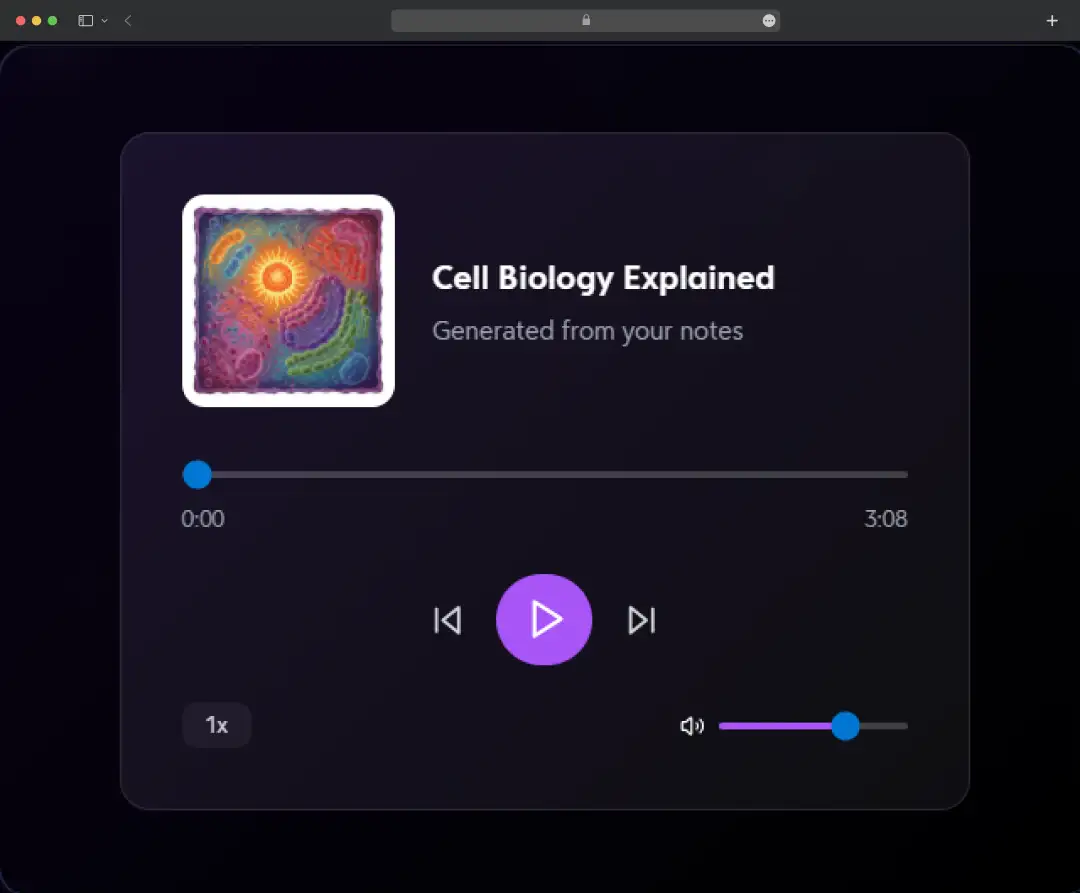
Use it for content that's too long to sit with, such as long textbook chapters, recorded webinars, research papers. Generate a comprehensive podcast version and listen whenever you get time. It doesn't replace reading, but it's a strong supplement for initial exposure to new material.
5. The Smart AI Chat
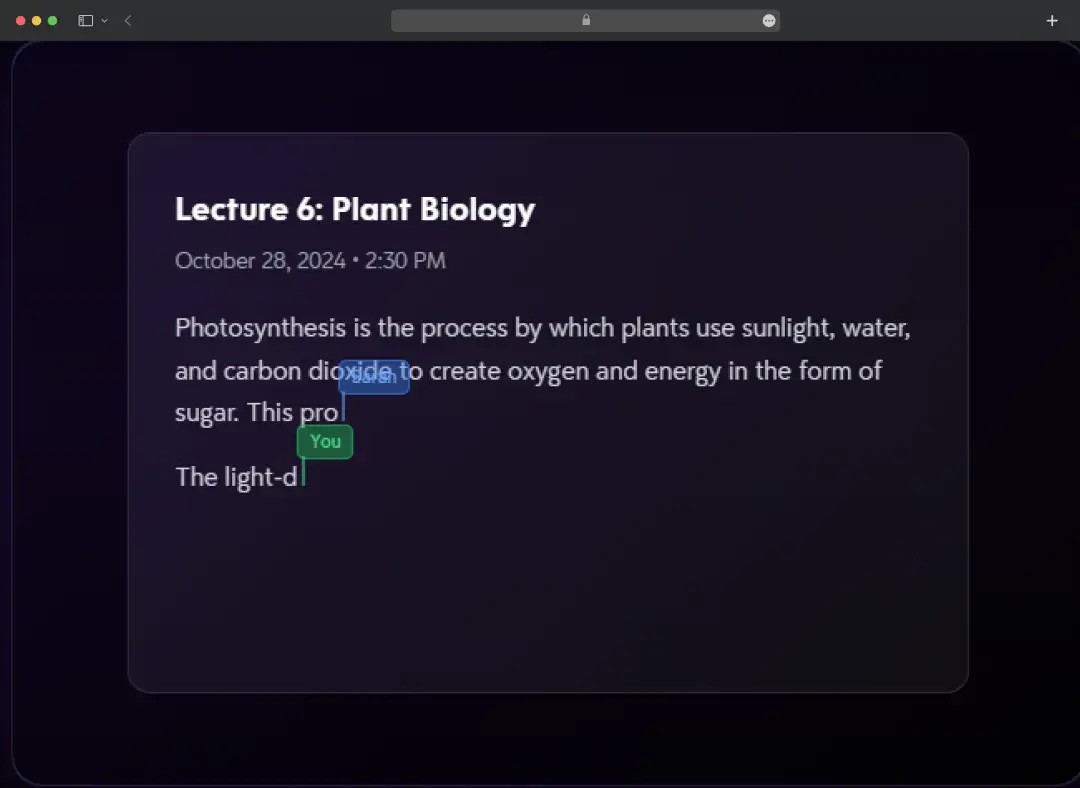
If a specific paragraph in your generated notes is confusing, you can talk to the Turbo AI note taker directly. It acts like a tutor that has read your specific source material, so it won't give you generic Google answers.
6. Live Recording Summaries
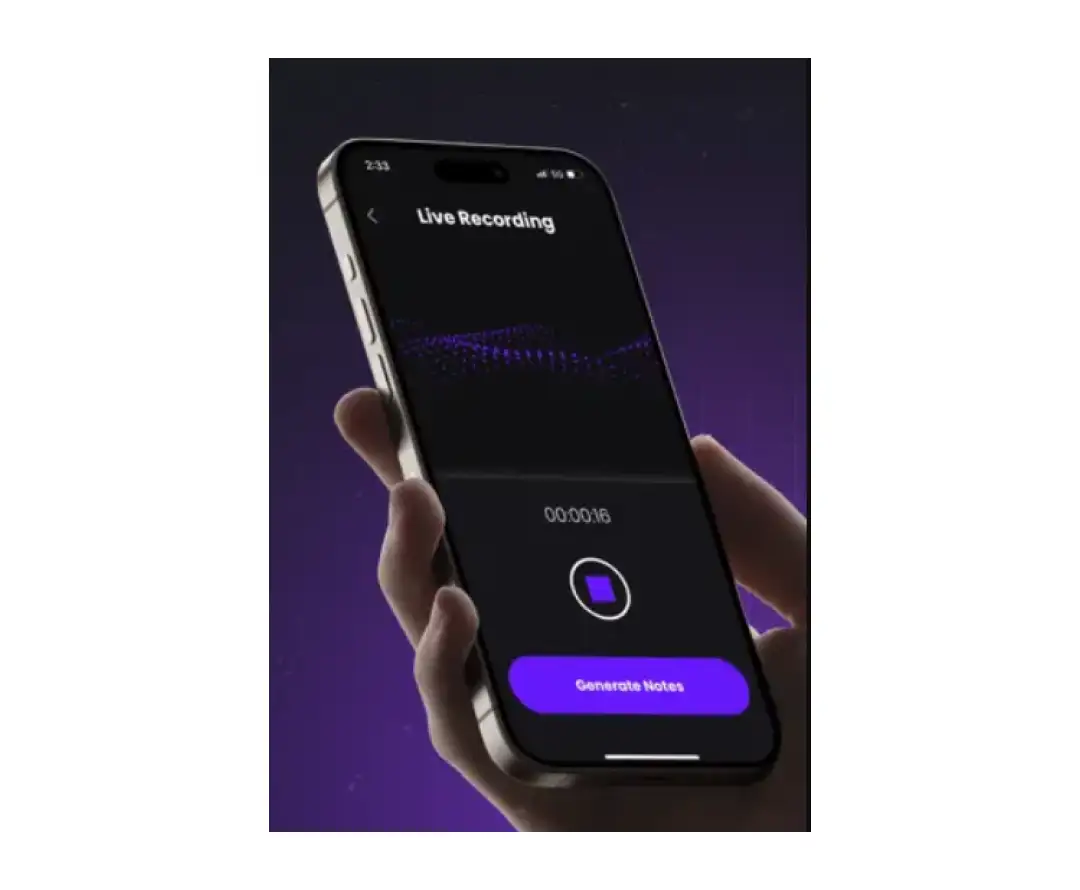
Click record in class, and Turbo AI captures the session, transcribes it with 99% claimed accuracy, and builds organized notes afterward. It handles different accents and technical vocabulary across subjects, including chemistry equations, physics notation, and medical terminology. For students who struggle to write fast enough in lectures, this is worth the download.
7. Book Library Access
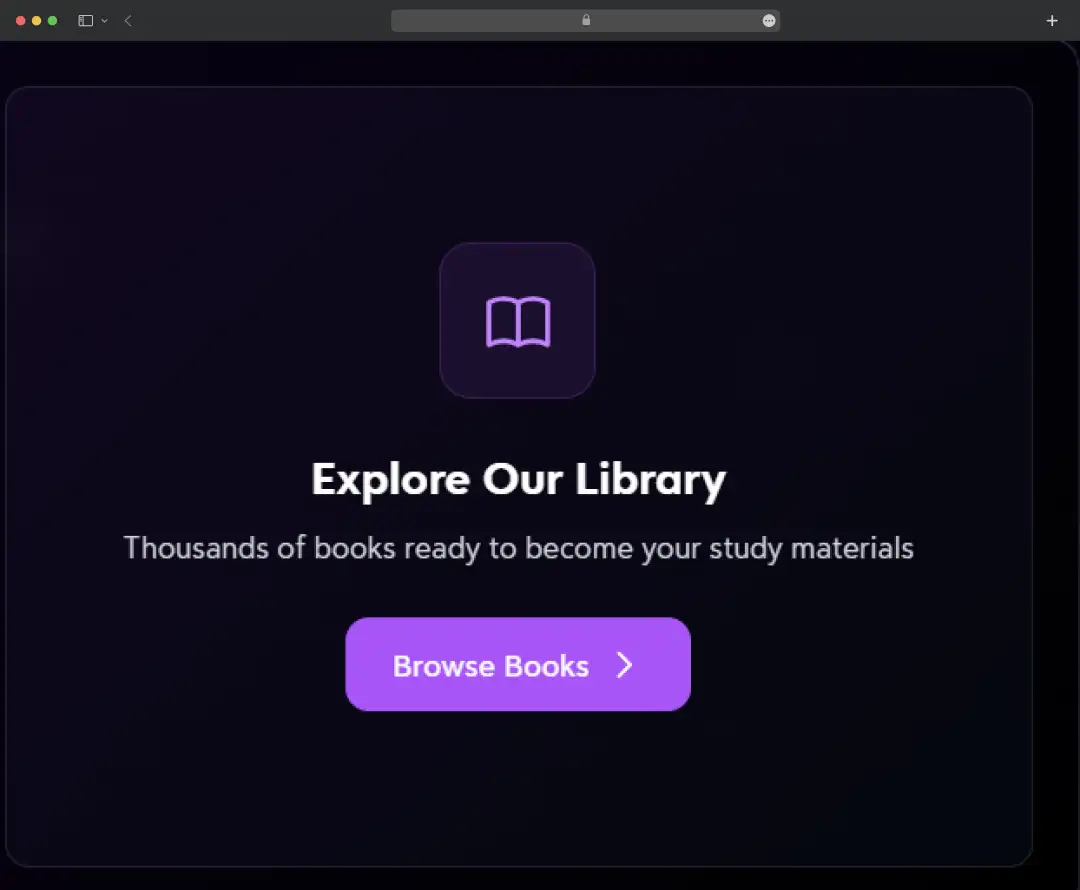
Turbo AI includes a curated library of academic and educational books. You can browse, annotate passages, and convert any chapter into notes, flashcards, or quizzes instantly. So, if you are working with standard textbooks, this is a huge time-saver, especially when you only need one chapter and not the whole 400-page book.
8. Collaboration

The Turbo AI dashboard collaboration tools let you share with other people also. By sharing a folder, you’re basically building a collective "second brain" for your team. If one person uploads a missing lecture recording, the whole folder updates with fresh notes and flashcards for everyone. You can see each other’s highlights and notes in real-time, which is as close as you can get to a live, high-intensity study session without everyone being in the same room.
Bonus Read: Learn How To Take Meeting Notes
Turbo AI for Students: What It Actually Solves
The Turbo AI study experience is clearly built for someone who is tired of drowning in a sea of raw information. It’s not about shortcuts; it’s about making the hours you actually spend studying count for something. Here’s a breakdown of how Turbo AI actually solves the problems for students:
| Problem | The Turbo AI Fix | Specific Tool Required |
|---|---|---|
| Lecture Overload | It stops the frantic typing. While you focus on listening and asking questions, it builds structured bullet points for you. | Live Recording & Note Taker |
| Textbook Walls | It dismantles 500-page monsters by converting chapters into manageable bytes, stripping away the academic filler. | PDF & Document Uploader |
| Generic Quizzes | It builds practice tests from your actual class material, ensuring you aren't wasting hours on irrelevant trivia. | Custom Quiz Generator |
| STEM Hard Mode | It handles the math formulas and coding syntax that break other apps. It turns complex equations into solvable puzzles. | AI Study Tutor / Dashboard |
| Dead Time | It turns your notes into a mini-podcast. You can study during your commute or at any place without a screen. | Podcast / Audio Converter |
| Study Group Issue | It replaces the "who has the file?" mess with a real-time layer where the AI suggests connections between everyone's notes. | Collaboration |
How Does Turbo AI Work?
There's no complicated setup, no integration headaches, no long onboarding flow. The whole process runs in a straight line. You bring the content, Turbo AI does the heavy lifting, and you walk away with a complete set of study materials. Here's how it actually goes:
Step 1: Upload Your Content
Drop in a PDF, paste a YouTube link, upload audio, or hit record during a live lecture. Every common format works.
Step 2: Let AI Process
Turbo transcribes and analyzes your material, identifies key concepts, and builds structured notes. Processing takes roughly 30 seconds.
Step 3: Get Study Materials
Receive editable notes, auto-generated flashcards, quizzes, and optionally a podcast version of your content.
Step 4: Study & Succeed
Access everything on the web or mobile. Your notes, flashcards, and quizzes live in the Turbo AI dashboard are synced instantly across web and mobile. Share folders with classmates, run through study modes before an exam, or just pull up a flashcard deck on the bus.
Understanding Turbo AI Pricing
Let's talk about the pricing structure because we know that's the first thing on your mind. Turbo AI pricing is a bit of a tiered situation.
- Starter Plan: This plan is absolutely free. You get a few credits to try it out, but it's very limited. You get note generation, flashcard creation, and basic quizzes without entering a card.
- Unlimited Plan: It's usually around $9.99/month if you pay for the year upfront, or $19.99 month-to-month. Premium unlocks unlimited features, advanced AI capabilities, unlimited quizzes, the podcast generator at full depth, and priority processing.
Turbo AI Scholarship
Turbo AI Scholarship is an annual "Future of Learning" award. The award is $5,000 cash plus a lifetime Turbo AI Premium subscription (valued at $1,200+). It's open to high school seniors applying to college and currently enrolled university students in the US or Canada, with a minimum 3.0 GPA. Applicants answer two short essay questions about how they use AI in their studies and why they deserve the award. Winners also get a direct mentorship session with the founders and early access to new features.
Customer Reviews
How was your experience with the product?














