NoteGPT Review: Here’s My Week of AI-Powered Notes, Summaries, and Surprises
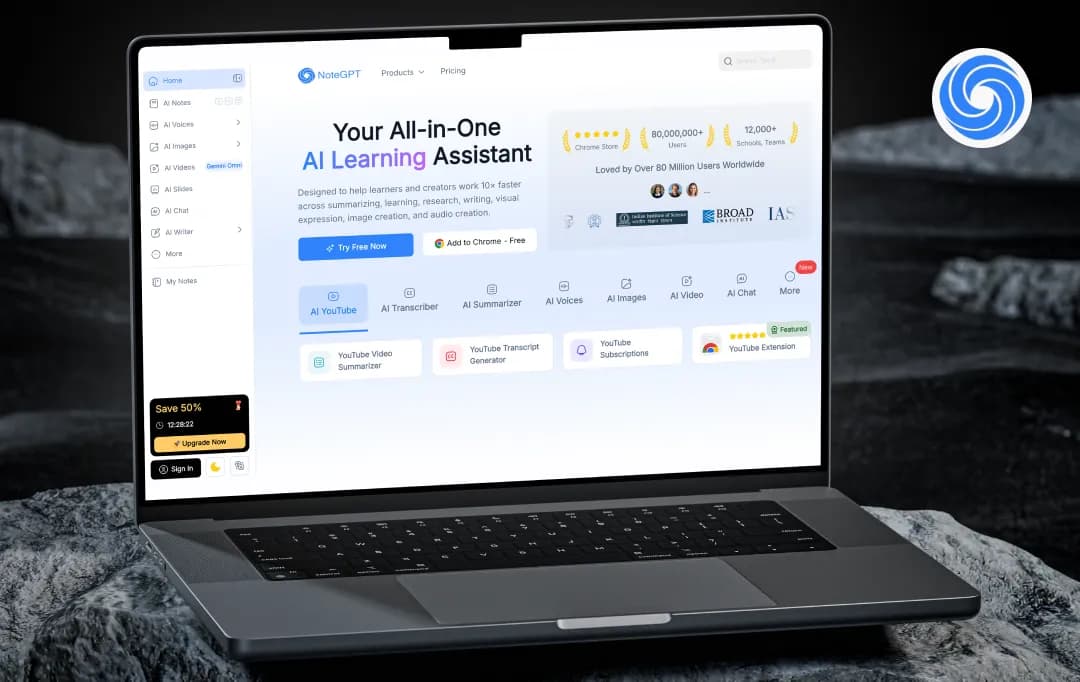
I usually don’t have a problem finding information. The problem is what happens after that.
A video gets bookmarked, a PDF gets downloaded, an article gets opened in a new tab, and suddenly there are dozens of things I wanted to go through but never actually did. Not because they weren’t useful, but because sitting down and sorting through all that information takes time.
That’s the reason I decided to try NoteGPT.
I wanted to see if it could actually fit into the way I already work, or if it would just become another tool I try once and forget about. After spending time with it, I looked at what felt genuinely useful, what didn’t, and whether this all-in-one AI learning assistant is something worth adding to your everyday workflow. Let’s explore all this and a lot more in this NoteGPT review.
Pros and Cons of NoteGPT
Pros
- It summarizes YouTube videos accurately and delivers results in under a minute, even for lengthy lectures
- It supports a wide range of formats, including PDFs, PPTs, audio files, images, and web articles
- You can generate mind maps, flashcards, and quizzes from your content with just one click
- The built-in AI chat lets you ask questions directly about anything you've uploaded
- It supports translation across 40+ languages, making it useful for international content
- The Chrome extension lets you summarize videos and articles without leaving your browser
- You can chat with multiple AI models, including GPT, Claude, and Gemini, from one place
- There's a free tier available with no credit card required, so you can try it before committing
- It can turn your notes or PDFs into audio, podcasts, or custom AI-generated voices
Cons
- It doesn't support live transcription, so you can't use it to capture meetings or calls in real time
- It isn't GDPR compliant, which could be a concern if you're working with sensitive or private data
- The credit system can be confusing, as different features consume credits at different rates
- There's no memory between sessions, so it won't learn from your past usage or preferences
- Summaries of highly technical or complex content can sometimes feel oversimplified.
NoteGPT Features and Functionalities
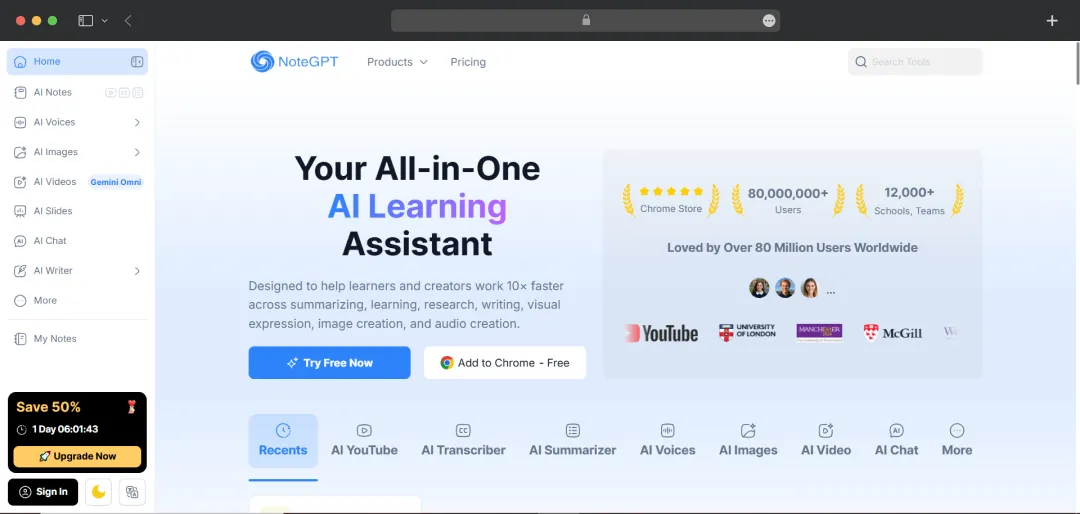
Most AI tools make you adapt to them. NoteGPT takes the opposite approach: it meets you wherever your content already lives, whether that's a YouTube tab, a cluttered PDF, or a slide deck you need to actually understand. The result is a feature set that covers more ground than you'd expect from a single tool.
1. YouTube Video Summarizer
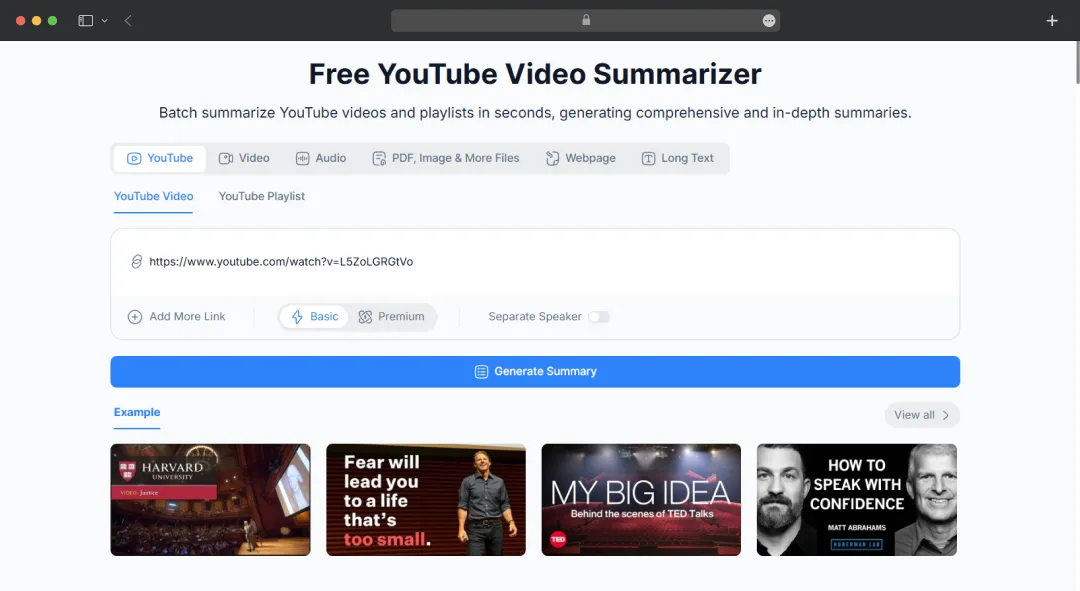
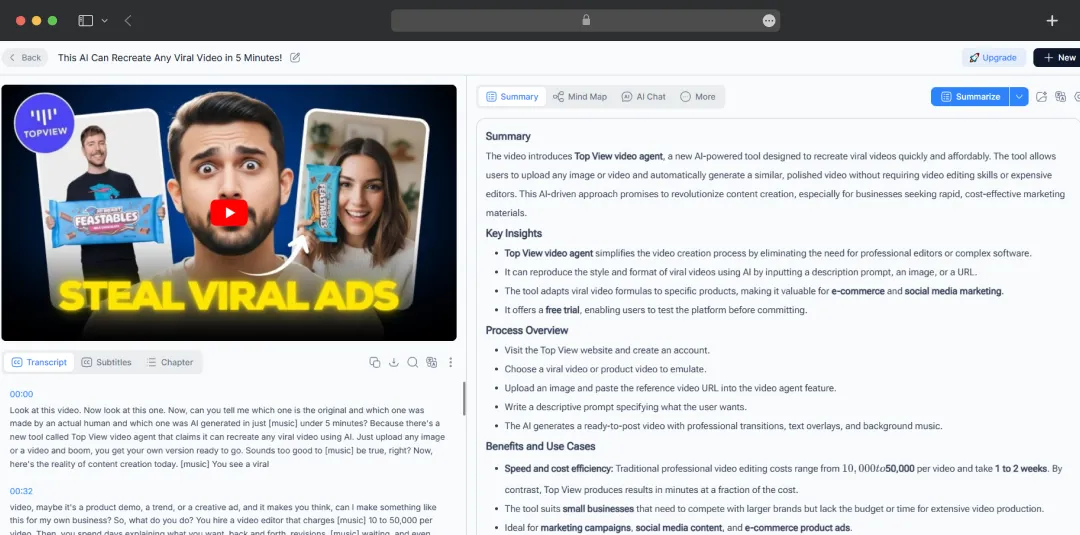
This is arguably NoteGPT's strongest feature. Paste any YouTube link, and the platform generates a structured summary with timestamps in under a minute. It works on videos with or without subtitles, and you can even translate the content into 100+ languages.
The NoteGPT YouTube transcript tool also offers a quick way to transcribe long YouTube videos. If you are a student sitting through hour-long lectures or a researcher sifting through conference talks, this feature alone makes the tool worth trying.
2. Multi-Format Summarization
On NoteGPT, you can upload PDFs, PowerPoint presentations, audio files, images, Word documents, and even entire books or web articles. Like most AI summarizer tools, it processes whatever you give it and returns clean, digestible summaries with key highlights, no manual skimming required.
3. AI Chat with Your Content
Once you've uploaded something, you can have a conversation with it. NoteGPT AI lets you ask specific questions, request clarifications, or dig deeper into any section. It's a bit like having a tutor who's already read everything and is ready to answer on the spot.
4. Mind Maps, Flashcards & Quizzes
With one click, Note GPT can transform your summaries into visual mind maps, auto-generated flashcards, or quiz questions. These are particularly handy for students who need to actually retain and revise information, not just read through it once.
5. AI Slide Generator
Feed NoteGPT a document or outline, and it'll draft a slide deck for you. The output isn't always presentation-ready, but as a first draft, it saves a significant amount of time, especially for educators building lecture materials regularly.
6. Voice, Podcast & Audio Tools
This is one of the more surprising additions. NoteGPT lets you convert notes or PDFs into listenable audio, generate podcasts, clone voices, and even design custom AI voices. It's a genuinely useful feature for educators who want to create audio lessons or creators building podcast-style content.
7. Multi-Model AI Chat
Rather than locking you into a single AI, NoteGPT gives you access to multiple models, including GPT, Gemini, Claude, and DeepSeek, all from the same interface. You can switch between them depending on the task at hand.
8. AI Image & Video Tools
On the creative side, NoteGPT also includes an image generator, image editor, background remover, headshot generator, and even a video generator. These feel more like bonus additions than core features, but they do add value if you're a content creator working across different media.
9. Chrome Extension
The browser extension lets you summarize YouTube videos and web articles without switching tabs. It's lightweight, quick, and integrates smoothly into your existing workflow, particularly useful if you're doing research or studying online.
10. AI Detector & Humanizer
NoteGPT includes tools to detect AI-generated content and humanize it. Worth noting, though, is that independent tests have found these tools to be less reliable than dedicated alternatives, so treat them as a supplementary feature rather than a primary one.
Understanding NoteGPT Pricing
NoteGPT offers a free tier to get you started, with paid plans that scale based on how heavily you use the platform. Pricing is billed either monthly or annually; choosing annual billing saves you 50% across all plans. Here's how they break down:
*The prices below are annual rates
| Plan | Price | Basic quotas |
|---|---|---|
| Pro | $9/month | 1,000 quotas/month |
| Unlimited | $14.5/month | Unlimited |
| Max | $49.5/month | Unlimited |
Who is NoteGPT for, and What Does it offer?
NoteGPT AI is built for anyone who regularly deals with large amounts of content and wants to process it faster. Whether you're studying for exams, prepping a lecture, or doing professional research, there's something in here for you. Here's a quick look at who it's designed for and what they get out of it.
| Who is NoteGPT for? | What does it offer? |
|---|---|
| Students | NoteGPT homework helper summarizes lectures, YouTube videos, and textbooks into concise study notes. It also generates flashcards and quizzes automatically, making revision faster and more structured. |
| Educators | Converts teaching materials into summaries, slide decks, and audio lessons. Voice cloning and podcast generation make it easy to create engaging content for students. |
| Researchers | Summarizes lengthy academic PDFs and research papers in minutes. The AI chat feature lets you ask specific questions about uploaded documents, speeding up literature reviews. |
| Professionals | Converts long reports and documents into structured summaries and presentations. It's useful for professionals who need to quickly extract key insights from dense material. |
| Content Creators | Turns videos into scripts, generates podcast audio, creates custom AI voices, and helps brainstorm new content ideas, all from a single platform. |
Additional NoteGPT Tools for Users
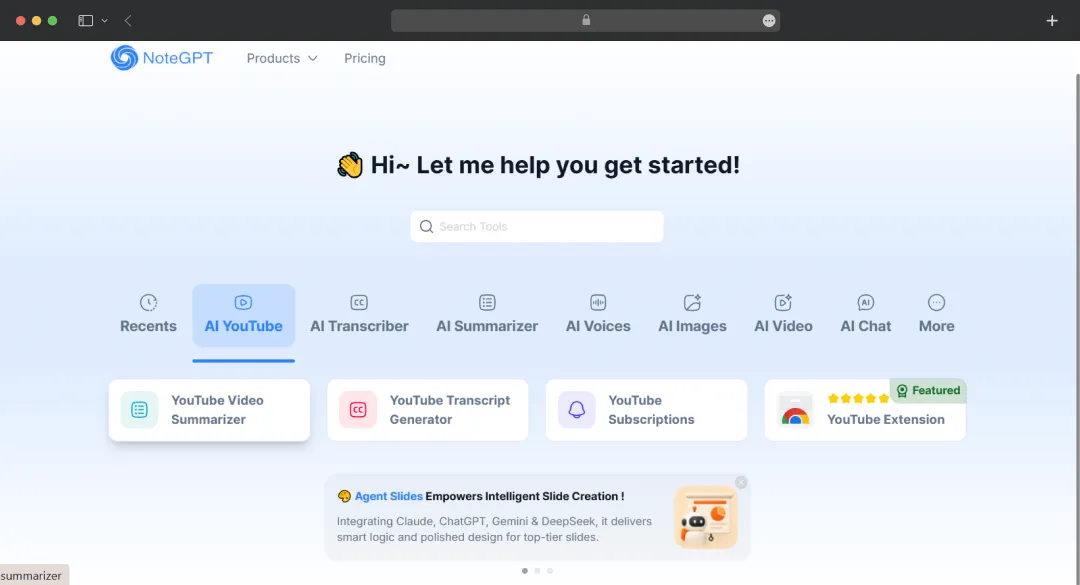
Beyond the platform’s core learning and summarization features, the platform packs a surprisingly large collection of standalone tools, from NoteGPT AI podcast generator to PDF converter. Here’s what this note-taking app offers-
| Category | Tools offered |
|---|---|
| Writing & Academic | AI Essay Writer, AI Paper Writer, AI Essay Grader, APA Citation Generator, AI Humanizer, AI Detector, AI Resume Builder |
| Homework & Study | AI Math Solver, AI Homework Helper, AI Chemistry Solver, AI Physics Solver, Photo Math, AI Graphing Calculator, AI Worksheet Generator |
| Image & Visual | AI Image Generator, AI Image Editor, AI Background Remover, AI Object Remover, AI Image Enhancer, AI Headshot Generator, AI Clothes Changer, AI Passport Photo Maker |
| Audio & Voice | Text to Speech, AI Voice Generator, AI Voice Cloning, AI Voice Changer, AI Podcast Generator, AI Music Generator, PDF to Audio |
| Document & PDF | PDF Translator, PDF to Markdown, PDF to Excel, PDF to PNG, Word to PDF, Image to PDF, Excel to PDF, ChatPDF, PDF summary generator |
| Visuals & Ideation | AI Mind Map Generator, AI Flowchart Generator, AI Diagram Generator, AI Slide Generator, AI Presentation Maker, AI Idea Generator, AI Story Generator |
Bonus Read: Best Homework Apps for Students
Customer Reviews
How was your experience with the product?