
Paperanimator Review: Is This The Missing Link Between Paper & Pixels?

If you've scrolled through Instagram Reels lately, you've probably seen that punchy paper cut-out effect, where a photo suddenly looks like it was torn out of a magazine, or text unfolds dramatically across the screen like an old-school documentary reveal.
A big chunk of those clips is made with Paperanimator, a browser-based tool that turns ordinary photos and text into paper-style animations without any editing software or plugins.
It's built around four core effects: paper cut-outs, fold-out animations, magazine-style lettering, and text match cuts, all wrapped in a drag-and-drop interface that's meant to get you from upload to export in under a minute.
The tool has picked up serious traction with content creators, with the site claiming over 412K signed-up users and showcasing TikTok creators who actively use it in their content.
In this Paperanimator review, I'll walk through what the platform actually offers, how it performs, and whether it's worth paying for.
Pros and Cons of Paperanimator
Pros
- No installation or plugins needed, works entirely in the browser
- Simple drag-and-drop interface, easy for beginners
- Multiple distinct effects (cut-out, fold-out, magazine letters, text match cut) in one tool
- Built-in background removal with object selection
- Granular customization (edge thickness, intensity, shadow, movement, etc.)
- Green screen and transparent PNG export options
- Strong, visible creator community on TikTok/Instagram
Cons
- Free tier is heavily credit-limited (only 1 free credit on signup)
- HD (1080p) exports are locked behind paid credits
- Pay-as-you-go credits can get expensive for frequent use
- No fully free, watermark-free, unlimited tier (unlike some newer competitors)
- Works only on individual images/text, not full video editing
- Relatively niche use case, less useful outside short-form content creation
A Closer Look at Paperanimator Features
Paper Animator AI isn't a one-trick tool; it bundles a handful of paper-themed effects together with some practical editing controls. Here's a breakdown of what you actually get inside the app.
1. Paper Cut-Out Effect (4.5/5)
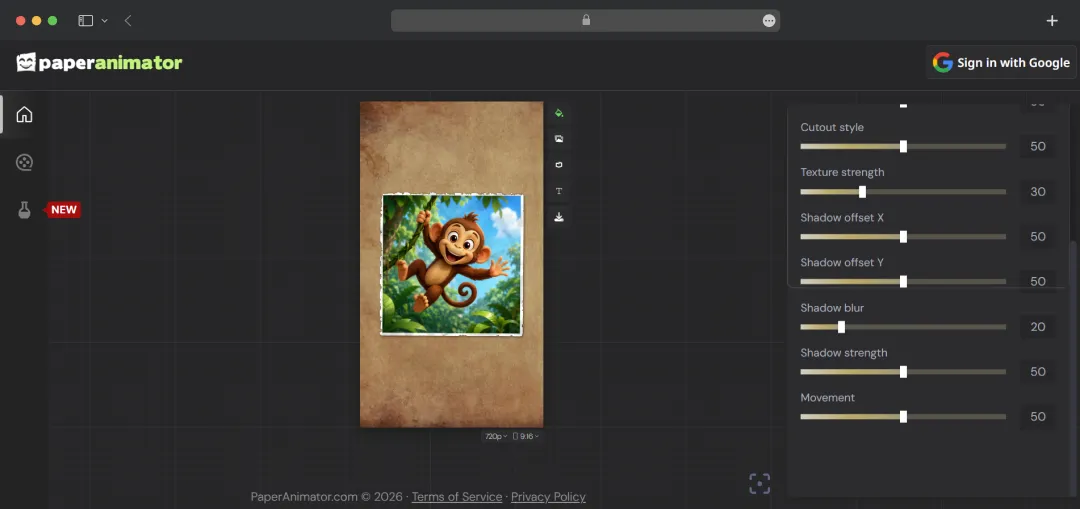
This is the signature feature of the tool: torn paper edges, soft shadows, and a textured cutout finish applied to any photo. It's designed to mimic the look of a magazine clipping or a photo physically cut out with scissors, and it's generated automatically without needing extra design assets or software.
2. Paper Fold-Out Animation (3.8/5)
With one click, the Paperanimator animation tool turns any static image into an animation that looks like it's unfolding from a folded piece of paper. This effect is specifically useful if you want to make a reveal or transition feel more dynamic. Plus, this feature also works well for intros, transitions, or highlighting a specific subject in a video.
3. Magazine Letters (3.7/5)
The Magazine Letters feature of the Paper Animator app converts typed text into a randomized, magazine-cutout lettering style, similar to a ransom-note aesthetic. Each generation produces a slightly different look, so it's meant for quick experimentation rather than pixel-perfect, repeatable branding.
4. Text Match Cut Animation (4.0/5)
This is the effect most associated with the viral documentary style reveals on TikTok and YouTube. You type a keyword or phrase, and the tool automatically generates a paper-cutout animation matched to that text, cutting out hours of manual editing that this effect would normally require.
5. Background Removal with Object Selection (4.0/5)
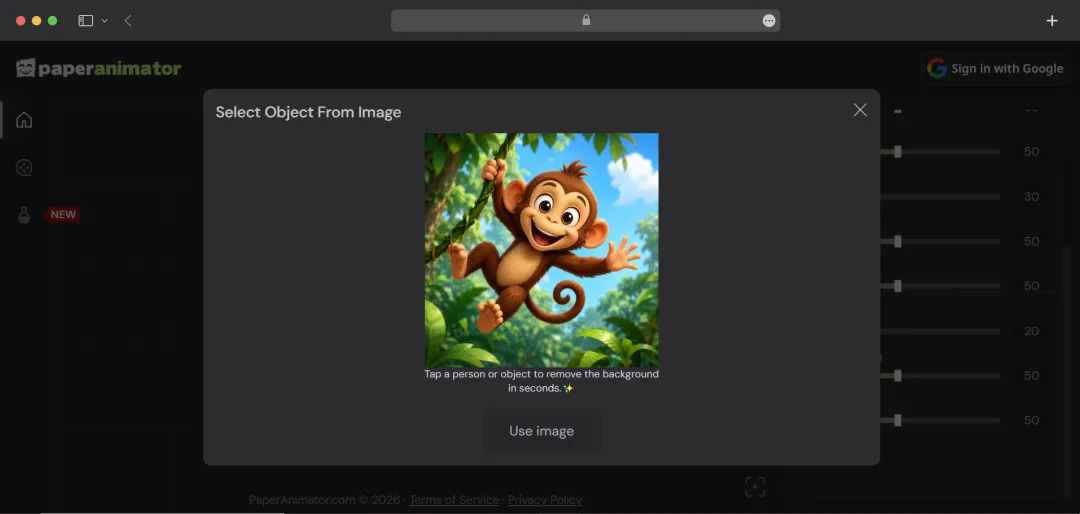
The Paper Animator software includes a built-in background remover that lets you select which specific person or object in an image you want to extract, rather than just stripping the entire background. This is particularly useful when working with photos that have multiple subjects or busy backgrounds.
Also Read: Best ai background remover tools
6. Customization Controls (4.2/5)
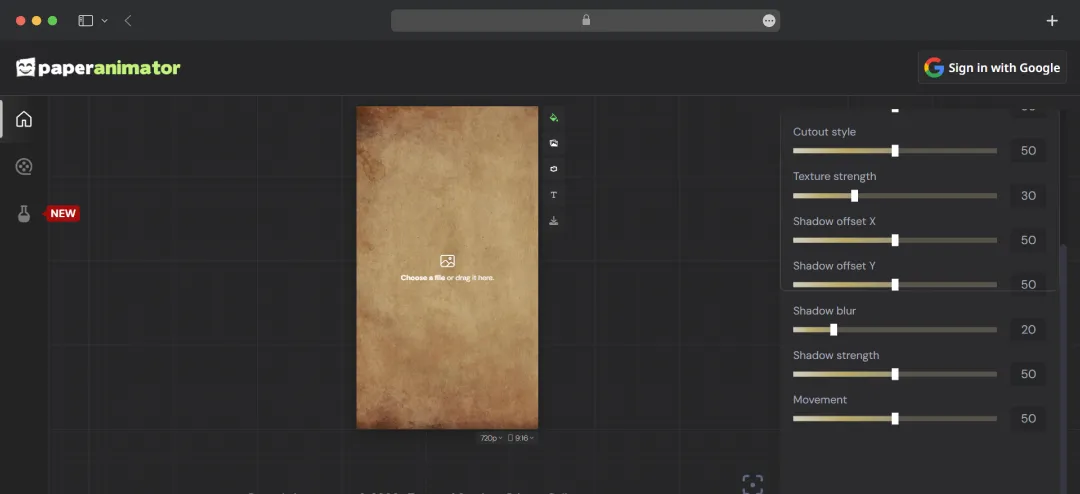
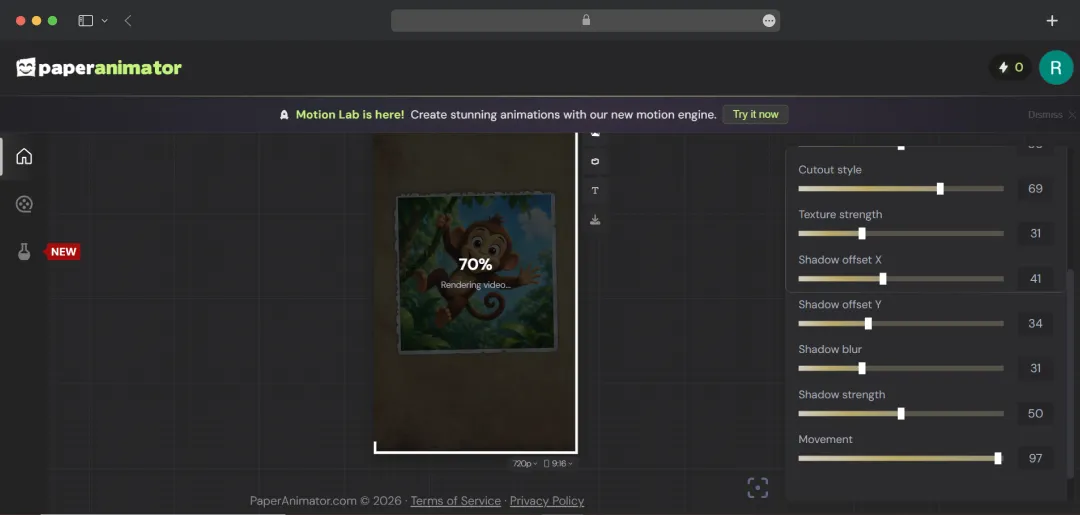
You can fine-tune the paper effect through settings like edge thickness, intensity, detail level, animation size, shadow strength, cutout style, and movement. So, this paper animator online tool gives more control than a single-click filter, letting creators match the effect to their specific aesthetic.
7. Export Options (Green Screen & Transparent PNG) (4.0/5)
You can export the finished animations with a green screen background for easy chroma-keying in other editing software. Or you can also save it as transparent PNGs if you just need a static paper-cutout graphic, for example, for a YouTube thumbnail.
Bonus Read: Best 3D Animation Apps
PaperAnimator Pricing and Subscription Plans
The Paper Animator online runs on a credit-based system, with two ways to get credits: one-time Pay as You Go purchases or a monthly Pro subscription. The Paper Animator free plan gives 1 credit to test the app before committing to anything.
| Plan | Price | What You Get |
|---|---|---|
| 1 Credit | $1.99 (one-time) | Basic pay-as-you-go credit |
| 5 Credits | $2.99 (one-time) | Pay-as-you-go credits expire after 2 years |
| 10 Credits | $3.99 (one-time) | Pay-as-you-go credits expire after 2 years |
| 50 Credits | $5.99 (one-time) | Pay-as-you-go credits expire after 2 years |
| 100 Credits | $7.99 (one-time) | Pay-as-you-go credits expire after 2 years |
| Pro Monthly | $7.49/month (intro price: $3.49) | 120 credits/month, Full HD (1080p) exports, faster export servers, unused credits roll over (up to 5x monthly allotment), 14-day money-back guarantee, cancel anytime |
*A quick note on how credits work: subscription credits don't expire as long as the subscription stays active, while one-time purchased credits expire after two years. If you cancel a subscription, leftover credits remain usable only until the end of that billing cycle.
Who is Paperanimator Suitable For?
Paperanimator is an easy animation app for PC, purpose-built around one specific visual style, so it's most valuable to people who create short-form, attention-grabbing content. Whether it's worth the subscription really comes down to how often you'd use the paper cut-out and text match-cut effects in your work.
| User Type | Why Paperanimator Fits |
|---|---|
| Short-form content creators (TikTok, Reels, Shorts) | The text match-cut and paper cut-out effects are tailor-made for the documentary-style reveals and fast-paced transitions that perform well on these platforms. |
| YouTubers | Useful for thumbnail graphics (via transparent PNG export) and for intro/transition animations that grab attention in the first few seconds. |
| Social media marketers & brands | Quick, no-editing-software way to produce scroll-stopping promotional clips or product reveal animations without hiring a designer. |
| Educators & explainer content creators | Magazine letters and match-cut text effects work well for presenting facts, stats, or short story-style educational content. |
| Hobbyists & beginners | Drag-and-drop simplicity and one-click effects make it accessible without any video editing background or technical skill. |
| Meme creators / casual social posters | Free credit and low-cost pay-as-you-go options make it usable for occasional, low-volume fun content without committing to a subscription. |
| Professional video editors/motion designers | Less ideal as a standalone tool and more useful as a supplementary asset generator (via green screen export) inside a larger editing workflow like Premiere or After Effects. |
| High-volume daily creators | Best suited to the Pro Monthly plan, since pay-as-you-go credits would get expensive quickly for users exporting frequently. |
Also Read: Best GIF Maker Apps
Customer Reviews
How was your experience with the product?