
Popsa Review: Premium Quality or Just Hype? My Hands-On Test
We are living in the golden age of taking photos and the dark ages of actually looking at them. It’s a tragedy, isn’t it? We capture everything but revisit nothing.
I mean, when was the last time you actually held a photo of your favorite vacation? Or your best friend’s wedding? Your precious memories are currently somewhere between a screenshot of a recipe and a blurry photo of your pet on your mobile phone.
Every day, those memories get pushed further down, harder to find, and essentially... lost. I promised myself for years that I would make a yearbook. But who has 10 hours to drag-and-drop images on a clunky website?
I certainly don't. That’s when I stumbled across Popsa, a photo book platform that's powered by AI. They claimed their AI could build me a professional book in minutes.
Naturally, I called their bluff. I downloaded the app to experiment, and here’s my honest Popsa review.
Pros and Cons of Popsa
Pros
- Great for simple, quick memory books and gifts
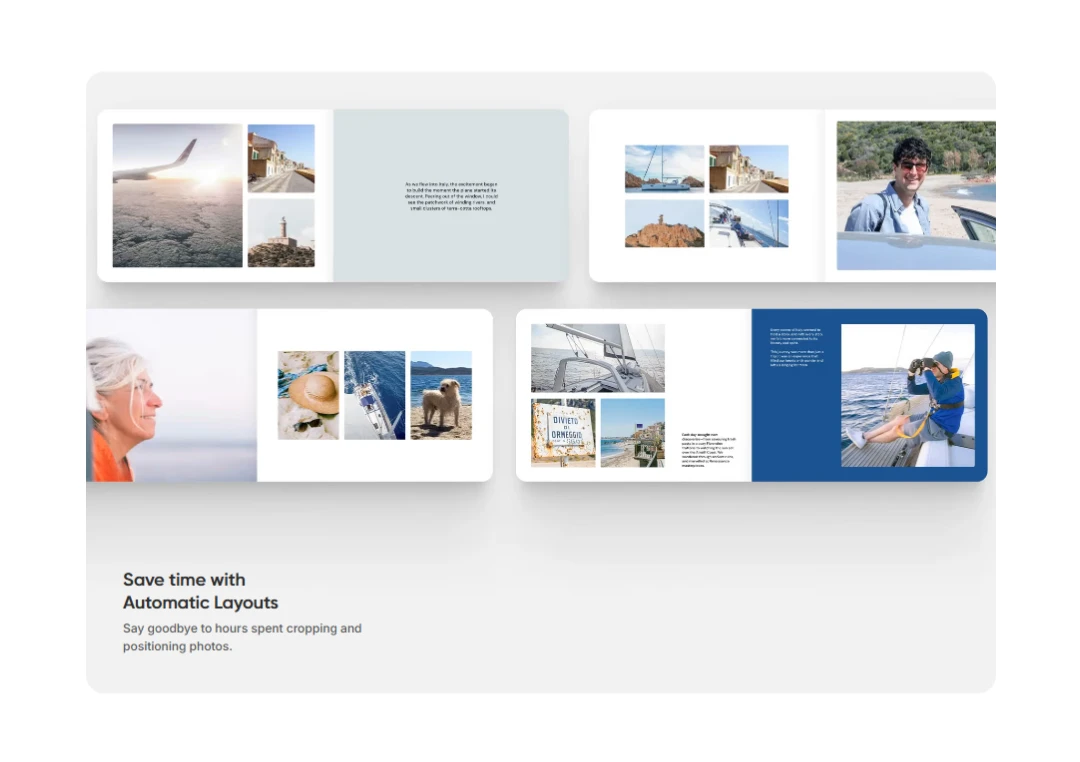
- Quick photo book creation with automatic layouts
- Good print quality when high-resolution photos are used
- Convenient mobile app for creating books on the go
Cons
- Limited customization and design flexibility
A Closer Look at Standout Features of Popsa
Popsa’s founders, Liam Houghton and Tom Cohen, wanted to bridge the gap between our messy digital libraries and the physical keepsakes we actually want.
As he says,
“We created Popsa because people are taking more photos than ever, but curating and printing them was slow and frustrating. We wanted a service that bestowed others with creative and technical abilities, removing the complexity, while still offering a premium, personalised product.”
This philosophy, automating the tough process so you can focus on the memories, is the backbone of the entire platform. Here is exactly how Popsa features deliver on that promise:
1. Lightning-Fast Creation (The 5-Minute Rule)
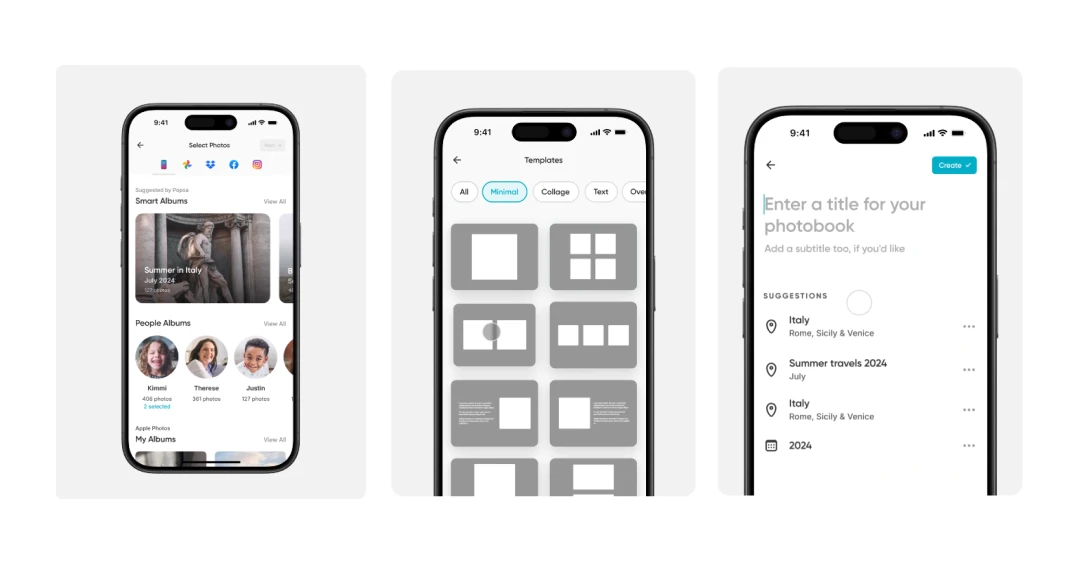
Unlike traditional software that demands hours of drag-and-drop, Popsa is built for speed. The average user completes an order in just 5 minutes. The interface is mobile-first, meaning it’s designed to work seamlessly with the phone you're already holding. This eliminates the need to transfer files to a clunky desktop computer.

2. Smart Auto-Fill Layouts
You don’t need to be a graphic designer to use this. Popsa’s AI analyzes your selected photos, looking at orientation, faces, and timestamps, and automatically populates the pages for you. It groups related moments together (like a weekend trip or a birthday party), so your book tells a chronological story without you lifting a finger.
3. Dynamic Themes & Color Palettes
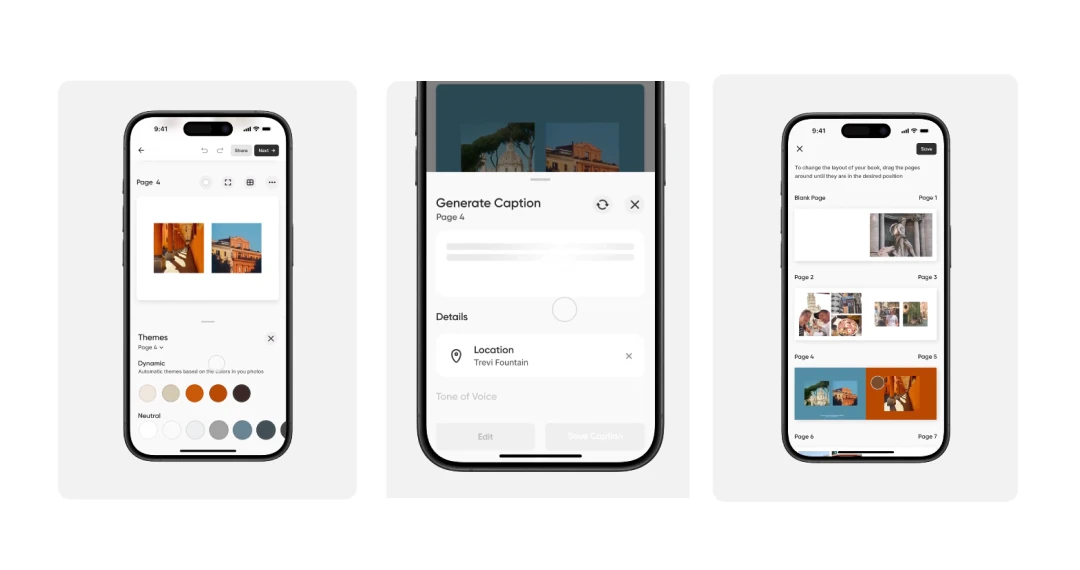
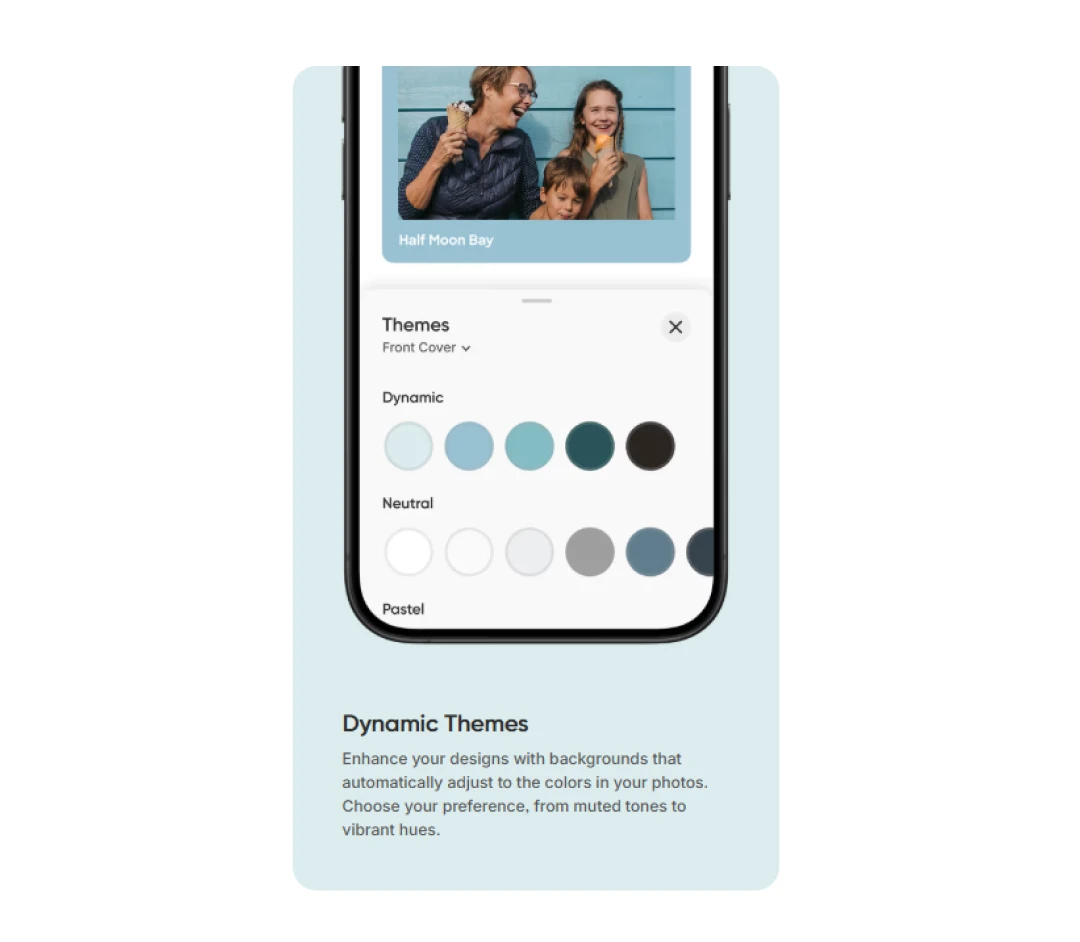
Struggling to match colors? Popsa’s ‘Dynamic Themes’ feature automatically detects the dominant colors in your photos and suggests complementary background palettes. This ensures that every Popsa photo book looks cohesive and professionally designed, rather than just a random collection of images.
4. Generative AI Captions
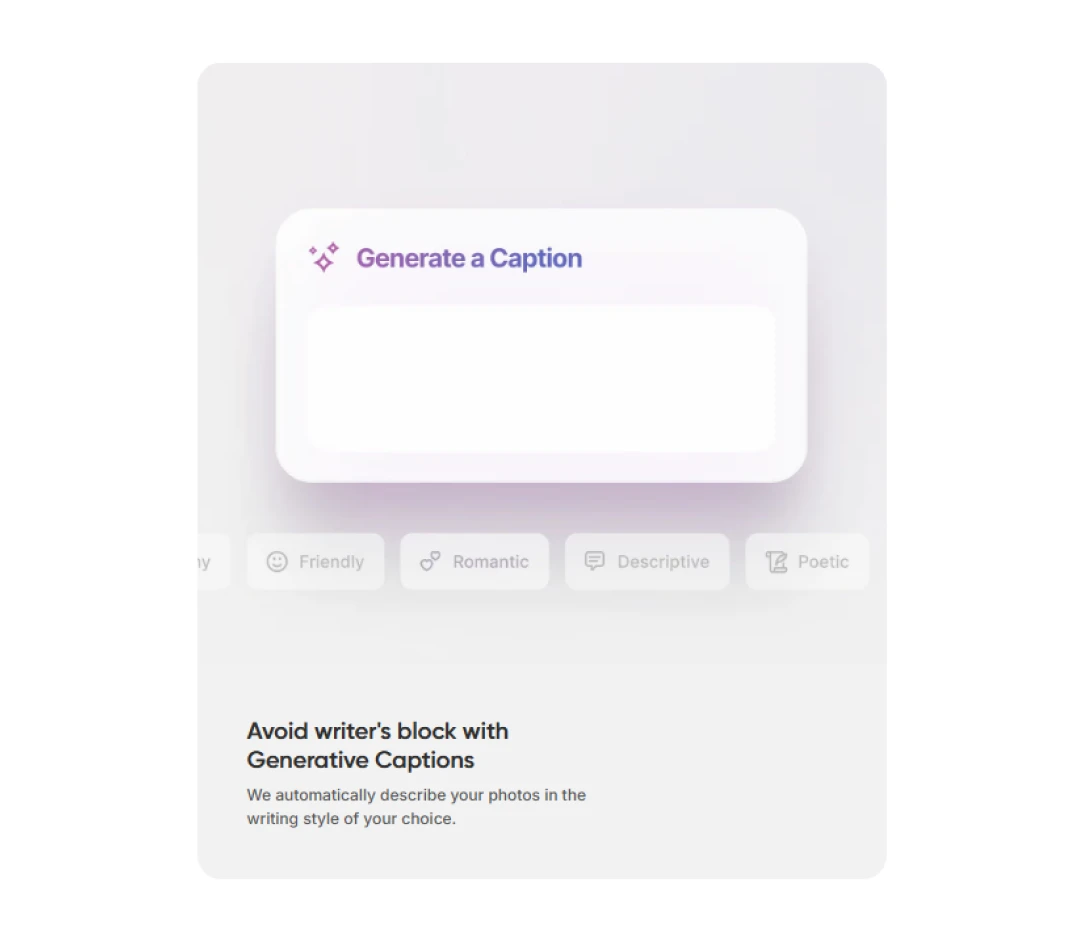
Writer’s block is real, even for photo captions. Popsa uses generative AI to scan the context of your photos and suggest relevant captions. Whether you want something funny, sentimental, or descriptive, the app drafts the text for you, which you can then edit or approve instantly.
5. Print Quality Health Check
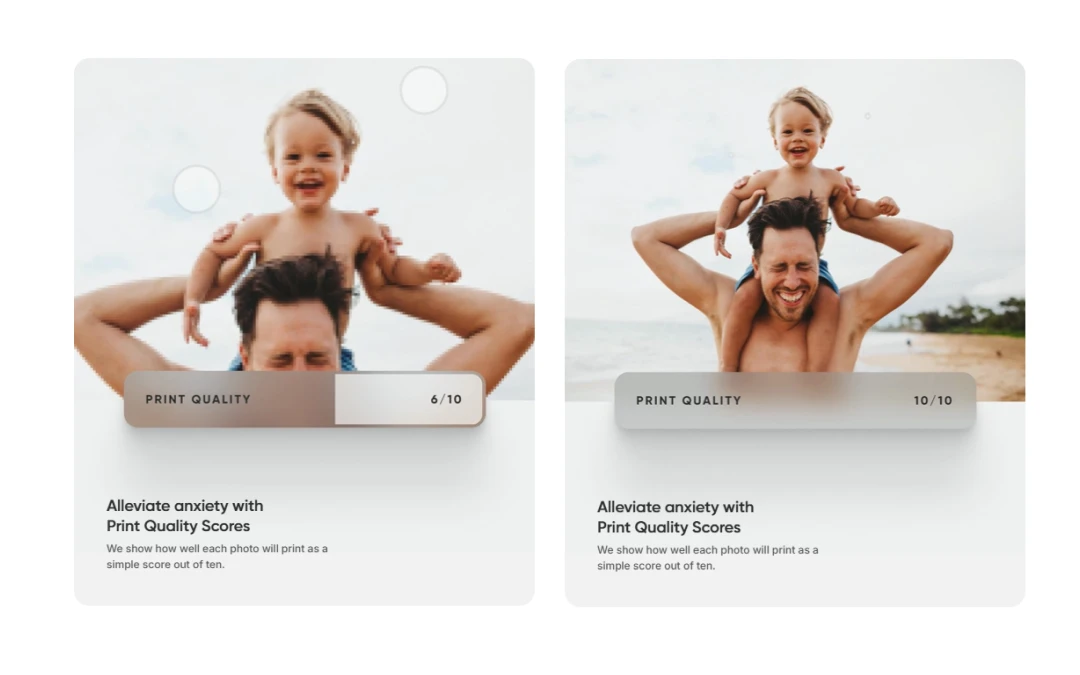
One of the biggest fears with printing phone photos is pixelation. Popsa includes an automatic Print Quality Score for every image. It warns you immediately if a photo is too low-resolution to print clearly. This saves you from the disappointment of opening a blurry book.
6. Accessible for Everyone
Because the app handles the complex design rules (margins, bleeds, alignment) in the background, it is incredibly accessible. If you are a tech-savvy user, you will appreciate the efficiency. If you are someone who is less comfortable with technology, you will find it refreshing that no design skills are required to get a professional result.
8. Seamless Cloud Integration
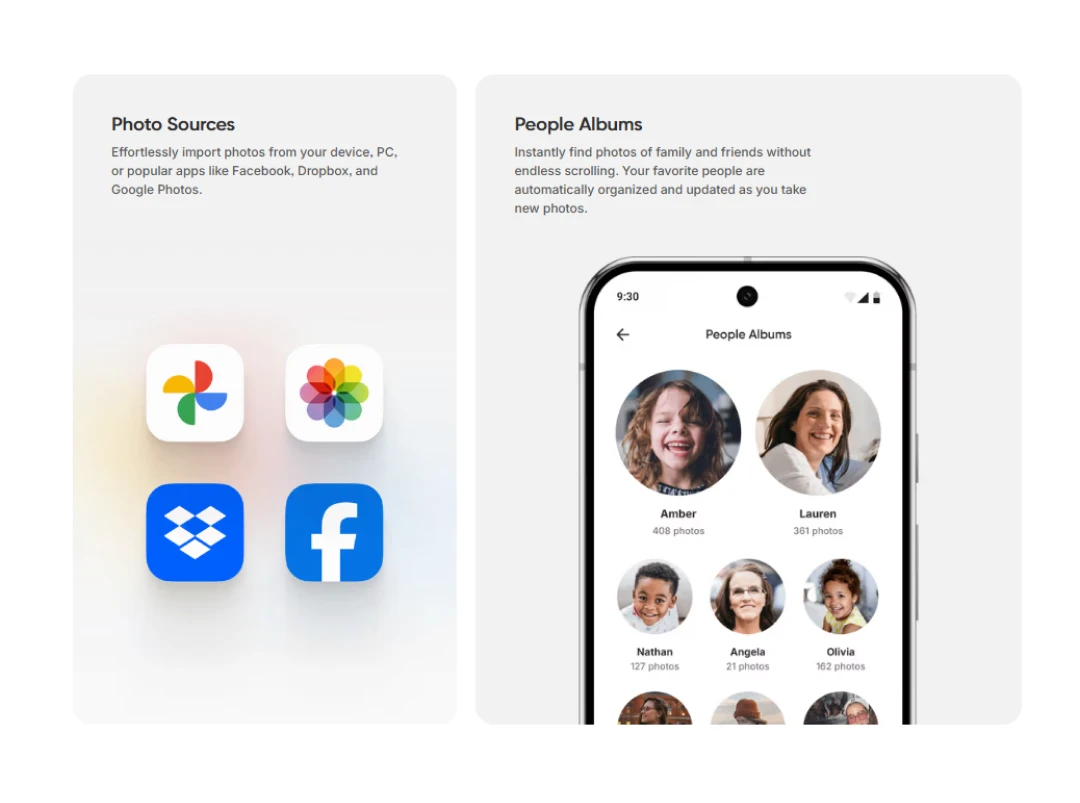
Your photos aren't just on your camera roll; they're everywhere. Popsa integrates directly with Google Photos, Dropbox, and Facebook, allowing you to pull images from multiple sources into one project. So, you do not need to download and re-upload them manually.
9. Fast Delivery and Global Shipping
Popsa offers impressive shipping speeds, with most orders in the UK and US arriving within just 4-7 business days. While timelines can vary slightly depending on your specific region. This rapid turnaround makes Popsa a reliable choice for last-minute birthdays and holidays compared to slower competitors.
10. Guilt-Free Printing
Popsa is a Certified B Corp that offsets 100% of the carbon emissions generated from both making and shipping every order. They are committed to net zero by 2050, using biodegradable packaging, 100% recycled plastic for tiles, and FSC-certified paper from sustainably managed forests.
Understanding Popsa Pricing and Subscription Models
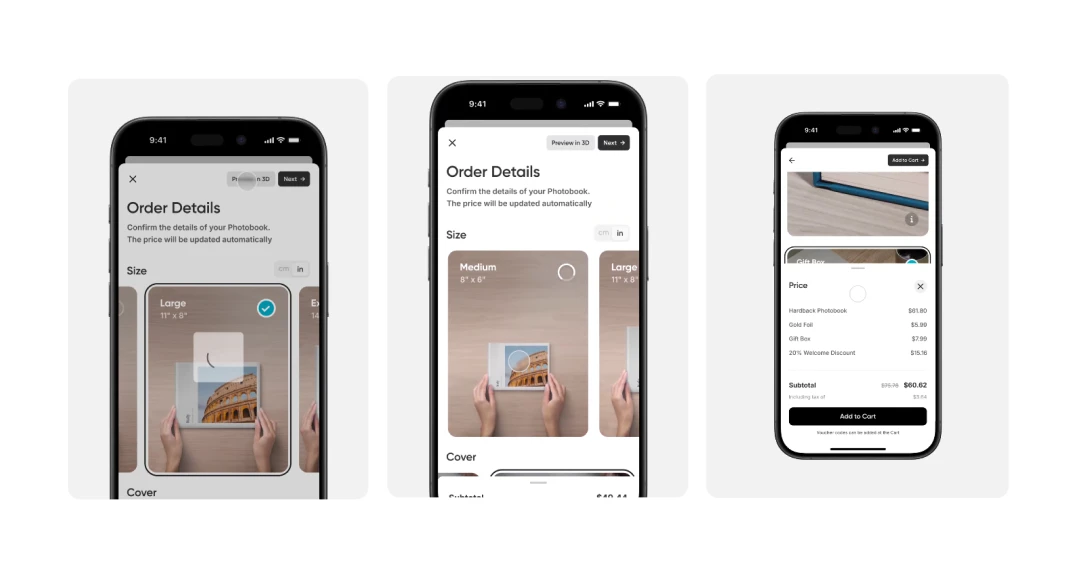
Popsa operates on a flexible pricing model, meaning the app itself is free to download and use. You only pay when you order a physical product. The prices start as low as $0.44 and can go up to $78. Here’s a complete list of the prices-
| Product Category | Product Name | Price |
|---|---|---|
| Photo Booklets | Medium Landscape Booklet | $22.00 |
| Large Landscape Booklet | $36.00 | |
| Softcover Books | Medium Square Softcover | $18.00 |
| Large Square Softcover | $32.00 | |
| Medium Landscape Softcover | $34.00 | |
| Large Landscape Softcover | $42.00 | |
| Hardcover Books | Medium Square Hardcover | $34.00 |
| Large Square Hardcover | $44.00 | |
| Medium Landscape Hardcover | $44.00 | |
| Large Landscape Hardcover | $50.00 | |
| Extra Large Square Hardcover | $68.00 | |
| Extra Large Landscape Hardcover | $78.00 | |
| Photo Prints | Small Square Prints | $0.44 |
| Medium Square Prints | $0.54 | |
| Small Regular Prints | $0.59 | |
| Medium Regular Prints | $0.69 | |
| Large Regular Prints | $1.99 | |
| Large Square Prints | $2.99 | |
| Extra Large Regular Prints | $3.99 | |
| Wall Decor | White Square Frame Tile | $12.00 |
| Black Square Frame Tile | $16.00 | |
| Calendars | Medium Portrait Calendar | $20.00 |
| Medium Landscape Calendar | $26.00 | |
| Large Portrait Calendar | $36.00 | |
| Large Landscape Calendar | $44.00 | |
| Ornaments | Acrylic Photo Ornament | $19.00 |
| Glass Photo Ornament | $24.00 |
(Note: Prices are subject to change based on region and active discounts)
Awards and Recognitions Earned By Popsa
Popsa isn't just a user favorite; it has been consistently recognized by the industry for its rapid growth and innovation. The company was built with a clear mission: to empower everyday people to become creators. By combining smart automation with emotional storytelling, Popsa allows anyone to turn their camera roll into beautiful keepsakes.
This commitment to making memory curation accessible has driven their expansion into over 50 countries and led to some impressive accolades:
1. FT 1000: Europe's Fastest Growing Companies
A consistent high-performer, Popsa has been featured on the Financial Times list for four consecutive years. Notably, it was named the 16th fastest-growing company in Europe in 2022 and ranked 136th in 2023.
2. Deloitte Technology Fast 50 UK
Popsa has cemented its place as a tech leader in the UK, placing 3rd overall and winning the software category in 2020. It proved its staying power by remaining in the top 10 for 2021.
3. Certified B Corp (2026)
In March 2026, Popsa achieved B Corp certification. This prestigious milestone reflects their commitment to balancing profit with purpose. This ensures that their growth also prioritizes social and environmental responsibility.
4. NOAH Conference Venture of Europe
Validating its technology early on, Popsa won the ‘Venture of Europe’ award via a 70% audience vote at the NOAH conference, recognized specifically for the speed of its photo book layout automation.
5. Sunday Times Fast Track
In 2020, the company was nominated as one of the top ten ‘Rising Tech Stars’ in the UK by the renowned Sunday Times FastTrack.
Customer Reviews
How was your experience with the product?
"First time ordering from Popsa. Took a little time to get it and still managed to fluff it up. I contacted customer service to see how I could fix my mistake. They were absolutely fantastic and guided me through what was actually very easy to do to get things how I wanted. Definitely using Popsa again."
"Easy and fun to put together! While there are not a lot of directions, the program is very intuitive and there are many chances to play around with it and make all the changes you need before sending in your final order. Even easier the second time around! The Live Chat folks are VERY helpful when needed and they respond right away. I am already looking forward to my next book!"
"With mobile phones making it so easy (and free!) to take photos, no more limits to the quantity of photos on a film, then the week's wait until they're developed, then the cost of them.. we tend to photograph pretty much everything! And then we forget about a lot of those photos. Time goes on ,and our lives get a lot of missing moments. We used to have so many photo albums or tins of photos, or both! Popsa makes all this easier to keep all those precious memories in beautiful books. Ones that don't have hard pages with clear plastic on each to keep photos from falling out. It's so easy to lose digital photos. Computer crashes and viruses. Mobile phone disasters, etc. I get a Popsa book made yearly, full of my favourite photos of that year. When my books arrive, it's so lovely to see events that I had actually forgotten about! I highly recommend Popsa."
Also Reviewed By Us