
Acorns App Review: Simplifying Investing with Spare Change
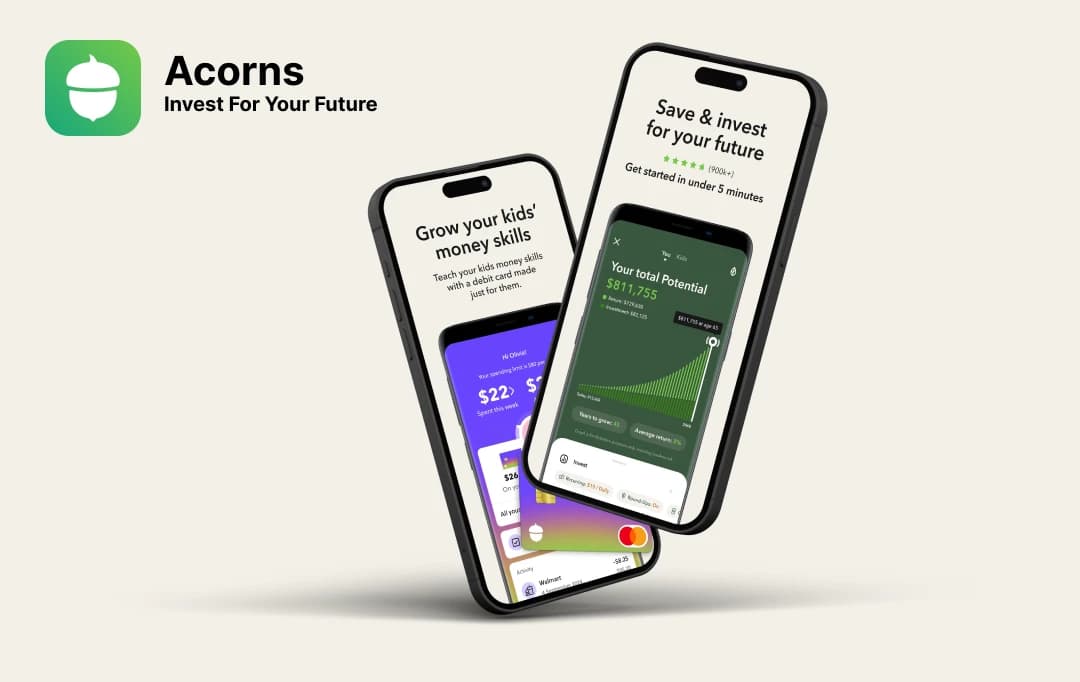
I never considered myself much of an investor—too complicated, too time-consuming. Then came Acorns, an app that promised to turn spare change into actual investments. Skeptical but curious, I signed up, and within weeks, I found myself checking my growing portfolio with an odd sense of pride.
It wasn’t just about the money; it was the ease and automation that hooked me. Acorns app is listed among the best investment apps as it makes investing feel accessible and even fun. In this Acorns app review, I’ll unpack how it works, my experience using it, and whether it’s the right tool for you. Let’s get started!
Pros and Cons of Acorns
Pros
- Rounds up spare change and invests it effortlessly
- No prior investing knowledge is required to use the app
- Offers additional financial literacy tools and tips
- Includes options for retirement accounts and checking
- Easy to link bank accounts for automatic round-ups
Cons
- Monthly fee plans can be high for small balances
- Users can’t customize portfolios beyond pre-set options
- Focuses on ETFs, not individual stocks
- Spare change investing might feel too slow for some
- Not ideal for experienced investors seeking advanced tools
Acorns App | Tech Specifications
| Platform | Specifications | Details |
|---|---|---|
| Android | Version | 4.125.0 |
| OS Version | 9 and up | |
| Size | 86.34 MB | |
| Last Updated On | December, 2024 | |
| iOS | Version | 4.125.2 |
| OS Version | iOS 15.2 or later | |
| Size | 303.5 MB | |
| Last Updated On | December, 2024 |
Also Read: Best Budgeting Apps to Manage Your Finances
What Makes Acorns the Best | Top Features
As per Acorns reviews, the app is known to simplify investments for everyone, no matter how much you earn or know about investing. With exceptional tools to save, invest, and spend smarter, the app empowers you to grow your money in the simplest way possible.
Here’s a detailed look at the standout features of the Acorns app:
Simple and Automated Investing
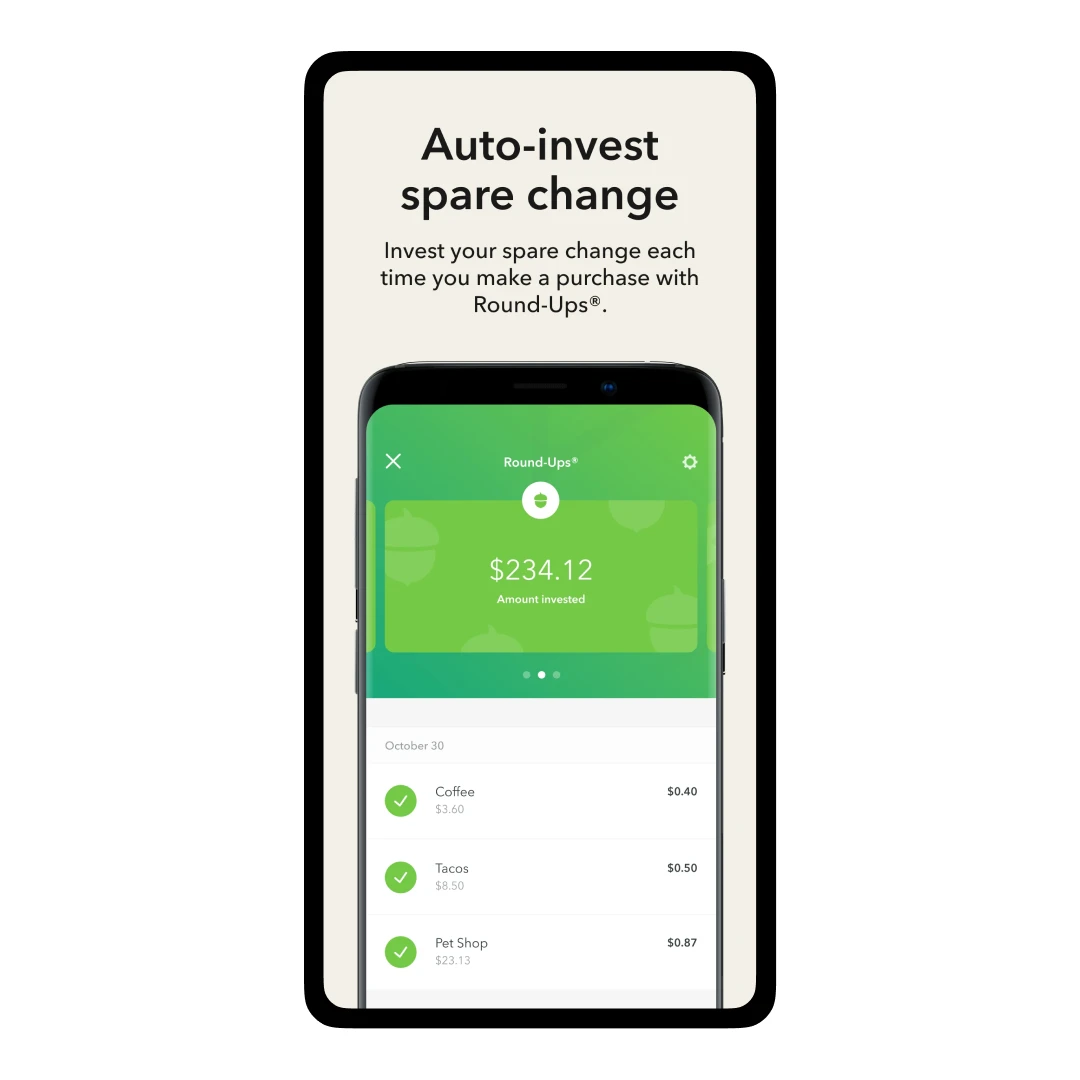
As already said, unlike other money saving apps, with Acorns, you don't need to be a finance guru to start investments. The app is extremely simple to use. It automatically takes the money that you have spent and rounds it off to the nearest dollar. The difference is then automatically invested in a professionally built portfolio.
For instance, you spent $3.50 on your morning coffee. The app will round it to $4.00 and invest the remaining 50 cents into a professionally built portfolio. This will help you increase your investments without even noticing the effort.
Personalize Your Portfolio
While the app handles all the work for you, it does give you an option to personalize your portfolio. For better control, the app allows you to customize the options as per your preferences. For example, with Acorns, you can choose to invest in popular and bigger stocks like Apple or Tesla.
Invest for Retirement
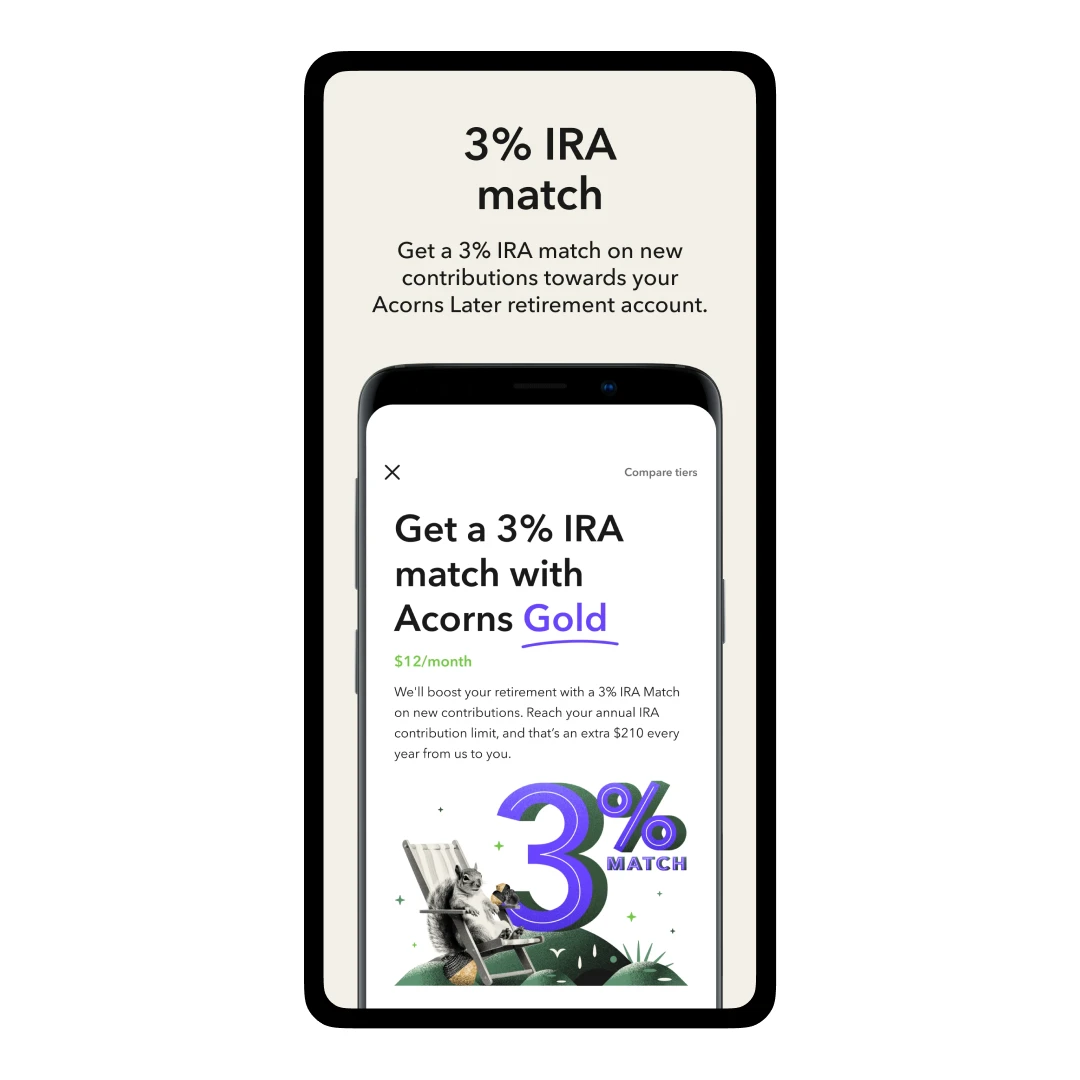
Securing funds for your future is made extremely simple with Acorns. It offers a dedicated Acorns Later retirement account that is optimized for long-term growth. Additionally, with a Gold Subscription, the app even matches 3% of your new contributions, giving your savings an additional boost.
Secure Your Emergency Funds
Medical bills or sudden car repairs can show up anytime. Having an emergency fund at this time can be a lifesaver. Acorns’ savings account offers a competitive 4.05% interest rate. Acorns’ interest rate helps your money grow, all while keeping it safe and accessible.
Debit Cards for Kids and Teens
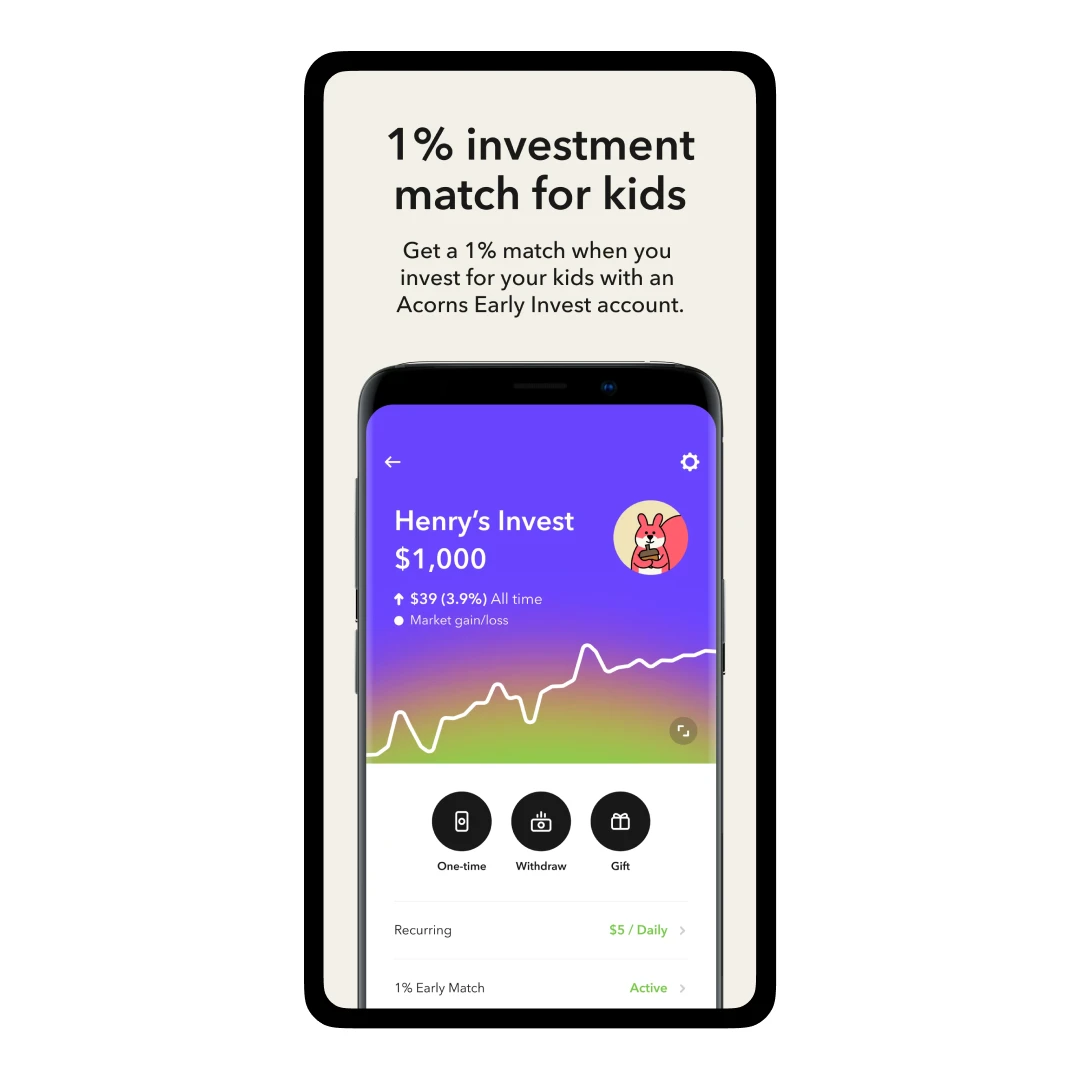
If you are having a hard time teaching your kids about money and investments, Acorns just might be your savior. If you have access to Acorns’ gold membership, you can teach your kids how to save, spend, and manage money responsibly through an Early Debit Card. This practice will surely set them up for a brighter and more secure financial future.
Expand Your Money Knowledge

Apart from being the best investing app, Acorns acts as a great learning tool for all kinds of investors. It offers videos, courses, and articles to help you understand money management. Additionally, you can attend live Q&A sessions with experts to get personalized advice on financial planning.
Also Read: Best AI-Based Financial Apps for Easy Money Management
Understanding the Pricing Plans and Acorns Fees
Acorns' fee can be a concern for some users, especially those starting out with a smaller account balance. Here’s an overview of the Acorns subscription plans-
| Type of Plan | What You Get | Price |
|---|---|---|
| Acorns Bronze | Investing tools to get you started | $3 per month |
| Acorns Silver | Advanced tools for savings and investments | $6 per month |
| Acorns Gold | Full suite of tools for savings, investing, and learning | $12 per month |
Customer Reviews
How was your experience with the product?