
Visme Review: Should You Switch or Stick to What You Use?
You've got a client pitch on Monday, a quarterly report due Friday, and an Instagram carousel your manager wanted yesterday. Three tools, three logins, triple the effort. That's the mess Visme is trying to clean up.
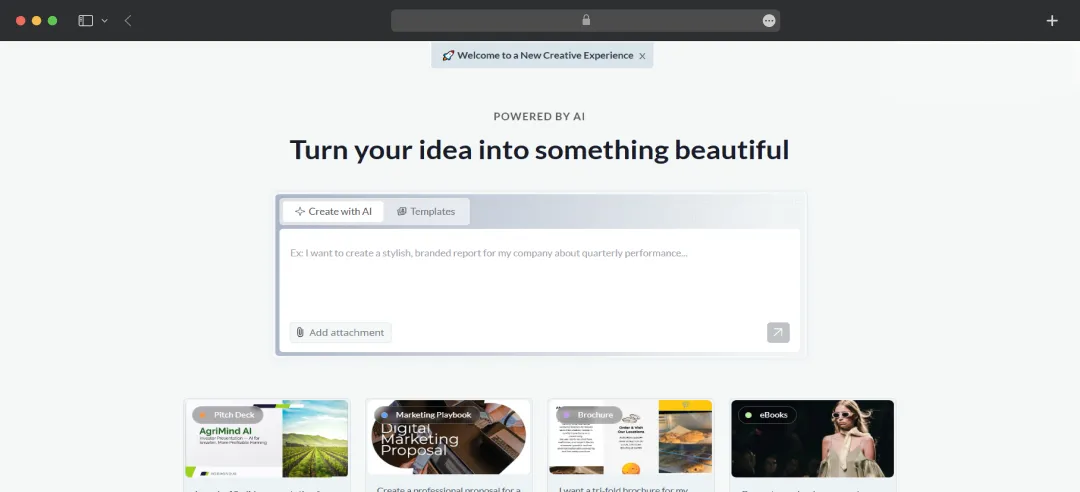
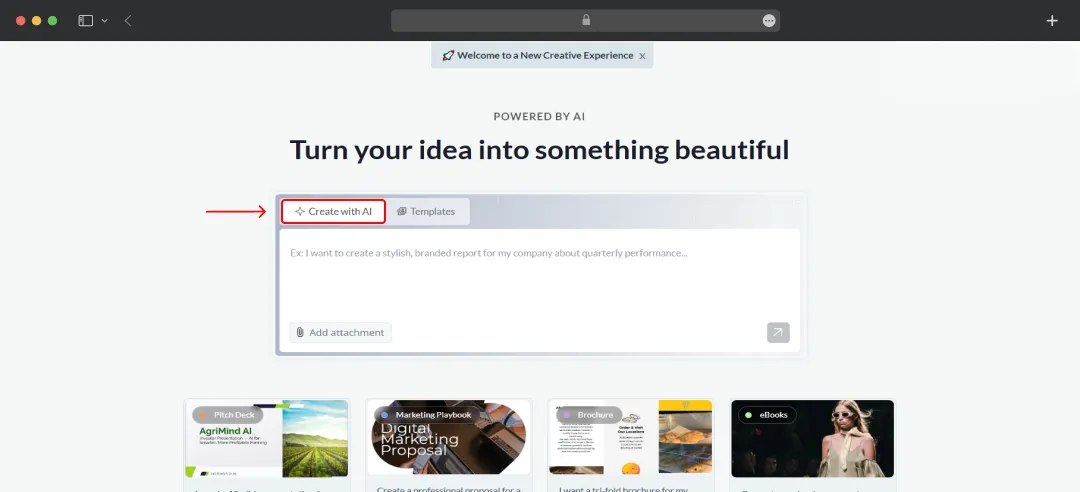
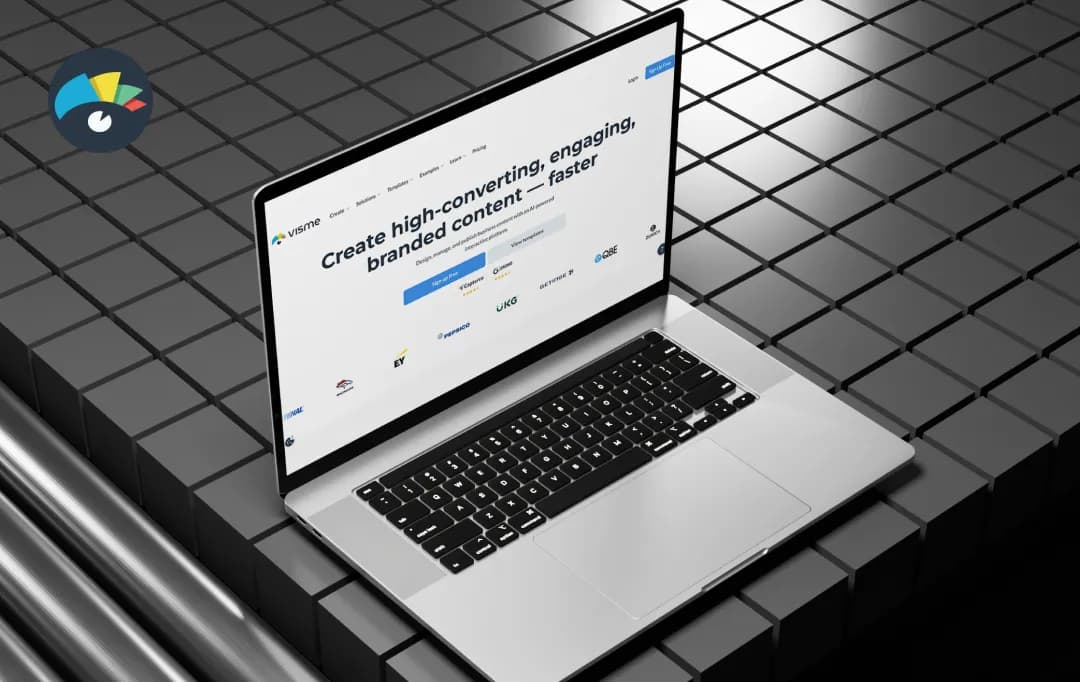
It's a browser-based design platform that bundles presentations, infographics, social graphics, reports, and even short videos into one workspace, with a fat template library and an AI assistant doing the heavy lifting.
The pitch is simple- you don't need to be a designer to look like one. We took it for a proper spin to see whether it actually delivers on that promise or if it's just another tool yelling all-in-one into the void. Here's our Visme review, which gives you an honest breakdown of the tool.
Pros and Cons of Visme
Pros
- Massive template library spanning 50+ content types
- AI Designer turns text prompts into ready-to-use designs
- Brand Kit and Brand Wizard pull your brand identity in automatically
- Real-time collaboration with comments and version control
- Interactive elements like hotspots, hover effects, and animations
- Solid native data visualization with live data integration
- 25+ integrations including HubSpot, Salesforce, Slack, and Mailchimp
Cons
- Free plan blocks downloads, you can create, but not actually use your work
- AI features run on a monthly credit system that can run out
- Can slow down on heavy animations or complex projects
A Closer Look at Visme Features
Visme is one of the best AI presentation makers, which stretches across several content formats, and each one comes with genuinely useful firepower under the hood. Here are the Visme features that stood out during our testing.
1. Visme AI Designer
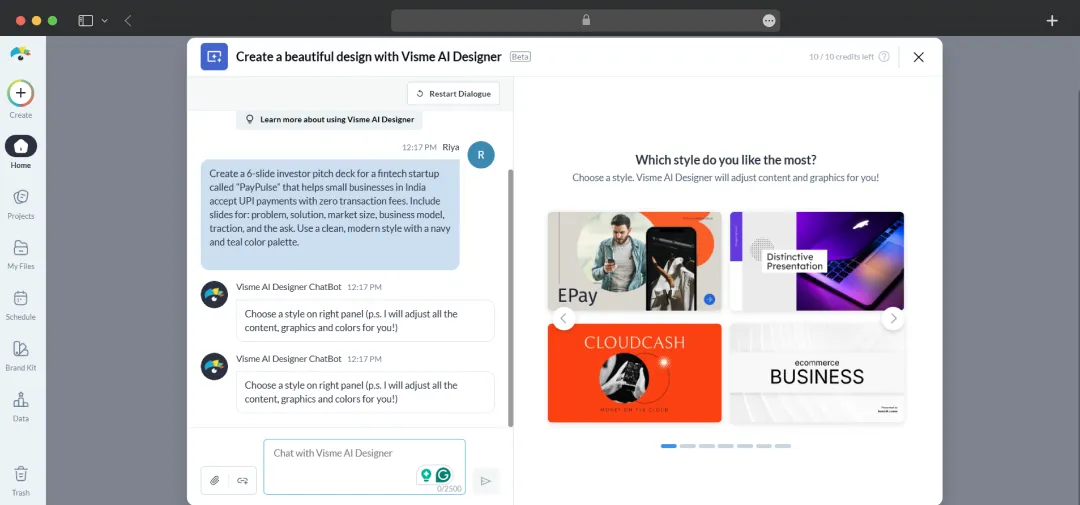
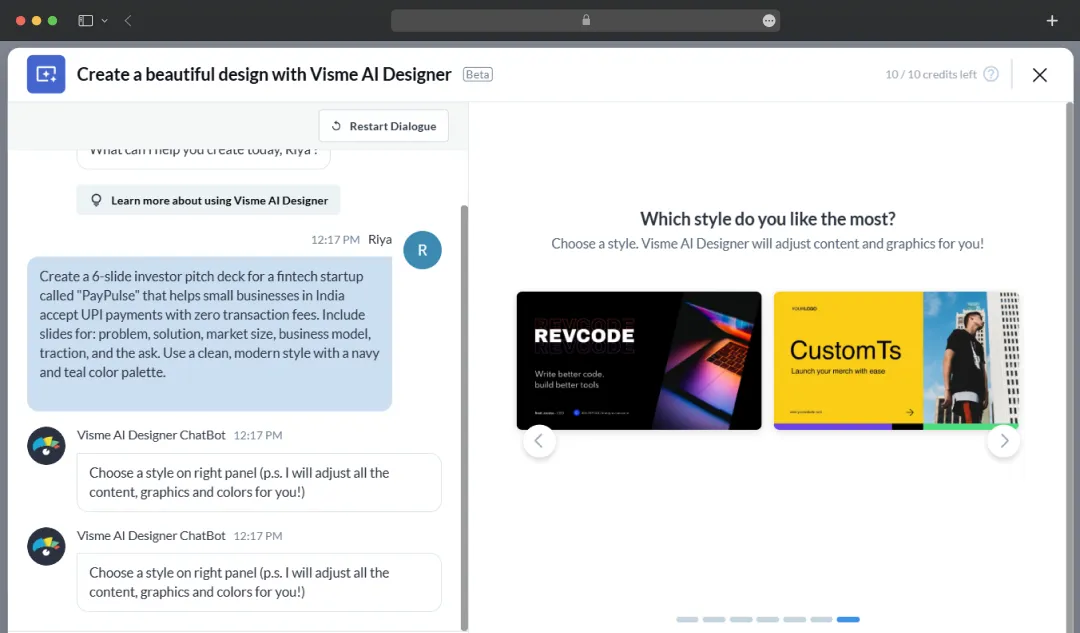
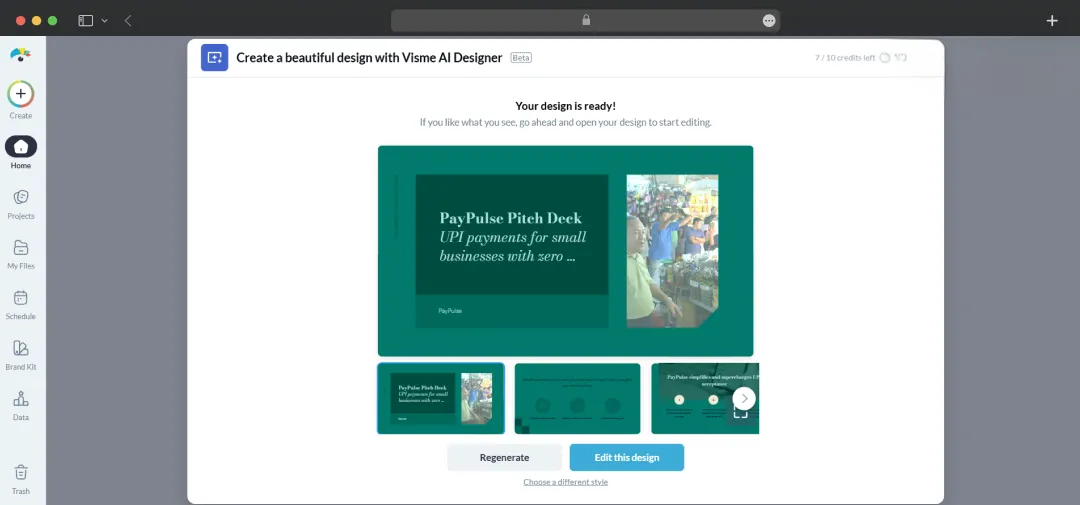
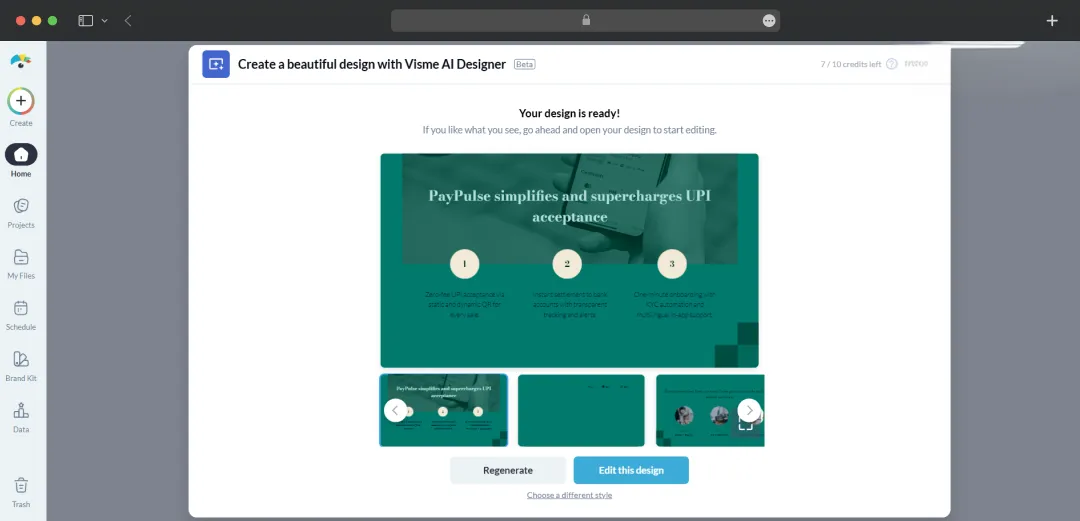
This is the main draw of the platform. You type out what you want, pick a format, and the AI Designer spits out an editable draft almost instantly. The catch? It runs on a metered system. Every time you ask the AI to generate an image, write copy, or build out a slide layout, it costs you credits. Basic accounts get a meager 10 per month. Stepping up to Starter gets you 200, while Pro users sit at 500.
When the clock is ticking, and you're staring at a completely empty screen, having the software handle that initial heavy lifting takes a huge amount of pressure off.
2. Template Library Across 50+ Formats
Templates are where this platform really earns its keep. You aren't just getting a handful of slide decks. The library spans over 50 different categories of content—everything from standard presentations and quick flyers to full-blown ebooks and complex infographics.
The standout detail here is the actual design quality. These templates look like a real graphic designer built them, completely avoiding that cheap, cookie-cutter vibe you often see elsewhere. It completely removes the dread of starting from absolute zero every time you need to build something in a new format.
Digging through the massive catalog is pretty painless, too. You can just filter by your specific industry or project type to grab exactly what you need without scrolling forever.
3. Brand Kit and Brand Wizard
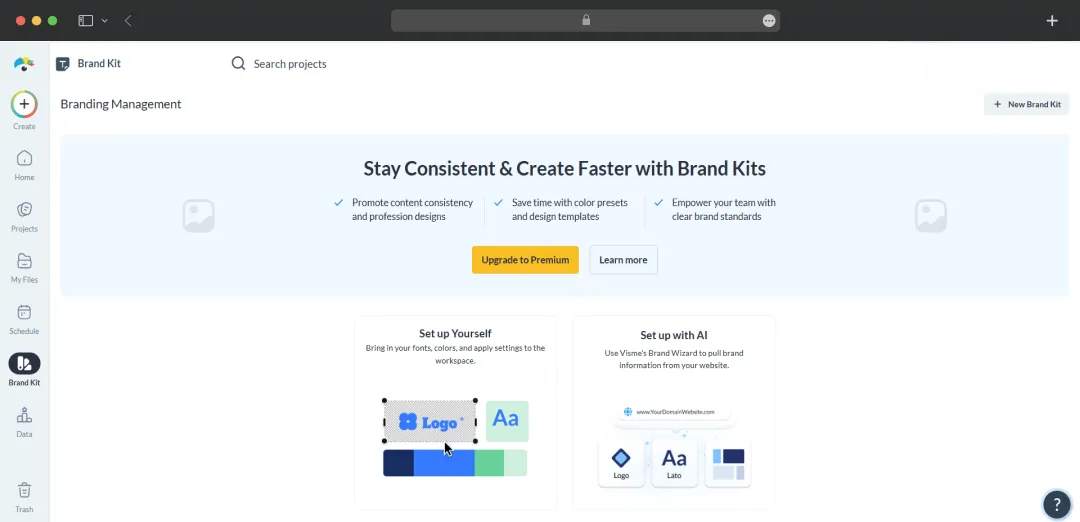
Drop your website URL into the Brand Wizard, and Visme pulls your fonts, colors, and logos automatically. From there, your Brand Kit applies those assets across every new design without you having to fiddle with hex codes or upload logos every other minute. For agencies and marketing teams managing multiple brands at once, this alone saves a significant chunk of setup time.
4. Interactive Data Visualization
Static charts are a snooze, and this tool fully understands it. You can build animated charts, link them to live data sources like Google Sheets, and add hover effects that reveal extra info on click. This works particularly well for client reports and pitch decks where you want the numbers to actually land instead of getting glossed over.
5. Real-Time Collaboration and Workflow Tools
Multiple teammates can edit the same project simultaneously, leave comments, and tag each other for feedback. The Pro plan adds project permissions and shared content blocks, while Enterprise unlocks approval workflows and audit logs for content governance.
6. Animation and Interactivity Layer
Beyond static visuals, Visme lets you embed clickable menus, animated transitions, GIFs, and even videos directly into presentations and reports. The result feels more like a microsite than a slide deck, which is great for pitches you're sending over email instead of presenting live.
Bonus Read: Best AI Social Media Post Generators
Classifying Visme Use Cases by Industry
One of Visme editor’s selling points is that it's not built for a single role. Whether you're stitching together a board deck or designing a school worksheet, the tool flexes to fit. Here's how different industries and personas actually put it to work.
| Industry | Use Case Explanation |
|---|---|
| Marketing Teams | Build branded campaign decks, social graphics, lead magnets, and interactive landing pages without needing a designer for every asset |
| Sales & Account Managers | Create pitch decks, proposals, and one-pagers with interactive elements like clickable menus and embedded videos for better engagement |
| HR & Training Departments | Design onboarding materials, employee handbooks, training manuals, and export SCORM files for LMS integration |
| Education (Teachers & Institutions) | Produce lesson slides, infographics, worksheets, and visual study guides with discounted pricing for educators |
| Sales / Sports Organizations | Create partnership decks, sponsor reports, and data-driven sales collateral for major franchises and teams |
| Agencies & Consultancies | Manage multiple brands, produce client reports, and deliver polished assets quickly |
| Healthcare & Pharma | Create patient education materials, compliance reports, training modules, and conference visuals with simplified data presentation |
| Finance & Insurance | Build investor reports, earnings decks, regulatory summaries, and policy explanation documents |
| Nonprofits & NGOs | Produce donor reports, impact infographics, fundraising decks, and grant proposals with access to discounted Pro features |
| Small Business Owners & Solopreneurs | Create complete content assets including branding, social posts, flyers, ebooks, and pricing sheets independently |
| Project & Product Managers | Develop timelines, roadmaps, reports, and visual planning assets using whiteboards and flowcharts |
Bonus Read: Best Design Apps Like Canva
Visme Pricing and Subscription Plans
Visme AI presentation maker runs a tiered pricing structure with a free Basic plan plus three paid tiers, all built around annual billing. Here's how it breaks down.
| Plan | Price (Annual Billing) | What You Get |
|---|---|---|
| Basic | Free | • 10 AI credits/month • 500MB storage • Basic templates • Watermarked downloads |
| Starter | $12.25/user/month | • 200 AI credits • 1GB storage • JPG/PNG/PDF downloads • Full template access |
| Pro | $24.75/user/month | • 500 AI credits • 10GB storage • Unlimited downloads • HTML5 interactive content • Brand kit • Team collaboration |
| Enterprise | Custom (contact sales) | • 25GB/user storage • SSO & 2FA • Audit logs • SCORM export • Dedicated customer success manager |
Customer Reviews
How was your experience with the product?