


Runway Review: No Camera, No Editing…Just AI
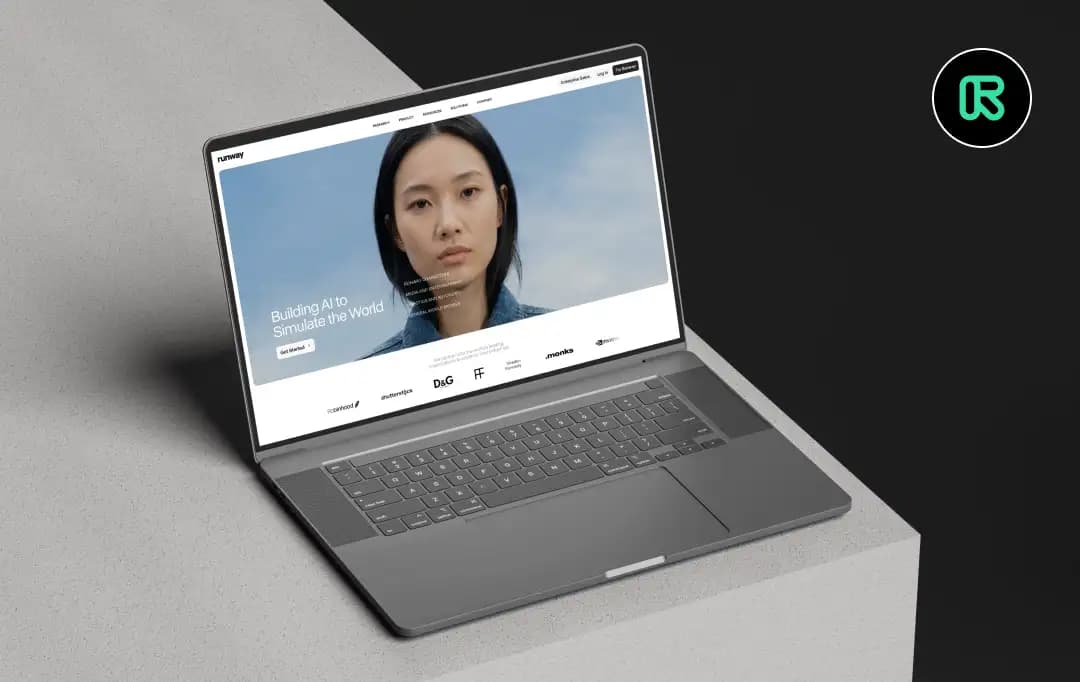
I opened Runway AI with a pretty simple goal: make a short video I’d actually be okay publishing. No overthinking, no “let’s just test features”, just a straightforward idea to output workflow.
The interesting part? You don’t start the way you normally would. There’s no footage to organize, no timeline waiting to be filled. You start with a prompt, and from there, the tool takes you in a completely different direction than traditional editing ever does.
That shift sounds small, but it changes a lot. Some things become faster, almost effortless. Others… not so much.
So instead of looking at Runway AI as just another AI tool, I spent time figuring out where it actually fits, what it does well, where it struggles, and whether it can hold up when you’re trying to create something usable, not just impressive.
This Runway AI review shows how it really performs.
Pros and Cons of RunwayML
Pros
- The Gen-4.5 model significantly reduces boiling, ensuring characters and textures stay coherent throughout the shot
- Offers granular control over panning, tilting, and zooming, plus a "Motion Brush" for animating specific elements within a static image
- Beyond generation, it provides professional-grade tools like lip-syncing, green screen extraction, background removal, and frame interpolation
- Excellent for narrative creators, as it excels at keeping a character's appearance consistent across different scenes and camera angles
- Gen-4 Turbo allows for faster video generation at a lower credit cost, which is ideal for quick prototyping and storyboarding
Cons
- The credit-based pricing model can deplete quickly, making it expensive for frequent iterations or long-form projects
- While basic text-to-video is simple, mastering advanced features (like keyframes, multi-modal prompting, and Act-Two) requires practice and technical understanding
- The AI can sometimes struggle with highly specific instructions, complex human interactions, or rendering legible text
- Producing high-fidelity clips on standard models can take several minutes per generation, especially during peak server loads
A Closer Look at Runway’s Features
Runway AI is not just another simple generative video tool; rather, it is a platform for comprehensive world simulation and interactive media. Here is a look at the groundbreaking features that make this platform an absolute powerhouse for creators, developers, and enterprises alike.
1. Gen-4.5 Video Generation
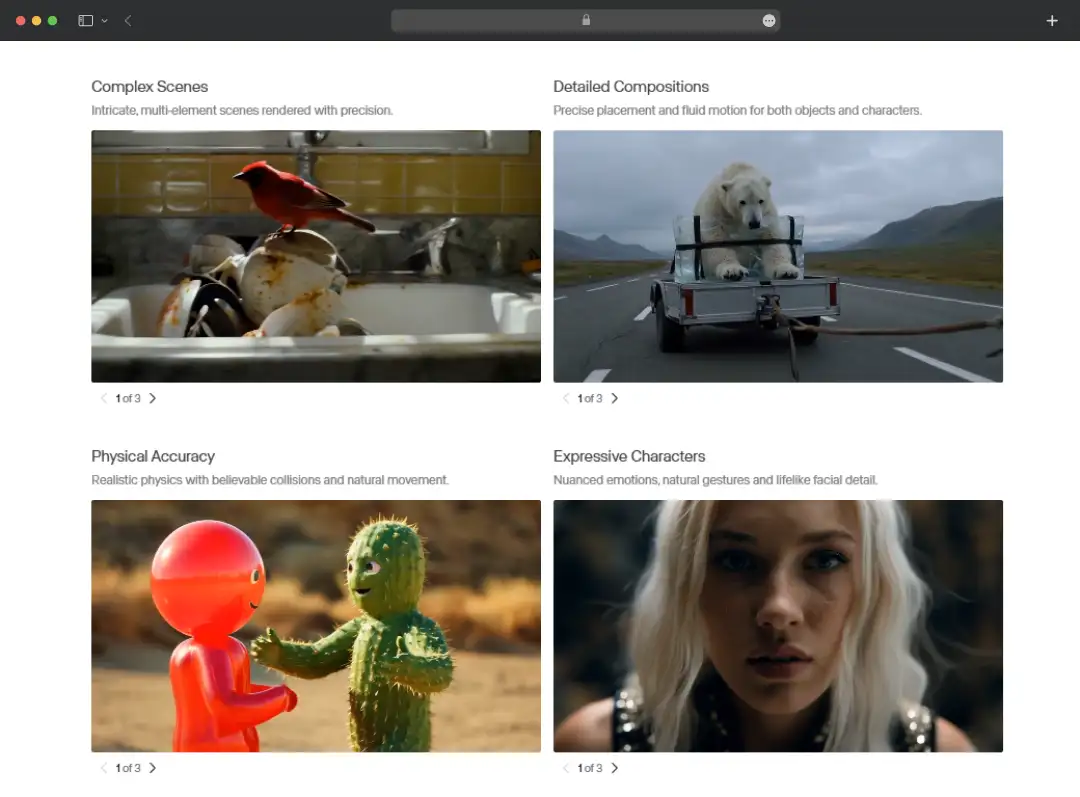
Runway’s flagship Gen-4.5 model sets a new industry standard for video creation, offering visual fidelity and state-of-the-art motion quality. You can generate cinematic, highly realistic clips from simple text or image prompts. The tool adheres to your instructions strictly and provides limitless creative freedom. It allows precise, granular control over every aspect of the video generation process.
2. Runway Characters (Real-Time Video Agents)
This feature empowers users to build fully autonomous, real-time virtual agents capable of natural conversation and deep contextual awareness. Utilizing their new GWM-1 architecture, you can generate highly expressive digital personas from just a single image with absolutely zero fine-tuning required. This is the perfect solution for developing interactive customer service avatars, dynamic gaming NPCs, or virtual brand ambassadors.
3. GWM Worlds (Interactive Environments)
Pushing the boundaries of traditional linear video, GWM Worlds introduces a new frontier for open-ended, interactive world simulation. This lets you design infinite, explorable realities that render in real-time. So, you can actively engage with the environment rather than just passively watching. This capability definitely opens up massive new opportunities for game developers, educators, and immersive digital storytellers.
4. GWM Robotics
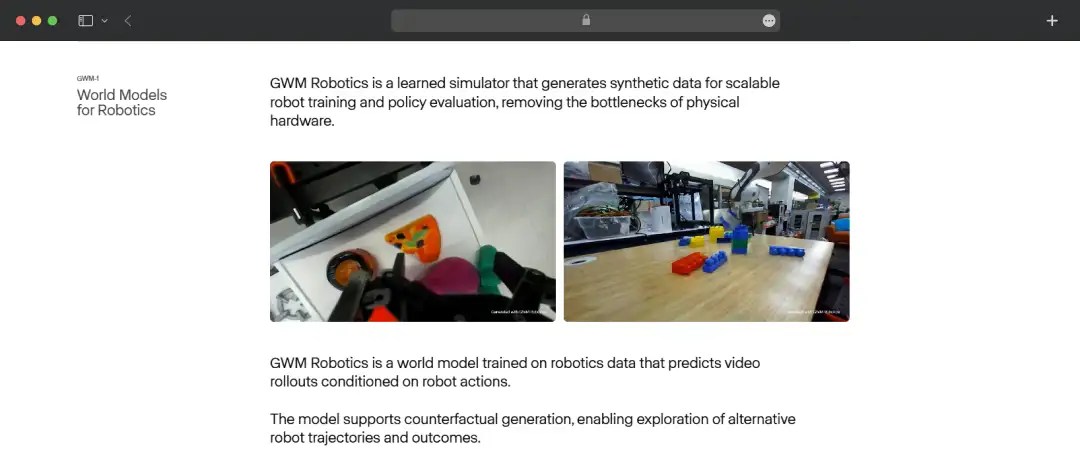
Runway takes generative AI into the physical realm by simulating complex robotic behaviors and physical interactions through its advanced world models. It will accurately help you predict how specific actions will unfold in reality before ever deploying them on actual hardware. This creates a highly advanced, risk-free training sandbox that is poised to accelerate innovation in the robotics and autonomy industries.
5. Developer API & Enterprise Integration
To support seamless third-party integration, Runway provides robust API access that allows developers to embed these advanced models directly into their own applications. Whether you are utilizing the Characters API for custom conversational agents or automating bulk video production, the infrastructure delivers enterprise-grade scalability. This ensures that organizations can effortlessly leverage Runway’s underlying technology to drive product innovation.
Bonus Read: Top AI-Powered Video Generators You Need to Try!
Advanced Post-Production & Workflow Tools Offered by Runway
While the generative world models and Runway's AI image-to-video capabilities steal the spotlight, the tool’s true power for editors lies in its surgical post-production ecosystem. These advanced workflow tools act like a virtual VFX department, giving you granular control to sculpt, animate, and refine your footage into a polished final cut.
| Tool / Feature | Description & Use Case |
|---|---|
| Aleph (Advanced Video Transformation) | A state-of-the-art, in-context editing model that allows you to completely transform existing footage, like changing the weather, relighting scenes, or altering characters, using simple text prompts |
| Act-Two (Performance Capture) | Revolutionizes animation by letting you drive a digital character's facial expressions, micro-movements, and lip-sync using a standard video of a human performance |
| Generative Audio & Voice Cloning | A comprehensive built-in audio suite featuring high-quality Text-to-Speech, Speech-to-Speech transfers, AI sound effects, and custom voice cloning to give your characters the perfect vocal performance |
| Custom Workflows (Node-Based) | Enables advanced users and enterprise teams to chain together multiple AI models and steps into highly customized, reusable "Apps" to scale up their production pipelines |
| The "Magic Tools" Suite | An extensive library of single-purpose AI utilities that solve everyday editing headaches, including highly accurate green screen removal, video inpainting, motion tracking, and 4K upscaling |
Understanding Runway’s Pricing and Subscription Plans
Runway AI video generation tool offers a flexible, credit-based pricing structure designed to accommodate everyone from casual hobbyists and solo creators to large-scale enterprise production teams.
Here is a detailed breakdown of Runway AI video generator’s pricing, current subscription tiers so you can choose the best fit for your workflow:
| Types of plan | Pricing | What do you get |
|---|---|---|
| Free | $0 (Monthly) / $0 (Yearly) | 125 one-time credits Basic generative video (Gen-4 Turbo) and images Text-to-Speech, 5GB storage, and up to 3 video projects |
| Standard | ~$15 per user/month (Monthly) / $144 per user/year ($12/month) | 625 monthly credits Access to Gen-4.5 and Aleph video editing, upscaling, and watermark removal Unlimited video projects and 100GB storage (Max 5 users) |
| Pro | ~$35 per user/month (Monthly) / $336 per user/year ($28/month) | 2,250 monthly credits, all Standard features Ability to create custom voices for lip-sync Text-to-Speech and 500GB storage (Max 10 users) |
| Unlimited | ~$95 per user/month (Monthly) / $912 per user/year ($76/month) | All Pro features plus "Explore Mode," which allows for unlimited video generations |
| Enterprise | Custom Pricing | Everything in Pro, plus Single Sign-On (SSO) Custom credit amounts, advanced security Priority support and workspace analytics |
*You can get all the plans at 20% discount if you choose to opt for the yearly plans.
Also Read: Best AI Generators in 2026
How Can Runway Be Used in Different Industries
Runway AI is not just for independent creators; it is a versatile powerhouse transforming professional workflows across major sectors. Here is a look at how different industries can leverage this cutting-edge technology to scale their production and elevate their output:
| Industry | Description of the Use Case |
|---|---|
| Media and Entertainment | Accelerate film pre-production with AI storyboarding, generate high-quality VFX and cinematic B-roll without expensive location shoots, and utilize generative audio for quick dubbing |
| Marketing and Advertising | Produce personalized, high-converting video ad campaigns at scale, create dynamic social media assets in minutes, and quickly iterate on different visual styles for brand storytelling |
| Product and Design | Rapidly prototype stunning 3D product visualizations, create cinematic fly-throughs of architectural designs, and bring static concept art to life for compelling stakeholder presentations |
| Professional Services | Enhance corporate communications with engaging training videos, generate professional AI avatars for customer support, and streamline the creation of high-quality, customized presentation materials |
| Gaming and Interactive | Generate immersive background environments, create dynamic, conversational NPCs (Non-Player Characters) using Runway Characters, and rapidly produce conceptual art for expansive world-building |
| Education | Develop highly engaging, visual learning materials, simulate historical events or complex physics concepts for students, and create interactive avatars for personalized, real-time tutoring |
Customer Reviews
How was your experience with the product?














