


iAsk AI Review: Smart Answers or Smart Marketing?
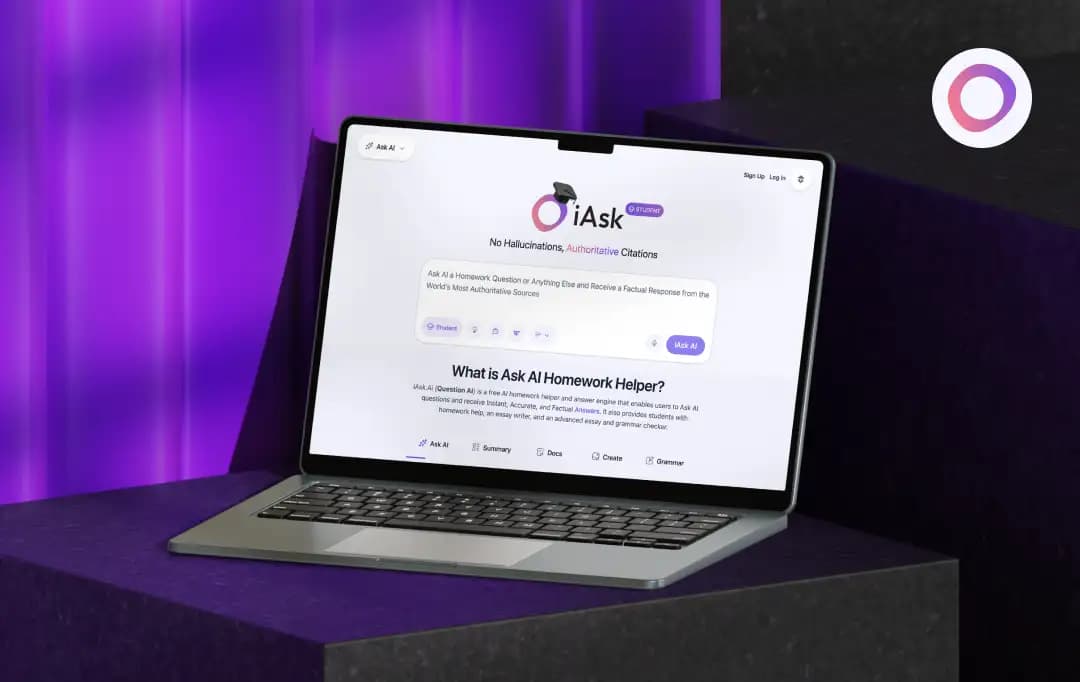
I was in the middle of something simple, just trying to get a straight answer. Not a deep research task, not anything complicated. And somehow, I still ended up jumping between tabs, second-guessing answers, and thinking, “why is this so hard?”
That’s the gap tools like iAsk AI claim to fix. No clutter. No digging. Just a clear answer.
So I tried it like a normal person would, quick searches, random doubts, things you don’t want to spend 10 minutes verifying. And honestly, the experience wasn’t as straightforward as it sounds.
Some answers felt sharp and on point. Others made me pause and double-check.
So instead of hyping it up, here’s my honest iAsk AI review covering exactly what using this AI tool feels like in real life, and whether it actually saves you time or just feels like it does.
Pros and Cons of iAsk AI
Pros
- Prioritizes fact-based, reliable answers over hallucinations, scoring high on AI benchmarks (MMLU, TruthfulQA)
- Advanced NLP means you can ask questions naturally without needing complex "prompt engineering" skills
- Offers unlimited daily text searches, making it a highly accessible tool for casual research
- Users with a valid .edu or .ac email address get a full year of iAsk Pro completely free
- Includes built-in tools like a Document Analyzer, AI Image Creator, AI Video Tutor, and Companion AI
- Does not store personal data, ensuring your queries and private conversations remain secure
Cons
- The free tier is ad-supported; you must upgrade to Pro for a clean, ad-free interface
- Even on the paid Pro tier, there is a daily cap of 300 searches, which may restrict heavy power users
- May oversimplify deep, multi-layered academic issues, requiring cross-referencing
- Features like the AI Video Tutor, Document Analyzer, and Image Generator are reserved for Pro users
A Closer Look at iAsk AI Features
iAsk AI is a free AI-powered question-and-answer engine designed to deliver instant, accurate, and factual responses, making it especially useful for students, researchers, and everyday users alike.
Here are iAsk AI search engine features:
1. AI Homework Helper & Answer Engine
iAsk serves as a dedicated homework assistant that answers questions in natural language. It pulls from authoritative sources to provide reliable, factual responses, making it a strong alternative to general-purpose chatbots like ChatGPT.
2. Multiple Search Modes
The platform allows you to ask AI questions using specialized search modes including Student, Thinking, Forums, and Wiki. Each mode is tailored to a specific use case, for example, the Thinking mode is designed for questions that require deeper reasoning and verification, while Forums searches online discussions to surface public opinion.
3. AI Summarizer
iAsk AI question answer platform can take lengthy URLs or web pages and convert them into concise, easy-to-read bullet points. This makes it faster to extract key information without having to read through entire articles.
4. Document Analysis
Users can upload PDFs, research papers, or articles and ask questions directly about the content. The tool generates clear summaries and explanations within seconds, saving significant research time.
5. AI Image Creation
iAsk allows users to generate images simply by describing what they want in plain language. The tool transforms text descriptions into visual outputs with minimal effort.
6. AI Grammar Checker
The platform includes a built-in grammar-checking tool (via Flawlessly.ai) that can fix written content with a single click, helping users produce polished, professional writing.
8. Adjustable Response Detail
Users can control how detailed the responses are by choosing between Concise, Average, or Detailed output levels, making it flexible for both quick lookups and in-depth research.
Bonus Read: AI Tools for Students
Tools Offered by iAsk at a Glance
Beyond its core search engine functionality, iAsk offers a versatile suite of tools designed to streamline your workflow, assist with writing, and spark creativity. Based on this AI answer generator’s current offerings, here is a breakdown of the specific tools available in the iAsk ecosystem.
| Name of the Tool | Description |
|---|---|
| iAsk Chrome Extension | Integrates iAsk directly into your web browser, allowing you to highlight text, summarize pages, or search for answers without leaving your current tab. |
| AI Grammar Checker | A built-in proofreading tool that instantly analyzes your text to correct grammar, spelling, and stylistic errors, ensuring polished writing. |
| AI Summarizer | Condenses lengthy URLs, articles, or large blocks of text into concise, easy-to-read summaries or bullet points, saving you valuable reading time. |
| AI Assistant | A general-purpose conversational helper designed to tackle everyday tasks, answer follow-up questions, and draft content naturally. |
| Ask 5 AIs | A unique feature that allows you to query multiple top-tier AI models simultaneously, letting you compare different answers and perspectives side-by-side. |
| Brainstorm | A dedicated ideation mode built to help you overcome writer's block, generate creative concepts, or outline projects quickly. |
| Companion AI | A conversational AI tailored for empathetic, supportive interactions, acting as a sounding board for casual chats or mental health support. |
| Analyze Documents | Enables you to upload files like PDFs, essays, or research papers so you can ask the AI specific questions about the text or generate instant summaries. |
| Create AI Images | A text-to-image generator that allows you to easily create visual content simply by describing what you want to see in plain language. |
Understanding iAsk Pricing and Subscription Plans
Fortunately, iAsk AI search engine offers a very straightforward and accessible pricing structure. Whether you are a casual user looking to run a few quick queries or a power user needing deep document analysis and visual generation, there is an option that fits. They even offer an incredible perk for students.
| Name of the Plan | Price | What Do You Get? |
|---|---|---|
| iAsk Free | $0 / month | • Unlimited daily searches (using the non-Pro AI model) • AI search with limited ads • iAsk Writer (to enhance writing or generate papers) • AI Summarizer (for websites and long text) • Search History to track and revisit past queries • Companion AI for 24/7 mental health support • Personal AI Assistant for tasks, organization, and research |
| iAsk Pro | $9.95 / month | • Everything in the Free plan, plus: • 100% ad-free experience • 300 daily "Pro" searches using the #1 Ranked AI model • Live AI Video Tutor for personalized, 1-on-1 learning • Document Analyzer (upload and analyze essays, research, large files) • AI Image Generator (up to 100 images per day) • File upload capabilities for the AI Summarizer • Camera feature on mobile web and iOS (coming soon) |
| Student Promo | $0 for 1 Year | • Students who sign up with a valid .edu email address unlock iAsk Pro completely free for a full year, gaining access to all premium academic and research features at no cost |
How to Use iAsk?
Sick of digging through Google ads and SEO fluff just to get a straight answer? iAsk is a no-nonsense AI search engine that skips the endless chat and just hands you the facts directly. Here is a quick rundown of how it actually stacks up against the big guys and how to get started.
1. Go to the site
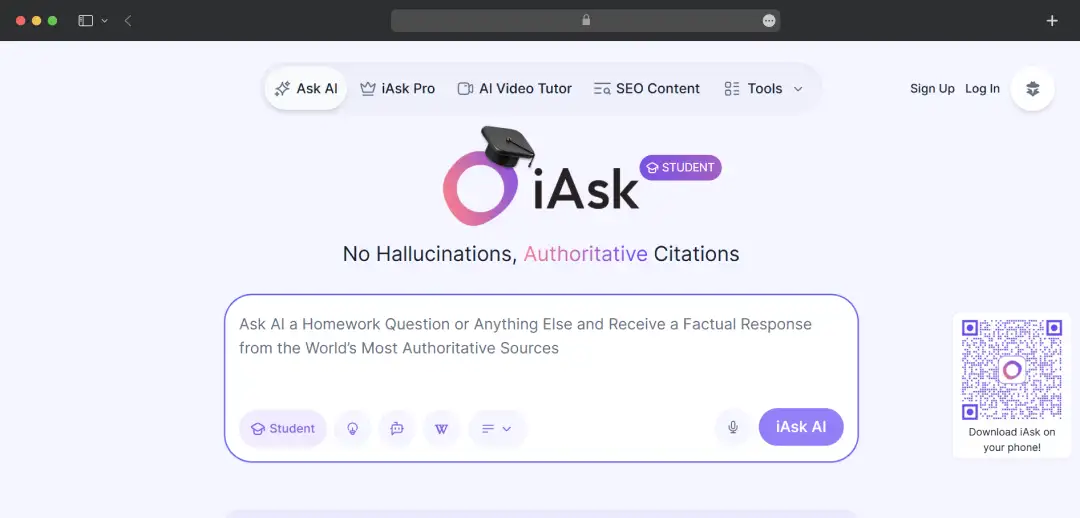
Just open up iAsk.AI in your browser. You don't even have to make an account or log in, which is honestly super refreshing.
2. Drop in your question
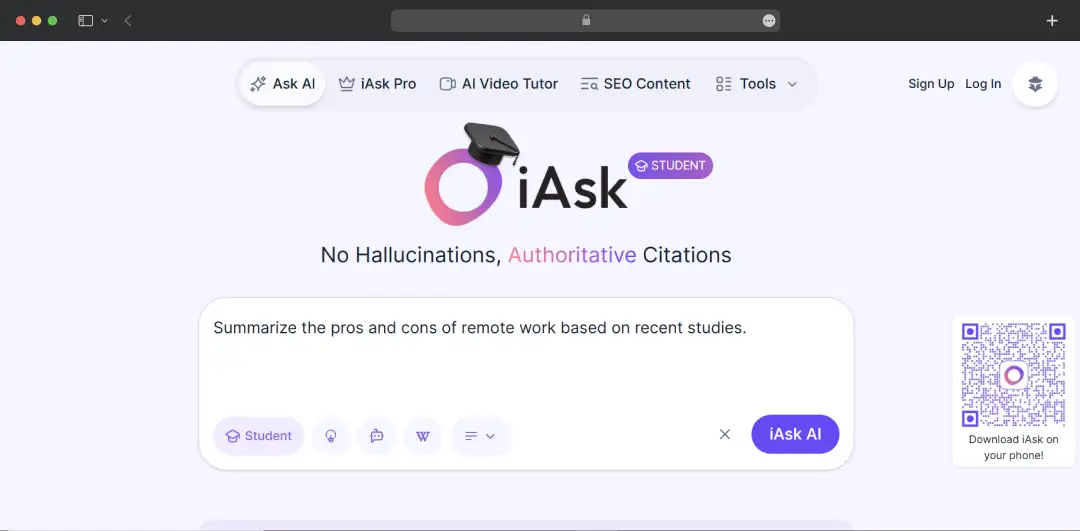
Forget everything you know about Googling. No need to stress about perfect search terms or putting things in quote marks. Just type your exact thought into the big text box. For your example, you literally just type: "Summarize the pros and cons of remote work based on recent studies."
3. Hit enter
Click the search button or just smack enter on your keyboard.
4. Get your answer
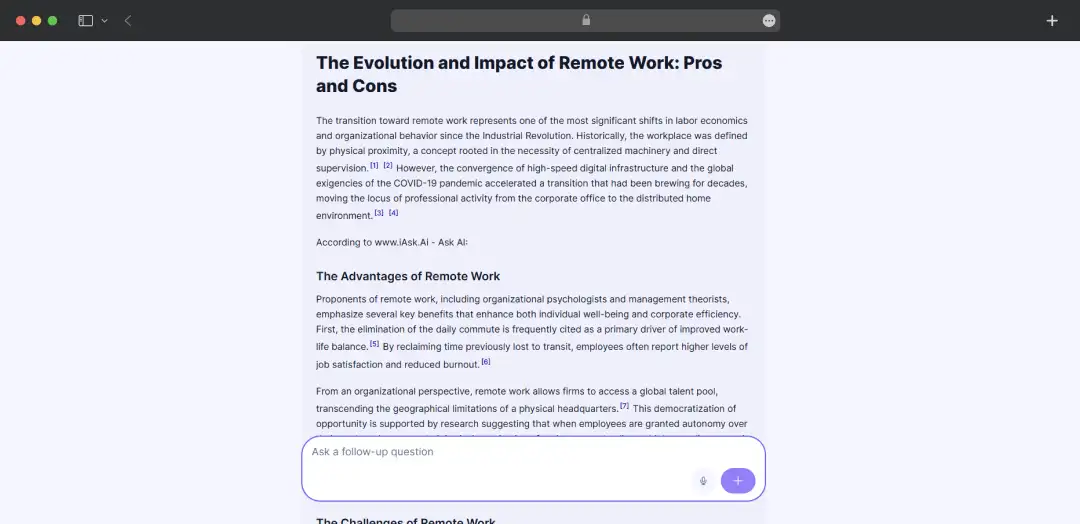
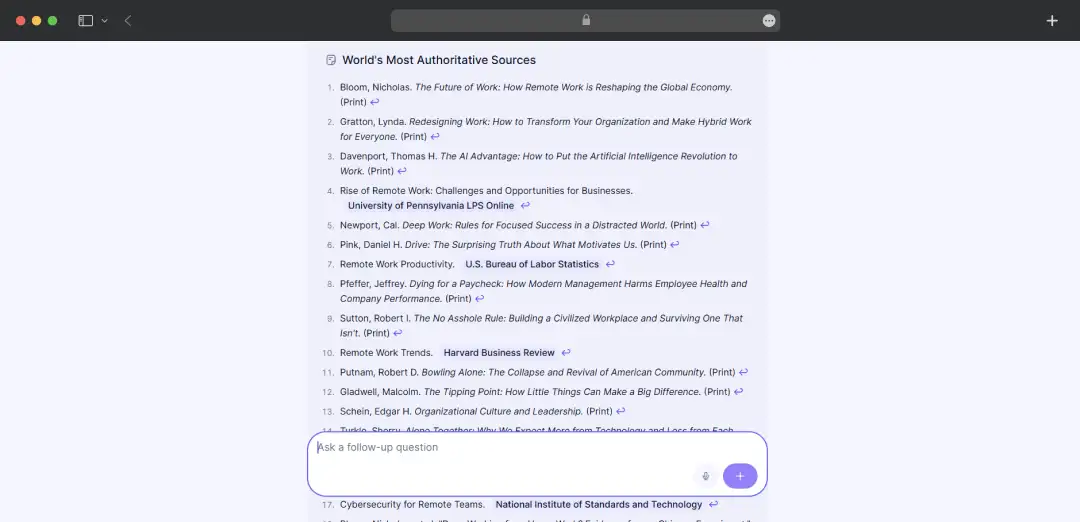
This is the best part. Instead of making you click through ten different SEO-stuffed blog posts full of ads just to find a single fact, it just tells you. It will instantly generate a clean, straight-to-the-point summary of those remote work pros and cons right on the screen.
5. Keep talking if you need to
If the answer is too short, or you want to zoom in on one specific study it brought up, just reply. The chat window stays open so you can just ask a follow-up question exactly like you're texting a friend.
Also Read: 30+ AI Apps You Need to Try
Customer Reviews
How was your experience with the product?














