
VMake Labs Review: Is This the Best Tool for UGC Video Creation?
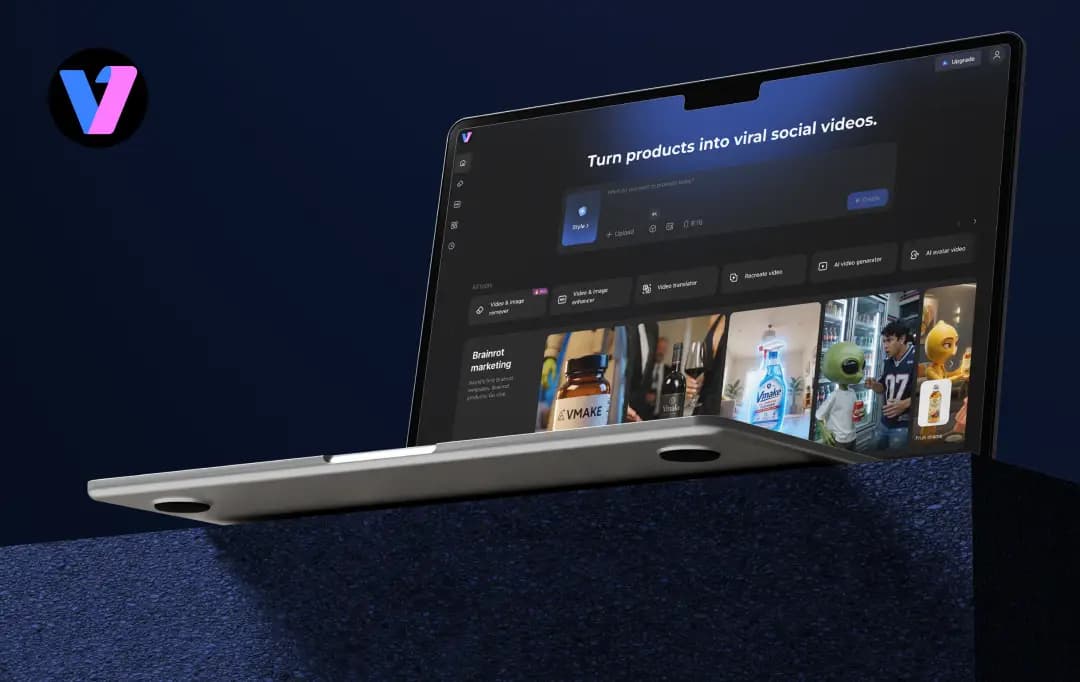
A client once asked our team to create five product videos in three different languages by the end of the week, with no budget for talent or a shoot. That was the time we panicked and started Googling the best AI avatar generators, and that's when we ended up on VMake AI.
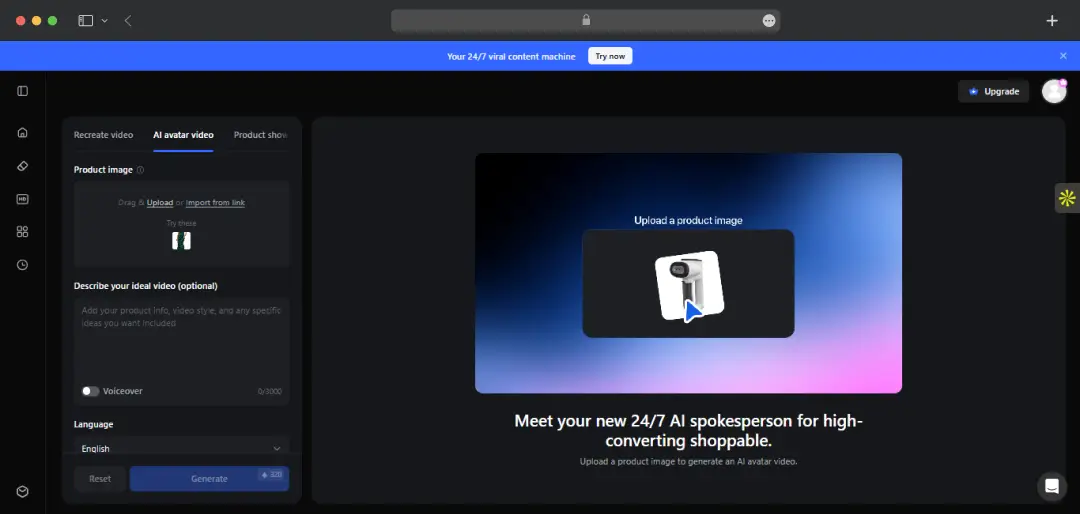
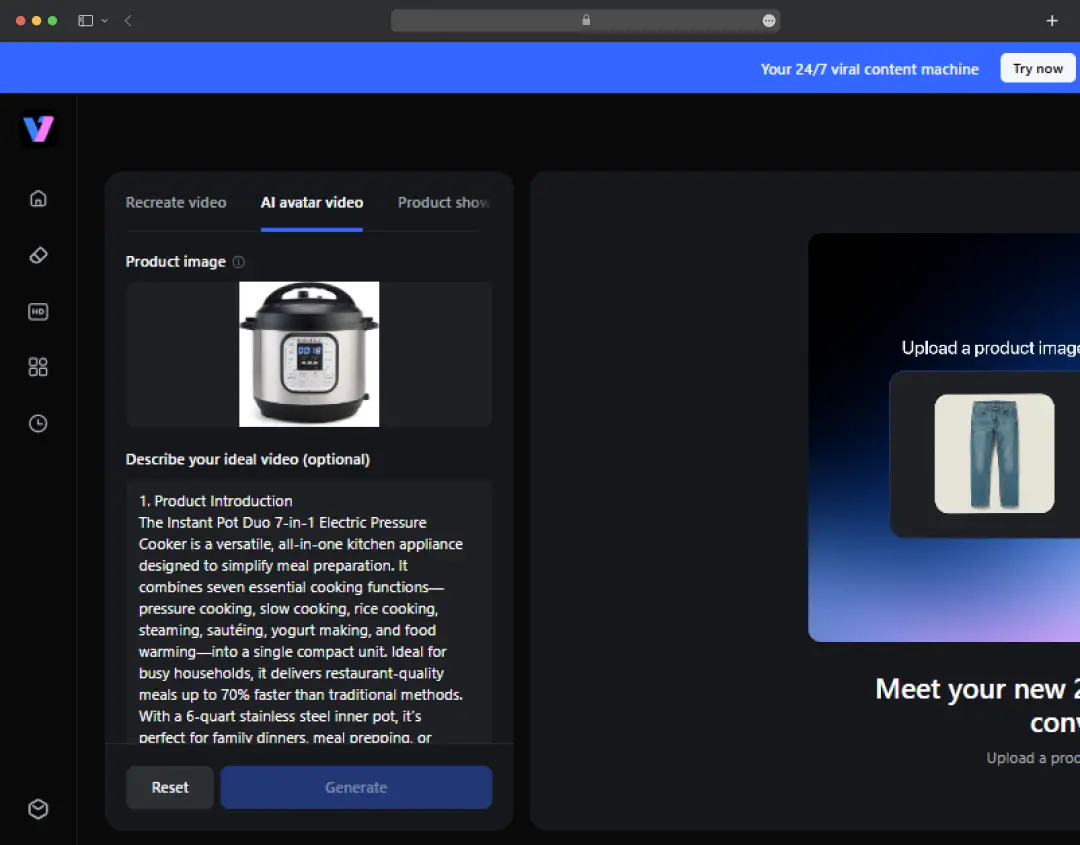
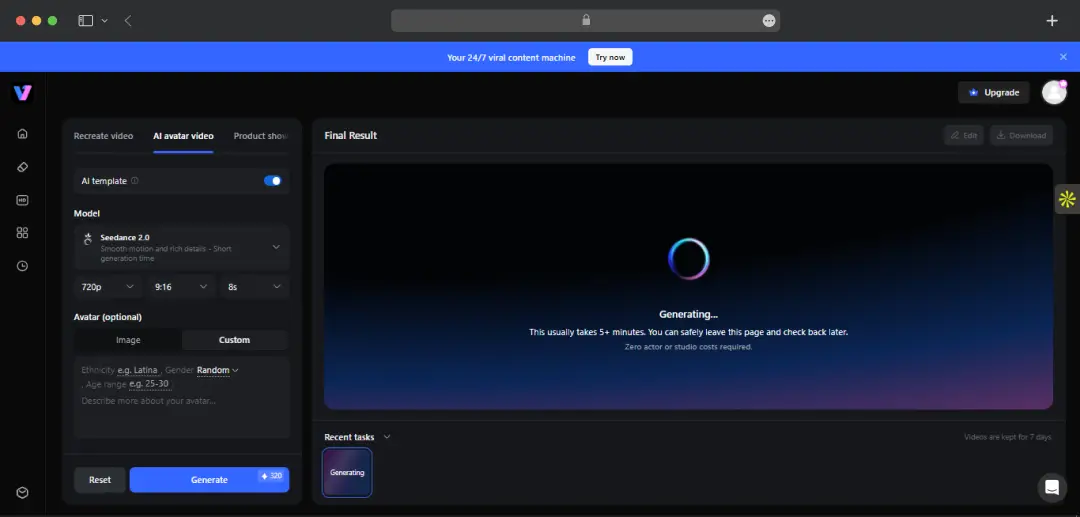
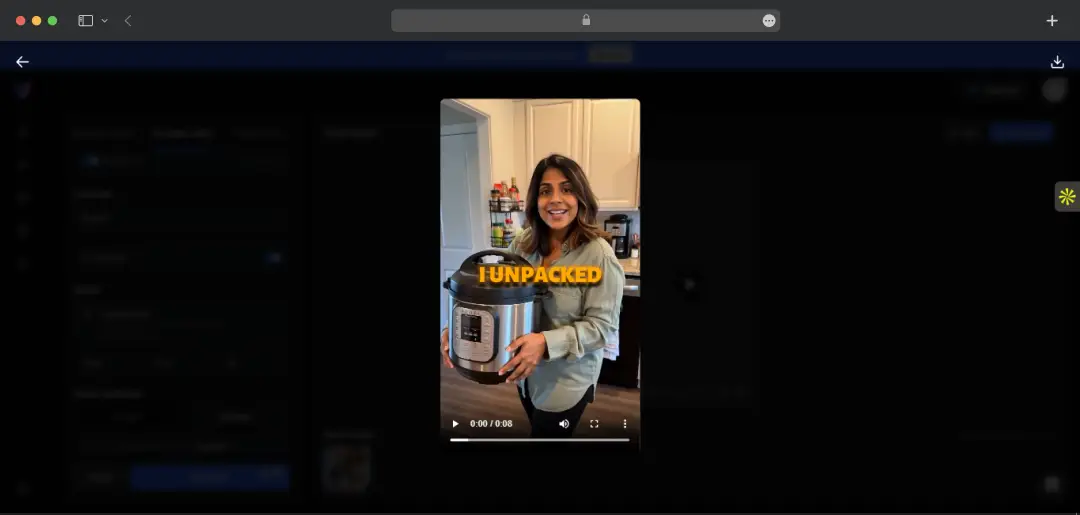
Most avatar generators we had tried before wanted a script, a face to clone, and about 20 minutes of settings before they actually deliver something. The VMake Labs generator skips most of that; you throw in a product photo or a link, and it gives back a talking human-looking video built around that product.
No talent to book, no set to light, no reshoot every time a new market needs a new language. This definitely sounds promising, so we decided to research more about this tool and use it. Here’s our honest VMake Labs review, covering everything about the platform, from its features to its competitors.
Pros and Cons of VMake Labs
Pros
- Genuinely fast, upload a photo or product URL and generate a usable AI avatar video in minutes
- Easy multilingual localization to reuse the same video for different markets without reshooting
- Consistent product representation. Perfectly matches colors, packaging, and labels
- No production overhead; you can create marketing videos without hiring creators, booking studios, or organizing reshoots
- Beginner-friendly workflow with a straightforward, form-based interface with virtually no learning curve
- Strong supporting built-in AI tools like the enhancer and upscaler
Cons
- 15-second video limit, best suited for short ads and UGC clips, not detailed product demos.
- The avatar library and customization options aren't fully documented before you start
VMake Labs Generator Features at a Glance
VMake’s website highlights a lot of buzzwords such as photorealistic, native-looking, and lifelike delivery. And as soon as you actually sit down with the tool, you’ll realize that these are not random claims. Here are the key VMake Labs generator features that work beyond the pitch as well-
1. One-image, one-link input (4.4/5)
You can start with just a product photo or a product URL, and the tool pulls in product details automatically if you go the URL route. The auto-generated description is usable most of the time, but it's worth editing manually if you need a specific tone or a particular selling point front and center.
2. Language, avatar, and scene switching (4.2/5)
This is genuinely the strongest part of this avatar creator. Once you have a base video, swapping the language, presenter style, or background scene takes a form fill, not a reshoot. If you're selling into more than one market, this alone saves a meaningful amount of time compared to producing separate videos from scratch.
3. Lip-sync and delivery (4.1/5)
The avatar's mouth movements and expression match the audio more closely than you'd expect going in. It's not flawless; there's still a slight “AI smoothness” to the motion if you look closely, but for a scroll-stopping product clip, it holds up fine and doesn't feel jarring the way some earlier avatar tools do.
4. Product consistency across scenes (4.5/5)
Packaging, color, and label details stay steady between generations, which is a common failure point for this category of tool. That matters more than it sounds; a slightly warped label or wrong color is enough to kill trust in a product video instantly.
5. 15-second cap (4.3/5)
Every generation with the avatar video maker tops out at 15 seconds. That's fine for a short-form ad or a UGC-style hook, but it's a real limitation if you're planning a fuller product walkthrough. Worth knowing upfront so you don't build a script around a length the tool won't support.
6. Voiceover toggle and manual controls (4.2/5)
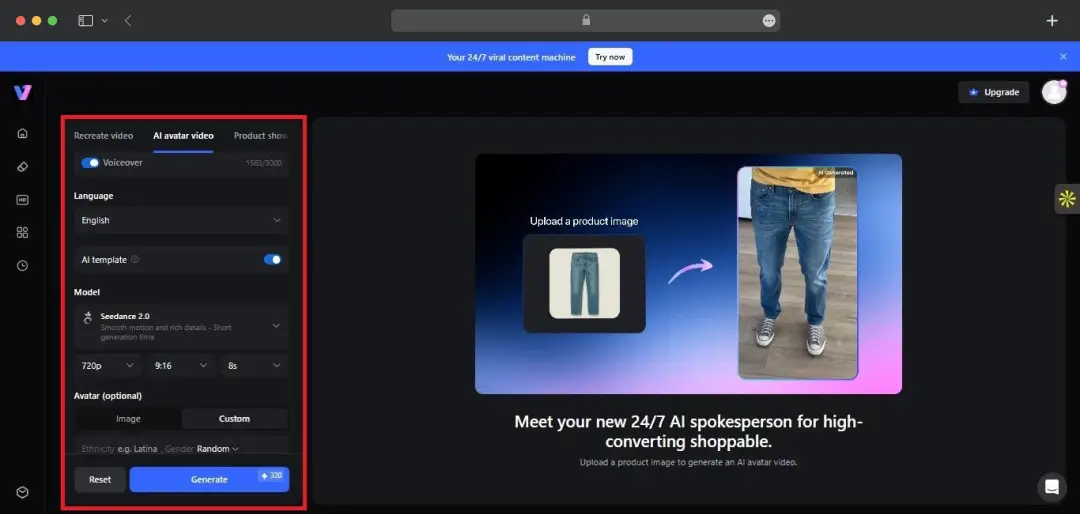
Language, resolution, model, and duration are all adjustable before you generate, plus a separate voiceover on/off switch. It's a small thing, but having that level of control in a simple form, rather than buried in settings, makes the workflow feel less like guesswork.
How Good is VMake AI’s Avatar Quality?
Verdict: Solid enough to pass as a professional-looking ad or UGC clip; not aiming for cinematic or broadcast-grade output |
VMake Labs Generator Pricing
Vmake runs on a freemium, credit-based system and does not charge you separately per avatar video. So what you pay depends on how many credits your monthly plan gives you and how many avatar generations (plus everything else in the suite) you burn through.
The free tier is fine for testing the features, but you'll hit its limits and the watermark fast if you're using this for actual campaigns. Here’s a quick overview of the pricing of the VMake Labs video generator -
| Plan | Price | Credits | What You Get |
|---|---|---|---|
| Free | $0 | 20 credits/day (valid for 1 day) | Access to limited AI models, watermark on exports, and capped output quality. |
| Plus | Starts at $9.99/month | 1,000 credits/month | AI Avatar generation, core creative tools, 1080p exports, and commercial usage rights. |
| Pro | $29.99/month | 4,500 credits/month | Full access to AI models, 2K/4K exports, higher daily usage limits, and priority access. |
Who is VMake Labs Maker Best For?
This free AI avatar video generator is built around a specific job, turning a product into a short, human-feeling video fast, so it naturally fits some workflows far better than others. Here’s a list of use cases this tool is perfectly suitable for-
| Persona | Why It Fits | Best Use Case |
|---|---|---|
| E-commerce sellers | Turns a single product listing image into a sales video without booking talent or a shoot for every SKU | Product launches, storefront videos, quick refreshes across seasonal drops |
| Affiliate & shoppable creators | Lets you push out multiple product recommendations quickly, in a style that reads as a real creator rather than an ad | Shoppable content for TikTok, Instagram Reels, and similar platforms |
| Small business owners | Removes the cost and coordination of a full production setup for routine marketing needs | Store promotions, seasonal campaigns, ongoing product marketing on a limited budget |
| DTC brands selling in multiple markets | Localizing language, avatar, and scene from one base video cuts out reshooting per region | Multilingual ad variants for global or regional campaigns |
| Solo marketers & freelancers | Simple form-based workflow means no editing background is needed to get a usable output | Fast turnarounds for client work without hiring outside talent |
Customer Reviews
How was your experience with the product?