


GitHub Copilot Review: Is it the Best AI Code Assistant?
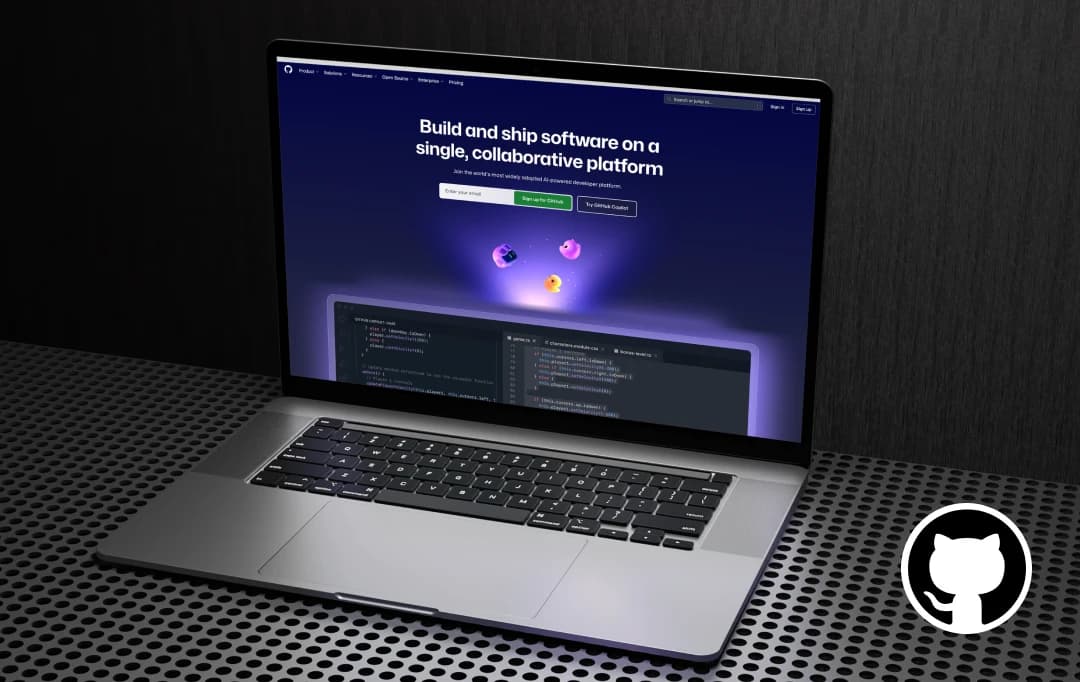
Large Language Models, or LLMs, are sweeping the tech space with the advanced capability of generating code. And if you’re a web/app developer, you might have already heard about GitHub Copilot. It’s an AI-powered coding assistant that boosts productivity and makes coding faster and easier.
But is it that capable? I’ve personally spent some time using Copilot in my projects, and it’s pretty cool. To me, it brought in that ease. I just wrote a comment explaining my logic, and guess what? It automatically generated code suggestions in real-time.
If you’re someone who is already boggling their head with questions like - whether the code it suggests is reliable and secure? And if it’s worth the subscription cost? Buckle up and worry not! In this honest review, I’ll share my experience about its pros, where I hit hurdles, and whether Copilot is the ultimate AI coding assistant you’ve been waiting for all this time, and more.
Pros and Cons of GitHub Copilot
Pros
- Provides real-time and prompt coding suggestions
- Automates coding tasks and becomes accurate over time as it adapts to your coding style
- Provides reliable coding hints and auto-completion features to help developers finish tasks at speed
- Allows seamless modifications for multiple files with just one code
- Offers multi-language programming support for developers working across diverse
Cons
- Requires developer verification, as suggestions might not align with your vision
- It lacks proficiency in navigating through an unclear codebase and disorganised files, which can lead to suboptimal AI suggestions
- Free credits exhaust soon, especially during long coding sessions, and might require subscriptions too soon
- Poor customer support
- May generate code with security flaws or use copyrighted code without proper attribution
Quick Start with Copilot GitHub
You can begin your coding journey with GitHub Copilot AI by following these steps.
Step 1: Open the GitHub Copilot website on your screen.
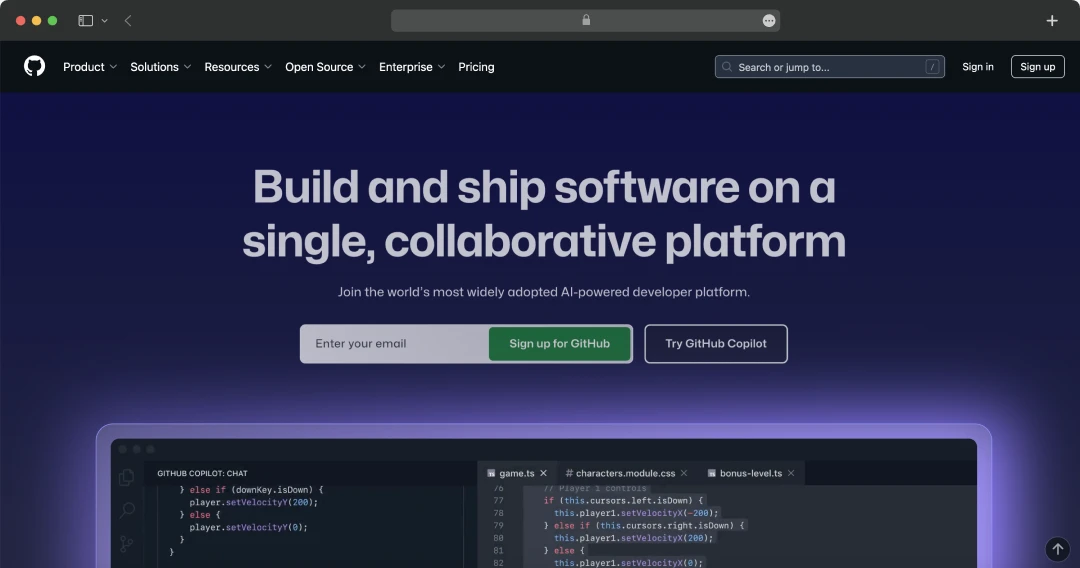
Step 2: Log in or sign up for your GitHub Copilot account by clicking on the ‘login’ and ‘sign up’ options displayed in the top left corner of the homepage.
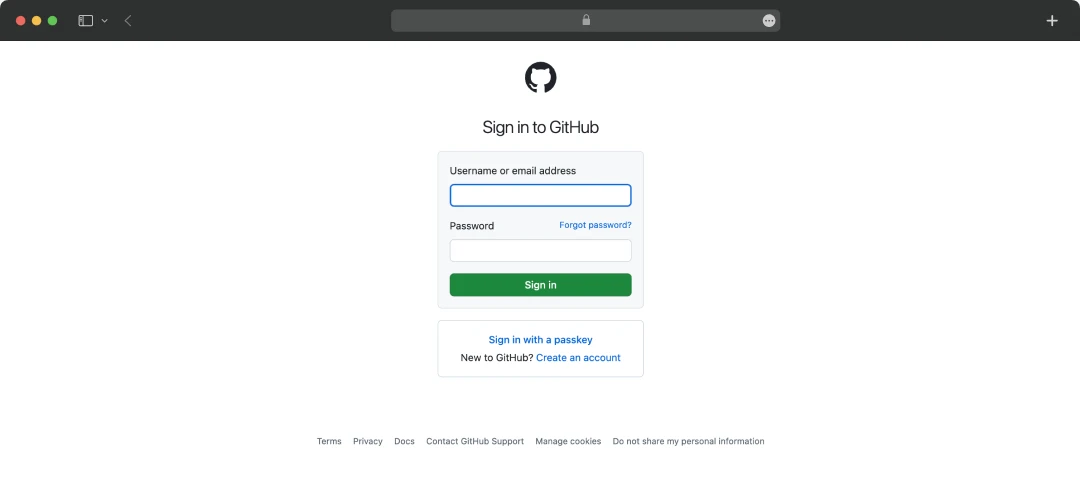
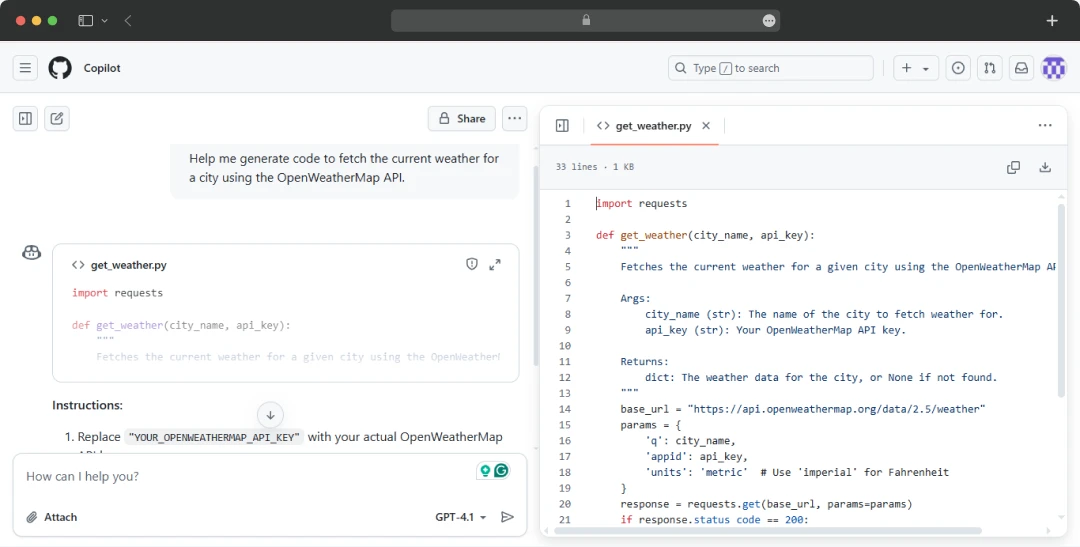
Step 3: Get started by giving your prompts regarding what you want to code.
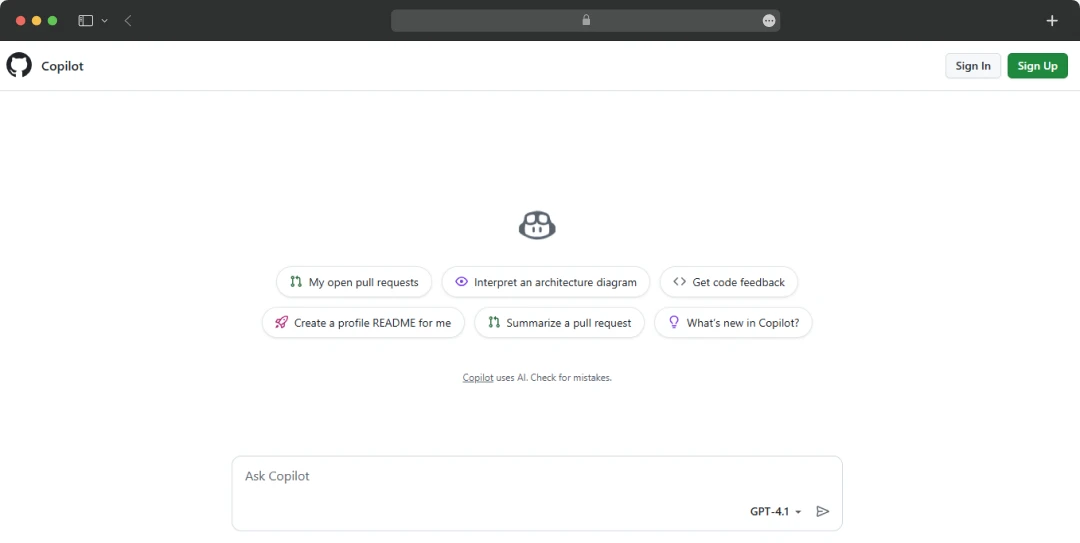
Step 4: Check the results and recommend the edits you want.
Helpful read - How To Code An App?
Standout GitHub Copilot Features
Now that you know, coding can be made easy with GitHub Copilot, let’s have a quick look at some of the most talked-about features of Copilot AI here.
1. Auto-Complete Code
With Copilot AI, you can begin with just a few keystrokes because it offers hints and makes some suggestions as you type your code. Next, you can even describe the changes you want using natural language in comments, and Copilot can quickly make edits accordingly, even predict your next location to edit. This will enable your developers to make rapid progress in their coding tasks.
2. Easy Integration With Multiple IDEs
To ease your coding experience, GitHub Copilot can even integrate with multiple Integrated Development Environments (IDEs) hassle-free. These include Visual Studio Code, JetBrains IDEs, and Neovim. This flexibility of Copilot AI enables developers to integrate it into their existing workflows, regardless of their preferred coding environment. You can even get real-time code suggestions within the IDE to boost productivity and streamline the coding process.
3. GitHub Chat
GitHub Chat was another feature I truly appreciated that Copilot AI offered. Through it, you can type your queries and concerns and seek assistance, suggestions, and explanations of any code process. For example, you can even ask for bug fixes for any code.
4. Copilot Coding Agent
Copilot AI offers an easy coding agent where you can raise an issue about making coding changes, and a GitHub agent will work by processing those changes for you. Next, the agent can also make a pull request for you to review those changes.
5. Pull Request Summaries
I always struggle to track changes, so for me, GitHub worked out! Through it, you can pull a request summary to review and understand the entire changes made. GitHub Copilot will review all pull requests to provide an overview of all the changes it has impacted, often in a bulleted list.
6. Copilot Workspace
Did you know that you could personalise your coding environment, tailored to your project requirements? Yes! GitHub Copilot understands the context of your entire codebase and provides more accurate and relevant suggestions as you work. This means you get smarter project completions and assistance that align with your exact project's structure and style.
7. Multi-Language Support
Another feature that GitHub Copilot impresses with is its multilingual support. Whether you’re coding in Python, JavaScript, TypeScript, Ruby, Go, or even some other languages, Copilot has you covered. This versatility makes it a reliable assistant for developers working across different programming environments and projects.

Understanding GitHub Copilot Pricing
Honestly, I found that Copilot GitHub isn’t very expensive. For beginners, you can get started with Copilot for free, including 50 free premium requests. Moving forward, you can also upgrade to other individual and business projects like Copilot Pro, Copilot Pro+, Copilot Enterprise, and Copilot Business. All of these Copilot AI paid plans can charge you anywhere from $10 to $39 per month. Let’s have a closer look at its individual and business plans -
1. Business Plan for GitHub Copilot
|
Business |
Enterprise |
|---|---|
|
$19 per month |
$39 per month |
|
- Unlimited agent mode and chats with GPT-4.11 - Access to code review, Claude 3.5/3.7/4 Sonnet, Gemini 2.5 Pro, and more - 300 premium requests to use the latest models per user, with the option to buy more - User management and usage metrics - IP indemnity and data privacy |
Everything in Business and: - Access to Claude Opus 4, o3, and GPT-4.5 - 3.33x more premium model requests than Business plan, with flexibility to purchase more - Coding agent feature for autonomous programming and multi-step coding tasks |
2. Individual Plan for GitHub Copilot
| Free | Pro | Pro+ |
|---|---|---|
|
$0 |
$10 per month |
$39 per month |
|
- 50 agent mode or chat requests per month - 2,000 completions per month - Access to Claude 3.5 Sonnet, GPT-4.1, and more |
Inclusive of Pro benefits and: - Unlimited agent mode and chats with GPT-4.11 - No limit on code completions - Includes access to code review, Claude 3.7/4 Sonnet, Gemini 2.5 Pro, and more - 6x more premium requests than Copilot Free to use the latest models, with the option to buy more |
Inclusive of Pro benefits and: - Access to all models, including Claude Opus 4, o3, and GPT-4.5 - Pro+ offers 30x premium requests than Copilot Free |
Customer Reviews
How was your experience with the product?
"Never pay for any higher GitHub Copilot packages, as you can see from other comments, they are just not worth paying. I even think they allocate more resources to you at the start to attract, but later reduce the resources GitHub Copilot. ChatGPT 4.5 in higher subscriptions is a joke, it gives "Sorry, your request failed. Please try again. Request id: 21c4b6ac-97da-47ef-a35c-b44822fe90d Reason: Server error: 500" and then very quickly "Sorry, you have been rate-limited. Please wait 50 minutes before trying again". I am going to look for alternatives."
"I really love GitHub. What they grant me as a free user is more than generous, and I also happily paid for 2 years of Copilot, because it made my life so much easier. Now I am really heavy into LLM, so I use lots of other tools that are more specialised, but the copilot is still the tool I tell everyone to use, who is not knee deep into that stuff. I will also recommend GitHub git hosting to everybody who needs version-controlled files."
"Are you even a coder? If you haven't ever used GitHub?So, I just start the projects from the app if I like any, and Git clones the links to my workstation."
"Never buy a GitHub Copilot subscription higher than free, as you can see from other comments. They immediately charged me for the free trial 10USD, and to contact support, you must wait eternity until someone sees your ticker.... if so."
"I would say that GitHub is an essential tool for developers, with great version control, collaboration, and open-source hosting. The integration with CI/CD pipelines and actions is great, making it easier to automate deployments. However, the interface can feel sluggish at times, especially with large repositories, and some advanced features are locked behind a paid plan. Despite these minor drawbacks, in my opinion, it remains the best platform for code collaboration."














