


Frosting AI Review: Is It Worth The Hype For AI Art Creation?
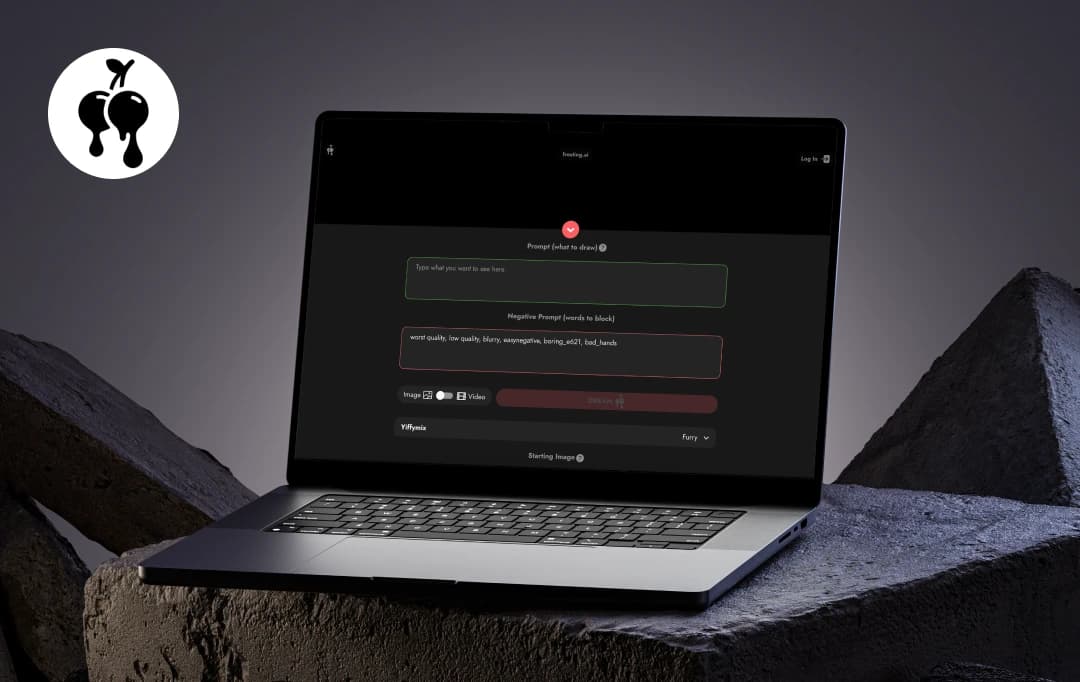
I wasn't looking for another AI art generator. Between DALL-E, Midjourney, and a dozen others I've tried, I thought I had all my creative bases covered. But then came Frosting AI, and what started as "let me just test this out" turned into me spending hours creating art I actually wanted to display.
No exaggeration — the first time it transformed my vague text prompt into a detailed image that actually matched what I had in mind. Unlike a typical AI art generator with basic filters and styles, this one seems to understand your creative intent.
But there is a lot more to cover about the product than just this. In this article, we look into what makes Frosting AI not just another AI art platform, but something genuinely special.
Pros and Cons of Frosting AI
Pros
- Creates stunning, high-resolution artwork from simple prompts
- Remarkable consistency in character appearances
- Intuitive interface, no complex prompt engineering needed
- Specializing in detailed backgrounds and realistic textures
- Offers unique art styles that stand out
Cons
- Full access to premium features requires a paid subscription
- Character consistency may occasionally vary in complex multi-character scenes
- Advanced customization options have a learning curve for beginners
- Background detail quality can be inconsistent with certain art styles
- Limited style variety compared to some established competitors
Frosting AI Features
To understand what makes Frosting AI generator different, we need to assess the features most Frosting AI reviews agree on. From impressive consistency to intuitive controls, Frosting AI brings features that elevate the AI art experience. Let's explore what's under the hood.
1. Powered by Stable Diffusion Algorithms
At the core of Frosting AI is the use of cutting-edge Stable Diffusion algorithms. This means the images you get are not just random creations but carefully crafted, high-resolution artworks with professional polish. It balances creativity with clarity, producing results that can easily hold their own in portfolios or marketing materials.
2. Precise Visual Control: Leveraging Reference Images
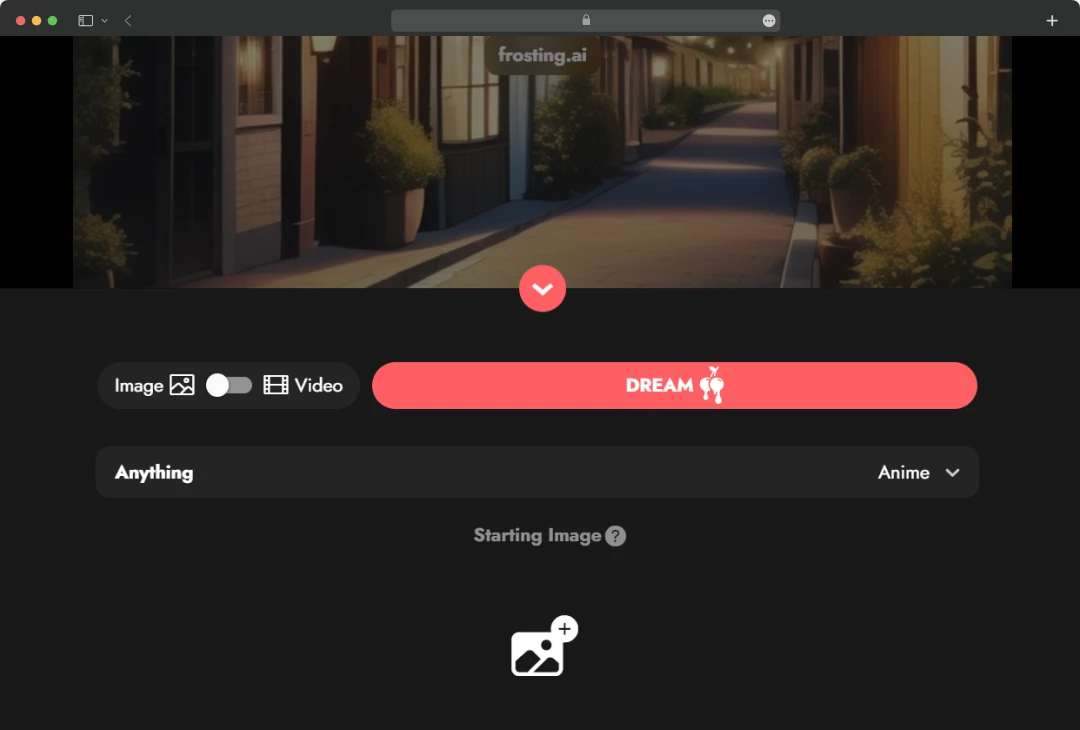
One feature I really appreciated was the ability to upload a reference image. This lets the AI understand the style, color palette, or composition you want to replicate, making your prompts even more effective. Whether you want to mimic a particular artistic style or keep your images consistent across a series, this feature gives you greater control and precision.
3. Style Mastery: Unique Artistic Approaches
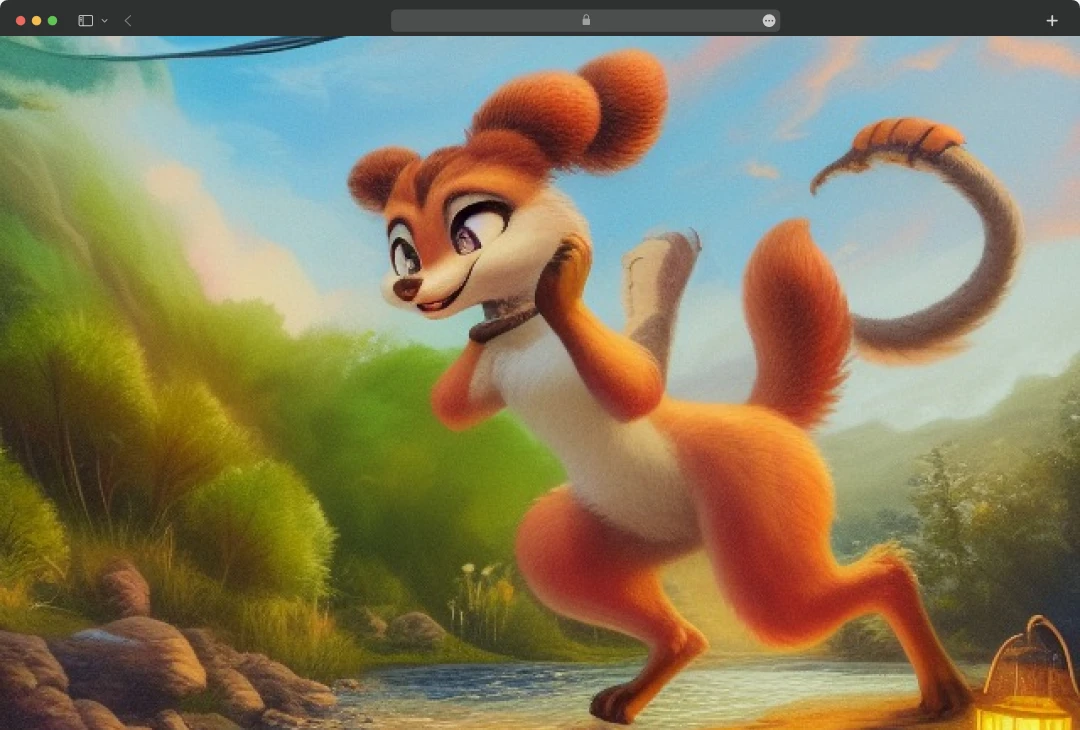
The Frosting AI art styles library is impressive not just in quantity but in quality. Beyond the standard options (photorealistic, anime, watercolor, etc.), it offers genuinely unique styles I haven't seen elsewhere. Its "Anime" and "Furry" options produce results that don't have that generic "AI art look" that's becoming too common.
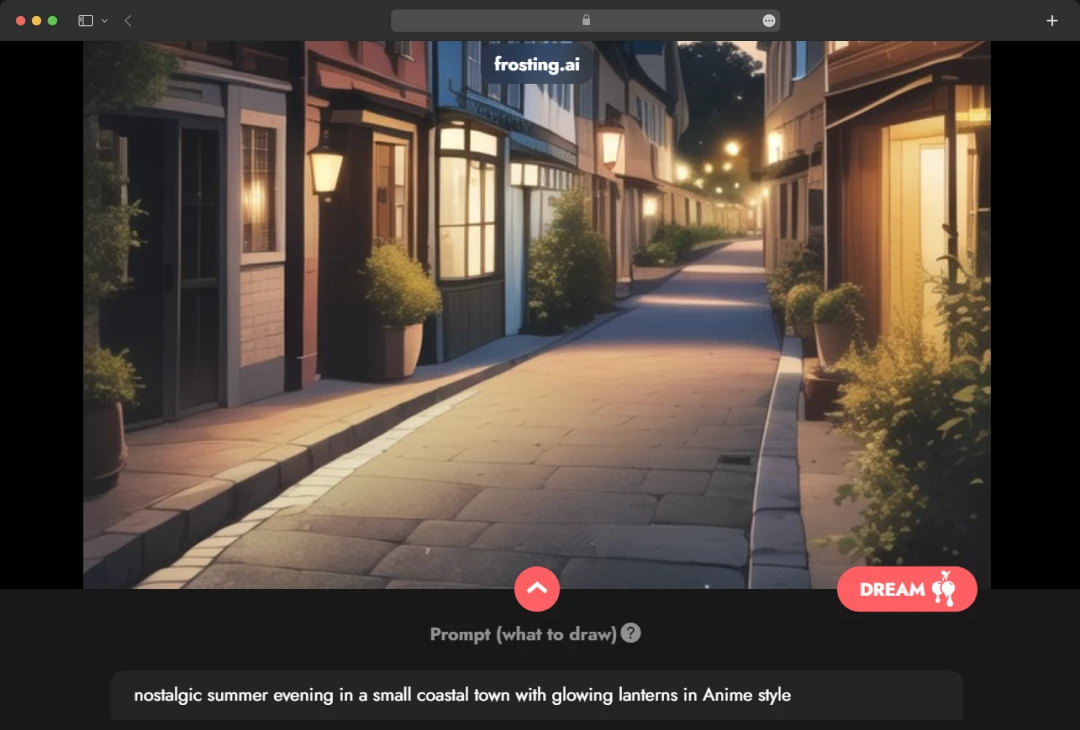
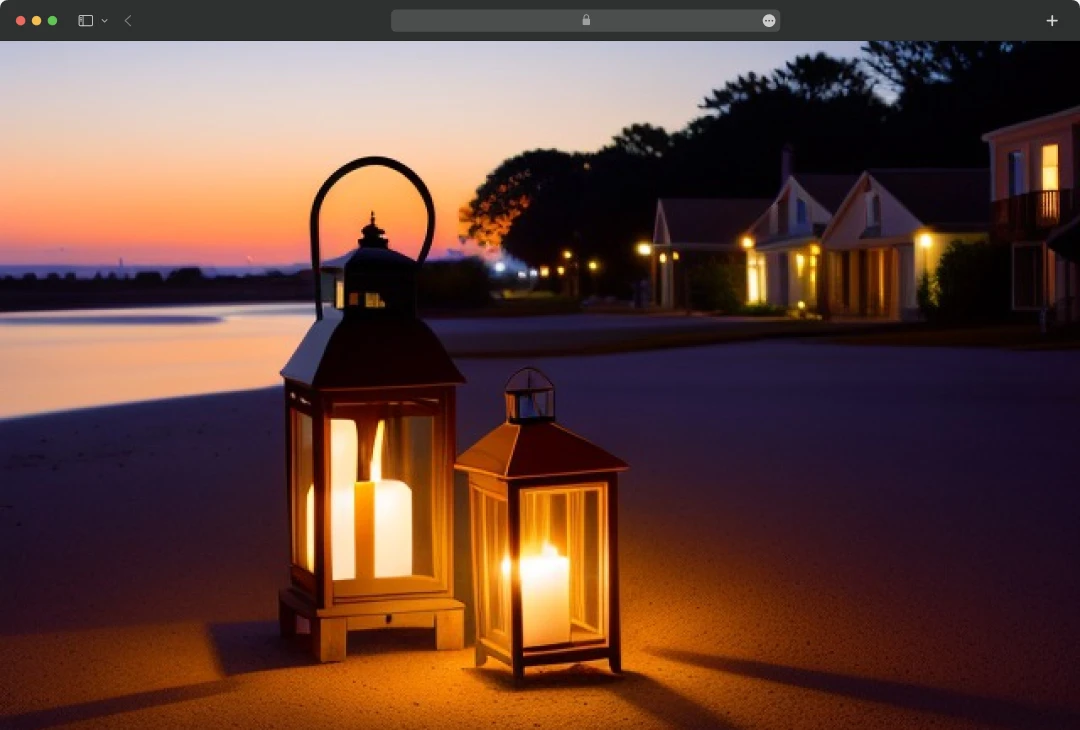
What's really impressive is how these styles maintain their integrity even with complex prompts. I've tried challenging combinations like "nostalgic summer evening in a small coastal town with glowing lanterns” in different styles and the results were both coherent and artistic, without the usual AI artifacts or misinterpreted elements.
Anime:
Photoreal:
Furry:
5. Creative Control: Fine-Tuning Options
Frosting AI features an intuitive editing interface that gives you remarkable control without requiring technical expertise. The platform offers:
- Strength sliders for different elements (character focus, background detail, lighting intensity)
- Region-specific editing for targeting specific areas of your image
- Negative prompting that actually works consistently
- Seed saving for building upon successful generations
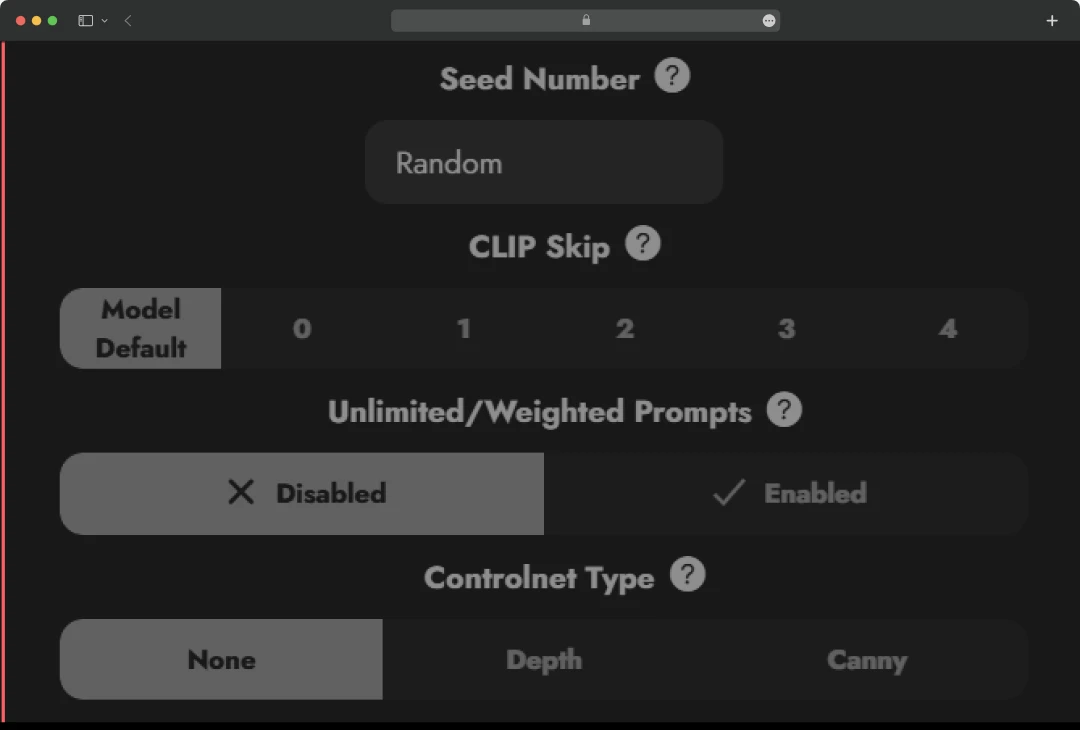
Fine tuning and customization Options
For someone who gets frustrated with the "black box" approach of many AI generators, these controls make the creative process feel collaborative rather than random.
Also Read: Leonardo AI Review
Frosting AI Pricing: How Much Does it Charge?
Here is a detailed breakdown of the plans and pricing Frosting charge for their premium features. It also includes the advanced features you can enjoy.
| Plan | Planet | Star | Nebula | Galaxy |
|---|---|---|---|---|
| Price | $7/month | $25/month | $55/month | $120/month |
| Video (Short Videos/Month) | 20 | 40 | 80 | 160 |
| Batch Generation | 2x | 4x | 8x | 16x |
| Storage | 5x | Unlimited | Unlimited | Unlimited |
| Generation Priority | Low | Medium | High | Highest |
| Quality & Steps | 25 | 40 | 70 | 100 |
| Upscaling | 2x | 4x | 4x | 4x |
| Prompt/Negative Strength | Yes | Yes | Yes | Yes |
| Download Dreamchat | Yes | Yes | Yes | Yes |
| Set Seed | Yes | Yes | Yes | Yes |
| Inpainting | No | Yes | Yes | Yes |
| Prompt Weighting | No | Yes | Yes | Yes |
| Infinite Length Prompts | No | Yes | Yes | Yes |
| Edit Clip Skip | No | Yes | Yes | Yes |
| Chat | No | Yes | Yes | Yes |
| Chat Message Tokens | No | No | Yes | Yes |
| High Resolution Image Models | No | No | Yes | Yes |
| Personalized Prompt Assistance | No | No | No | Yes |
| Controlnet | No | No | No | Yes |
Customer Reviews
How was your experience with the product?
"Smart, easy photo edits with great results, just a bit slow at times"
Also Reviewed By Us














