


Clipfly AI Review 2026: The Best All-in-One AI Video Tool

Creating video content used to mean spending hours staring at a complex editing timeline. Now, you just type a few words and watch the magic happen. But with so many tools hitting the market, finding one that actually does the job without emptying your wallet is tough.
Welcome to our hands-on Clipfly AI review. I’ve been testing this platform to see if it actually deserves a spot among the Best AI Video Generators, or if it’s just another passing trend. Let's get straight into it.
Pros and Cons of Clipfly AI
Pros
- You don't need any prior editing experience. The interface is highly intuitive.
- Combines generation, basic editing, captions, and audio tools in one place.
- You can test the waters and export 1080p clips without a watermark.
- Generates concepts and short clips in a matter of seconds, perfect for rapid testing.
Cons
- You can't easily tweak small details in a generated clip; you usually have to re-roll.
- Sometimes the AI talking avatars lack natural emotional range for complex scripts.
- Long scenes with multiple characters can lose consistency and drift off-prompt.
- Heavy users who constantly iterate and re-roll might burn through their credits relatively fast.
Core Features of clipfly AI
If you're wondering what is Clipfly AI actually capable of, it packs quite a punch for a web-based app. It isn’t just a one-trick pony; it’s a full creative toolkit tailored for speed. We spent a good chunk of time digging into the platform, and here is an in-depth look at what you can pull off.
1. AI Video Generation & Animation
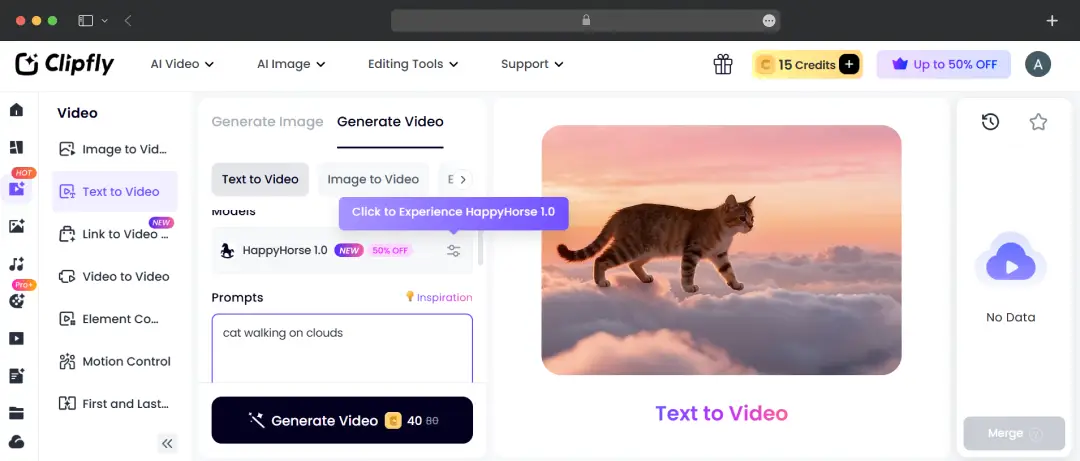
This is the bread and butter of the Clipfly AI video generator. Instead of messing with complex timelines, you just give the engine a prompt or upload a static photo, and it builds out a realistic motion clip.
- Text & Image to Video: Turn a flat product photo into a dynamic ad sequence or type out a wild concept to see it visualized in seconds.
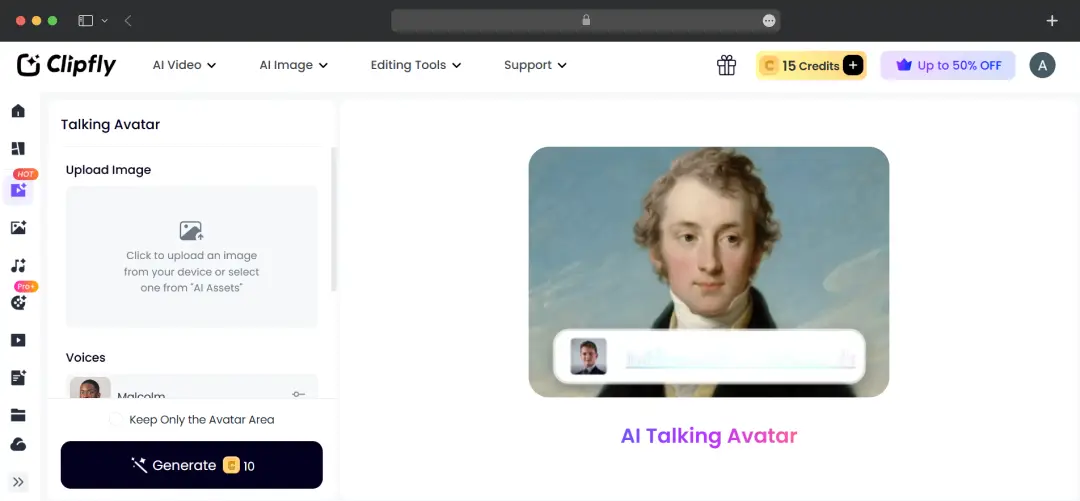
- AI Talking Avatars: You can generate lifelike avatars that speak your script with incredibly accurate lip-syncing and natural facial expressions. This is a game-changer for explainer videos or faceless channels.
- Viral Motion Effects: They have built-in tools for trending formats. You can use the "AI Squish Effect," play around with age progression, or use the AI Motion Creator to make the subjects in your photos dance, hug, or even do Kung Fu.
2. AI Image Creation & Enhancement
Clipfly isn't strictly for video; it’s a powerhouse for static visuals, too.
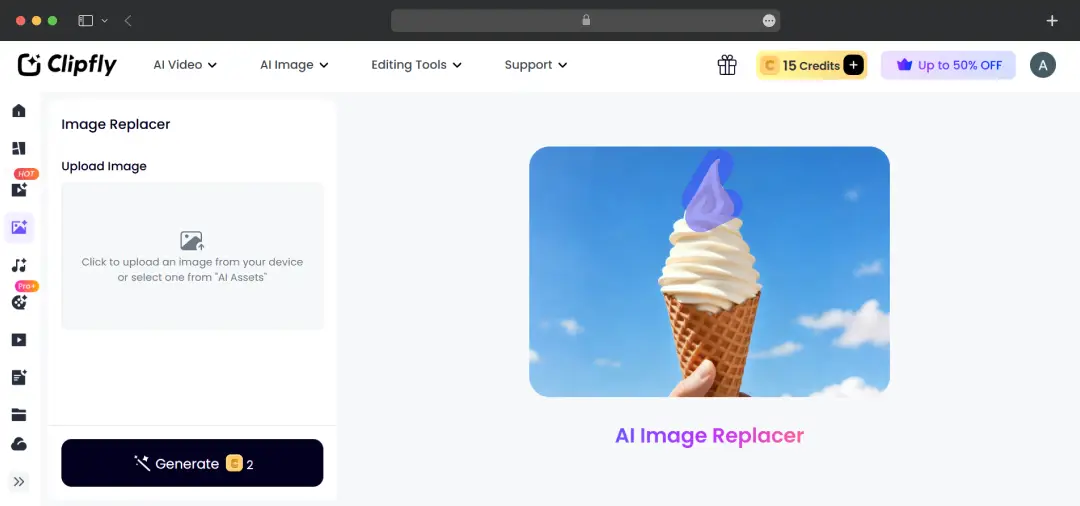
- Generative AI & Replacements: You can generate entirely new images from text or use the "AI Replace" tool to swap out specific elements. Imagine brushing over an ice cream cone in a photo and typing "daisies"—the AI swaps it seamlessly.
- Professional Headshots: Need a quick LinkedIn profile pic? The AI Headshot generator whips up polished, professional photos for men and women without you ever needing to book a studio session.
- Enhancers & Filters: You can upscale blurry photos, instantly erase messy backgrounds, or apply stylized filters to turn a standard selfie into anime or cartoon art.
3. AI Music & Audio Generation
You usually have to bounce over to separate AI Music Generators to find the right background track, but Clipfly keeps it all under one roof.
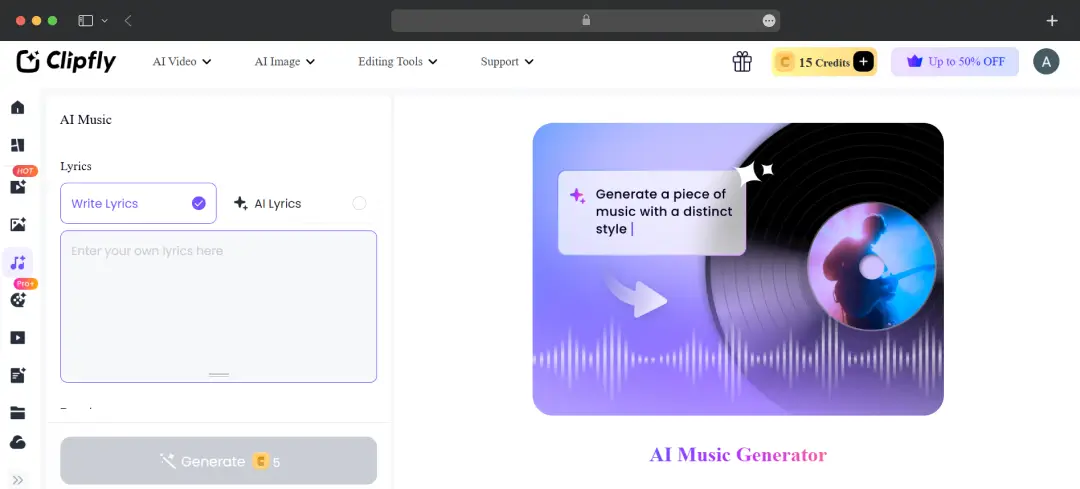
- Text-to-Music: You can literally type a vibe or mood into the prompt box, and the AI will compose an original background track to match your video's exact energy.
- Voiceovers & Sync: Alongside the talking avatars, the platform offers realistic text-to-speech voices so your content sounds human, rather than like a robotic customer service hotline. You can easily add and sync these audio layers directly onto your timeline.
4. Smart Video Editing & Object Removal
Even if you shoot your own live footage, this Clipfly AI tool has heavy-duty editing features to clean up your work before hitting publish.
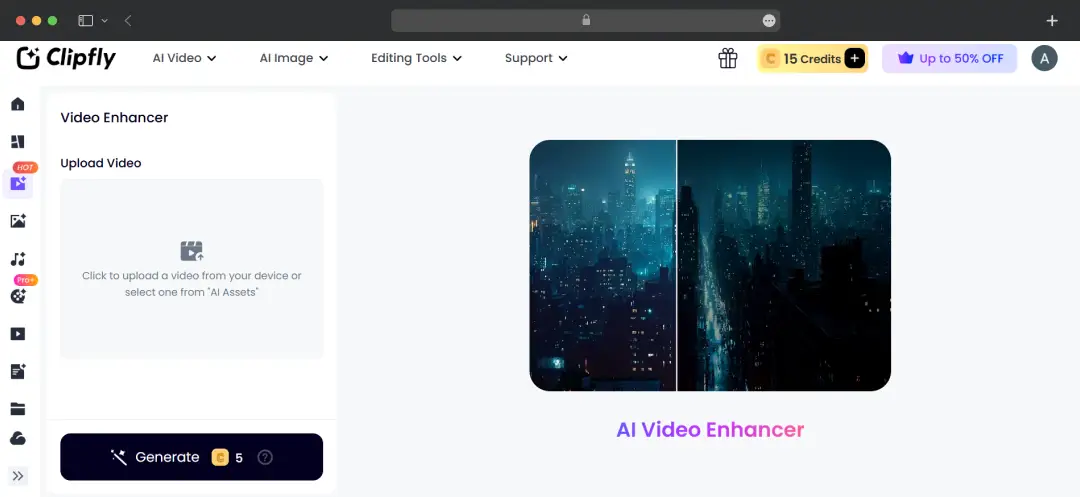
- AI Video Enhancer: Say goodbye to low-light, pixelated footage. The enhancer unblurs videos, removes noise, and bumps the resolution up to HD or 4K with a single click.
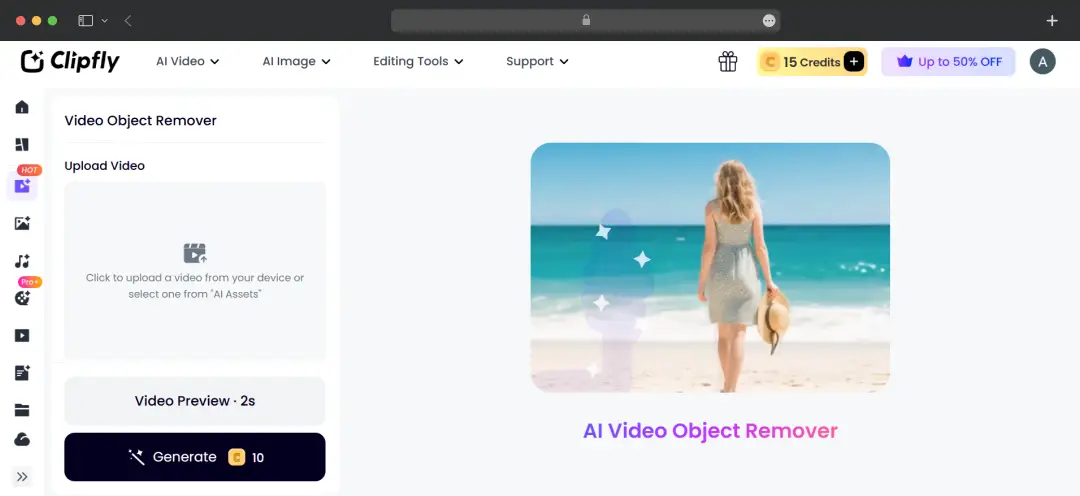
- Object & Watermark Removal: Got a random person walking through your shot or an annoying watermark? Just brush over the unwanted object, and the AI seamlessly erases it while actively filling in the background.
- Traditional Editing Suite: On top of all the AI magic, you still get a solid classic video editor. You can split clips, merge footage, add transitions, slap on captions, and tweak the color balance right in your browser.
Clipfly AI Pricing
Let’s talk about Clipfly AI pricing. It operates on a freemium model, making it highly accessible whether you just want to play around or need serious output.
| Plan Tier | Monthly Price | Yearly Price | Key Features Included |
|---|---|---|---|
| Pro Plan | $10.99 / mo | ~$49.99 / year |
|
| Pro+ Plan | $39.99 / mo | ~$189.99 / year |
|
| Business Plan | ~$87.99 / mo | ~$389.99 / year |
|
Pro Tip: Billed annually at around forty bucks, the basic Pro plan is easily the sweet spot for solo creators. It gives you enough juice for weekly content without breaking the bank.
The Pay-As-You-Go Credits Plan
What if you don't want to be locked into a recurring subscription? Or maybe you’re already on a Pro plan but temporarily ran out of credits during a busy month. This is where their flexible Credits Plan comes to the rescue. Clipfly offers a tiered top-up system that rewards you with bonus credits the higher you go.
| Credit Package | Bonus Credits | Total Credits | Price (USD) | Special Notes |
|---|---|---|---|---|
| 20 Credits | - | 20 | $2.39 | - |
| 100 Credits | - | 100 | $9.99 | - |
| 200 Credits | +100 Bonus | 300 | $19.99 | ~$0.066 / credit |
| 500 Credits | +250 Bonus | 750 | $39.99 | - |
| 2,000 Credits | +1,000 Bonus | 3,000 | $75.99 | 5% off |
| 10,000 Credits | +10,000 Bonus | 20,000 | $251.99 | 10% off (Most Popular) |
| 40,000 Credits | +40,000 Bonus | 80,000 | $783.99 | 20% off |
Customer Reviews
How was your experience with the product?














