
AudiConv Review: Simple Music Converter or Powerful Tool?
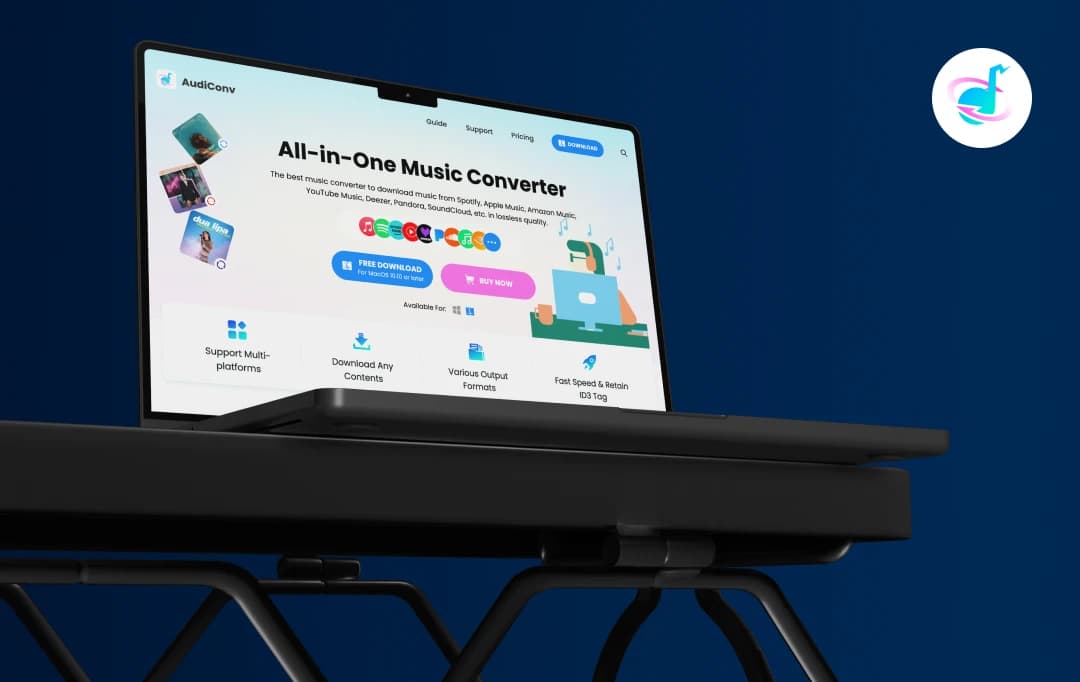
Music file conversion, sound extraction in videos, and cross-platform compatibility make music enthusiasts and content creators frustrated. They’re often seen banging their heads with resource-heavy and ad-laden platforms. Therefore, it is almost impossible to find a converter that can produce quality results easily, without a learning curve.
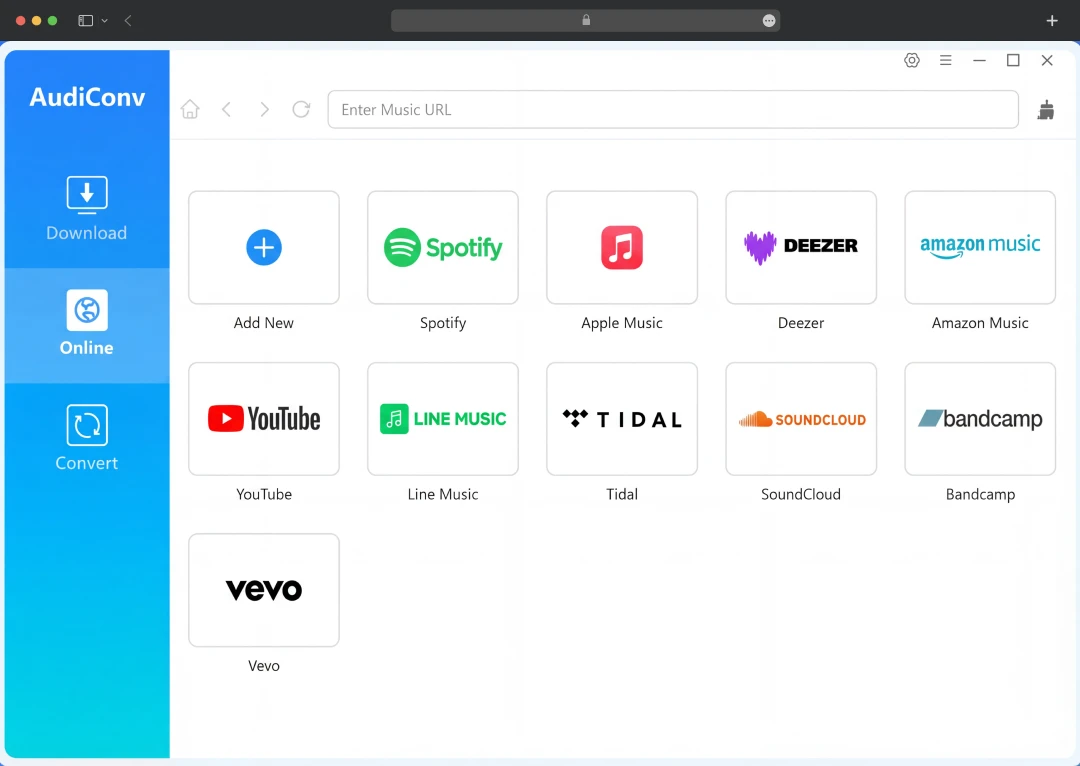
That is when we came across AudiConv. It is an online music converter that can convert music from 17+ streaming platforms like Spotify, Apple Music, and YouTube Music. The platform claims to be able to convert files fast and even retain the original sound quality.
We performed an extensive AudiConv review to find out whether these assertions are correct or not. This detailed review has collated several factors that will help you decide if AudiConv deserves a spot in your toolkit or should be skipped entirely.
Pros and Cons of AudiConv
Pros
- Supports 17+ streaming platforms, including Spotify and Apple Music
- Downloads songs, playlists, albums, podcasts, and audiobooks
- Converts to MP3, FLAC, WAV, AAC, M4A,etc
- 10X faster speed with batch downloading
- Preserves ID3 tags and metadata
- Built-in player, proxy settings, and multi-language support
- Works on Windows and macOS with lifetime updates
Cons
- No mobile app is currently available
- Beginners may need time to explore all the features
Standout AudiConv Features
AudiConv comes loaded with features designed to make music conversion effortless. Let's walk through its features:
1. Music Conversion from Multiple Platforms
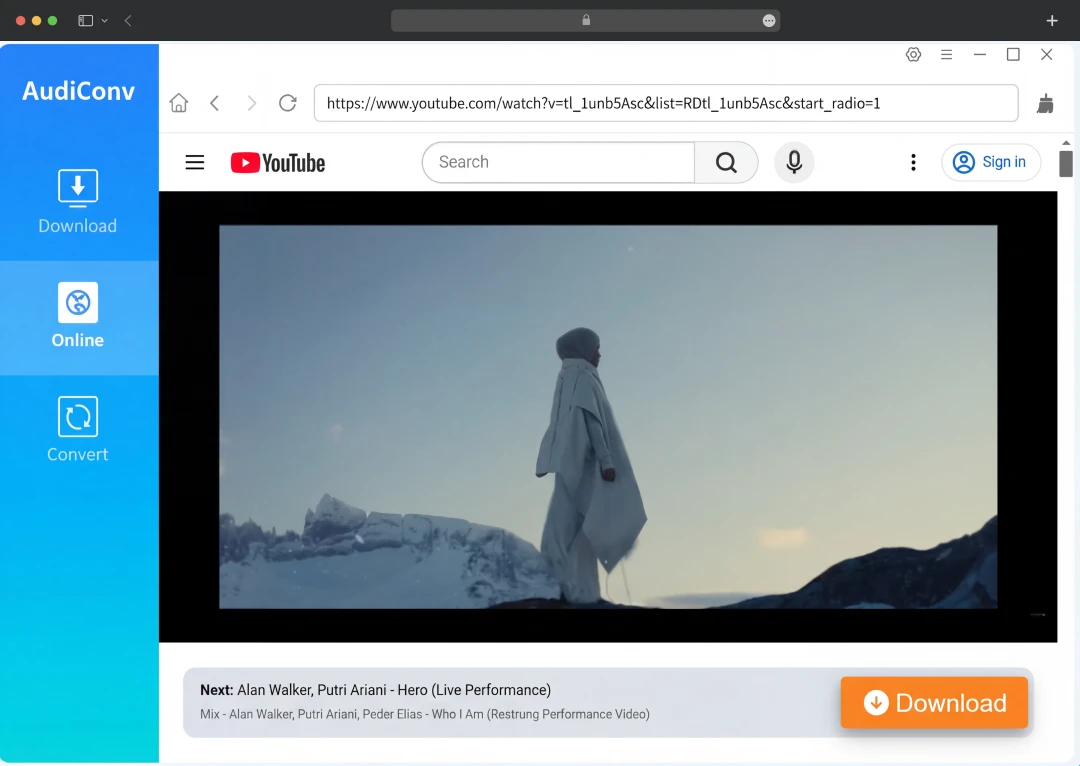
AudiConv supports more than 17+ well-known streaming platforms. It can source audio from Spotify, Apple Music, YouTube Music, Amazon Music, SoundCloud, Tidal, Deezer, Line Music, and Pandora. Another feature that interested us is the ability to download audio even from video platforms like YouTube, Dailymotion, Vimeo, and Beatport.
2. Access all the Popular Content Without Internet
AudiConv is available to save single songs and entire playlists, specific albums, podcasts, and even audiobooks, all in one interface. All of this is saved on your computer, and you have real offline access without having to rely on an internet connection. It also allows you to download lyrics in LRC format with your music tracks.
3. Convert to Different Formats
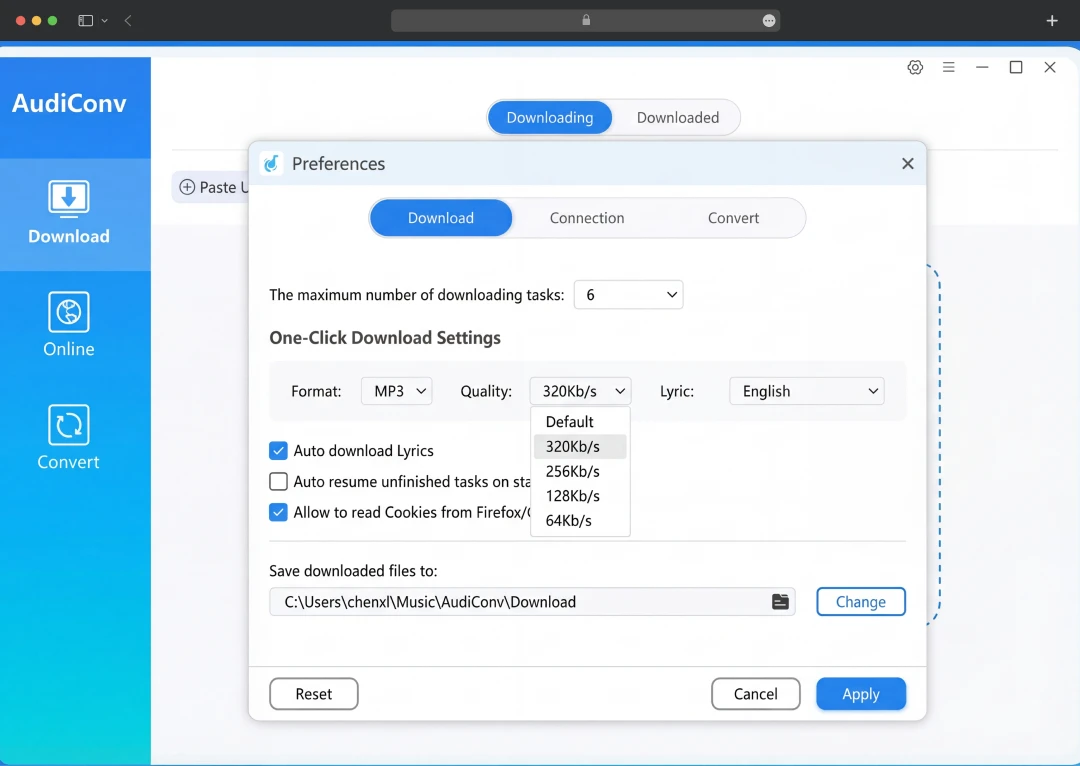
AudiConv can convert the files to popular formats such as MP3, M4A, WAV, FLAC, AIFF, AAC, and ALAC. The bit rate can be arranged from 128 kbps to the maximum of 320 kbps to get crystal clear audio. Once the conversion is done, transferring tracks to your MP3 player, iPod, smart TV, or any other device becomes effortless.
4. 10X Fastest Speed and Store ID3 Tag Data
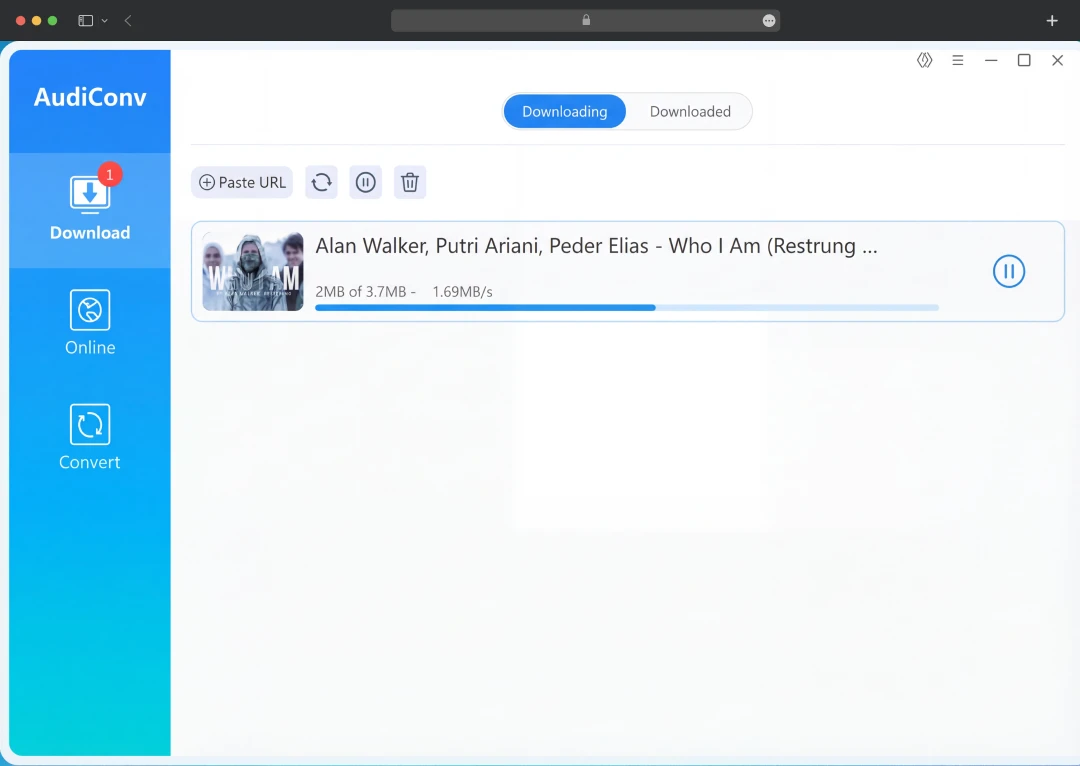
AudiConv provides up to 10X faster conversions than other competitors. The batch download mode is a true time-saving operation; you can put in tracks and allow the software to do it all in a single operation. All your ID3 tags, including song title, artist name, album, genre, and cover art, will not be lost after conversion. Moreover, your library is kept tidy, without any human intervention.
5. Other Notable Features
AudiConv also has several other add-ons that will make the audio conversion experience rich and worthwhile:
- Multi-Language Interface - It is designed in English, Japanese, German, French, and Chinese languages, and thus all users worldwide can easily navigate.
- High Success Rate - Claims to offer 100 percent conversion success and very few bottlenecks.
- Unlimited Downloads - No limit to the number of downloads you have. You can even cultivate your library.
- Proxy Settings - Offers region-locked content by adding a proxy as a setting in the application.
- Inbuilt Search Tool - Provides an inbuilt browser to search your favorite songs and get the URL immediately.
- One-Click Deletion - You can delete files you have downloaded into the app and your disk with a single click.
- Integrated Music Player - Preview and play your converted music without having to open a separate media player.
- Cross-Platform Compatibility - Works well on Windows and macOS.
- Free Updates and 24/7 Support - You can regularly upgrade, at no additional cost, and you will have 24/7 technical support available whenever you may need it.
Bonus read: Best Video Converter Apps
AudiConv Pricing
AudiConv offers flexible pricing plans for both Windows and Mac users. Whether you need the tool for a month or want lifetime access, there's an option for everyone. All plans come with a 30-day money-back guarantee, free customer support, and lifetime updates.
1. Windows Pricing
| Plan | Offer Price | Original Price | License | Key Features |
|---|---|---|---|---|
| 1 Month Plan | $9.95 | $19.95 | 1 PC | Auto-renew, cancel anytime |
| 1 Year Plan | $25.95 | $49.95 | 1 PC | Auto-renew, cancel anytime |
| Lifetime Plan | $39.95 | $79.95 | 1 PC | One-time fee, lifetime access |
| Family Plan | $59.95 | $99.95 | 2–5 PCs | One-time fee, lifetime access |
2. Mac Pricing
| Plan | Price | Original Price | License | Key Features |
|---|---|---|---|---|
| 1 Month Plan | $12.95 | $19.95 | 1 Mac | Auto-renew, cancel anytime |
| 1 Year Plan | $29.95 | $49.95 | 1 Mac | Auto-renew, cancel anytime |
| Lifetime Plan | $49.95 | $79.95 | 1 Mac | One-time fee, lifetime access |
| Family Plan | $59.95 | $99.95 | 2–5 Macs | One-time fee, lifetime access |
Note: Pricing is based on offers running at the time of writing this review and is subject to change in the future.
Customer Reviews
How was your experience with the product?