
A Complete Adobe Firefly Review: No More Designing in the Dark
I decided to take a little break from writing content—you know, the usual blogs, briefs, and battle with blinking cursors—and do something I hadn’t done in a while: design. Not the “drag a Canva template and call it a day” kind, but actually flex some creative muscles.
So, I rolled up my sleeves, opened Adobe Firefly, and told myself, “Let’s see if this AI tool can keep up with my imagination.” Spoiler alert: It didn’t just keep up—it threw a few creative curveballs of its own. Here’s what went down when I swapped my keyboard for a canvas (well, sort of) for this Adobe Firefly review.
Pros and Cons of Adobe Firefly
Pros
- Allows both novices and professionals to generate images, videos, and audio with simple text prompts
- Trained on licensed content, ensuring generated media is free from copyright issues
- Works smoothly with Adobe Creative Cloud applications like Photoshop and Premiere Pro
- Emphasizes responsible AI development, implementing safeguards that prevent infringement of intellectual property rights
Cons
- Access to premium features requires a subscription
- As with many AI tools, the quality of outputs can vary based on input prompts.
Why Adobe Firefly Stands Out | A Quick Roundup of Its Features
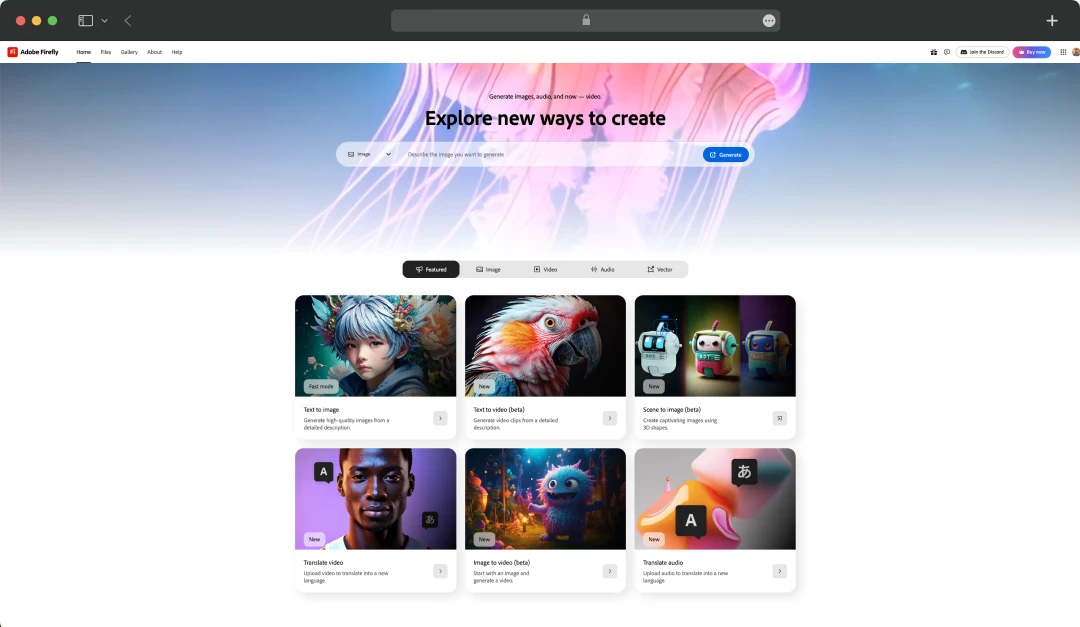
Before using Firefly, I’ll admit that I’ve tried my fair share of AI art generators, and many either overwhelm you with options or leave you with cookie-cutter outputs. However, Adobe’s AI tool felt like a creative sandbox. Here's a detailed look at Adobe Firefly features:
1. Image Generation from Text Prompts
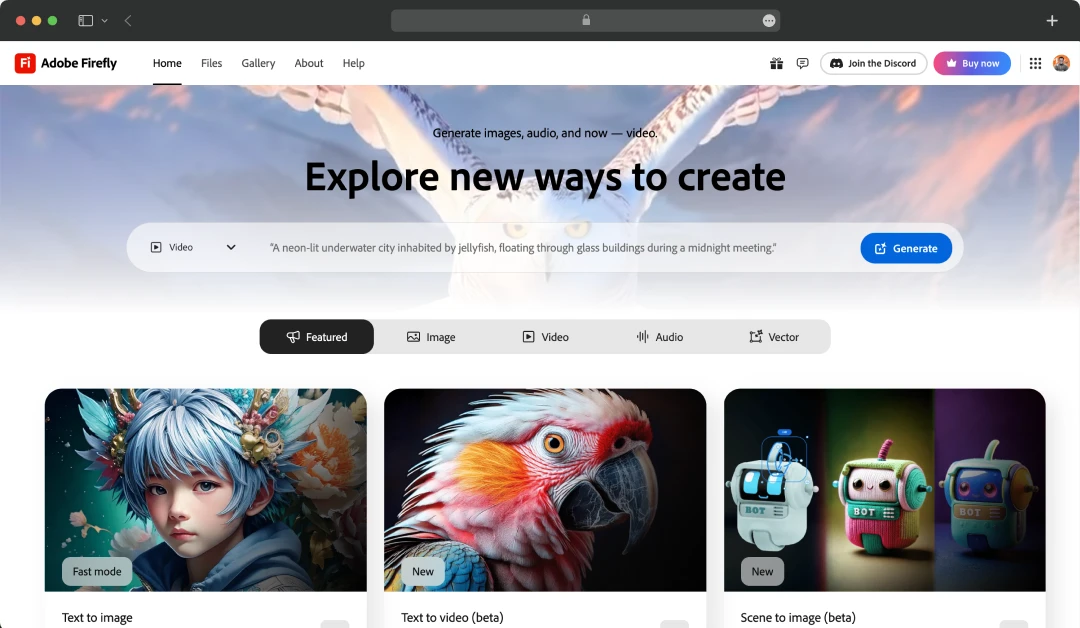
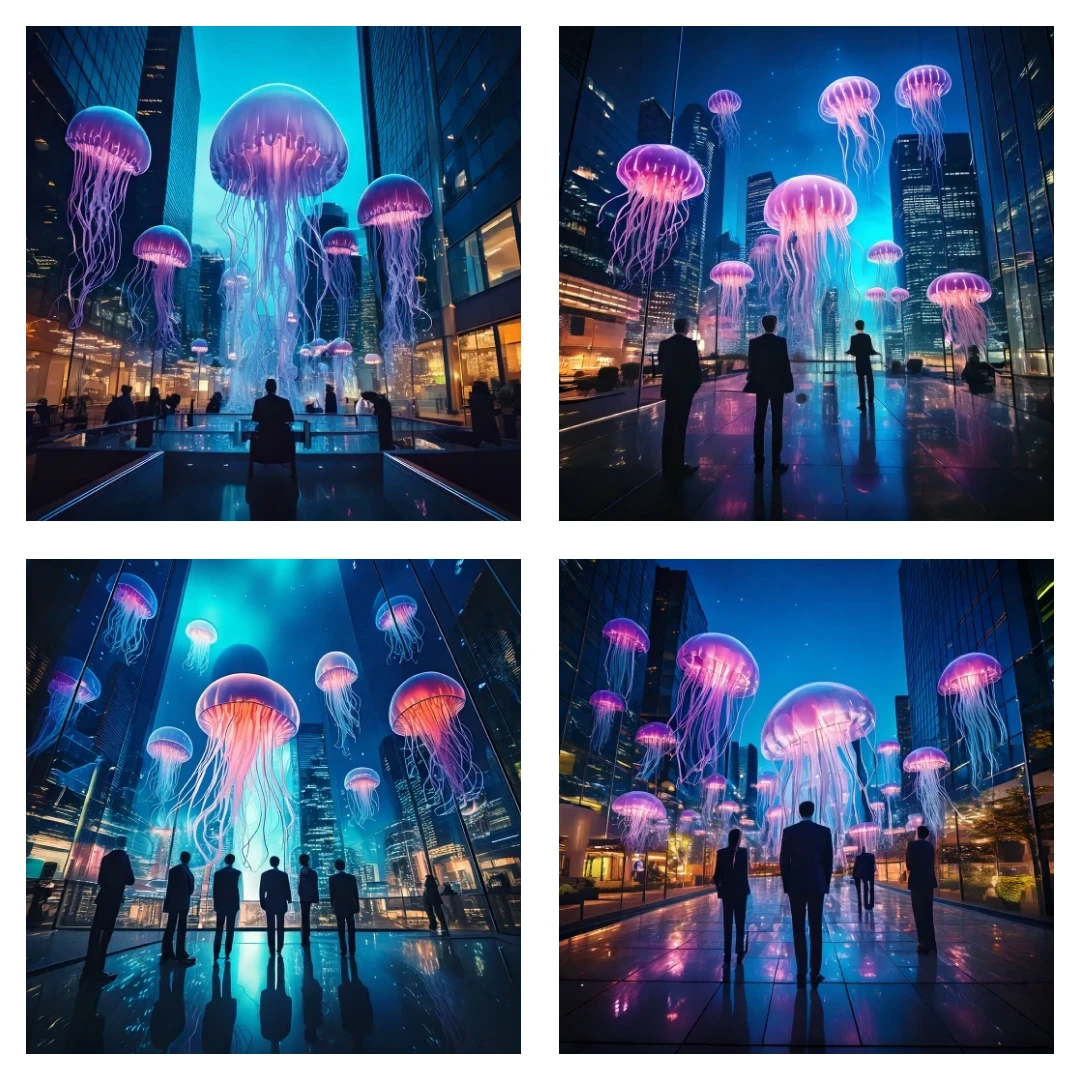
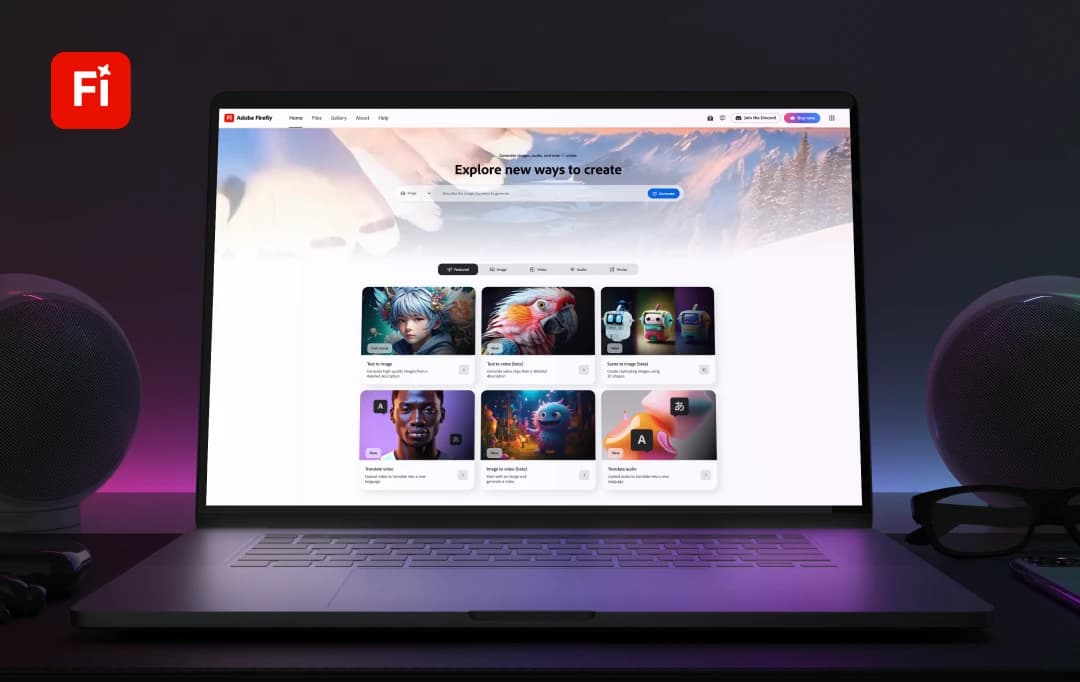
This is the core of Firefly, and it’s impressively intuitive. You simply type a prompt—something like “a futuristic city at sunset in watercolor style”—and Firefly brings it to life. What I loved most was how fast and relevant the results were. Unlike other tools that spit out randomness, Firefly’s interpretations felt smart and usable from the first try.
2. Advanced Creative Controls
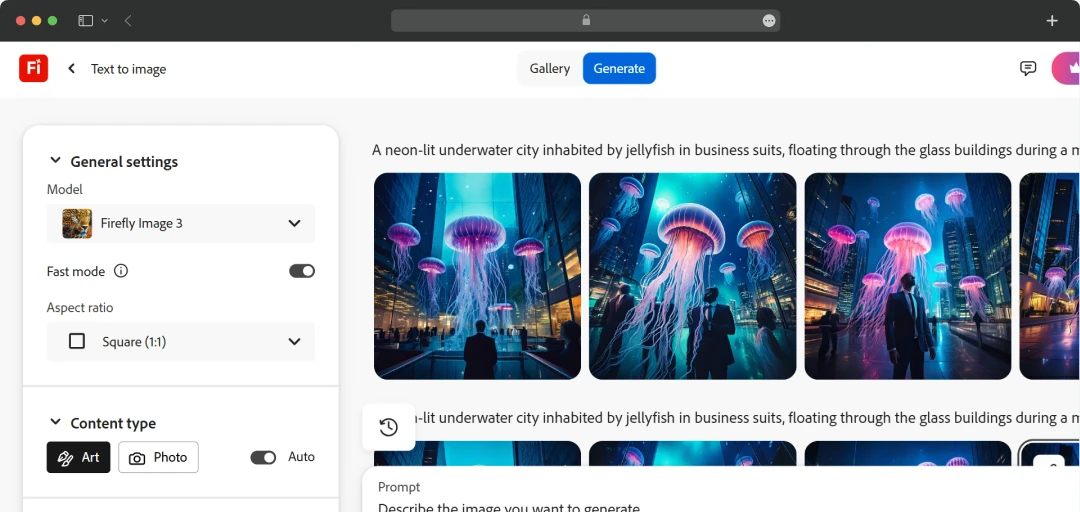
This was a feature I didn’t know I needed until I tried it. This AI image editing software lets you go beyond prompts by giving you sliders and dropdowns for aspect ratio, content type, style, color & tone, lighting, and even composition. I was able to fine-tune my results without rewriting the whole prompt every time. It gave me the sense of being in control, not just at the mercy of the AI.
3. Style Application for Visual Identity
You can apply specific content styles to your images—like sketch, watercolor, neon, or realistic. While testing the Adobe Firefly AI image generator, I created a single prompt and generated four vastly different versions just by tweaking the style control. It’s perfect for branding or visual experimentation without starting from scratch.
4. Real-Time Experience on Apple Vision Pro
I didn’t have an Apple Vision Pro to test this myself, but the fact that the Adobe AI generator is optimized for it—and even free for a limited time—is a great step toward immersive, next-gen creative workflows. If you're into spatial design or mixed reality, this could be a huge plus.
5. Commercially Safe Outputs
One of the underrated features I appreciated is that the Adobe AI tools are trained on licensed and public domain content, which means everything you create is commercially safe. I didn’t have to second-guess whether I could use my images in a blog or client project—that peace of mind is rare with AI tools.
6. Seamless Integration with Adobe Creative Cloud
While this feature really shines when you’re deep into Adobe’s ecosystem, even as a semi-regular Photoshop user, I found the transition from Firefly to Photoshop surprisingly smooth. No downloading random file types or losing resolution.
Related Read: AI Software for Photo Editing and Tools for Automated Editing
Understanding the Subscription Plans and Cost of Adobe Firefly
If you wish to unlock the full power of the AI-backed design tool, Adobe offers different pricing options and subscription plans. Here’s all that you need to know about Adobe Firefly pricing-
| Type of Plan | Generative Credits per Month | Price of Plan |
|---|---|---|
| Firefly Standard | 2000 per month | $9.99 per month |
| Firefly Pro | 7000 per month | $29.99 per month |
| Firefly Premium | 50,000 per month | $199.99 per month |
| Creative Cloud All Apps | 1000 per month | $59.90 per month |
*An exclusive early access offer is live- grab it now before it ends!
Customer Reviews
How was your experience with the product?
Also Reviewed By Us