
Veed Review | Is it Worth Your $12 and Attention?
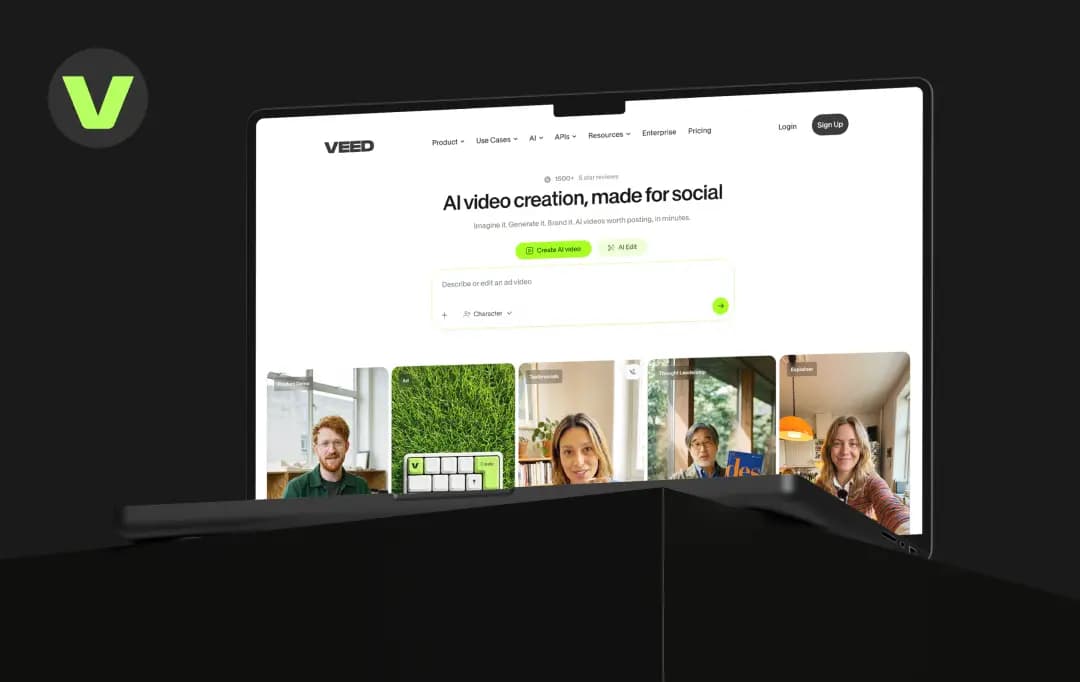
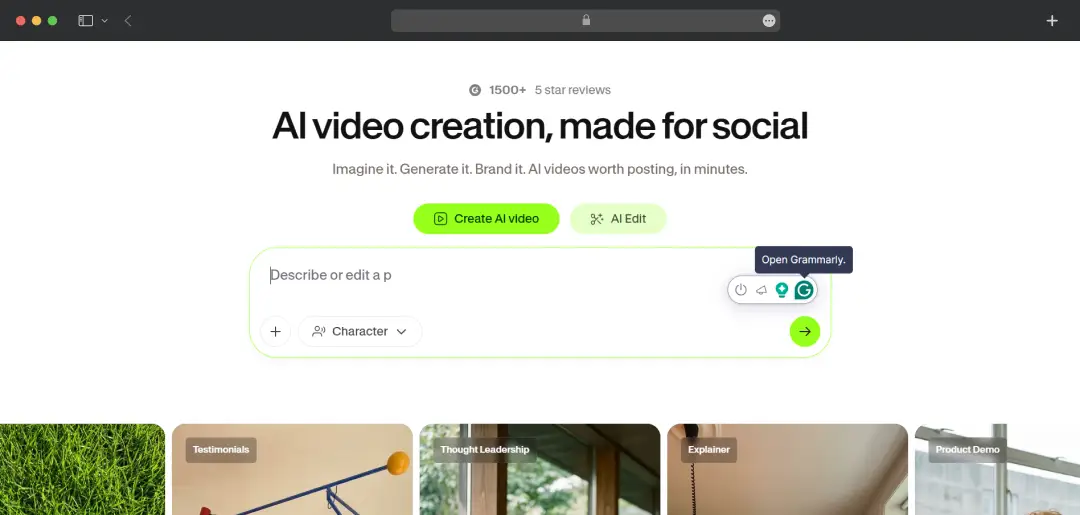
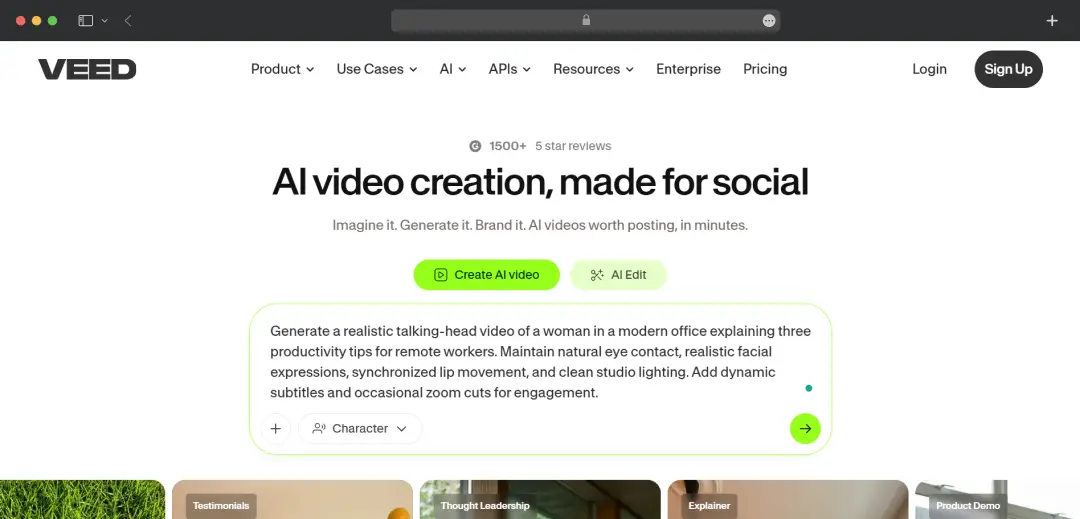
Every AI video platform seems to be chasing the same goal: to help you create better videos in less time. VEED is no exception. Open its homepage, and you'll find everything from AI avatars and voice cloning to automatic subtitles, video translation, screen recording, and a full-fledged online editor.
It's an ambitious pitch, and one that makes you wonder whether a single platform can really do all of it well.
After spending time with VEED, I found that the answer isn't as straightforward as its marketing suggests. Some features genuinely speed up the editing process, while others still feel like they're catching up.
In this review, I'll walk you through my hands-on experience with the platform, what stood out during testing, where it falls short, and whether it's actually worth paying for.
Pros and Cons of Veed
Pros
- Fully browser-based, no software to install, works across devices
- Genuinely strong auto-subtitles, widely considered one of the best in its class
- Broad AI toolkit in one place: avatars, dubbing, voice cloning, background/noise removal, eye contact correction
- Access to leading text-to-video models (Sora 2, Veo 3.1, Kling) inside one workspace
Cons
- Free plan watermark and 10-minute cap make it unsuitable for real publishing
- AI credits are burned per action, not per finished video and regenerating costs credits again
- Unused AI credits expire at renewal and don't roll over
- Storage limits on lower tiers (5GB on Creator) fill up fast with 4K footage
A Closer Look at Standout Features of Veed
VEED AI has grown well past its original identity as a subtitle tool, and it's worth separating what's actually differentiated from what's just table stakes for a 2026 video platform.
1. Auto-subtitles and captions (4.5/5)
Subtitles are the first thing VEED built its name on, and it shows. You can generate accurate captions across 100+ languages in a matter of seconds, with full control over styling instead of a flat default caption bar. The best part about this feature is that it stays accurate even with accents or background noise, which is usually where free subtitle tools fall apart.
2. AI avatar generator (4.5/5)
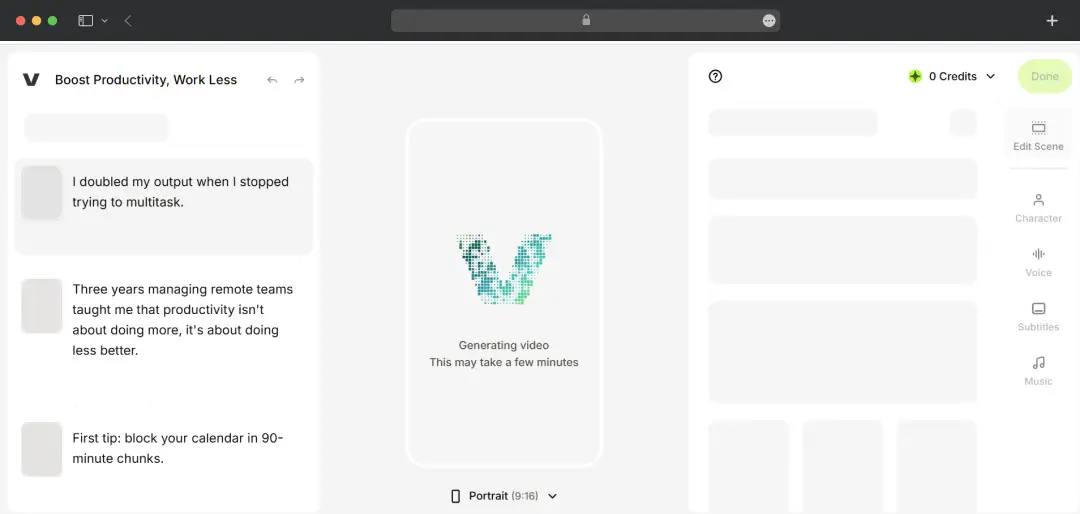
With VEED, you can turn a written script into a talking-head video using one of its pre-built digital presenters, making it a practical choice among today's AI avatar generators. This means you don't need to film anyone or set up a camera to get a polished, presenter-style video. Plus, the output quality holds up well for social content; it's not going to fool anyone into thinking it's a real person up close, but for scroll-stopping social videos, it easily passes.
3. AI dubbing and voice cloning (4.2/5)
VEED lets you dub a video into 29+ languages while keeping something close to the original speaker's tone and pacing. You can also clone a voice from a short sample and have a script read back in that same voice. This is especially useful if you're localizing content for different markets and don't want to re-record everything from scratch.
4. Text-to-video generation (4.5/5)
Instead of jumping between different tools, the VEED AI video editor features give you access to 25+ text-to-video models, including Sora 2, Veo 3.1, and Kling, right inside your workspace. You can generate a clip, drop it straight into your timeline, and keep editing without ever leaving the platform. The best part about this feature is that it turns VEED into more of a hub than a single-purpose editor.
5. Audio cleanup tools (3.9/5)
You can clean up background noise and enhance unclear audio directly inside VEED, without needing a separate audio tool. This matters a lot if you're working with phone or webcam recordings instead of studio-quality mics. Plus, it applies quickly enough that it doesn't slow down your editing flow.
6. Eye contact correction (4.0/5)
This feature adjusts a speaker's gaze so it looks like they're looking straight into the camera, even if they were actually reading off a script to the side. It's a small detail, but it makes a noticeable difference for UGC-style ads and talking-head content. You get a more natural, “looking-at-you” feel without needing a teleprompter rig.
7. Brand kit (4.0/5)
You can save your brand's colors, fonts, and logo once and have them apply automatically across every new project. This is especially useful if you're producing recurring branded content and don't want to manually rebrand every single video. Plus, it keeps output consistent even when multiple people on a team are creating videos.
8. Collaboration and workspace tools (4.3/5)
VEED allows multiple editors to work inside the same workspace with shared access, instead of passing files back and forth. You can review, comment, and edit together in real time, which is genuinely useful for marketing teams that need sign-off before anything gets published. The platform does not require separate review software on top of this; it's built into the same workflow.
Understanding Veed Pricing
Veed IO online tool offers a free plan to help you test the tool before committing to it full-time. After the free trial is over, you can choose a pricing plan from Veed Creator, Veed Pro, Studio, and others.
Here’s a quick overview of Veed’s subscription plans -
| Plan | Price (billed annually) | What You Get |
|---|---|---|
| Free | $0 | 720p export, 10-minute video cap, VEED watermark, 2GB storage, limited AI credits, one-time trial of premium AI features |
| Creator | $12/month | Watermark-free exports, 1080p, 5GB storage, unlimited auto-subtitles, 6,000 AI credits/year, voice cloning, up to 3 editors |
| Pro | $22/month per user | 4K export, unlimited video length, 50GB storage, 30,000 AI credits/year, 6 hrs/year each of avatars/dubbing/translation, multiple brand kits |
| Studio | $39/month per user | Everything in Pro, unlimited storage, 180,000 AI credits/year, up to 5 editors + 1 reviewer, access to all AI models |
| Enterprise | Custom | SSO, dedicated support, unlimited reviewers, custom integrations |
*The free trial is also available for Enterprise users. To set up the trial, you need a minimum of 3 users.
Bonus Read: AI Photo Editors
VEED By Product: Create, Edit, Publish
VEED video editor and creator organizes its entire toolset into three core pillars, Create, Edit, and Publish, which map to the natural lifecycle of a video: generating or bringing in raw content, refining it, and then getting it out into the world. Here's how each pillar for this video editing tool for creators breaks down-
| Product | Core Purpose | Key Tools Inside It |
|---|---|---|
| Create | Generate video content from scratch using AI, without needing footage or a camera |
|
| Edit | Refine, polish, and enhance video, whether AI-generated or uploaded footage |
|
| Publish | Package and distribute the finished video across platforms and teams |
|
How the three connect, in practice:
- Create is the starting point when you have no footage; you type a prompt or script, and the AI generates a video, avatar, or voiceover from it. This is what makes VEED function more like a video generator than just an editor.
- Edit is where AI-generated and uploaded content both land; regardless of how a video started, it moves into the same editor to get subtitles, cleaned-up audio, translations, or a teleprompter-based recording layered on top.
- Publish is the distribution layer, not just an export button; it covers getting the video out (resizing for different platforms), sharing it (hosted links, embeds), and, in team settings, getting it approved before it goes live.
- The pillars are sequential but not rigid; you can skip Create entirely and go straight from Upload → Edit → Publish if you're working with your own footage, which is what most solo creators actually do day-to-day.
- Publish is genuinely lighter than Create and Edit; it's worth flagging that VEED does not auto-publish directly to platforms like YouTube or TikTok; you still export and manually upload elsewhere. ‘Publish’ here means packaging, hosting, and sharing, not automated social posting.
Who Is VEED For?
The Veed AI video generator is not built for a single user; it's basically suitable for anyone and everyone who needs a video fast and with minimal effort. Here’s a quick breakdown of who gets the most value from it and why.
| User Persona | What VEED Does For Them |
|---|---|
| Social Media Creators / Influencers | Fast auto-subtitles and quick turnaround for short-form content without a full editing workflow |
| Marketing Teams / Agencies | Brand kits, collaboration, and AI ad/UGC tools like eye contact correction and noise removal for consistent branded output |
| Course Creators / Educators | Subtitles, translation, and dubbing make content accessible to wider, multilingual audiences |
| Global / Localization-Focused Brands | AI dubbing across 29+ languages avoids re-recording content per market |
| Solo Content Producers on a Budget | Creator plan removes the watermark and unlocks 1080p at a relatively low entry price |
| Enterprises with Video-Heavy Workflows | Existing use by Amazon, Netflix, Meta, and others shows it scales to real production pipelines with SSO and dedicated support |
| Casual / One-Off Users | The free plan works for short, low-stakes clips, but the watermark rules out anything meant to look professional |
What is Veed AI and What Does it include?
Beyond the usual structure, VEED also markets a distinct ‘AI’ layer, the collection of generative and automation-driven tools that sit inside those pillars but are worth understanding as their own category, since they're what most Veed reviews and comparisons actually focus on. VEED AI splits fairly cleanly into three functional groups.
| Category | Purpose | Tools Inside It |
|---|---|---|
| AI Video Generation | Create video content from a prompt, image, or script, no filming required |
|
| AI Editing Assistance | Automate the manual, time-consuming parts of editing |
|
| AI Voice & Localization | Generate or translate speech without re-recording |
|
Customer Reviews
How was your experience with the product?
Also Reviewed By Us