
Matrix Solver Review: Is This Really the Ultimate Linear Algebra Tool?
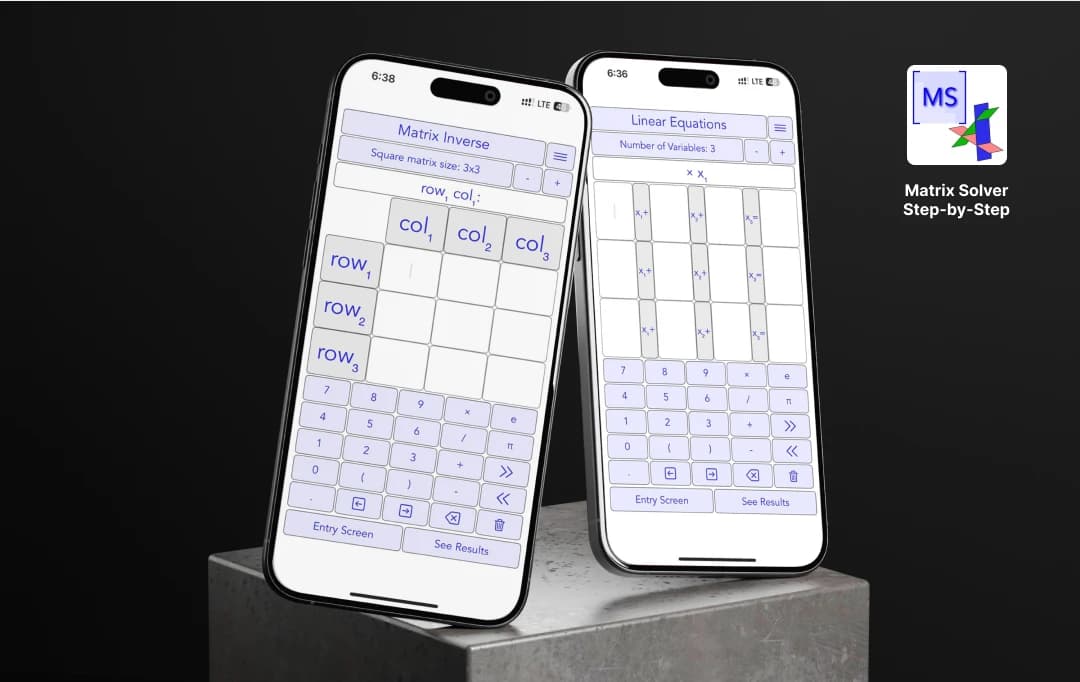
Alright, let’s be real—linear algebra can be a total headache. Matrices, eigenvalues, transformations… it all feels like an endless maze of numbers. But then I found Matrix Solver Step by Step, and let me tell you—this thing makes linear algebra click. It’s not just some boring calculator; it actually teaches you algebra like a personal tutor.
A product of Graphmath, Matrix Solver step by step gives you more than answers; you get explanations, interactive graphs, and even visual proofs to help you see what’s happening. In this review, we’ll break down what makes Matrix Solver stand out, explore its best features, and see if it’s the right tool to help you master matrices once and for all.
Pros and Cons of Matrix Solver
Pros
- Perfect for understanding matrix calculations, not just getting the answer
- From simple multiplications to eigenvalues and SVD
- Helps see transformations, eigenvalues, and PCA concepts
- Great for both high school algebra and university-level math.
- No need to re-enter matrices every time.
- Unlike other apps that bombard you with pop-ups.
Cons
- So many advanced functions can be intimidating
- Feels a bit technical; not as sleek as other math apps out there
Tech Specifications of Matrix Solver
| Category |
iOS |
|---|---|
| OS | Requires iOS 15.0 or later |
| Rating | 4.8 |
| Size | 12.4 MB |
| Last Updated | Mar 13, 2026 |
| Version | 26.2.2 |
Key Matrix Solver Features to Note
Let me walk you through some of the coolest features of Matrix Solver. Each one of them is designed to give you accurate answers so you don’t have to do the manual calculation.
Basic & Advanced Matrix Operations (No More Guesswork!)
- Linear Systems Solver (Real & Complex) – Got a bunch of numbers or terms and no clue how to solve them? Just plug them in, and boom—the app gives you a solution.
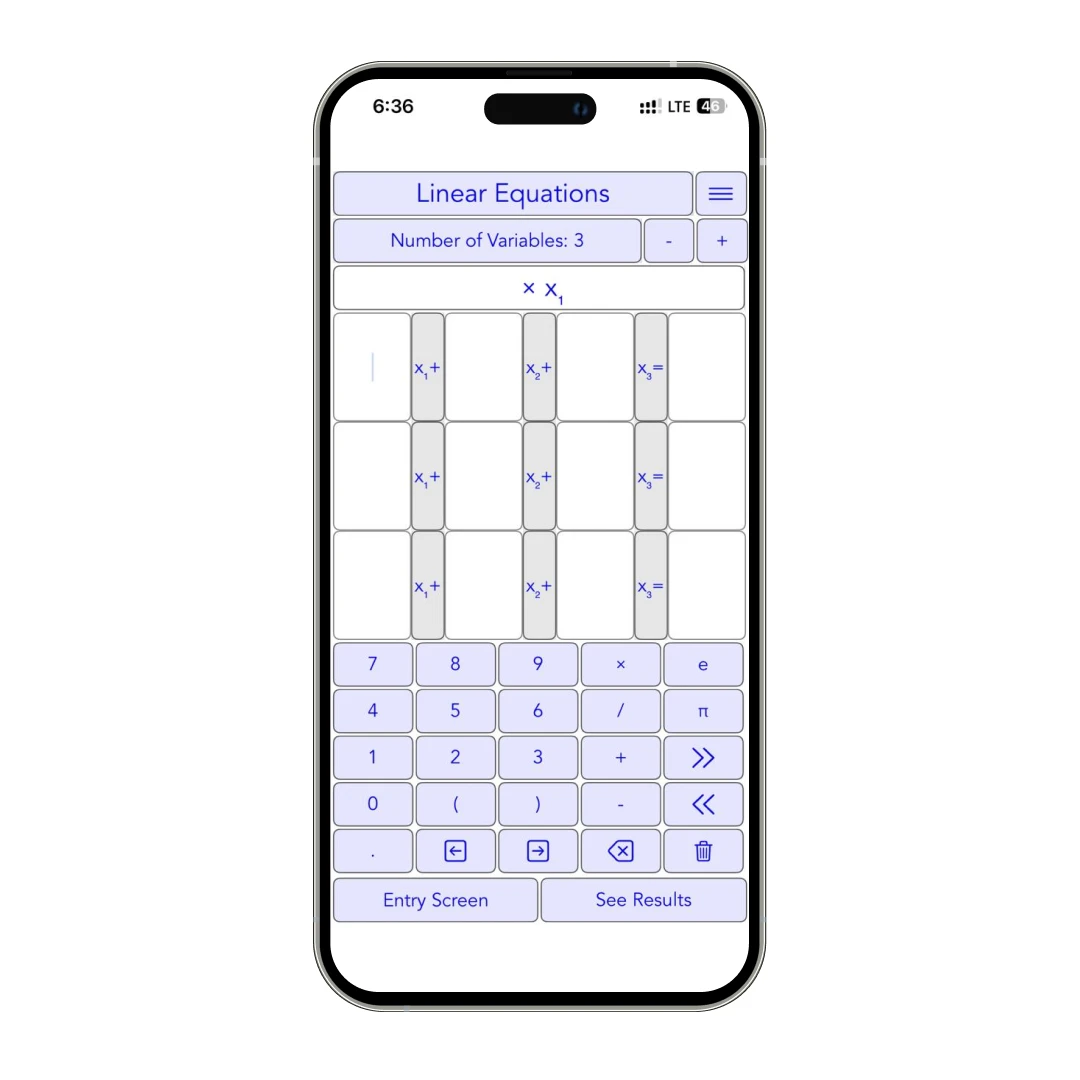
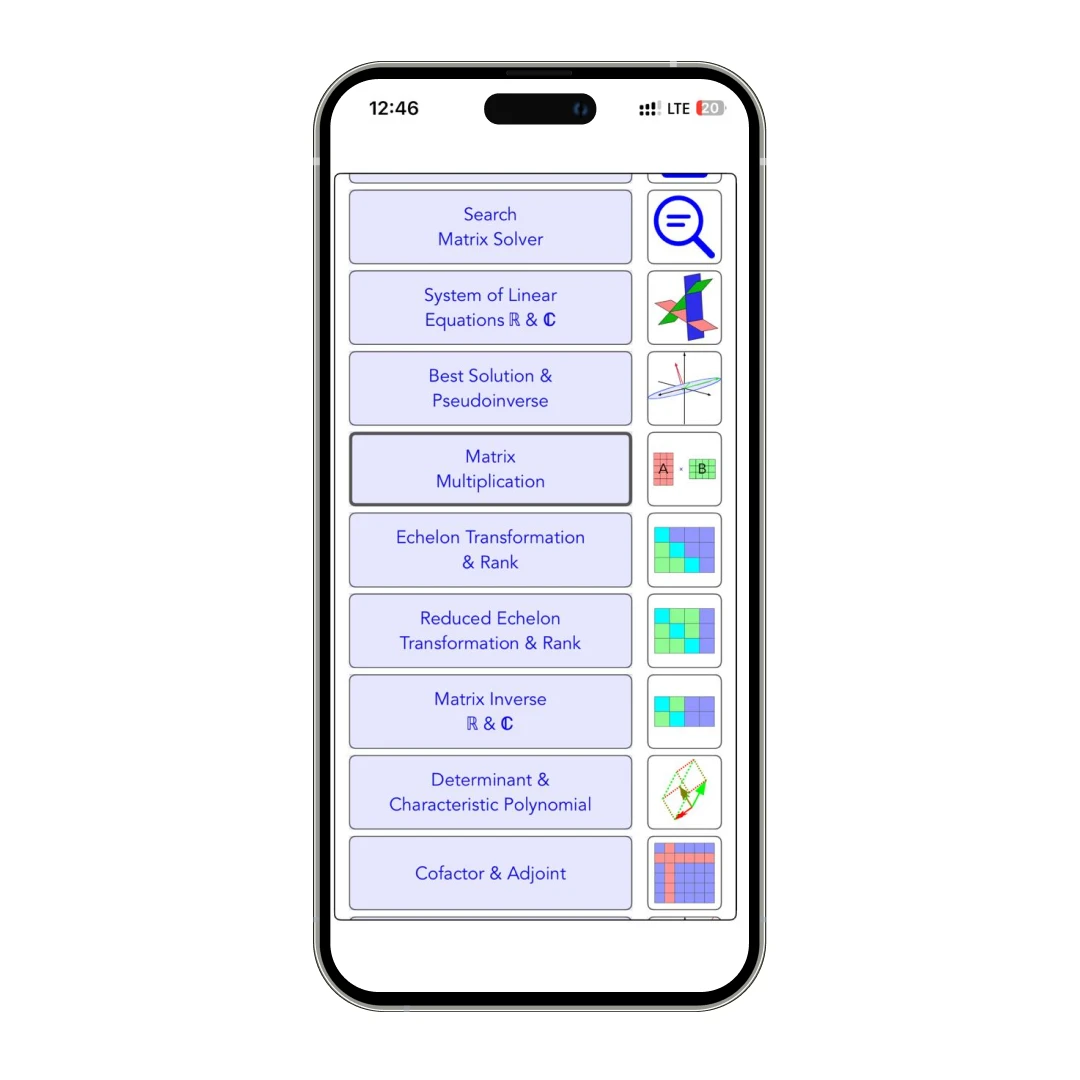
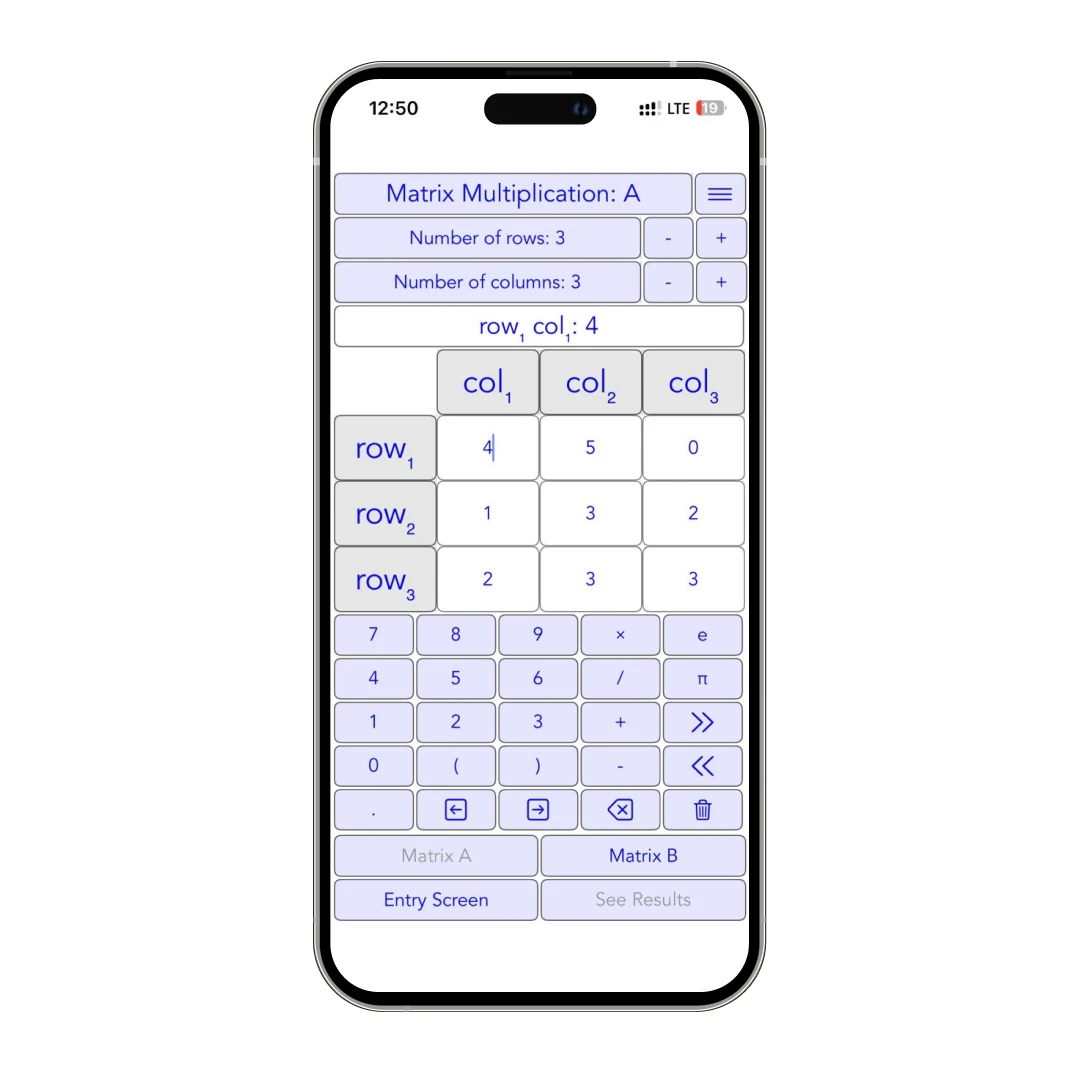
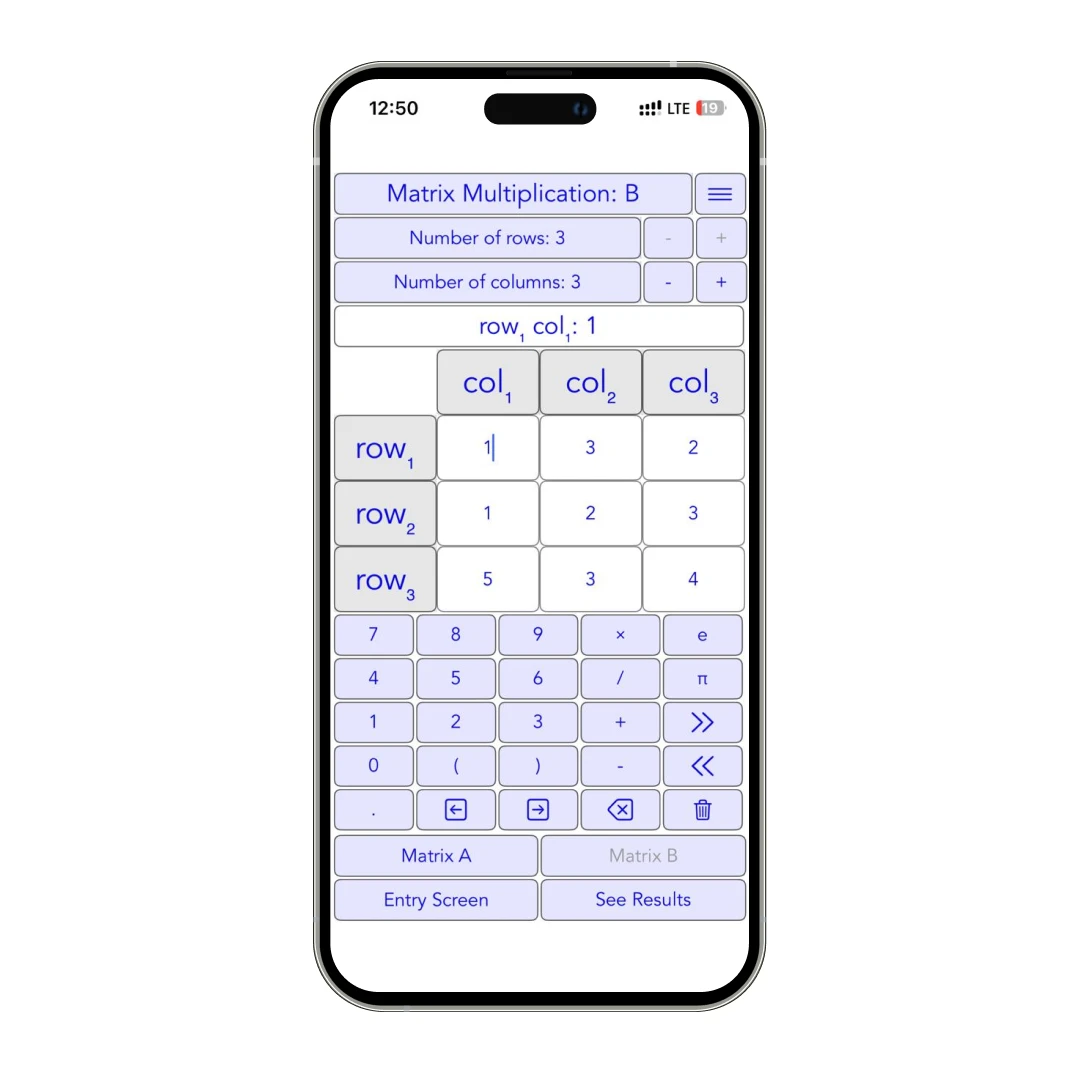
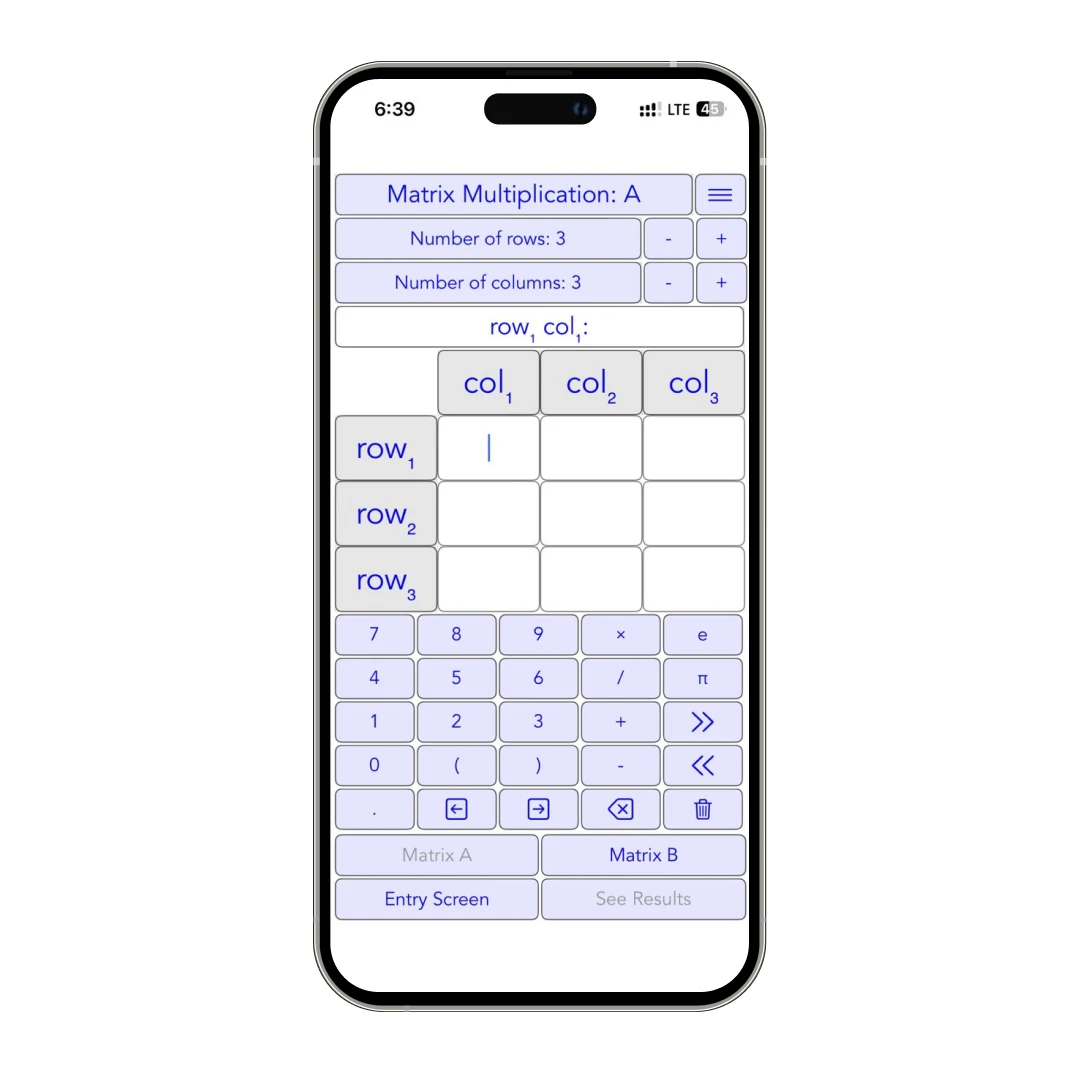
- Matrix Multiplication – Forget the tedious row-by-column manual work. Just enter your matrices, and it handles everything in seconds.
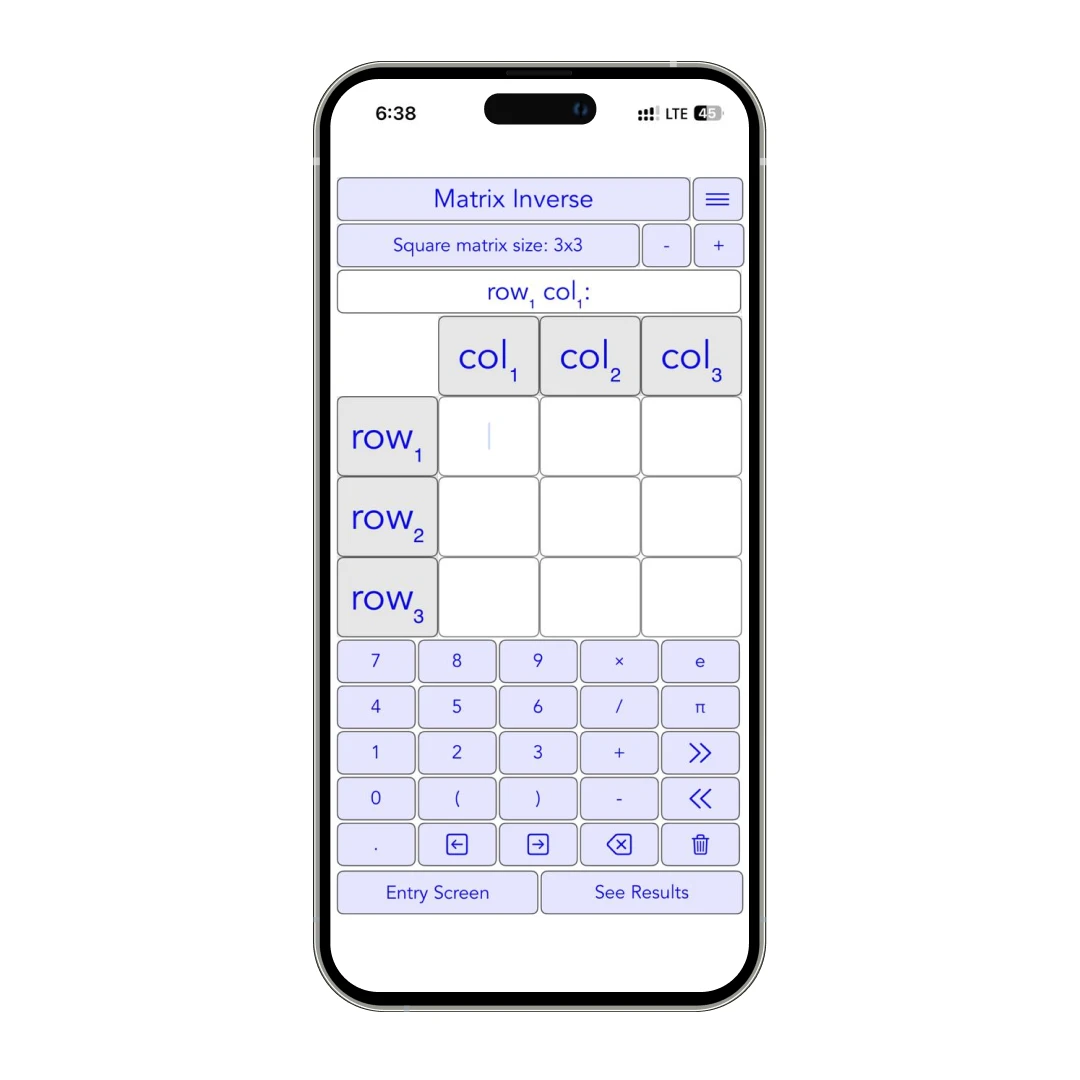
- Matrix Inverse (Real & Complex) – Ever tried inverting a 3x3 by hand? Yeah, not fun. This app finds the inverse instantly and actually shows you how it’s done.
Eigenvalues, Eigenvectors & Diagonalization (Scary Stuff, Simplified)
- Eigenvalues & Eigenvectors (Real & Complex) – The app calculates these and even expresses them in fractions/radicals for 2x2 matrices (super useful).
- Diagonalization – Instead of getting lost in calculations, the app guides you through it. It even handles block-diagonalization and rotation-scaling transformations.
Factorization Methods (For When Your Professor Loves Proofs Too Much)
- PLU Factorization for Square Matrices – The app splits any square matrix into three parts—P (permutation), L (lower triangular), and U (upper triangular)—so you can solve complex equations way more efficiently.
- LDL Factorization for Symmetric Matrices – This one’s a must-know for quadratic forms (when you're dealing with matrix-based optimization problems). Instead of doing a full LU decomposition, LDL Factorization keeps things symmetric by breaking the matrix into L (lower triangular), D (diagonal), and Lᵀ (transpose of L).
- QR Factorization (3 Methods) – QR factorization can be your best friend in solving Matrix problems. But here’s the kicker—the app actually gives you three different methods to choose from. Depending on what you're working on, you can pick the one that fits best:
a. Gram-Schmid
b. Givens Rotations
c. Householder Reflections
Singular Value Decomposition (SVD) & Image Compression
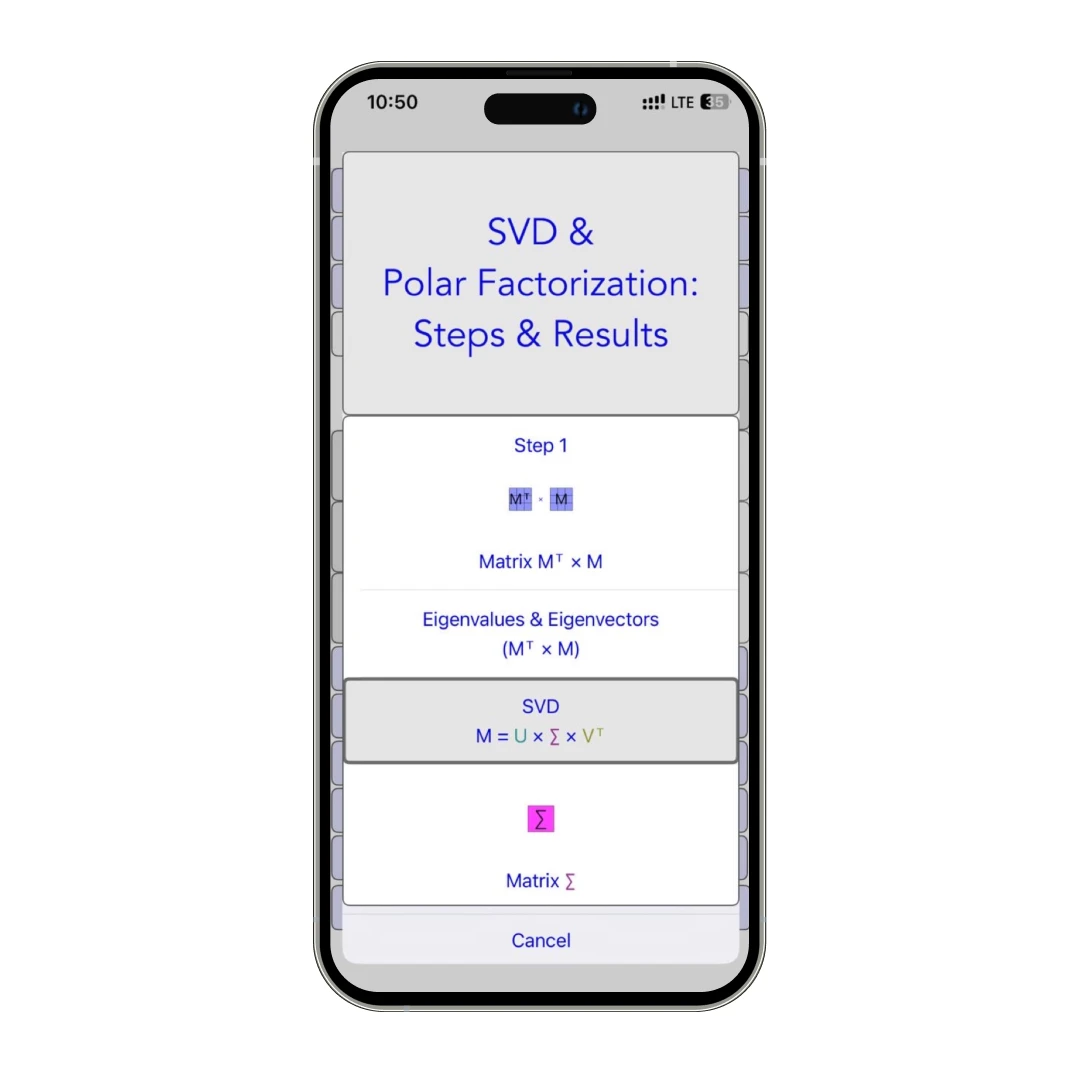
If you’re into machine learning or data science, you need to understand SVD. This app walks you through it and even shows how it’s used for image compression (yep, the tech behind JPEG files).
Interactive Graphs (Because Visuals Make Everything Easier)
- The app creates graph transformations for 2x2 and 3x3 matrices so you can see how they stretch, rotate, or reflect vectors.
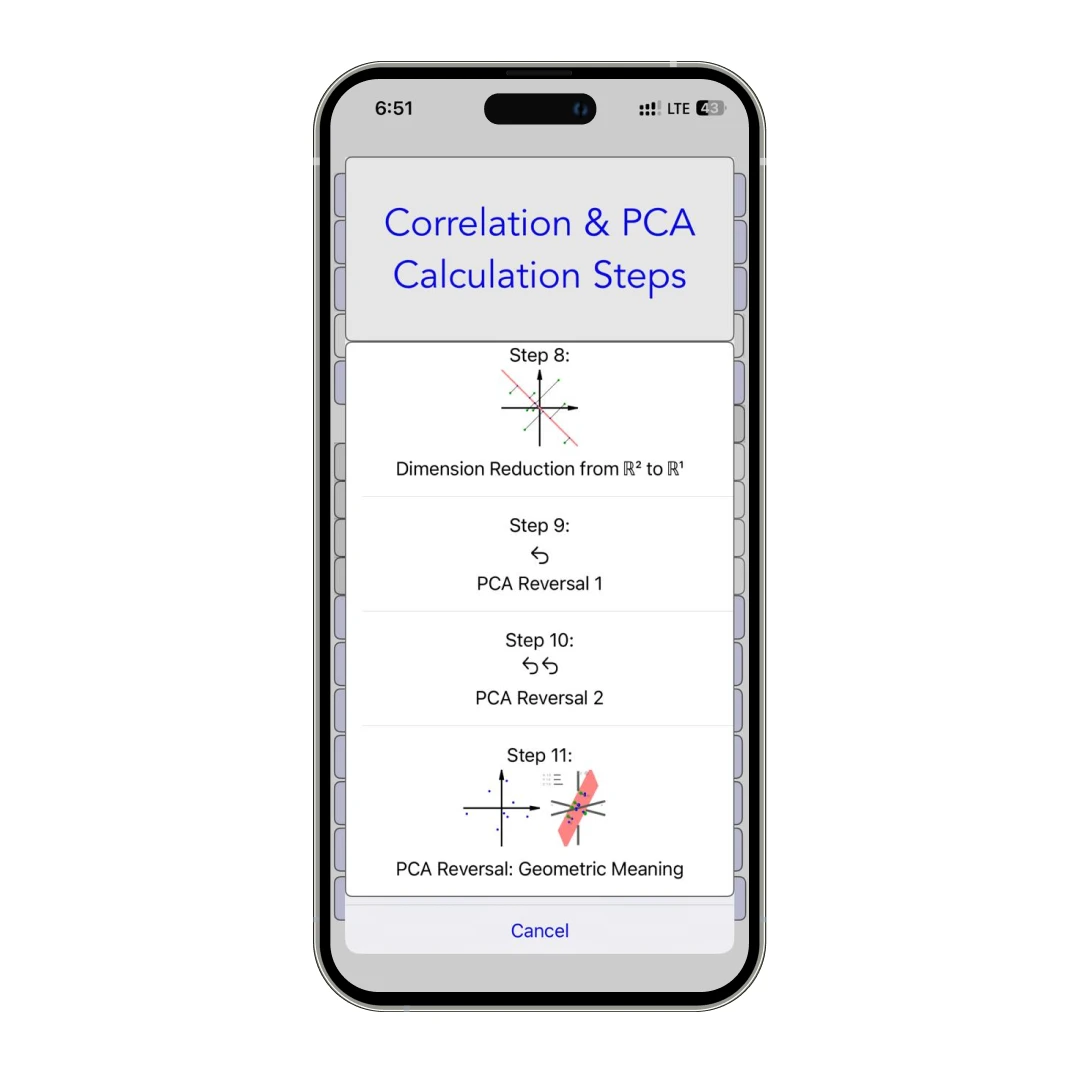
- Eigenvalues, Markov chains, and PCA—are all visually represented. If you’re a visual learner, this is a lifesaver.
Extra Handy Features (Makes life easier)
- Saves Your Work – Your last-used matrices stay saved between sessions. No need to re-enter them every time.
- Clipboard Integration – Copy/paste matrices between screens, text files, or spreadsheets.
- Fractions & Radicals – Gives you neat answers in fractions or square roots instead of messy decimals.
- Custom Tutorials & Notes – Save and annotate lessons for quick review before an exam.
Customer Reviews
How was your experience with the product?
Also Reviewed By Us