
Blooket Review 2026: Gamify Learning for Teachers and Students!
Curriculums around the world have been very objective in their nature. This earlier way of learning was more rote than experiential. It is very recent in many countries where educational authorities have started to bring changes for each and every student’s understanding of concepts. See, no student is born equal in terms of IQ, EQ, or various other quotients. And, in fact, through a better way of learning, there are many students who have the potential to outperform their existing academics with flying colors.
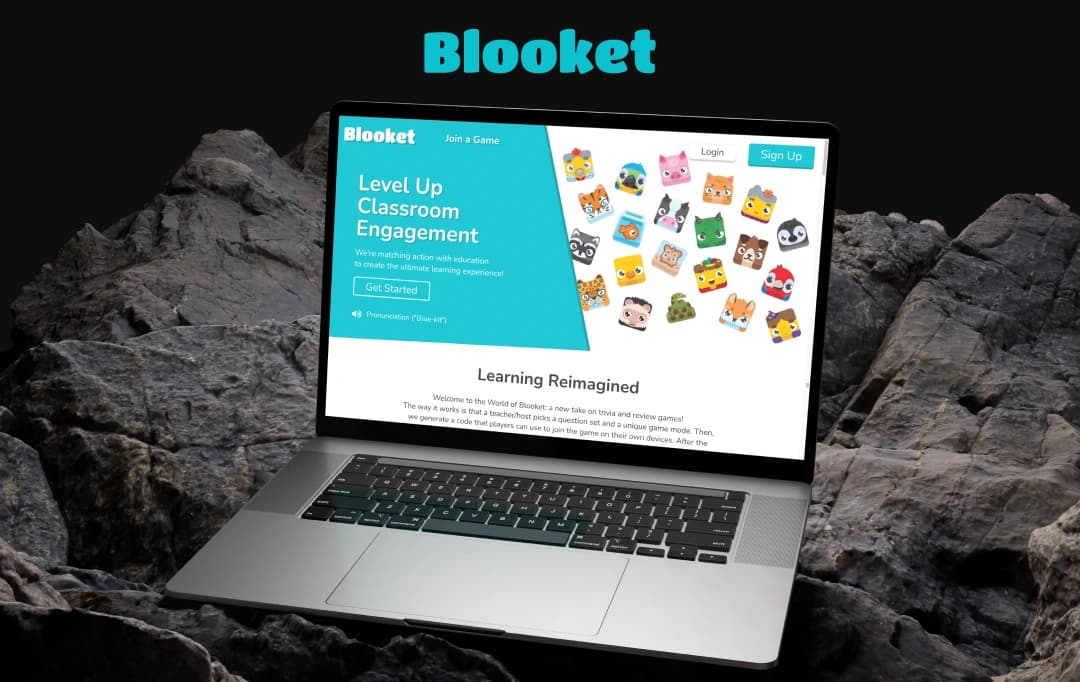
Seeing this problem statement, a company came up with the idea of using gamification in learning. With this tool, teachers can have a classroom full of enthusiastic students eager to give answers. We are talking about Blooket, a platform that capitalizes on gamification to make learning more interactive. And, in order to unwind the capabilities of this platform, and find whether it is adequate for you to adopt or not, we have created this Blooket review.
What is Blooket?
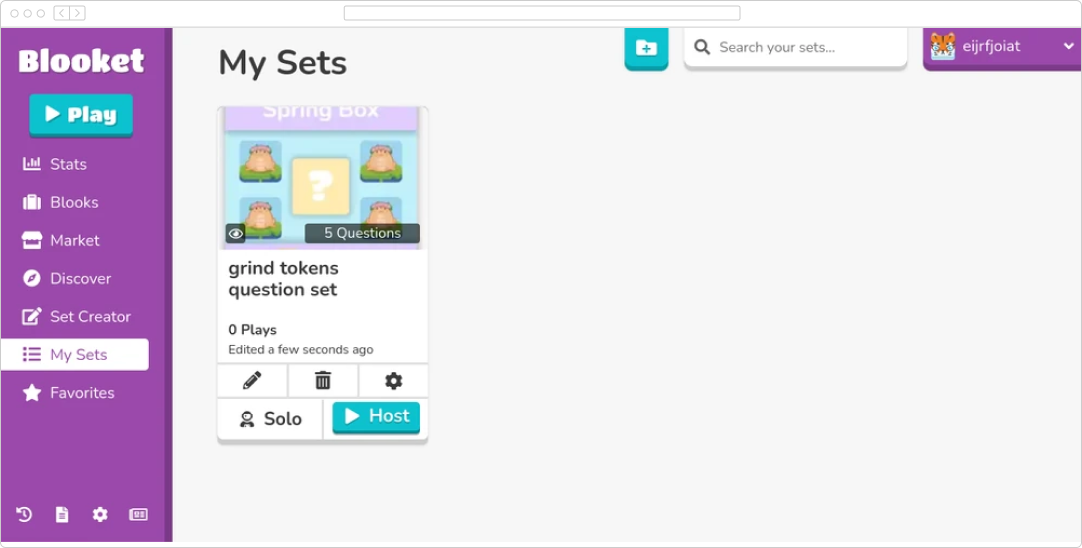
Blooket is a game-changer for the classroom. It turns traditional quizzes into exciting competitions for immersive learning of students using the concept of AI in education. In this web-based platform, teachers create question sets that can be on any topic.
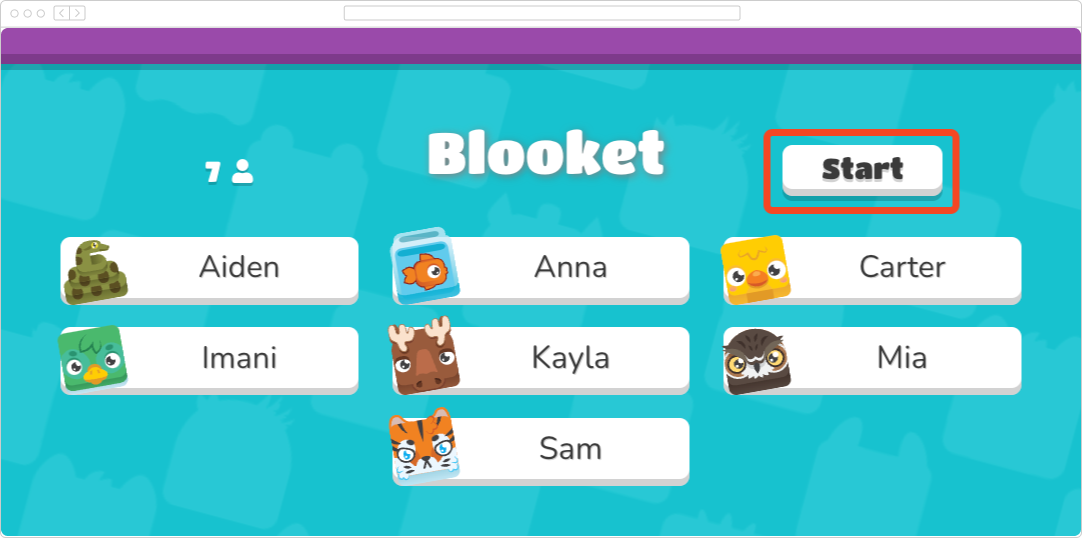
Students have to answer these questions on their own devices. However, the twist in this curriculum is that for each correct answer, students will be able to earn points for playing mini-games.
Further on, Blooket offers a variety of these mini-games that can keep students engaged and motivated, as they learn through the curriculum. Teachers can also choose from pre-made sets or create their own, making Blooket adaptable to any subject. Overall, it is a powerful tool that can be used to assess student understanding while keeping the learning experience enjoyable.
Pros and Cons of Blooket
Pros
- Freemium model offers a free plan with basic features.
- Offers a variety of game modes (Racing, Tower Defense, Battle Royale) to cater to different learning styles and keep things fresh.
- Teachers can create unique quizzes aligned with their curriculum or utilize pre-made sets.
- Students get instant feedback on their answers, allowing them to identify areas needing improvement.
- Encourages friendly competition, motivating students to learn and perform well.
- The visual and interactive nature appeals to students who learn better through games and activities.
- Can be used for formative assessment to gauge student understanding and adjust teaching strategies.
- Cloud-based (web app) allows access from any device with a web browser.
- Transforms dry quizzes into exciting games, boosting student motivation and participation.
Cons
- Paid plans required to unlock all features and advanced functionalities.
- Free version has limited game mode options.
- Creating custom quizzes can take some initial time investment.
- Free version offers basic data and might not be suitable for in-depth assessments.
- Focus on competition might not be ideal for all learning situations.
- Limited to question-based learning; may not be suitable for all topics.
- Free version has limited data and assessment capabilities.
- Limited offline functionality; some features require an internet connection.
- The game elements might distract some students from focusing solely on the learning aspect.
Features of Blooket
Not all fingers are alike. Similarly, not all students are alike. Each student has their own set of challenges while grasping a particular piece of knowledge. However, this grasping power is elevated if students learn those concepts via games. So, to enable this gamified learning, here are the best Blooket features for you to understand this tool’s capabilities:
1. Online Quizzes and Trivia
Blooket’s way of learning is fun and interactive. This is the reason, the tool offers Blooket interactive quizzes. Teachers can transform the course material into quizzes on different topics using the teacher quiz tool. In fact, the platform allows each student to answer questions at their own pace.
2. Inbuilt Games
Can Blooket host a game? Well, it is the wrong question considering the variety of built-in games that are available for students to play. These games can earn them points while helping them review the concepts. Some of the popular games in this list are Tower Defense, Racing, Battle Royale, etc.If you're looking for a more versatile quiz solution, consider using our WordPress Quiz Maker. It allows you to create powerful and engaging quizzes, tests, and exams with fully customizable options and an unlimited number of questions and participants.
3. Create Review Games
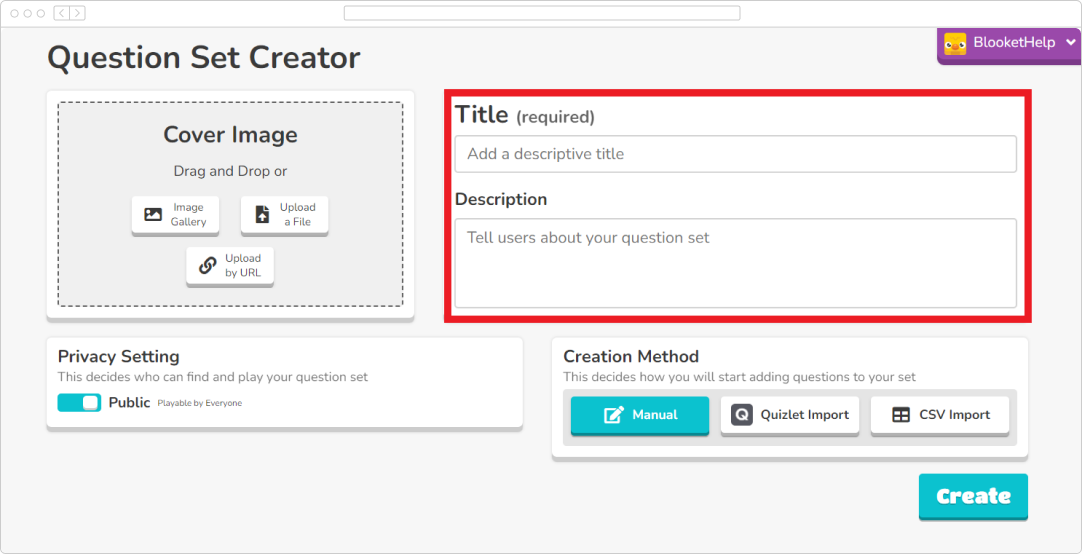
Teachers can create their own custom student learning games using the custom editor on the Blooket dashboard. This allows teachers create student engagement quizzes on specific curriculum and learning objectives.
4. Search Questions
To ease the experience of the teacher, it offers a vast library of pre-made questions. These questions cover a wide range of topics and can be selected & filtered for better control.
5. Game Modes
Blooket Play offers a variety of interactive learning games in multiple modes. These are:
- Solo Mode: Students can play solo to review concepts at their own pace.
- Battle Royale: Students compete against each other to be the last one standing.
- Racing: Students answer questions racing their avatars to the finish line.
- Tower Defense: Students use points earned from answering questions. This helps them build towers and defend their base.
6. Other Features
There are several other features that you can learn about to understand whether to acquire Blooket or not:
- Time Limit or Goal-based Learning Process: In Blooket, teachers can set a time limit for games or a specific goal for the students to achieve in order to win.
- Scorecard: Students can check their progress on the leaderboard and track individual performance over time.
- Live quizzes: You will get Blooket interactive quizzes that allow teachers to quiz students in real time.
- Flashcards: It offers flashcards that students can use to study.
- Collaborative challenges: It supports collaborative challenges. This allows students to work together to answer questions.
Plans and Pricing of Blooket
Blooket games can be accessed via multiple plans including a freemium version. So, here’s a breakdown of the prices:
| Plan | Description | Price | Ideal For |
|---|---|---|---|
| Free Plan | Limited features for individual use. | Free | Individual teachers trying Blooket for the first time. - Casual users who don't need many features. |
| Blooket Plus (Individual) | All features of the free plan, plus: * Unlimited question sets. * Access to all game modes. * Advanced student performance analytics. * Image and audio embedding in questions. | $2.99 per user/month | Individual teachers who want to create custom quizzes and access all functionalities. |
| Blooket Plus Flex (Group) | All features of Blooket Plus (Individual), with additional group management features (price varies). * Requires contacting Blooket for a custom quote. | Contact Blooket for pricing | Schools or districts with multiple teachers who need to manage student groups. |
Customer Reviews
How was your experience with the product?