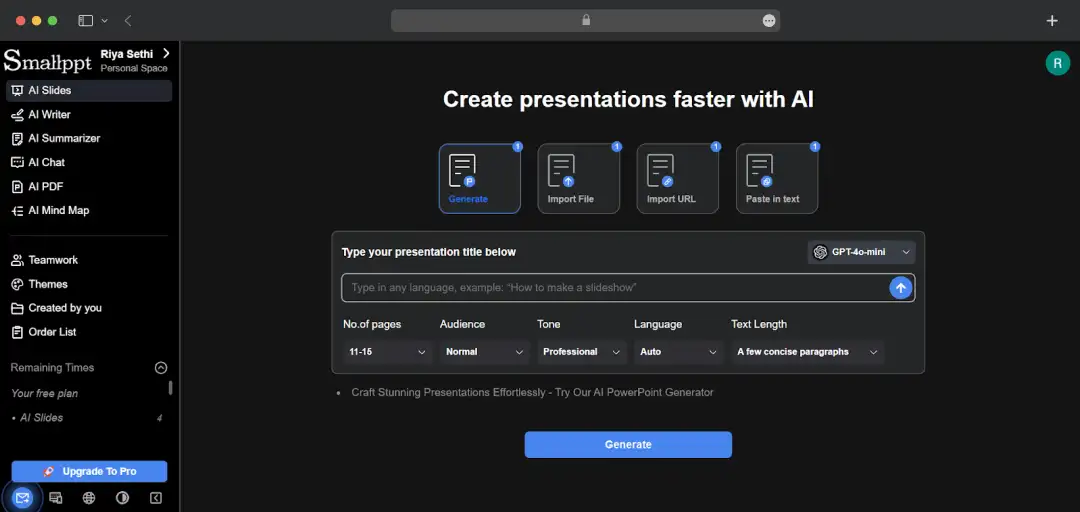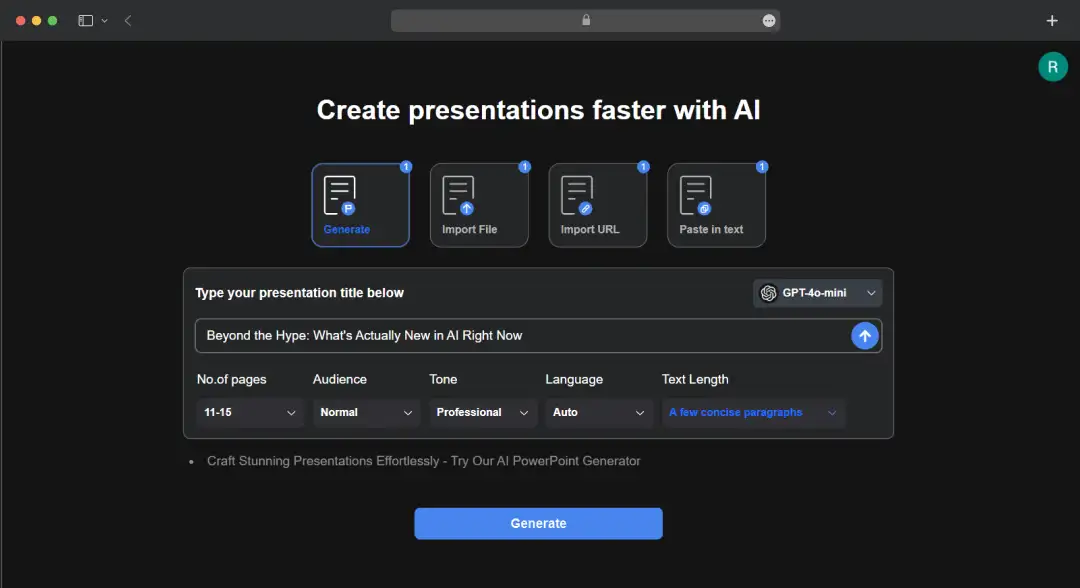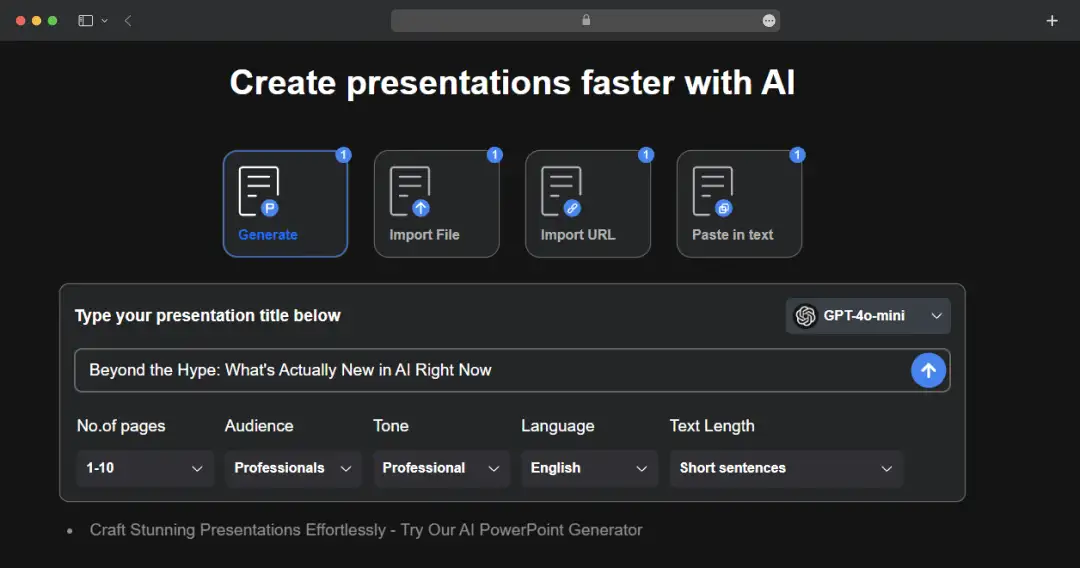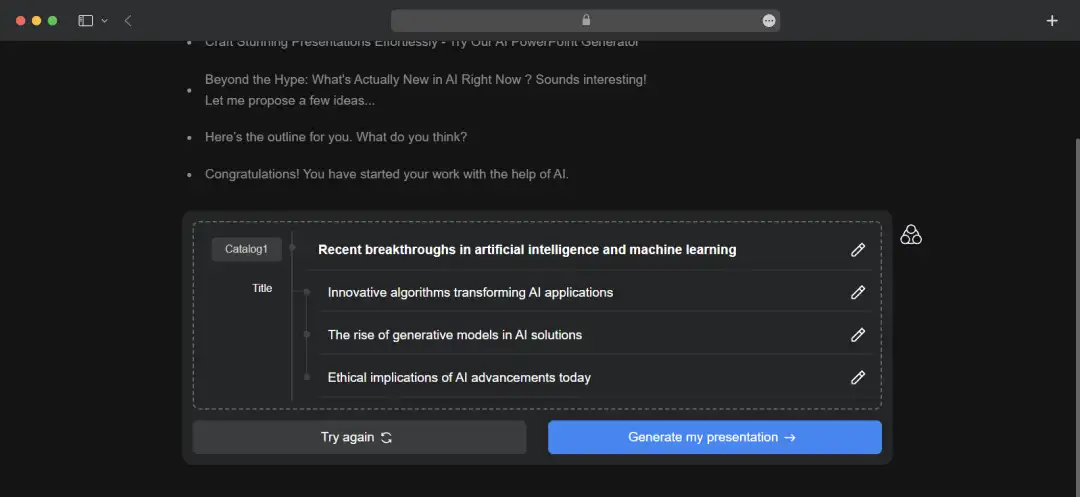

We Tested Smallppt- Does it Deliver Pro Slides without the Pro-Level Effort?
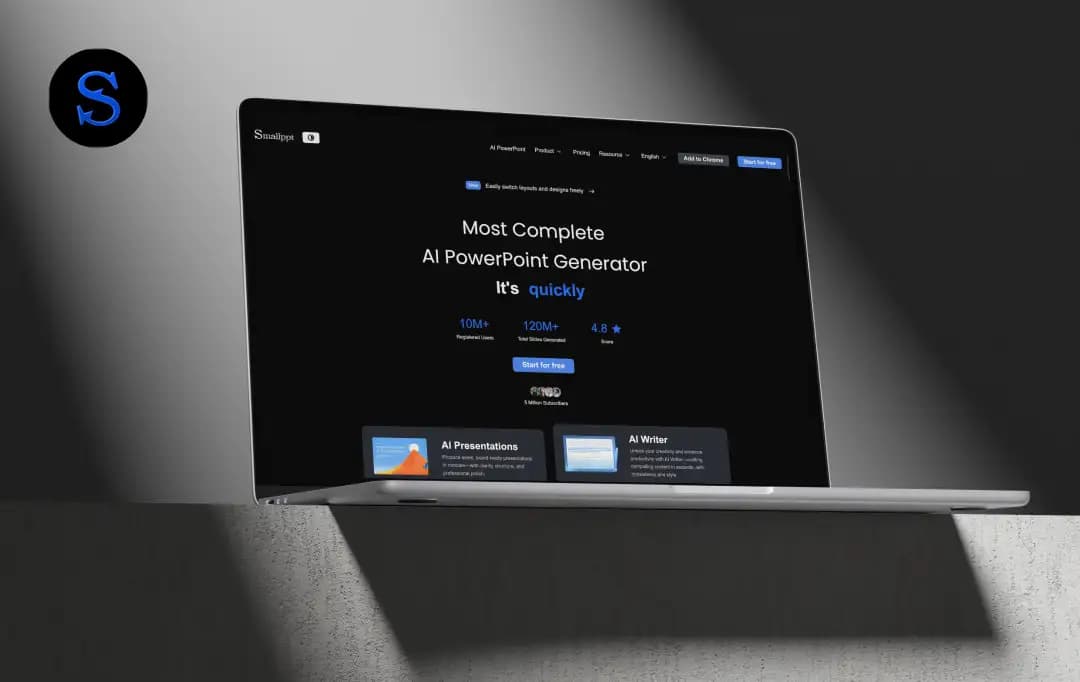
Making presentations isn’t hard because ideas are missing; it’s hard because time always is. That’s exactly why my team and I decided to put Smallppt to the test.
Smallppt claims it can turn a simple prompt into a ready-to-use presentation in minutes. No slide-by-slide building. No design overthinking. Just fast decks that are supposed to look professional. Big claim, so we obviously didn’t take it at face value.
We used Smallppt across different topics, workflows, and urgency levels to see how it actually performs in real scenarios. In this review, I’ll share what stood out, what fell flat, and whether Smallppt truly makes presentation work easier for teams, or not.
Let’s get into it.
Pros and Cons of Smallppt
Pros
- The platform supports generating slides from various inputs like PDFs, Word docs, and URLs
- The interface is designed for simplicity, allowing users with no design experience to create structured presentations
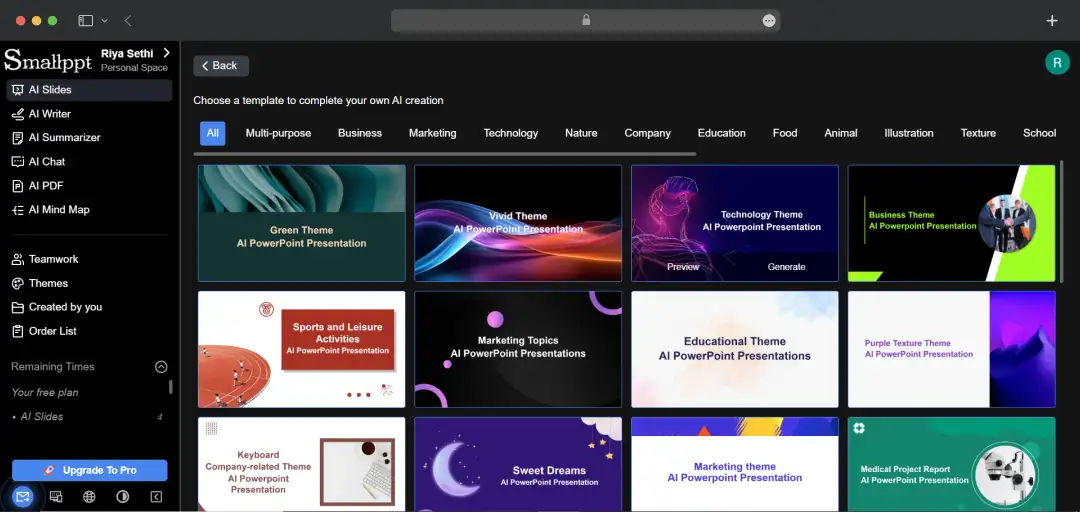
- Users can access a wide library of professional templates across categories like Business and Education
- The platform also offers a suite of additional productivity tools, like an AI writer, PDF summarizer, and mind map creator
Cons
- No native plugin integration for PowerPoint or Google Slides, meaning users must build presentations entirely on the web platform before exporting them
Smallppt Toolkit
Smallppt isn't just a presentation generator; it is a broader content workspace. The platform bundles several AI utilities into one dashboard, allowing you to handle the entire content lifecycle. From brainstorming and summarizing research to finalizing the deck design, you can do it all without switching tabs.
Here is the breakdown of the tools available in the suite:
| Category | Tool Name | Description |
|---|---|---|
| AI Slides | Text to Slides | The primary engine that converts simple topics or text prompts into fully structured, multi-slide presentations |
| File to Slides | Analyzes uploaded documents (Word, PDF, PPT) to extract key data and automatically reformat it into a new slide deck | |
| Link to Slides | Scrapes content from a specific URL (like a blog post or news article) to generate a summary presentation | |
| Audio to Slides | Transcribes uploaded audio or video files and visualizes the spoken content into a presentation format | |
| AI Writer | AI Writer | A smart drafting assistant that can generate new copy, rewrite paragraphs for tone, or shorten text to fit slide constraints |
| AI PDF | AI PDF Tools | A utility set for document management, allowing users to merge, split, watermark, and convert PDFs (JPG/PDF) |
| Additional AI Tools | AI Summarizer | Instantly condenses long reports or extensive research into concise executive summaries and bullet points |
| AI Mind Map | Converts complex topics into visual mind maps, helping to structure thoughts before moving to the slide design phase | |
| AI Chat | An integrated conversational assistant to help brainstorm ideas or answer questions while you work on your deck |
A Closer Look at Smallppt Features
Most professionals waste countless hours rebuilding decks from scratch, struggling with blank slides and inconsistent designs. Smallppt was created to eliminate this repetitive grunt work, using AI to transform raw ideas into structured, visually coherent presentations.
Here is a closer look at the features that make it happen:
1. AI-Driven Slide Generation
The core strength of Smallppt is its versatility in handling inputs; it doesn't just rely on a simple topic title. You can feed it text prompts, upload full documents, paste specific URLs, or even use audio files, and the AI converts that raw data into a complete slide deck.
2. Intelligent Content Structuring
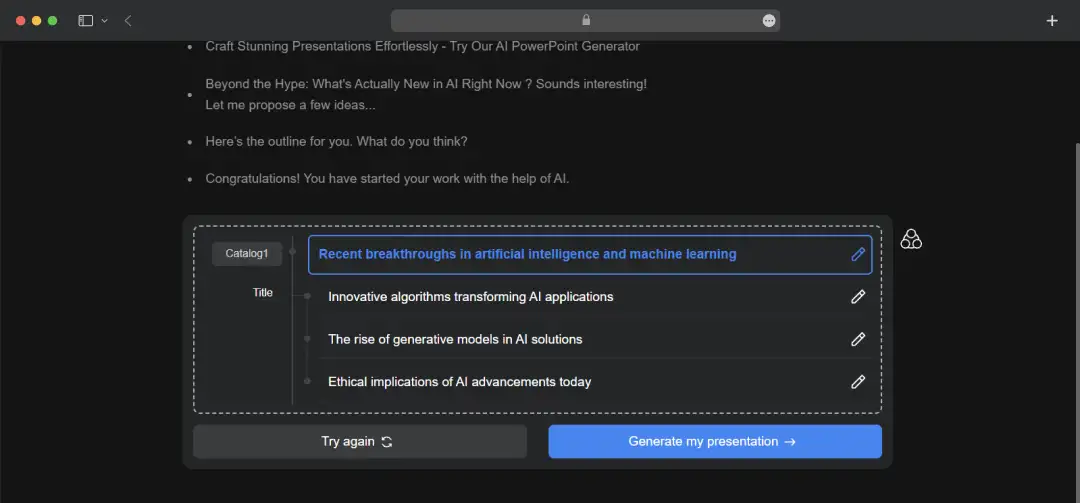
One of the hardest parts of creating a deck is nailing the narrative flow, and Smallppt handles this by automatically organizing your data into logical chapters. It arranges content to ensure a clear progression, introduction, key points, and conclusion.
This maintains narrative consistency so your audience follows the story easily without you manually shuffling slides.
3. Professional Templates & Visual Styles
You do not need a degree in graphic design to produce a boardroom-ready presentation. The platform provides a wide range of modern, aesthetically pleasing templates tailored to various industries and use cases.
These pre-set visual styles ensure your deck looks polished and professional immediately. Smallppt primarily eliminates the need for tedious manual font and color adjustments.
4. Multilingual Support
In an increasingly globalized business environment, language barriers shouldn't limit the reach of your ideas. Similar to many other presentation software, Smallppt also allows you to generate presentations in multiple languages.
This is a great addition for international teams or global pitches. The tool facilitates better communication across borders without requiring external translation tools to get the message across.
5. Easy Customization & Export
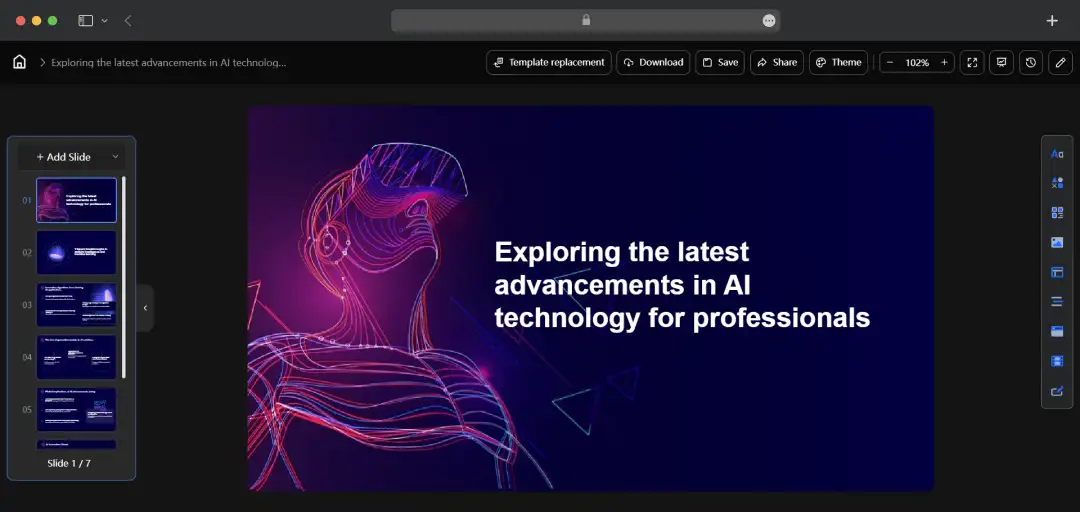
The AI generation is just the starting point; you are never locked into the initial draft. The platform is built for non-designers, allowing you to quickly edit text, swap layouts, and optimize the flow without complex tools.
Once satisfied, exporting the slides for practical use is seamless. So with Smallppt, your presentation is ready for the meeting room instantly.
6. Supports Team Collaboration
Great presentations are often a team effort, and Smallppt streamlines this by enabling efficient sharing and co-working. Teams can align on content structure and maintain visual consistency across slides in a shared environment.
This collaborative approach speeds up the review cycle and ensures everyone is working off the latest version of the deck.
Smallppt Pricing and Subscription Plans
Smallppt’s pricing is pretty straightforward. You can get a free trial without entering your credit card information. You can choose from 3 different pricing options based on your requirements-
1. Free Plan
This is a completely free plan that gives you access to slide generation, an AI summarizer, an AI chat, an AI PDF, 16 templates, and other key tools with certain limitations.
2. Personal Plan
This plan is perfect for individuals and professionals who wish to use Smallppt on a regular basis.
| Plan Duration | Price | Type | What You Get |
|---|---|---|---|
| Month Plan (Basic) | $19.99 / Month | Limited | 30 slide generations, 700 AI Chat credits, and 40 AI PDF uses. Includes watermark removal and priority support. |
| Month Plan (Pro) | $24.99 / Month | Unlimited | Unlimited slide generations, AI writing, and tool usage. Full unrestricted access to all features billed monthly. |
| Year Plan | $12.49 / Month | Unlimited | Unlimited access to all features. The most cost-effective option for long-term users, with the same perks as the monthly unlimited plan. |
| Lifetime Plan | $199.99 (One-time payment) | Unlimited | Unlimited forever. One-time payment for permanent access to all current and future features with no recurring fees. |
3. Team Plan
This plan is built for teams, small businesses, startups, or enterprises that can benefit from the extensive toolkit offered by Smallppt.
| Plan Option | Price | Team Capacity | What You Get |
|---|---|---|---|
| Month Plan | $119.99 / Month (Billed Monthly) | Small Team (1–5 members) Growing Teams (1–10) Pro (1–20) |
Unlimited access for all members. Includes real-time slide collaboration, team permission management, and shared workspaces. Everyone gets full Unlimited Personal features. |
| Year Plan | $69.99 / Month (Billed $839.88 Yearly) | Small Team (1–5 members) Growing Teams (1–10) Pro (1–20) |
Unlimited access for all members with significant savings (approx. 20% off). Includes all collaboration features: quick team switching, invite-based sharing, and priority support. |
| Customize Plan | Contact Sales | Enterprise (Tailored for larger business needs) | A custom solution designed for large organizations requiring specific integrations, advanced security, or bulk licensing beyond standard team tiers. |
Customer Reviews
How was your experience with the product?
Also Reviewed By Us