
iScanner Review: Here’s My Real Experience Using It for Daily Work

As a content writer, I spend a lot of time testing apps in real situations, not just reading feature lists. And iScanner landed on my radar on a day when I genuinely needed it. I was working from a cafe, and found myself needing to quickly scan 10 pages of handwritten meeting notes to share with the editorial team for a blog.
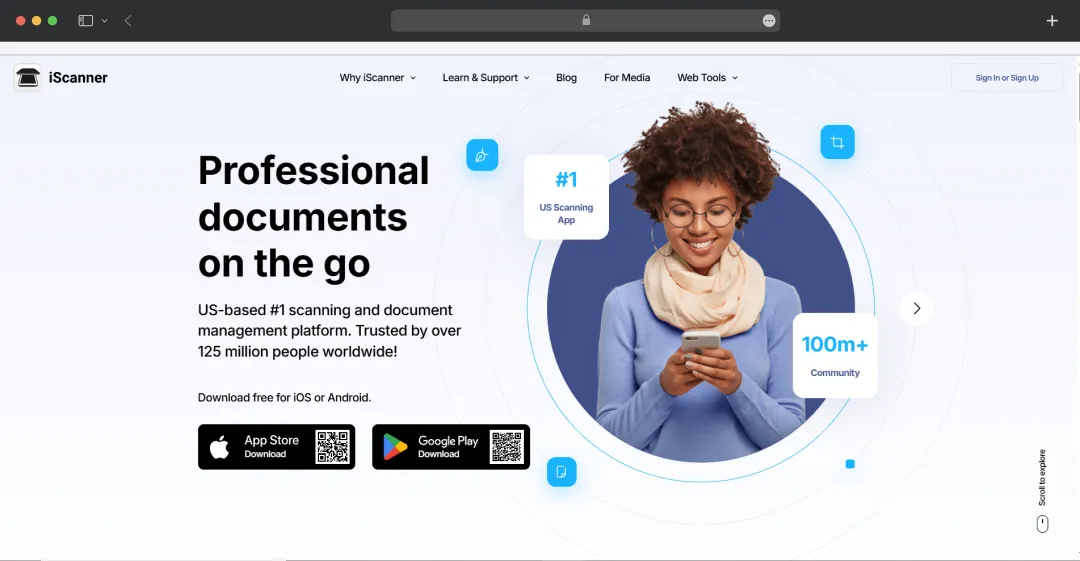
No scanner, no office setup, just my phone and a fast-approaching deadline. That’s when I downloaded iScanner, expecting a basic scan-and-save app. Within minutes, I had scanned and shared the document, all without moving an inch. It’s no surprise the app has crossed 125 million downloads and earned multiple industry awards. After using it in the real world, you can clearly see why.
And not just this, iScanner works as an excellent file manager and a document editor. So, if you’re still relying on laptops, printers, or “I’ll send it when I get back to my desk,” you might be missing out on real productivity.
In this review, I break down my real experience using iScanner in daily work, how well it performs under pressure, and whether it truly lives up to its reputation.
Pros and Cons of iScanner
Pros
- High-quality scans with AI-based distortion correction and automatic edge detection
- Powerful OCR (Optical Character Recognition) in 23 languages for converting scanned text to editable formats
- Advanced AI features: deblur, remove fingers, straighten warped pages
- All-in-one document editor: merge/split PDF, annotate, add watermark, sign
- Multi-mode scanning: scan IDs, receipts, books, and even use Math, Count, and Area modes
- Secure storage: cloud sync, PIN or Face ID lock, hidden Safe folder
- Cross-platform access: use on Android, iOS, and web
Cons
- The AI edge repair feature is currently only available for iOS users
- The subscription model can be expensive or confusing for some users
A Closer Look at the Standout Features of iScanner
iScanner goes beyond simple document digitization by integrating advanced AI tools that transform your mobile device into a powerful portable office. It combines high-precision scanning with a suite of editing and management utilities.
Here are the key features that will allow you to process, refine, and organize complex documents effortlessly on the go.
1. AI-Enhanced Scanning & Restoration
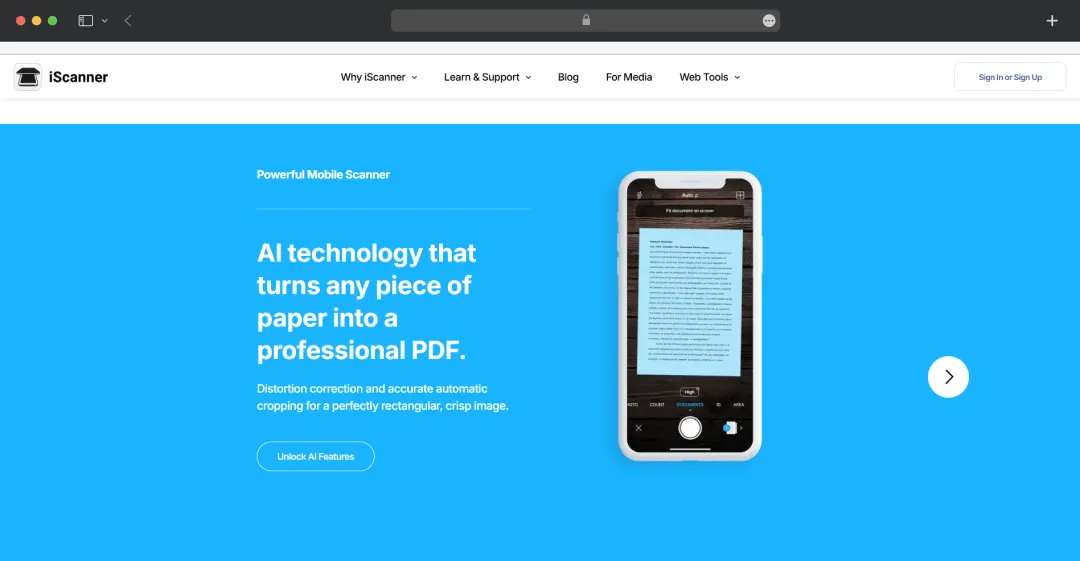
iScanner utilizes a self-learning neural network to deliver professional-grade scans automatically. It detects document borders with high precision, straightens skewed pages, and removes unwanted artifacts like fingertips or shadows.
2. Intelligent OCR & AI Assistant
This scanning tool features robust OCR capable of extracting text from images in 23 languages. Beyond simple extraction, the built-in AI Assistant acts as a smart editor that can summarize, rewrite, or translate the recognized text directly within the app.
This makes it easy to turn a physical handout or contract into an editable, searchable digital file in seconds.
3. Specialized Smart Modes
The application includes distinct modes tailored for specific tasks that go beyond standard documents. Math Mode can solve complex equations simply by snapping a photo, while Count Mode automatically tallies similar objects in a frame.
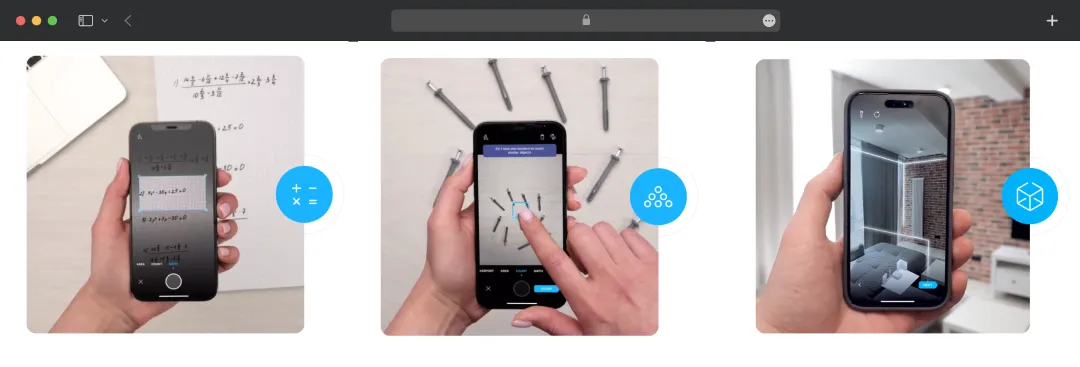
Additionally, the Area Mode allows you to measure objects and calculate room square footage. It is thus a versatile tool for students, contractors, and realtors alike.
4. Comprehensive Editor & File Management
iScanner serves as a complete document management hub. You can e-sign, annotate, autofill forms using custom templates, merge, or split PDF files without needing third-party software.
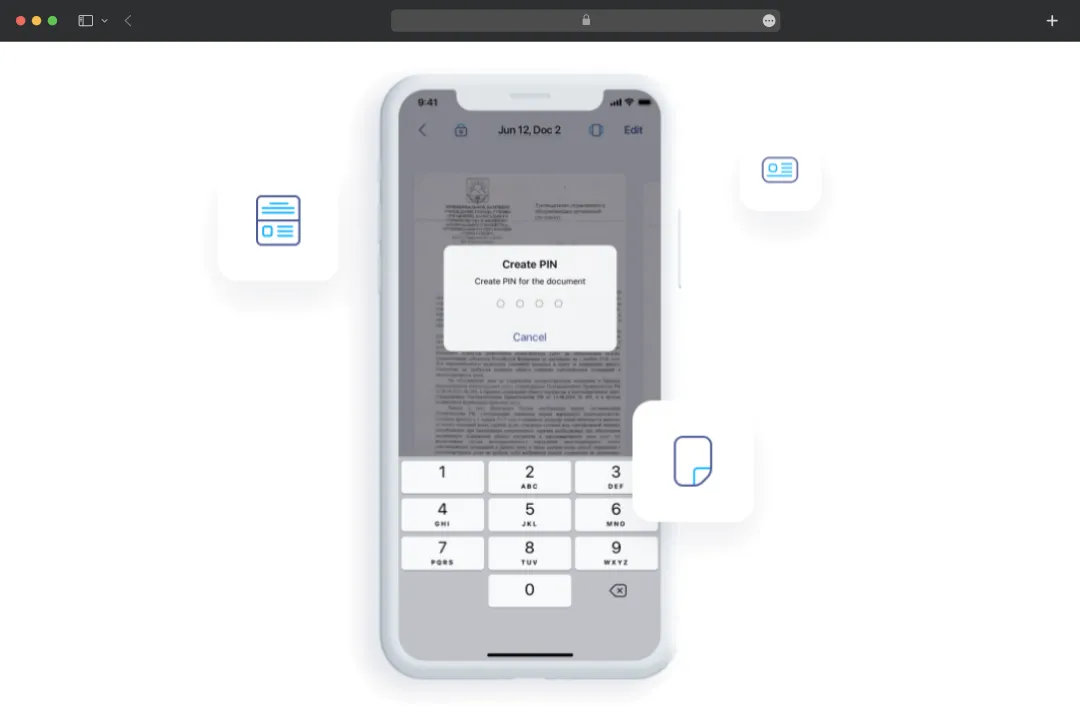
It also prioritizes security with PIN protection, secure cloud syncing, and even a Decoy Password feature to show a fake interface if someone forces you to unlock the app.
5. Sustainability & Eco-Impact Tracking
iScanner goes beyond utility by actively promoting environmental responsibility, helping you transition to completely paperless workflows to save trees and reduce waste.
Uniquely, the app features an impact tracker that visualizes your contribution to nature and rewards you with eco certificates. You can exactly see how your digital habits are helping preserve the planet.
List of Web Tools Offered by iScanner
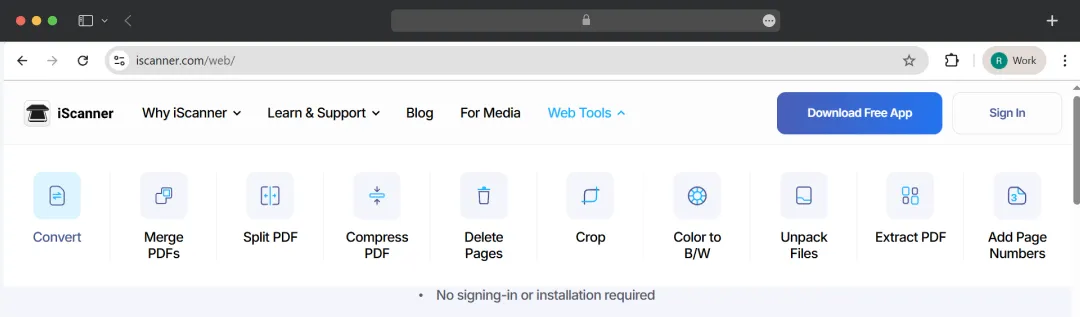
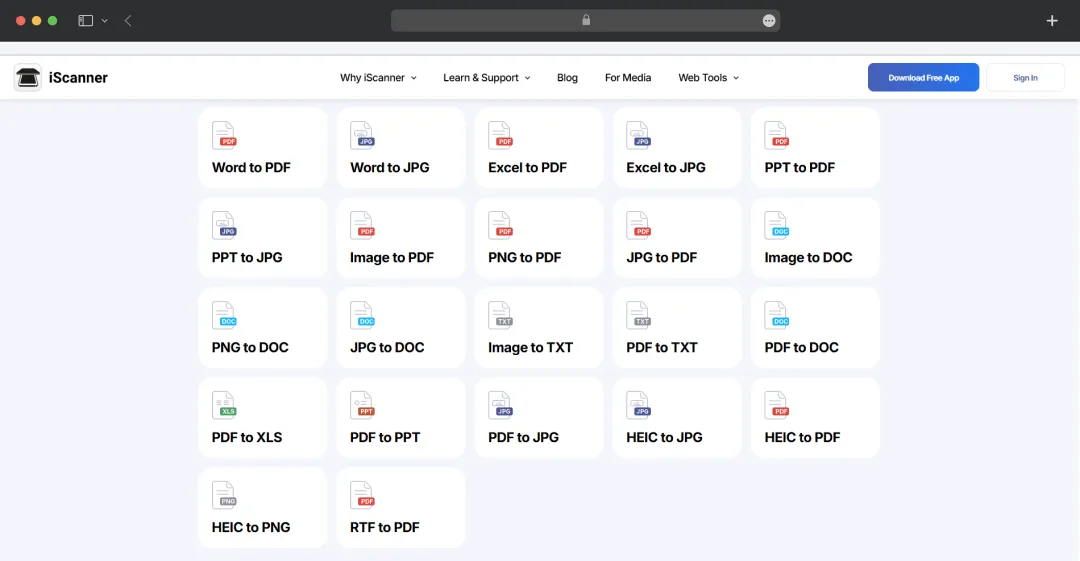
iScanner extends its functionality beyond the mobile app with a suite of free, browser-based utilities designed for quick document adjustments on any device. The table below outlines these web tools and how they help streamline your document workflow.
| Web Tool Name | Description |
|---|---|
| Convert | Transforms documents into different formats (such as PDF to JPG or vice versa) to ensure compatibility across various devices and platforms. |
| Merge PDFs | Combines multiple separate PDF files into a single, unified document, making it easier to organize and share related files. |
| Split PDF | Divides a single large PDF into multiple smaller files or isolates specific sections to create separate documents. |
| Compress PDF | Reduces the file size of a PDF document without significantly affecting visual quality, making it easier to email or upload. |
| Delete Pages | Allows you to remove specific unwanted or blank pages from a PDF document to keep the file clean and relevant. |
| Crop | Trims the edges of document pages to remove unwanted borders, backgrounds, or margins, focusing only on the essential content. |
| Color to B/W | Converts colored documents into black and white (grayscale), helping reduce file size and improving suitability for professional printing. |
| Unpack Files | Extracts individual files from compressed archives or folders, allowing you to access and manage the documents contained inside. |
| Extract PDF | Pulls specific pages out of an existing PDF file to create a new, standalone document containing only the selected pages. |
| Add Page Numbers | Inserts sequential numbering onto the pages of your PDF document, improving organization and readability for long reports. |
Understanding iScanner Pricing and Subscription Plans
The iScanner app is completely free to download on Android and iOS devices. However, to unlock all its premium features, you will have to opt for a subscription plan.
| Type of Plan | Price of Plan |
|---|---|
| Monthly | $9.99 per month |
| Annual | $19.99 per year |
Some important notes:
1. You can try the premium features without any cost with the 3-day free trial
2. If you register on the app with a .edu email address, you can get iScanner for free for 6 months
3. Here’s all that you get with the premium plan-
All features of the free plan plus-
- Option to convert files to TXT, Excel, and Doc
- Single subscription for iOS and Android
- Batch scanning
- Converting image to text- OCR (AI-powered feature)
- Access to Math and Count mode
- Chat with AI to improve documents
Customer Reviews
How was your experience with the product?
Also Reviewed By Us