
DeepAI Review: I Tested This AI Platform For A Month And Here's My Honest Opinion
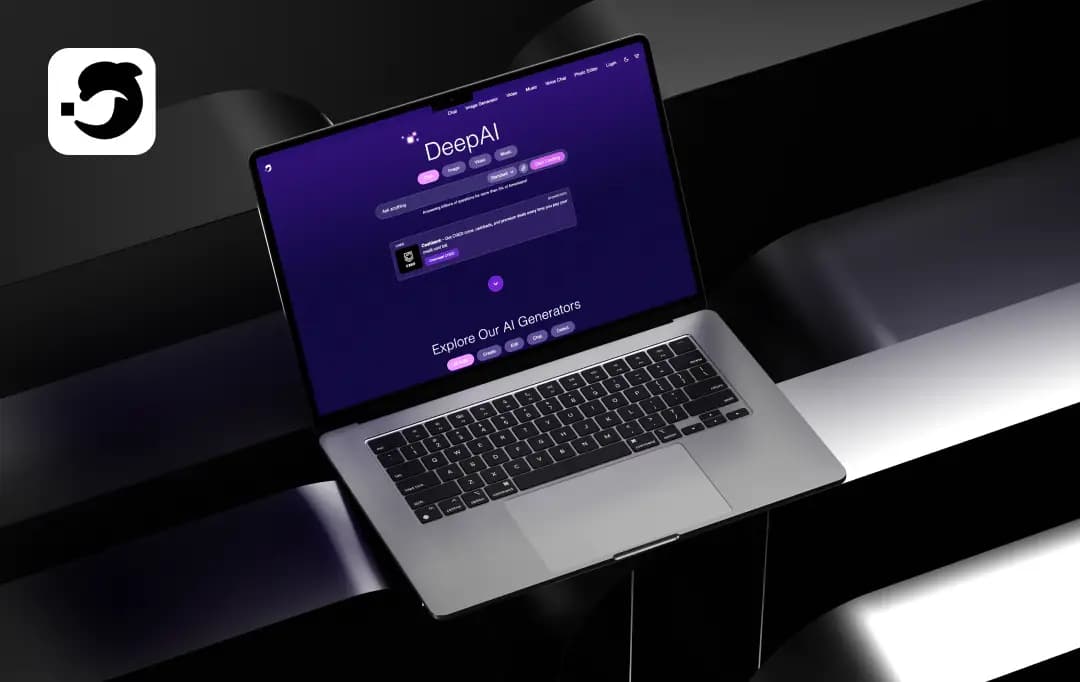
DeepAI is one of the most-searched AI tools on the web, and the pitch is easy to see why: image generation, chat, video, music, and voice, all bundled into one platform that's free to start. But "does everything, costs almost nothing" is exactly the kind of claim that deserves a real test rather than a leap of faith.
So I spent a month running DeepAI on actual work. I generated hundreds of images, pushed its chat through content briefs, tested the new Hollywood Mode video tool, and put its music and photo-editing features to use on live social campaigns. This DeepAI review is what I learned, and it answers the three questions people actually search for: is the output any good, is it safe to trust with your work, and what does it really cost in 2026?
Pros and Cons of DeepAI
Pros
- Ultra-simple, minimalist interface that lets you create immediately without hitting a steep learning curve.
- No initial login walls are required to mess around with basic text and image tools.
- Offers a massive variety of creative features spanning text, photo, audio, and video creation.
- Clear ownership policy for user creations
Cons
- The base image quality can feel a bit dated and lower-res unless you switch on premium modes.
- Prompt adherence on advanced or complex visual design requests can be hit-or-miss.
- The mobile app interface can occasionally feel cluttered with upgrade prompts.
Prominent Features of DeepAI
From what I've noted, DeepAI tools make the creative process easy. It packs a ton of useful tools into one platform. Here's a breakdown of the key features it offers. Let’s check them out!
1. Smart AI Chat Interface
Need a brainstorming buddy or a quick coding script fixed? The DeepAI chat feature lets you bounce ideas back and forth with highly responsive conversational AI chatbots. Also, it doesn't lock you into a single brain. Instead, it operates as a hub, granting you direct access to several top-tier AI models all in one place. You can easily toggle between heavy hitters like ChatGPT 5.2, ChatGPT 4.0, Gemini 3.1 Pro, Grok 4.3, and Claude Opus 4.7, depending on what you need done.
Having this kind of model variety at my fingertips was massive. I could fire up Claude Opus 4.7 for its natural, conversational tone and could tap ChatGPT 5.2 to debug a stubborn block of Python code later.
2. Image Generation & Editing Suite
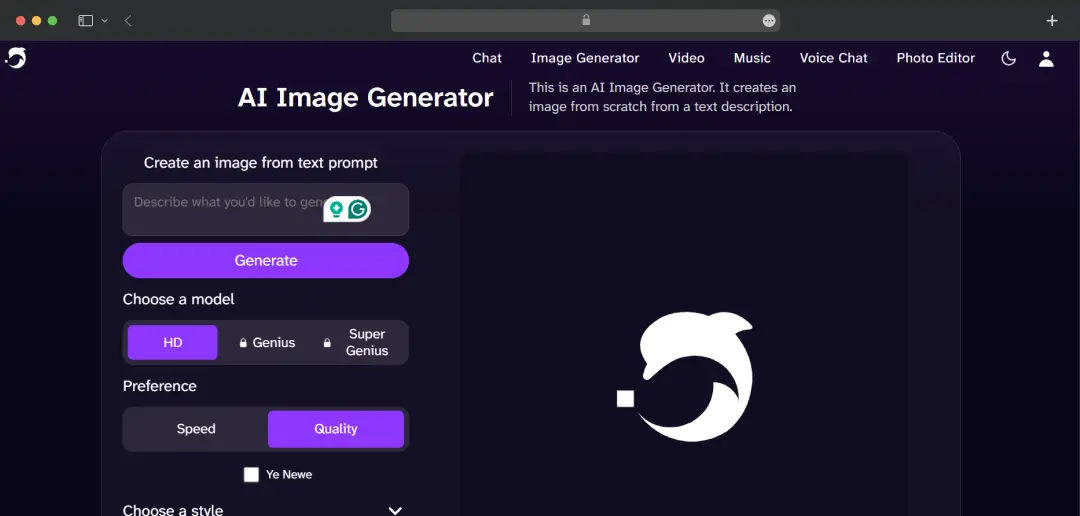
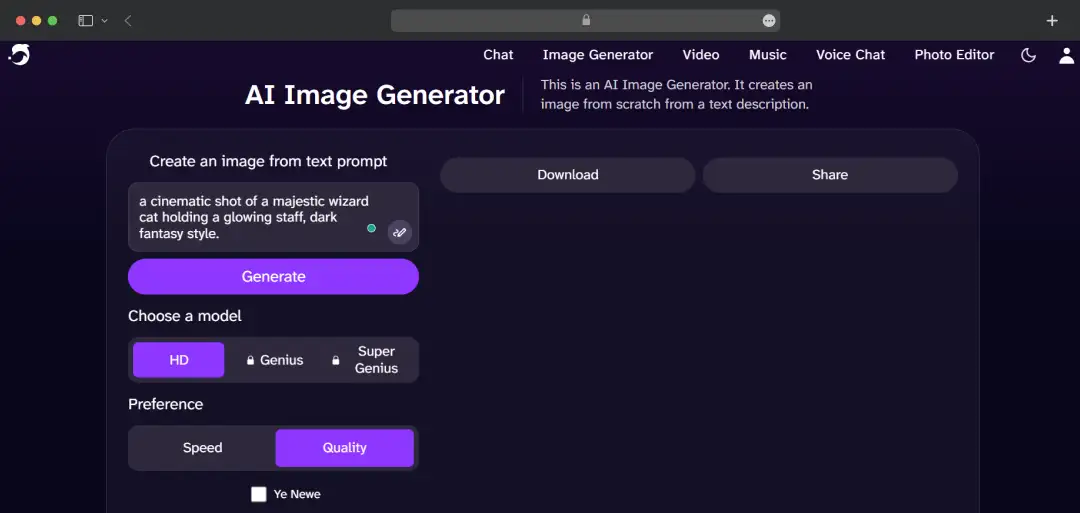
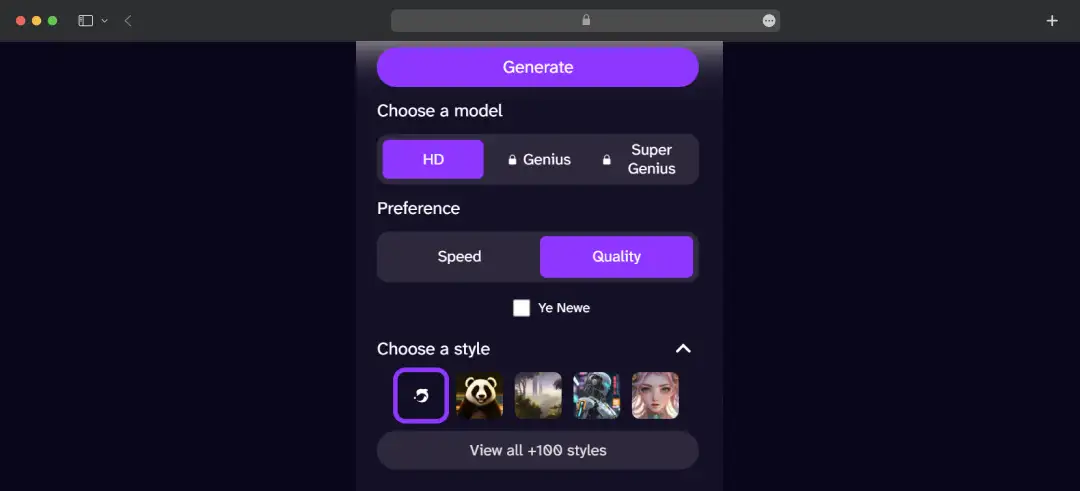
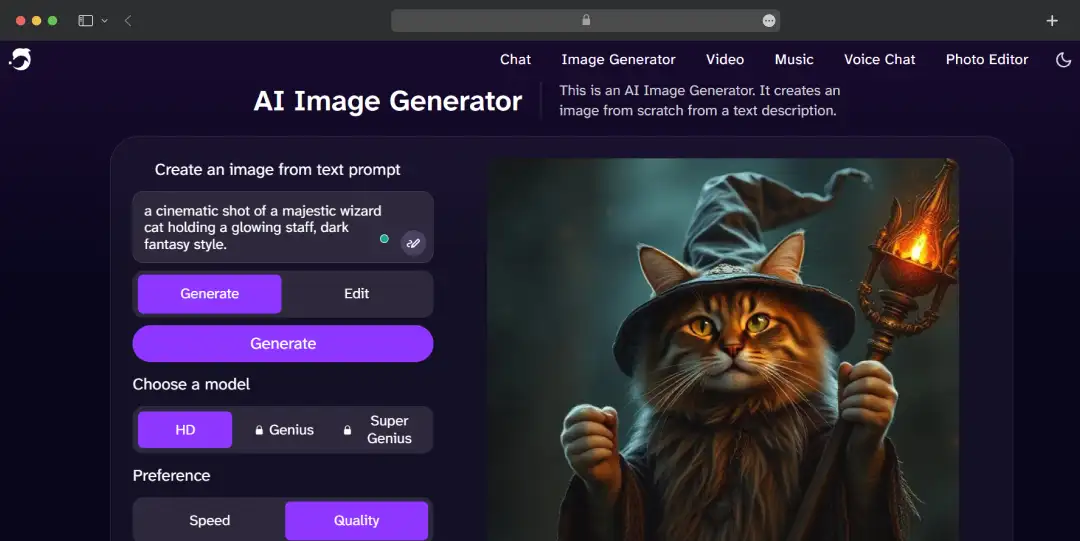
Deep AI text to image is the main attraction where most creators start out. The default image engine uses simple text prompts to spit out graphics across 100+ styles like digital art, anime, or fantasy.
When I used the free tier, it worked fast, but the results were occasionally looking a little messy or retro AI. However, when I triggered their "Genius" or "Super Genius 2K" modes, the accuracy bumps up significantly, providing crisp textures and proper proportions. It’s perfect for fast prototyping or getting a mood board together when you're short on time.
Alongside it, DeepAI bundles a full set of image-enhancement tools like Background Remover, Colorizer, Super Resolution, Expand Image, AI Headshot Generator, etc.
Also Read: Best AI Art Generators
3. DeepAI Video Generator
Moving into motion design, the platform allows you to transform standard prompts or static files into short, shareable video clips. With the DeepAI video generator, you can pick between a few operational models depending on your budget and quality needs, including a high-end "Hollywood Mode."
While it creates highly cinematic snippets with synchronized audio, keep in mind that these clips are only 8–10 seconds long with sound and require a bit of credit spending.
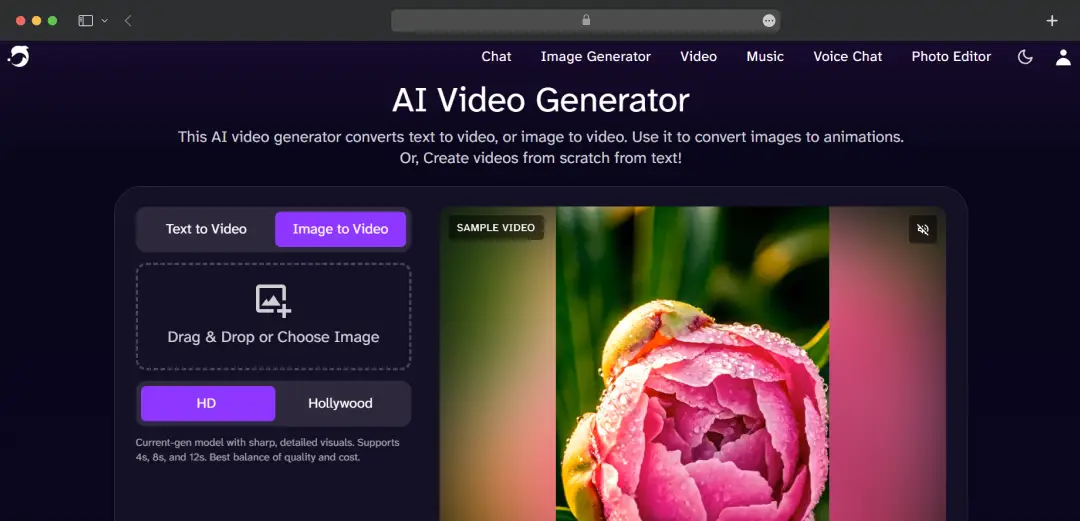
In my testing, Hollywood Mode held subject consistency better than I expected. Early AI video tends to "morph" objects mid-clip, and that was largely under control here. Tightly worded, descriptive prompts produced usable social B-roll for short reels. It's not at the level of dedicated frontier video models, but for quick TikTok or Instagram clips, it does the job. If video is your main use case, compare it first against the dedicated best AI video generators in our guide.
4. AI Music & Voice
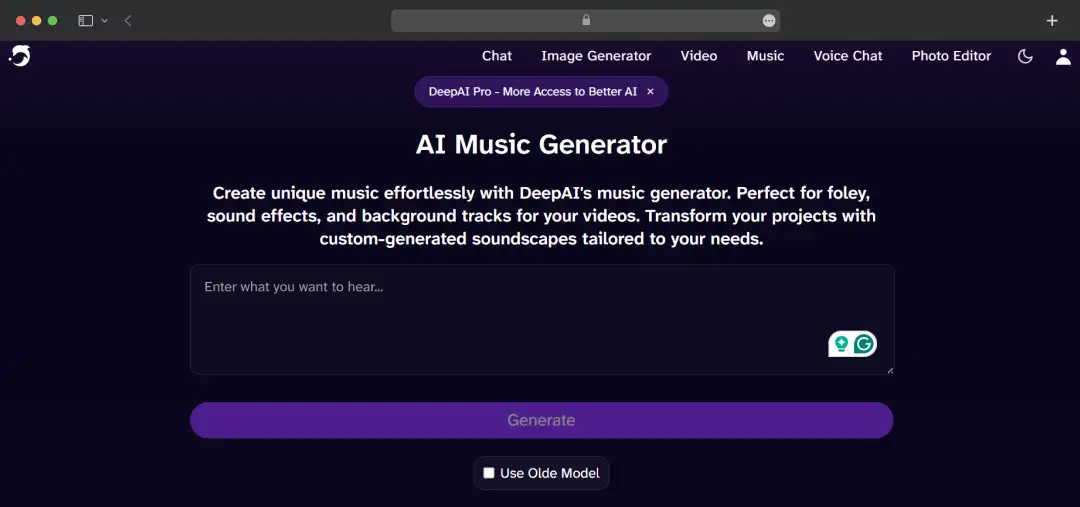
The AI Music Compose tool generates original tracks from a mood or style prompt — handy for royalty-free background music for podcasts, reels, and video jingles. Quality is comparable to earlier-generation music AI: serviceable rather than studio-grade.
DeepAI also offers real-time voice chat for natural-sounding spoken interaction beyond text. If music is a priority, it's worth checking out our best AI music generators roundup, where we rank the strongest AI music generators for creators.
During my hands-on trial, the music generator pumped out some really solid lo-fi backing tracks that I’d comfortably use for a YouTube intro. However, when I tried to push it into complex, multi-layered orchestral arrangements, it sounded a bit artificial.
5. Math AI Specialist
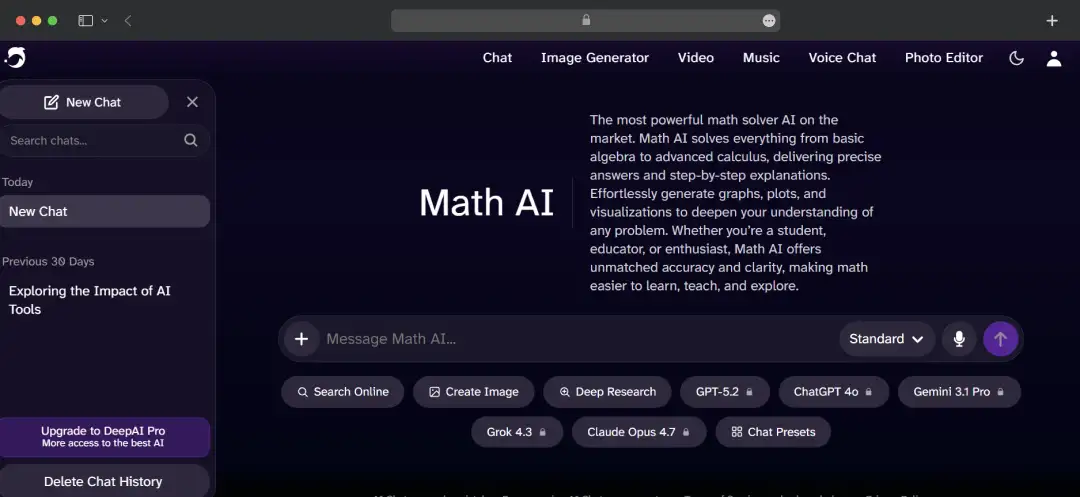
The Math AI tool serves as a powerful mathematical solver, handling everything from basic algebra to advanced calculus. It delivers precise answers with step-by-step explanations and can generate graphs, plots, and visualizations, making complex mathematical concepts more accessible.
When I ran a few test equations through it, I was genuinely impressed by how it broke down the logic rather than just spitting out a final number. I fed it a moderately complex calculus problem, and the AI walked me through the derivation step-by-step.
Although it seems like DeepAI has put this feature on the back burner, as previously you could find the Math tool directly from the header. However, the company has since removed it, and you can access it from the feature library.
6. Writing & Content Tools
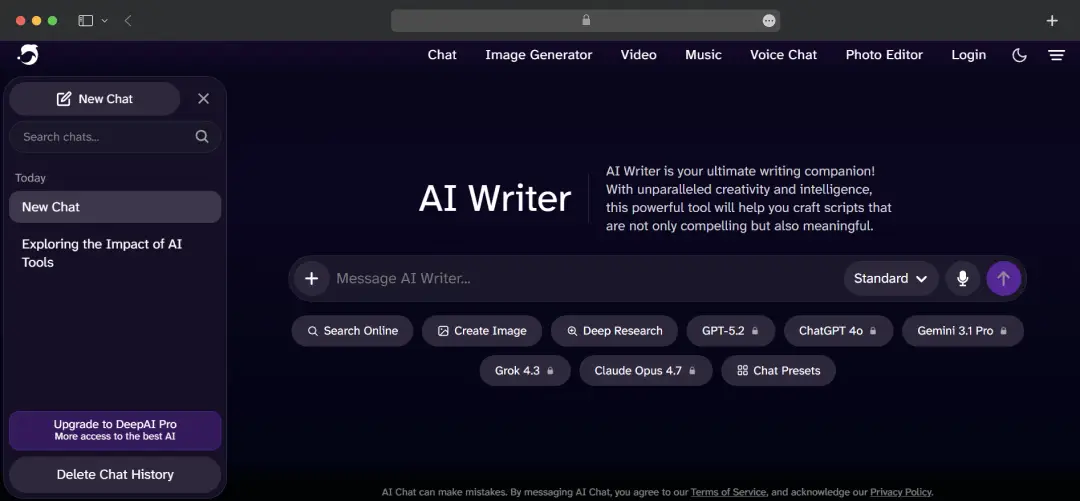 DeepAI's Essay Writer helps students and professionals create structured, research-backed essays efficiently. Plus, DeepAI text generator offers integration with Undetectable AI for SEO writing and AI detection. It helps you identify AI-generated content. Moreover, Undetectable’s SEO tool helps you optimize content for search engines while maintaining readability and engagement.
7. Technical Integration
DeepAI provides robust API access for developers, enabling seamless integration of AI image generation, chat functionality, and other tools into third-party applications. This makes it valuable for businesses building AI-powered products. All DeepAI features are available instantly in web browsers without downloads, and many tools offer simple API integration for custom applications.
8. DeepAI Mobile App
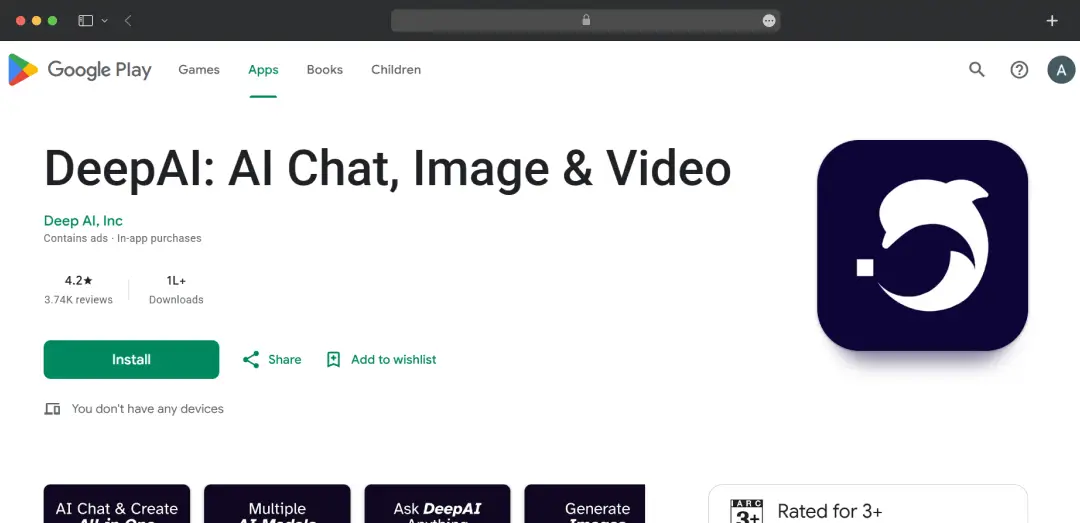
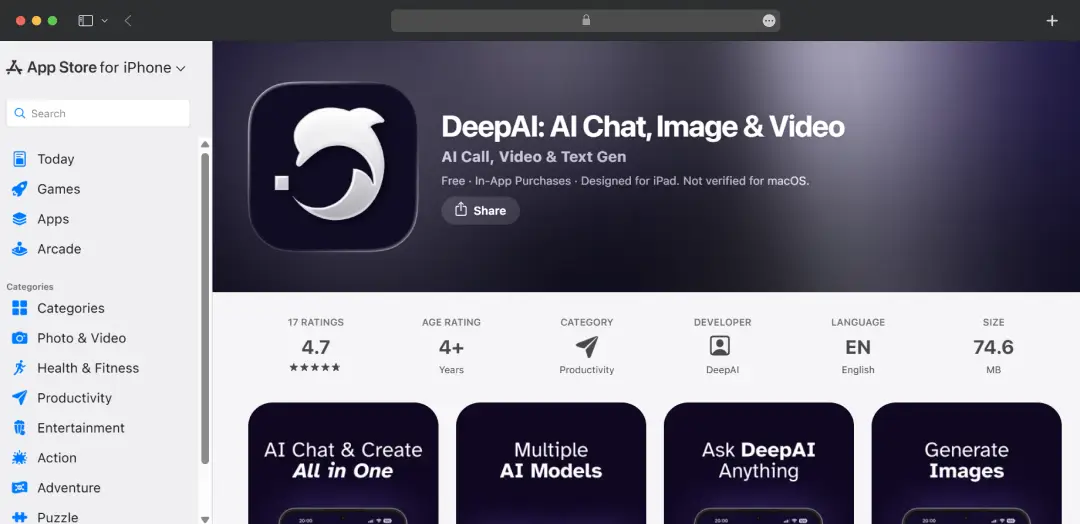
DeepAI ships a dedicated mobile app on both iOS and Android, bundling chat, image, and video generation into a single phone-friendly interface. It's a meaningful part of why the platform's search interest has grown recently. The app experience is cleaner than the ad-heavy free web version, and it's the easiest way to use DeepAI on the go — though the same Pro allowances and limits apply across web and mobile.
DeepAI Pricing
Free users get limited daily access to chat and image generation, with caps on volume and quality (enough to evaluate the platform, not to rely on it). Upgrading to DeepAI Pro unlocks the full toolset, including Genius Mode for chat and images, video generation, music, and an ad-free experience with private generations.
| Plan | Price | What you get |
|---|---|---|
| Free | $0 | Limited daily chat and image generation, capped volume and quality, ads on web |
| Pro (monthly) | $9.99/month | Full toolset, Genius Mode, video, music, ad-free, private generations |
| Pro (yearly) | $89.99/year | Same monthly allowances billed annually — saves $29.89 (roughly 3 months free) |
| Pay-as-you-go | Wallet top-up | Overage usage beyond Pro allowances, billed from prepaid balance |
Note: Prices are accurate as of the time of writing and may change. Always check DeepAI org for the latest.
How the Wallet (Pay-As-You-Go) Model Works
If your usage exceeds the monthly allowances, these pay-as-you-go rates apply (drawn from your wallet balance, billed once accrued overage reaches $5):
- Images: $1 per 100 additional standard images ($0.01 each), or 12 Genius images (~$0.083 each); Super Genius 2K runs roughly $0.25 each
- Chat: $1 per 350 additional standard messages (~$0.003 each), or 50 Genius messages ($0.02 each)
- Video: $0.20 per additional second of standard video, or about $2.50 per additional Hollywood Mode video
- Music: $1 per 20 additional songs ($0.05 each)
Customer Reviews
How was your experience with the product?
"I absolutely love DeepAI I absolutely love DeepAI! This app is an incredible tool that offers stunning images, captivating videos, and engaging chats – all of which are truly amazing. It's the reason I give it a 5-star rating. The quality of everything it provides is exceptional, and it has become an essential part of my daily routine. Plus, it's quite affordable considering all the fantastic features it offers. I highly recommend DeepAI to anyone looking for top-notch AI-powered content creation and interaction. It's simply the best!"
"I have made a purchase two times this app. And I can't generate any videos. It says everything I do is an error. I've even used their prompts. And oh my goodness, wouldn't you know it won't even accept their prompts? To generate a gif so this is a useless purchase. And I'm going to find Something Else. And you've lost a customer way to go. I am frustrated and angry.I am spending money on a useless product."
"High quality video, but expensive and with errors. It said on the page at one point 10USD for the Hollywood Video, but below for DeepAI only 5USD. Still I was charged 10 despite being Pro User (NB: I contacted the support and was generously reimbursed, so I added a star, 18.6.). The videos were impressive but have continuity problems especially if one refers to items previously mentioned. Maybe one could introduce defined labels (person#1, item#2) so that later referals are specific. Also, one should be given a way to modulate existing videos for details."
Also Reviewed By Us