
Invideo AI Review 2026: Effortless Videos or a Frustrating Mess?
Creating engaging video content was eating up my entire week. I was stuck wrestling with complex video editing software, struggling to generate compelling scripts, and watching my productivity suffer as I spent hours on tasks that should have taken minutes.
That's when I discovered Invideo AI, advertising itself as an intelligent video creation platform designed to streamline the entire process. Intrigued by its promises of automated editing and AI-powered video content generation, I decided to put it to the test. After three months of intensive testing across various projects, I'm ready to share my Invideo AI review and help you determine whether this tool lives up to its ambitious claims.
Let’s begin!
Pros and Cons of Invideo AI
Pros
- Instantly generates full video drafts from the text.
- Easily converts a series of photos into a dynamic video.
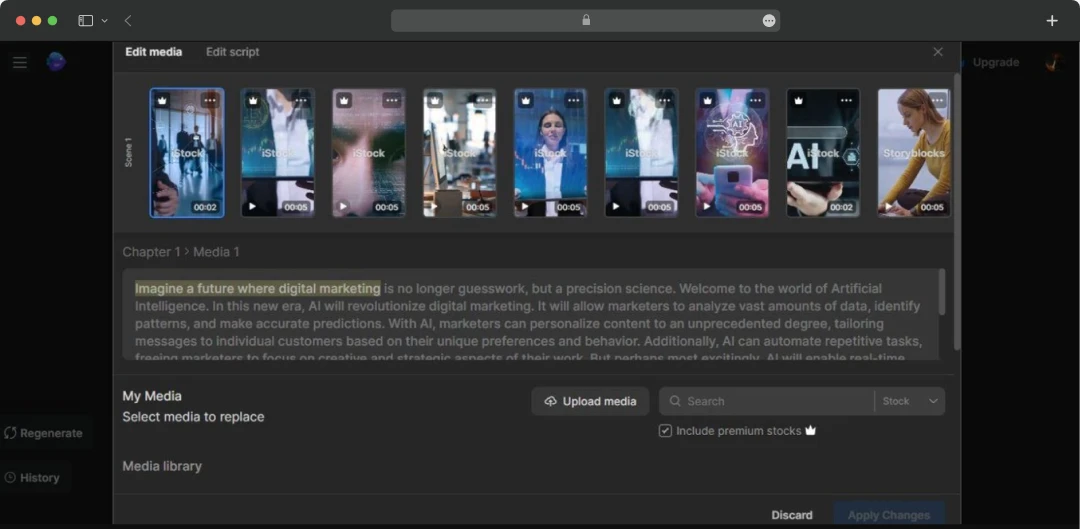
- Provides a massive, integrated stock media library.
- Quickly assembles the initial structure of long videos.
- User-friendly with a minimal learning curve.
Cons
- AI scripts are generic and need significant rewriting.
- AI avatars and hand movements appear robotic and unnatural.
- AI sometimes might select irrelevant or mismatched media clips.
- Editing long-form content is slow and lacks precision.
- Limited control for achieving a specific creative vision.
Deep Dive into Invideo’s Key Features Worth Spending Time
Invideo AI has some prominent features, like you can introducing AI actors, AI avatars, make true-to-life cloned voiceovers, and more. Here’s a list of Invideo features that you might want to go through before using the tool:
1. AI Actors & YouTube Avatars
InVideo AI offers a diverse library of AI actors, allowing users to create custom AI Twins. These advanced AI characters can flawlessly deliver scripts in over different languages, eliminating the need for traditional filming. Additionally, this empowers creators and businesses to effortlessly generate a wide range of content, like professional ads, engaging explainers, and social media videos, all without a camera crew.
2. True-to-Life & Cloned Voiceovers
The standard voices are warm and engaging, but the real magic is the in-built voice cloning tool in Invideo. I uploaded a 30-second snippet of my own voice, and the AI created a digital clone that was almost realistic. Now, I can type a script and have it read in my own voice, which is a massive win for brand consistency and saves me hours of recording time.
3. Real-Time Multiplayer Editing
The multiplayer editing means my team and I can just hop into the project together. We see each other's changes live and can drop comments right on the timeline. It’s turned a process that used to be a mess into something clean and simple.
4. An Interface for All Skill Levels
What I appreciate most is how approachable the platform is. I didn’t need to watch hours of tutorials to get started. It’s powerful enough to get the job done for my marketing videos and simple enough that I feel confident handing it over to a team member with zero editing experience.
5. A Massive, Integrated Stock Media Library
Sourcing high-quality, royalty-free footage is a painstaking process for most creators. InVideo solves this by integrating a massive stock library right into the editor, including content from premium sources. Instead of juggling multiple subscriptions or downloads, I can find the perfect clip to match my script without ever leaving the platform. This alone has streamlined my workflow immensely.
6. The AI Slideshow Maker
With Invideo’s slideshow maker, you can give the AI your photos and a topic, and it will generate a complete video story. It intelligently writes a script, adds a natural-sounding voiceover, selects appropriate music, and creates dynamic scenes.
7. The Mobile App for On-the-Go Edits
With this feature, you can seamlessly extend your video editing workflow beyond the desktop with the InVideo mobile app. It empowers you to continue projects from anywhere, making it easy to edit, finalize, and export your content while on the move, ensuring you can deliver projects without ever being tied to your desk.
8. Diverse Content Creation Tools
InVideo AI offers a suite of services to streamline video creation. These include specialized tools like the AI Image Generator and AI Video Meme Generator, alongside practical functionalities such as converting a Link to Video. For broader content creation, you'll find a Movie Maker, AI Clip Generator, and dedicated tools for social platforms like TikTok Video Maker and YouTube Shorts Maker, even for UGC Ads.
9. Ready-made Templates
InVideo also offers a diverse range of templates to kickstart video projects, catering to various content needs. These include templates for marketing, intro, real estate, advertisement, and social media. I used one of their ready-made social media templates for one of my marketing campaigns, and it helped me produce a video of optimal quality.
10. The Creator Community on Discord
Lastly, one of the best features isn't even in the app itself—it's the Discord community. It’s become my go-to place when I hit a creative block or have a weird technical question that I can’t figure out. It’s active, people are willing to help, and it feels less like you're just using software and more like you're part of a scene.
Also Read: AI Video Generator Tools
Invideo AI Pricing & Plans
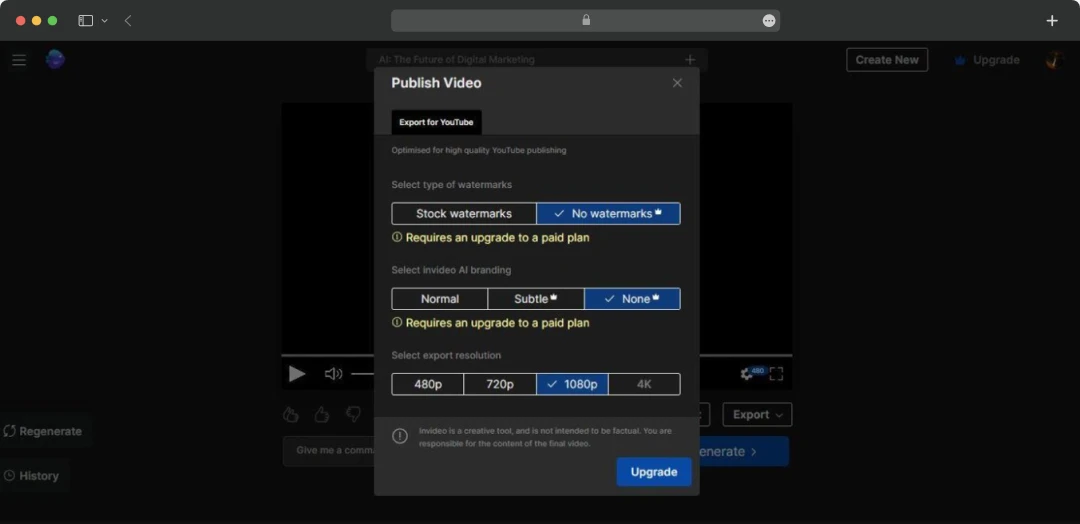
Invideo.io offers a free plan, which is a great starting point, providing 10 minutes of weekly AI creation and four watermarked exports, although it doesn't include premium generative features.
Additionally, InVideo pricing plans cater to a range of users, from those just starting to professional creators and teams who need more power and resources.
| Plan | Plus | Max | Generative | Team |
|---|---|---|---|---|
| Monthly Cost | $35/month (Yearly subscription at $28/monthly) |
$60/month (Yearly subscription at $50/monthly) |
$120/month (Yearly subscription at $100/monthly) |
$999/month (Yearly subscription at $899/monthly) |
| Credits | 10 | 40 | 100 | 1000 |
| Video Minutes | 50 video minutes | 200 video minutes | 200 video minutes | 2000 video minutes |
| Storage Space | 100 GB | 400 GB | 400 GB | 4 TB |
| Video Exports | Unlimited | Unlimited | Unlimited | Unlimited |
| Stock Media Access | 95 iStock assets/month | 320 iStock assets/month | 3200 iStock assets/month | 3200 iStock assets/month |
| Express Clones | Up to 2 clones | Up to 5 clones | Up to 8 clones | Up to 40 clones |
Note: Prices are based on the latest available information and are subject to change.
Customer Reviews
How was your experience with the product?