
Hotpot AI Review: Does This Productivity Tool Live Up to the Hype?
Every week, a dozen new tools pop up, each promising to revolutionize how we work. But who has the time to juggle a separate AI for writing copy, another for generating images, and a third for editing graphics?
My goal was simple: find a single, powerful platform that could act as a true creative partner. I needed something that could handle creating social media assets, marketing copy, editing photos, and visualizing ideas. All without the friction of switching between different platforms.
That search led me to Hotpot AI. It positions itself as an integrated suite of tools designed to accelerate media creation. But is it just another drop in the AI ocean? I've spent the last few months integrating it into my daily workflow, testing its limits on real projects. So, in this Hotpot AI review, we'll break down exactly what it offers and whether it can genuinely become the all-in-one AI toolkit your creative process has been missing.
Let’s begin!
Pros and Cons of Hotpot AI
Pros
- Offers a wide variety of versatile tools for image and content creation.
- Intuitive and easy for beginners to use.
- Automates complex tasks, making content creation fast and efficient.
- Has a large library of customizable templates for various projects.
- Offers an API, allowing developers to integrate its functionality into their applications and workflows.
Cons
- The free version is heavily restricted with watermarks and limited credits.
- Tools are not as specialized or powerful as dedicated professional software.
- The quality of the AI-generated output can be inconsistent.
- Template customization options can be limited.
- Creations can often only be exported in basic file types like JPEG and PNG.
Top Features of Hotpot
From what I've seen, Hotpot AI tools make the creative process easy. Instead of needing multiple platforms, it packs a ton of useful tools into one platform. Here's a breakdown of the key features it offers.
1. Art and Image Generation
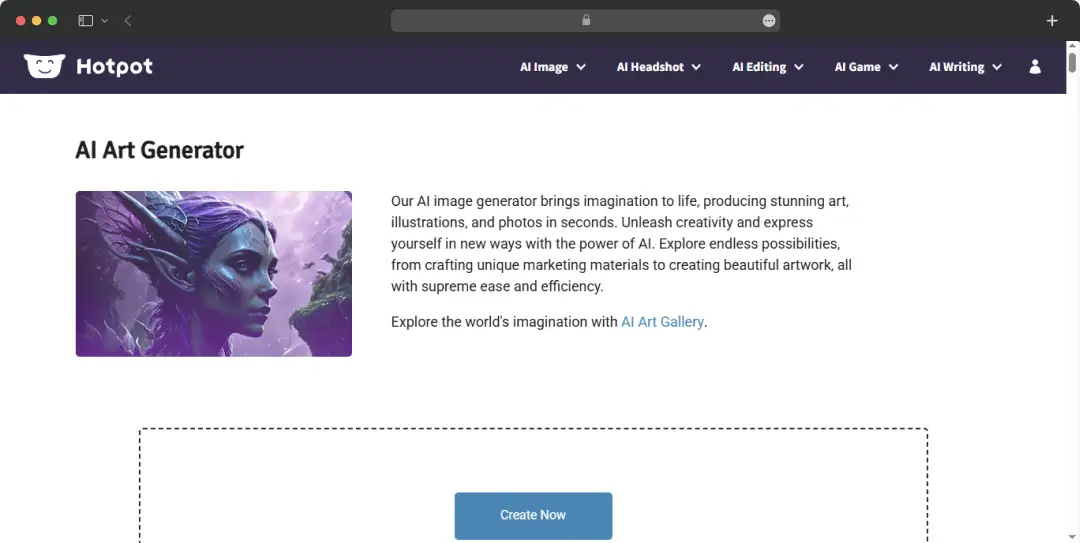
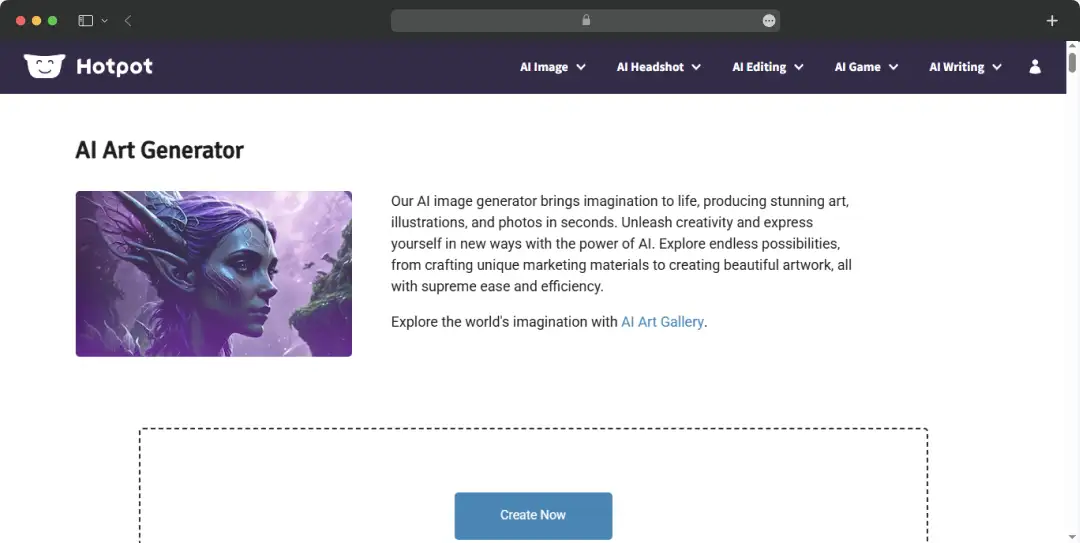
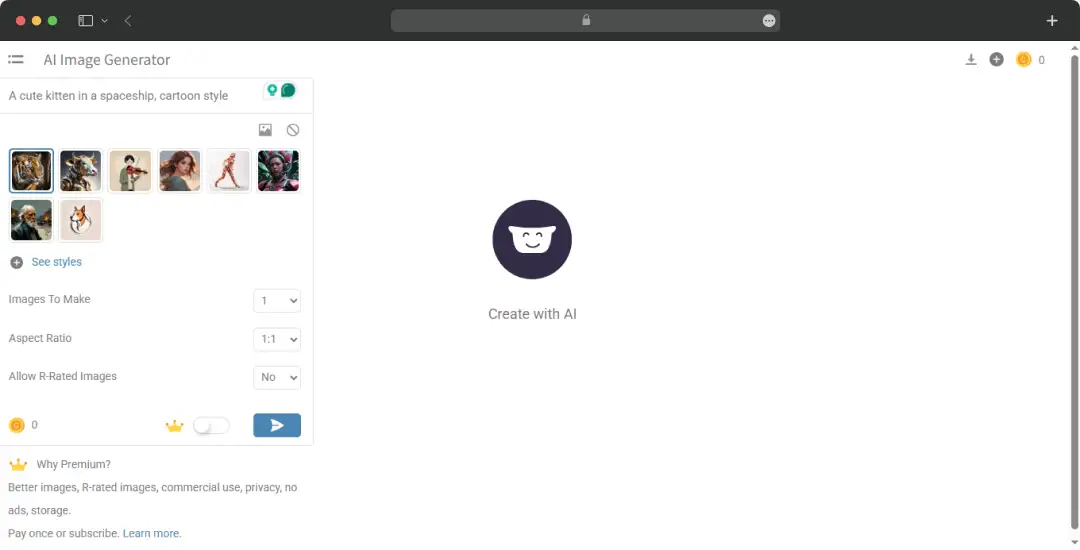
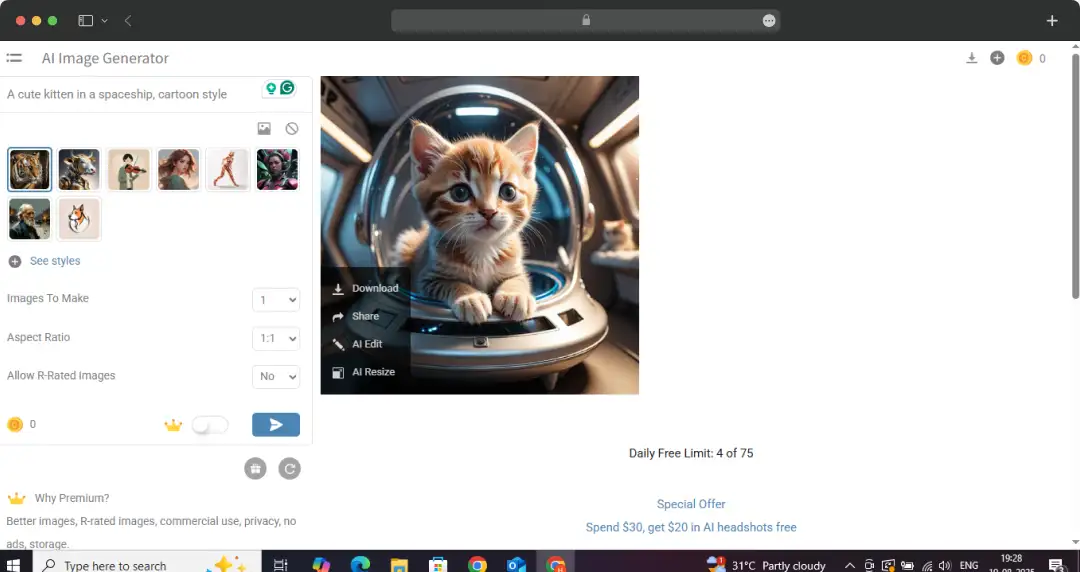
This is probably what Hotpot AI is best known for. You can just type in what you're thinking, and it creates something unique. The AI Art Generator’s ‘Power Editor’ gives you more say in the final result. If you're into something specific, it also has tools like the AI Anime Generator and tools for creating custom AI characters, logos, stock photos, and backgrounds. It's a great way to get started with an idea without a blank canvas.
2. Photo Fixing and Enhancing
We've all got photos that could use a little enhancement, and Hotpot AI has a suite of tools for that. Got a blurry image? The Photo Upscaler can make it sharp again. Need to get rid of something in the background? The Object & Background Remover handles that too. For all those old, faded family photos, the Photo Restorer is a game-changer; it can even add color to a black-and-white picture with its Photo Colorizer.
3. Headshots and Profile Pictures
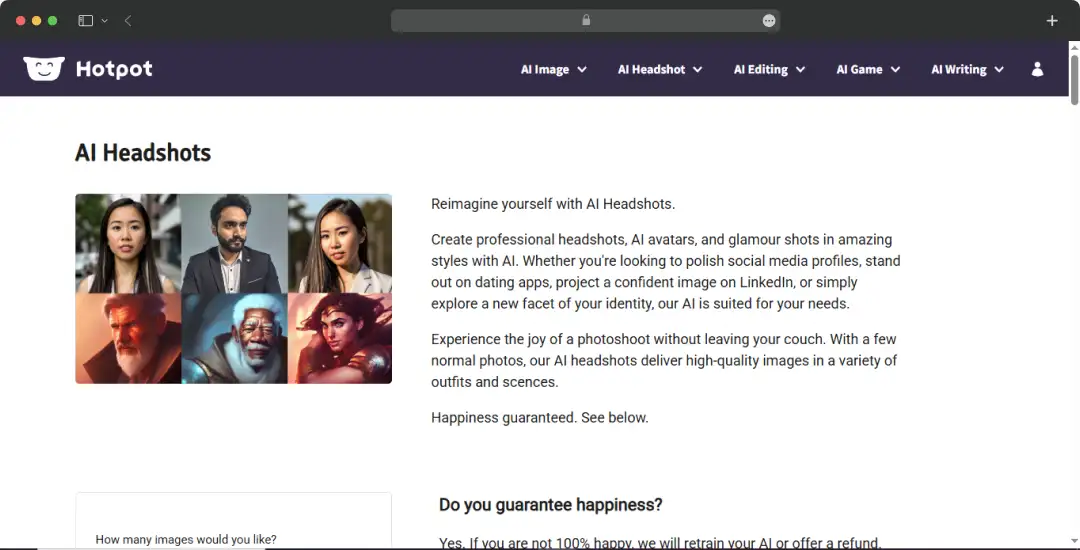
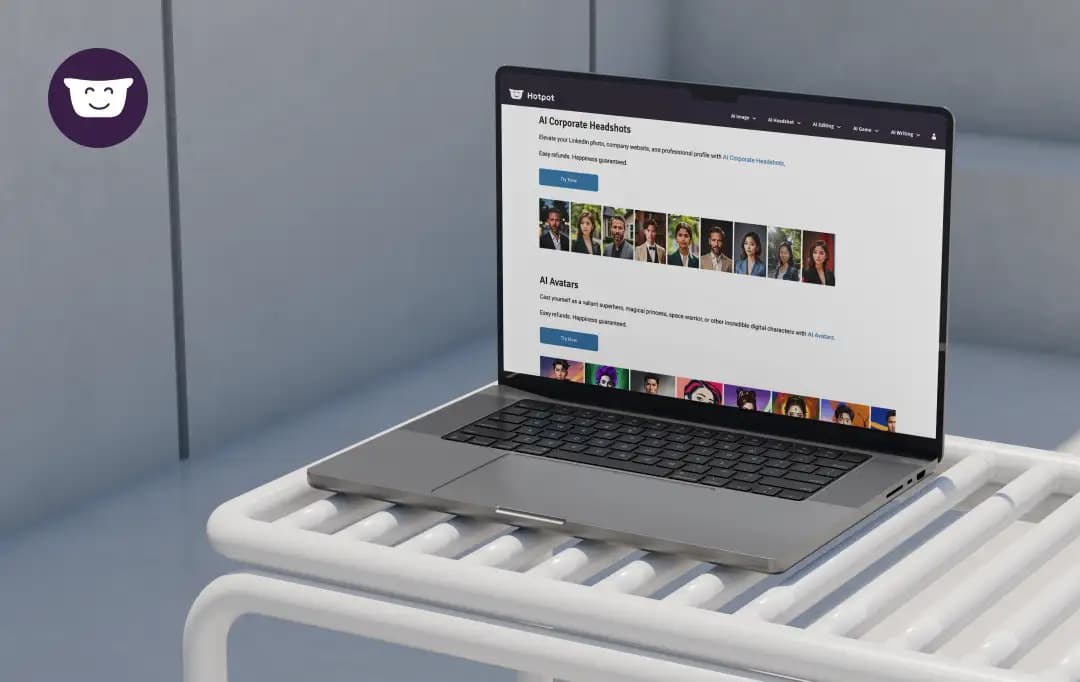
Creating a professional or fun profile picture can be a hassle, but Hotpot's AI Headshot Generator makes it easy. It can give you different looks, from a clean corporate headshot, a real estate headshot, a medical headshot, to something a bit more festive for the holidays. It offers a simple way to get a new look without a full-blown photo shoot.
4. Quick Content & Design Tools
Hotpot AI offers a Social Media Post Creator that has templates that save you time by creating customised posts, thumbnails, and banners for LinkedIn, Instagram, and YouTube.The App Content Creator is perfect for whipping up graphics for your mobile app. They also have AI Writing Tools that can help you brainstorm new ideas and write a jingle for a new product. It's a real time-saver.
5. Game Development Help
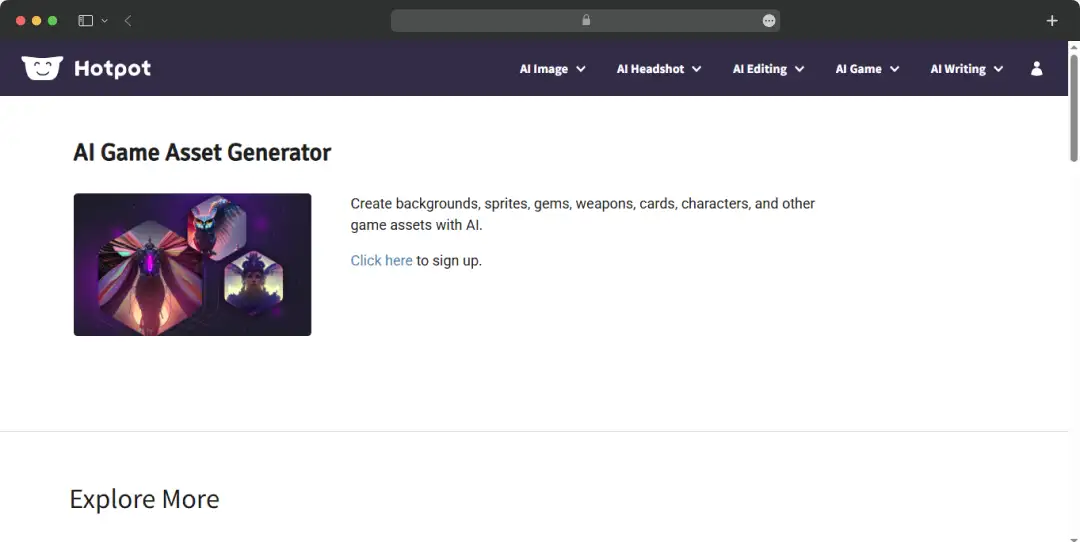
For anyone into game design, Hotpot AI also offers niche tools. The AI Game Assets generator can help you create characters, backgrounds, and logos. If you're a writer working on a game, the AI Game Copywriter can assist with text and descriptions. They even have a specific AI DnD Generator, a specialised tool for breathing life into specific character concepts.
Also Read: Free AI Headshot Generators
Hotpot AI Pricing
Hotpot AI operates on a credit-based system, with pricing varying depending on the product, specific settings, and the volume of credits you purchase. While most of their products offer a free tier for basic exploration, commercial use, and access to advanced features require credits.
Here is a breakdown of Hotpot AI's credit-based pricing.
Hotpot AI Credit Pricing
| Plan Type | Credits | Cost (Monthly) | Cost (Yearly) | Cost (One Time) |
|---|---|---|---|---|
| Basic | 1,000 | $10/mo | $100/yr | $12 |
| Standard | 2,500 | $25/mo | $250/yr | $30 |
| Pro | 5,000 (Popular) | $50/mo | $500/yr | $60 |
| Premium | 10,000 | $100/mo | $1,000/yr | $120 |
| Ultimate | 20,000 | $200/mo | $2,000/yr | $240 |
Note:
- Monthly and Yearly plans offer significant discounts compared to the ‘Pay Once’ option. Presently, the Yearly plan provides a 43% discount, and the Monthly plan offers a 20% discount.
- The pricing for individual products may vary based on specific settings, but commercial use and advanced features generally require these credits.
- Please note that the pricing information provided is based on data available at the time of writing and may be subject to change.
Customer Reviews
How was your experience with the product?
"hotpot is an ok company hotpot is an ok company. they make it impossible to cancel. there is no customer service number."
"Basic GUI, but surprisingly impressive generations using certain models. The website's GUI is noticeably basic, and initial generations using the default model were poor, but Painting Black White 1 created images perfect for my use case."
"Scam site The site gave me an "image upload error" but used up my purchased credits irregardless, and then told me to get in touch with their (apparently nonexistant) support. The latter didn't respond to my inquiries, so i had to file for a chargeback with the card provider and luckily have gotten my money (which i was almost scammed out of by this shady site) back through them. I deleted my account right away as well. Stay clear of this site!"
"A hot mess In my situation we were looking for LinkedIn profile headshots. Possibly 1-2 images out of 60 images were remotely usable. Almost all images were weird and the teeth were all messed up, even though the original images had better looking teeth. Why make them uglier? The hair length was random. Why would I want short hair in the ai images, when the hair on the images are long? Eyes look skewed and stoned unlike the original images. Boyish look on a lot of images even though originals are feminine. Skin looks aged, jewelry looks ill positioned in odd angles. I feel like you should be able to control a lot more parameters. Anyway, a bit of a disappointment for the amount of money I paid. At least we had a good laugh. and thx for the extra try (that did not change that much with regards to the face diversity. Only the clothes changed) But i guess that a good old laugh is worth something? Have a great time improving this tool, so you dont get bad reviews."