


My Speechify Review: Can This Tool Cure Your Reading Slump?
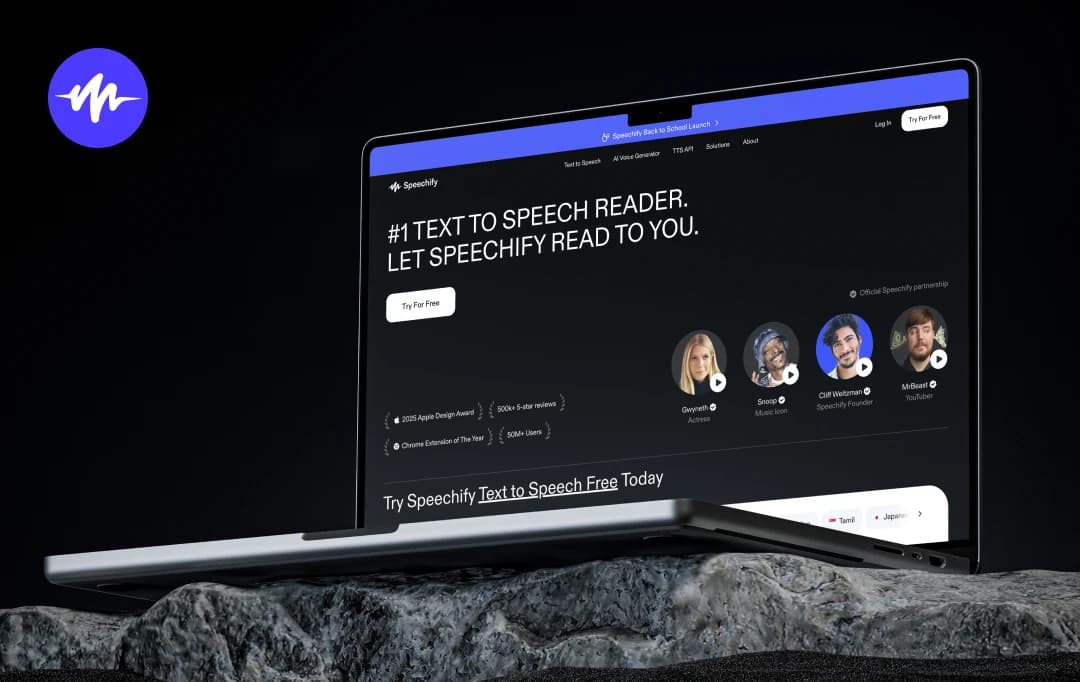
My reading list is a disaster! Between app reviews, tech reports, and a never-ending stack of bookmarked articles, I had more “I’ll read this later” tabs than I could ever hope to clear. The problem wasn’t interest; it was time. By the time I sat down to read, my eyes were already tired from a day spent staring at screens.
That changed when I tried Speechify. Instead of squeezing in reading time, I started listening—while commuting, making dinner, or even during those short coffee breaks. The first week alone, I finished a 30-page whitepaper, caught up on three industry blogs, and even managed a few chapters of a book I’d been putting off for months.
In this Speechify review, I’m going to share exactly how this tool fits into a busy, tech-driven routine like mine, what it gets right, and where it could still improve—so you can decide if it’s worth adding to your own app arsenal.
Pros and Cons of Speechify
Pros
- Allows you to listen to content at speeds up to 4.5x faster
- Improves memory and understanding of materials
- Extremely valuable tool for individuals with Dyslexia, ADHD, or other reading difficulties
- You can consume content while doing other activities, like commuting
- Includes high-quality AI voices, AI summaries, and voice cloning technology
- Available on multiple platforms, including iOS, Android, web, and browser extensions
Cons
- The premium subscription can be quite costly for users
- The high-quality AI voices are capped at a monthly word limit
- The app can be buggy with complex PDFs, sometimes skipping words or reading out of order
- The voices in the free version can sometimes feel robotic
- The offline mode has restrictions, such as a page limit for listening without an internet connection
A Closer Look at the Best Features of Speechify
Speechify stands out as one of the best AI text-to-speech apps for anyone looking to consume content more efficiently. It's more than just a simple text-to-speech app; it's a productivity enhancer that uses advanced AI to make reading faster and more accessible. Based on my experience with the tool, here’s what I feel are the best Speechify AI features-
1. High-Quality AI Voices
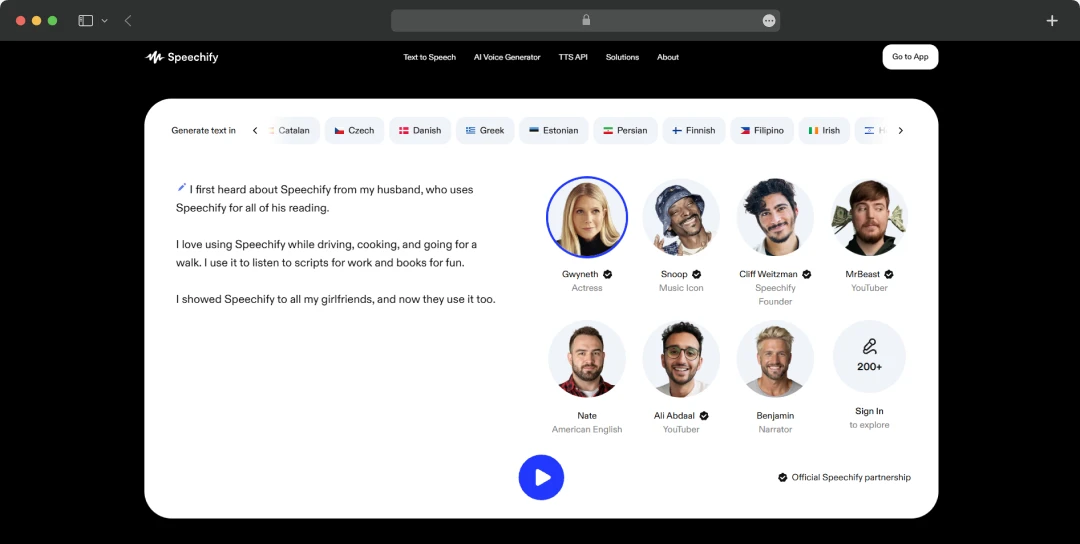
Speechify provides a wide selection of over 200 human-like voices in more than 60 languages, which makes listening feel incredibly natural. With the premium version, this feature is a significant improvement over the robotic-sounding voices found in many other text-to-speech apps. The quality is so good that it makes it much easier for you to stay engaged with the content.
You can choose from multiple celebrity voices like Gwyneth, Snoop, MrBeast, and others. From Spanish to Bulgarian, Bangla, Persian, and others, you can generate text in any language.
2. Advanced Accessibility Tools
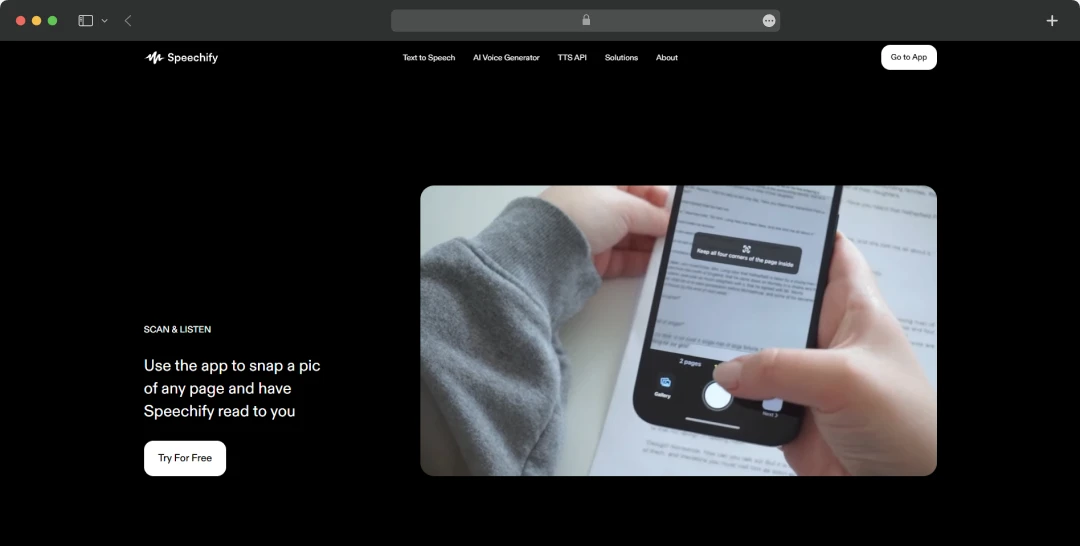
This app is particularly beneficial for those with learning differences like dyslexia or ADHD. It helps make written content more accessible by turning it into an audio format, which is often easier to process. This feature, combined with the ability to adjust the reading speed, has been praised by users as a game-changer for academic and professional work.
3. Maximizes Productivity with Faster Reading
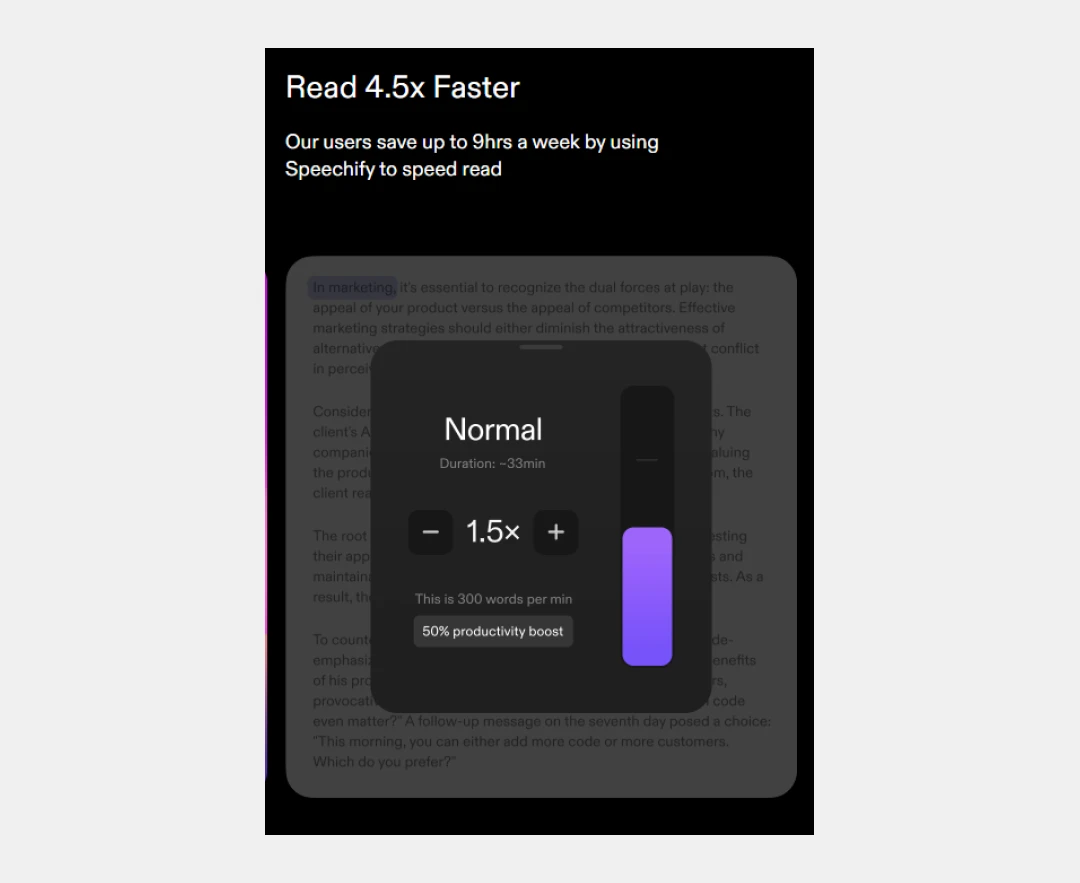
This feature is at the heart of Speechify's productivity promise. By converting written text into audio, the app allows you to listen to content at a much faster pace than you can read it. With adjustable speed settings, you can accelerate your "reading" by up to 4.5 times, which the company claims can save users up to 9 hours a week. This enables you to get through articles, books, and documents more quickly, making your study or work sessions far more efficient.
4. Instant AI Summaries
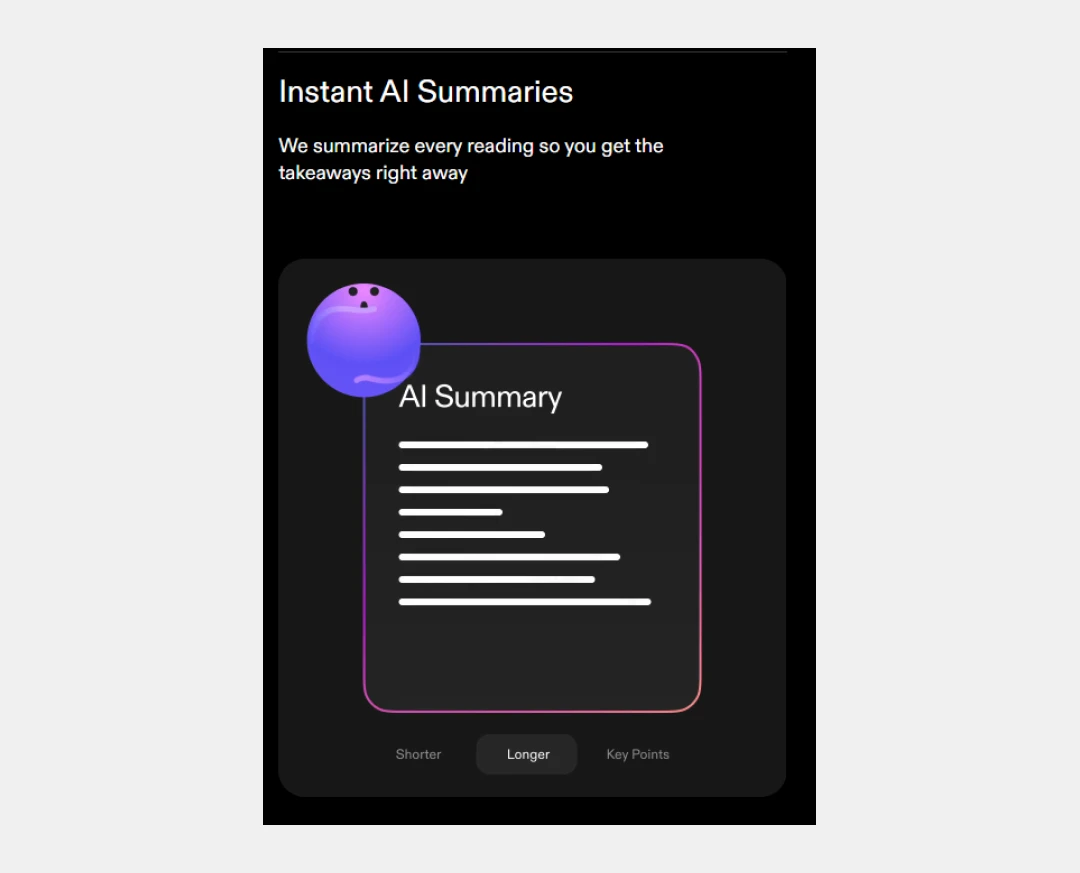
Speechify’s text-to-speech tool leverages artificial intelligence to generate instant summaries of any text you provide. This feature is designed to give you the main takeaways of an article, book, or document in a fraction of the time it would take to read it. The AI quickly analyzes the content and extracts the most critical information, presenting it in a concise format. This is particularly useful for quickly grasping the essence of a long article or research paper, helping you stay informed without a significant time commitment.
5. Seamless Multi-Platform Integration
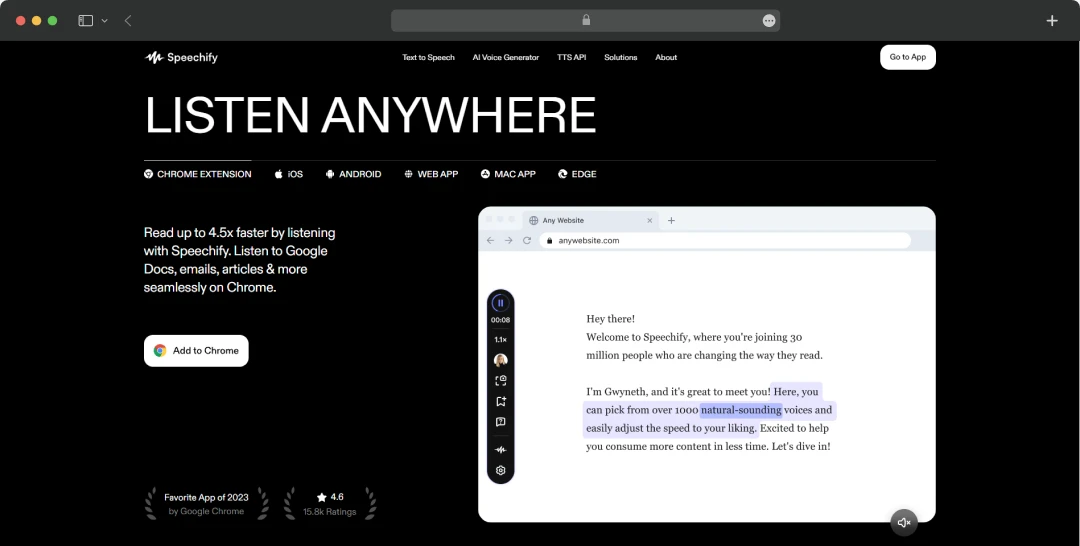
Speechify works across all your devices and as a browser extension for Chrome and Microsoft Edge. This cross-platform functionality allows you to start listening to a document on your phone during a commute and then seamlessly pick up right where you left off on your computer at home. This is incredibly useful for staying productive throughout the day, no matter where you are.
What is Speechify Studio?
Here’s what Speechify Studio is-
1. Targeted for Creators and Businesses
Speechify Studio is a specialized suite of tools designed for a professional audience, including content creators and businesses. It's meant for use in marketing, social media, and corporate training.
2. Create Voiceovers and Clones
The platform allows you to create high-quality voiceovers and "clones" of voices. This is useful for various content types like video ads, corporate training modules, and podcasts.
3. Vast Voice Library
The Studio offers an extensive selection of over 1,000 voices, spanning more than 100 languages and accents. This provides a wide range of options to match the tone and audience for any project.
4. Expressive Voices
The platform includes voices with 13 distinct emotional tones. This allows creators to add nuance and feeling to their audio content, making it more engaging for listeners.
5. Diverse Applications
The Speechify Studio is ideal for different use cases, such as E-Learning, YouTube, TikTok, Podcasts, Audiobooks, and Documentaries.
Helpful Read: AI Real-Time Speech Translators
Advanced Speechify Solutions for Users
The Speechify text-to-speech tool offers specialized solutions beyond its core consumer app. These targeted offerings cater to specific audiences, providing powerful text-to-speech and AI voice tools for education, business, and accessibility programs.
| Solution | Explanation |
|---|---|
| Text to Speech for Schools | An educational solution to help students learn by listening, making content more accessible |
| Text to Speech for Business | A professional tool to increase productivity by listening to documents and reports |
| AI Voice Over Studio for Business | A tool for businesses to create high-quality voiceovers for marketing and training content |
| AI Voice API for Enterprise | Allows large companies to integrate Speechify's voice technology into their own applications |
| Disabled Students' Allowance (DSA) | A solution that can be funded by a UK government grant to support eligible students with disabilities |
| Access to Work (AtW) | A solution that can be funded by a UK government program to help people with disability at work |
Speechify Pricing at a Glance
Speechify offers a trial for its premium subscription for 7 days. Once the free trial is over, the tool will cost you $139.00 per year (or only $2.73 per week).
If you are wondering, is Speechify worth it? Here’s all that you get with the premium plan-
- Over 200 human voices
- Listen to books and articles effortlessly
- Save hours with adjustable speed reading
- Seamless syncing across all devices
- AI-powered summaries for key insights
*The Speechify premium cost is mentioned based on the latest information on the website as of August 2026.
Helpful Read: Top 10 AI Voice Cloning Software to Try Out in 2026!
Customer Reviews
How was your experience with the product?
Also Reviewed By Us














