
FliFlik UltConv Review: Convert Spotify Music to MP3 320 kbps in One Click
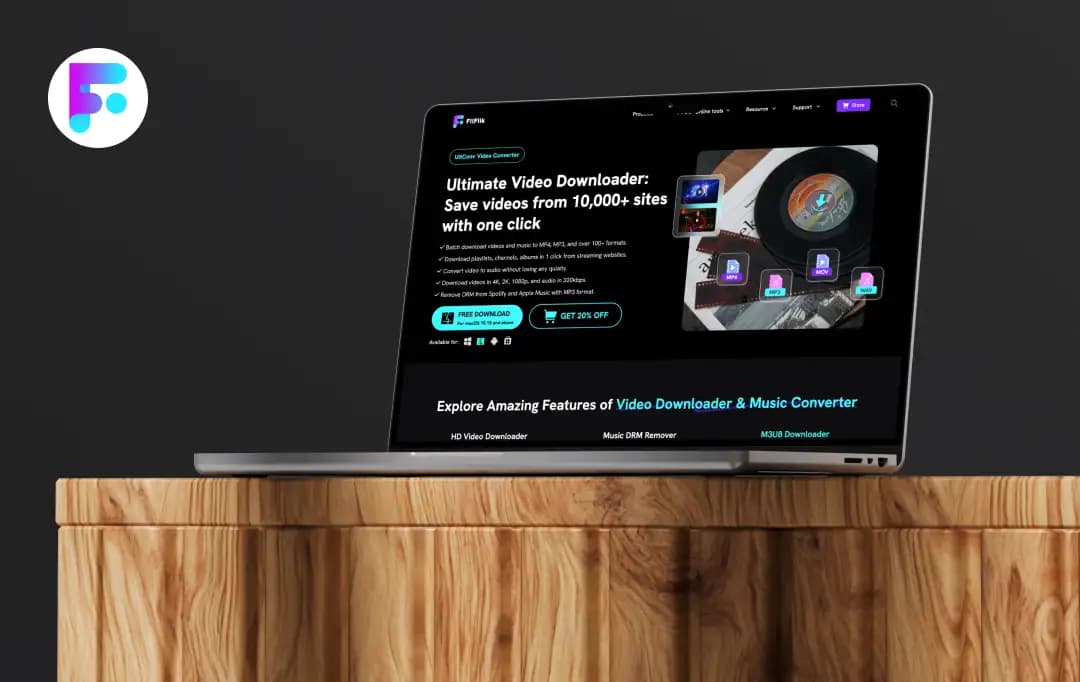
Picture yourself rushing to save a video/audio for an offline trip, a client presentation, or even just your weekend binge, and suddenly the site won’t load, the “download” button is fake, or the tool you’re using spits out a blurry 360p file. Frustrating, right?
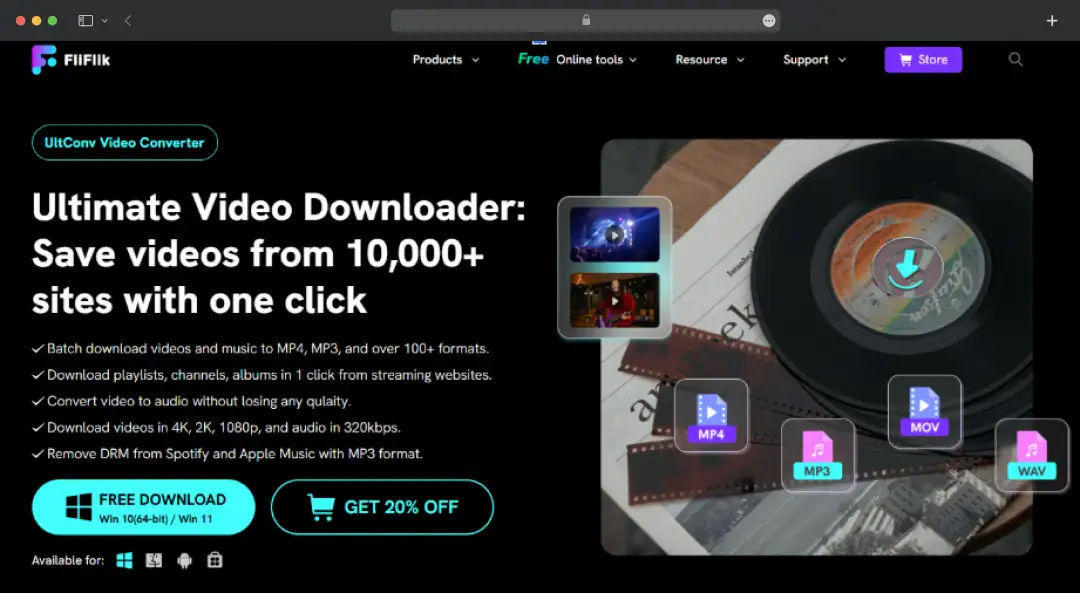
That’s exactly the mess FliFlik UltConv claims to fix. It markets itself as an all-in-one downloader that’s fast, simple, and works across multiple platforms without the usual drama.
But is it actually that smooth in real life… or just another tool that looks good on the homepage? In this FliFlik UltConv review, I tested this tool properly, and here’s what I loved (and didn't) about this tool.
Pros and Cons of FliFlik UltConv
Pros
- Supports downloading from over 10,000+ platforms, including major hubs like YouTube and niche sites
- Capable of saving videos in up to 8K resolution and extracting audio at kbps
- Downloads entire playlists, channels, or multiple URLs simultaneously with 10X hardware acceleration
- Allows for a seamless Search-Click-Download workflow without leaving the app
Cons
- The free version is restricted; essential AI features are paywalled
A Closer Look at FliFlik UltConv Features
FliFlik UltConv Video Downloader is a comprehensive media management suite designed for the modern content consumer. Whether you are archiving 4K streams or converting entire music libraries, it bridges the gap between online streaming and offline ownership with remarkable efficiency.
Here is a deep dive into its core capabilities:
1. Massive Platform Support (10,000+ Sites)
FliFlik UltConv serves as a universal gateway for media, supporting over 10,000 streaming platforms, including YouTube, X (Twitter), Netflix, and Disney+. This extensive compatibility eliminates the need for multiple specialized downloaders. This platform gives you a single, unified dashboard to capture content from mainstream hubs and niche sites.
2. One-Click YouTube to MP3/MP4 Conversion
If you are someone who prioritizes speed, the direct conversion engine streamlines the workflow significantly. Instead of downloading a video and then converting it, you can extract high-quality audio (MP3) or video (MP4) from YouTube instantly.
3. DRM Removal for Spotify & Apple Music
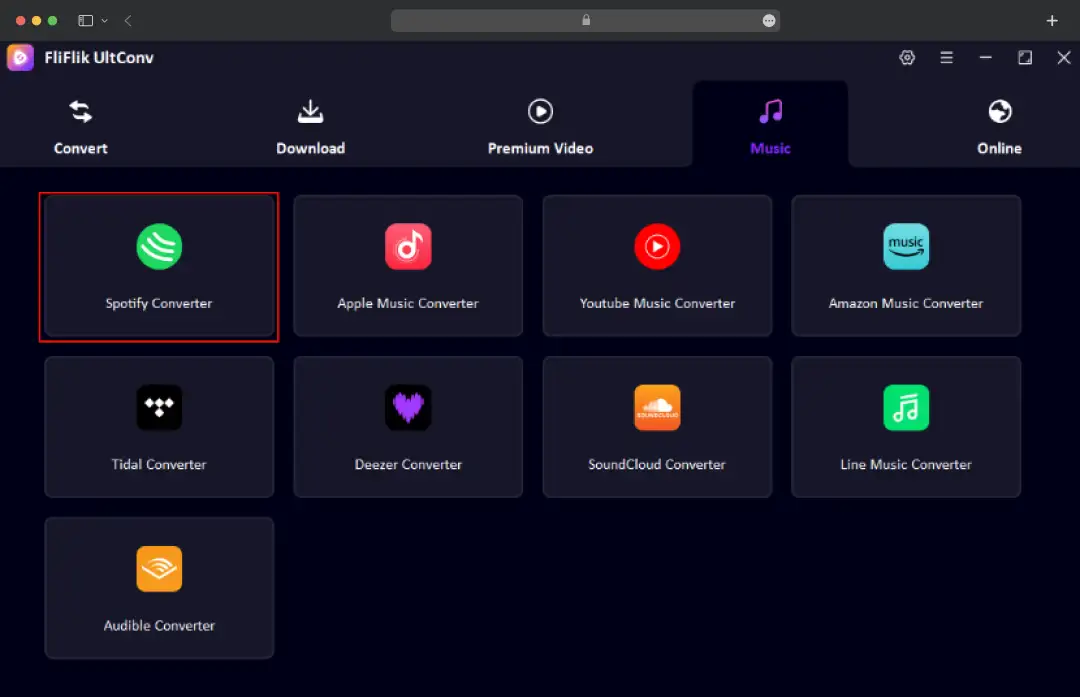
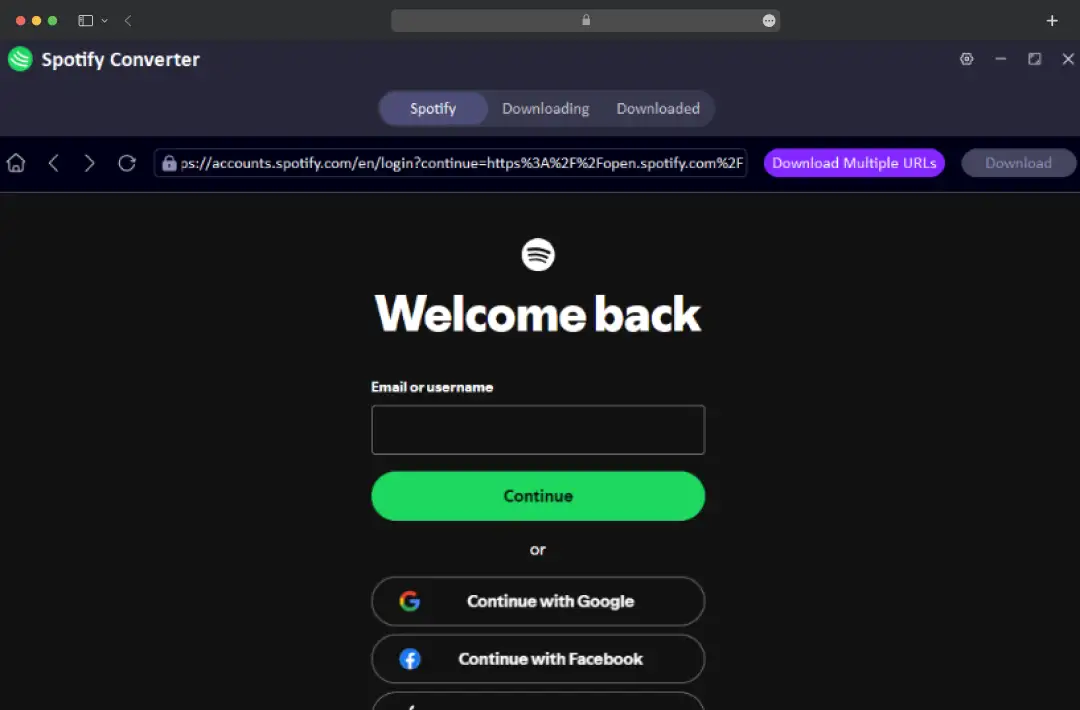
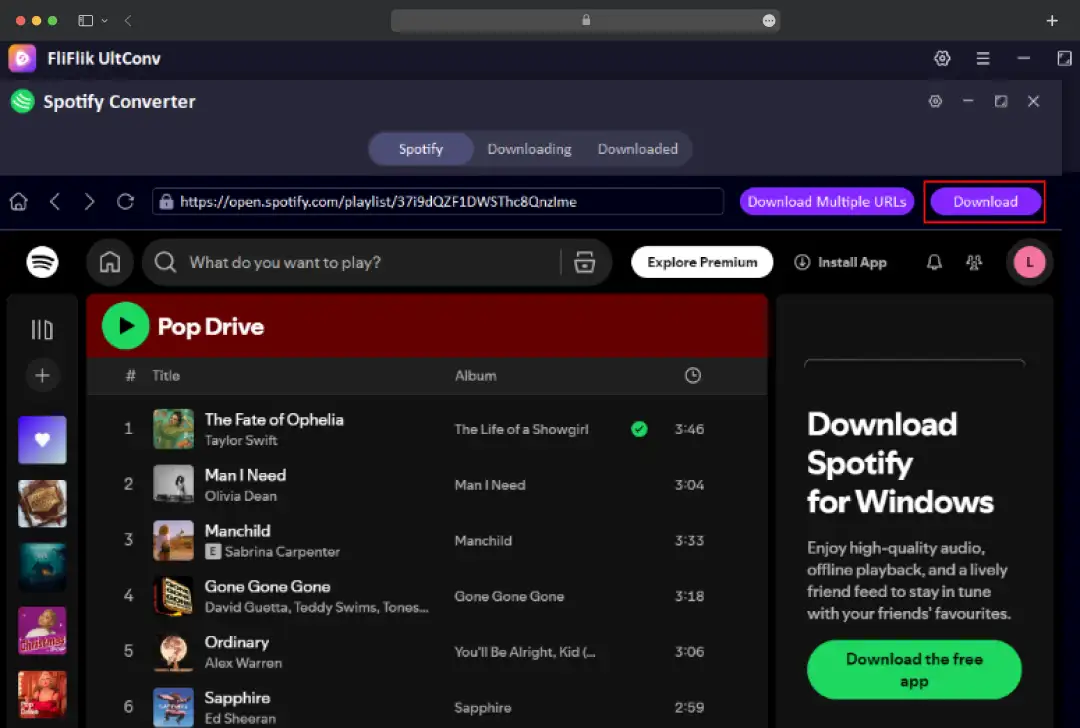
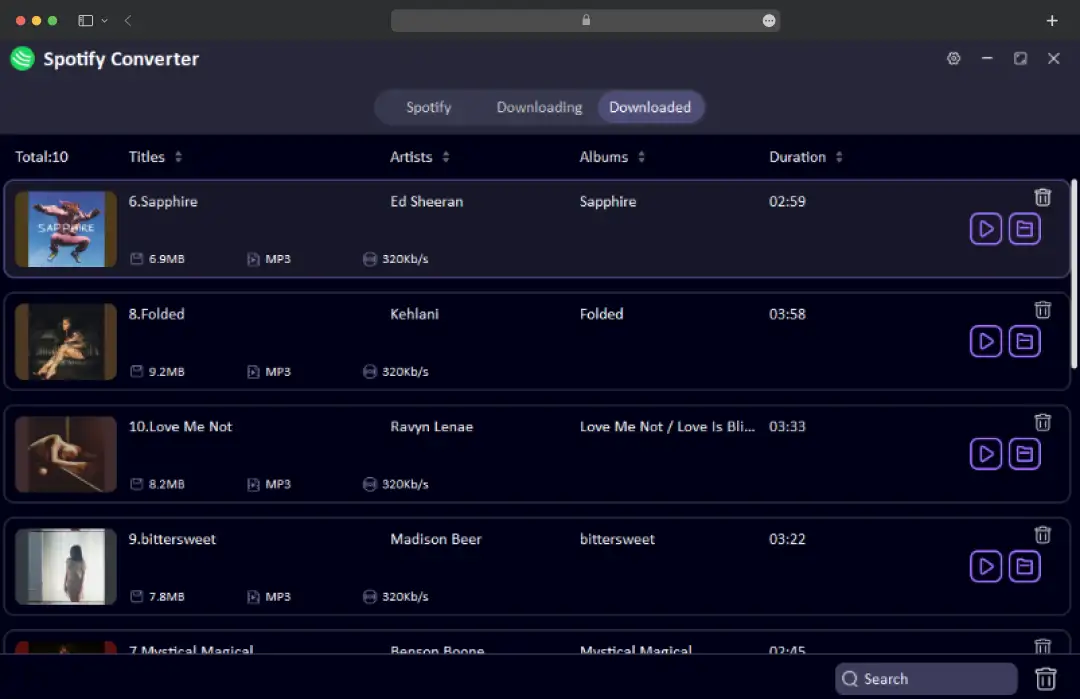
One of its most powerful features for audiophiles is the ability to bypass Digital Rights Management (DRM) restrictions. By converting protected tracks from Spotify and Apple Music into open formats like MP3, you can transfer your favorite playlists to any device.
4. Private Folder with Password Protection
Security is a priority for all of us while downloading sensitive or personal content. The software features a ‘Private Folder’ that automatically encrypts downloads behind a password-protected layer. This ensures that your offline library remains confidential and inaccessible to other users on shared devices.
5. Cinema-Grade Movie Downloads (Netflix, HBO, Disney+)
Unlike standard browser extensions that cap quality, FliFlik UltConv allows for the downloading of full-length movies and series from premium streamers like Netflix and HBO Max. It preserves the original cinema experience. This ensures you can watch your favorite blockbusters offline without buffering or quality degradation.
6. High-Resolution Output (Up to 4K/8K & 320 kbps)
The tool caters to quality purists by supporting video downloads in crisp 4K, 2K, and 1080p resolutions. On the audio front, it ensures lossless fidelity by allowing music extraction at up to 320 kbps, delivering studio-quality sound that far surpasses standard streaming compression.
7. Universal Format Conversion (100+ Formats)
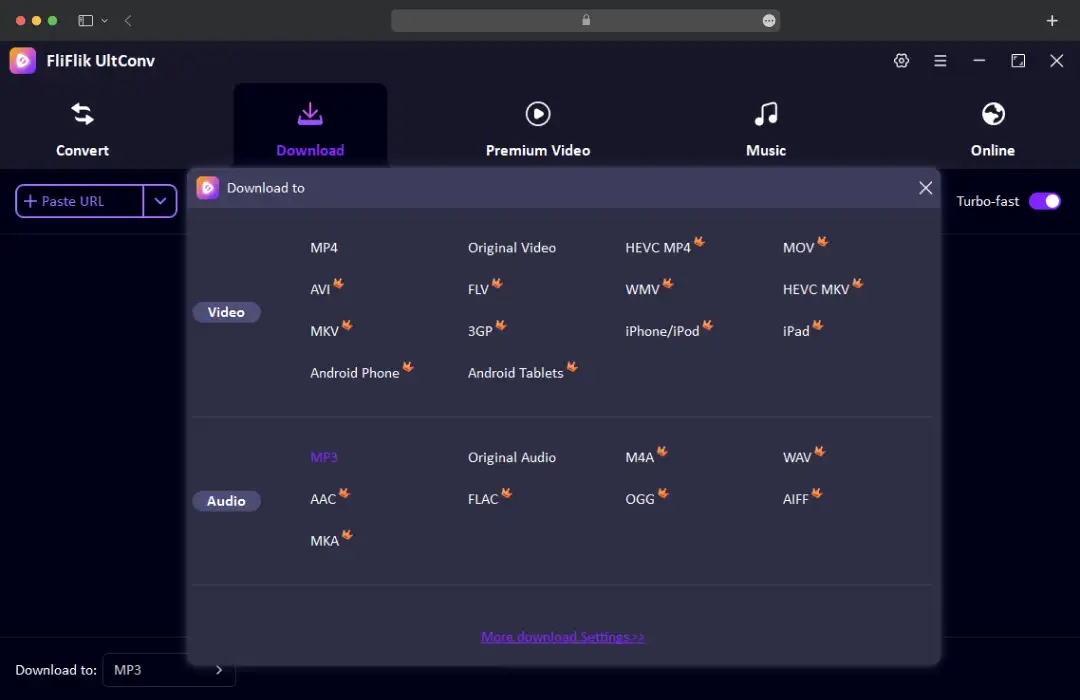
Flexibility is key in a multi-device world. FliFlik UltConv converts downloaded media into over 100 different formats, including MP4, MP3, FLAC, AAC, and M4A. This ensures that whether you are using an iPhone, an Android tablet, or a legacy media player, your file will play perfectly without compatibility errors.
8. Smart Metadata & ID3 Tag Retention
Organizing a massive offline library can be tedious, but FliFlik UltConv automates this by preserving original ID3 tags. It automatically captures essential metadata, including cover art, title, artist, and album information. This ensures your music library remains sorted and visually navigable immediately after download.
9. High-Speed Batch Downloading (10X Faster)
For users looking to archive entire seasons or playlists, the batch download feature is a game-changer. Leveraging multi-threading technology, it accelerates download speeds up to 10X faster than standard converters. So, you can easily queue dozens of episodes and have them ready in minutes rather than hours.
10. Integrated Web Browser
To further reduce friction, the software includes a built-in web browser directly within the interface. This allows users to search, browse, and select videos without leaving the application or juggling multiple tabs, creating a seamless ‘Search-Click-Download’ user journey.
Bonus read: Top 9 YouTube Downloaders to Try Out in 2026
Other Tools Offered by FliFlik
While the video downloader is the flagship product, FliFlik UltConv has built a robust ecosystem of utility tools designed for creators and media enthusiasts. These additional tools focus on AI-driven editing and audio manipulation, offering a holistic experience for digital content management.
Here is a breakdown of the additional utilities available in the suite:
| Tool | Description |
|---|---|
| YouTube Transcript | Instantly extracts and exports text transcripts from YouTube videos, perfect for content analysis and captioning. |
| Sora Watermark Remover | A specialized AI tool designed to cleanly wipe watermarks from AI-generated videos (like Sora) without blurring the footage. |
| Sora Video Downloader | Dedicated downloader for retrieving high-quality video content generated by OpenAI's Sora platform. |
| Screen Recorder | Captures high-definition screen activity, gameplay, or tutorials with system audio and microphone support. |
| AI Vocal Remover | Uses advanced algorithms to split songs into separate vocal and instrumental tracks for remixing. |
| Karaoke Maker | Automatically isolates the instrumental layer of any track, creating studio-quality backing tracks for singing. |
| Acapella Extractor | The inverse of the Karaoke Maker; it isolates just the vocals, removing all background music for sampling or remixing. |
FliFlik UltConv Video Downloader Pricing and Subscription Plans*
FliFlik UltConv offers a tiered pricing structure that caters to both casual users and power archivists. The pricing is split into two main editions: Standard (for general video downloading from sites like YouTube) and Pro (which adds support for premium streaming services like Netflix and DRM removal for music).
Here is a quick pricing overview:
| Plan Duration | Standard Edition (Windows) | Pro Edition (Windows) | Standard Edition (Mac) | Pro Edition (Win & Mac) | What You Get |
|---|---|---|---|---|---|
| 1 Month Plan | $9.95 | $19.95 | $12.95 | $19.95 | • Auto-renewal (cancel anytime) • 1 PC/Mac License • Free upgrades for 1 month |
| 1 Year Plan | $23.96 | $55.96 | $31.96 | $55.96 | • Auto-renewal (cancel anytime) • 1 PC/Mac License • Free upgrades for 1 year |
| Lifetime Plan | $31.96 | $71.96 | $39.96 | $71.96 | • One-time purchase • 1 PC/Mac License • Lifetime free upgrades |
| Family Plan | $55.96 | $111.96 | $71.96 | $111.96 | • One-time purchase • 5 PC/Mac Licenses • Lifetime free upgrades |
*These are discounted prices as of February 2026
Customer Reviews
How was your experience with the product?