

Apex Launcher in Focus: A Deep Dive Into its Features and UI
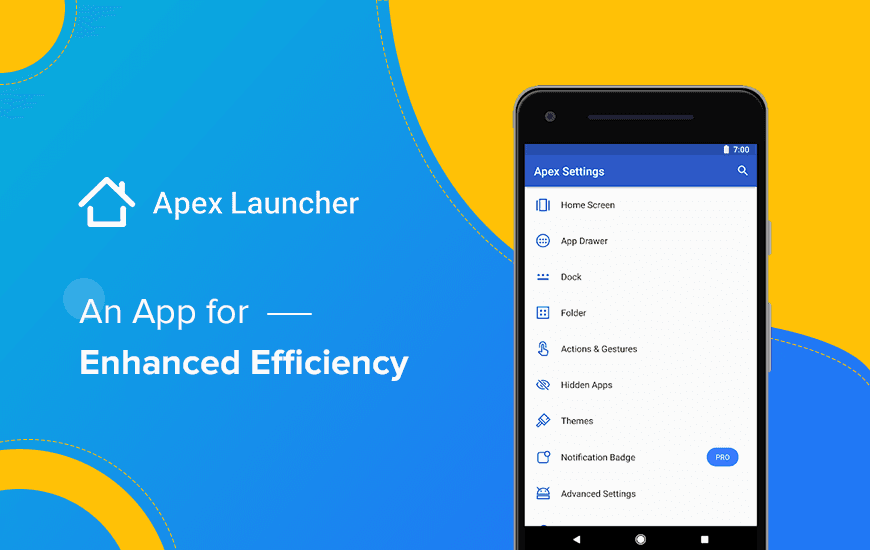
We all know that Android is at the helm of operating systems because it offers endless customization options. And mobile launchers are a significant part of it. An Android launcher is a functional tool that gives you the flexibility of personalizing the home screen and the catalog of all the apps.
The need of the Android launcher emerges from the fact that the default launchers are limited to the discernment of the phone manufacturer and the cellular service provider, which is not enough to feed the needs of users. Hence, we need to have an app launcher for Android that can fulfill our need for home screen and device customization.
Gratefully, Apex Launcher is a phenomenal app launcher for Android that can carry through most of your customization requirements. Let’s get to its depth and gain an understanding of what makes Apex Launcher the best Android launcher app.
Pros and Cons of Apex Launcher
Pros
- Offers extensive options to personalize home screens, icons, and gestures
- Designed to be fast and efficient, even with extensive customization
- Access to a wide range of themes and icon packs for visual personalization
- Includes customizable gesture controls for enhanced navigation
- Features like hidden apps and customizable app drawer improve organization
Cons
- The vast array of customization options can be daunting for new users
- Presence of ads and promotions within the launcher can detract from the user experience
- Some users report occasional lag or slower performance compared to stock launchers
A Roundup of Apex Launcher’s Advanced Features
Being the most popular launcher app for the Android platform, the app comes packed with a lot of productive and convenient features. The features range from personalized themes to transition effects. To explore all the features of Apex Launcher, scroll down:
1. Personalized Themes & Icon Pack Center
The app unlocks various app drawer grid sizes, custom icons, themes, and labels for shortcuts and folders, which makes it a perfect fit for the customizable home screen.
The advanced theme engine further helps the user to explore new and trendy themes with fancy transition effects.
2. Efficiency
Efficiency is another notable feature of Android Apex Launcher that adds more merit to it. You get a scrollable dock with up to 10 icons per page and infinite & elastic scrolling options for the home screen, drawer, and dock.
Drawer apps sorting of title and install date also makes it easy and convenient for the user to navigate. If you are more like a touch-screen savvy, bring into play the Gesture Operation feature that makes it appropriate to use pinch, swipe up/down, and double-tap gestures.
3. AppLock
As mentioned above, the privacy aspect of the app gives this app an edge over its competitors. You have the option to set privacy protocols with a pattern or password and customize the app lock mode as well as lock time.
The lock can be set for Gallery, Messenger, WhatsApp, Snapchat, and more. And in the gallery, you can even hide pictures and videos.
Customer Reviews
How was your experience with the product?
Also Reviewed By Us