


Originality AI Review: Does It Do What It Claims?
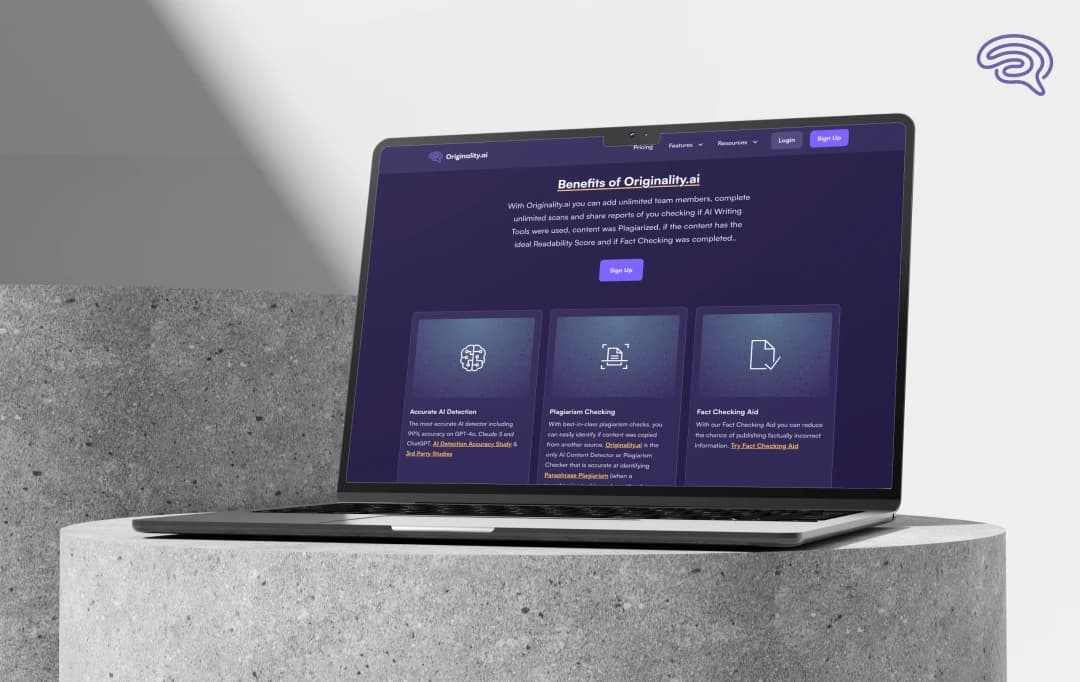
If you’re a content creator, marketer, or anyone involved in publishing, you’ve probably noticed how important originality has become, not just avoiding plagiarism, but also spotting AI-generated text that could slip past unnoticed. Tools like Originality AI promise to be an all-in-one solution: detecting plagiarism, flagging AI-written content, checking readability, optimizing for SEO, and even scanning entire websites.
Sounds impressive, right? But here’s the big question — is Originality AI really the best AI content detector out there? After testing it thoroughly with my team, I’m ready to share our honest take. In this Originality AI review, we’ll dig into what works, what doesn’t, and how it stacks up in real-world use. So, let’s dive in and see if it lives up to the hype!
Pros and Cons of Originality AI
Pros
- Accurate and fast plagiarism detection
- Seamless integration with WordPress and other CMS
- Includes readability score to improve content flow
- Offers factual accuracy checks to catch glaring errors
- Clean, user-friendly interface
Cons
- AI content detection is inconsistent and sometimes unreliable
- Occasional false positives and false negatives in AI detection
- Pricing may be high for smaller teams or individual users
- AI detection shouldn’t be the sole method for content vetting
- Limited depth in factual accuracy compared to dedicated tools
Key Features of Originality AI
1. Somewhat Reliable Plagiarism Detection
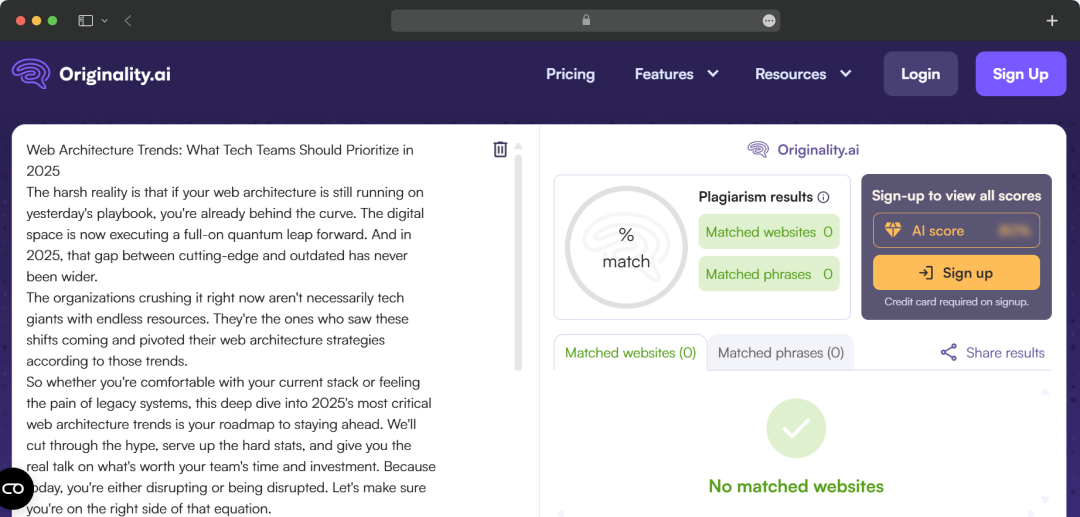
When I first started using Originality AI, I started with its plagiarism detection. The platform quickly scans your content and highlights copied text with a relatively fine accuracy. However, it doesn't fascinate me much as the results are not always that reliable. It can be an okay workable choice for someone who needs to check whether their content is original, but not set too hard on the results.
2. Seamless CMS Integration
One feature I really appreciated is the integration with popular CMS platforms like WordPress. This means you can check your content’s originality directly within your editing workflow without hopping between tools. It’s convenient and saves time, which is crucial for busy content teams and freelancers alike.
3. AI Content Detection: Fine But Not Perfect
Originality AI also offers AI-generated content detection, which is becoming increasingly important. From my experience, this feature works decently for spotting some AI-written sections but isn’t consistently reliable. In my tests, it sometimes flagged human-written content as AI-generated and occasionally missed obvious AI-written passages.
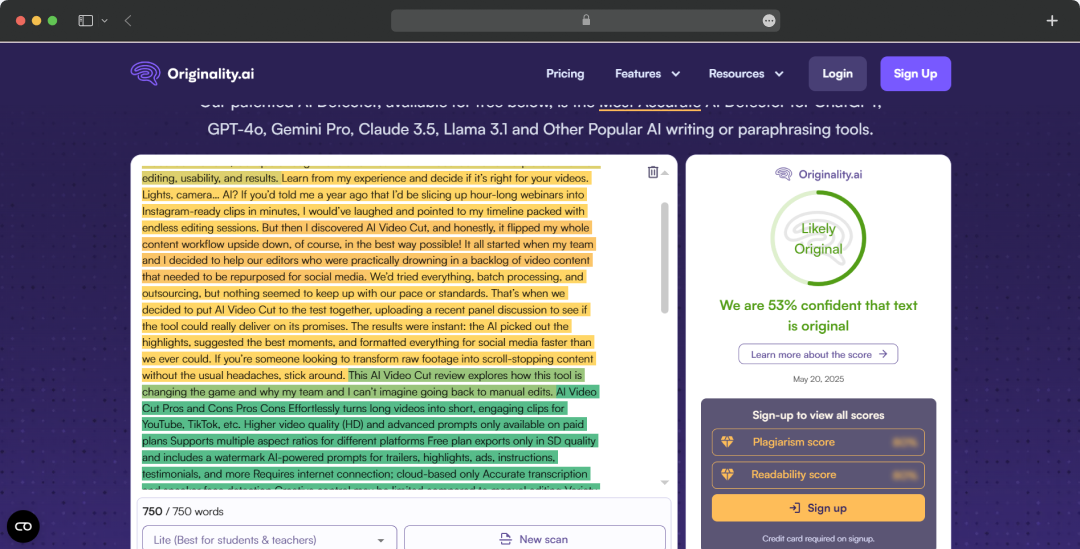
There’s a noticeable rate of both false positives and false negatives, which makes it hard to trust the results for high-stakes use cases like academic or legal content. So, if you’re counting on it to be the final say on AI content, you might run into frustration due to false positives and negatives.
4. Checks for Factual Accuracy
An interesting addition to Originality AI’s feature set is its ability to check for factual accuracy within your content. While this isn’t perfect or as deep as dedicated fact-checking tools, it helps highlight glaring inaccuracies or unsupported claims. This can be a helpful nudge to review and verify facts before publishing.
5. Readability Score for Content Flow
A useful feature is the readability score. Originality AI analyzes your content to see how smoothly it flows and how easy it is to read. This is great for writers and editors who want to improve the overall user experience and ensure the text engages readers effectively.
6. Content Optimization for SEO and Engagement
Originality AI also includes a Content Optimizer tool that goes beyond detection — it helps you improve your content by analyzing keyword usage, suggesting optimization tips, and predicting how changes might impact your search rankings. This makes it a valuable tool for content marketers aiming for better SEO performance.
7. Transparent Reporting and User-Friendly Interface
The tool provides detailed reports that show exactly where the potential issues are and the confidence scores for AI detection. This transparency helps you understand why a piece of content was flagged instead of just giving a yes/no verdict. The dashboard itself is clean and user-friendly, making it easy to navigate even for first-time users.
Originality AI Pricing and Plans
If you're considering Originality AI for your content integrity needs, it's important to choose a plan that aligns with your usage patterns and team size. Here's a breakdown of their current offerings:
| Plan | Monthly Cost | Annual Cost | Credits Included | Ideal For |
|---|---|---|---|---|
| Pay-As-You-Go | $30 (one-time) | N/A | 3,000 credits | Occasional users or single projects |
| Pro | $14.95/month | $12.95/month | 2,000/month | Individuals and small teams |
| Enterprise | $179/month | $136.58/month | 15,000/month | Agencies and large publishers |
Customer Reviews
How was your experience with the product?
Also Reviewed By Us














