Share It On:
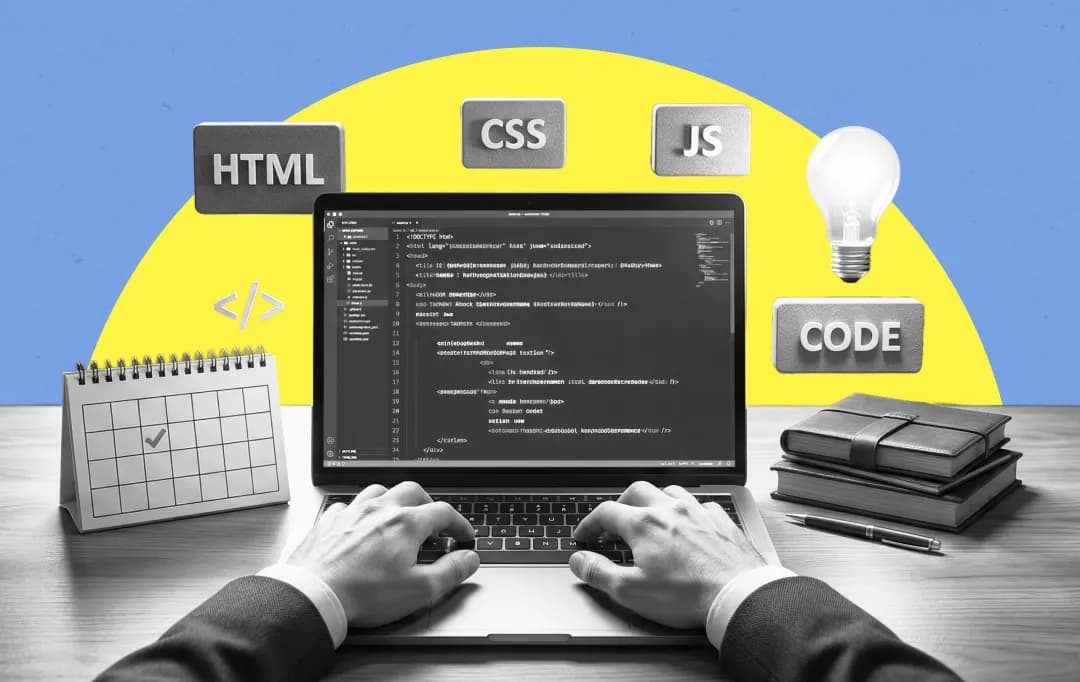 Software projects have a nasty habit of imploding, and you want to ensure yours isn’t the one leaving a crater in the budget. And that is where this software development checklist comes in. This one is your handbook to tickmark each step, as you prog
We’ve all seen it: the "revolutionary" software that turns into a money pit, or the enterprise migration that ends with the CTO updating their LinkedIn profile. The difference between a launch that pops champagne and one that requires a crisis PR team isn’t magic. It’s a process. Boring, rigorous, unsexy process. This software development checklist is the unvarnished truth of what it actually takes to ship code that works, scales, and doesn’t leak user data like a sieve.
We aren’t just ticking boxes; we are building a survival kit for the modern digital battlefield. According to Statista, the global software market is projected to reach a volume of over $850 billion by 2028. That is a lot of cash on the table, and a lot of competition waiting for you to slip up.
Here is how you win.
Quick Checklist of Software Development Best Practices Before You Dive Deeper Into Details
Before we start talking about details, here’s a quick summary of every point we will discuss ahead.
| Checklist | Status |
|---|---|
| Interrogate stakeholders until the "nice-to-haves" are dead. If it’s not on the master requirements list, it doesn’t exist. | ✅ |
| Build a scrappy, ugly version first. Prove the tech actually works before polishing a turret. | ✅ |
| Map your data flow and AI pipelines immediately. "Kangaroo code" without a documented map is a death sentence. | ✅ |
| Build for 10x traffic, but plan for 100x. If you succeed and the site crashes, you still failed. | ✅ |
| Assume you are already breached. Encrypt everything and revoke intern admin access immediately. | ✅ |
| Incentivize your QA team to destroy the build. It is better that they break it than your users. | ✅ |
| Decide exactly who wakes up when the server melts during launch. Do not leave the 3 AM crisis plan to chance. | ✅ |
| Set up analytics that scream when performance dips. Silence is suspicious; obsessive monitoring is survival. | ✅ |
Phase 1: Requirements Gathering and Planning
The "Don't Build the Wrong Thing" Phase
Most failures happen right here, weeks before a developer opens an IDE. If you get this wrong, you are just running a sprint in the wrong direction. The goal isn't just to write down what stakeholders say they want; it’s to interrogate them until you find out what the business actually needs.
You need a software development guide that prioritizes ruthlessness over politeness during these meetings. Pin down the project constraints immediately. Is the budget fixed? Is the deadline immovable?
- Skill Gathering: Do you have the right kind of people in-house? If not, consider outsourcing. Explore, filter, interview with the right questions, and then shake hands.
- Stakeholders: Get them all in a room. If marketing isn't talking to engineering, you are already in trouble.
- Proof of Concept: Don't guess. Build a scrappy, ugly version to prove the tech works.
- Risk Analysis: What kills this project? A defined project timeline and budget are your shield against scope creep.
- User Requirements: Ignore what users say. Watch what they do. Map the customer journey based on behavior, not interviews.
| Checkpoint | Action |
|---|---|
| Scope | Lock down the project scope and requirements. Change requests after this point cost double. |
| Checklist | Create a master requirements checklist. If it’s not on the list, it doesn’t exist. |
| Acceptance | Define strict acceptance criteria. “Fast” is not a criterion; “loads under 200ms” is. |
Phase 2: Design and Architecture
The Blueprint for Survival
Kangaroo code is the result of starting without a map. You need systems thinking—understanding how the database talks to the API, and how the API talks to that third-party service that goes down every Tuesday.
Current software development trends are shifting away from monolithic giants to microservices, but don't jump on the bandwagon unless you need to. Complexity is the enemy.
- Design Documentation: This isn't busywork. It’s the only thing that saves you when your lead architect quits. Version control your designs like you version your code.
- Prototyping: Software architecture prototyping is cheap. Refactoring a live production database is expensive.
- UX/UI: Your user experience (UX) design isn't art; it’s engineering. If the user interface (UI) confuses the client, the backend doesn't matter.
- The AI Question: Are you integrating AI in IT Services? If so, design your data pipelines now. Retrofitting AI is a nightmare.
|
Need Some Help With Designs? |
Phase 3: Development and Coding
Where the Rubber Meets the Road
This is the messy part. It’s where theories die and reality sets in. If your team isn't using agile scrum development, they are likely hallucinating about deadlines. You need a rhythm: sprint, review, fix, repeat.
There are thousands of software development companies out there, but the good ones all share one trait: they treat code like a liability, not an asset. The less code you write to solve a problem, the better.
- Scalability: Build for 10x your current traffic, but plan for 100x.
- Documentation: Record keeping is what separates professionals from hobbyists. Document your APIs.
- Review: Mandatory code reviews. No one pushes to master without a second pair of eyes.
- Tech Stack: Choose your programming languages based on long-term support, not hype.
Phase 4: Security and Data Protection
The Paranoia Protocol
Security is not a feature; it is a state of mind. If you are looking at the software development cost and thinking about skimping on security, just stop. A breach is infinitely more expensive than a penetration test.
You need a rigorous software development security checklist. The bad guys are automated; your defense must be too.
- Encryption: Encrypting keys and password encryption with a robust hashing algorithm isn't optional. It’s the bare minimum.
- Access: Strict data access controls. Does the intern really need admin access to the production DB? No.
- Compliance: Know the governmental standards. GDPR and CCPA don't care about your excuses.
- Mitigation: Risk mitigation involves scanning for data exposure daily. Assume you are already compromised and work backward.
Phase 5: Testing and Quality Assurance
Break It Before They Do
Your QA teams should be the most pessimistic people you hire. Their job is to destroy what the developers built. If they fail, your users will do it for them, and they won't be polite about it.
We are seeing a massive shift towards outsourcing software development for QA because an external team brings fresh eyes and zero bias.
- Automation: Use an automated process for the boring stuff. Save the humans for usability improvements.
- Defects: Bug tracking must be ruthless. A "minor" bug in the backlog is a ticking bomb.
- Performance: Run performance testing until the server crashes. Find the breaking point.
- New Tech: Leverage AI in software testing. It can spot patterns your tired human eyes will miss.
Phase 6: Deployment and Release
The Moment of Truth
You are ready to ship. This is where hearts break. A bad deployment can erase months of work. You need a deployment plan that accounts for everything going wrong.
The future of AI is also impacting deployment, with intelligent agents predicting server load spikes before they happen.
- Release: Use a content delivery network to push content closer to your users. Speed is a feature.
- MVP: Launch the minimum viable product. It won't be perfect. Ship it anyway and listen to the user feedback.
- Verification: Verify network accessibility immediately. It sounds stupid, but "Is the site actually up?" is the first question to ask.
- Resolution: Have a dedicated issue resolution protocol. Who wakes up at 3 AM if the server melts? Decide that now.
Phase 7: Maintenance and Support
The Long Haul
Congratulations, you launched. Now the real work starts. Software updates and upgrades are the heartbeat of a healthy product.
Looking at AI use cases in maintenance, we see predictive analytics telling us a drive will fail three days before it actually does. That is the level of optimization you should aim for.
- Monitor: constantly monitor software performance. Silence is suspicious.
- Fixes: Prioritize bug fixes and corrective maintenance over new features in the early days.
- Security: Perfective maintenance includes patching those zero-day vulnerabilities that just dropped.
- Team: This is where hiring software developers like a pro pays off—you need people who have the grit to maintain legacy code, not just chase the shiny new toys.

The AI Frontier in Development
We can't ignore the elephant in the room. AI in software development isn't coming; it's here. Whether it’s open-source AI agents refactoring code or multi-agent systems simulating complex user behaviors, the toolset is changing.
You might be exploring AI frameworks to build smarter apps, or simply using them to speed up documentation. But remember: AI is a force multiplier, not a replacement for judgment. A software development agreement should now explicitly state who owns the AI-generated code.
Frequently Asked Questions
What is the most overlooked item in a checklist for software development project plans?
Post-deployment support. Everyone plans for the launch party; almost no one plans for the hangover. You need a dedicated budget and team for the chaos that follows release.
How do I choose between software development best practices checklist templates?
Stop looking for a perfect template. Take a standard industry list (like the one above) and ruthlessly adapt it. If a step doesn't add value to your specific product, cut it. Blindly following a generic checklist is a recipe for bloat.
Is the software development process checklist different for AI projects?
Yes. AI projects need additional checks for data lineage, model bias, and ethical compliance. You aren't just checking code logic; you are checking probabilistic outcomes.
Why is a software development security checklist vital for MVPs?
Because hackers love MVPs, they know early-stage products often cut corners on security to move fast. It makes you a low-hanging fruit. Don't be the low-hanging fruit.
Can we use AI for the software development checklist creation?
You can, but verify it. AI is great for generating lists, but it lacks context. It might suggest "implement blockchain" for a simple calculator app. Use AI to brainstorm, but use your brain to decide.

Uncover executable insights, extensive research, and expert opinions in one place.
Related Content