Share It On:
 Discover how AI is revolutionizing web design with responsive layouts and user experience optimization.
According to Forbes Advisor, designing a website with some basic features can take about three months, but the same job can be done with AI instantly. This quick support by AI has led many web designers and developers to incorporate AI tools into their workflows.
For anyone leading a web design project, the biggest risk is your team falling behind and being stuck in low-value production (pixel-pushing, component variations). While competitors are using AI to ship high-value, strategic UX improvements at scale.
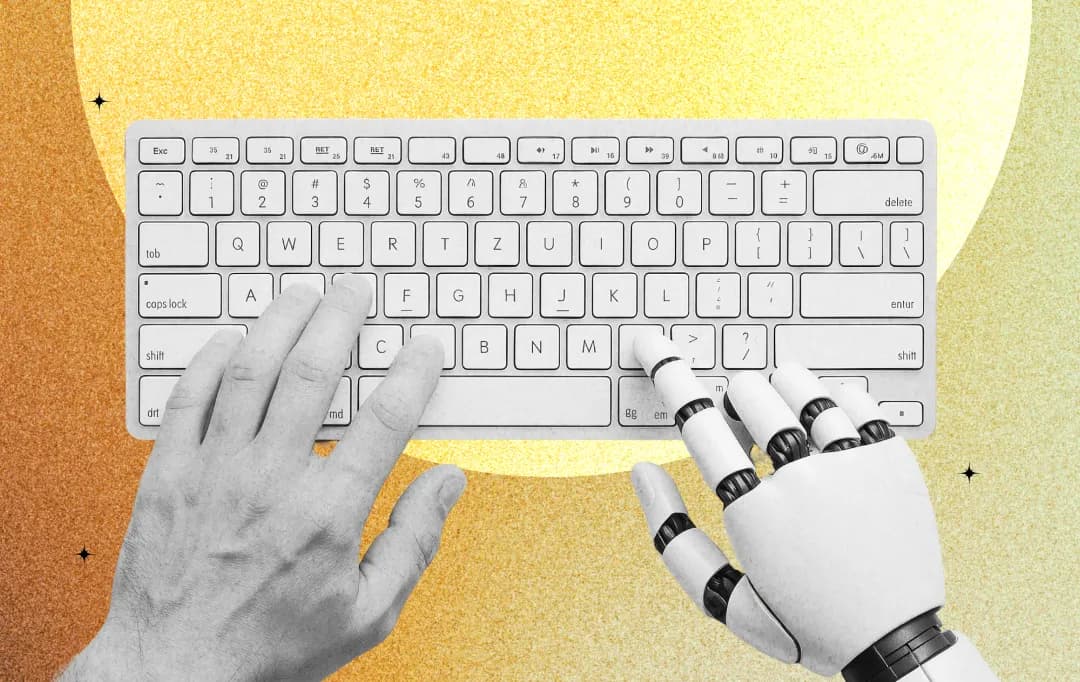
This is where AI tools for web design, like Figma AI and Wix, are essential. They amplify a designer’s output by handling repetitive tasks. This collaborative relationship between human ideas and machine intelligence is already producing exceptional results.
Let’s now learn how web design with AI is transfiguring the standard for website design, enabling responsive layouts and user experiences that were once manually impossible.
How AI Solves Core Web Design Challenges
One of the biggest challenges in web design has always been the sheer volume of manual, repetitive work. Tasks like image creation, layout adjustments, and component styling consume hours that could be spent on high-level strategy and user experience. AI-powered design tools directly solve this problem by automating the bottlenecks.
This frees up designers to make better, faster, and more data-driven decisions. The top web development companies use these tools to move from slow mockups to rapid, data-driven prototypes, which is why businesses must carefully choose a web design company that already integrates AI into its creative workflow. This agility delivers a more original, effective website design product in minutes.
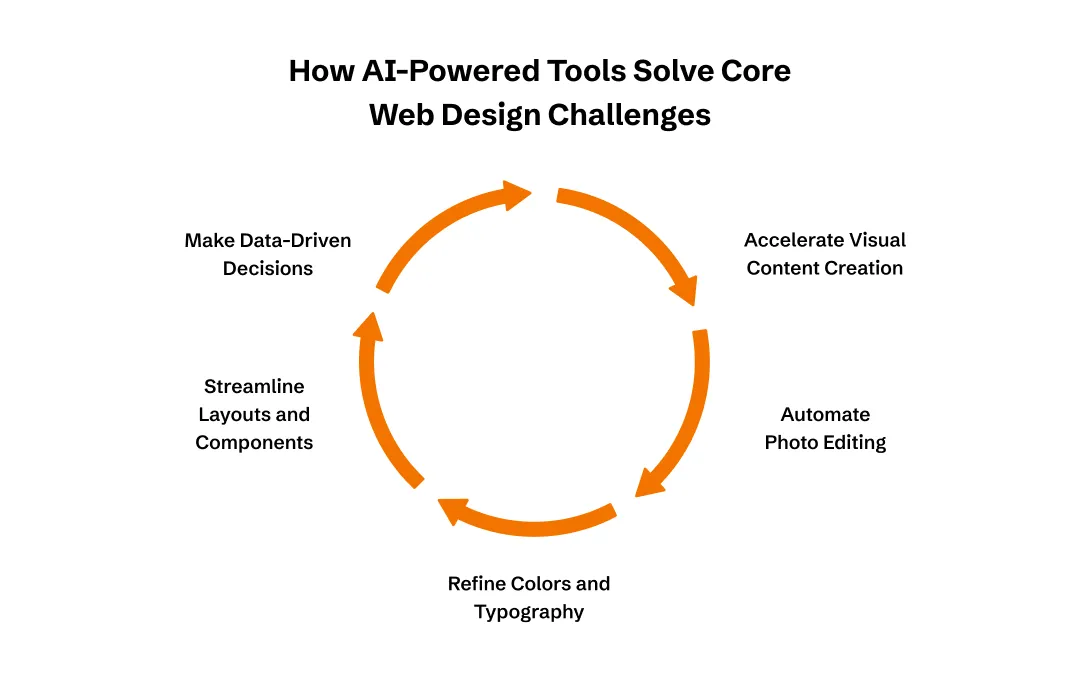
1. Accelerating Visual Content Creation
Sourcing or creating unique visuals, like a brand logo, a set of custom icons, or a perfect hero image, is a slow, expensive process. It often relies on back-and-forth with a graphic designer or endless scrolling through stock photo sites.
Generative AI tools solve this by creating stunning, original visuals that perfectly fit your brand from a simple text prompt. This allows for the rapid prototyping of a unique brand identity, moving from an idea to a high-quality, usable asset in seconds.
Also read: Best AI Logo Generators
2. Automating Tedious Photo Editing
Stock images might not adhere to your desired quality, resolution, or colors. They might have distracting backgrounds, low resolution, or contain unwanted objects, all of which require hours of manual retouching.
AI design tools can remove backgrounds and objects in a single click. You can even use machine learning to upscale and sharpen low-resolution images for your visuals to appear clean and professional.
3. Refining Colors and Typography with Data
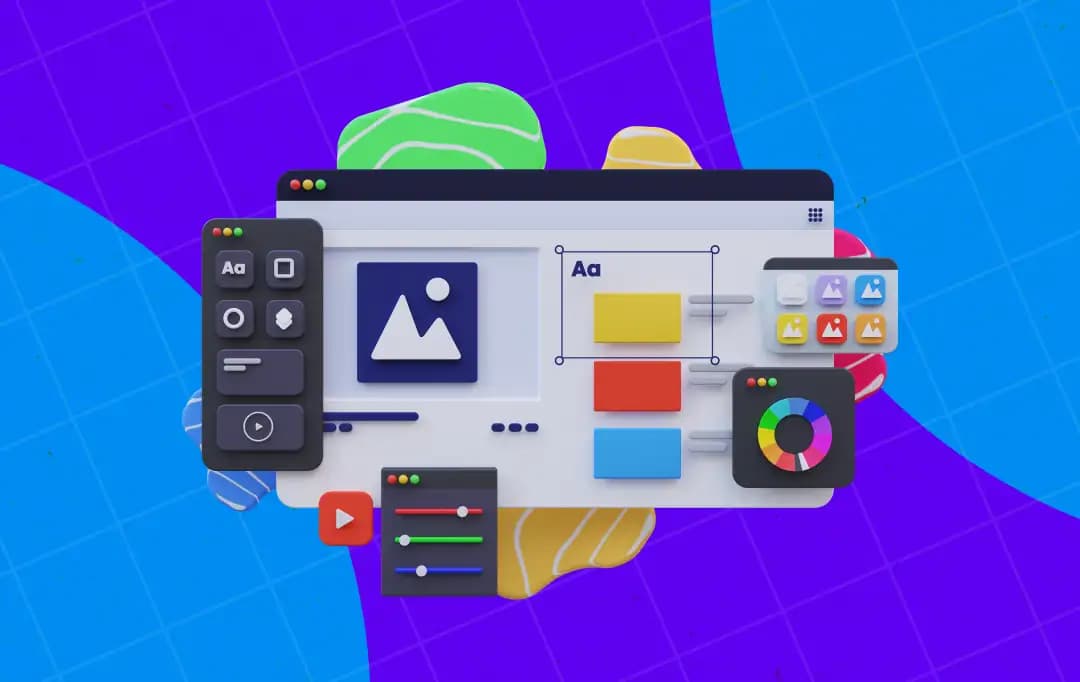
Choosing font pairings and color palettes that look professional and match the brand standards is a difficult balancing act. But AI-powered tools solve this by suggesting correct fonts and appealing color palettes based on your logo - a method widely adopted by top AI development agencies to ensure consistency and accessibility.
4. Streamlining Layouts and Component Libraries
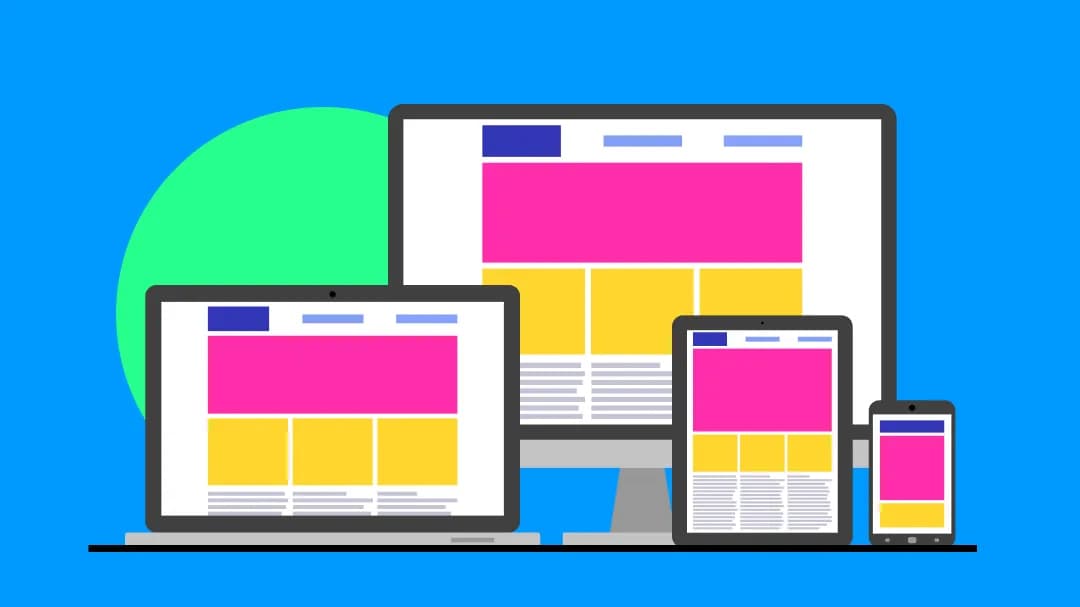
Building a pixel-perfect, responsive grid and then manually creating every single button, form, and navigation menu is meticulous and repetitive. AI understands good design principles and can automate the creation of balanced, responsive layouts, making it easier for beginners to understand concepts commonly explained in a web design glossary. It can also instantly generate entire libraries of design components (buttons, forms, menus), ensuring your visual language is perfectly consistent and scalable from the start.
5. Replacing Gut-Feel with Data-Driven Decisions
Initially, many design choices were based on trends or assumptions, not data. This had led to poor user engagement. Accessibility was often an afterthought, creating sites that excluded users and posed legal risks. AI tools solve this by analyzing user behavior patterns to recommend design changes that will convert.
They also instantly scan for accessibility compliance, flagging issues with color contrast and poor navigation, making inclusivity a core part of the process. These tools also follow the latest website design trends and incorporate them, backed by data.
Also read: AI Web Development Companies
Popular AI Web Design Platforms
AI features are being introduced into many design tools you may already use, along with some powerful new platforms. Here’s a list of the best AI web design tools:
- Wix ADI: It generates a complete website for you based on your answers to a few simple questions. The tool provides industry-specific templates and content to get you started in minutes.
- 10Web: This tool focuses on WordPress and uses AI to generate content and optimize your site for search engines.
- Durable AI: It can build a business website in about 30 seconds, complete with a built-in customer relationship management (CRM) system.
- Figma AI: It offers features like auto-layout to keep your designs organized. It also removes backgrounds and automates repetitive design tasks directly within Figma's collaborative interface.
- Adobe Firefly: Built into Adobe products, Firefly lets you use generative fill to add or remove elements from images and create unique text effects.
- Canva Magic Design: It takes your ideas and suggests customized templates. The tool can also use AI to apply your brand kit across all your designs.
- Sketch AI: It uses a rich ecosystem of plugins to bring intelligent design assistance into your workflow.
Challenges of Using AI for Web Design
Using AI for Web design isn’t always a smooth sail. Here are some of the challenges you must check out before vaulting in.
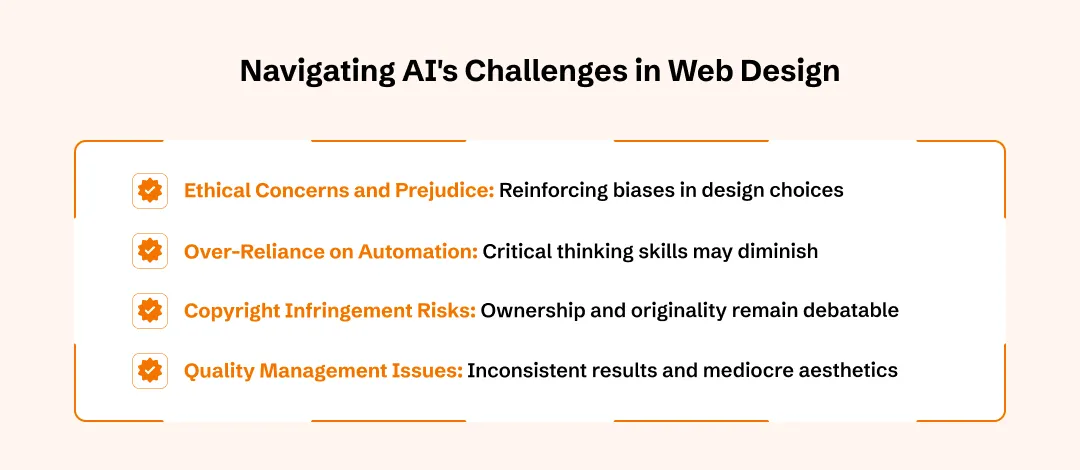
1. Over-Reliance on Automation
The ease of AI also might spiral into addiction. Soon, your designers might just rely too heavily on the ideas of AI without using critical thinking. This is dangerous because it produces generic, cookie-cutter websites that are sometimes not worthy.
Tip: Treat AI as a co-pilot; always prioritize human critical thinking and creative direction over automated outputs to ensure originality.
2. Quality Management and Uniformity
Designs created by AI need to be reviewed and improved. AI is good at trend-following, but it will give inconsistent results, overlook brand nuances, or create technically correct but aesthetically mediocre results. The designers are forced to devise new quality assurance measures rather than ensuring that the AI tools produce elements that reflect project objectives and branding.
Tip: Implement a human-led QA checkpoint to refine AI-generated elements, ensuring they align with specific brand nuances and strategic project objectives.
3. Ethical Concerns and Prejudice
Artificial intelligence is trained to learn existing data, and this implies that it is also capable of reinforcing biases that are found in training data. This may be in the form of design recommendations that are biased to some demographics, stereotypical, or insensitive to the needs of various users.
Tip: The designers should be aware of such problems and make efforts towards designing inclusive and equitable online experiences.
4. Copyright Infringement
The ownership, originality, and protection of copyright of AI-assisted designs remain debatable. The current law requires demonstrable human authorship and creative choice to grant protection. This creates liability risks for businesses, as designs generated by AI could infringe upon the copyrighted works used to train the model's dataset.
Tip: This uncertainty should be approached with care by your designers, particularly when they deal with clients or when intellectual property rights play a key role in a commercial project.
Future of Web Design with AI
The global generative AI market is projected to surge to $109.37 billion by 2030. This is a clear indicator of how rapidly AI technologies are being integrated across creative industries, including web design.
Businesses are increasingly using AI-driven web technologies, marking a pivotal shift in how websites are conceptualized, built, and maintained. The AI website builder market specifically demonstrates explosive growth potential. It is expected to be worth $31.5 billion by 2033.
Looking ahead, 88% of CX trendsetters already consider personalisation important to meet rising customer expectations. Therefore, web designers are widely using AI tools to develop personalized AI-powered websites that dynamically adapt to individual user preferences in real-time.
There's an expected surge in focus on design sustainability, resulting in an increasing popularity of carbon-conscious users. Now, these users are driving demand for lightweight, energy-efficient websites powered by intelligent AI optimization. In the next 5 years, the question is no longer whether AI will reshape web design, but how quickly designers and businesses can adapt to harness its full potential.
Frequently Asked Questions
How should I shortlist perfect AI tools for web design?
First, define your core need: full site generation or just design assistance? Check if their features (layout, content, images) match your skill level. Always use the free trial to test their workflow and the quality of their output.
How to use AI for web design?
You can choose AI web design tools such as Wix ADI, Hostinger AI Builder, or Framer AI. Next, add your preferences, brand information, and content, and the AI provides layout recommendations, page creation, and optimization of items automatically, with the possibility of a manual redesign.
Which are the best AI web design tools?
Here are some of the top AI web design tools:
- Wix ADI
- Hostinger AI Builder
- Framer AI
- Durable
- 10Web
- Adobe Sensei
These tools help you build professional websites by automatically creating layouts, generating images, optimizing for mobile, recommending content, and suggesting smart color palettes.
Is it possible to produce a web page design by AI?
Yes, you can create a web design with AI. AI web design generators take your prompt and generate a full page layout according to brand needs and preferences. They also give recommendations for color schemes, generate content, optimize typography, and make your website mobile responsive. This happens within minutes without needing to write code or have design skills.
Are AI web design generators appropriate for beginners?
AI web design generators can be recommended to new users because they do not require any code and simplify the entire process of design. They are easy to use with good interfaces, drag and drop features, auto design tips, and high-quality built-in templates. This lets anyone make high-quality and attractive websites without any technical expertise or organizational experience.

Uncover executable insights, extensive research, and expert opinions in one place.
Related Content