Stay Straight Review: Ending the Slouch Epidemic with a Smartphone
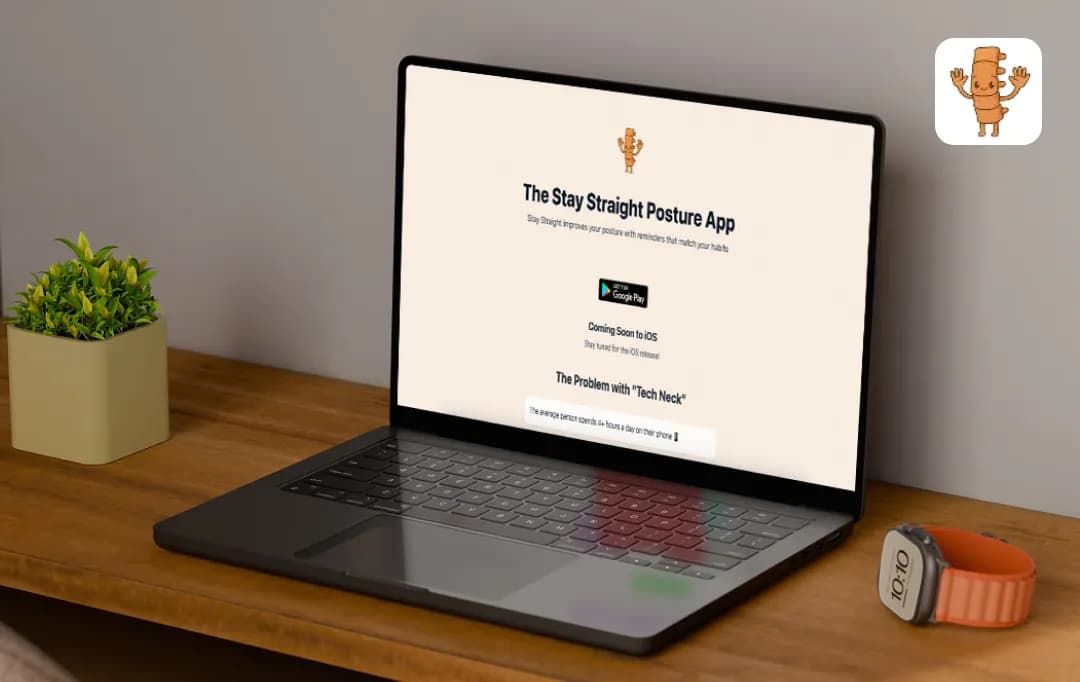
My neck hurts right now just typing this. It’s the curse of the job, I sit down, I focus, and ten minutes later I’ve morphed into a human cashew. This is the default setting for most of us these days. We get so absorbed in work, our shoulders rolled forward, and suddenly we are wrecking our spines without even realizing it.
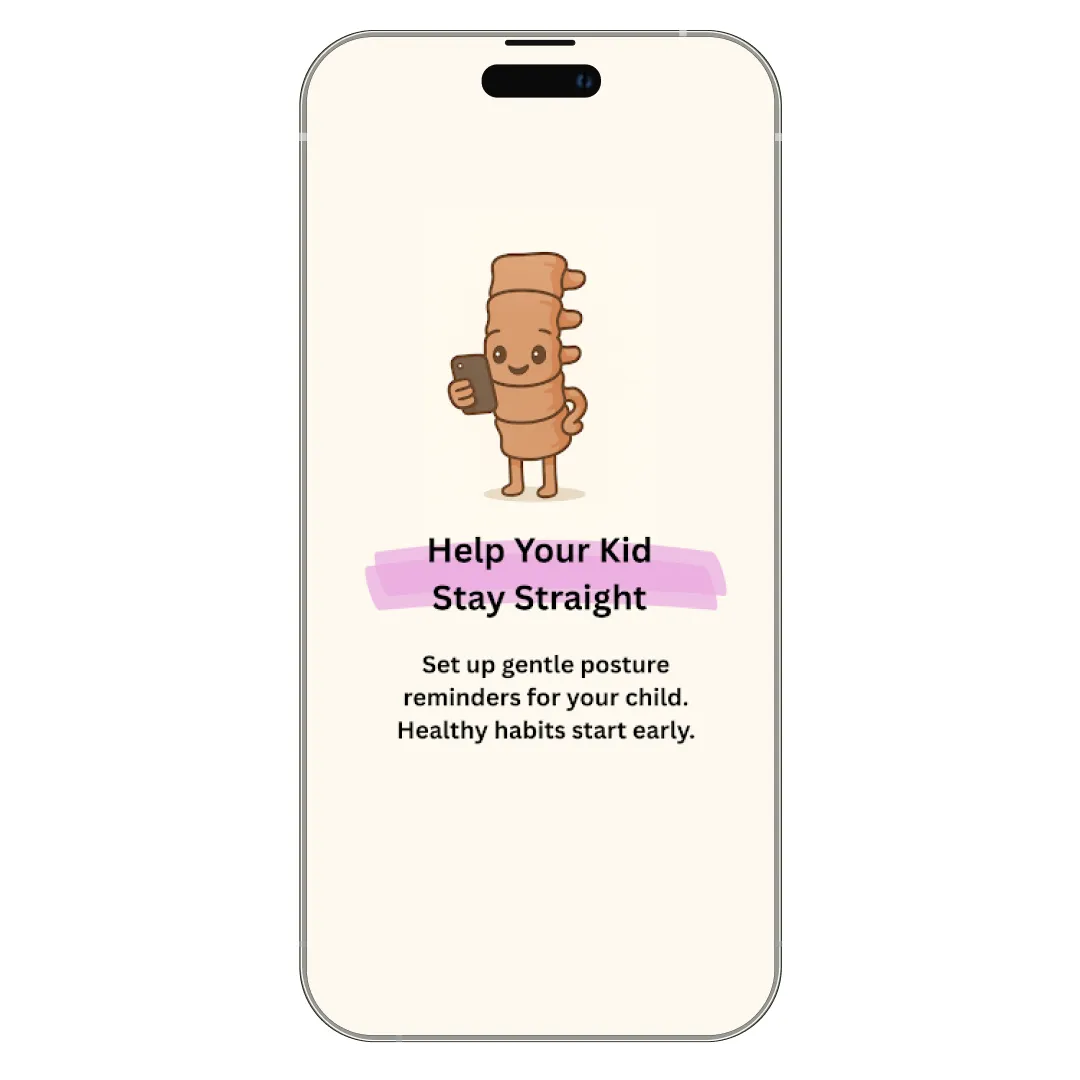
Enter Stay Straight, an app with a premise so bold that it actually uses the device that partially destroyed my posture to save it. A digital posture coach? Using the exact same phone that causes me to slouch in the first place? It sounded ironic, almost counterintuitive.
But desperate times call for desperate measures. I spent the last week letting this app police my spine, and the experience was... well, let's just say my chiropractor might be seeing a lot less of me. Read this Stay Straight review to see what actually happened when I tried to cure my slouch using nothing but my Android smartphone.
Pros and Cons of Stay Straight
Pros
- Accurately senses phone tilt angles to catch you looking down before your neck starts hurting
- Runs silently behind apps like Instagram or TikTok, so you stay protected even while doom-scrolling
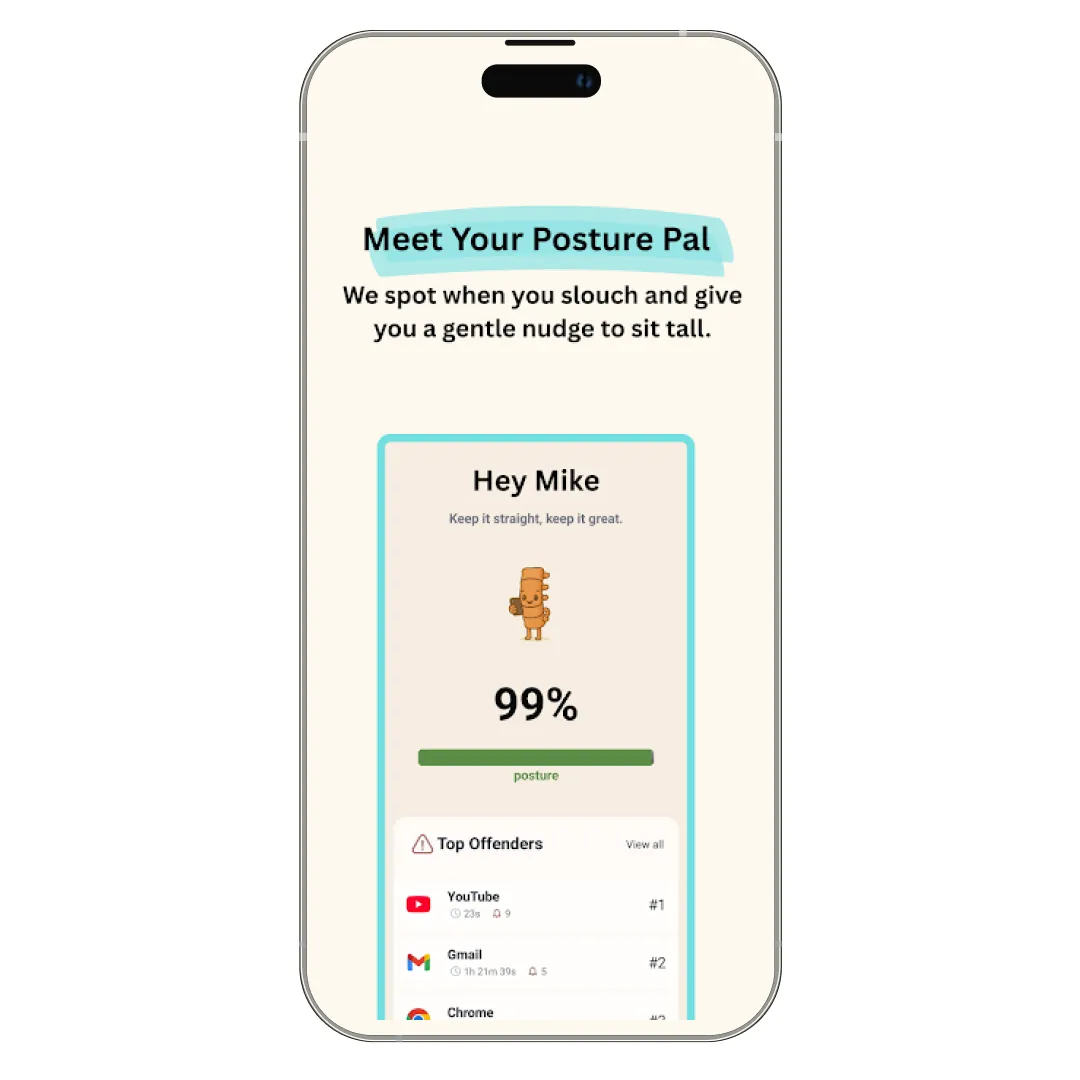
- Provides a clean, visual breakdown of your posture trends throughout the day
- Allows you to adjust the strictness of alerts, so it doesn't nag you for minor movements
Cons
- Since it relies on phone sensors, it can’t track your posture if you are working on a laptop and not holding your device. *The app will soon introduce seamless syncing across devices
A Closer Look at Stay Straight App’s Key Features
Modern posture problems aren't just about bad chairs; they stem from how we bury our heads in our phones for hours. Realizing that tech neck is a habit rather than a permanent condition, the founders, who previously built the massive 4-million-member VIEWBUG community, designed this tool to gently interrupt that downward gaze in real-time.
Here is how Stay Straight’s features break the cycle of slouching:
1. Real-Time Posture Angle Detection
This isn't just a passive timer; the app actively monitors the tilt angle of your device to distinguish between a healthy viewing position and the ‘hunched over’ zone. It functions as a digital spotter, catching that unhealthy neck bend the moment it happens. This app thus helps you correct your alignment instantly.
2. Smart, Habit-Based Reminders
Rather than annoying you into submission, the alerts are designed as subtle psychological nudges that help retrain your muscle memory over time. The goal isn't just a quick fix, but to rewire your brain to naturally seek a neutral spine position even when the app isn't notifying you.
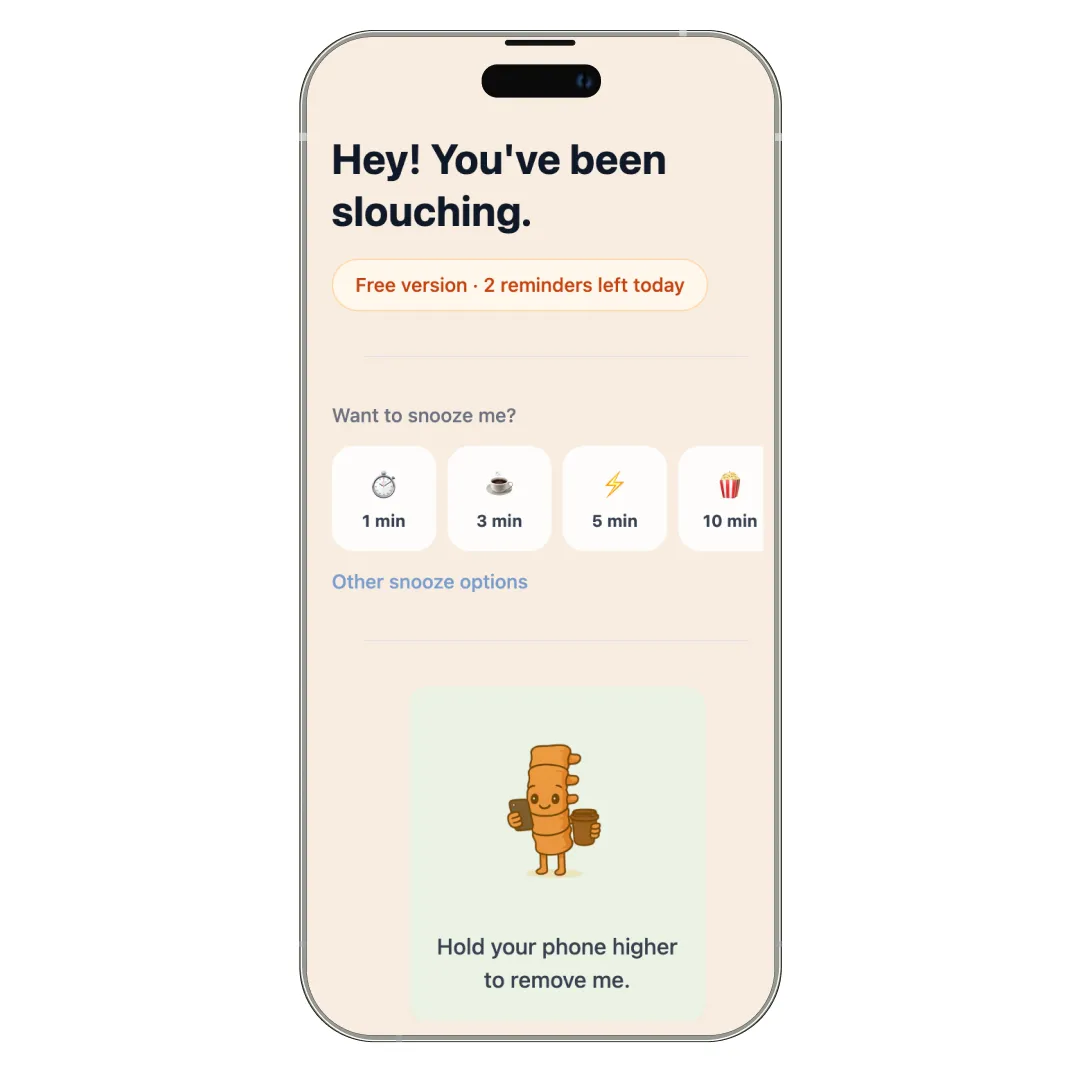
3. Freemium Experience
The Stay Straight posture app lowers the barrier to entry by keeping the core posture reminders accessible for free, allowing anyone to start fixing their back immediately. While there is an optional upgrade for advanced tools and a distraction-free environment, the essential health utility is available without an upfront paywall.
4. Minimal, Distraction-Free Design
Stay Straight keeps its interface clean, quiet, and strictly purpose-built. It avoids cluttering your screen with unnecessary complex data, focusing solely on quick, actionable awareness. This app truly improves your health with minimal visual clutter.
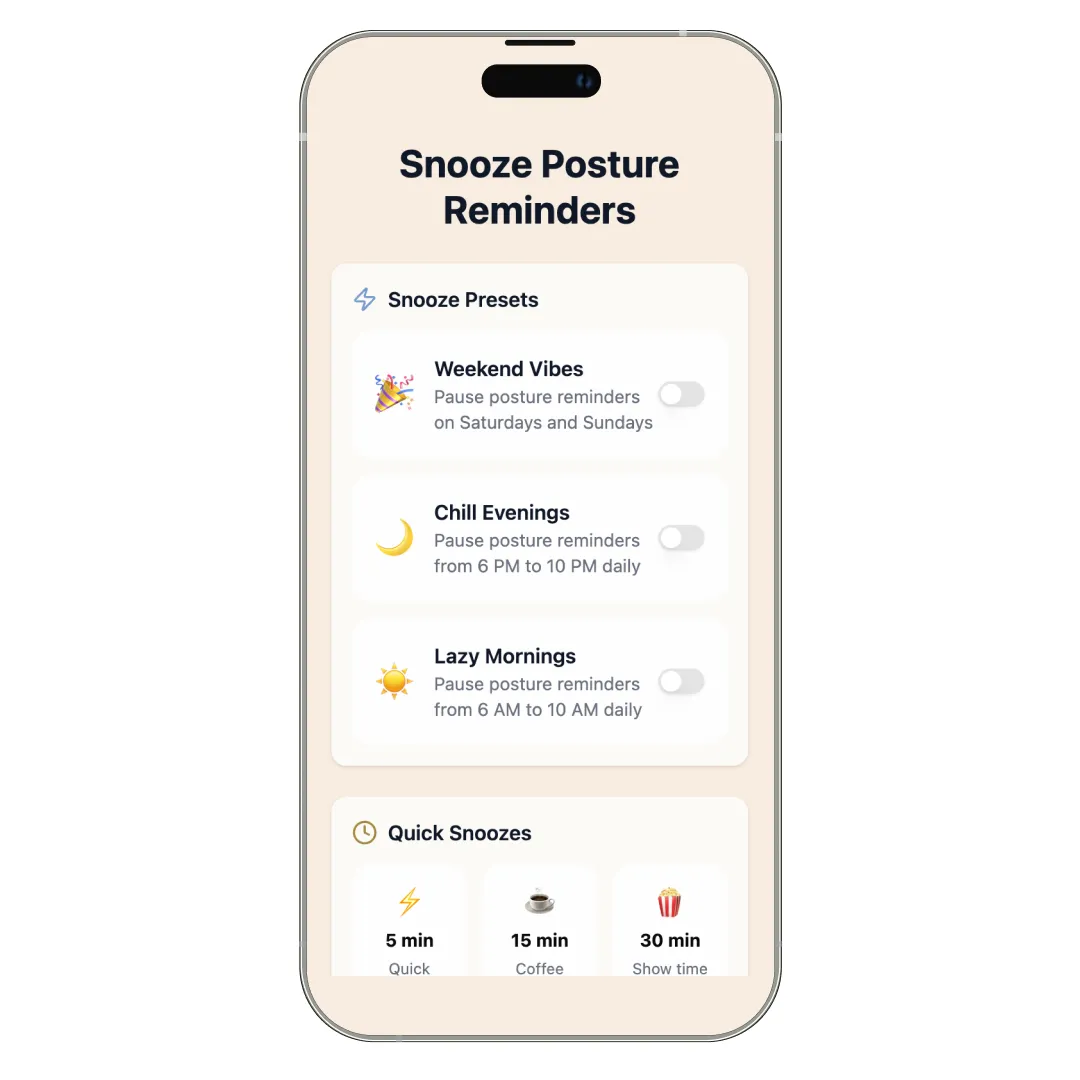
5. Snooze Alert Options
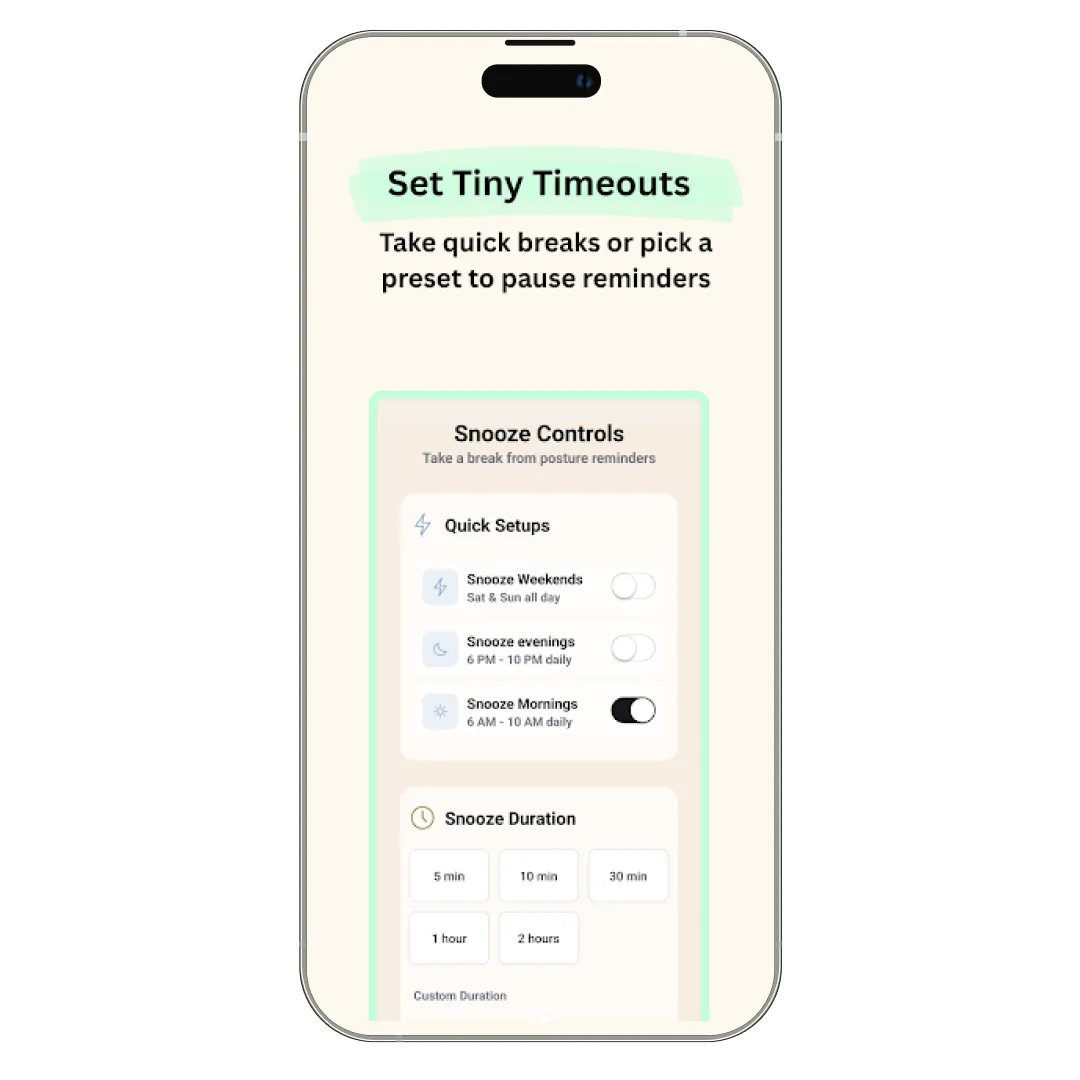
Life doesn't always happen at eye level. Whether you are tying your shoe or showing a meme to a friend, sometimes you need to look down. This feature allows you to temporarily mute the posture police for a set duration. This ensures the app remains a helpful coach rather than an annoying pest during moments when perfect posture isn't possible.
Understanding Stay Straight Pricing and Subscription Plans
Usually, investing in your health implies draining your wallet on ergonomic chairs or medical bills, but Stay Straight keeps it surprisingly accessible. The app operates on a ‘Freemium’ model, meaning you can start correcting your posture today without spending a dime.
However, for those who want the full, distraction-free experience, the premium tiers are extremely affordable (it costs way less than a single chiropractor’s visit).
Here is a quick breakdown of what it costs to save your spine:
| Plan Type | Cost | Is It Worth It? |
|---|---|---|
| Freemium | $0.00 | You get the core tracking features to test if the app actually helps you without any commitment. |
| Monthly Subscription | $1.99 / month | Ideal if you want to try the premium features for a few weeks before fully committing. |
| Annual Plan | $19.00 / year | At roughly $1.50 a month, this is the most cost-effective way to lock in long-term posture health. |
What’s in Store for Stay Straight Users in the Future?
The app aims to make good posture feel less like a conscious chore and more like an effortless, automatic part of your everyday digital life. So, the upcoming roadmap is laser-focused on turning simple alerts into a smarter, highly personalized health ecosystem. Here is what you can expect from this app in the near future-
- Enhanced Posture Insights & Trend Tracking: The app will move beyond daily snapshots, offering deep-dive analytics that visualize your long-term improvement.
- Custom Reminder Logic Based on Behavior: The app is getting smarter with ‘context-aware’ notifications, ensuring alerts are helpful nudges rather than annoying interruptions.
- Expanded Freemium Features: To ensure health is accessible to everyone, Stay Straight plans to unlock more habit-reinforcement tools for free users.
- Cross-Device & Accessibility Improvements: Recognizing that we live on multiple screens, the team is working on seamless integration across different devices.
- Community-Driven Challenges & Streaks: Gamification is coming soon, expect new features that allow you to track ‘posture streaks’ or compete in community challenges.
Customer Reviews
How was your experience with the product?
Also Reviewed By Us