

Cisdem PDFMaster Review: Pros, Cons, Features, & More
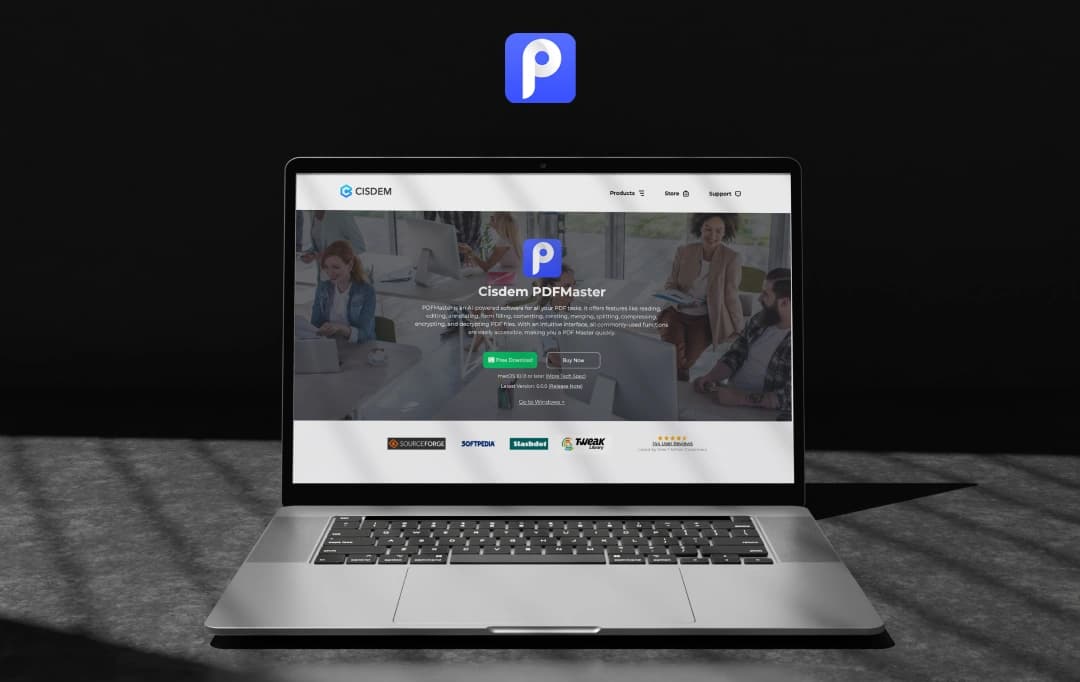
The importance of efficient document management software cannot be overstated in today’s digitized world. As most of our documents are stored online, having the right tools to manage these documents is extremely essential. Cisdem PDFMaster is one such tool that offers comprehensive and robust PDF management solutions. This tool is packed with a range of features that simplify and enhance the document-handling tasks.
Cisdem PDFMaster is an exceptional tool that helps users edit, convert, split, and secure their PDF documents easily. This tool empowers users to manipulate their documents in a way they see fit. It not only improves productivity but also manages the security of PDF documents.
Why does this tool matter? Cisdem PDFMaster offers a reliable and secure platform to address all your PDF needs. It positions itself as an essential tool for both professionals and everyday users. In this detailed Cisdem PDFMaster review, we will evaluate its features and overall usability. Let’s find out if it's the best tool for document management or not.
Pros and Cons of Cisdem PDFMaster
Pros
- A comprehensive set of features for managing PDF documents
- User-friendly interface, accessible to beginners and experienced professionals
- Robust security measures to protect the documents
- Maintains the high quality of PDF documents
- Simplifies PDF organization and management
Cons
- Some advanced features are only available in the premium version.
Introducing Cisdem PDFMaster: A Revolutionary Document Management Tool
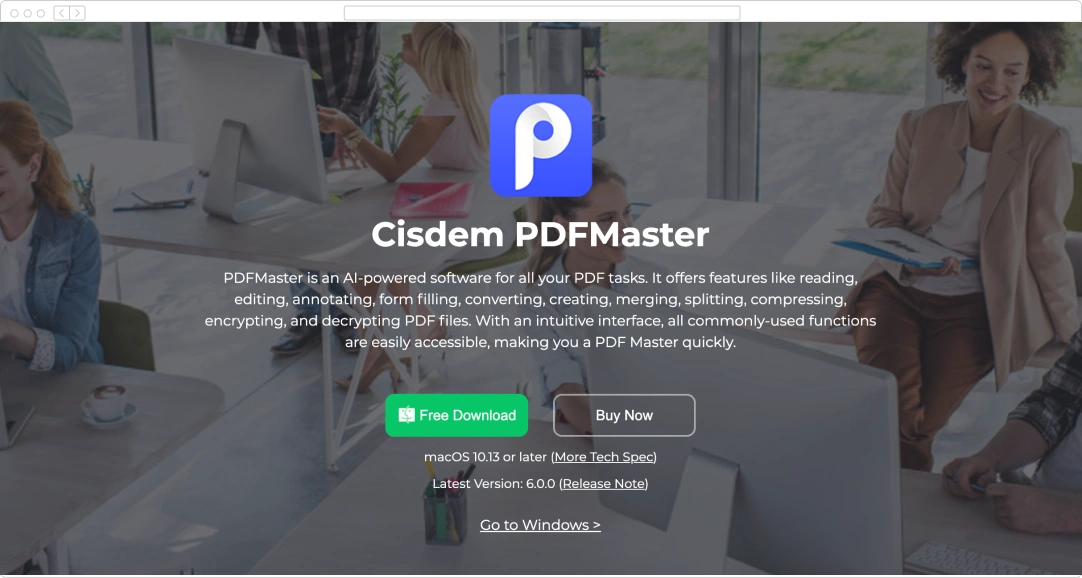
Cisdem is an AI-powered software designed for all your PDF tasks. The software is packed with a range of features that enable users to read, convert, create, merge, and do a lot more with their documents. The software features an intuitive interface which makes it readily accessible to all users.
As PDF documents are not editable on their own, this software can help users edit the PDF the same way as editing a Word document. The PDFmaster puts all the commonly used functionalities at your fingertips, simplifying all your PDF-related tasks. Along with manipulating PDFs, the tool also allows users to convert these documents into other file formats.
Cisdem PDFMaster is an invaluable tool that helps users manage their documents with confidence. Its comprehensive set of features and robust security measures make it the most suitable tool for professionals and other users.
Essential Features of Cisdem PDFMaster You Need to Know
Creating PDF files and editing them is made simple and quick with the Cisdem PDFMaster. Along with this, the tool is packed with a range of other advanced features for its users. Let’s look at these features in detail.
1. Effective Editing Tools
Cisdem simplifies the process of editing PDF documents for all users, irrespective of their skill level. It offers simple, quick, and fully loaded editing tools for its users. From editing texts inside the document to manipulating the links, these tools can manage it all. Some common applications of the editing tools include the following:
- Adding new text and adjusting the format of the existing one
- Inserting images and resizing, rotating, or manipulating the existing ones
- Entering new hyperlinks in the document
2. Tools to Annotate PDF Files
Adding annotations to the documents makes it easy for the users to share their ideas and other pointers. This tool lets users underline or strike through and highlight the text of the PDF document. Cisdem allows users to zoom in on the text and read it in detail. These tools can be used for annotating PDF files and other purposes, including:
- Adding a text box in the document
- Inserting shapes like rectangles, ovals, etc.
- Writing anchored notes
- Signing PDF documents
3. Fill Out and Create Forms
One of the most unique features of the PDFMaster tool is its ability to create forms. The tool enables users to create forms for different purposes. Additionally, the software helps users to fill out the forms. From signing the forms to filling in the text inputs, Cisdem PDFMaster can do it all. This feature can be useful for filling out PDF forms across different industries and applications, including:
- Health and Medical Forms
- Government Forms
- Forms related to Education
- Forms for Employment and more
4. Convert PDF Files Quickly
Cisdem offers one of the simplest PDF-converting tools for all users. This software allows users to convert the PDF document into different formats. From Word to HTML, Cisdem PDFMaster can convert PDFs into any kind of document. In addition to the conversion, the software ensures that the users are able to retain text, images, and other elements of the original document.
5. Ensures the Security of PDF Documents
The software’s robust security measures restrict unauthorized access and misuse of PDF documents. Its protection features, like strong passwords, prevent unallowed access. The software permanently removes sensitive information from PDF files to avoid the misuse of private information. All-in-all, Cisdem ensures that your PDF documents are stored with the highest level of security possible.
6. Organize and Manage PDFs
This AI-integrated PDF editor allows users to effortlessly manage their PDF documents. The tool quickly deletes unwanted pages, rotates pages, inserts blank pages, splits a single PDF into multiple pages, and a lot more.
7. AI Integration
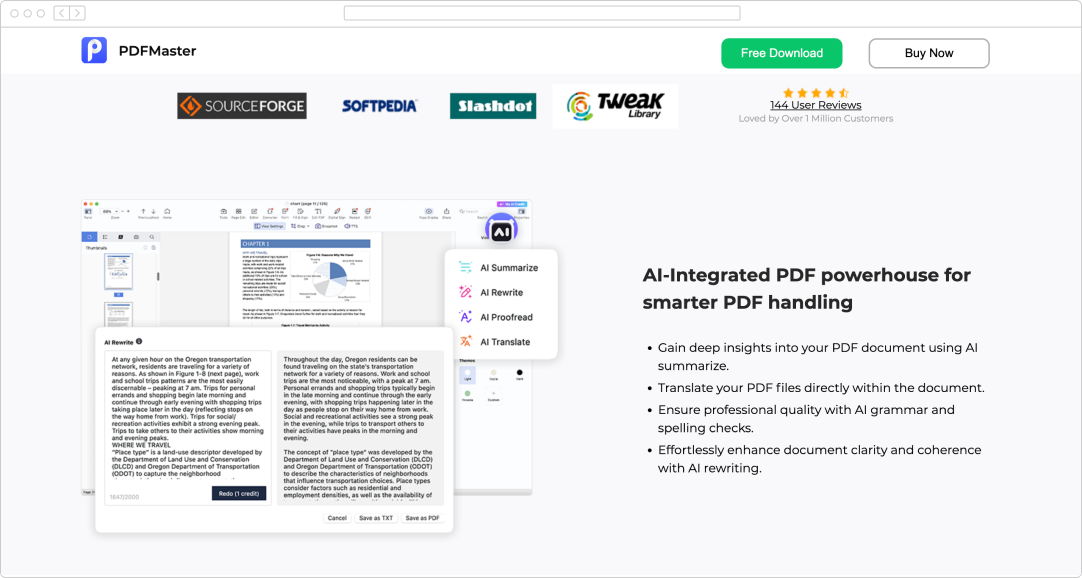
Cisdem PDFMaster is an advanced tool that offers AI-powered functionalities for its users. By integrating advanced technologies into its features, Cisdem ensures that PDF management is simplified for all. Some AI-backed tools offered by this software include the following:
- AI Summarize: To provide a quick overview of the document
- AI Rewrite: To enhance document clarity and readability
- AI Proofread: To ensure that there are no grammatical errors in the document
- AI Translate: To translate the text directly within the document
Also Read: How to Combine PDF Files?
The PDFMaster License and Pricing Plans
Cisdem PDFMaster offers 3 different pricing plans for its users. These plans offer additional features and benefits over the basic version of the software. Let’s understand the pricing options in detail.
| Subscription Plan | Price of the Plan |
|---|---|
| Annual Plan(one PC for a year) | $49.99 (20% discount) |
| Lifetime Plan (one PC for a lifetime) | $79.99 (20% discount) |
| Business Plan (one PC for a lifetime) | $99.99 (20% discount) |
Customer Reviews
How was your experience with the product?
Also Reviewed By Us