
insMind Review: Here’s Why I'm Never Going Back to Traditional Design Tools
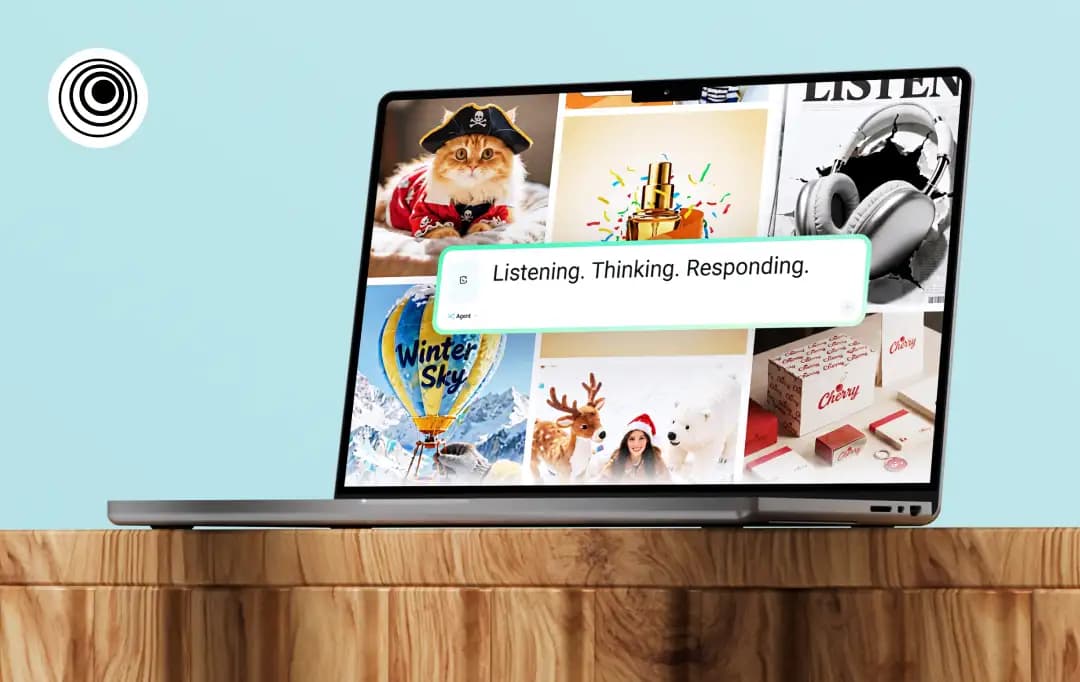
Here's a number that should terrify content creators: 4 hours and 23 minutes per week.
That's how much time a designer or content creator wastes just switching between tools. Not creating. Not thinking creatively. Just... moving files around, logging in, exporting, reimporting.
Switching between multiple tabs to get a single task done is not efficient; it's just accepted chaos. We've normalized fragmentation so deeply that we forgot to ask: Why are we doing this?
So, to finally break free, I decided to test insMind, an all-in-one AI image and video creation platform. One workspace. One login. Everything you need to create professional visuals without the tab-switching nightmare.
This insMind review is my honest take on this AI platform. Let’s see if it's really an all-in-one tool or just another platform that's secretly three tools duct-taped together.
Pros and Cons of insMind
Pros
- Allows anyone to generate high-quality creatives in seconds, with absolutely no prior design skills required
- Specifically designed for sellers who wish to make their products look professionally shot
- Combines photo editing, video generation, and image generation in one place
- Available on Web, iOS, and Android, allowing for seamless creative workflows whether you are at your desk or on the go
- insMind aggregates top-tier AI video and image models into a single hub
Cons
- Like most AI tools, complex images can sometimes result in odd hallucinations or unnatural textures
A Closer Look at insMind Features that Make it Stand Out from Competitors
insMind was founded in 2024 specifically to kill subscription fatigue. As a creator, you might be wasting time juggling fragmented tools. The founders of this app were driven by a simple mission: build a single Canvas that integrates every top-tier AI model under one roof. The goal? To replace your complex, expensive tech stack with one unified, chat-driven workflow.
Here is exactly how insMind delivers on that promise:
1. The AI Agent: Your New Creative Co-Pilot
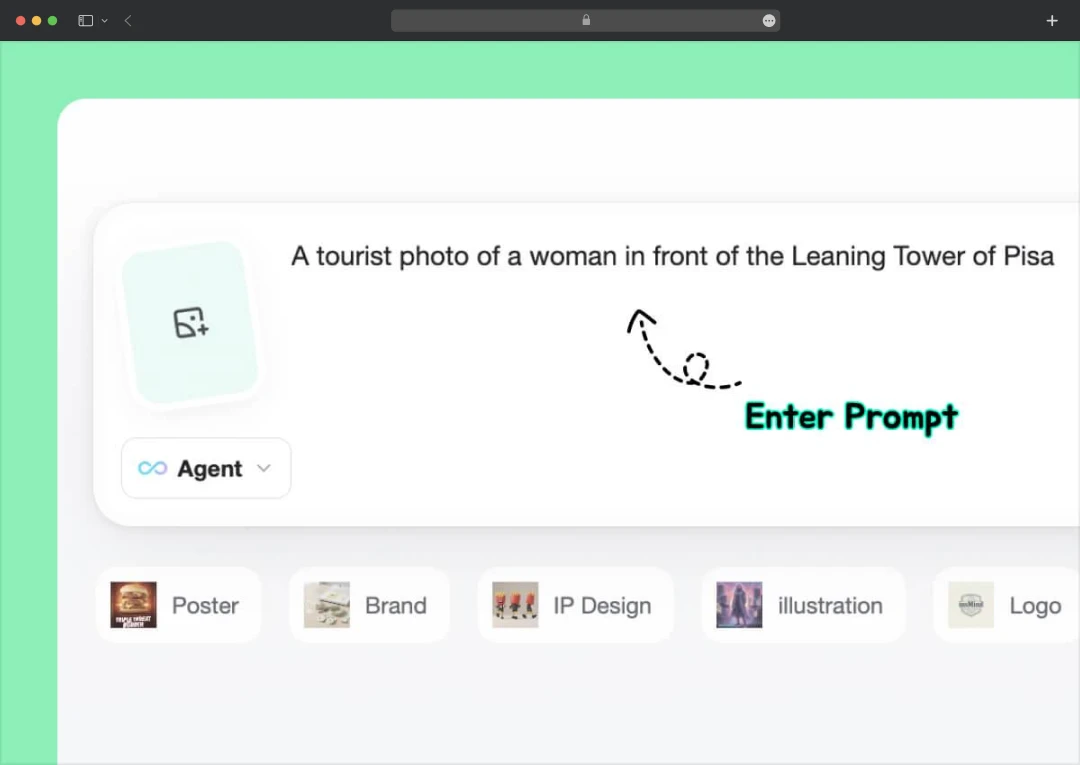
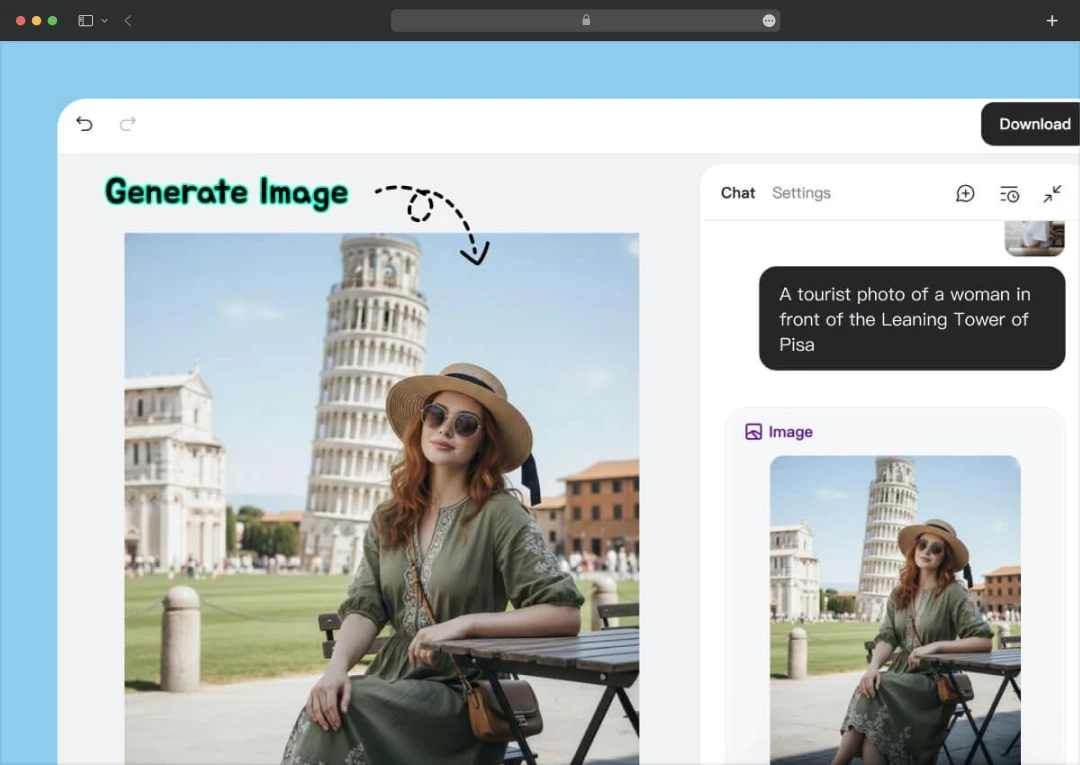
The crown jewel of the platform is the insMind AI Agent, which fundamentally changes how you work. Instead of clicking through endless menus, you simply chat with the Agent in a single canvas.
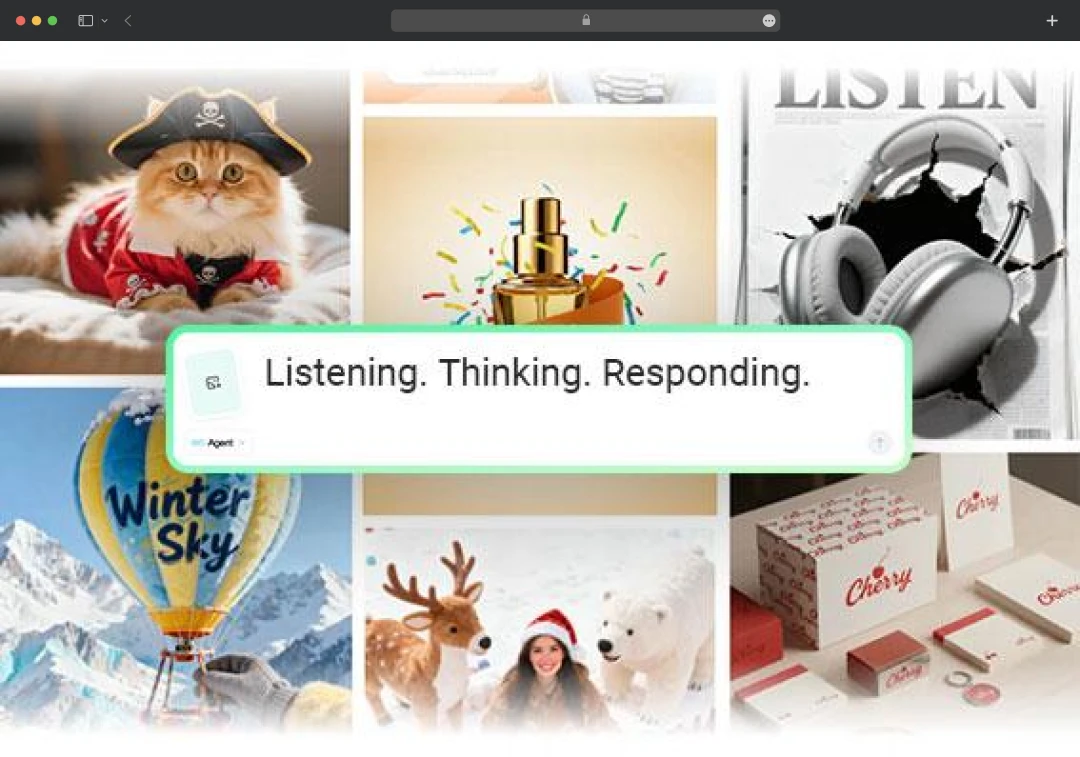
Whether you need to generate an image, animate it, or swap the background? You just ask. The Agent lets you refine results in real-time without ever leaving the chat window. It transforms a complex, multi-app process into a simple conversation.
2. A Superstore of Top-Tier AI Models
Usually, platforms lock you into their own proprietary (and often mediocre) AI models. insMind takes a different approach by acting as a hub for the industry's best technology. It integrates Sora2, Veo3.1, Kling 2.5, Wan2.5, and GPT-4o directly into the interface.
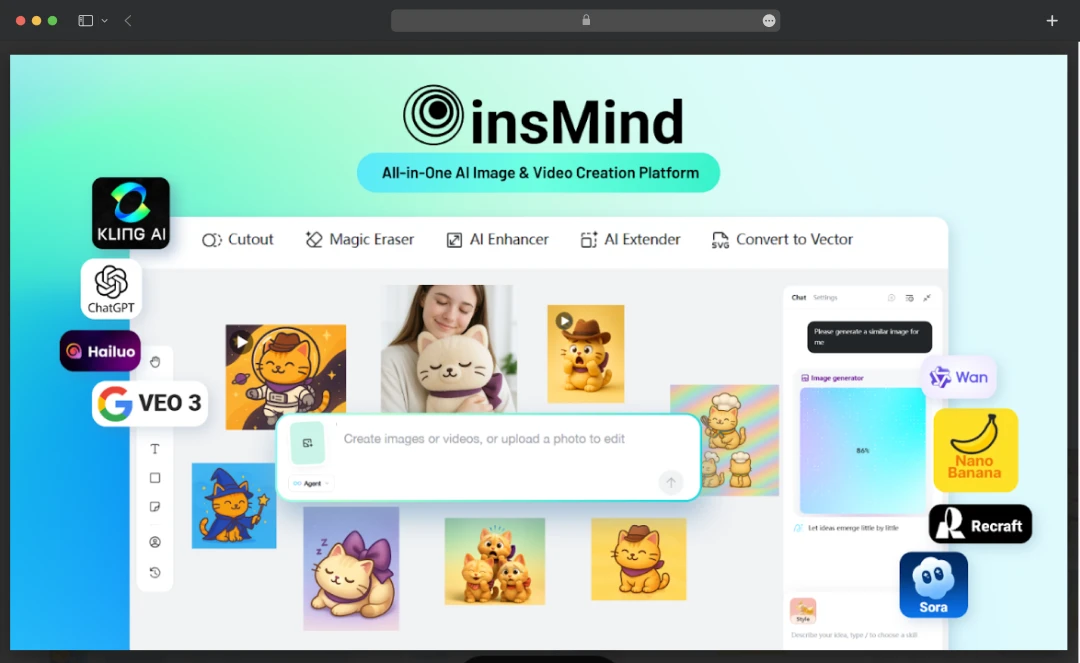
This means you get the specific strengths of each model, without needing separate accounts for each one. For professional workflows, you can even switch to NanoBanana Pro, which unlocks native 4K resolution and flawless text rendering. This ensures that any AI-generated signs or logos in your designs are actually legible.
3. The From-Scratch-to-Polished Image Suite
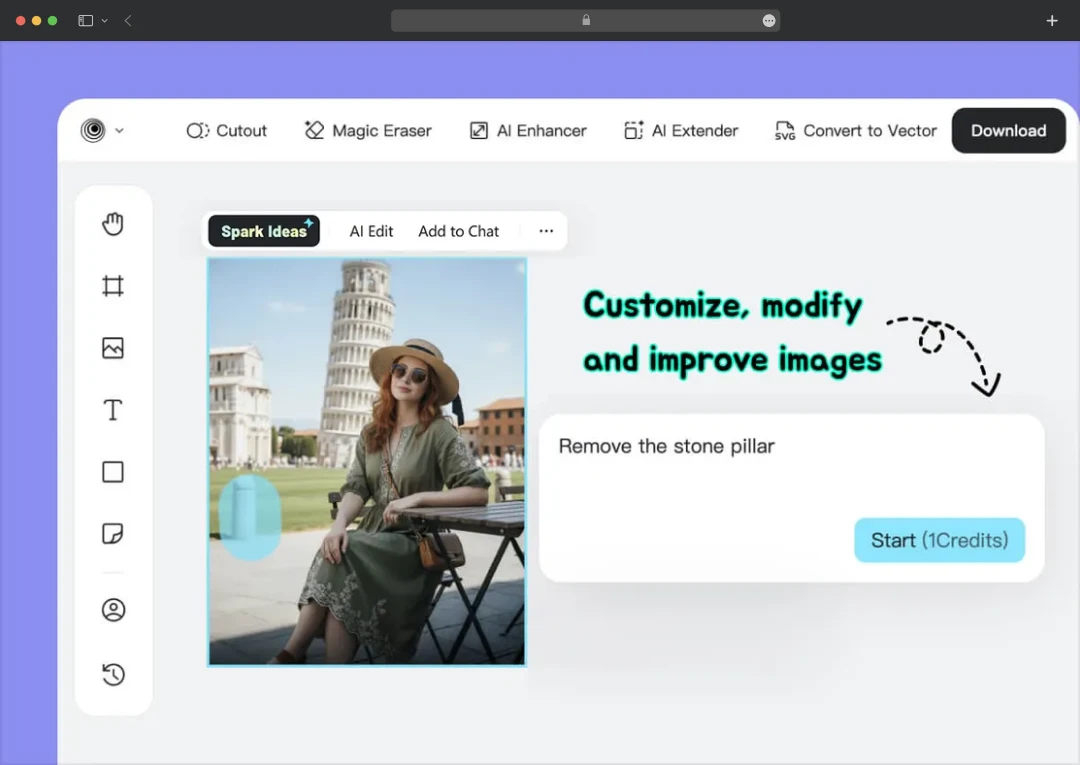
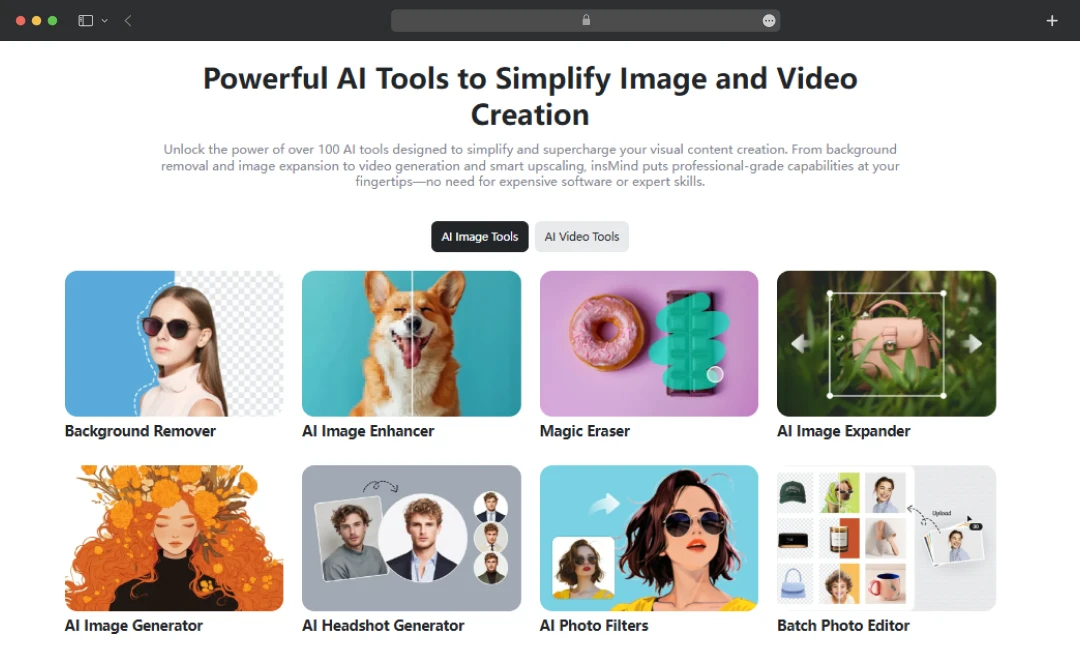
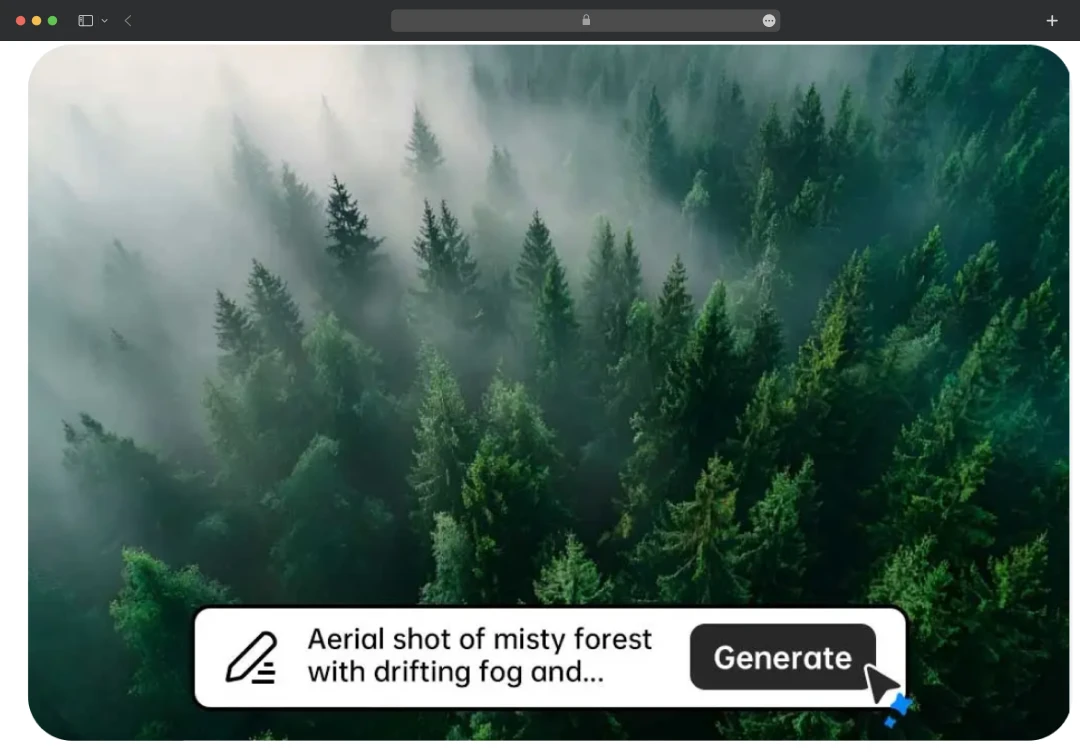
insMind understands that generating an image is only step one. The platform combines three powerful tools to ensure your visuals are actually usable:
And if you are someone chasing trends, the Video Effects library lets you apply viral styles like AI Hug, AI Kiss, or AI Walking to static images instantly. This is perfect for creating engaging Reels without any editing skills.
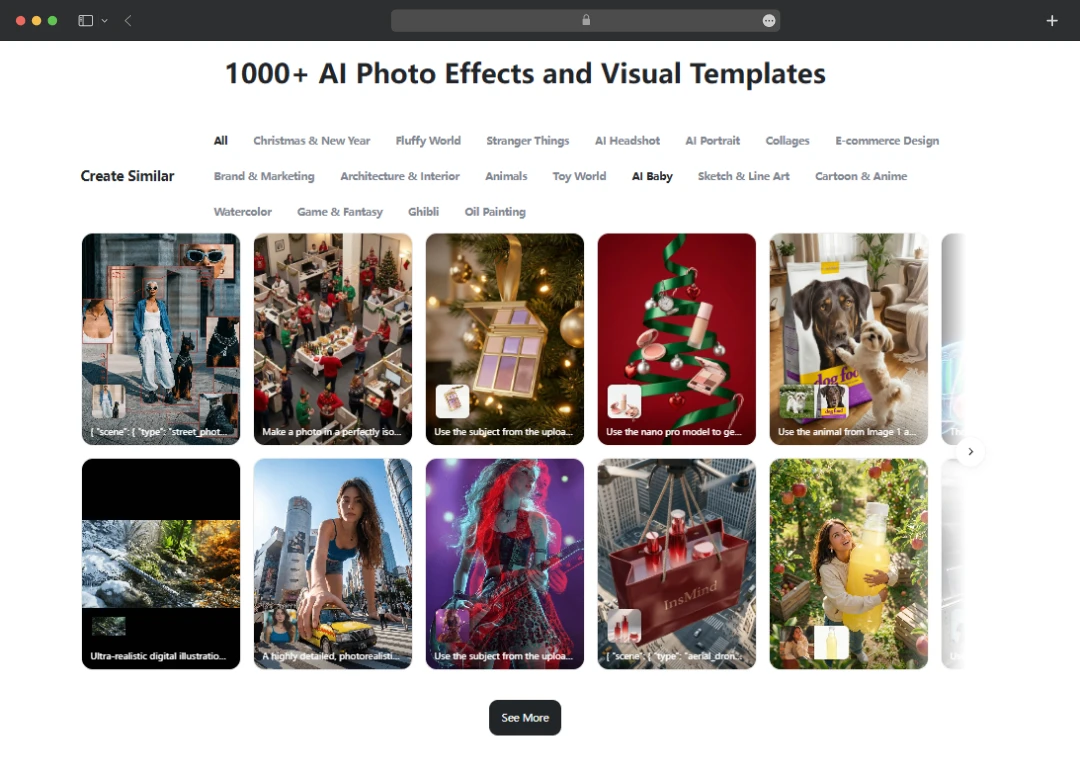
5. The Inspiration Hub for Trend-Jacking
Writer’s block is real. insMind solves this with its Inspiration Hub, a real-time feed of what’s currently trending on social media. Whether it’s an ‘AI Baby Podcast’ cover or a specific ‘AI Photo Studio’ look, you can browse successful use cases and recreate them with a single click.
Combined with 2000+ ready-to-use templates for e-commerce and campaigns, this feature ensures you are never staring at a blank screen, wondering what to post.
Bonus Read: 10 Best AI Photo Editors
insMind Comprehensive Suite of Tools
Here is exactly what is included in the Image, Video, and Photo Editing suites-
| Primary Tool | Toolkit |
|---|---|
| AI Image Generator (The Creator Engine) |
• Text-to-Image: Turn simple words into detailed 4K visuals • Image-to-Image: Upload a reference photo and have the AI reimagine it • Style Library: Access 50+ art styles, including Anime, Cyberpunk, 3D Render, and Oil Painting |
| AI Video Generator (The Motion Engine) |
• Image-to-Video: Animate a still photo (e.g., make a person walk or wave) • Viral Effects: One-click trend templates like AI Hug, AI Kiss, and AI Squish • Text-to-Video: Generate new video clips by describing a scene • Motion Control: Define start and end frames for precise storytelling |
| AI Photo Editor (The Polish Engine) |
• Magic Eraser: Remove unwanted objects and auto-fill gaps • Smart Backgrounds: Instantly replace backgrounds with AI-generated scenes • AI Shadow: Add realistic, light-aware shadows to product photos • AI Expand: Uncrop images by generating new content beyond borders • AI Filter: Restyle photos into cartoons, sketches, or Ghibli-style art |
Understanding insMind Pricing and Subscription
insMind operates on a freemium model that is surprisingly generous for casual users but clearly pushes power users toward a subscription. The Pro unlocks high-resolution downloads, removes watermarks, and provides a monthly allowance of credits for the heavy-lifting AI tasks.
However, there is a major exception to this rule: the Free Nano Banana Pro campaign.
Users are granted free and unlimited access to both Nano Banana and Nano Banana Pro. Unlike the core platform features, accessing these specific tools requires no Pro plan or subscription.
1. Pro Plans
| Type of Plan | Price of Plan | What Do You Get |
|---|---|---|
| Free Plan | $0 | • Standard photo editing tools • insMind watermark on results • Limited storage for your projects |
| insMind Pro (Yearly) | $48.99 / year (Flash Sale price) | • 100 credits/month (for video/heavy AI tasks) • Unlimited Background Remover • Remove the insMind watermark • High-quality downloads • Unlimited Files & Downloads |
| insMind Pro (Monthly Subscription) | $9.99 / month | • Includes all Pro features listed above • Ideal for ongoing, consistent use |
| insMind Pro (1 Month Pass) | $12.99 / one-time | • Includes all Pro features listed above • Non-recurring payment (ideal for one-off projects) |
(Note: Prices are subject to change based on active discounts or regional currency differences)
2. Credit Plans
For users who do not want a recurring subscription, insMind also offers Pay-As-You-Go credit packs. These allow you to buy a bulk amount of credits without committing to a monthly fee.
| Credit Amount | One-Time Payment (Pay-As-You-Go) | Monthly Subscription Plan |
|---|---|---|
| 50 Credits | $9.99 | $6.99 |
| 100 Credits | $14.99 (Best-Selling) | — |
| 200 Credits | $19.99 | $13.99 (Best-Selling) |
| 500 Credits | $39.99 | $24.99 |
| 1000 Credits | $59.99 | $44.99 |
| 2000 Credits | $99.99 | $79.99 |
| 10000 Credits | $349.99 | — |
Customer Reviews
How was your experience with the product?
Also Reviewed By Us