Share It On:
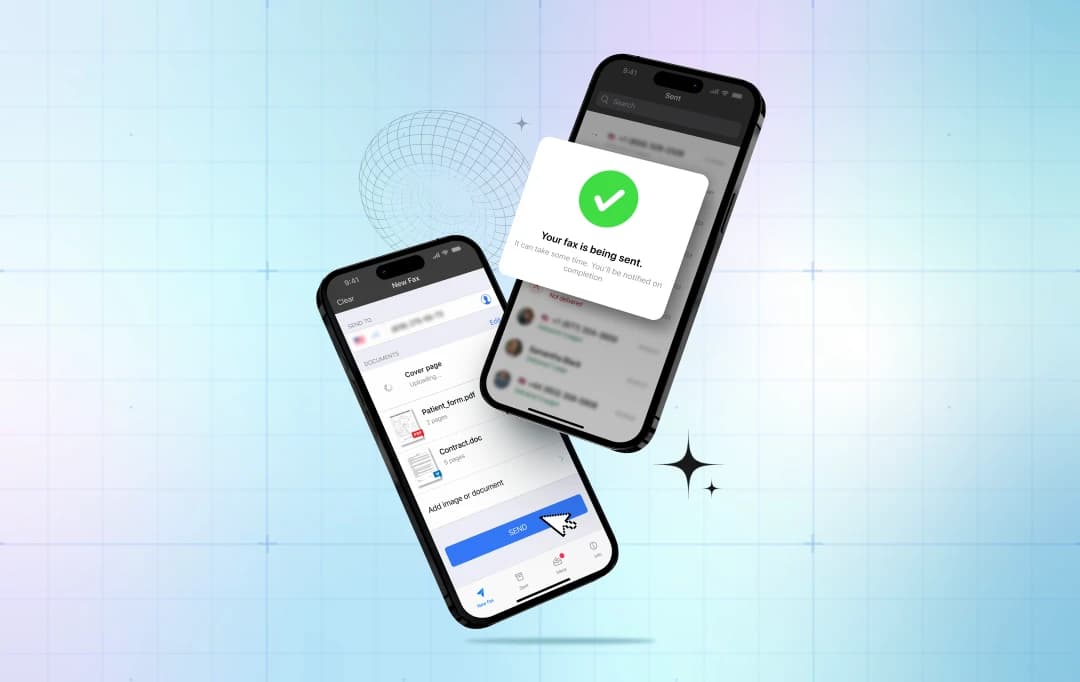 Discover how modern fax apps transform document management with security, speed, and convenience.
Struggling with clunky fax machines and outdated document workflows? You’re not alone. While faxing remains essential for legal, healthcare, and business communications, traditional methods waste time and desk space; it continues to evolve just like other communication devices.
Mobile fax apps are known for streamlining tools that let you send and receive faxes from your smartphone in seconds. Guess what? You will not need more paper jams, busy signals, or trips to the office supply store.
Now, if you’re ready to modernize your workflow? Let’s discover the top features in modern mobile fax apps that will show how you handle documents. These capabilities will save you hours each week. Thus, instead of keeping cumbersome tools, you can now receive and send faxes digitally through a mobile fax app. These tools make document sharing easy without compromising security.
Mobile Fax Apps in a Nutshell
Before we lift the curtain on what to look for in modern mobile fax apps, here’s something you should know about them. You can think of fax apps as your old office fax machine, minus the physical bulk and paper rolls. They turn your device into a portable faxing station. You can begin faxing by taking a photo of your document, adding the recipient's number, and then sending it to them. Do you know how? These mobile fax apps, like eFax's app, FAX Plus, and iFax, convert your image into a fax format and deliver it digitally through internet protocols instead of phone lines.
For this, you must open an account using your email address before downloading the app, which is compatible with both iOS and Android phones. These fax apps have features like cloud storage integration, e-signatures, and document scanning with optical character recognition.
The bottom line? Fax apps modernize a decades-old technology without killing its core purpose. This modern faxing keeps the security and legality of document transmission intact. You get convenience and legitimacy wrapped in one downloadable package.
Top 7 Mobile Fax Apps Features You Must Know
Here’s a list of 7 features, like document scanner, cloud integration, and e-signature, to make faxing easy
1. Built-In Document Scanner
Forget hunting for a physical scanner or downloading separate apps. One of the most prominent features of mobile fax apps is that they convert your phone camera into a scanning powerhouse. You can simply point your camera at any paper document, contracts, invoices, or receipts, and the app captures it instantly.
It’s built-in enhancement tools automatically straighten crooked angles, boost contrast on faded text, and sharpen blurry edges. Many fax apps even include OCR (optical character recognition), which converts photographed text into searchable, editable content.
2. Cloud Integration
The next key feature of modern mobile fax apps is that they offer a smooth cloud integration. That’s because most of your documents are already stored in the cloud, such as Google Drive, Dropbox, and OneDrive. The fax app can easily connect with these documents and eliminate the tedious process of downloading, converting, and uploading. Moreover, instead of saving files locally, reformatting them, then emailing yourself copies, you simply link your storage accounts once.
Now, you can pull any document straight from your cloud storage, attach it to a fax, and transmit, all without leaving the app. Also, working across different time zones becomes easier since your files sync automatically.
3. eSignature and Annotation
Many documents require a signature before you can send them. Mobile fax apps let you sign digitally with your finger or a stylus, so you don’t need to print the document to sign. This feature even allows users to add texts, stamps, and notes. Additionally, this feature is highly useful for legal documents and consent forms.
4. Customizable Cover Pages
Professional fax apps offer pre-designed templates you can personalize with your logo, brand colors, and contact details. Some fax apps even let you save multiple versions, for example, one formal template for legal correspondence and another casual version for internal team communication.
You can likewise add more information about your brand or custom messages, and make your documents more professional-looking. Overall, you can think of it as a simple feature, but it speaks volumes about your attention to detail and validates the message’s legitimacy.
5. Tracking and Delivery Confirmation
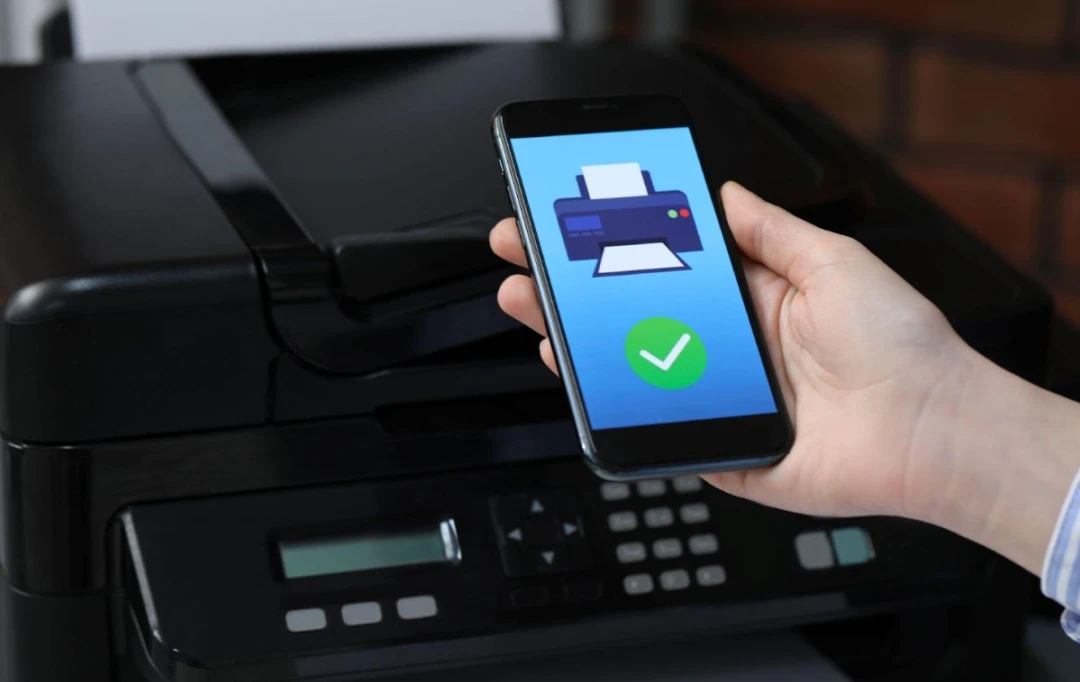
Ever faxed something urgent and then waited? Wondering if it went through? That anxiety disappears with delivery tracking. Modern apps provide real-time status updates showing exactly when your fax gets received, whether it's going across town or overseas. You’ll know without a doubt that the document has reached its destination, whether overseas or local fax numbers. Most send email confirmations or delivery reports.
6. Security Compliance Features
The legal, finance, and healthcare industries continue to rely on faxing to transmit sensitive documents. Security is paramount in these sectors, and sending protected health information and other sensitive data requires an app that meets strict compliance standards. These include being compliant with regulations like the Health Insurance Portability and Accountability Act (HIPAA) and the General Data Protection Regulation. Therefore, mobile fax apps generally adhere to these compliances so that your shared document and data are always protected from breach.
7. Multi-Page and Batch Faxing
Legal assistants, real estate teams, and insurance agents know the pain of sending 50-page contracts multiple times. It eats up numerous hours each day. But these advanced fax apps have features like batch faxing, which help you transmit multiple documents by combining them into a single fax. Further, they also help you reorder pages, remove duplicates, and merge separate PDFs. This can help users reclaim 3-5 hours weekly by batching repetitive faxes instead of handling them individually.
Comparing Top 5 Mobile Fax Apps to Help You Choose Better
Here's a clean comparison table for the top 5 Fax apps that help you choose better:
| Feature | eFax | FAX.PLUS | iFax | FaxFile | Genius Fax |
|---|---|---|---|---|---|
| Cloud Integration | Yes | Yes | Yes | Yes | Yes |
| eSignature | Yes | Yes | Yes | No | No |
| OCR Technology | Yes | Yes | Yes | No | No |
| HIPAA Compliant | Yes (Premium) | Yes (Pro+) | Yes (All plans) | No | No |
| Batch Faxing | Yes | Yes | Yes | Yes | No |
| Mobile Platforms | iOS, Android | iOS, Android, Web | iOS, Android, Web | iOS, Android | iOS, Android |
| Customer Support | Email, Phone | Email, Chat | Email, Chat, Phone | ||
| Best For | Established businesses | Budget-conscious users | Healthcare professionals | Simple, no-account faxing | Pay-as-you-go faxing |
Closing Thoughts
Speed and efficiency are king in the modern world. That being said, technology doesn’t have to release new devices each time. In some cases, they just need a digital makeover, like the mobile fax apps.
Top features in modern mobile fax apps like e-signature, batch faxing, and built-in document scanner have eased a lot of faxing tasks. In short, from serving as communication devices, they’ve become effective document management solutions right in the palm of your hand.
Frequently Asked Questions
Are mobile fax apps legally valid for business documents?
Yes, mobile fax apps provide legally binding document transmission recognized by courts and regulatory bodies. It’s one of the must-have features in modern fax apps, where they meet the same legal standards as traditional fax machines while offering enhanced security through encryption protocols and delivery confirmation tracking.
Can I send faxes internationally using mobile fax apps?
Mobile fax apps support international faxing to most countries worldwide. You'll need the country code and the recipient's fax number. You can even track your fax by providing real-time tracking and delivery confirmation regardless of destination.
Do mobile fax apps work without an internet connection?
No, mobile fax apps require internet connectivity to function since they transmit documents through internet protocols rather than traditional phone lines.
How much do mobile fax apps typically cost?
Most apps offer free trials with limited pages per month. Paid subscriptions range from $5-$30 monthly, depending on features and page volume. Premium plans include unlimited faxing, cloud integration, advanced security, and priority customer support for businesses.
Are free mobile fax apps secure enough for sensitive documents?
Free mobile fax apps might lack essential security features, compliance, and strong encryption. But for transferring sensitive documents involving healthcare, legal, or financial information, you should always invest in premium apps offering SSL/TLS encryption and strong regulatory compliance certifications.

Uncover executable insights, extensive research, and expert opinions in one place.
Related Content