
AI Video Cut Review | Conquers Tough Edits or Sinks?
Lights, camera… AI? If you’d told me a year ago that I’d be slicing up hour-long webinars into Instagram-ready clips in minutes, I would’ve laughed and pointed to my timeline packed with endless editing sessions. But then I discovered AI Video Cut, and honestly, it flipped my whole content workflow upside down, of course, in the best way possible!
It all started when my team and I decided to help our editors who were practically drowning in a backlog of video content that needed to be repurposed for social media. We’d tried everything, batch processing, and outsourcing, but nothing seemed to keep up with our pace or standards. That’s when we decided to put AI Video Cut to the test together, uploading a recent panel discussion to see if the tool could really deliver on its promises.
The results were instant: the AI picked out the highlights, suggested the best moments, and formatted everything for social media faster than we ever could. If you’re someone looking to transform raw footage into scroll-stopping content without the usual headaches, stick around. This AI Video Cut review explores how this tool is changing the game and why my team and I can’t imagine going back to manual edits.
Pros and Cons of AI Video Cut
Pros
- Effortlessly turns long videos into short, engaging clips for YouTube, TikTok, etc.
- Supports multiple aspect ratios for different platforms
- AI-powered prompts for trailers, highlights, ads, instructions, testimonials, and more
- Accurate transcription and speaker face detection
- Variety of caption styles and auto-captioning for accessibility
- Customizable video duration and bulk clip generation
- Allows uploading from local files or YouTube links
- Supports brand customization with logo overlays
- Regeneration feature for creating multiple clips from the same video
- Easy sharing and previewing for social platforms
Cons
- Higher video quality (HD) and advanced prompts only available on paid plans
- Free plan exports only in SD quality and includes a watermark
- Requires internet connection; cloud-based only
- Creative control may be limited compared to manual editing
AI Video Cut’s Toolkit | Features that Help You Craft Stellar Edits
AI Video Cut is packed with smart features designed to make video editing effortless and efficient. Here’s a look at AI Video Cut tool features, along with how my team and I experienced each feature in real-world use:
1. AI-Powered Video Clipping
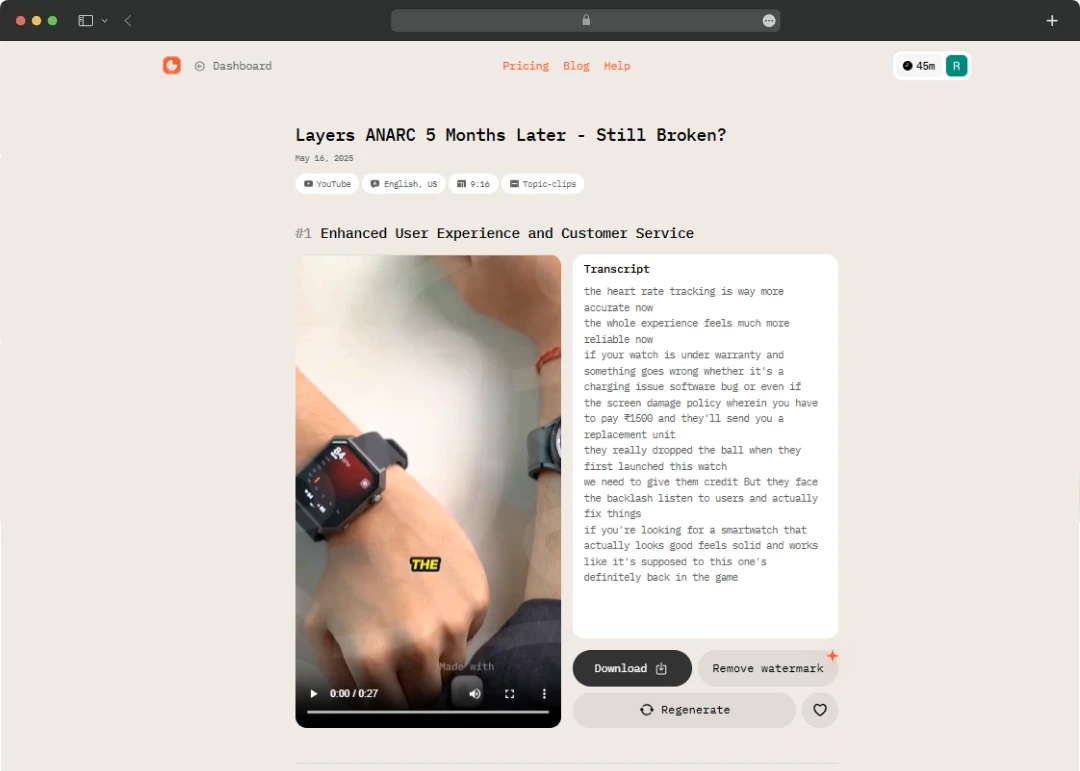
AI Video Cut uses artificial intelligence to scan your long-form videos and automatically extract the most engaging moments. This smart feature allows the tool to turn long videos into short, shareable clips perfect for social media.
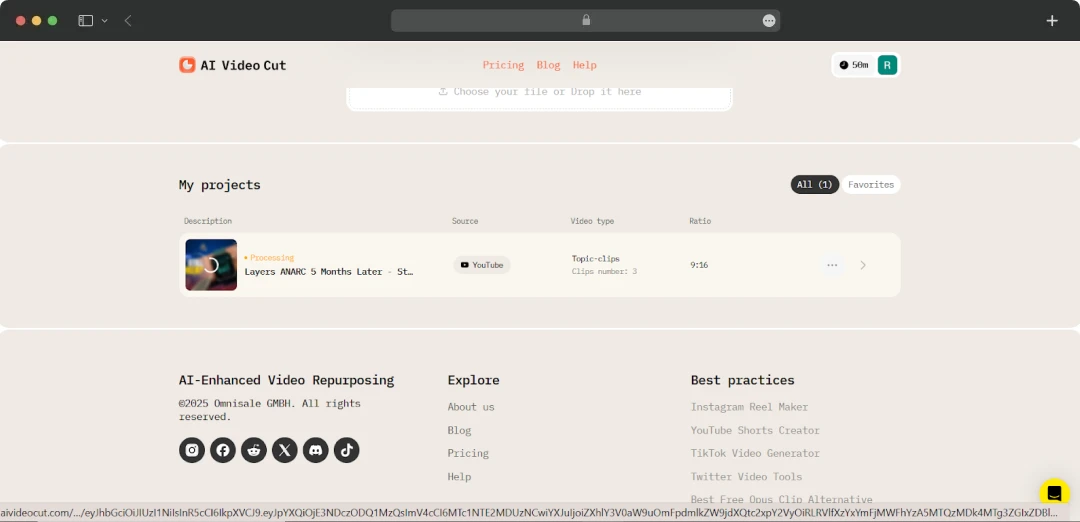
I put this feature to the test by uploading a 45-minute webinar, and within minutes, the tool had identified and clipped out the most dynamic segments. It saved me hours of manual searching!
2. Smart Prompts for Every Need
This AI video editing tool offers a range of prompts such as trailers, highlights, ads, instructions, and testimonials. You can also enter custom prompts to guide the AI in generating clips tailored to your specific goals.
So, we tried prompts like “create a product highlight” and “find the best testimonial,” and the AI delivered clips that matched our campaign needs perfectly. The custom prompt option was something that we truly appreciated for our marketing experiments.
3. Multi-Aspect Ratio Support
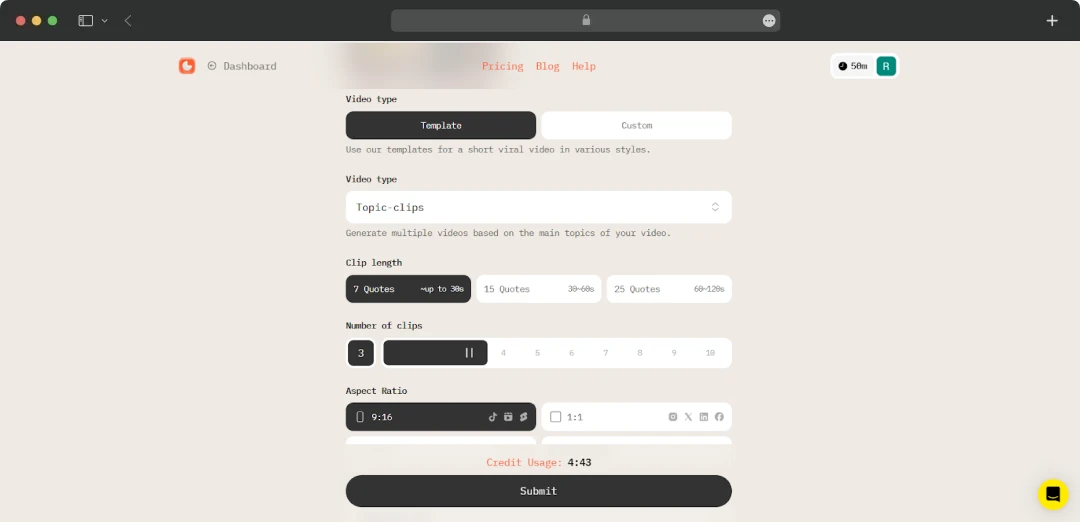
With AI Video Cut you can export clips in various aspect ratios (9:16, 4:3, 1:1, and original). This versatility ensures your content fits seamlessly on any social media platform, from TikTok to YouTube.
I loved how easy it was to switch between formats for different platforms. No more manual cropping or worrying about losing importance the tool handled it all automatically.
4. Speaker Face Detection and Framing
This AI-powered tool automatically detects and keeps speakers in focus, ensuring the most important people are always perfectly framed in your clips. During a multi-speaker panel, I was impressed that the AI video cut editor consistently kept the right person in focus. This made our clips look polished and professional without any manual adjustments.
5. Accurate Transcription and Captions
AI Video Cut provides highly accurate transcriptions and a variety of caption styles, making your content more accessible and engaging for viewers. While posting on our socials, captioning was always a pain point for us! However, AI Video Cut’s auto-captioning was fast and surprisingly accurate. The different styles also helped us keep our branding consistent across platforms.
6. Language-Agnostic AI
We work with international clients all the time, so we decided to test the tool with videos in multiple languages. To our surprise, it handled them all smoothly! This was a huge plus for our global campaigns. AI Video Cut is great for processing videos in any language. It automatically curates highlights and generates captions regardless of the spoken language.
7. Customizable Video Duration
You can set the length of your clips by selecting the number of phrases or time duration, giving you flexibility for different content needs. Whether you need a quick 15-second teaser or a longer 60-second highlight, the tool lets you customize clip length with just a few clicks.
8. Bulk Clip Generation and Regeneration
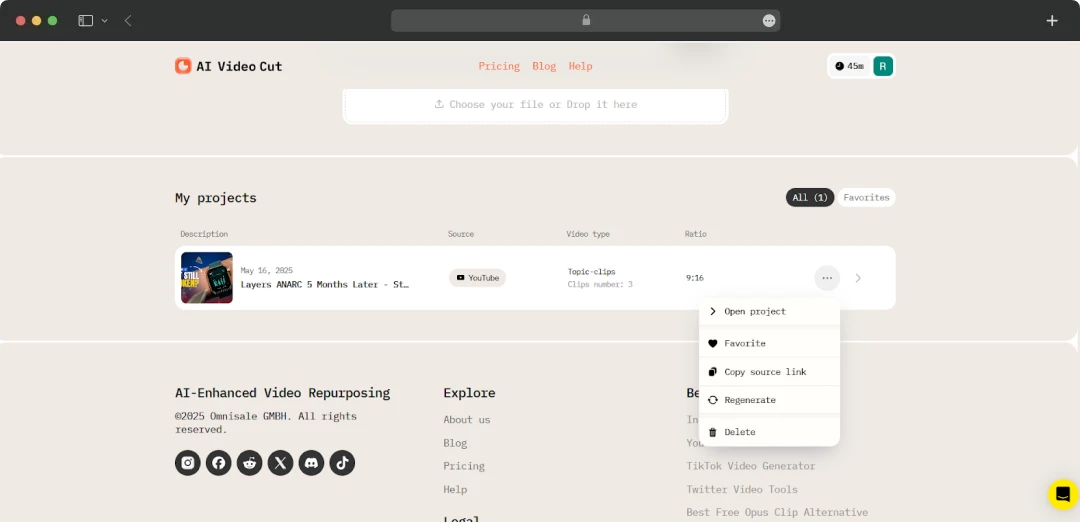
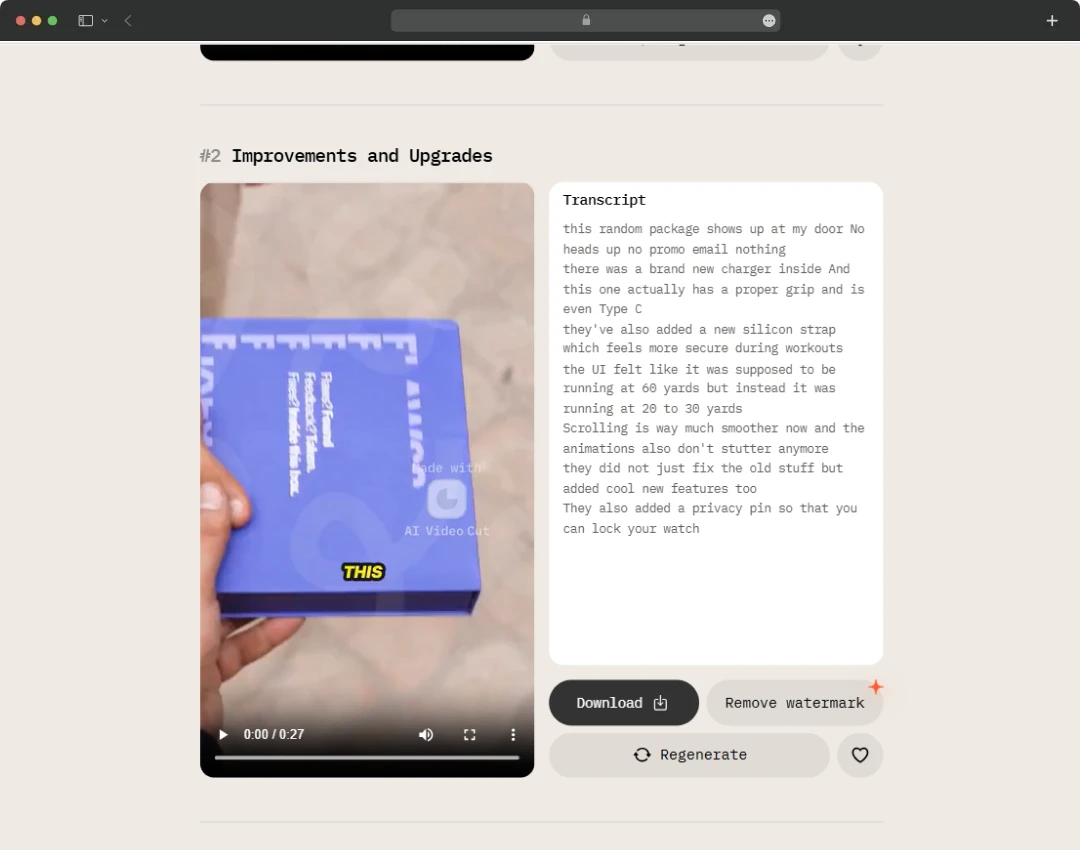
You can generate multiple clips from a single video in one go. You can also use the regeneration feature to create fresh clips with different prompts or styles without re-uploading. I loved being able to generate several clips at once and experiment with different prompts. The regeneration feature was especially handy for A/B testing content styles.
9. Flexible Upload Options
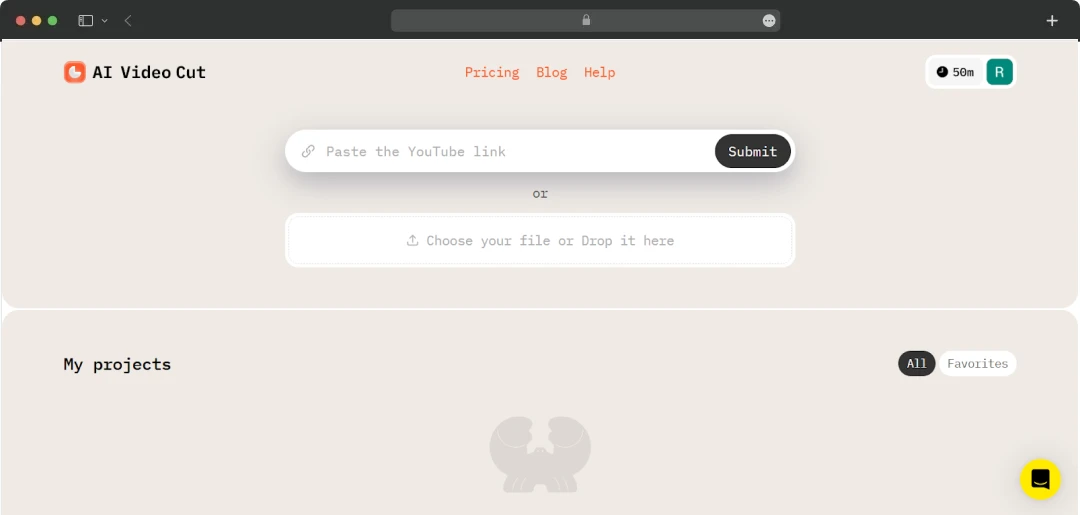
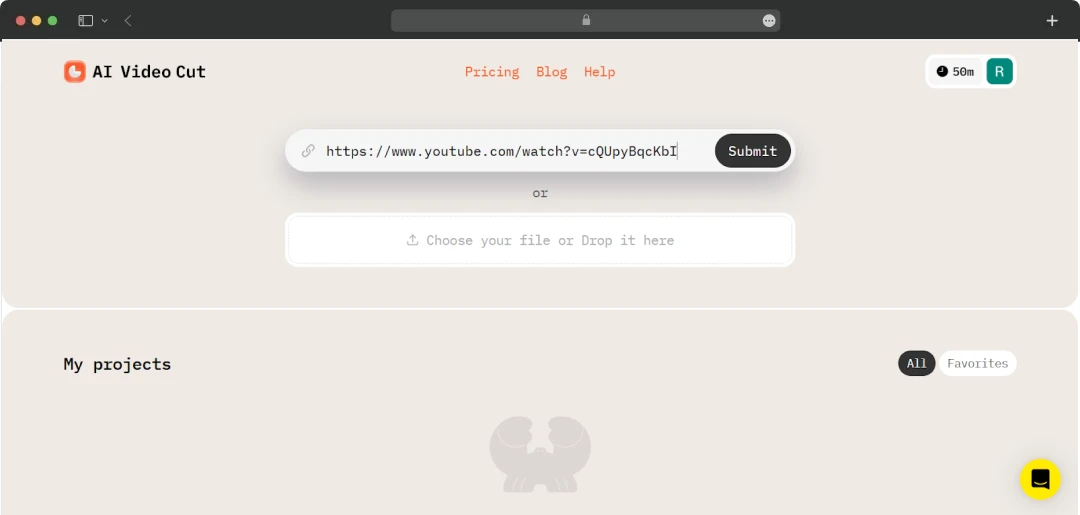
The tool lets you upload videos directly from your computer or simply paste a YouTube link to start editing immediately. This flexibility meant I could quickly repurpose both original and existing online content, keeping our content pipeline full and varied.
10. Easy Sharing and Preview
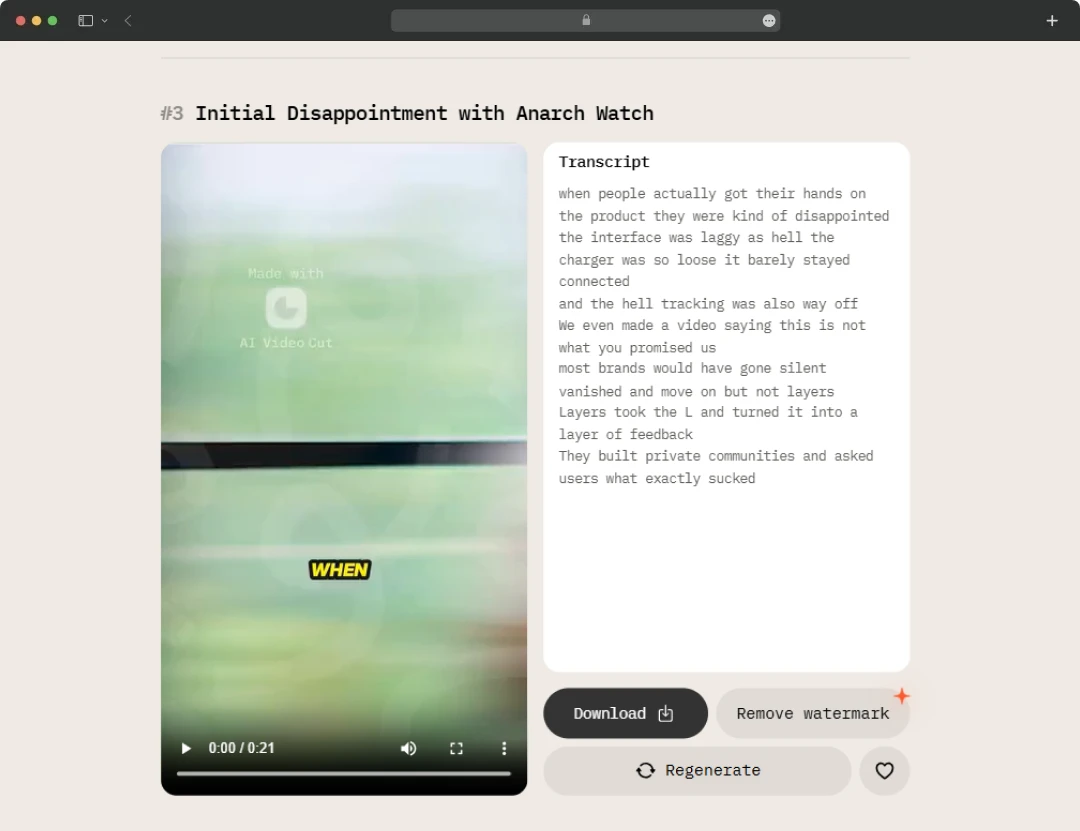
With this free AI short video maker, you can preview your clips and download them for instant sharing on platforms like Instagram, TikTok, and YouTube Shorts. After editing, my team and I instantly previewed and shared clips. This helped our team to react quickly to trends and keep our audience engaged.
What’s New for AI Video Cut Users in the Future?
AI Video Cut is already packed with advanced features and functionality to help creators across the globe. However, the tool is continuously evolving to meet creators’ needs. The platform has promised exciting updates for all its users, including the following-
1. Branded Videos
To be honest, this is the feature that we are most excited about! AI Video Cut will soon allow you to add custom brand logos to your videos. This feature is specifically helpful for improving your brand’s recognition and awareness on social media and within the market.
2. Telegram Bot
AI Video Cut will also introduce a convenient Telegram Bot for the users. You will be allowed to easily access video clipping using this bot. The Telegram Bot will simplify the process of content creation for you and your team.
Who is AI Video Cut Tool For?
AI Video Cut is designed to simplify video editing for a wide range of professionals who need to create engaging short-form content quickly and efficiently. Here’s a quick look at who can benefit the most from this tool:
| Profession | How AI Video Cut Helps |
|---|---|
| Content Creators | Automatically edits long videos into shareable clips, saving hours of manual work. |
| Social Media Marketers | Quickly generates platform-optimized videos with captions and smart cropping to boost engagement. |
| Video Editors | Speeds up repetitive tasks like clipping and captioning, freeing up time for creative polishing. |
| Influencers | Creates eye-catching short videos tailored to different social platforms without needing advanced skills. |
| Businesses & Brands | Produces professional marketing clips with consistent formatting, ready for multi-channel distribution. |
| Educators & Trainers | Converts lengthy lectures or tutorials into concise highlights to keep learners engaged. |
Understanding AI Video Cut Plans and Pricing
AI Video Cut lets its users transform videos by offering different plans for different needs. Here’s an overview of the pricing plans offered by this AI tool.
| Plan Name | Price | Minutes | Prompts | Quality | Video Length | Video Regeneration | Watermark | Files Download |
|---|---|---|---|---|---|---|---|---|
| Free | Free | 50 one-time | Trailer and Topics | SD | Up to 30 min | 2 | Yes | No |
| Starter | $9 per month | 150 per month | Trailer, Topics, Instruction, Product Features, Positive/Negative Highlights, Product Ads, Testimonials, etc. | HD | Up to 2 hours | 5 | No | Yes |
| Pro | $18 per month | 300 per month | Trailer, Topics, Instruction, Product Features, Positive/Negative Highlights, Product Ads, Testimonials, etc. | HD | Up to 3 hours | 5 | No | Yes |
*You can test the tool for free and trim videos of up to 30 minutes without any charges.
Customer Reviews
How was your experience with the product?