
AirDroid App - A Smart Data Management Tool
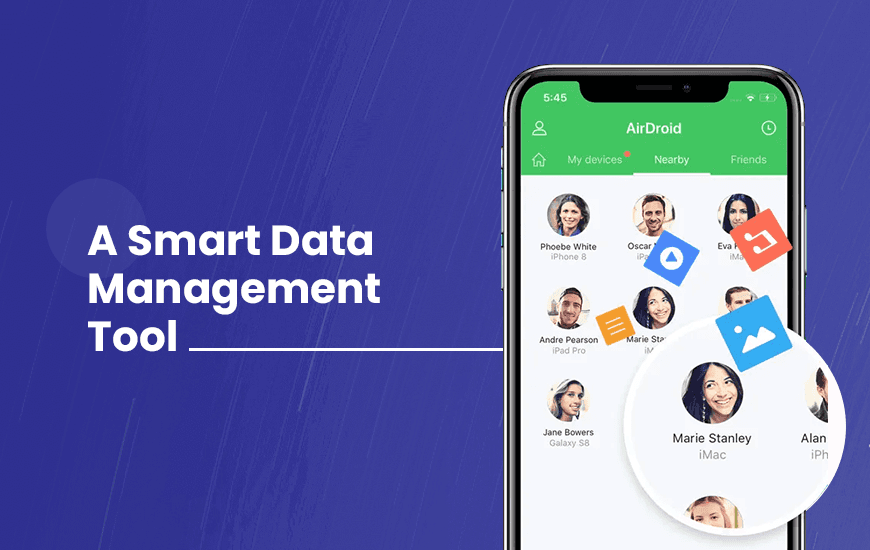
Managing storage space on smartphones can be quite a confusing task, especially when the storage space is limited and you have to let some of your precious content go. Thus, it is always better to use a tool like AirDroid that can make it easier for you to manage and transfer data between two devices smartly.
AirDroid is a smart device management suite designed to provide you with features such as remote storage access, screen mirroring, controlling Android devices remotely, etc. Furthermore, we are throwing some light on the background of the AirDroid app, and then we will talk about its features. So, without further ado, let’s begin!
Background of the AirDroid app
“Everything started with a vision to change the world with innovative technology.”
- Anson.X, Founder of the AirDroid app
AirDroid app was founded in 2011 by Anson.X to solve the data management problems for smart and portable devices such as smartphones. Currently, the data management app has become a popular choice among smartphone users across the globe due to its easy-to-use features that not only offer better efficiency, but also amazing transfer speed and freedom from the dependence on USB wires. To understand the last statement better, let’s discuss the features of AirDroid separately.
Pros and Cons of AirDroid
Pros
- Very easy to connect
- Requires one-time signup process
- Secure encryption to protect connected devices
- Allows you to be flexible with your device permissions
- Fast connection support makes it a smooth app to use
- UI with clear instructions make it super easy to use
Cons
- Some features require a premium subscription
Features of the AirDroid app
So, to understand the data transfer app better and to make this AirDroid review more accurate, we are now going through its crucial features. We will also have a look into the process of using the AirDroid app for entrepreneurs, individuals, and professionals to help you in understanding the app better.
1. Wireless data transfer
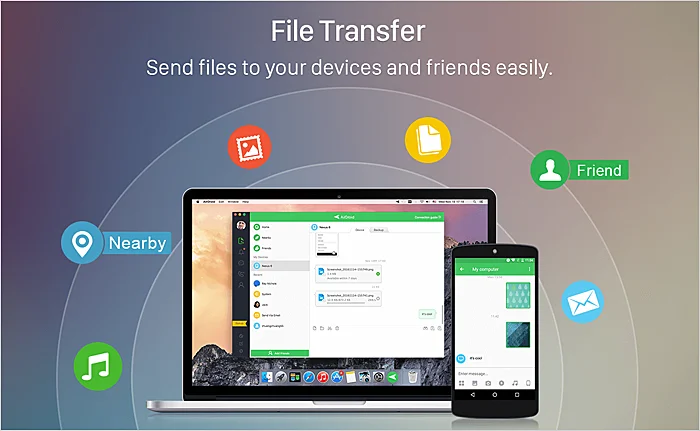
One of the most basic needs that it fulfills is its ability to let you transfer data from one device to another wirelessly. With the help of AirDroid file transfer, you can transfer data between smartphones and laptops, smartphones to smartphones, Android to iOS, or vice versa, and more. You can also send files to your friends who are not even nearby. The wireless transfer feature of the AirDroid web app lets you transfer bulk data easily.
2. Remote device manager
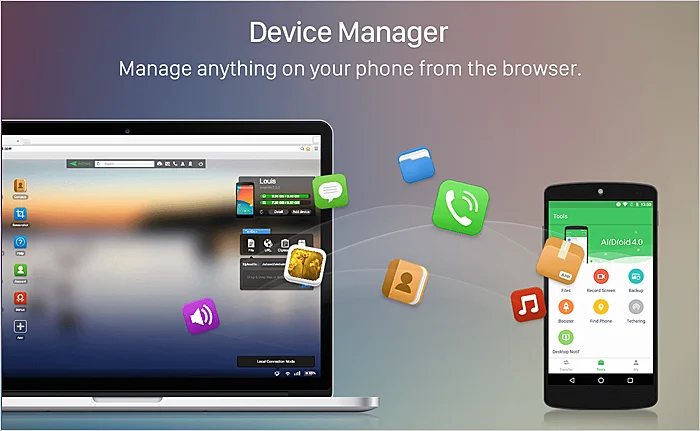
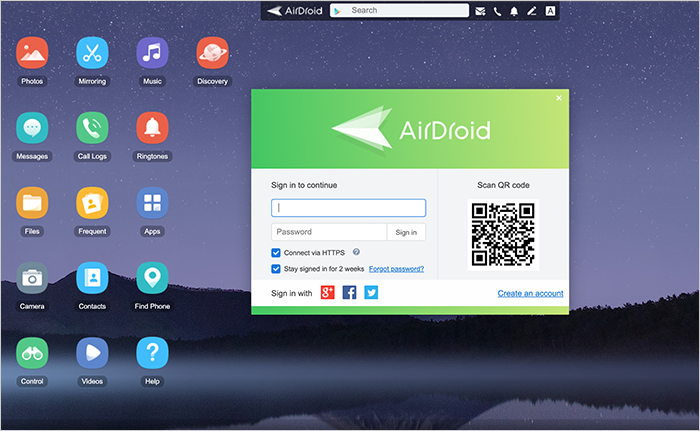
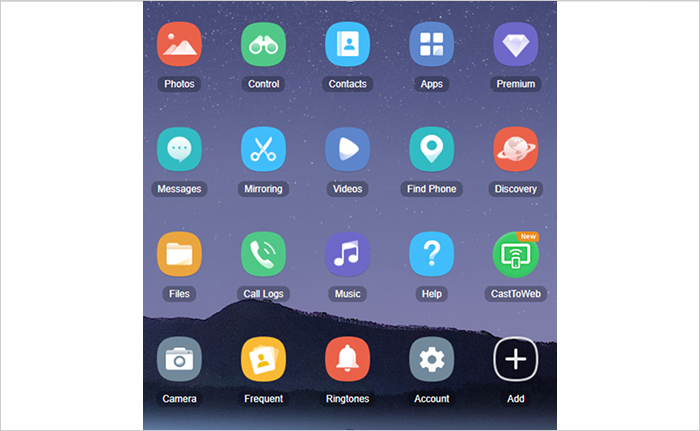
It is super easy to connect your smart devices like tablets or smartphones to your desktop or laptop by using the AirDroid web app on any browser of your choice. After connecting the device, you can access device data, including images, videos, messages, contacts, etc. You can also open the phone camera remotely to use it as a webcam.
3. Reply to texts or read messages on the computer
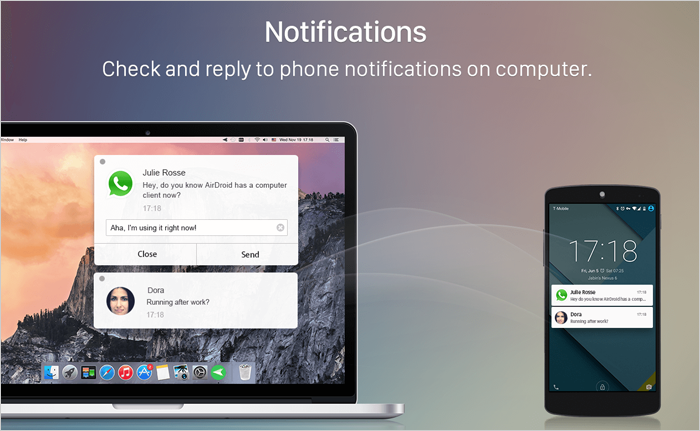
As mentioned above, the AirDroid screen mirroring app lets you access your texts and call logs from your computers. However, you can also revert to the sender of messages from the computer itself without touching your phone. For multitasking, the AirDroid screen mirroring app is indeed a leading tool.
4. AirMirror app feature to control devices remotely
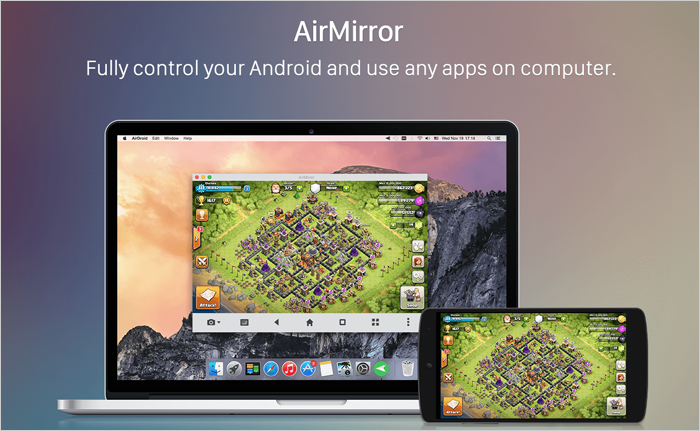
AirMirror app feature lets you infiltrate your connected smartphone and use any of its apps from the computer. You can play your favorite game, make notes, scroll through media files, and do much more by leveraging the AirDroid cast. The AirMirror app feature is also a perfect tool if you have people who understand smartphones less. You can remotely connect their devices and help them out by taking control of their phones.
5. Turn your phone camera into a web camera
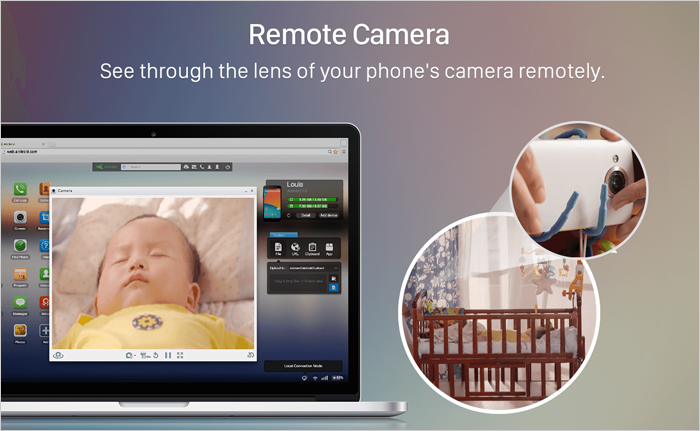
While connected, you can convert your smartphone camera into a perfect webcam that can also catch surrounding sounds. To connect to the AirDroid cast for the very first time, you need to grant AirDroid permissions such as camera access and microphone access for this feature to work. Also, AirDroid requires you to have a premium subscription to enable this IP camera feature.
6. Track phones if you lose them
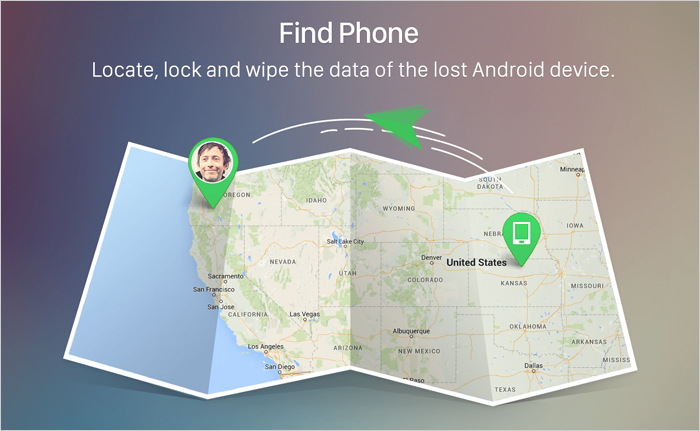
The AirDroid file transfer app lets you find your connected device by using the GPS location of the device. Not only that, but you also have the ability to erase data completely or lock the device remotely to ensure your phone is not misused with the help of this one of the best location tracking apps for your phones.
Pricing of AirDroid
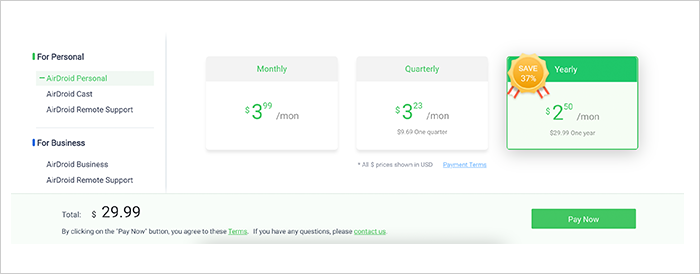
To use premium features of the AirDroid file transfer app like remote smartphone camera access, you need to subscribe to a premium package depending on your requirements. Furthermore, you can find official AirDroid package prices for your reference.
Customer Reviews
How was your experience with the product?
Also Reviewed By Us