

Edison Mail App: The Safe and Smart way to Email
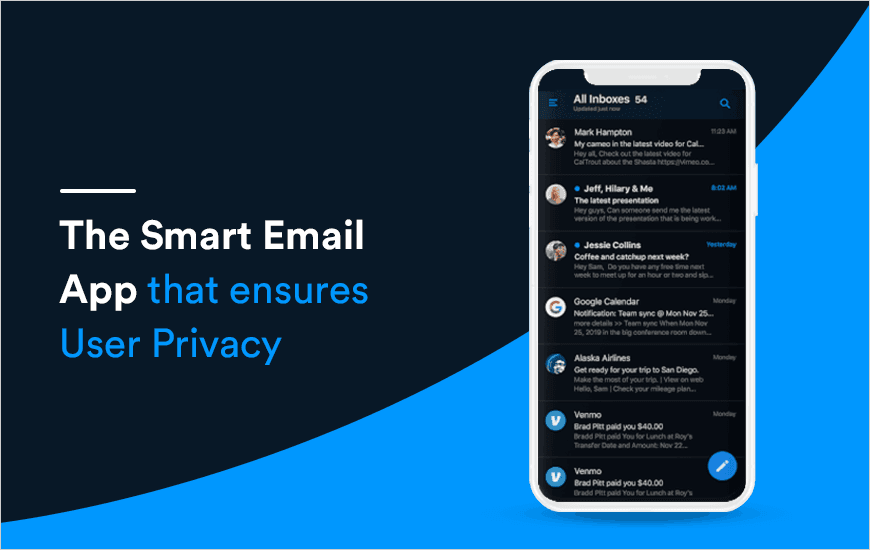
We live in a world where Emails are one of the most sought ways to communicate, especially in businesses, shopping and other lifestyle utility cases. They are expected to be safe and their content is meant for the private use of the receiver only. But sadly, that is not the case with the commonly used email app platforms like Gmail, Yahoo, Aol, etc. These mail servers tend to read user data in order to analyze their internet usage and profile features and requirements.
Apart from that, there has been a constant rise in phishing attacks by hackers on their servers (some of them have even succeeded) to hack accounts and steal valuable information on mails that they could either sell or use to hack other online platforms. Edison Mail App is a secure mail app that ensures its user-privacy stays intact, even after using the same email id’s. In this blog, we are going through the in-depth Edison Mail app review to understand how it works and we will also answer the question, Is Edison Mail safe?
Edison Mail: The Truly Intelligent Email App
The Edison Email App is a one-stop-shop for users to aggregate all their email accounts at one place with the added ease of use and security features. The AI-backed app ensures that emailing and cleaning the email accounts no more stays a tedious task. Created under the able guidance of Mr. Mikael Burner (CEO and Co-founder) and Hetal Pandya (Co-founder and VP marketing); the Edison mail app is one intelligent way to email.
Mail by Edison has a few crucial features that we need to discuss in this Edison Mail app review. The app offers its users the options of unparalleled speed, no ads, less spam, and all user email accounts in one place. Thus, the app ensures that the users do not have to fidget through the mails to find the right one and the user tends to save on a lot of time. The email application ensures that all emails are right in front of the user, well sorted in a jiffy.
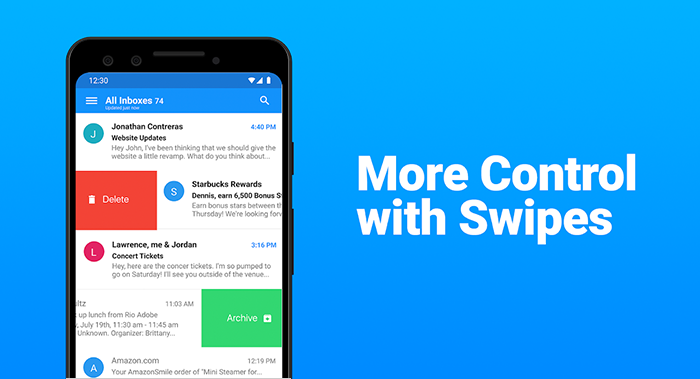
Edison Email provides its users lightning-fast speed to archive, delete or block an email with one swipe. The best email app for iPhone and Android is intuitively designed with a simple, yet clean-looking user interface. Edison Mail is an innovative platform to ensure an easy and better-organized user experience for all its viewers and that answers, Is Edison Mail safe or not?
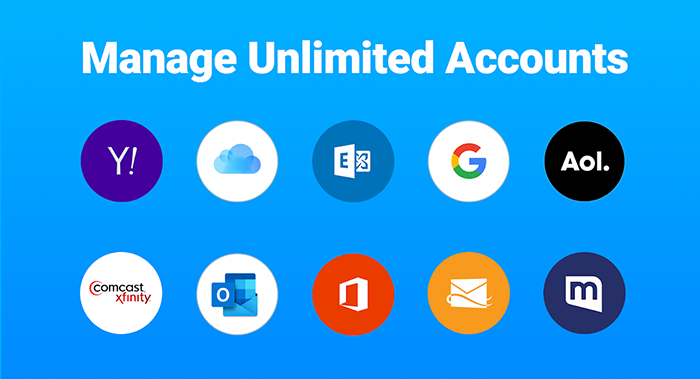
Next part that we are going to discuss in this Edison Mail app review is this- The Edison mail is a comprehensive email platform that allows support and seamless sync of Outlook, Yahoo, Hotmail, iCloud, Office, Exchange, AOL, Gmail, and other similar IMAP mail accounts. The best part of this mail app is that it is well supported on all iPhone, iPad models as well as Android devices.
Edison Email is the best mail app for Android and iOS platforms as it helps the user to stay safe from ever-escalating email phishing attacks. With the help of first-of-its-kind AI-based technology; the app feature of ‘Verify Sender’ that warns the user beforehand about the suspicious emails entering their inbox. Moreover, as the best iPhone email app, Edison email runs four levels of deep-scanning to ensure that only the authentic emails reach the inbox, keeping user accounts safe at all levels. Something that you can not miss while going through the Edison Mail app review.
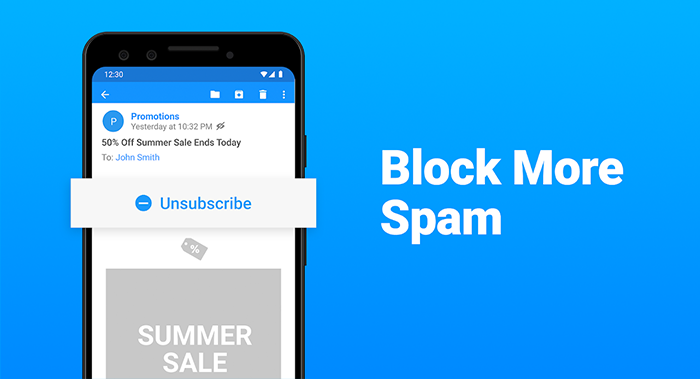
Edison email also provides its users an easy option of Spam Blocker. It helps to permanently block unwanted calls and texts from email junk senders. As the Inbox Caller ID of the edison mail app discovers and recognizes contact information from email signatures and informs the user about their intention to connect; the user may choose to disconnect or block them through one click itself. And after knowing all these features you wonder, is Edison Email free? Of course it’s free.And that makes it the best decision, isn’t it?
The Company promises complete UserPrivacy By Design. Thus, all the email from the various accounts are fetched from the user's phone and stored on their device directly. The Edison email accesses new email subject headers as they are required to send notifications of an email arrival. This information is immediately deleted thereafter. Only the data from commercial email apps like Travel details, Couriers, etc.are stored and analyzed by the Edison email to deliver Edison Mail Assistant features built into the Email app and are also used to determine the Edison Trends. Also, if a user may anytime prefer to opt-out of participating in their anonymized research, they could easily do it using the settings option.
Pros and Cons of Edison Mail
Pros
- User-Friendly Interface – Clear and easy to use, even for beginners
- Free & Transparent – No hidden fees for the basic version; clear data handling policies
- Fast Email Fetching – Claims to be faster than competitors, backed by speed tests
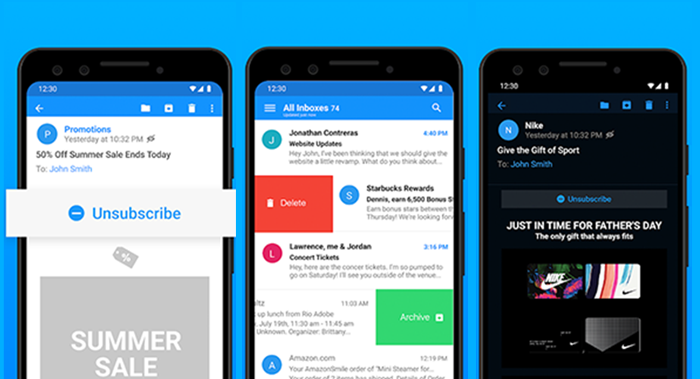
- Inbox Management Tools – One-tap unsubscribe, block senders, Focused Inbox, and more
- Unified Inbox – Supports unlimited accounts from all major providers in one view
- Strong Privacy Focus – No invasive ads, tracking pixels blocked, data stored on-device
Cons
- Some Features Limited by Region – Assistant features (e.g., travel alerts) only in select countries (US, UK, CA, AU, IN)
- Premium Version Cost – Edison Mail+ requires $14.99/month or $99.99/year
- Limited Exchange Support – Only supports Exchange 2010 SP2 and above
- Assistant Features Store Some Commercial Emails – Although anonymized, some users may still have concerns
Features that make Edison email the Best Mail App for iPhone and Androids
Emails are an important and cheap mode of business and personal communications that can be easily sorted, stored, and replicated for ease of accessibility and usage. Moreover, the email id also generally serves as the base mail to confirm with other online platforms. Edison email is the best exchange email app for android and iOS platforms that lets the user follow up on all this with complete safety in all of this:
- Edison Email offers its users faster speed, which is a must for the digital-savvy generation of today, that is known to flip a website that takes a long time to load.
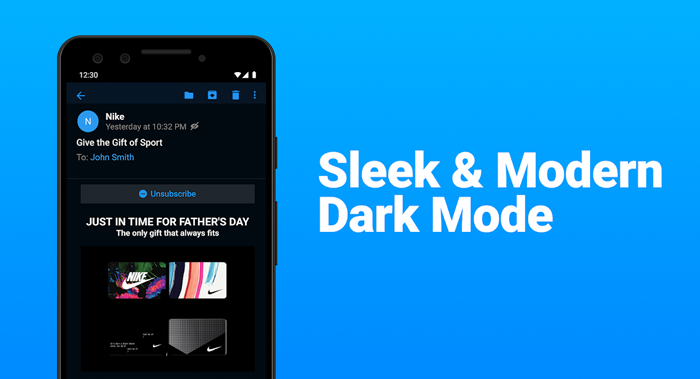
- Edison mail ios and android versions inculcate a smart Dark Mode that lets the user view their mailbox in a dark palette at night to protect their eyes from harsh blue light.
- To provide complete user safety, Edison mail inculcates ‘read receipts’ iPhone email option that enables easy blocking of spam emails at the inbox entry point itself. It ensures that no pixels can track user activity, even to collect data.

- The Edison email android features one-tap unsubscribe, block sender, and bulk deletes clean options to help the user clean their inbox in seconds.

Edison Mail+ (The Premium Version):
The app also features a paid premium version. Named Edison Mail+, it offers a new subscription service updated in the app’s latest version. This option adds in four powerful levels of AI-based security features over and above those above the free level to provide the utmost level of user security. It is an auto-renewable premium subscription available for 14.99 USD/Month or 99.99 USD/Year.
Customer Reviews
How was your experience with the product?
Also Reviewed By Us